Wholesale Notebooks & Planners Landing Page Template
Folio is a gallery-and-detail landing page built for wholesale notebooks and planner businesses. It guides procurement managers, brand directors, and boutique buyers through a scroll-based unboxing experience, tier comparison, and sample request path. The Luxe Minimal design in navy, cream, and burnished gold makes bulk ordering feel considered and bespoke from the first second on the page.
by Rocket studio
Quick summary
Folio is a single-page wholesale landing page designed for hand-finished notebooks and planners. It combines a countdown pricing timer, an immersive scroll-led unboxing journey, and a three-tier order comparison into one confident, gallery-rich layout. The result feels like cracking open a fresh notebook: calm, considered, and immediately trustworthy.
Who this template is for
This template is built for businesses that sell stationery in volume. It speaks directly to the buyers who move stock in pallets, not parcels.
- Procurement managers at stationery chains comparing paper weights and minimum order quantities
- Brand directors sourcing custom-debossed or foil-finished journals for product launches and corporate gifting
- Independent bookshop owners and subscription box curators evaluating quality before committing to hundreds of units
What problem this template solves
Wholesale stationery buyers do not respond to generic catalog pages. They need to feel product quality through a screen, compare order tiers without back-and-forth emails, and act before a pricing window closes.
- Standard product pages fail to communicate tactile quality, craftsmanship detail, or cover customization options
- Tier pricing is often buried, forcing buyers to request quotes instead of upgrading on the spot
- Without urgency, hesitant buyers defer decisions and never return to complete a bulk order
What you get with this template
You get a fully structured wholesale landing page that moves buyers from curiosity to commitment. Every section earns its place, just like good typography on good paper.
- A full-width countdown timer header, a scroll-based unboxing gallery, and an expandable product detail panel
- A three-tier order comparison showing Good, Better, and Best minimum order quantities with upgrade prompts
- A pinned viewport call to action and a three-field sample request form capturing hesitant buyers before they leave
Feature list
This template ships with purpose-built components designed around the wholesale buying decision. Each one maps directly to a real friction point in the B2B stationery purchase journey.
Countdown Timer Header
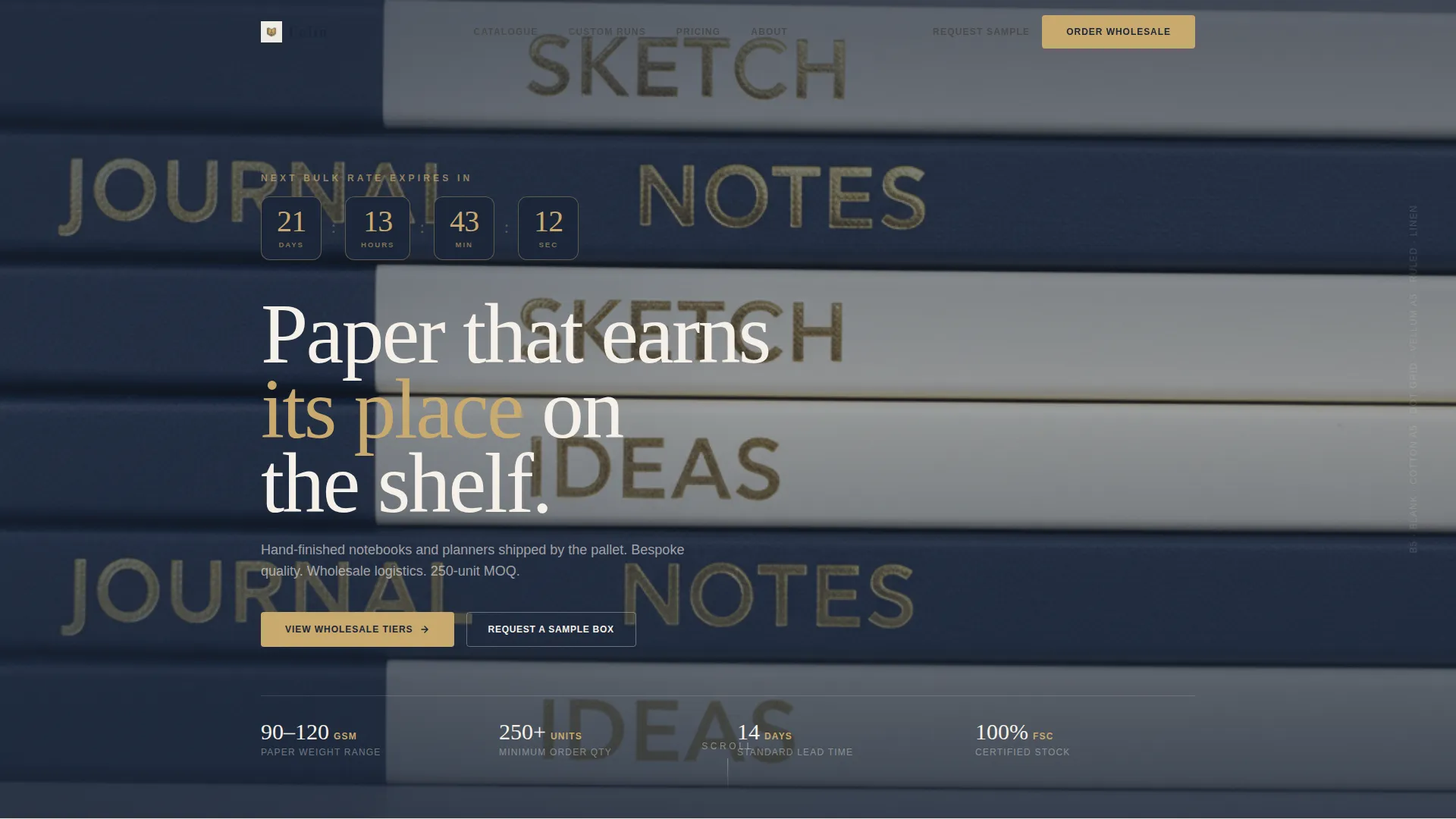
A full-width header section displays a live countdown toward the next quarterly wholesale pricing window. Days, hours, and minutes tick in burnished gold numerals on navy pill containers. The timer creates a clear, honest deadline that rewards buyers who act within the window.
Scroll-Based Unboxing Gallery
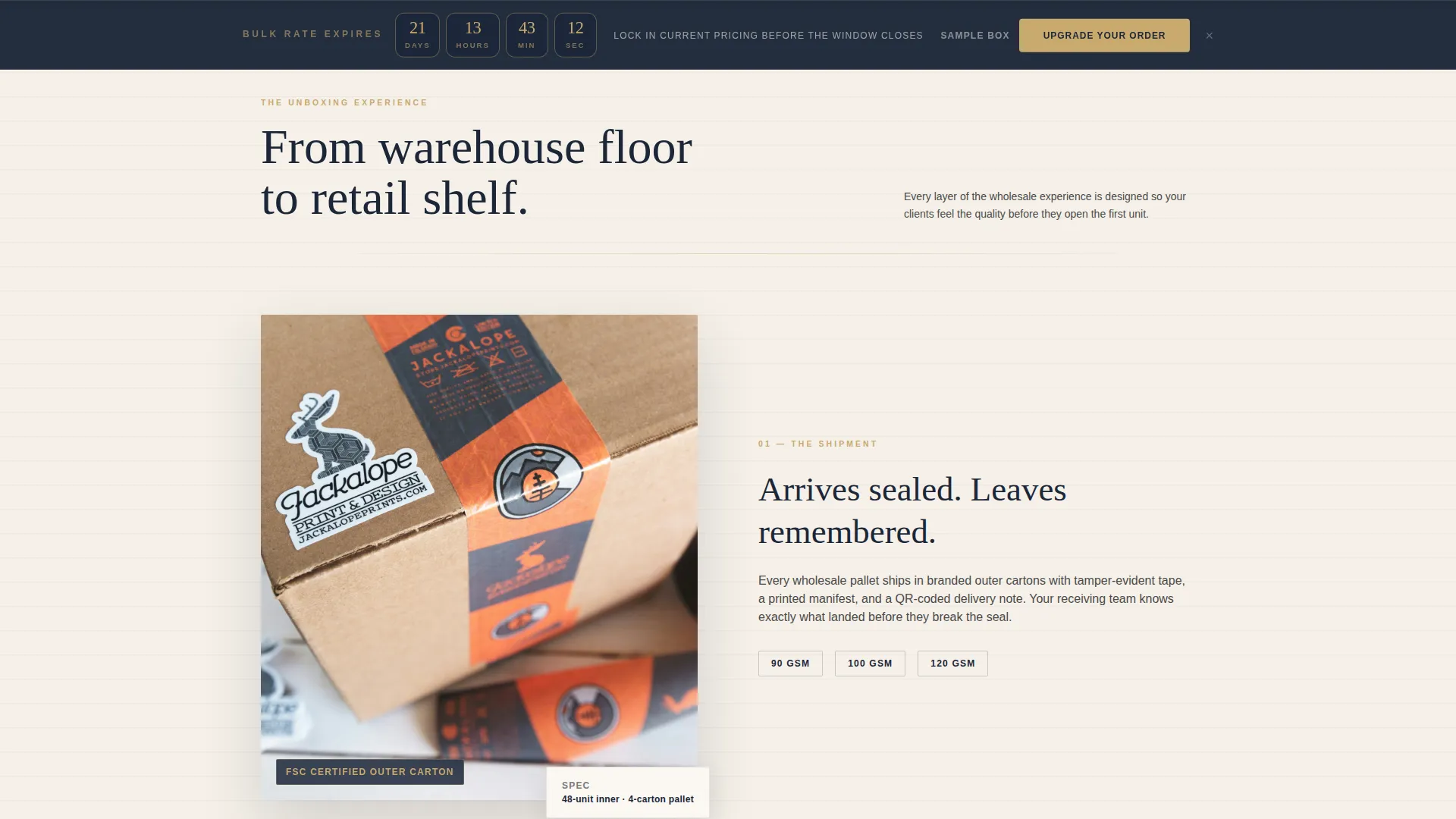
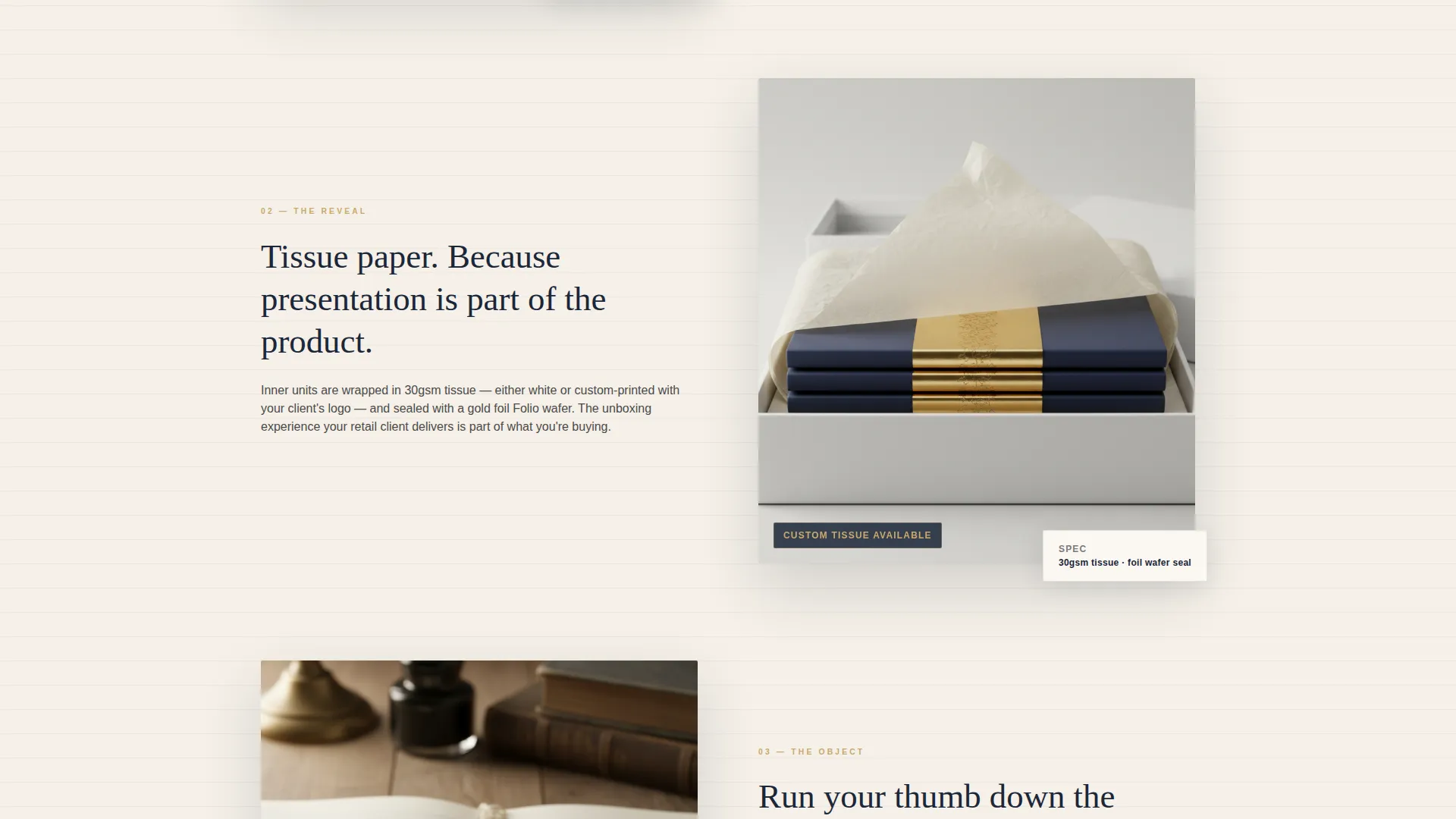
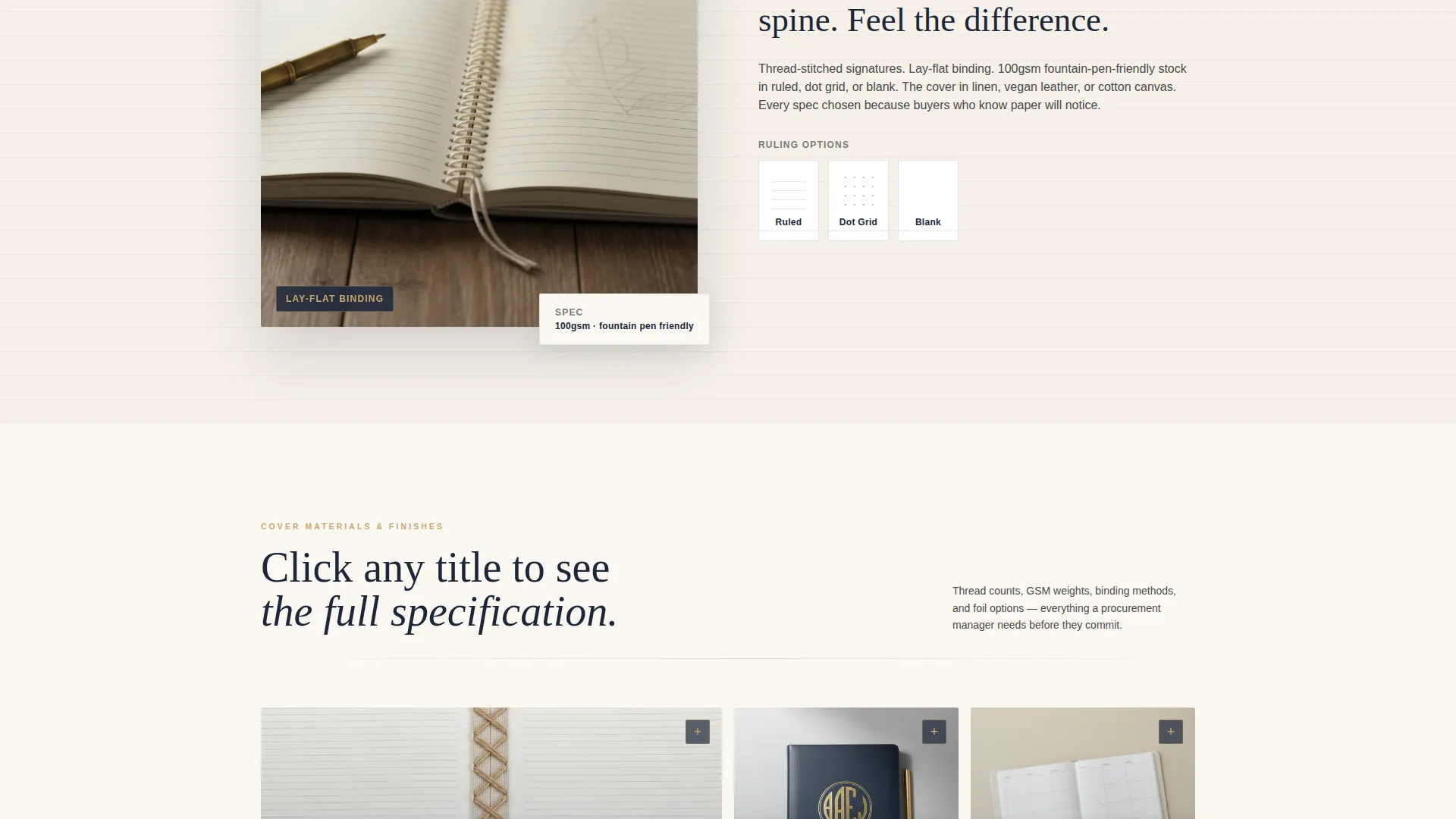
The page scroll mimics receiving and opening a wholesale shipment. Sections reveal a sealed carton, tissue paper lifting back, stacked units with belly bands, and finally a single notebook with fanning pages in a looping video. Each scroll depth exposes another layer of product detail.
Expandable Gallery Tiles
Gallery tiles expand into full detail panels on click. Buyers can inspect thread-stitched spines at macro zoom and browse Pantone swatches for custom production runs. This removes the need for a separate lookbook or PDF catalog.
Three-Tier Order Comparison
A clear side-by-side tier layout presents Good (stock designs, 250-unit minimum), Better (custom belly bands and foil, 500-unit minimum), and Best (full bespoke covers, Pantone-matched endpapers, 1,000-unit minimum). The countdown timer reappears beside this section to compress the decision window.
Pinned Upgrade call to action
After the first scroll, a persistent bottom-viewport bar carries the primary call to action: "Upgrade Your Order" in burnished gold on navy. It stays visible throughout the page, keeping the next step always one click away without interrupting the browsing experience.
Sample Request Form
A lightweight three-field form captures buyers who are not ready to commit to a full order. The fields ask for company name, shipping address, and current order volume. This path converts hesitant visitors into qualified leads without friction.
Page sections overview
| Section | Purpose |
|---|---|
| Countdown Timer Header | Opens with urgency and positions the quarterly pricing window |
| Sealed Carton Reveal | Begins the unboxing scroll journey with branded packaging detail |
| Tissue Reveal Layer | Peels back to show stacked units and belly bands |
| Single Notebook Spotlight | Features looping video of paper weight, ruling, and binding |
| Cover Materials Gallery | Displays cover options, foil finishes, and debossing mockups |
| Tier Comparison Block | Compares Good, Better, and Best order tiers side by side |
| Sample Request Form | Captures buyer contact details and current order volume |
| Pinned Upgrade call to action | Stays fixed at viewport bottom after initial scroll |
Design & branding system
The visual identity follows a Luxe Minimal theme that feels like opening a leather portfolio on a clean desk. Every color and typographic choice is deliberate and restrained.
- Color system uses unbleached cotton stock (#F5F0E8), fountain pen navy (#1B2638), graphite pencil gray (#4A4A4A), and burnished gold foil (#C9A96E) reserved for pricing tiers and upgrade calls to action
- Typography uses a restrained serif that whispers rather than shouts, keeping hierarchy calm and readable across all sections
- Gold foil accents appear only at high-value decision points, so buyers always know where to look when they are ready to act
Mobile & speed optimization
The layout is built to perform cleanly on the devices procurement managers actually use when reviewing suppliers on the move.
- Pinned call to action and tier comparison blocks reflow for smaller screens, keeping key decision elements visible without horizontal scrolling
- Looping video in the notebook spotlight section is contained within a defined layout region so it does not disrupt the scroll rhythm on mobile
- Gallery tile expand panels are touch-friendly, allowing mobile buyers to inspect macro product detail with a single tap
How this template helps you convert
Every layout decision in Folio is oriented toward one outcome: moving a wholesale buyer from browsing to ordering. The structure removes hesitation at each stage.
- The countdown timer at the header and again at the tier comparison creates two honest urgency moments, encouraging buyers to act within the current pricing window rather than deferring.
- The scroll-based unboxing journey builds tactile confidence before any pricing is shown, so buyers arrive at the tier comparison already sold on product quality.
- The pinned call to action and the sample request form give buyers two clear exit paths: commit now or request a sample, ensuring no visitor leaves without a next step.
Other information about this template
Folio is well suited for stationery wholesale businesses that exhibit at trade fairs or run seasonal catalog campaigns. The template supports a B2B retail and e-commerce context and is particularly aligned with notebooks and planners wholesale operations.
- The auto-detected city feature in the shipping label section adds a personal touch to the unboxing sequence without requiring manual customization per visitor
- Custom debossing mockups and Pantone swatch panels make the template equally useful for corporate gifting houses and branded merchandise buyers
- The quarterly pricing window mechanic can be adapted to seasonal trade cycles, new product launches, or end-of-line clearance events
Theme
Luxe Minimal
Creative direction
Unboxing Experience
Color system
Sunset Gradient
Style
Gallery + Detail
Direction
Quiz/Assessment
Page Sections
Countdown Timer with Pricing Urgency
Scroll-based Unboxing Experience
Expandable Gallery with Macro Detail
Three-tier Order Comparison
Pinned Viewport Upgrade Call to Action
Three-field Sample Request Form
Related questions
Who is Folio built for?
Can I customize the countdown timer for my own pricing window?
How does the sample request form work?
Does the template support custom branding?
Is Folio suited for a single product line or a full catalog?



