Property Management Landing Page Template
Folio is a dark-glass property management landing page built for mid-market landlords and operations managers. An asymmetric 60/40 grid pairs live-feeling product screens with sharp narrative captions. The result is a confident, gallery-style walkthrough that earns the demo click before the visitor reaches the bottom of the page.
by Rocket studio
Quick summary
Folio is a single-page property management landing page template. It uses an asymmetric 60/40 grid and a dark emerald visual identity to present portfolio software as a premium command center. The layout guides visitors through four gallery frames, each showing one product screen, and closes with a focused call-to-action that routes to an interactive demo.
Who this template is for
This template is built for teams that need to sell property management software to a very specific buyer. It speaks directly to the professional who manages a real portfolio and recognizes the product immediately.
- Mid-market property managers running 50 to 500 rental units who have outgrown spreadsheet workflows
- Solo landlords scaling into a second or third building and looking for a cleaner operational overview
- Regional property firms where one operations manager handles turnovers, inspections, and rent rolls at once
What problem this template solves
Most property management software pages bury the product under vague benefit claims. Visitors leave before they understand what the tool actually does. Folio solves this by making the product the hero of every scroll section.
- Buyers cannot evaluate software they cannot see, so every gallery frame shows a real product screen doing real work
- Generic layouts fail to signal who the product is for, so the headline and subline carry specific portfolio numbers that qualify the audience instantly
- Overloaded pages exhaust visitors before the call to action appears, so the unhurried gallery pace gives each screen breathing room
What you get with this template
You get a fully structured, single-page landing page layout with a clear visual hierarchy and a deliberate conversion path. Every section is purpose-built from the source brief, so no element is decorative without a reason.
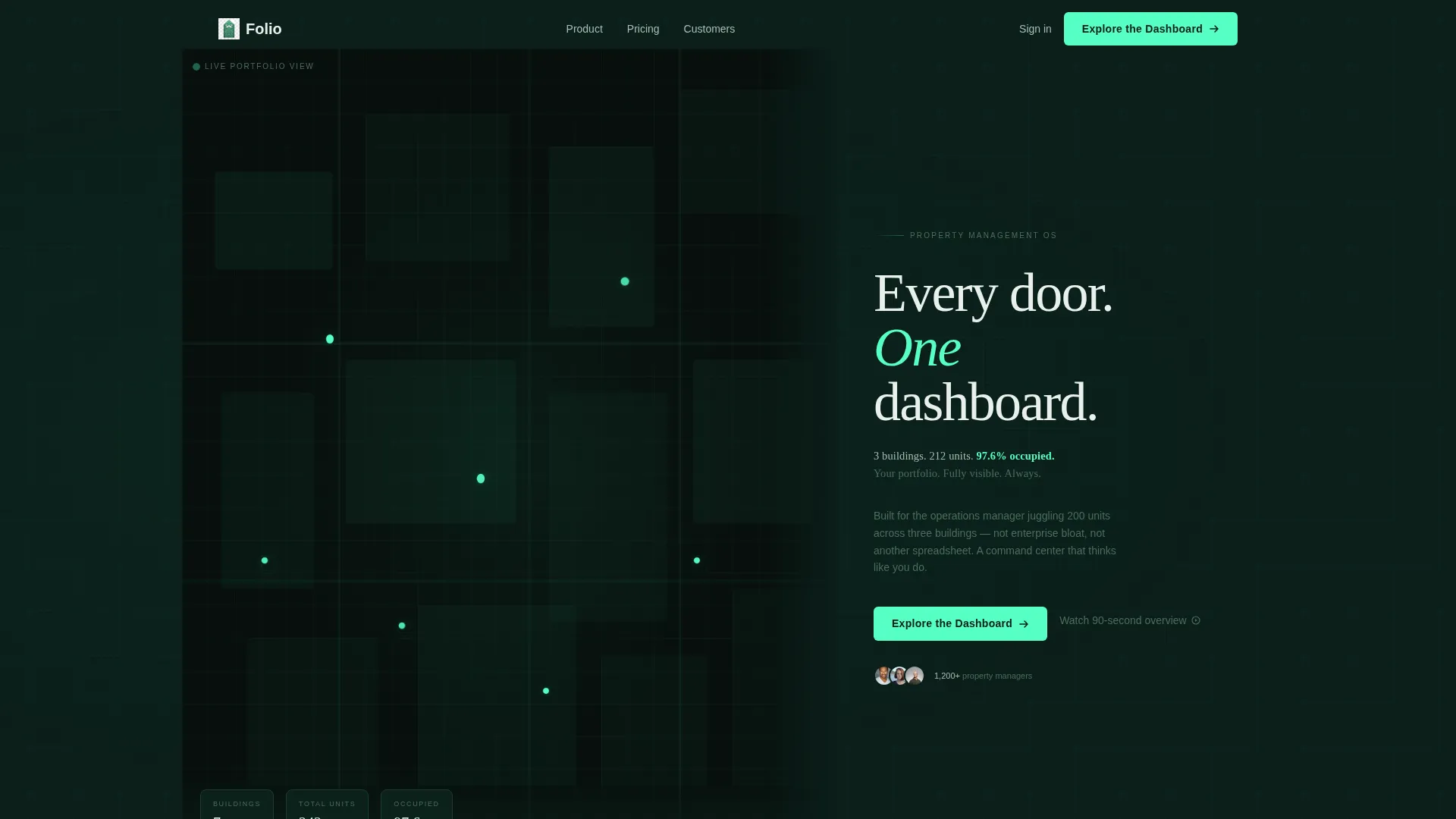
- A map-based header with a stylized dark-mode property map in the 60% column and a focused headline block in the 40% column
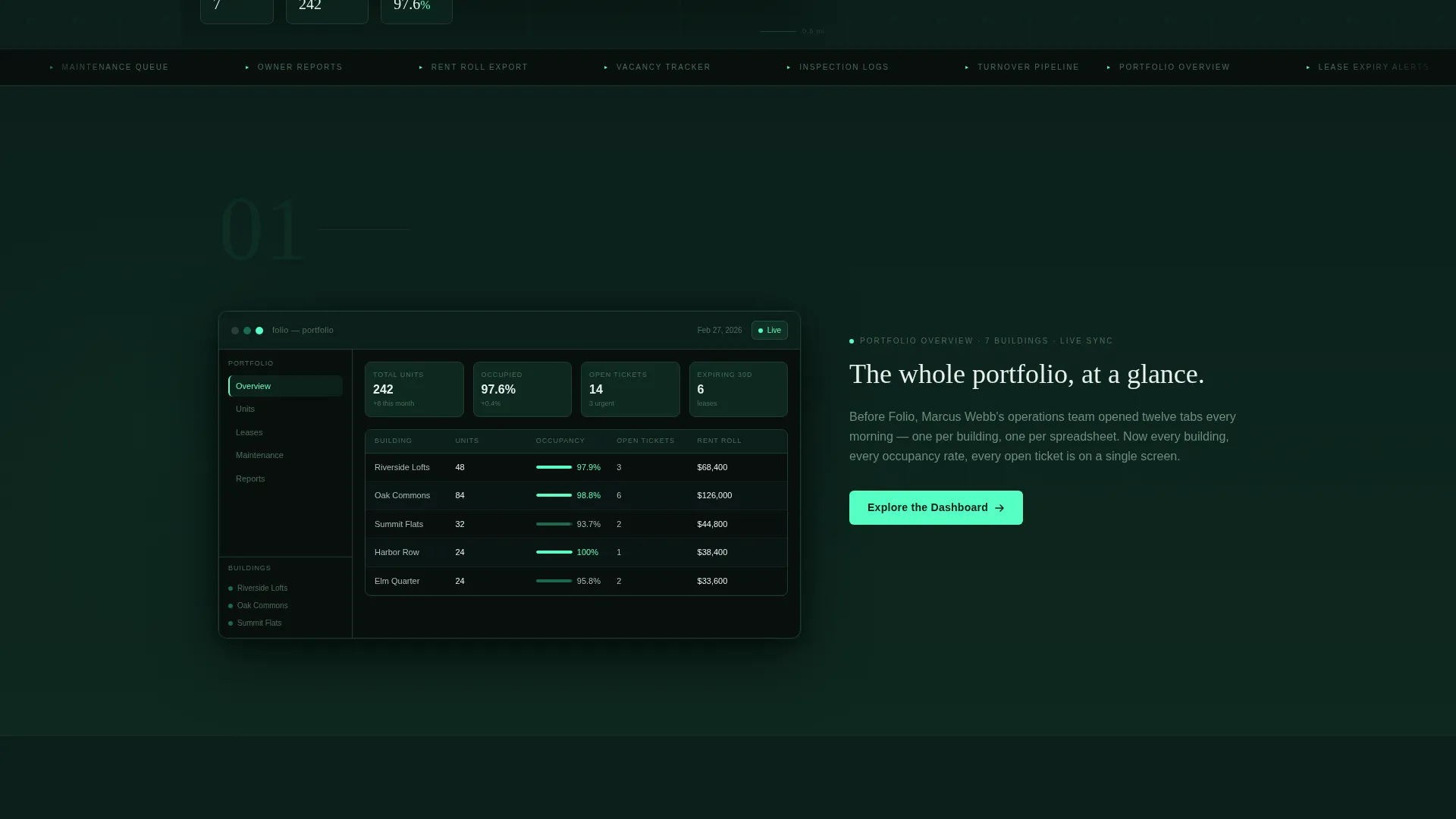
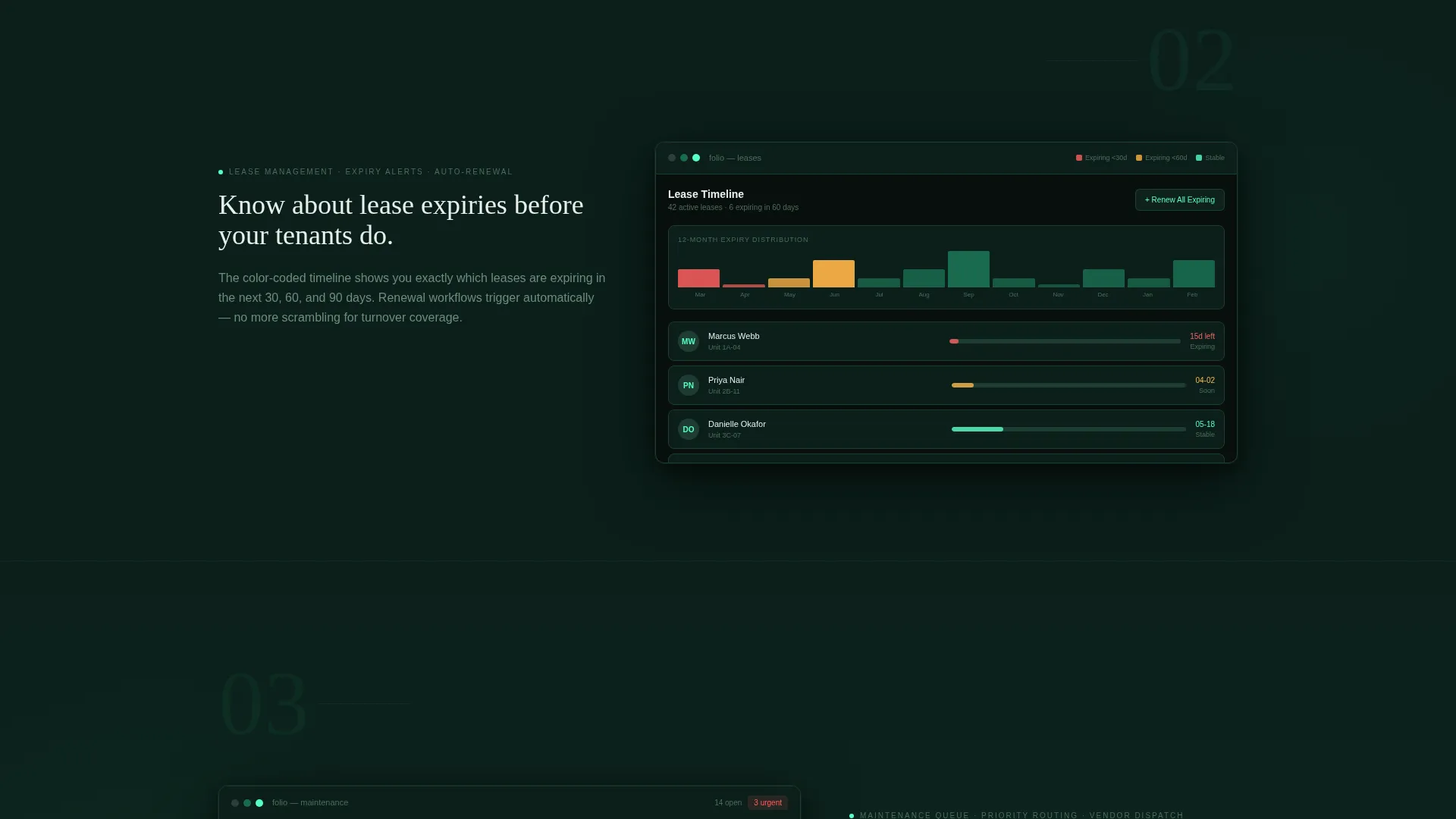
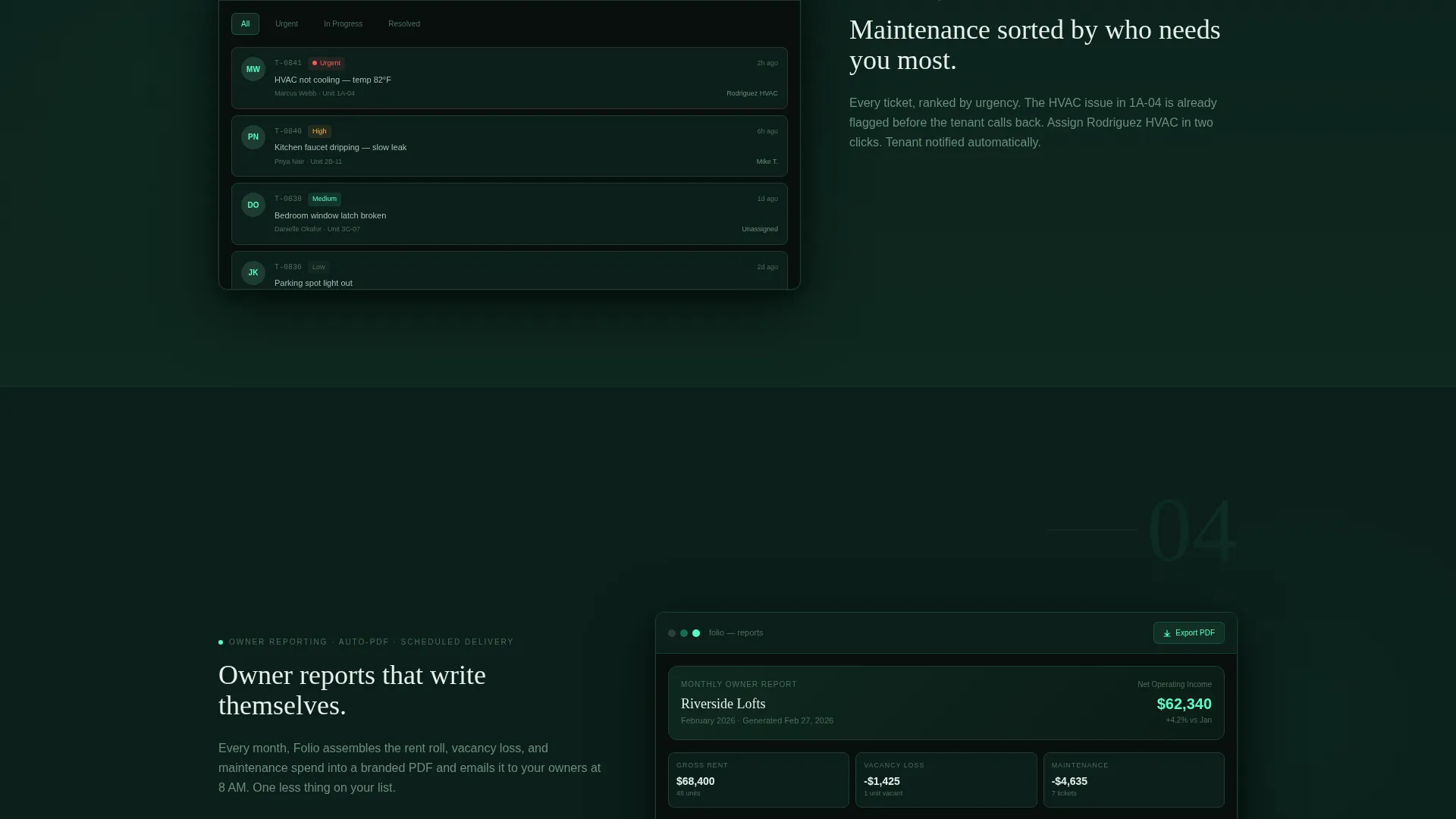
- Four gallery frames presenting the portfolio overview map, the lease timeline, the maintenance queue, and the owner report screen
- Three strategically placed "Explore the Dashboard" call-to-action buttons and one secondary text link for pricing-aware visitors
Feature list
This section covers the core structural and design capabilities that make Folio work as a property management landing page.
Asymmetric 60/40 Grid Layout
The page uses a persistent 60/40 column split. The wider column holds the product visual; the narrower column holds the narrative. This rhythm keeps the eye moving naturally between seeing the software and reading its story.
Map-Based Interactive Header
The 60% header column displays a stylized dark-mode property map. Emerald pins pulse softly over real-looking neighborhoods. One pin expands on hover to reveal a micro-card showing unit count, occupancy rate, and next lease expiry date.
Gallery Walk Scroll Structure
Each scroll section presents a single product screen as a framed piece. The pace is unhurried and confident. Visitors move through the portfolio map, the lease timeline with color-coded expiry bands, the urgency-sorted maintenance queue, and the auto-generated owner report.
Three-Point call to action Placement
The primary call-to-action, "Explore the Dashboard," appears in the header, floats after the second gallery frame, and anchors the final section. Each placement catches a different stage of visitor readiness without repeating the same context.
Dark Emerald Color System
The palette uses deep blackened green as the primary background, polished emerald for active states and data highlights, muted sage for secondary text and dividers, and bright mint exclusively for call-to-action elements and live data pulses.
Testimonial and Secondary Link Close
The final section closes with a single-line testimonial from a named property manager beneath the last call to action. A secondary text link, "See pricing by portfolio size," sits below the button for visitors who are already past the consideration stage.
Page sections overview
| Section | Purpose |
|---|---|
| Map-based header | Introduce the product with a portfolio map and a qualifying headline |
| Portfolio overview frame | Show the full-portfolio dashboard screen as the first gallery frame |
| Lease timeline frame | Present color-coded lease expiry bands as the second gallery frame |
| Maintenance queue frame | Display urgency-sorted tickets with tenant photos as the third gallery frame |
| Owner report frame | Feature the auto-generated branded PDF report as the fourth gallery frame |
| Final call to action section | Close with the primary button, a named testimonial, and the secondary pricing link |
Design & branding system
The visual identity follows a dark immersive theme. Every color decision reinforces the feeling of a high-altitude command center at night, where only the most important data earns the light.
- Background in deep blackened green (#0B1F1A), active states and data highlights in polished emerald (#1A6B4F), and secondary text in muted sage (#4A6E5C)
- Bright mint (#56FFC4) is reserved exclusively for call-to-action buttons and live data pulses, ensuring maximum contrast where action is required
- Typography uses a tall, light sans-serif that reads clearly against dark backgrounds and reinforces the quietly expensive, luxury-adjacent tone
Mobile & speed optimization
The template is designed with a layout structure that translates cleanly from a wide desktop grid to a stacked mobile view. The asymmetric columns are the primary layout concern, and the template addresses this directly.
- The 60/40 grid stacks into a single-column flow on smaller screens so product visuals appear above their narrative captions
- Image-heavy gallery frames are structured to load the narrative content first, keeping the page readable even before large visuals appear
- The minimal component count and focused page structure keep the layout lean without sacrificing the immersive visual tone
How this template helps you convert
Folio is built around the principle that a visitor who has seen the software in use is already a warmer lead. Every layout decision serves that conversion logic.
- The gallery walk structure lets visitors experience the product through four real screens before they ever reach a call-to-action, reducing hesitation at the click point
- Three precisely timed call to action placements match visitors at the awareness stage, the consideration stage, and the decision stage without repeating the same pitch
- The secondary pricing link gives high-intent visitors a direct path forward, so the page handles both early browsers and ready buyers in one flow
Other information about this template
This template is built specifically for the property management and real estate software market. It works equally well for commercial property management platforms targeting regional operators and for residential portfolio tools aimed at independent landlords.
- The template is delivered as a ready-to-customize landing page layout with no external backend dependencies described in the brief
- The dark emerald palette and gallery walk format make it visually distinctive in a category where most landing pages default to light, generic SaaS layouts
- The page structure supports a no-form conversion flow, routing all traffic to an interactive demo environment rather than a lead capture form
Theme
Luxe Minimal
Creative direction
Calculator/Tool First
Color system
Cloud Canvas
Style
Asymmetric Grid (60/40)
Direction
Click-Through
Page Sections
Asymmetric 60/40 Grid Layout
Map-based Interactive Header
Gallery Walk Scroll Structure
Three-point Call to Action Placement
Dark Emerald Color System
Testimonial and Pricing Link Close
Related questions
Who is this landing page template designed for?
Does this template include a contact form or lead capture form?
How many call-to-action placements does the template include?
Can the color palette and typography be customized?
Does this template work for residential property management as well as commercial?



