Brutalist Game Designer Portfolio Landing Page
Forge is a bold brutalist landing page template built for game designers who want their portfolio to feel like a personal workshop, not a polished brochure. It uses a full-page storybook structure, parallax floating visuals, interactive section reveals, and a focused waitlist conversion flow to turn a single visit into a lasting impression.
by Rocket studio
Quick summary
Forge is a single-page brutalist portfolio template for game designers. It pairs a stark void-black canvas with iridescent color accents and a storybook scroll structure. Each section is a full-page room the visitor steps into. The page ends with a focused waitlist spread built to capture early interest before the full portfolio launches.
Who this template is for
Forge is made for game designers who want their work to communicate craft and intent, not just output. It suits professionals who think in systems, loops, and mechanics, and who want visitors to feel that precision before a word is read.
- Game designers building a pre-launch portfolio presence
- Indie studio creatives seeking a striking, low-noise personal showcase
- Game jam participants or speakers who need a credible, fast-to-deploy portfolio page
What problem this template solves
Most portfolio templates bury design thinking inside generic layouts. A game designer's real value, their ability to build systems, map feedback loops, and prototype ideas, gets lost in a theme meant for someone else entirely.
- Generic portfolio layouts do not communicate the logic and craft behind game mechanics
- Cluttered designs distract visitors who are scanning quickly and deciding fast
- Standard templates offer no scarcity mechanism to build early audience momentum
What you get with this template
Forge delivers a complete single-page layout that moves a visitor from first impression to waitlist entry without a single unnecessary detour. Every section has a defined job, and the visual system reinforces the message at every scroll step.
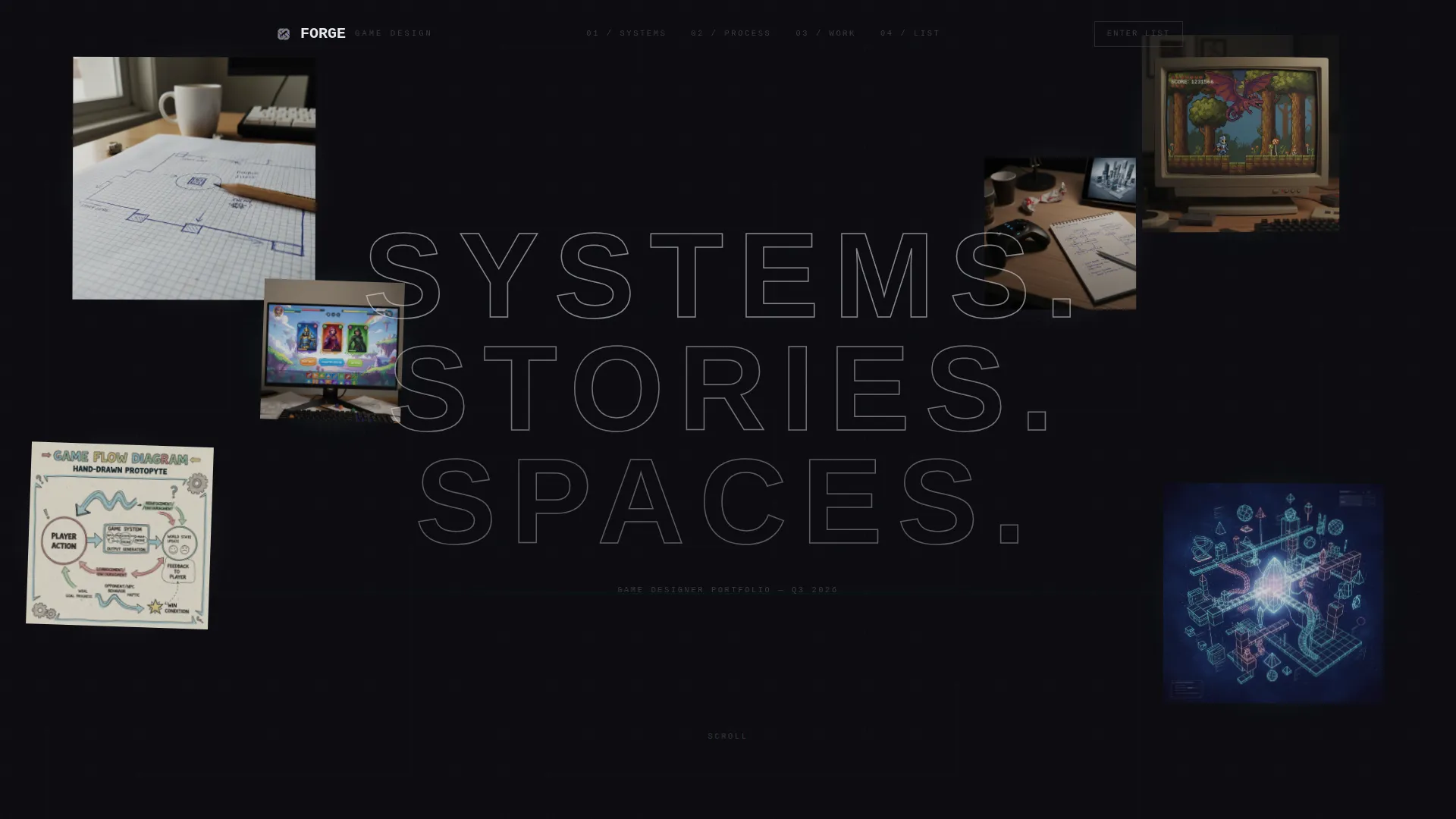
- A parallax floating-photo header with a bold brutalist headline punched in after a beat
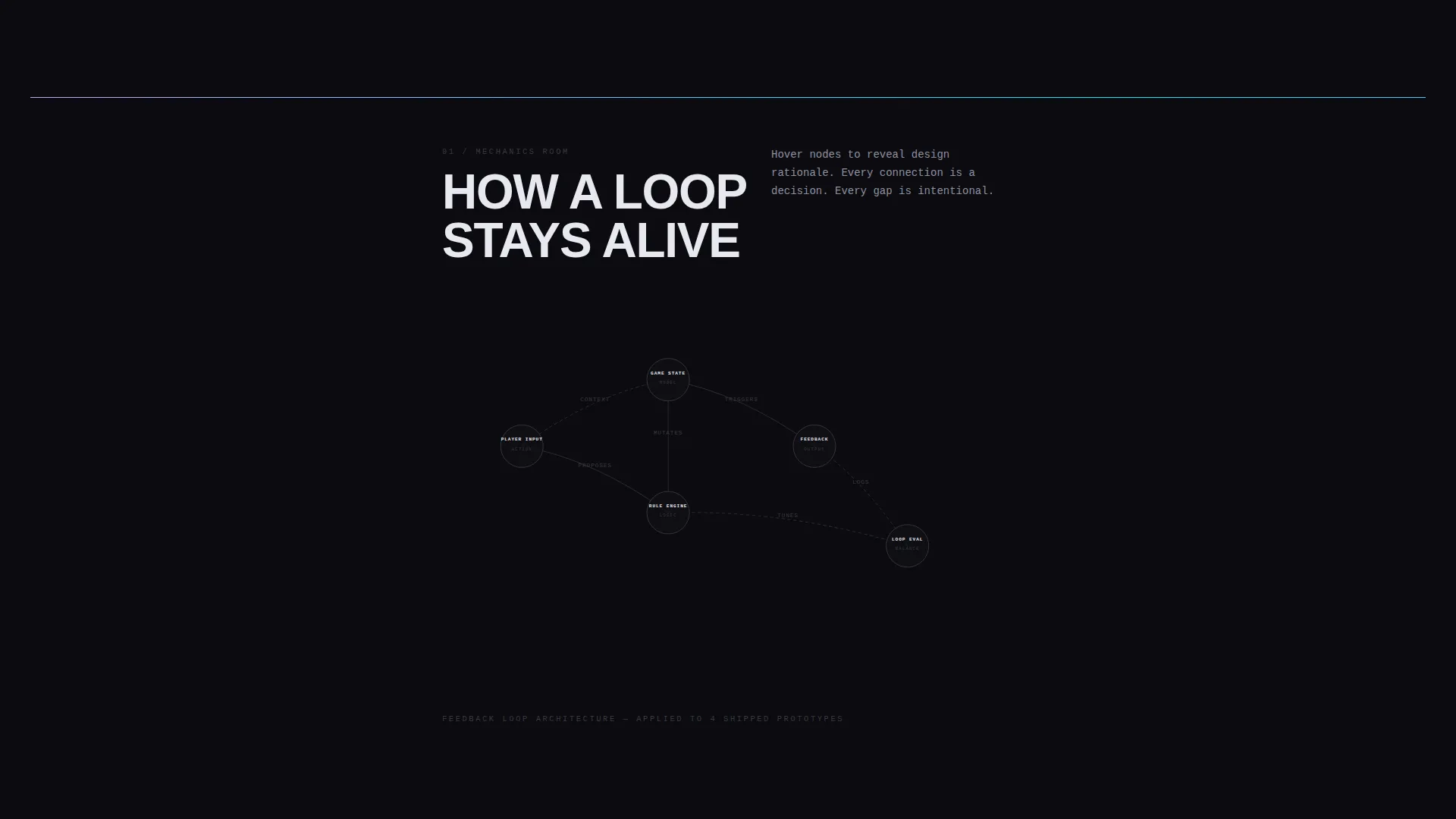
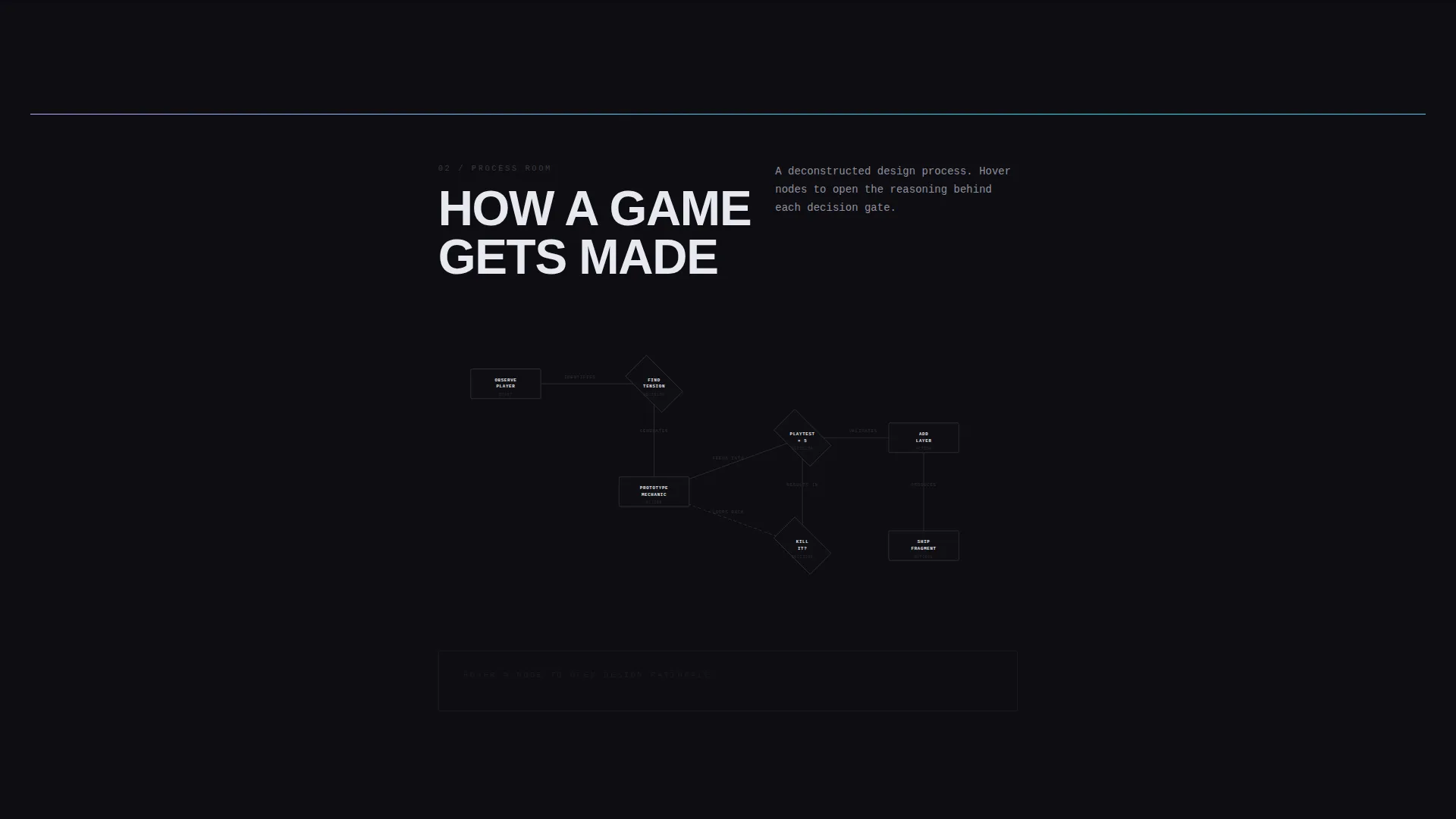
- Full-page interactive sections including an animated mechanic diagram and a deconstructed case study flowchart
- A focused waitlist conversion spread with a single email input, a live signup counter, and a scarcity-framed call to action
Feature list
A brief paragraph introduces the feature set: Forge is built around deliberate, prompt-driven capabilities. Every feature listed below comes directly from the template brief and serves a specific design or conversion purpose.
Parallax Floating Photo Header
Five or six cropped prototype screenshots, mechanic sketches, and pixel-art fragments drift at different speeds against a void-black background. Each image casts a faint iridescent glow onto the surface beneath it. The effect places the visitor inside a designer's physical workspace before a single word appears.
Brutalist Full-Caps Headline Reveal
After the header images settle, a single headline punches in: all caps, enormous, and tracked wide. The letterforms are slightly translucent, letting the floating artifacts show through. This creates a typographic moment that is hard to scroll past without pausing.
Interactive Mechanic Diagram
One full-page spread isolates a single game mechanic as an animated diagram the visitor can interact with. This section turns passive scrolling into active engagement. It demonstrates design thinking without a resume bullet in sight.
Deconstructed Case Study Flowchart
A subsequent spread presents a design case study as a flowchart where hovering a node surfaces the rationale behind each decision. The visitor learns how the designer thinks by exploring the layout, not by reading a paragraph of explanation.
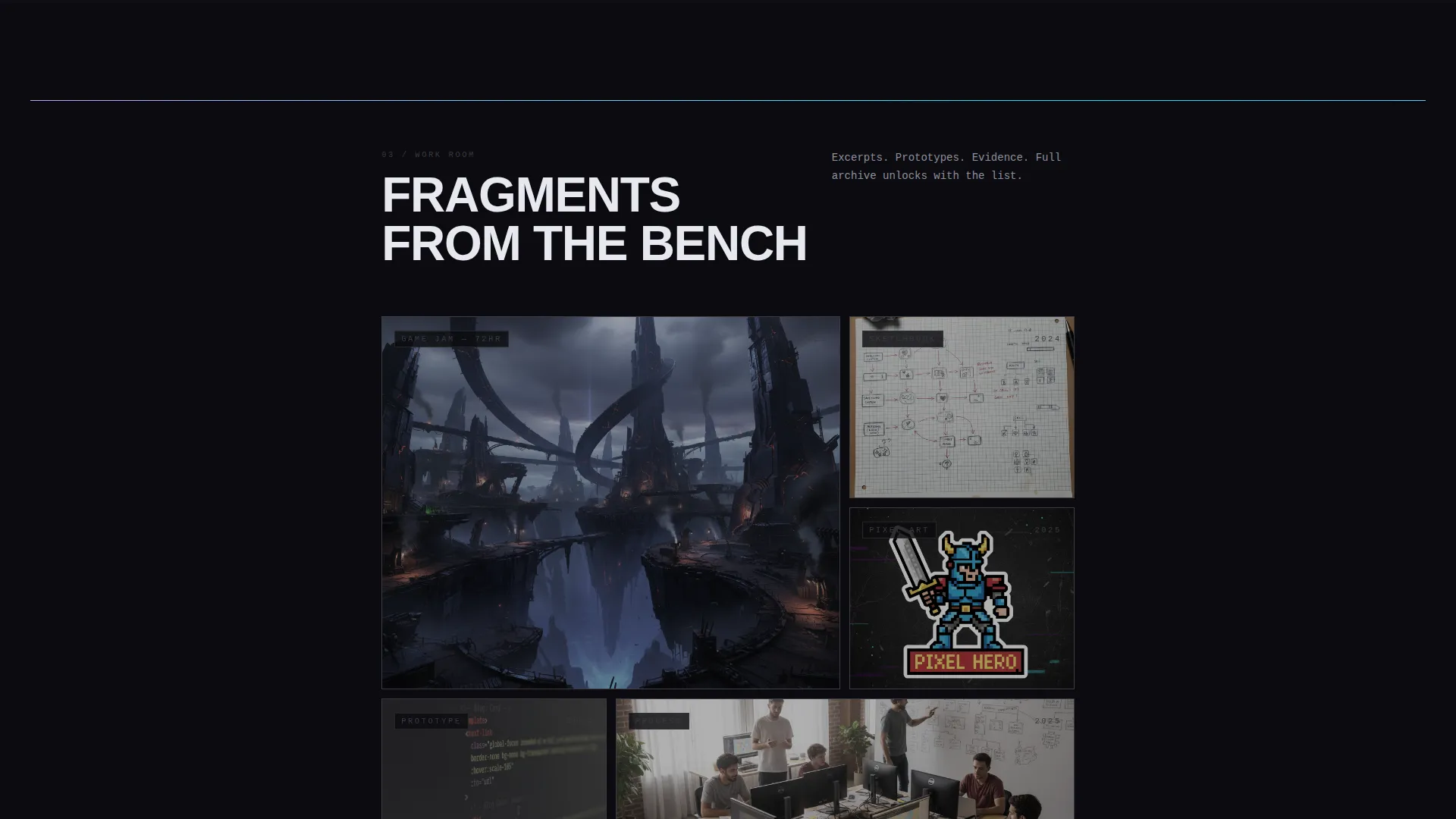
Drawer-Style Scroll Reveal
Scrolling through Forge does not reveal content in a plain linear sequence. Each section rotates into focus like opening a drawer in a workshop. One precise, fascinating thing per spread, with brutalist typography stamped onto the layout as a room label.
Waitlist Conversion Spread
The final spread holds one input field centered on a void-black canvas. A pulsing iridescent border marks the field. Below it, a live counter shows designers already on the list alongside the line: "Full portfolio launches Q3. First access goes to the list." One field, one action, no distraction.
Page sections overview
| Section | Purpose |
|---|---|
| Floating Photo Header | Establishes raw, immersive visual identity with drifting prototype imagery |
| Brutalist Headline Reveal | Delivers the core positioning statement in bold typographic form |
| Mechanic Diagram Spread | Showcases interactive design thinking through an animated system view |
| Case Study Flowchart | Presents design rationale through an explorable, hover-driven layout |
| Waitlist Conversion Spread | Captures email signups with a scarcity-framed single-field call to action |
Design & branding system
Forge uses an AI Iridescent color system layered over a Bold Brutalist visual foundation. The default state is intentionally still and monastic. Motion and color only emerge when the visitor interacts, making every hover and scroll feel earned.
- Void black (#0B0B0F) dominates every full-page spread as the primary canvas color
- Holographic lilac (#C4A1FF) and synthetic cyan (#00F0FF) appear on type, borders, and interaction states; iridescent gradients shift only on hover and scroll
- Exposed-concrete gray (#3A3A42) marks structural dividers, grounding the digital palette in analog weight
Mobile & speed optimization
Forge is a storybook full-page layout, so the mobile experience is built to preserve the weight and rhythm of each spread. Interactions are adapted for touch without reducing the visual impact of the core design.
- Full-page section spreads reflow cleanly for smaller viewports without collapsing the spatial intent
- Parallax and hover states adjust gracefully on touch devices to maintain the interactive feel
- The waitlist spread remains single-column and focused on mobile, keeping the conversion path clear
How this template helps you convert
Forge converts through architecture, not persuasion. The page builds a specific kind of desire: the visitor has seen just enough exceptional work to need the rest of it. By the time the final spread appears, the email field feels like the obvious next move.
- The header and interactive sections demonstrate expertise without stating it, building trust through craft before the visitor reaches any call to action
- The single-field waitlist spread removes every possible distraction; one input, one button, and a live counter that adds social proof in real time
- The scarcity line, "First access goes to the list," frames signup as an early advantage rather than a generic newsletter subscription
Other information about this template
Forge fits naturally into the game designer minimalist portfolio niche, where restraint and precision signal skill more clearly than volume. The template is designed to support a pre-launch strategy, building an audience before the full body of work goes live.
- The template style is Storybook and Full-Page, meaning each section functions as a complete visual environment
- The creative direction is Interactive Explorer, so visitors discover content through motion and interaction rather than passive reading
- The header concept is Floating Photos, using prototype imagery as atmospheric context rather than gallery display
- The conversion direction is Waitlist and Coming Soon, making the template ideal for designers preparing a portfolio debut or a major project reveal
Theme
Bold Brutalist
Creative direction
Interactive Explorer
Color system
AI Iridescent
Style
Storybook/Full-Page
Direction
Waitlist/Coming Soon
Page Sections
Parallax Floating Photo Header
Brutalist Headline Punch-in
Interactive Mechanic Diagram
Deconstructed Case Study Flowchart
Drawer-style Scroll Reveal
Single-field Waitlist Spread
Related questions
Who is this template designed for?
What is the conversion goal of this template?
Can I use this template if I do not have a lot of finished work yet?
How does the interactive scroll experience work?
What makes the visual design stand out from a standard portfolio theme?



