Iron & Metal Fence Fabrication Landing Page Template
Forge is a split-screen landing page template built for iron and metal fence fabrication businesses. It combines a full-screen video header, a transparent fabrication process walkthrough, and a five-step visual quiz that guides visitors from curiosity to a booked site measure. The warm stone and charcoal palette makes industrial craftsmanship feel grounded and trustworthy.
by Rocket studio
Quick summary
Forge is a single-page template designed for iron and metal fence fabricators. It opens with a continuous video tracking shot through the entire fabrication process, then walks visitors through each production stage on a locked split-screen layout. A five-step visual quiz closes the page, matching visitors to a fence style and budgetary range before inviting them to book a site measure.
Who this template is for
This template suits fabrication businesses that sell on craft, precision, and permanence. It works especially well when the sales process depends on educating buyers before they pick up the phone.
- Ironwork fabricators serving homeowners who want a long-lasting alternative to timber fencing
- Commercial and property developers specifying perimeter security for new builds
- Estate and ornamental ironwork studios handling bespoke commissions for high-value properties
What problem this template solves
Most fencing websites show finished photos and a contact form. Buyers are left guessing why one fabricator charges more than another. Forge solves the trust gap by showing the work, not just the result.
- Visitors cannot distinguish craftsmanship quality from photography alone, so they default to price
- No guided path means buyers arrive unprepared and sales calls start from zero
- Generic contact forms collect leads without qualifying property type, purpose, or budget
What you get with this template
You get a fully structured single-page layout built around process transparency and guided self-qualification. Every section serves a deliberate role in moving the visitor from awareness to a booked appointment.
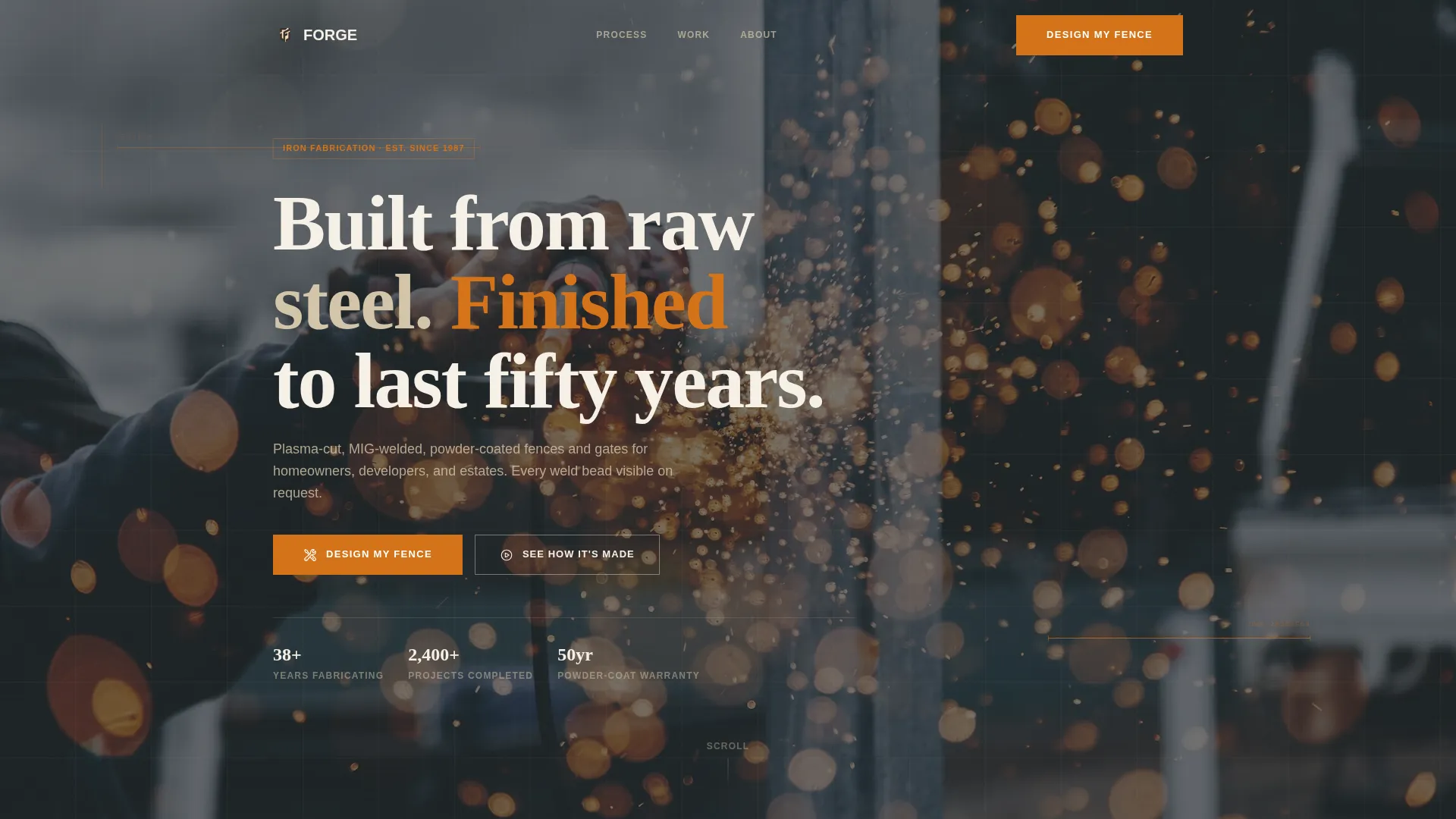
- A full-screen video header with a blueprint-grid overlay that sets the fabrication context immediately
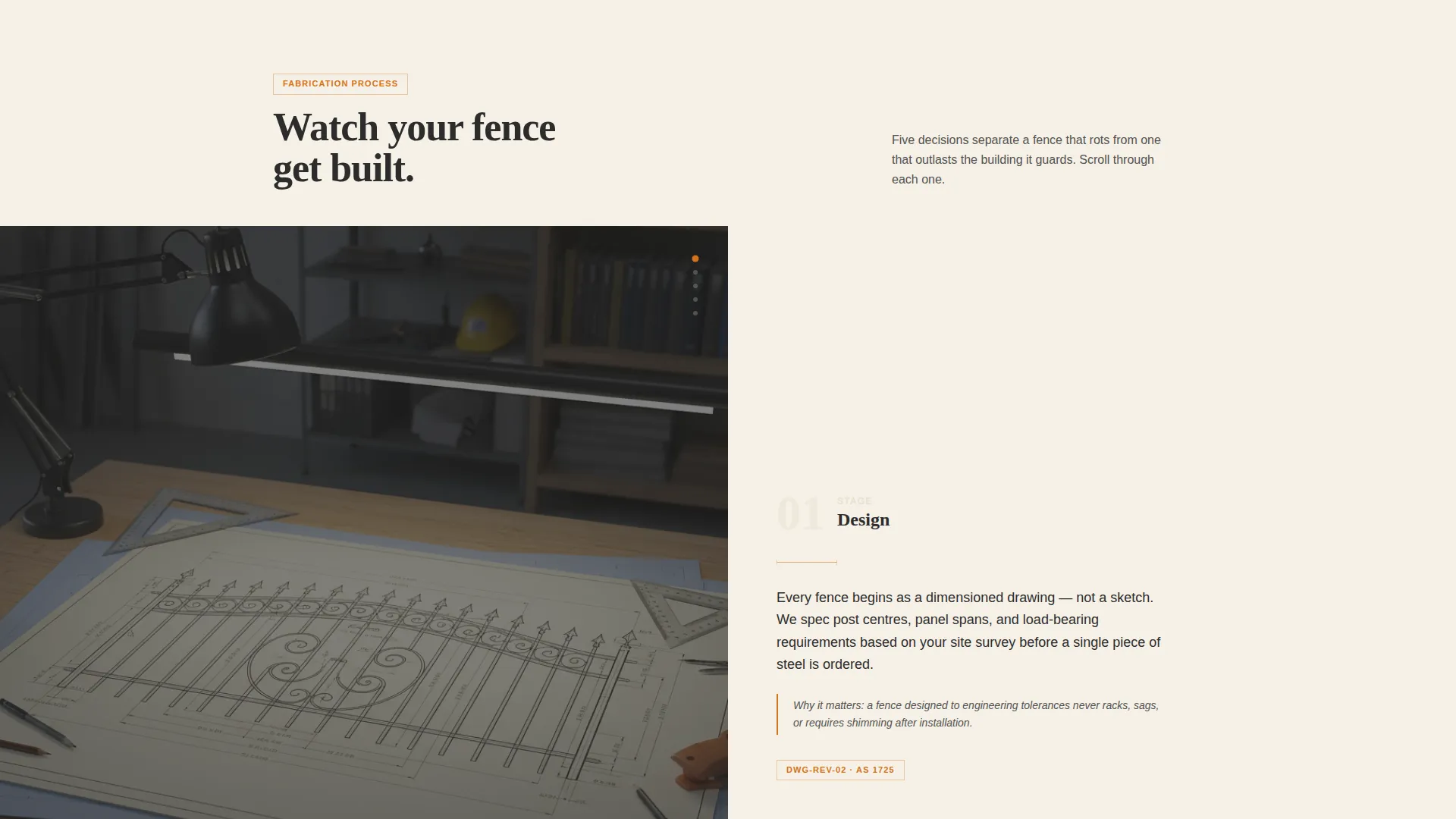
- A sticky split-screen fabrication walkthrough covering five labeled production stages with close-up photography
- A five-step visual quiz with a style match output, budgetary range, and a calendar embed for booking
Feature list
This template ships with six purpose-built sections and interaction patterns that work together as a single conversion flow.
Full-Screen Video Header with Blueprint Overlay
The header plays a single continuous tracking shot that follows raw steel bar stock through plasma cutting, hydraulic bending, MIG welding, sandblasting, powder coating, and final installation at golden hour. A faint blueprint-grid overlay with dimension lines pulses across the footage, reinforcing engineering precision without distracting from the material itself.
Sticky Split-Screen Process Walkthrough
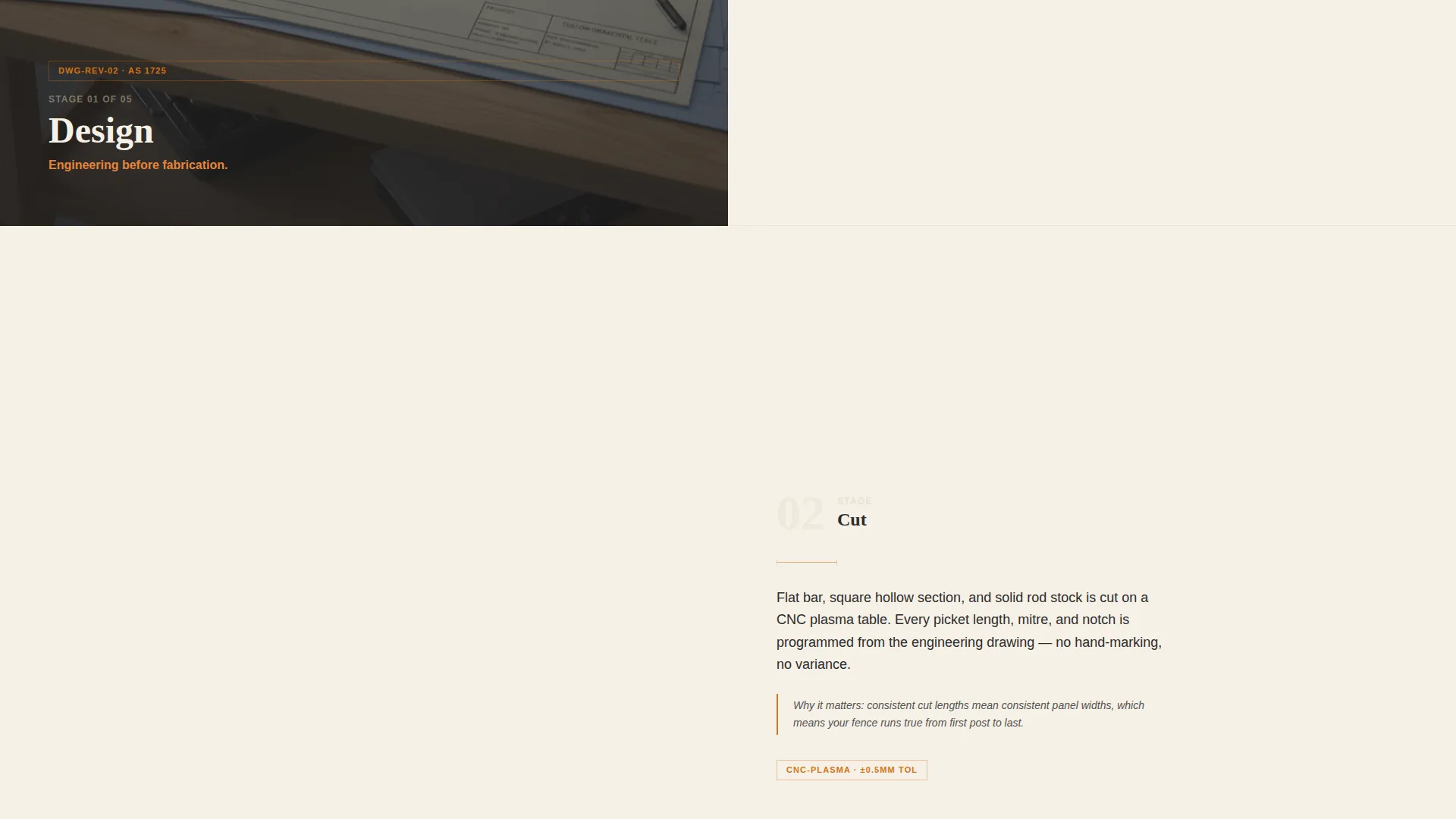
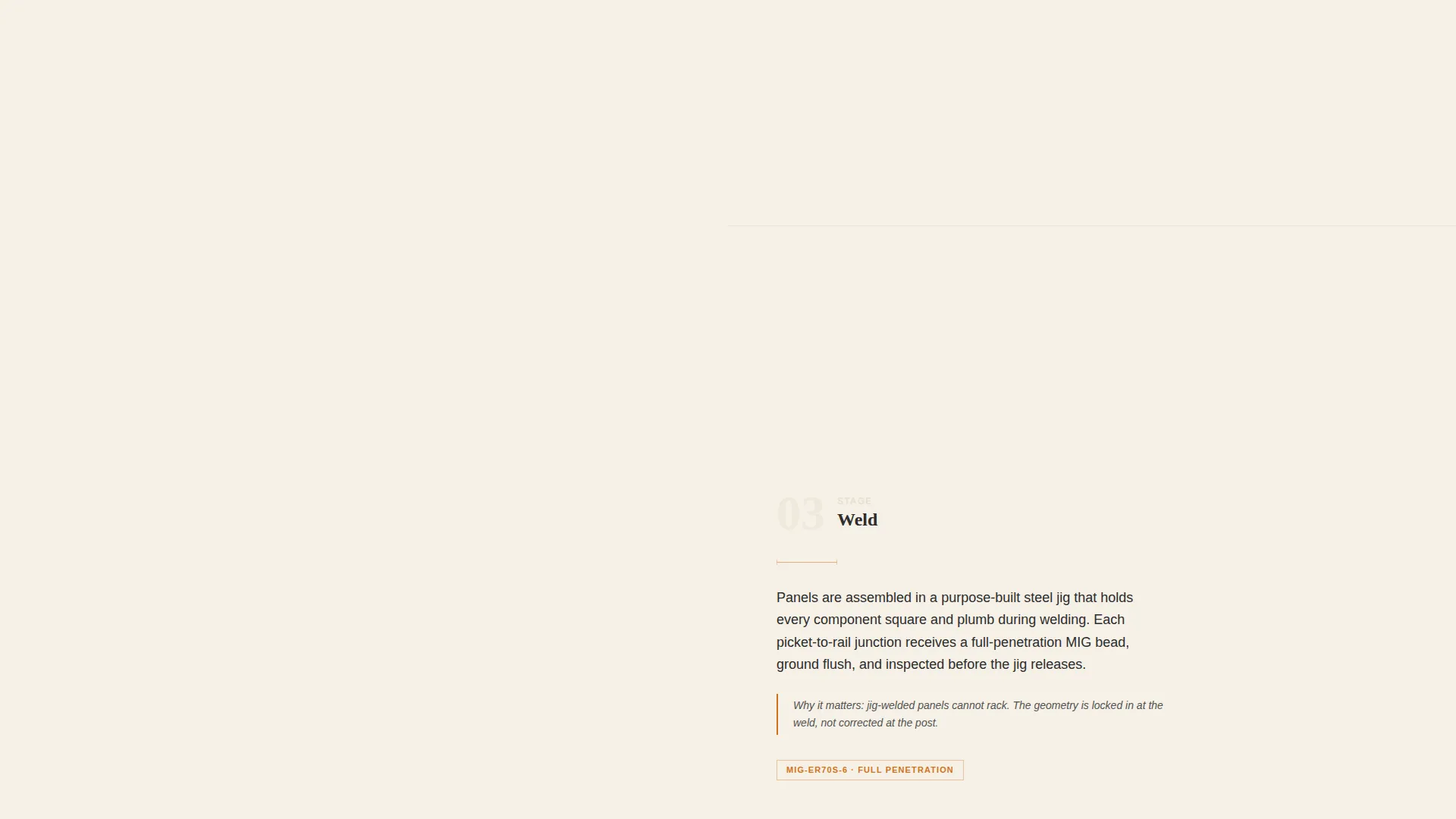
As the visitor scrolls, the left panel locks onto the current fabrication stage, numbered one through five: Design, Cut, Weld, Finish, and Install. The right panel reveals a close-up photograph and a two-sentence explanation of what happens at that stage and why it matters to long-term durability. Each stage transition wipes like a blueprint page turning.
Five-Step Visual Quiz with Style Matching
The primary call to action, labeled "Design My Fence," launches a guided five-step quiz. Visitors select property type, fence purpose, preferred style from silhouette illustrations, approximate linear footage via a slider, and optionally upload a site photo. The final screen delivers a style recommendation with a budgetary range.
Calendar Embed for Site Measure Booking
After the quiz delivers its style match, a secondary conversion path presents a calendar embed labeled "Book My Site Measure." This keeps the booking action inside the page rather than routing visitors to an external step, reducing drop-off at the moment of highest intent.
Silhouette Style Selector
The quiz step for preferred style displays illustrated silhouettes of four distinct fence profiles: flat-top, spear-top, ornamental scroll, and horizontal modern. Showing shape options visually means buyers make a confident style choice without needing technical vocabulary.
Engineering Blueprint Visual Theme
The design system applies a warm stone palette across all sections. Quarry limestone and mortar joint cream provide neutral surface tones. Forged charcoal grounds text and structural elements. Molten accent orange is reserved strictly for calls to action, hover states, and progress indicators, so interactive elements are always visually distinct.
Page sections overview
| Section | Purpose |
|---|---|
| Video Header | Establishes fabrication credibility immediately |
| Blueprint Grid Overlay | Reinforces engineering precision visually |
| Fabrication Stage One | Introduces the design and measurement step |
| Fabrication Stage Two | Shows plasma cutting in close detail |
| Fabrication Stage Three | Explains MIG welding and structural integrity |
| Fabrication Stage Four | Covers sandblasting and powder coat finishing |
| Fabrication Stage Five | Demonstrates final on-site installation |
| Quiz Entry call to action | Launches the five-step Design My Fence quiz |
| Style Silhouette Selector | Lets visitors choose a fence profile visually |
| Quiz Results Screen | Delivers style match and budgetary range |
| Site Measure Calendar | Books the next step without leaving the page |
Design & branding system
The visual identity follows an Engineering Blueprint theme married to a Warm Stone color system. The result feels like a sandstone pillar with a wrought iron gate, sun-warmed and grounded rather than cold or industrial.
- Color palette: quarry limestone (#D4C5A9), forged charcoal (#2C2C2C), mortar joint cream (#F5F0E6), and molten accent orange (#D4731A) used exclusively for calls to action and interactive states
- Blueprint-grid overlays and faint dimension lines appear in the header and as transitional texture across section wipes
- Photography direction keeps the camera tight on material and process, never showing full faces, so the metal remains the focal point throughout
Mobile & speed optimization
The split-screen layout and video header are structured to adapt across screen sizes without losing the core visual logic of the fabrication walkthrough.
- The sticky left-panel stage indicator collapses gracefully on smaller screens so the numbered progression remains visible during scroll
- Silhouette illustrations in the quiz step are sized for easy tap selection on touch devices
- The calendar embed is embedded inline rather than opened in a new tab, keeping mobile visitors inside the conversion flow
How this template helps you convert
Every design decision in Forge is oriented toward one outcome: a visitor who understands the fabrication process well enough to book a site measure with confidence.
- The video header and process walkthrough do the qualification work before the quiz ever appears, so visitors arrive at the call to action already trusting the craft behind the product.
- The five-step quiz replaces a generic contact form with a structured self-qualification path, meaning the business receives leads that already include property type, fence purpose, preferred style, linear footage estimate, and an optional site photo.
- The inline calendar embed captures the booking at peak intent, immediately after the visitor sees their personalised style match and budgetary range, removing the friction of a follow-up email exchange.
Other information about this template
Forge sits within the Construction and Home category, under the Fencing and Gate Installation subcategory, with a specific focus on the iron and metal fence niche. It is designed as a single-page landing page, not a multi-page website, so all content and conversion paths live within one scrollable experience.
- The template style is a 50/50 split screen, meaning left and right panels carry equal visual weight throughout the fabrication walkthrough
- The creative direction is Transparent Process, a deliberate editorial approach where showing how something is made is the primary sales argument
- The header concept is a Full-Screen Video Background, which requires a fabricated video asset following the tracking-shot brief to reach its intended visual impact
- The landing page direction is Quiz and Assessment, positioning the "Design My Fence" interaction as the central conversion mechanism rather than a passive contact form
Theme
Engineering Blueprint
Creative direction
Transparent Process
Color system
Warm Stone
Style
Split Screen (50/50)
Direction
Quiz/Assessment
Page Sections
Full-screen Video Header with Blueprint Overlay
Sticky Split-screen Fabrication Walkthrough
Five-step Visual Quiz with Style Matching
Silhouette Style Selector
Inline Site Measure Calendar Embed
Engineering Blueprint Warm Stone Design System
Related questions
What type of business is this template built for?
Do I need a video asset to use this template?
Can the quiz steps and style options be edited?
What does a visitor see after completing the quiz?
Is this template suitable for ornamental ironwork studios?



