Manufacturing Processes Professional Website Template
Formtech is a single-column landing page template built for thermoforming equipment manufacturers. It uses a case study narrative flow to walk packaging engineers, plant managers, and procurement directors through real production problems and machine-specific solutions. Each scroll section escalates in technical complexity, building credibility before guiding qualified prospects toward a machine configurator.
by Rocket studio
Quick summary
Formtech is a precision-focused landing page template for thermoforming equipment manufacturers. It follows a case study narrative structure, escalating from simple gauge packaging to complex twin-sheet automotive parts. The Engineering Blueprint visual theme and Carbon Fiber color system give it an industrial, spec-sheet feel that resonates with technical buyers.
Who this template is for
This template is built for thermoforming equipment manufacturers who sell to technically minded industrial buyers. It speaks directly to the people responsible for production line decisions, not general audiences.
- Packaging engineers evaluating new production line equipment
- Plant managers replacing machines that can no longer hold dimensional tolerance
- Procurement directors at automotive tier-one suppliers comparing cycle times
What problem this template solves
Industrial buyers do not respond to marketing claims. They respond to data, specifications, and documented outcomes from comparable production environments. Generic templates cannot carry that kind of argument.
- Most templates lack the structure to present technical case studies in a logical, escalating sequence
- Equipment pages often lead with features before establishing credibility through real production results
- Procurement-level buyers need a clear secondary path for deeper specification review before committing to a configurator
What you get with this template
You get a complete single-column landing page layout designed around a case study narrative. The layout is structured to earn the click before asking for it.
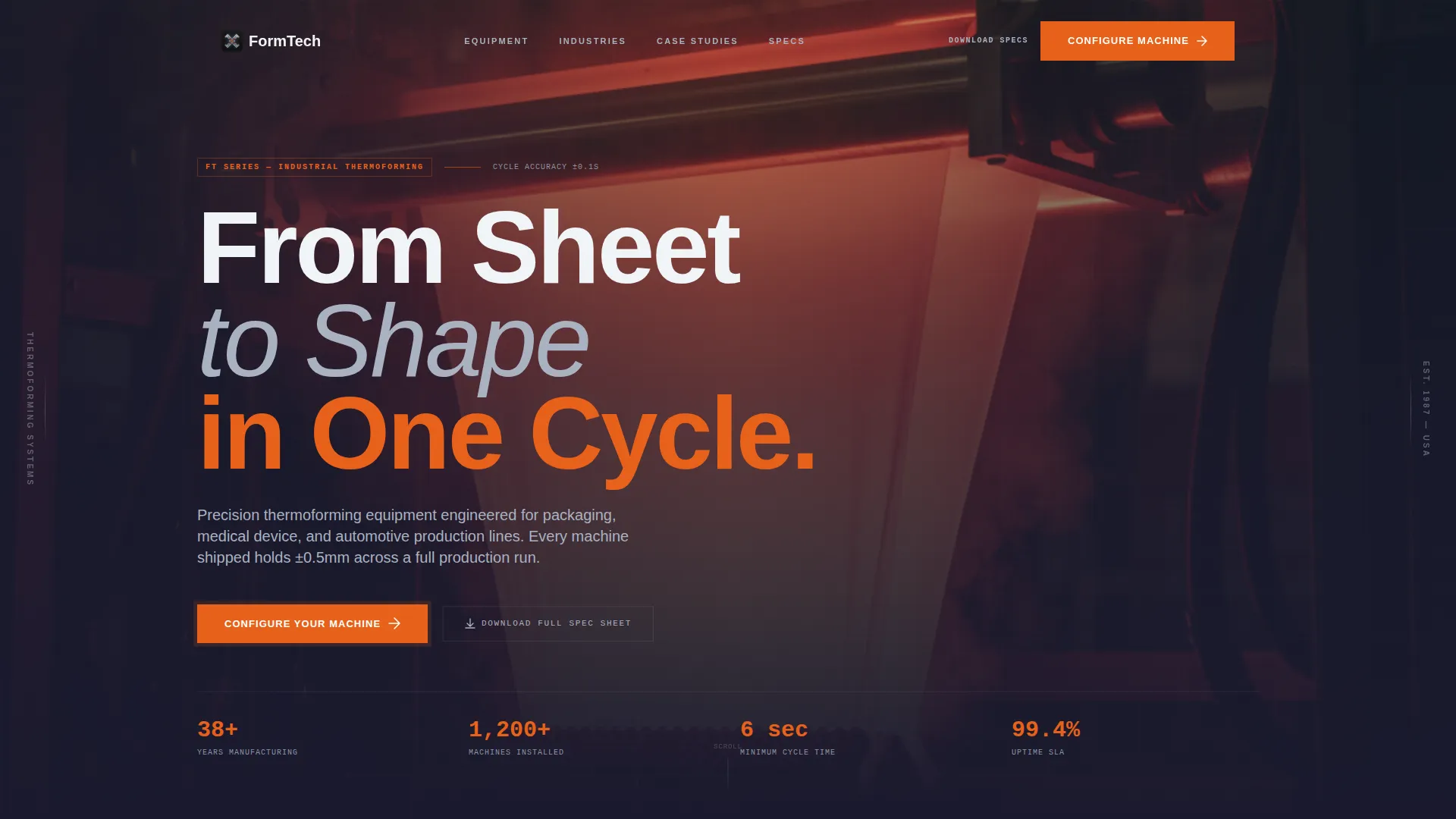
- A full-bleed photo header with a fade-in headline capturing the forming process at its most visually compelling moment
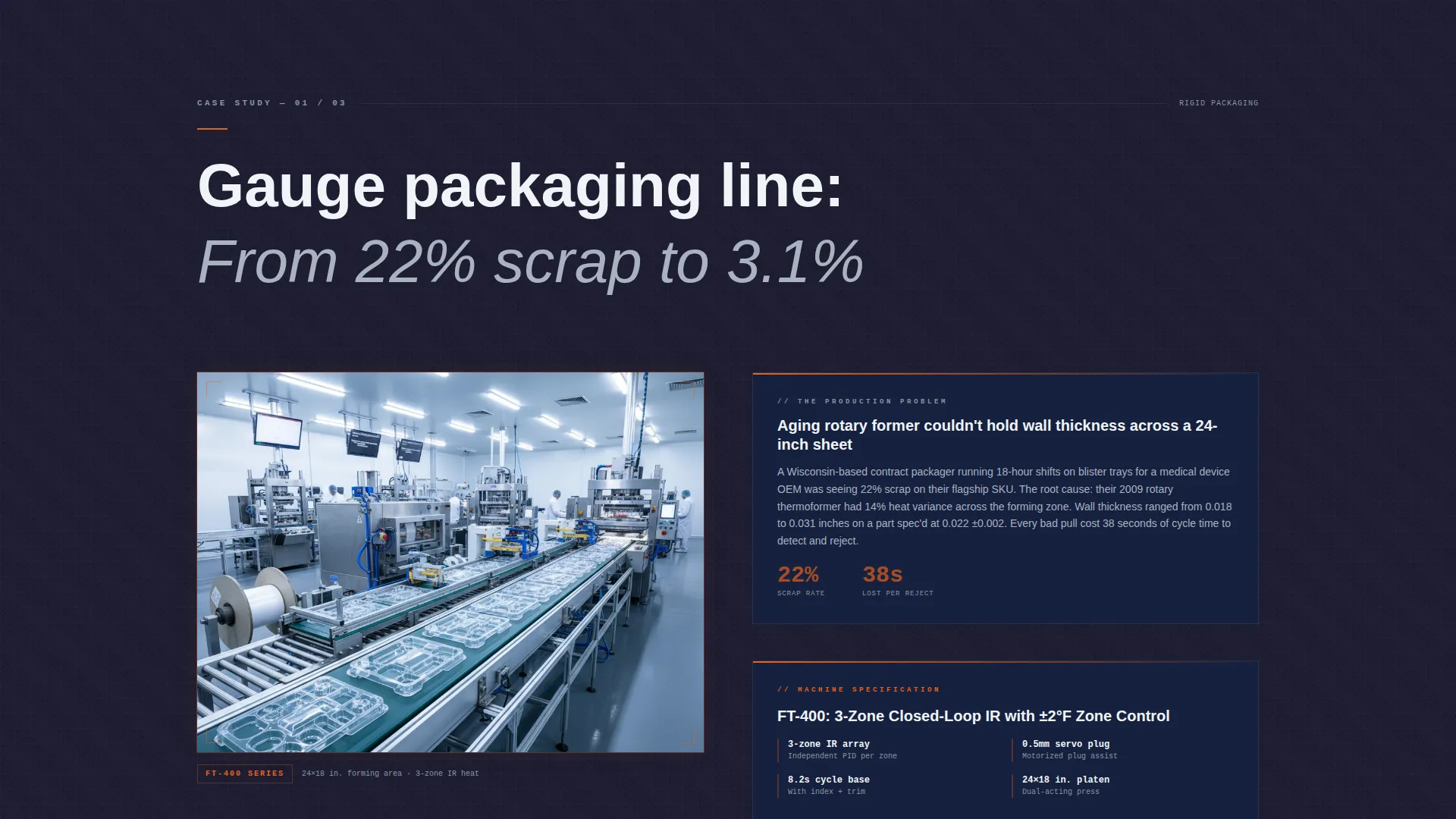
- Three-beat case study sections, each pairing a production problem with a machine specification and a measurable outcome
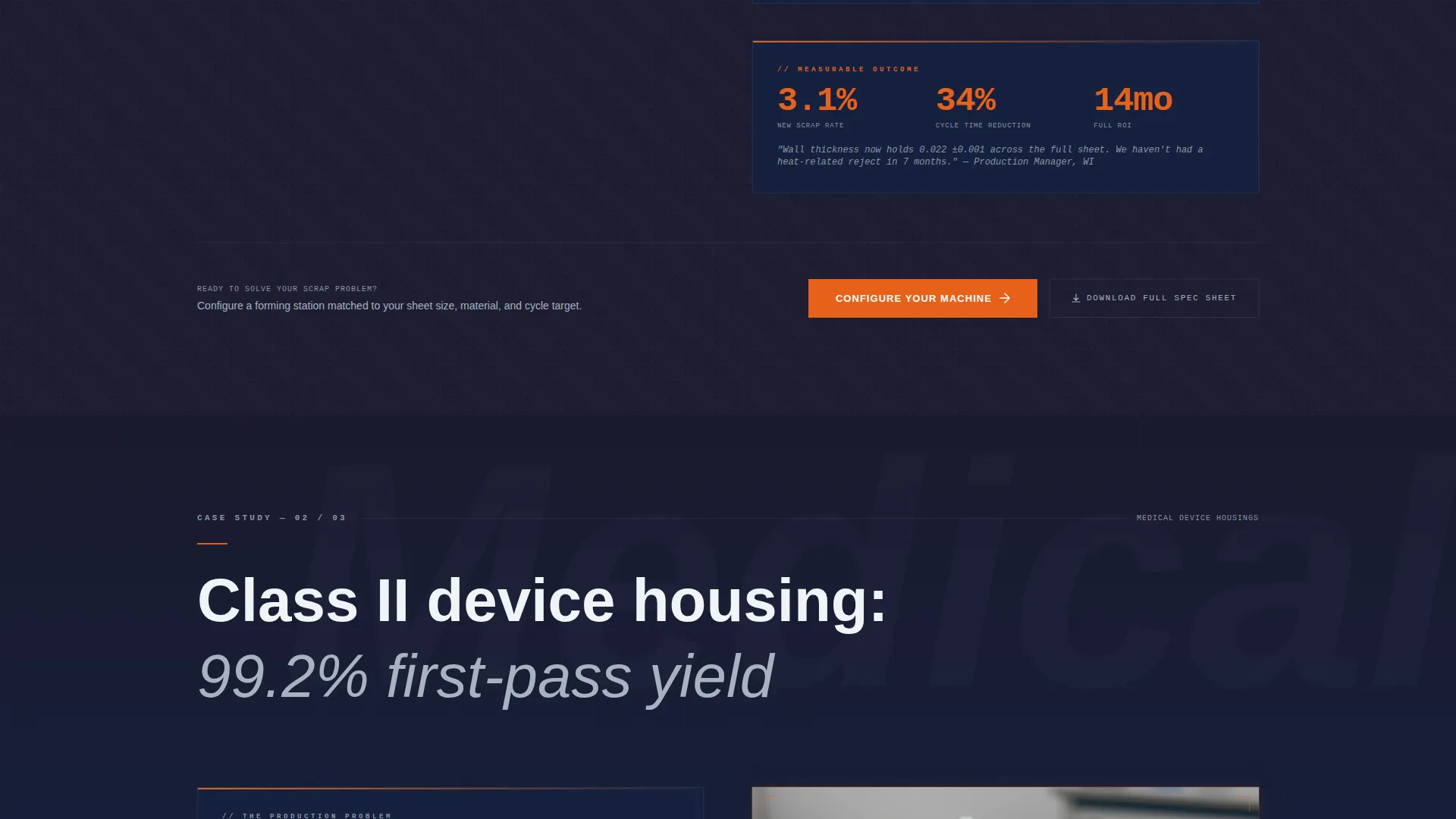
- A primary call to action ("Configure Your Machine") repeating after each case study, plus a secondary "Download Full Spec Sheet" path for comparison-phase engineers
Feature list
This section covers the core design and structural features built into the Formtech template.
Full-Bleed Forming Station Header
The header opens with a photo taken from inside the forming station looking upward. A glowing polymer sheet is suspended mid-sag between clamp rails, with the platen rising beneath it. A single headline, "From Sheet to Shape in One Cycle," fades in over the image.
Escalating Case Study Narrative Flow
Each scroll section tells a customer story in three beats: the production problem, the machine specification that addressed it, and the measurable outcome. The sequence escalates from simple gauge packaging up to complex twin-sheet automotive parts, building a technical argument through evidence.
Repeating Dual Call-to-Action Pattern
The primary call to action, "Configure Your Machine," appears after the first case study and repeats after every subsequent one. A secondary path, "Download Full Spec Sheet," gives engineers in the comparison phase a lower-commitment next step.
Engineering Blueprint Visual Theme
The page uses a Carbon Fiber color system: deep carbon black for backgrounds, machined aluminum for secondary text and structural elements, and technical gridline blue for depth. Molten polymer orange is reserved exclusively for calls to action and data callouts, keeping the accent purposeful and high-contrast.
Single-Column Scroll Layout
The template uses a single-column flow that keeps the reader moving through the narrative without lateral distraction. Each section is a self-contained story beat designed for progressive disclosure.
Data Callout Styling
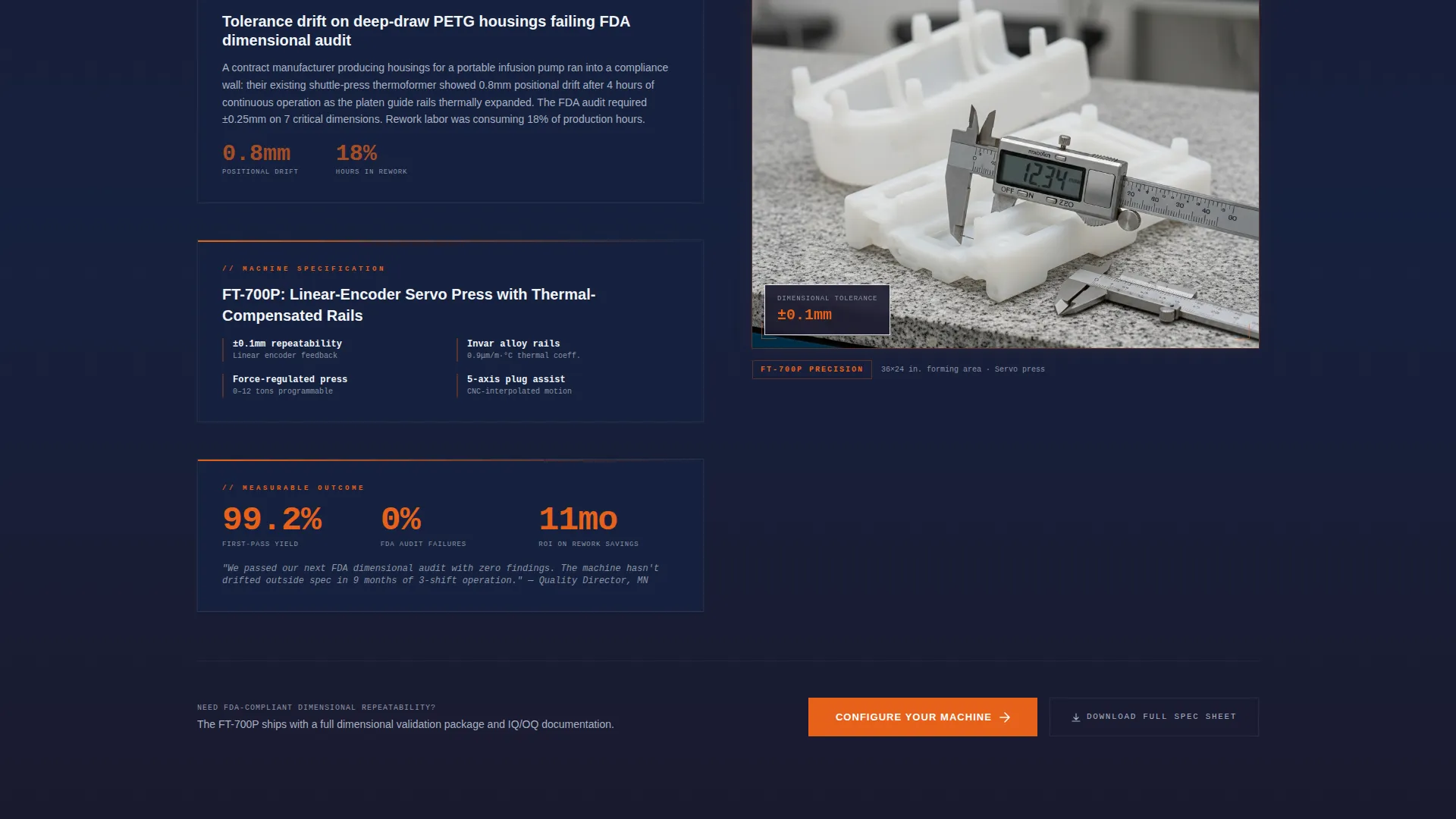
Production outcomes such as cycle time reductions, yield increases, and return-on-investment timelines are styled as high-visibility data callouts. The molten polymer orange accent color makes these figures stand out against the dark carbon background.
Page sections overview
| Section | Purpose |
|---|---|
| Full-Bleed Header | Opens with the forming station photo and fade-in headline |
| Packaging Case Study | First narrative beat: simple gauge packaging problem and outcome |
| Medical Housing Story | Second beat: medical device housing challenge and specification match |
| Automotive Twin-Sheet | Third beat: most technically complex case study in the sequence |
| Configure call to action Block | Primary call to action repeating after each case study section |
| Spec Sheet Download | Secondary path for engineers still in the comparison phase |
Design & branding system
The visual identity follows an Engineering Blueprint theme executed through a Carbon Fiber color system. Every color choice references the materials and processes the template describes.
- Deep carbon black (#1A1A2E) and technical gridline blue (#16213E) form the dark layered background system, evoking carbon-weave composite
- Machined aluminum (#A8B2C1) handles secondary text, structural borders, and supporting visual elements
- Molten polymer orange (#E8611A) is used exclusively for calls to action and data callouts, functioning like a hot-spot accent on a spec sheet
Mobile & speed optimization
The single-column layout is naturally suited to smaller screens. The vertical scroll narrative translates cleanly without requiring horizontal navigation or complex grid restructuring.
- The full-bleed header photo and case study sections stack in a single linear flow on mobile devices
- Data callouts and dual call-to-action blocks maintain their visual hierarchy and contrast at any screen width
How this template helps you convert
The Formtech template is structured to qualify and advance serious industrial buyers rather than generate broad, low-intent clicks.
- The case study narrative earns trust first by presenting documented production problems and real outcomes before any call to action appears, so the click feels earned rather than pushed.
- The repeating dual call-to-action pattern gives buyers two paths: a direct route to the equipment configurator for decision-ready prospects, and a spec sheet download for engineers who need more comparison data before committing.
Other information about this template
Formtech is specifically designed for the thermoforming equipment manufacturing niche, where buyers are evaluating precision machinery for high-stakes production environments including aerospace interiors, medical device manufacturing, and automotive tier-one supply chains.
- The template is categorized under Manufacturing and Industrial, within the Manufacturing Processes subcategory
- The creative direction is Case Study Narrative, matched to the click-through landing page format for equipment configurator conversion
- The template style is Single Column Flow with an Engineering Blueprint theme, making it compatible with technical product pages that need to communicate specification depth without feeling like a brochure
Theme
Engineering Blueprint
Creative direction
Case Study Narrative
Color system
Carbon Fiber
Style
Single Column Flow
Direction
Click-Through
Page Sections
Full-bleed Forming Station Header
Escalating Case Study Narrative
Repeating Dual Call to Action Pattern
Carbon Fiber Color System
Data Callout Styling
Single-column Scroll Layout
Related questions
Who is the primary audience for this template?
Can I adapt the case study sections for my own customer stories?
Does the template include the equipment configurator itself?
How does the dual call-to-action pattern work?
Is this template suitable for a single product or a full equipment line?



