Authoritative Legal Court Landing Page Template
Tribunal is an administrative law court landing page template built to guide citizens through the hearing process with clarity and calm. It uses a government-document aesthetic, an icon-grid header covering six case types, and a zigzag layout that walks visitors step by step from filing through ruling. The design removes anxiety by making the system visible before anyone files a single form.
by Rocket studio
Quick summary
Tribunal is a single-page template for an administrative law court. It opens with an icon grid that maps every case type the court handles, then walks visitors through four sequential process stages in an alternating zigzag layout. By the final section, the hearing process is fully visible and the visitor is ready to act.
Who this template is for
This template is built for government bodies and legal-service organizations that run administrative hearing processes. It serves institutions that need to communicate procedural authority while keeping the public informed and prepared.
- Small business owners contesting revoked permits or licensing denials
- Immigration attorneys and paralegals preparing for administrative hearings
- Municipal employees and legal representatives appealing disciplinary or regulatory decisions
What problem this template solves
Administrative proceedings are notoriously opaque. Most people arrive at a hearing unprepared because no one explained the steps in plain language. This template replaces that confusion with a mapped, sequential experience.
- Visitors often cannot identify which case type applies to their dispute before reaching filing instructions
- The hearing room, the evidence-exchange stage, and the ruling process feel unfamiliar and intimidating without a clear guide
- Courts lose public trust when the process appears hidden or inaccessible
What you get with this template
The template delivers a complete, single-page layout structured around the four stages of an administrative proceeding. Every section is intentional and prompt-grounded.
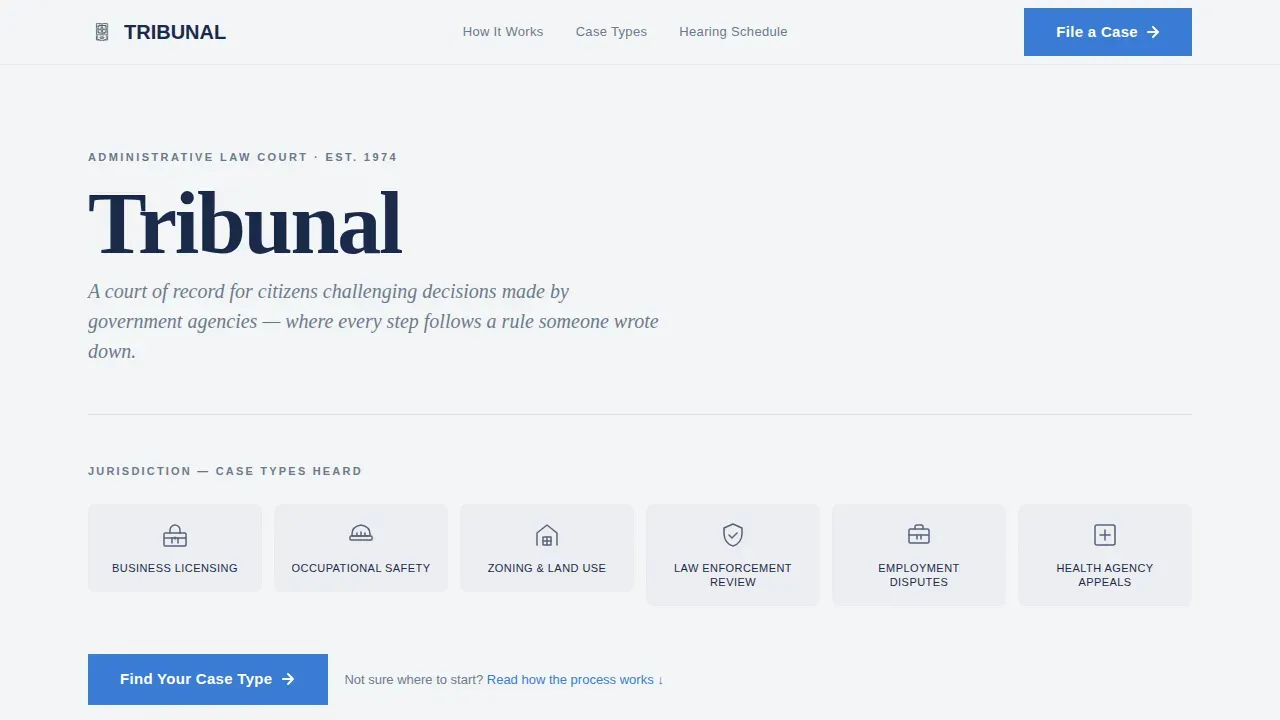
- An icon grid header with six case-type icons and a primary call to action beneath it
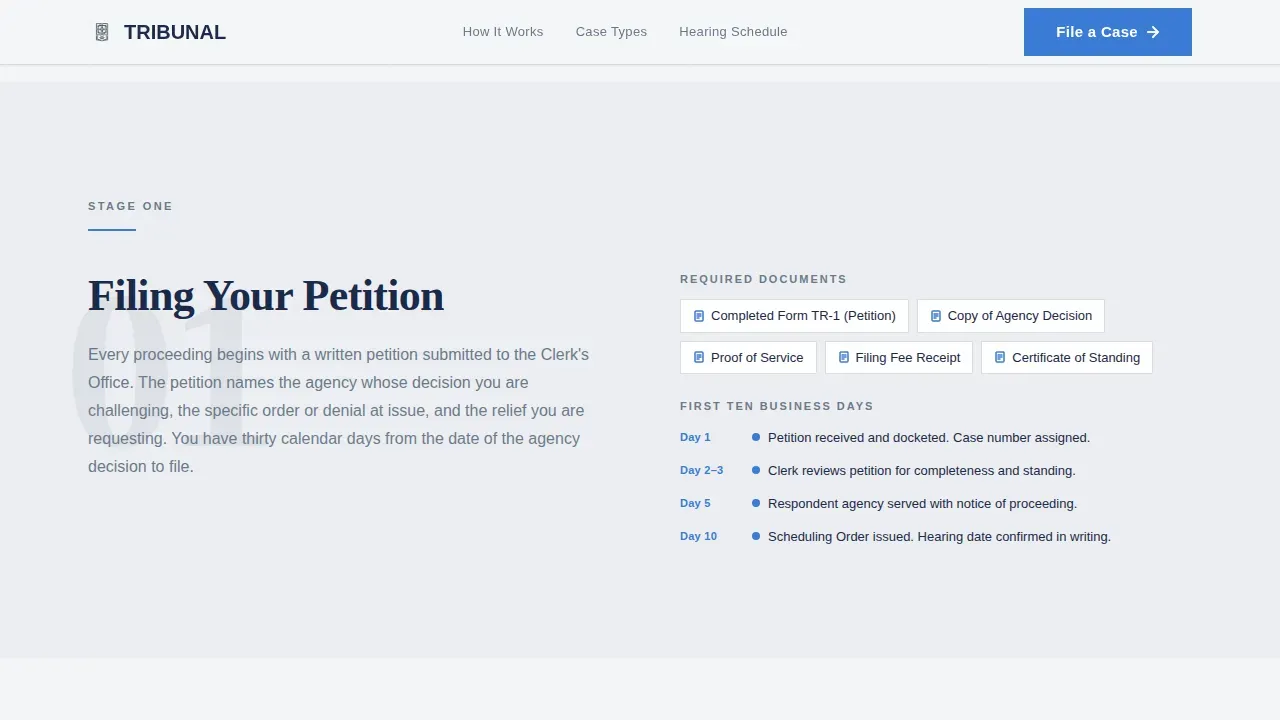
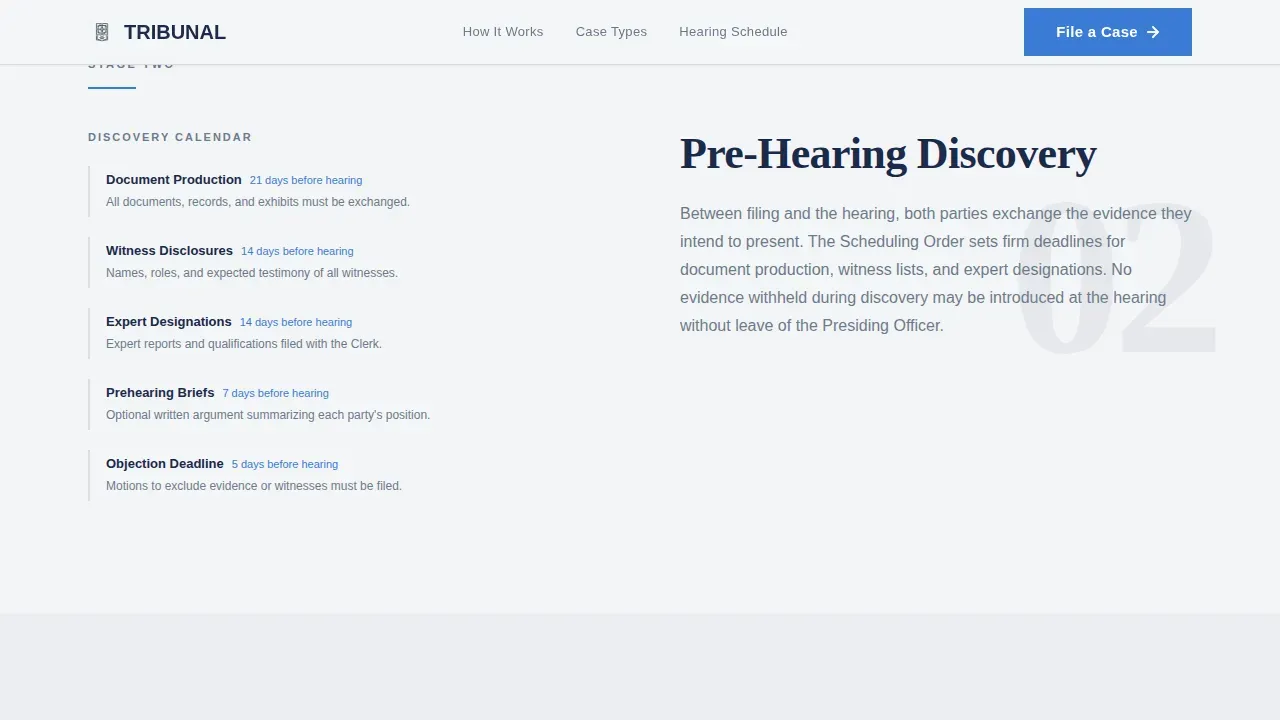
- Four zigzag content sections covering Filing, Pre-Hearing Discovery, the Hearing, and Deliberation and Ruling
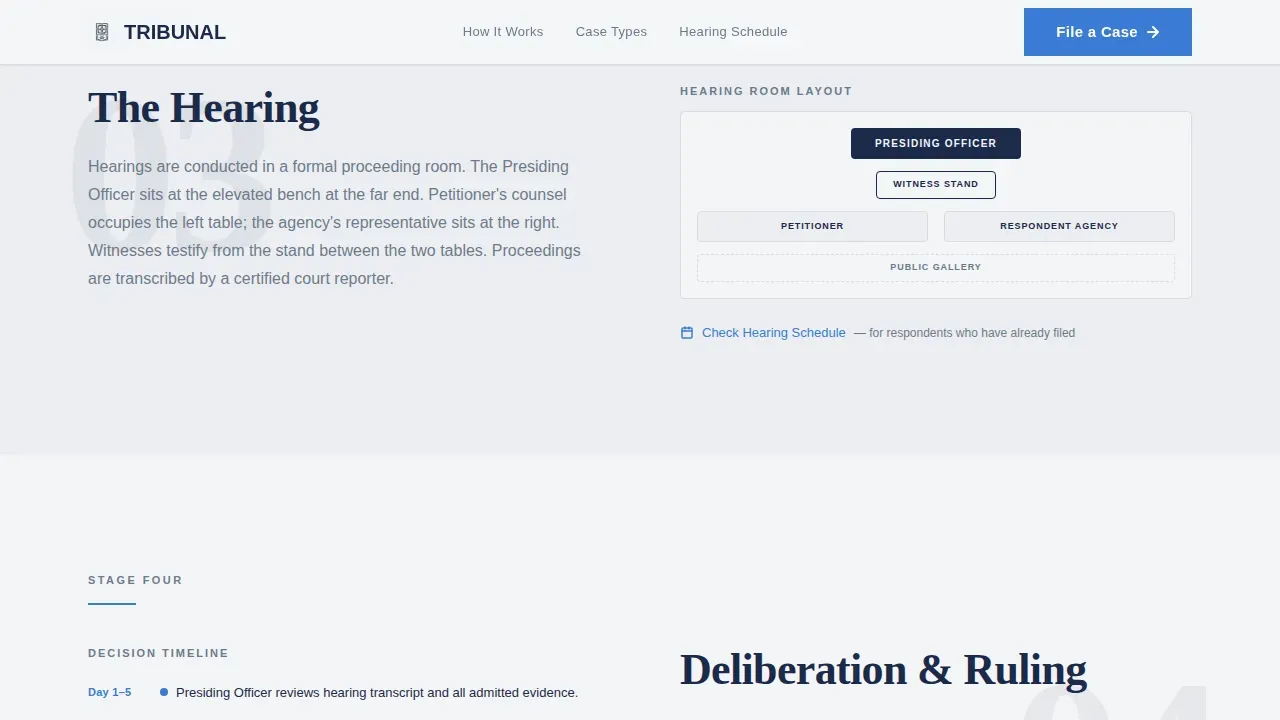
- A secondary text link inside the Hearing section for returning respondents, plus a repeated primary call to action after the final process stage
Feature list
This template includes the following built-in features, all grounded in the source brief.
Six-Category Icon Grid Header
The header presents a clean matrix of six simplified line icons arranged in two rows of three. Each icon represents a distinct case type: business licensing, occupational safety, zoning, law enforcement review, employment disputes, and health-agency appeals. The court name appears above in deep docket navy at a weight that feels engraved. No photographs are used.
Sequential Zigzag Process Layout
Four alternating sections reveal the administrative process in order: Filing, Pre-Hearing Discovery, the Hearing, and Deliberation and Ruling. Each section places a short explanatory paragraph on one side and a large process-step number with a minimal illustration on the other. The left-right-left alternation creates a literal reading path through the proceeding.
Dual Call-to-Action Placement
The primary call to action, "Find Your Case Type," appears twice: once beneath the icon grid and again after the final process section. Both instances route visitors to a case-type selection page. A secondary text link, "Check Hearing Schedule," sits inside the Hearing section for respondents who already know the process.
Government Document Visual System
The color palette uses overcast white for backgrounds, clerk's-desk gray for secondary elements, deep docket navy for all body text and headings, and ruling-stamp blue reserved exclusively for actionable links and status indicators. The effect mirrors a freshly printed official document.
Fraunces and DM Sans Typography Pairing
Headings use Fraunces, a serif typeface that carries the weight and formality of engraved institutional type. Body copy uses DM Sans for clear, institutional readability. The pairing reinforces the government-authority tone without sacrificing legibility.
Subtle Scroll-Reveal Animation
Each section fades in gently as the visitor scrolls. There are no flashy effects. Icon hover states and call-to-action hover responses provide light interactivity that feels appropriate for a formal government context.
Page sections overview
| Section | Purpose |
|---|---|
| Icon Grid Header | Establishes jurisdiction and introduces all six case types |
| Filing Process Step | Explains required documents and the first ten business days |
| Pre-Hearing Discovery | Describes how evidence is exchanged between parties |
| The Hearing Room | Details the room layout, seating, and a hearing schedule link |
| Deliberation and Ruling | Explains how decisions are written, delivered, and the final call to action |
| Footer | Linear single-row footer with court navigation links |
Design & branding system
The visual identity follows an Institutional Authority theme. Every design choice references the calm, ordered environment of a government proceeding.
- Color palette: overcast white (#F4F5F7) for backgrounds, clerk's-desk gray (#6B7B8D) for icon containers and secondary elements, deep docket navy (#1B2A4A) for all text and headings, and ruling-stamp blue (#3A7BD5) used only for calls to action and links
- Typography: Fraunces serif for headings, DM Sans for body copy, creating an engraved-document feel throughout
- Backgrounds alternate between overcast white and a faint gray wash across sections, keeping the page visually ordered without adding color noise
Mobile & speed optimization
The template is designed desktop-first, which matches the context of government and legal users who typically arrive with documents open and intent already formed. Lighter interactive behavior keeps the page responsive across devices.
- Low-to-medium animation intensity with subtle fade-in reveals on scroll and no performance-heavy effects
- Server components handle static sections, keeping JavaScript use minimal across the layout
- Icon hover states and smooth scroll behavior add interactivity without adding load weight
How this template helps you convert
The page earns the click by making the system legible. Visitors do not arrive at the call to action having guessed at the process. They arrive having read it.
- The icon grid immediately tells visitors whether their case type is covered, reducing bounce from mismatched expectations before they read a single paragraph
- The sequential zigzag layout maps every stage of the proceeding in order, so anxiety decreases with each scroll and the visitor arrives at the final call to action with enough confidence to act
- The secondary "Check Hearing Schedule" link inside the Hearing section serves returning respondents without interrupting the primary conversion path for first-time visitors
Other information about this template
This template is categorized under Government and Public, with a subcategory of Judiciary and Legal. It is built specifically for the administrative law court niche.
- Template style: Zigzag/Alternating, a layout direction suited to sequential, stage-by-stage institutional content
- Creative direction: Transparent Process, meaning the design strategy prioritizes legibility of procedure over visual decoration
- Header concept: Icon Grid, communicating jurisdiction the way a building directory communicates floors
- Localization: English (United States), formal register, no currency references
- Footer pattern: Linear Single-Row, keeping the bottom of the page clean and formally minimal
Theme
Institutional Authority
Creative direction
Transparent Process
Color system
Cloud Canvas
Style
Zigzag/Alternating
Direction
Click-Through
Page Sections
Six-category Icon Grid Header
Sequential Zigzag Process Layout
Dual Call-to-action Placement
Government Document Color System
Fraunces and DM Sans Type Pairing
Subtle Scroll-reveal Animation
Related questions
What case types does the icon grid in this template cover?
Where do the calls to action on this landing page send visitors?
Does this template use any photographs or images of people?
Can this template support a court with fewer than six active case types?
What animation style does this template use?



