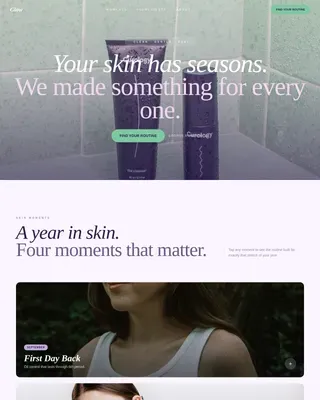
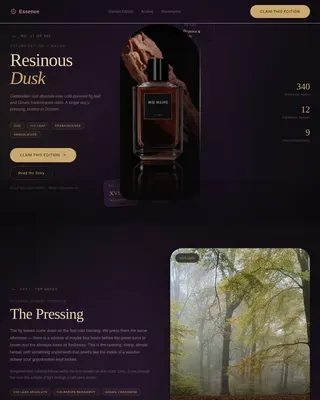
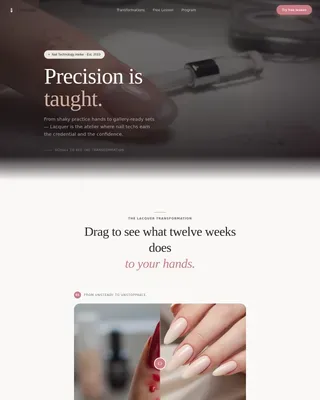
Beauty School & Academy Professional Website Template
Glow is a gallery and detail landing page built for esthetics and skincare programs. It leads with cinematic video, a masonry before-and-after gallery, and an interactive curriculum module to move prospective students from curiosity to enrollment. The design follows an Organic Flow aesthetic in warm desert tones, built desktop-first with responsive mobile support.
by Rocket studio
Quick summary
Glow is a single-page enrollment template for esthetics and skincare programs. It opens with a full-screen video header, walks visitors through a sensory storytelling sequence, and closes with a streamlined "Reserve Your Seat" enrollment flow. The design is warm, editorial, and unhurried, built to earn trust before it asks for a commitment.
Who this template is for
This template is made for esthetics schools, skincare academies, and clinical beauty training programs that want to attract motivated students and convert them through compelling visual storytelling rather than a plain course catalog.
- Career training programs in clinical skincare and esthetics
- Beauty schools enrolling career-changers, recent graduates, and licensed cosmetologists
- Esthetics instructors or program directors launching a new cohort
What problem this template solves
Most beauty school pages lead with tuition, program length, and bullet-point course lists. That approach rarely builds enough trust to drive enrollment. Prospective students need to see outcomes first and feel the texture of the program before committing.
- Visitors leave before reaching the enrollment section because the page feels generic
- Student transformation results are buried or absent, leaving the value proposition weak
- There is no clear sensory or emotional hook to differentiate one program from another
What you get with this template
You get a fully structured, single-page enrollment layout that guides each visitor through a deliberate scroll sequence. Every section is designed to build evidence before asking for action.
- A full-screen cinematic video header with a delayed program name reveal
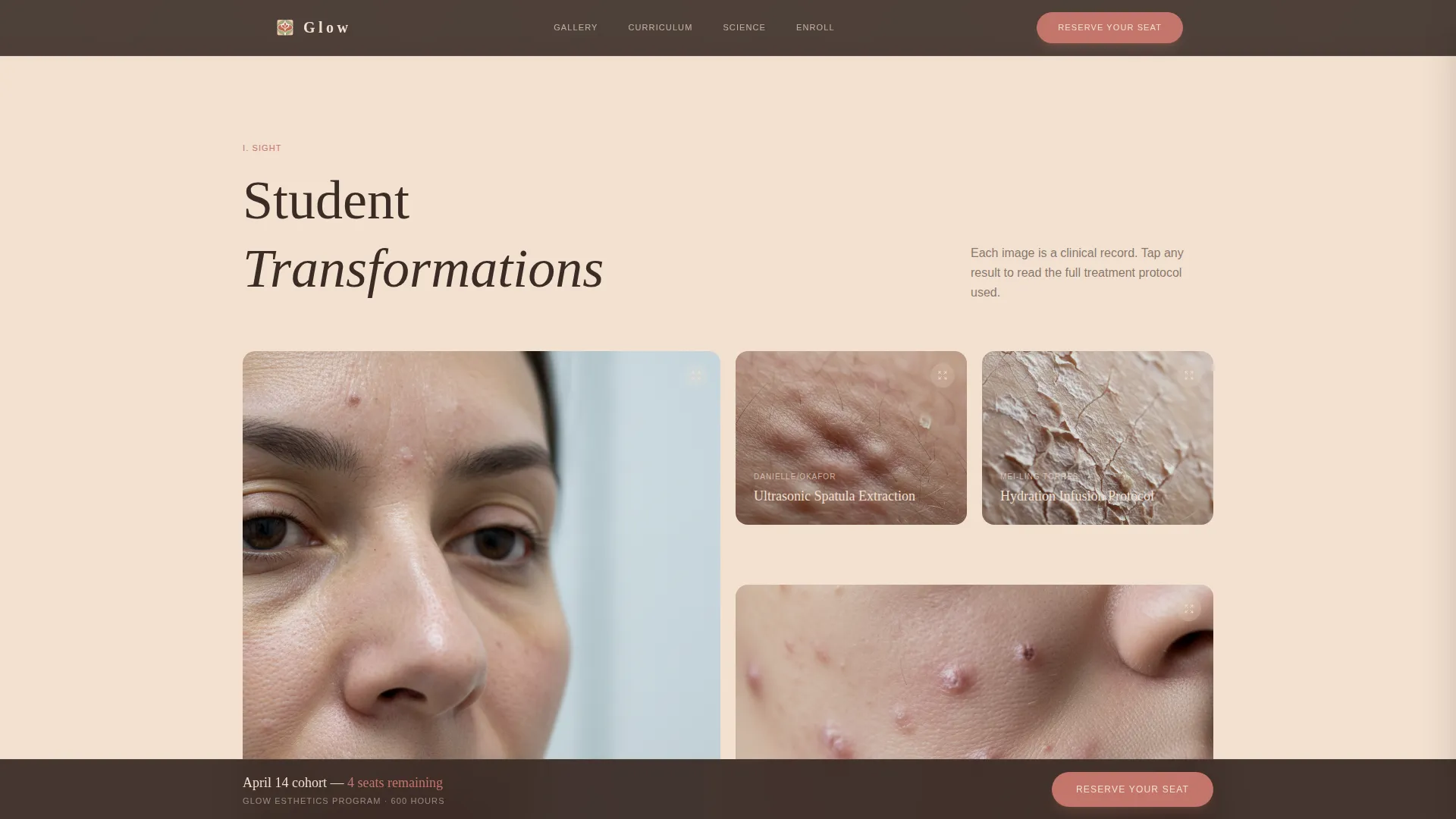
- A masonry before-and-after gallery with expandable protocol detail panels
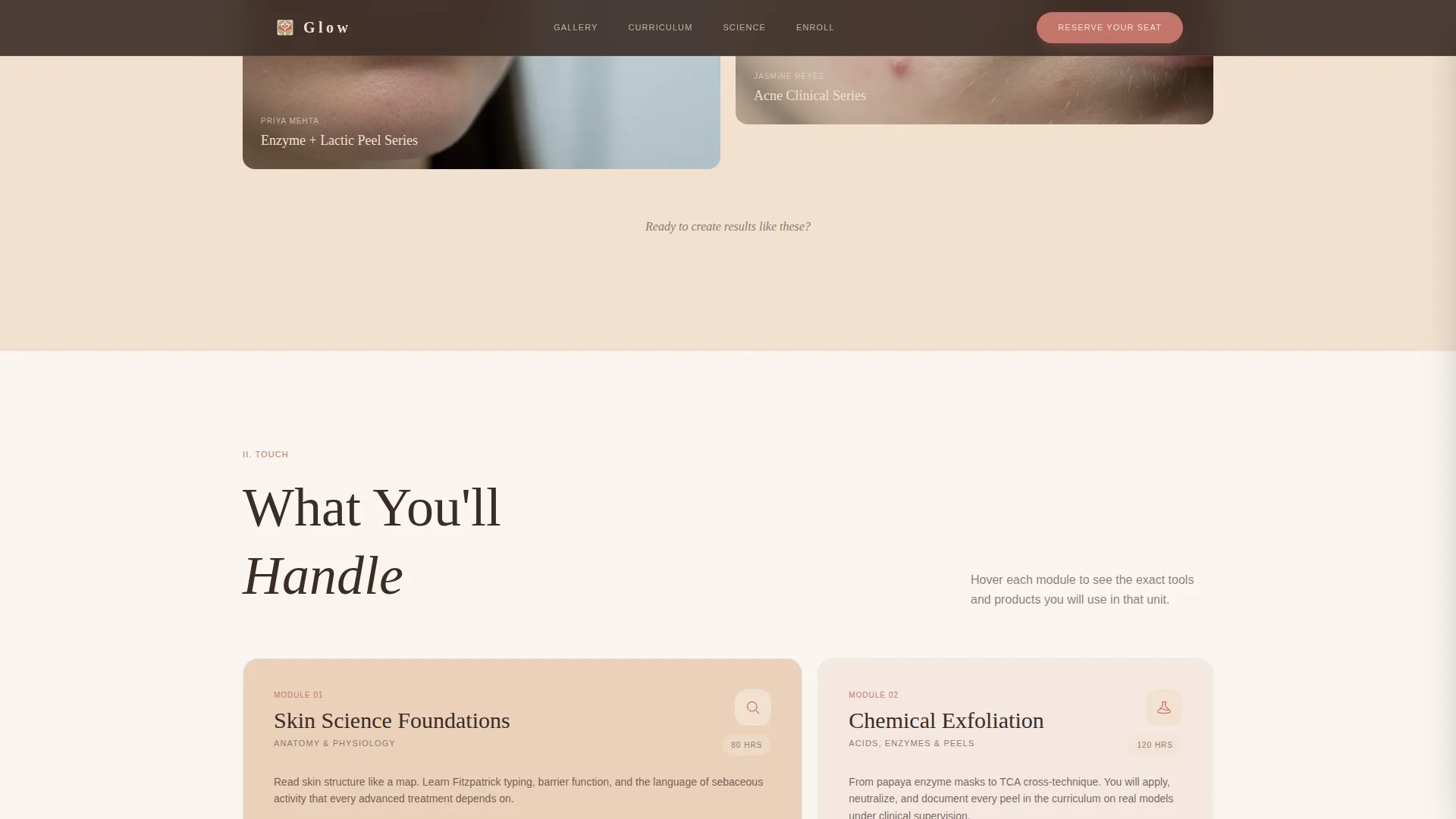
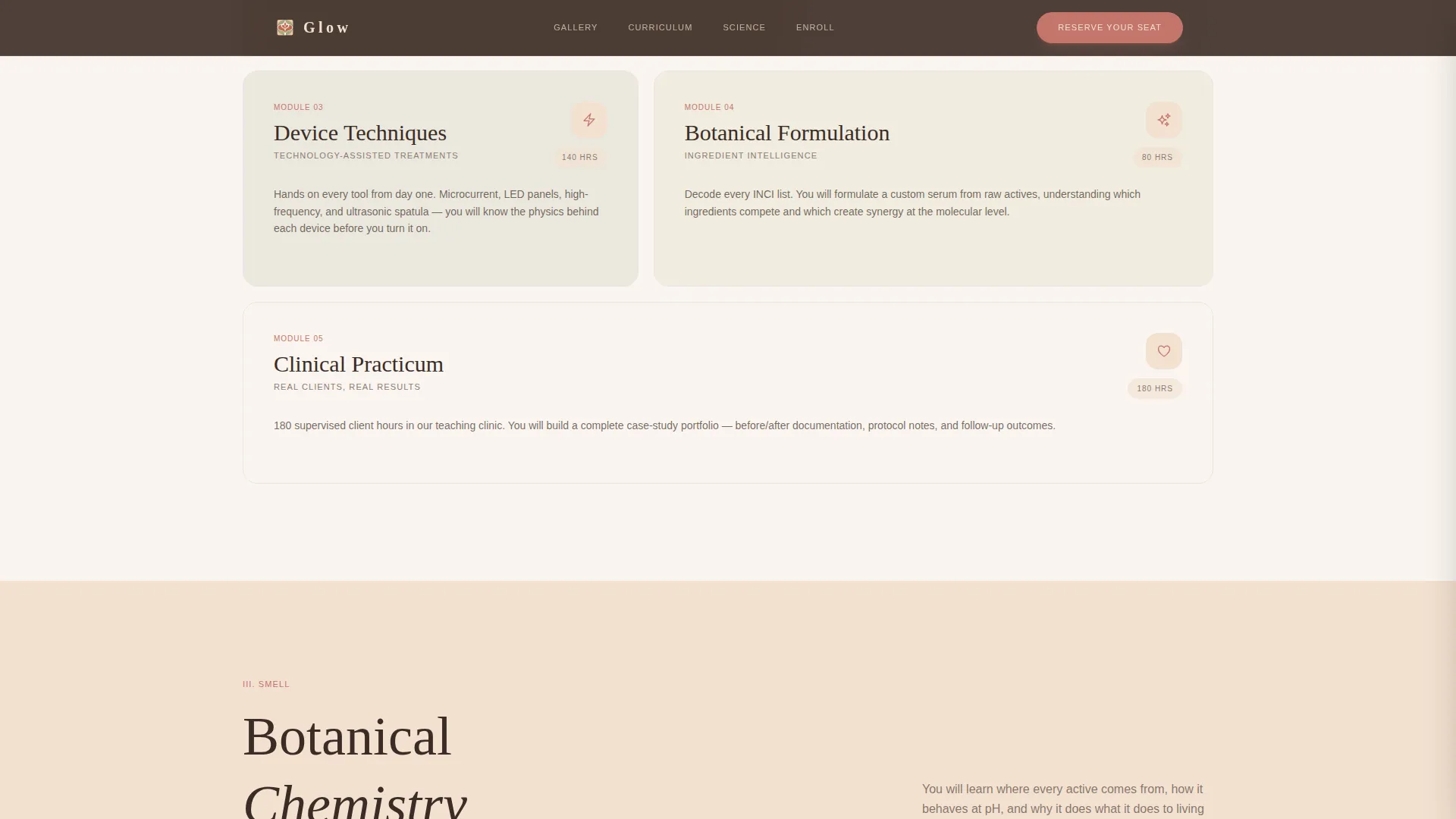
- An interactive curriculum module with hover-activated tool and product reveals
- A botanical chemistry section with watercolor ingredient cards
- A dual-path call-to-action section with enrollment flow and catalog download option
Feature list
Full-Screen Cinematic Video Header
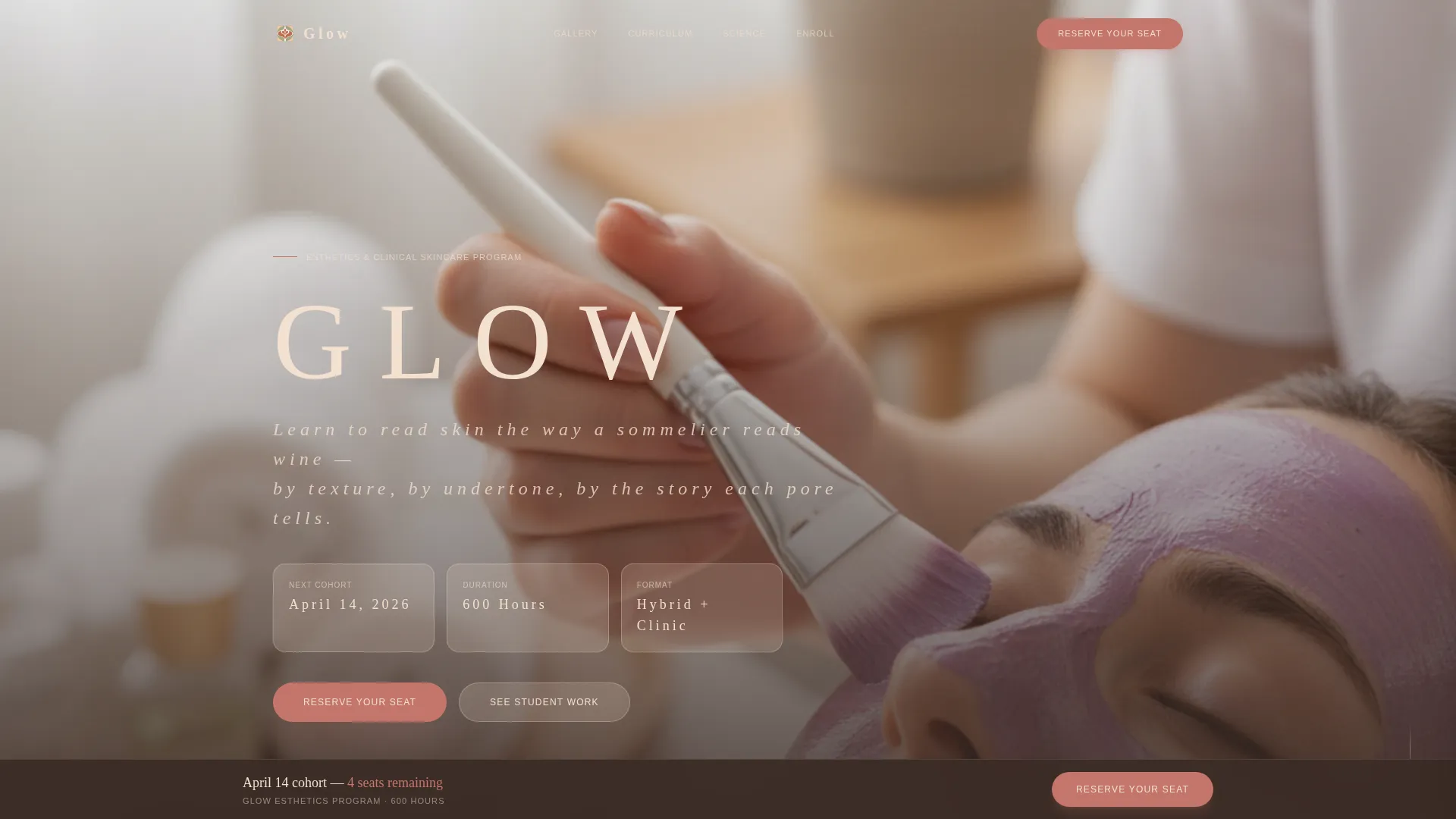
The hero fills the entire viewport with slow, intimate close-up footage of treatment techniques. The program name fades in after four seconds in thin serif type, giving the page a calm, editorial opening that immediately sets the program apart.
Masonry Before-and-After Gallery
Student work is displayed in a masonry grid using clinical before-and-after photography. Clicking any image opens a detail panel that shows the treatment protocol used, making outcomes concrete and credible before tuition is ever mentioned.
Interactive Curriculum Module
Each course card in the curriculum section responds to hover by revealing the physical tools and professional products students will use during training. This tactile preview helps prospective students picture themselves inside the program.
Botanical Chemistry Ingredient Cards
The botanical chemistry curriculum is illustrated through individual ingredient cards rendered in organic watercolor tints. Each card names the active ingredient and its source, giving the section both visual warmth and informational depth.
Dual-Path Enrollment Call to Action
The primary call to action, "Reserve Your Seat," opens a modal with a program start date selector, a full-pay or installment toggle, and a short intake form. A secondary path offers a course catalog download for visitors who need more time, capturing their name and email.
Sticky Enrollment Bar
Once a visitor scrolls past the curriculum section, a sticky bar carrying the "Reserve Your Seat" prompt remains visible at the bottom of the screen. This keeps the enrollment path accessible without interrupting the reading experience.
Page sections overview
| Section | Purpose |
|---|---|
| Cinematic Video Hero | Opens with close-up treatment footage and delayed program name reveal |
| Masonry Gallery | Displays student before-and-after work with expandable protocol detail panels |
| Curriculum Module | Interactive course breakdown with hover-revealed tools and products |
| Botanical Chemistry | Ingredient cards in watercolor tints illustrating the skincare science curriculum |
| Enrollment Call to Action | Pricing reveal, Reserve Your Seat modal, and course catalog download path |
| Minimal Footer | Horizontal flow footer on sand background for clean page close |
Design & branding system
The visual identity follows an Organic Flow theme rooted in a Desert Rose color system. Every color choice references the warmth of a desert spa, clay walls, linen on stone, and dried botanicals overhead.
- Terracotta (#C4756B) is used on buttons and section dividers; soft sand (#F2E0D0) dominates all backgrounds; dried sage (#A3A380) activates on hover states and secondary accents; deep canyon shadow (#3B2C26) grounds all body text
- Typography pairs Fraunces, a wide-tracked serif display face, with DM Sans for body copy, creating contrast between editorial elegance and clean readability
- Scroll-triggered reveals, a delayed hero text fade, hover interactions on curriculum cards, and a gallery lightbox modal deliver a high-animation, tactile browsing experience
Mobile & speed optimization
The template is built desktop-first, reflecting the detail-intensive nature of the gallery and curriculum interactions. A responsive mobile layout is included so the page remains functional and presentable on smaller screens.
- CSS scroll-behavior smooth and Intersection Observer API power the scroll-triggered section reveals without heavy JavaScript dependencies
- The masonry gallery and curriculum hover modules adapt to touch interactions on mobile, preserving core functionality across devices
How this template helps you convert
The page is structured so that evidence of student outcomes appears before any mention of cost. This sequencing reduces resistance and builds genuine desire before asking for a decision.
- The before-and-after gallery and treatment protocol detail panels make transformation results tangible, giving prospective students a concrete reason to keep reading before tuition is revealed
- The sticky enrollment bar and dual-path call to action lower commitment friction, visitors can reserve a seat immediately or download the catalog, ensuring no qualified lead leaves without a next step
Other information about this template
This template is suited to programs that want to position themselves as a serious clinical training environment rather than a general cosmetology school. The editorial tone and sensory scroll journey communicate rigor and intentionality without feeling cold or institutional.
- The page is localized for English-language audiences in the United States, with pricing displayed in USD
- The enrollment modal includes a program start date selector, a full-pay or installment payment toggle, and an intake form collecting education level and any current licenses held
- The footer uses a horizontal flow pattern on a sand background, keeping the page close minimal and on-brand
- The template is designed for esthetics and skincare program pages where desktop browsing is the primary experience, with mobile as a supported secondary format
Theme
Organic Flow
Creative direction
Sensory Appeal
Color system
Desert Rose
Style
Gallery + Detail
Direction
Direct Sales
Page Sections
Full-screen Cinematic Video Header
Masonry Before-and-after Gallery
Interactive Curriculum Module
Botanical Chemistry Ingredient Cards
Dual-path Enrollment Call to Action
Sticky Enrollment Bar
Related questions
Who is this landing page template designed for?
Does the template include the enrollment flow modal?
How does the before-and-after gallery work?
Is this template suitable for mobile users?
Can I update the colors and fonts to match my school's brand?