Carpenter Blog Website Template
Grain is a sidebar companion landing page built for carpenters who want their online presence to match the quality of their work. It pairs an editorial magazine aesthetic with a practical resource layout, categorized frequently asked question navigation, downloadable guides, and clear contact forms, so potential clients get honest answers and your carpentry business earns their trust before they ever reach out.
by Rocket studio
Quick summary
Grain is a focused carpenter website landing page designed to answer real questions and build real trust. It works as a sidebar companion to your main carpenter website, organizing knowledge by category, presenting each answer with visual proof, and guiding visitors toward a free downloadable guide. The template feels like a well-lit workshop, quiet, authoritative, and genuinely useful.
Who this template is for
This template suits any carpentry business that wants to educate visitors while building credibility. It works especially well for sole traders and small shops whose knowledge is their biggest competitive advantage.
- Professional carpenter and custom joinery studios serving local homeowners and renovation clients
- Finish carpentry specialists who work alongside interior designers and contractors on high-end builds
- Small carpentry businesses looking to grow their online presence without writing code from scratch
What problem this template solves
Most carpenter websites show work but do not explain it. Potential clients searching for answers about wood movement, joinery choices, or finishing options leave without contacting anyone. This template solves that gap directly.
- Visitors arrive with questions; the categorized frequently asked question layout gives them fast, trustworthy answers
- Homeowners mid-renovation and DIY builders often hesitate to call; thorough frequently asked question content lowers that barrier
- A carpentry business without a strong content resource loses potential clients to competitors who publish helpful guidance
What you get with this template
You get a fully structured content and resource landing page that works alongside your main carpenter website. Every section has a clear job to do.
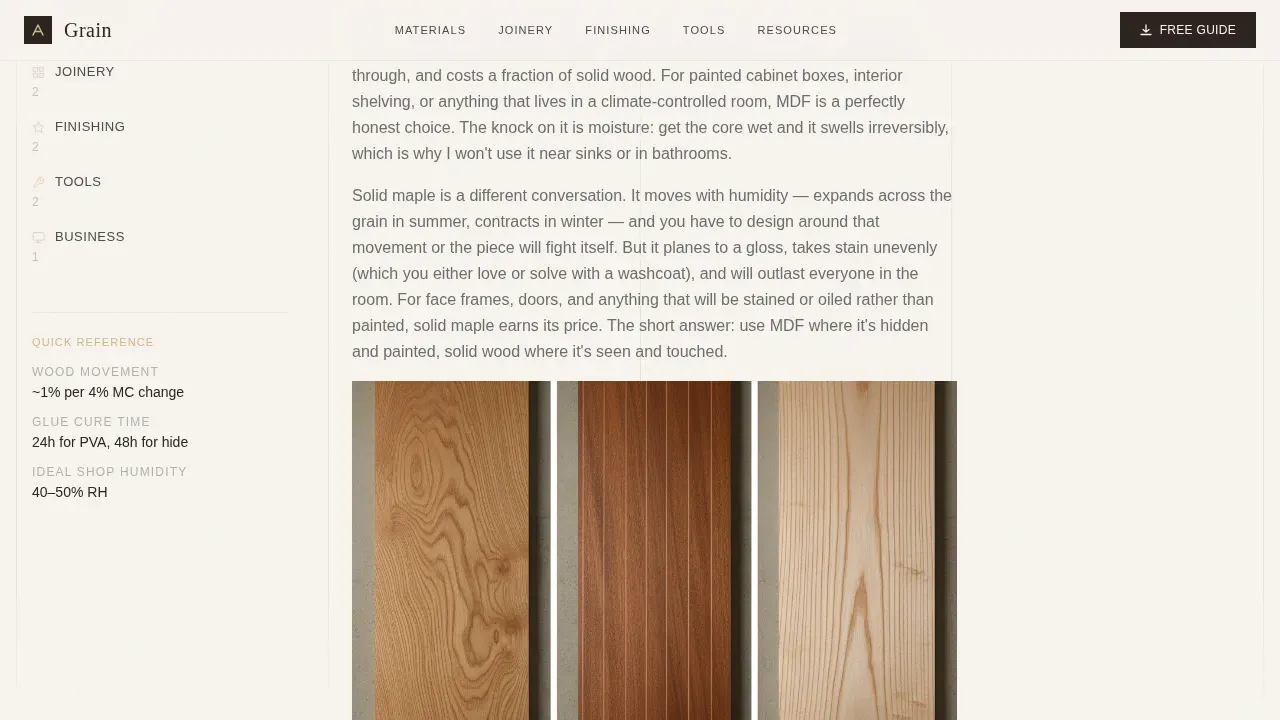
- A sticky sidebar with five content categories, Materials, Joinery, Finishing, Tools, and Business, so visitors navigate without losing their place
- A persistent sidebar card and inline placement for the primary call to action, a free downloadable Wood Species Guide, gated by a short first-name-and-email form
- An open-text submission form at the page bottom for visitors to submit questions your frequently asked question has not yet covered
Feature list
This section covers the core capabilities built into the Grain template as described in the source brief.
Categorized Sticky Sidebar Navigation
The sidebar locks into place as visitors scroll, displaying five topic categories. Each active state is highlighted in workshop red, making it easy to jump between Materials, Joinery, Finishing, Tools, and Business content without losing context on the page.
Half-Page Editorial Header
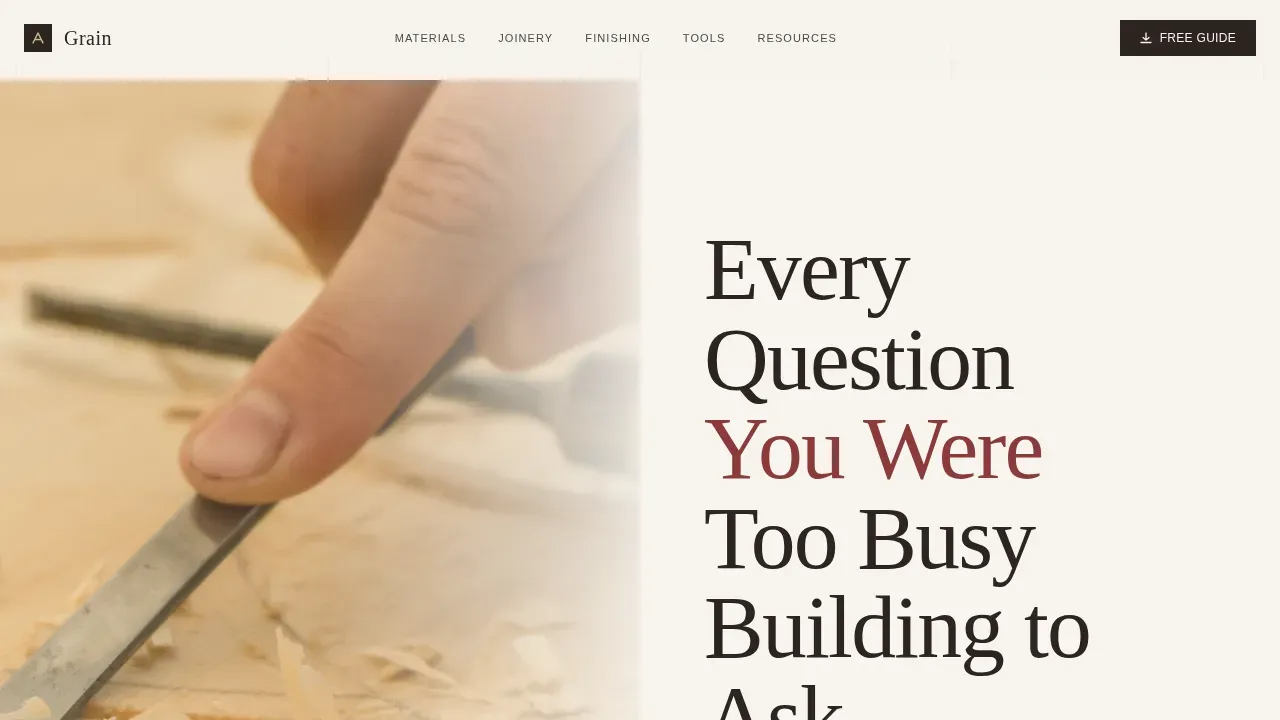
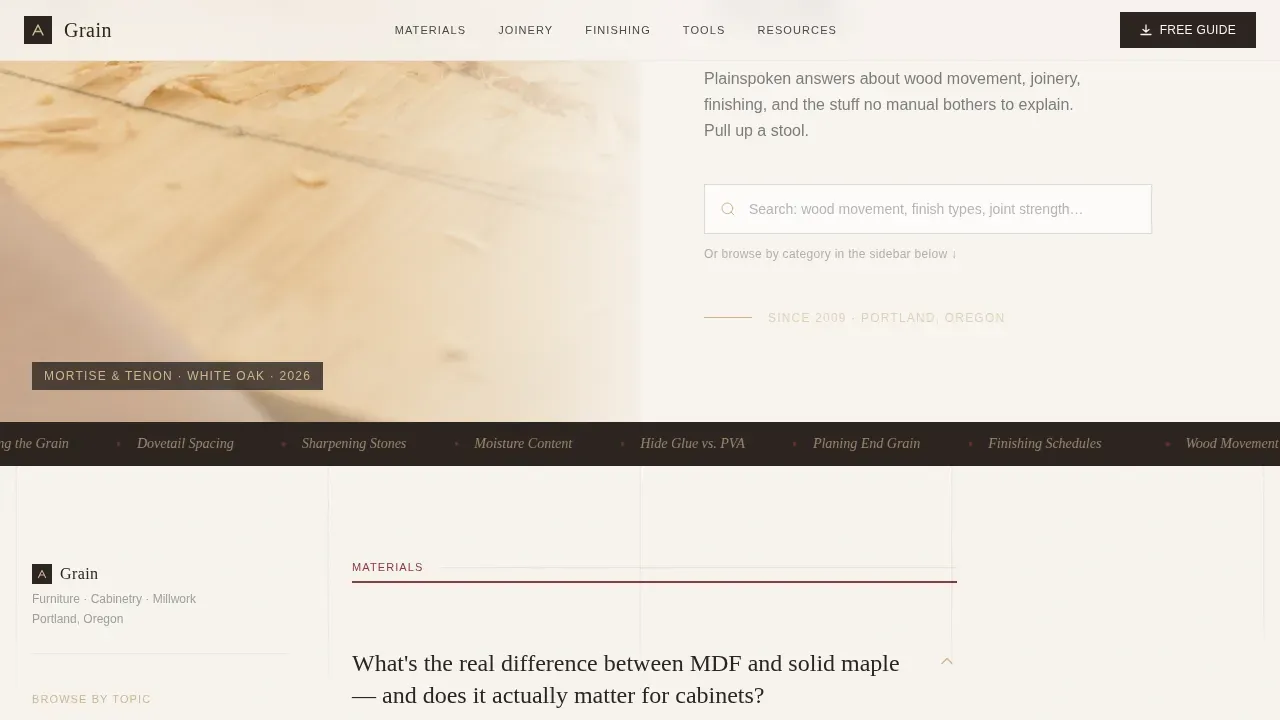
The header splits into two zones. The left side holds a close-cropped editorial photograph, hands mid-chisel on a mortise, wood shavings curling upward, grain pattern sharp enough to feel. The right side carries a large serif headline and a search field with descriptive ghost text, so visitors understand the page's purpose immediately.
frequently asked question Answer Blocks with Visual Proof
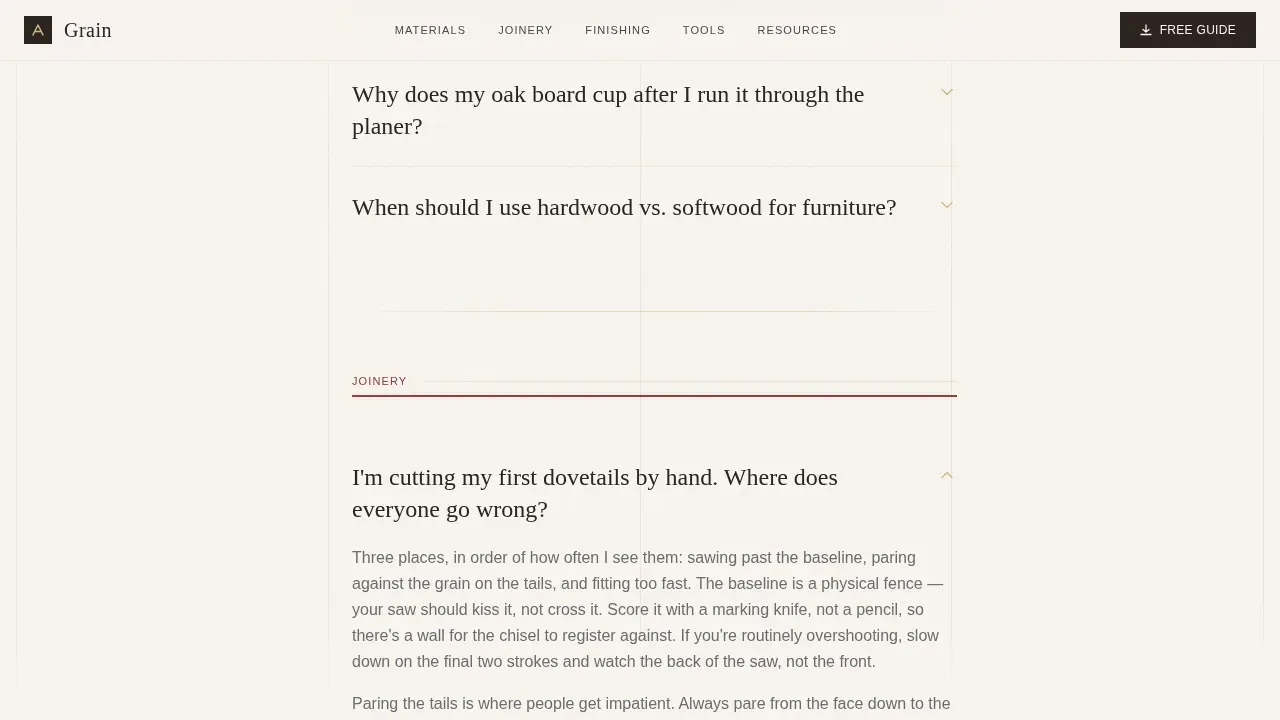
Each answer follows a consistent rhythm: a bolded one-line question, two plainspoken paragraphs of explanation, and a captioned photo or diagram showing the technique in progress. This structure helps potential clients trust each answer before they scroll to the next one.
Downloadable Resource Blocks
Beyond the frequently asked question clusters, the page surfaces downloadable assets: a wood species comparison chart, a finish compatibility table, and a tool maintenance checklist. Each resource is introduced with a short paragraph explaining when and why a visitor would need it.
Lead Capture Forms
Two contact forms serve different intents. The primary form collects a first name and email address alongside a single newsletter opt-in checkbox, tied to the Wood Species Guide download. The secondary open-text form at the page bottom invites visitors to submit questions directly, creating a personal connection and a steady pipeline of future content ideas.
Search Field with Ghost Text
The header includes a functional search field with ghost text reading "Search: wood movement, finish types, joint strength…" This helps potential customers self-direct to the answers most relevant to their project details, reducing bounce and improving time on page.
Page sections overview
| Section | Purpose |
|---|---|
| Half-Page Header | Introduce page with editorial photo and headline |
| Search Field | Help visitors self-direct to relevant answers |
| Sticky Sidebar Nav | Persistent category navigation across the scroll |
| frequently asked question Answer Blocks | Deliver thorough, visually supported answers |
| Inline Guide call to action | Offer Wood Species Guide after third frequently asked question cluster |
| Resource Download Blocks | Surface comparison charts and maintenance checklists |
| Sidebar Lead Card | Persistent download prompt visible throughout scroll |
| Question Submission Form | Invite visitors to submit unanswered questions |
Design & branding system
The website's design follows an Editorial Magazine theme built on the Cloud Canvas color system. Every color choice references a physical object from the workshop, making the palette feel earned rather than arbitrary.
- Soft warm white (#F7F4EF) for page backgrounds, sanded birch (#D2B48C) for accent surfaces, pencil-line gray (#4A4A4A) for body text, and workshop red (#8B3A3A) reserved for linked headings and active sidebar states
- Typography uses large, unhurried serif headlines paired with clean body text, the style guide keeps hierarchy clear so skimming feels natural
- The overall visual direction, called Transparent Process, means every design choice supports the content's honesty: the layout shows the work, not just the result
Mobile & speed optimization
The template is built to display correctly across mobile devices, tablets, and desktops. Visitors arriving from social media platforms or local search results on their phones get the same clear layout as desktop users.
- The sticky sidebar adapts gracefully so the navigation remains accessible on smaller screens without blocking content
- High quality images are used throughout, sized to display sharply across multiple devices without disrupting readability
How this template helps you convert
A beautifully designed carpenter website is only the starting point. This template earns conversions by building trust through content before making any ask.
- The frequently asked question answer blocks answer six or seven questions thoroughly, so visitors already trust the carpenter's knowledge before the Wood Species Guide is offered, making the download feel like a natural next step rather than a cold ask.
- The persistent sidebar lead card and inline call-to-action placement work together so the offer is visible throughout the scroll without feeling aggressive, giving potential clients time to decide at their own pace.
- The open-text submission form at the bottom converts visitors who did not find their answer, turning unanswered questions into direct contact opportunities and future frequently asked question content.
Other information about this template
This section covers additional context useful for carpenters evaluating whether Grain fits their setup, including platform, customization, and practical maintenance considerations.
- Grain is built as a webflow template, so it functions as a premium webflow template and an ultimate webflow template option for carpenters who want a professional look without needing coding skills to launch
- Use a website builder that supports Webflow to publish quickly; your domain name serves as the website's address, so choose a business name-aligned domain before going live
- A web hosting service is handled within the Webflow ecosystem, so the new site can go live without managing separate hosting accounts
- The website template includes a style guide that keeps the Cloud Canvas palette consistent if you adjust colors or add pages later; the style guide also documents typography rules for headings and body text
- Carpenter website examples that follow an editorial content structure, like Grain, tend to perform better in local seo because fresh, detailed frequently asked question content gives the search engine more relevant text to index
- Claiming your Google Business Profile alongside this carpenter website strengthens visibility in local search results for your service area; use google analytics to track performance and understand which frequently asked question topics attract the most visitors
- Regularly update the frequently asked question and resource blocks to keep the site automatically fresh; search engine optimization benefits accumulate when new content is added consistently
- Check for broken links whenever you update downloadable resources; broken links in a resource-heavy carpenter website damage trust quickly with potential clients
- The template suits carpentry businesses offering carpentry services across custom furniture, custom cabinetry, and finish carpentry, as well as those positioning their construction website alongside a dedicated resource page
- Client testimonials from satisfied clients and past clients can be added to the sidebar or resource section to reinforce credibility; happy clients and satisfied customers make compelling social proof in a competitive market
- High quality photos of completed projects and high quality images of carpentry work, including high resolution images of grain detail, are essential for this template to perform as intended
- The services page and contact page within your broader carpenter website should link back to this resource landing page so potential clients searching for specific services can find authoritative answers
- Interior designers and renovation project managers are secondary audiences; the content depth and professional site presentation make Grain suitable for attracting clients beyond direct homeowner inquiries
- An online store or digital storefront for downloadable plans can be linked from the resource blocks, expanding the template's commercial scope without altering its educational tone
- The carpenter website design keeps client work and best projects visible through images, while the frequently asked question format keeps the focus on the carpenter's expertise rather than just the finished work
- Keep contact forms and the contact page up to date so potential customers can reach you without friction; a well-structured contact form captures project details efficiently and reduces back-and-forth for attracting potential clients
- Wood grain can be classified into face grain, edge grain, and end grain; highlighting this in your frequently asked question content helps establish your expertise with visitors who are new to woodworking materials
- Grain matching creates a seamless, high-end look across drawer fronts and doors; explaining this technique in your frequently asked question answers attracts clients looking for exceptional craftsmanship
- Common finishes to highlight wood grain include natural oils, matte polyurethanes, and hand-rubbed oil finishes; including these in your finish compatibility resource adds practical value for visitors
Theme
Editorial Magazine
Creative direction
Transparent Process
Color system
Cloud Canvas
Style
Sidebar Companion
Direction
Content/Resource
Page Sections
Categorized Sticky Sidebar Navigation
Half-page Editorial Header Layout
Frequently Asked Question Answer Blocks with Visual Context
Downloadable Resource Section
Dual Lead Capture Forms
Inline and Sidebar Call-to-action Placement
Related questions
Who is the Grain template best suited for?
Do I need technical skills to use this template?
Can I add my own frequently asked question questions and downloadable resources?
How does the lead capture form work?
Will this template help potential clients find me online?



