Certified Preschool Academy Landing Page Template
Enroll is a single-page preschool landing page template built to convert cautious parents into confident inquiries. It uses a zigzag FAQ-driven layout to address real parent concerns, from tuition costs to first-day drop-off, and guides families toward a free estimate form. The Editorial Magazine visual style pairs deep charcoal type with marigold call-to-action buttons for a tone that feels trustworthy and warm.
by Rocket studio
Quick summary
Enroll is a preschool landing page template designed around one goal: turning a parent's late-night research session into a real inquiry. The page uses an FAQ-driven zigzag layout to answer genuine parent questions in sequence, building trust from practical concerns to emotional ones, and ends with a clear path to a free estimate form.
Who this template is for
This template is built for preschool owners and early education directors who need a focused, professional web presence. It speaks directly to families making one of their first big childcare decisions.
- Preschool operators who want a polished page without starting from scratch
- Early childhood educators marketing play-based, Montessori, or Reggio-inspired programs
- School administrators looking to increase enrollment inquiries through a clear click-through flow
What problem this template solves
Most preschool pages either feel like corporate brochures or cluttered bulletin boards. Neither earns the trust of a parent researching at 11 p.m. on their phone. This template fixes that gap with a calm, editorial layout that addresses the exact questions families bring to that search.
- Parents arrive with anxiety about cost, class size, and separation; the template answers those concerns in order
- Generic school pages bury the call to action; this template places it after every third FAQ pair so momentum never stalls
- Families often leave without acting; the qualifying line above each button previews the short next step and reduces hesitation
What you get with this template
You get a complete, single-page layout structured to move a first-time visitor from curiosity to a submitted inquiry. Every section has a clear job, and nothing is decorative without purpose.
- A zigzag alternating section layout with editorial photography placeholders and large question-led headlines
- A primary call-to-action button labeled "Get Your Free Estimate" placed beneath the header and repeated after every third FAQ pair
- A secondary text link labeled "Schedule a Tour Instead" positioned lower on the page for warmer, further-along visitors
Feature list
This template is built around a small number of deliberate, well-executed features. Each one serves the parent's decision-making process and the school's enrollment goal.
FAQ-Driven Zigzag Layout
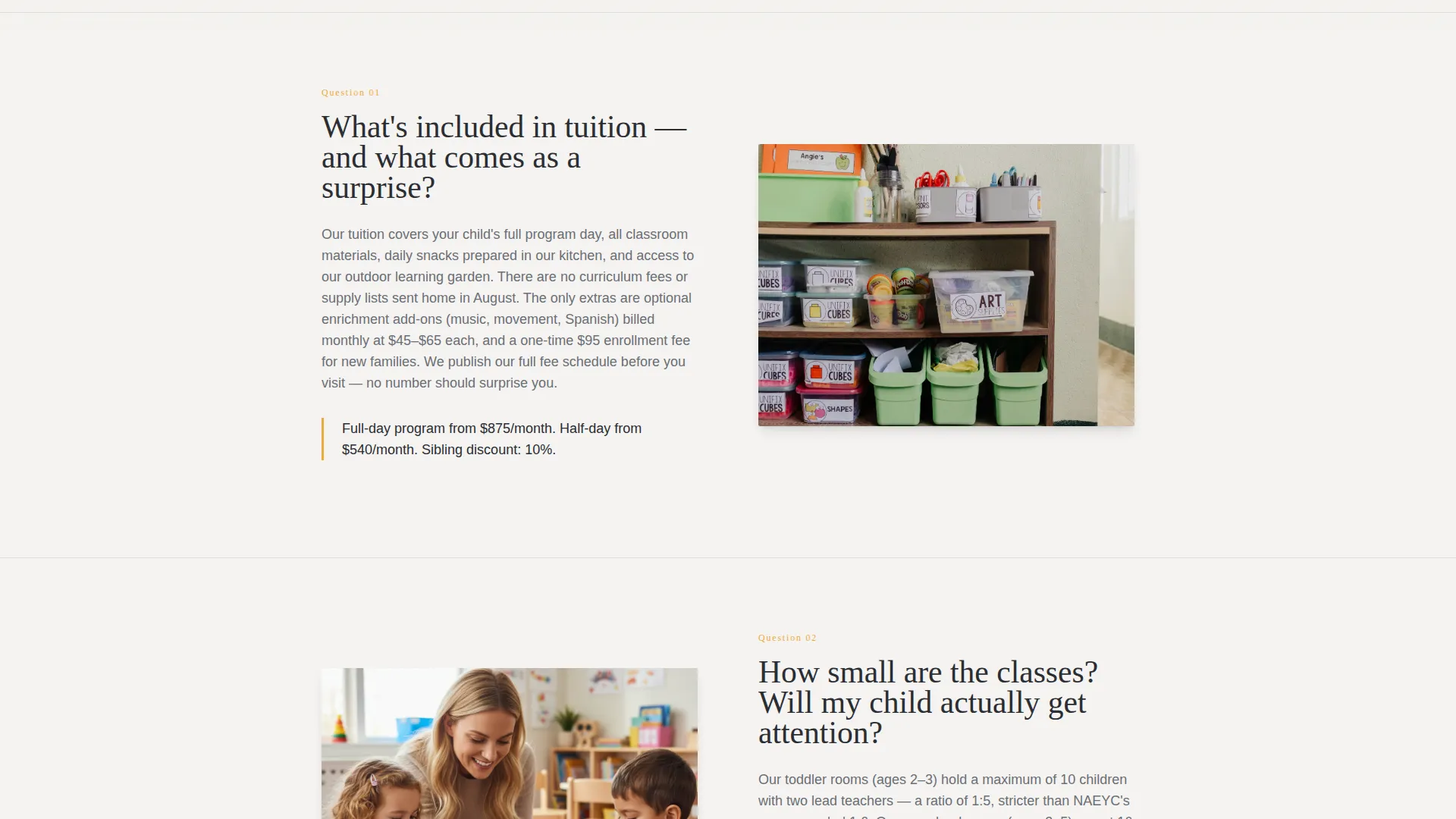
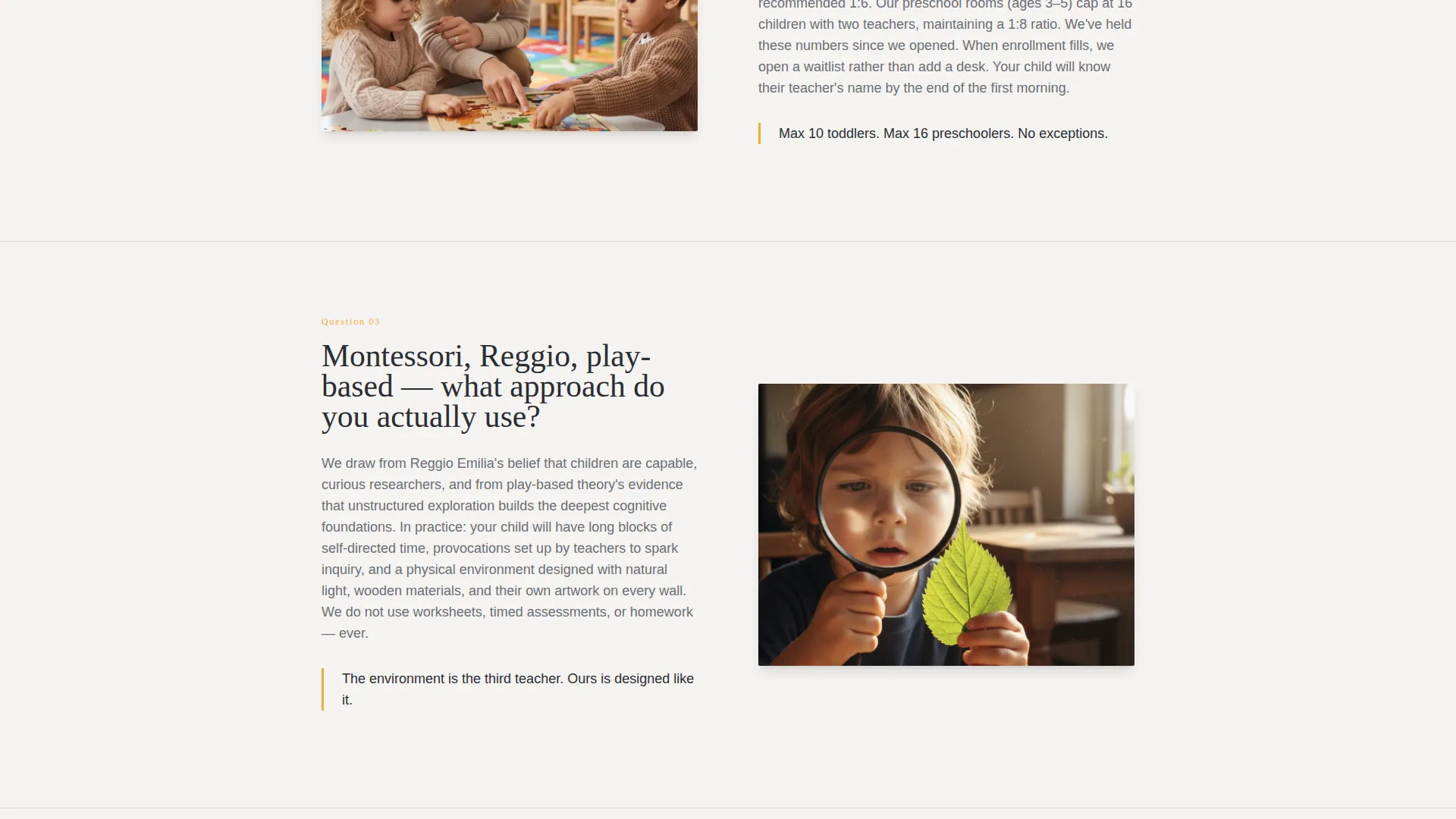
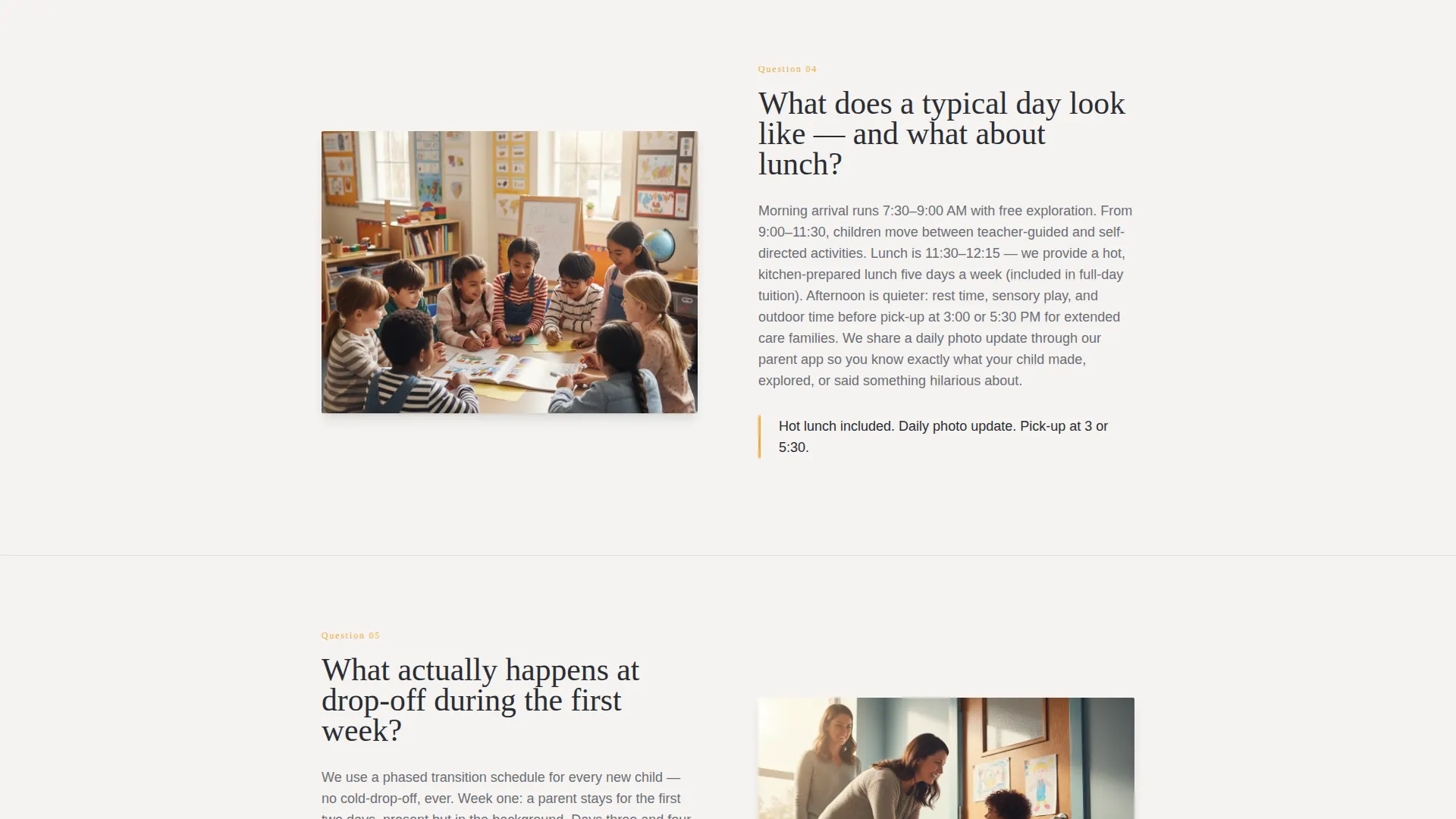
Each alternating section poses a single real parent question in large editorial type on one side, answered with a short paragraph and a supporting photograph on the other. The sequence moves from practical concerns like cost and schedule to emotional ones like socialization and first-day separation, so the page reads as a conversation rather than a sales pitch.
Giant Editorial Header
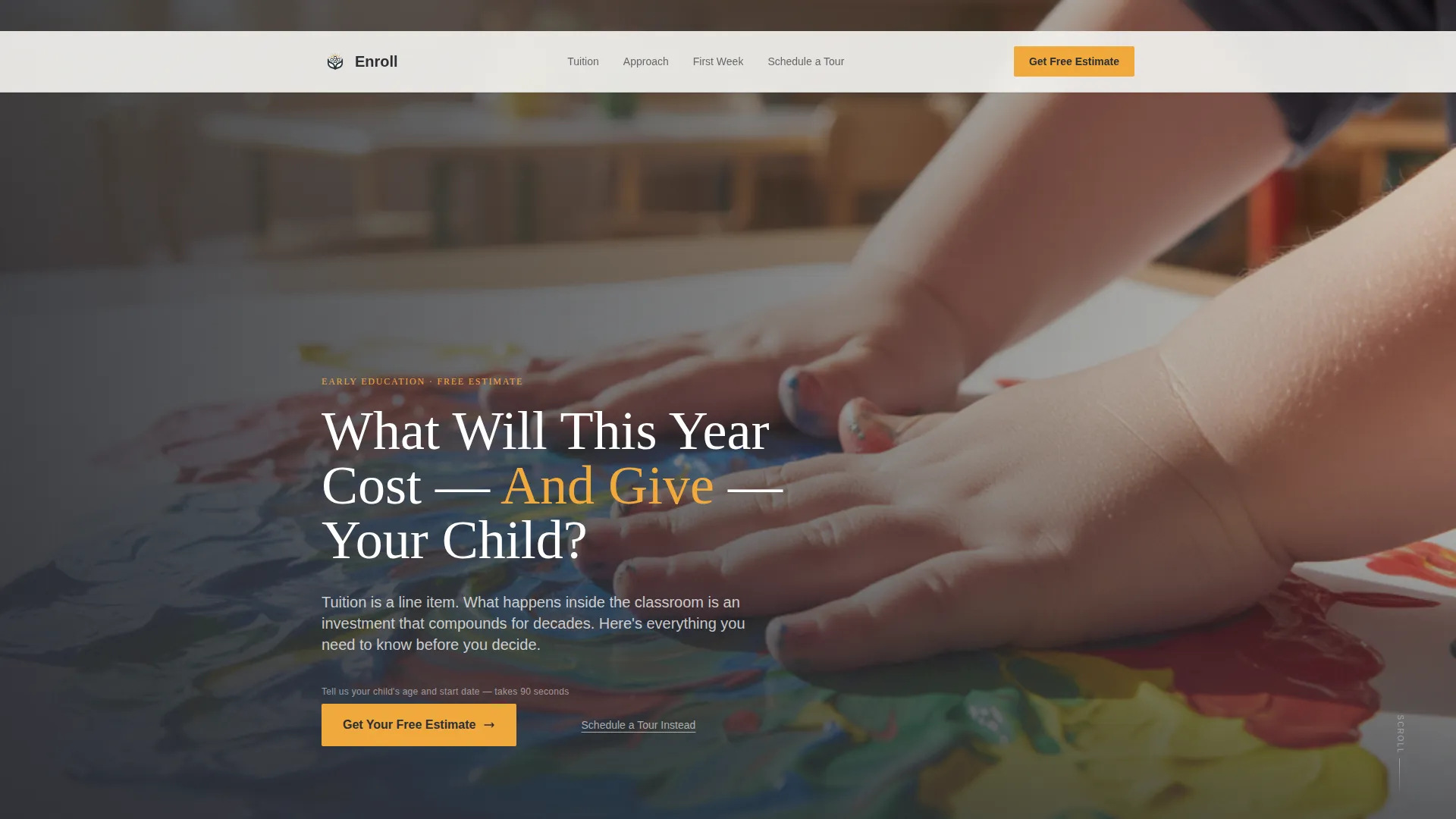
The page opens with an oversized serif headline reading "What Will This Year Cost And Give Your Child?" set flush-left in deep charcoal against newsprint white. A right-column documentary photograph of small hands pressing paint onto paper sits beside it, cropped tight with shallow focus for an intimate, magazine-cover feel.
Repeating Marigold Call-to-Action Buttons
The primary button, "Get Your Free Estimate," appears first beneath the header and repeats in marigold after every third FAQ pair. A single qualifying line above each button, "Tell us your child's age and start date," previews how short the next step is and reduces drop-off before the click.
Secondary Tour-Scheduling Link
A text link reading "Schedule a Tour Instead" appears lower on the page. It catches parents who have already read enough to trust the school and are ready for a more personal next step, without competing with the primary conversion path.
Monochrome Steel Color System
The palette uses deep charcoal, warm mid-gray, soft newsprint white, and a single marigold accent. Marigold is reserved strictly for buttons, pull-quotes, and highlighted tuition figures, keeping the accent meaningful and the overall design calm and editorial.
Click-Through Conversion Structure
The page is optimized as a click-through to a detailed estimate form on the next page. The layout, button placement, qualifying copy, and secondary link all work together to move parents forward without pressure.
Page sections overview
| Section | Purpose |
|---|---|
| Editorial Header | Introduce the school's value question and primary call to action |
| FAQ Pair One | Address tuition costs and what is included |
| FAQ Pair Two | Cover class sizes and daily schedule |
| call to action Block One | Repeat "Get Your Free Estimate" with qualifying line |
| FAQ Pair Three | Answer meal, drop-off, and logistics questions |
| FAQ Pair Four | Explore socialization and developmental readiness |
| call to action Block Two | Repeat primary button with qualifying line |
| FAQ Pair Five | Handle separation anxiety and first-week drop-off |
| Secondary call to action | Present "Schedule a Tour Instead" text link |
Design & branding system
The visual identity follows an Editorial Magazine theme. Every design choice reinforces the feeling of a trusted, design-forward parenting publication rather than a generic school website.
- Color system: deep charcoal (#2B2D33) for headlines, warm mid-gray (#6B6E76) for body text, soft newsprint white (#F4F3F0) as the page background, and marigold (#F2A93B) reserved for buttons, pull-quotes, and tuition callouts
- Typography: oversized serif type for headlines set flush-left, creating a strong editorial hierarchy that feels authoritative without being cold
- Photography style: documentary and intimate, shot tight with shallow focus, no generic stock imagery, compositions that feel unhurried and specific to early childhood spaces
Mobile & speed optimization
The template is structured for clean rendering across screen sizes. Parents researching preschool options often do so on a phone, so the layout is built to stay readable and functional at smaller viewports.
- Zigzag alternating columns stack cleanly on mobile so text and image pairs remain paired and legible
- Marigold call to action buttons remain prominent and tappable at every breakpoint, maintaining conversion flow on small screens
- Large editorial type scales naturally across devices, keeping headlines impactful without requiring horizontal scrolling
How this template helps you convert
The entire page is engineered as a click-through funnel to a free estimate form. Every structural decision supports that single conversion goal.
- The FAQ-driven sequence builds trust progressively, from cost and logistics to emotional concerns, so parents feel understood before they are ever asked to act
- Marigold call to action buttons repeat at predictable intervals with a friction-reducing qualifying line, giving parents multiple natural moments to click without feeling pressured
- The secondary "Schedule a Tour Instead" link captures high-intent visitors who are past the research stage, ensuring no warm lead leaves the page without a path forward
Other information about this template
This template sits at the intersection of professional services marketing and early education enrollment. It is designed for preschool marketing use cases where trust, warmth, and clarity must coexist on a single page.
- The template style follows a Sidebar Companion structure adapted into a full-width zigzag for landing page flow
- The header concept draws from a Quote and Manifesto approach, using a direct, stakes-setting question to open the page rather than a generic welcome statement
- This template is well-suited for preschool programs that want to differentiate from competitors by leading with transparency about cost and curriculum rather than hiding those details behind a contact wall
Theme
Editorial Magazine
Creative direction
Logo Wall Authority
Color system
Monochrome Steel
Style
Sidebar Companion
Direction
Partnership/B2B
Page Sections
Faq-driven Zigzag Layout
Giant Editorial Header Block
Repeating Marigold Call to Action Buttons
Secondary Tour-scheduling Link
Monochrome Steel Color System
Click-through Conversion Structure
Related questions
What kind of preschool is this template designed for?
Can I use this template for a free estimate or inquiry page?
How many call-to-action buttons does the template include?
Is the photography included with the template?
Who is the target audience for this landing page template?



