Trusted Animal Control Landing Page Template
Warden is a warm, card-grid landing page built for city and municipal animal control offices. It greets residents with a documentary-style hero, animated accountability stats, and a modular resource grid that puts every service one click away. From stray-dog reports to trap loan requests, the layout moves visitors from "I have a problem" to "I found the answer" without a single gated form.
by Rocket studio
Quick summary
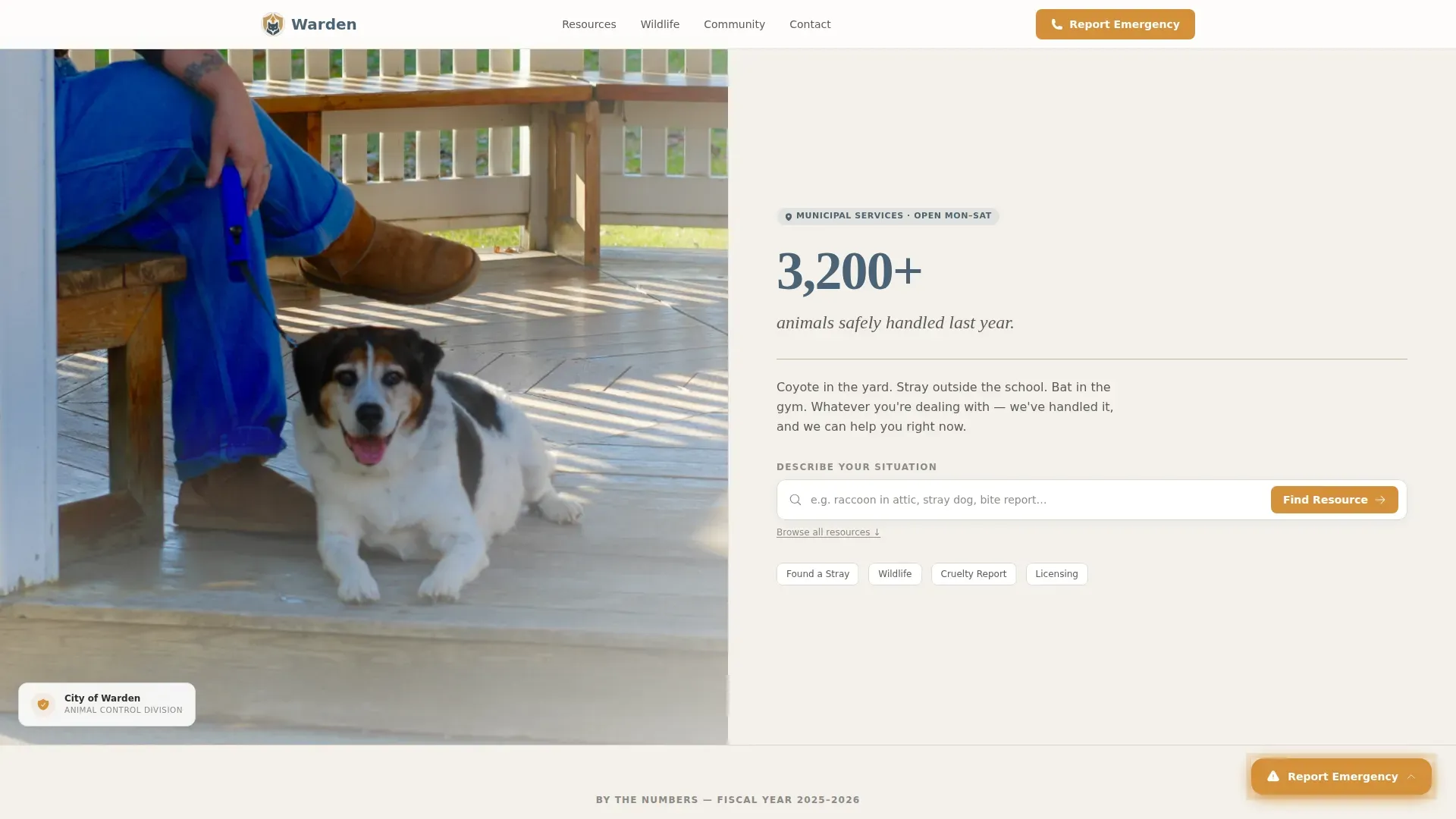
Warden is a single-page municipal animal control template designed around a card-grid layout. It opens with a split-hero featuring a real-context officer photo and an animated stats row. A searchable resource grid organizes every resident need, from wildlife encounters to pet licensing, with a persistent emergency button always within reach.
Who this template is for
This template is built for city departments and municipal offices that manage animal control services. It suits any public-facing team that needs to give residents fast, clear access to help.
- City animal control offices publishing community resources online
- Municipal communications teams building a credible service hub
- Local government departments replacing outdated static pages with an interactive resource center
What problem this template solves
Residents facing an animal situation need answers immediately. A disorganized page forces them to hunt through menus, fill out forms, or call a general city line before they reach the right resource. That friction erodes trust and delays help.
- No single entry point for the range of situations residents actually face
- Emergency contacts buried behind navigation layers or generic contact forms
- Proactive resources like clinic schedules and foster sign-ups scattered or missing entirely
What you get with this template
The template delivers a fully structured, single-page layout organized from urgent situations to community involvement. Every component is visible and actionable without login or registration.
- A half-page photo-and-text hero with an officer photograph, a bold accountability stat, and a live search bar
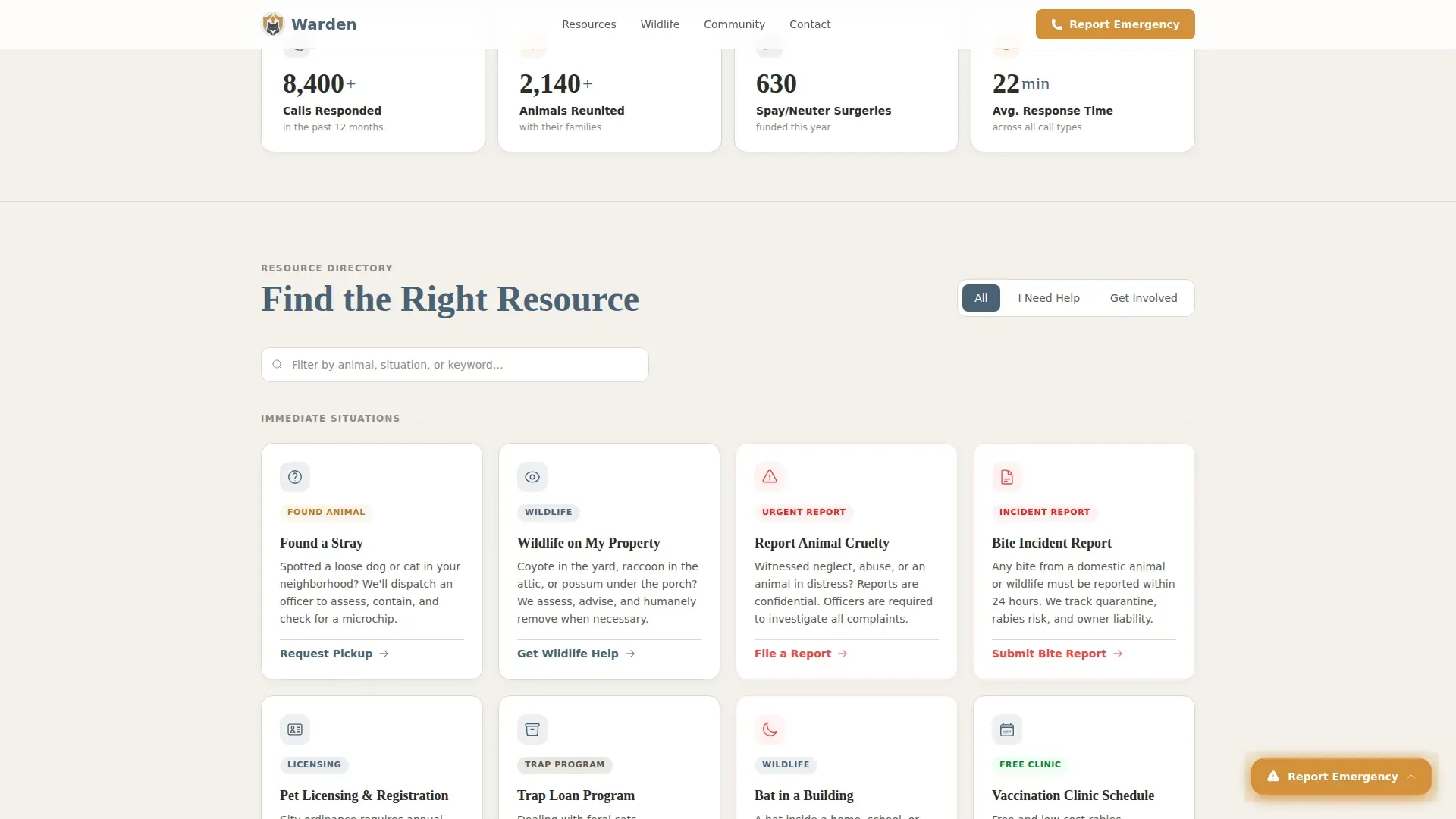
- An animated counters row tracking calls responded to, animals reunited, spay and neuter surgeries funded, and average response time
- A modular card grid covering six resident situations, plus proactive resource sections for clinics, volunteering, and education materials
Feature list
The Warden template ships with purpose-built components that match how a municipal animal control office actually operates.
Animated Stats Row
Four scroll-triggered counters tick upward as the visitor enters the viewport. They display calls responded to, animals reunited, spay and neuter surgeries funded, and average response time in minutes. This section establishes the office as active and accountable before the visitor reads a single card.
Real-Time Search Filter
A search bar labeled "Describe your situation" sits in the hero and filters the card grid live by keyword or animal type. Residents dealing with a bat in a school gymnasium or a feral cat colony behind a duplex can type naturally and reach the right card without scrolling.
Modular Resource Card Grid
Six clearly labeled cards cover the most common resident needs: Found a Stray, Wildlife on My Property, Report Animal Cruelty, Pet Licensing and Registration, Bite Incident Report, and Trap Loan Program. Each card holds a line icon, a two-sentence description, and a direct action link. No gated forms stand between the visitor and the resource.
Persistent Emergency Button
A floating button in alert amber reads "Report an Emergency" and remains visible at every scroll position. It links directly to the dispatch phone number and after-hours hotline, so a resident at 2 a.m. with a possum under the porch never has to search for contact information.
Proactive Community Section
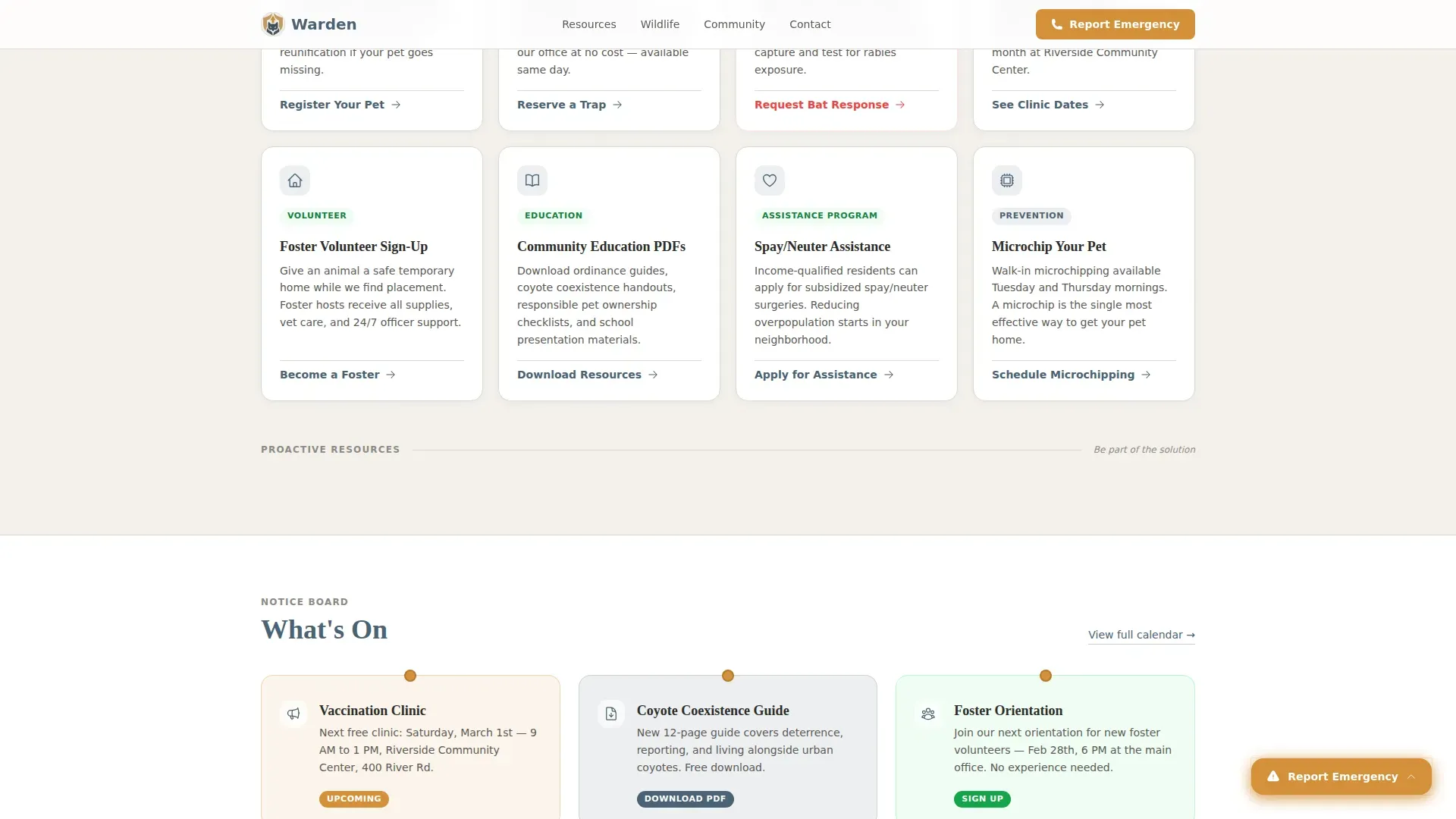
Below the reactive card grid, the layout shifts to forward-looking resources. Vaccination clinic schedules, foster volunteer sign-ups, and downloadable community education materials are presented so residents move naturally from problem-solver to community participant.
Community Trust Section
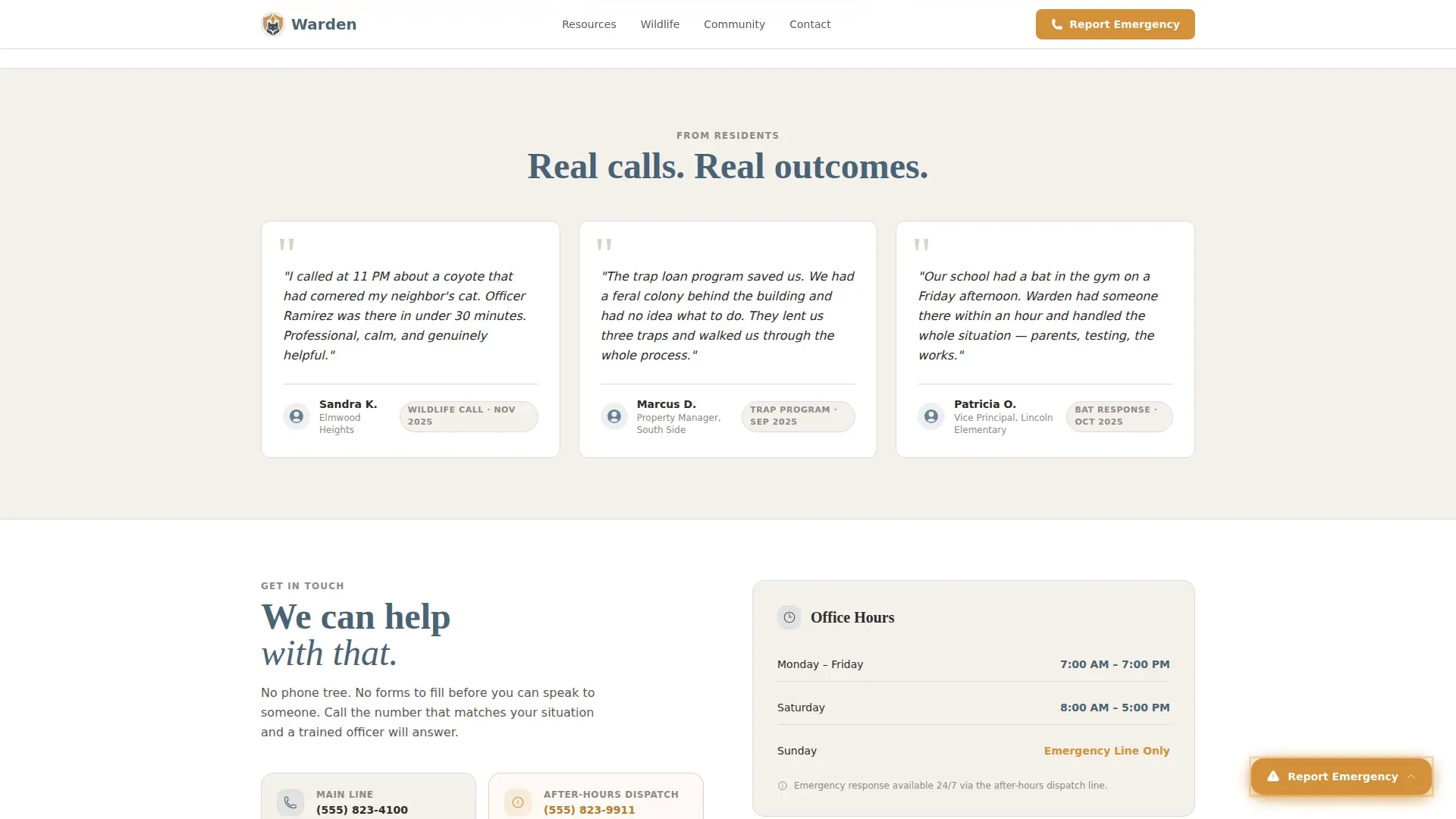
Resident testimonials with names and neighborhoods, paired with office hours and contact details, close the page with social proof. This section reinforces credibility through real voices rather than institutional language.
Page sections overview
| Section | Purpose |
|---|---|
| Hero split header | Introduces the office with an officer photo, a key stat, and the search bar |
| Animated stats row | Builds immediate accountability with four scroll-triggered counters |
| Resource card grid | Organizes six resident situations into one-click actionable cards |
| Proactive resources | Presents clinics, foster sign-ups, and education PDFs |
| Community trust section | Displays resident testimonials, office hours, and contact details |
| Footer | Delivers a single-row linear layout with essential links |
Design & branding system
The visual identity follows a Community Hearth theme using a Cloud Canvas color system. The palette feels like a county brochure printed on heavy recycled stock: unpretentious, legible from arm's length, and quietly authoritative.
- Soft overcast white (#F4F1EC) for backgrounds, warm municipal khaki (#C2B59B) on card borders and dividers, trustworthy slate blue (#4A6274) for headlines and iconography, and alert amber (#D4913A) reserved exclusively for emergency contacts and primary actions
- Fraunces serif for headlines and DM Sans for body text, creating a pairing that reads like a well-produced local government publication
- Card hover states and documentary-style photography direction reinforce a warm, real-neighborhood feel rather than a generic stock-photo aesthetic
Mobile & speed optimization
The template is built desktop-first with a strong mobile fallback. Emergency situations happen on phones, and the layout accounts for that directly.
- The floating emergency button and search bar remain fully accessible on smaller screens, keeping critical contacts one tap away
- Static card components are separated from interactive elements like the search filter and animated counters, so the page loads structural content immediately
- The card grid reflows cleanly on narrow viewports so residents on mobile can scroll and tap without layout breakage
How this template helps you convert
Warden earns resident trust by giving everything away immediately. It treats every visitor like a taxpayer who already paid for this information.
- The animated stats row and documentary hero photograph establish credibility in the first viewport, so hesitant residents keep scrolling instead of bouncing to a general city website
- The real-time search filter reduces friction by surfacing the right resource card before the visitor has to understand how the office is organized
- The persistent amber emergency button and the one-click card structure remove every barrier between a resident in distress and the help they need, increasing the likelihood of completed contacts and resource downloads
Other information about this template
This template is designed for American municipal context with English language copy, United States dollar formatting, and standard United States date formats throughout.
- The layout follows a linear single-row footer pattern (Footer Pattern 1) keeping the bottom of the page clean and uncluttered
- All resource links, ordinance PDFs, trap request forms, and clinic calendars are designed to be one click from the card face with no registration required
- The template suits any city or county animal control office looking to replace a static informational page with an interactive, resource-organized hub
Theme
Community Hearth
Creative direction
Stats-First Impact
Color system
Cloud Canvas
Style
Card Grid (Modular)
Direction
Content/Resource
Page Sections
Animated Accountability Stats Row
Real-time Card Grid Search Filter
Modular Six-card Resource Grid
Persistent Floating Emergency Button
Proactive Community Resource Section
Community Trust and Contact Section
Related questions
Can a non-technical staff member update the card content?
Does the emergency button stay visible while the visitor scrolls?
Can the search bar filter cards by animal type as well as by keyword?
Is the resource card grid expandable beyond the six included cards?
Does the template include the documentary-style photography shown in the preview?



