New Construction Property Management Landing Page
Handover is a single-page landing page template built for new construction property management firms. It uses a zigzag section layout, a Navy Authority color system, and a direct-sales conversion flow. The template guides developers from a full-bleed lobby hero image through five lifecycle phases, ending at a qualifying form and a downloadable checklist offer.
by Rocket studio
Quick summary
Handover is a premium landing page template for property management companies that specialize in brand-new residential developments. It presents a curated, alternating-section layout that walks developers through every phase of the management lifecycle, from pre-delivery consulting to long-term asset stewardship, and drives them toward a direct briefing or a downloadable checklist.
Who this template is for
This template is built for property management firms that take over new residential buildings at the point of delivery. It speaks directly to the firms pitching real-estate developers who hold high-value assets and need a credible, detail-oriented management partner.
- New construction property management companies ready to convert developer prospects
- Firms offering lease-up strategy, amenity programming, and warranty tracking services
- Teams that want a polished, single-page pitch that feels as premium as the buildings they manage
What problem this template solves
Most property management websites look like they were built for stabilized assets, not brand-new developments. They miss the language, the lifecycle, and the trust signals that a developer with a thirty-million-dollar asset actually needs to see before signing.
- Developers cannot quickly assess whether a management firm understands the critical first-year handoff period
- Generic layouts fail to communicate phase-by-phase expertise or build confidence section by section
- There is no clear qualifying path for developers at different stages of readiness to commit
What you get with this template
You get a fully structured, single-page layout built around the new construction management lifecycle. Every section, visual direction, and call-to-action is pre-designed and ready to adapt to your firm's actual projects and positioning.
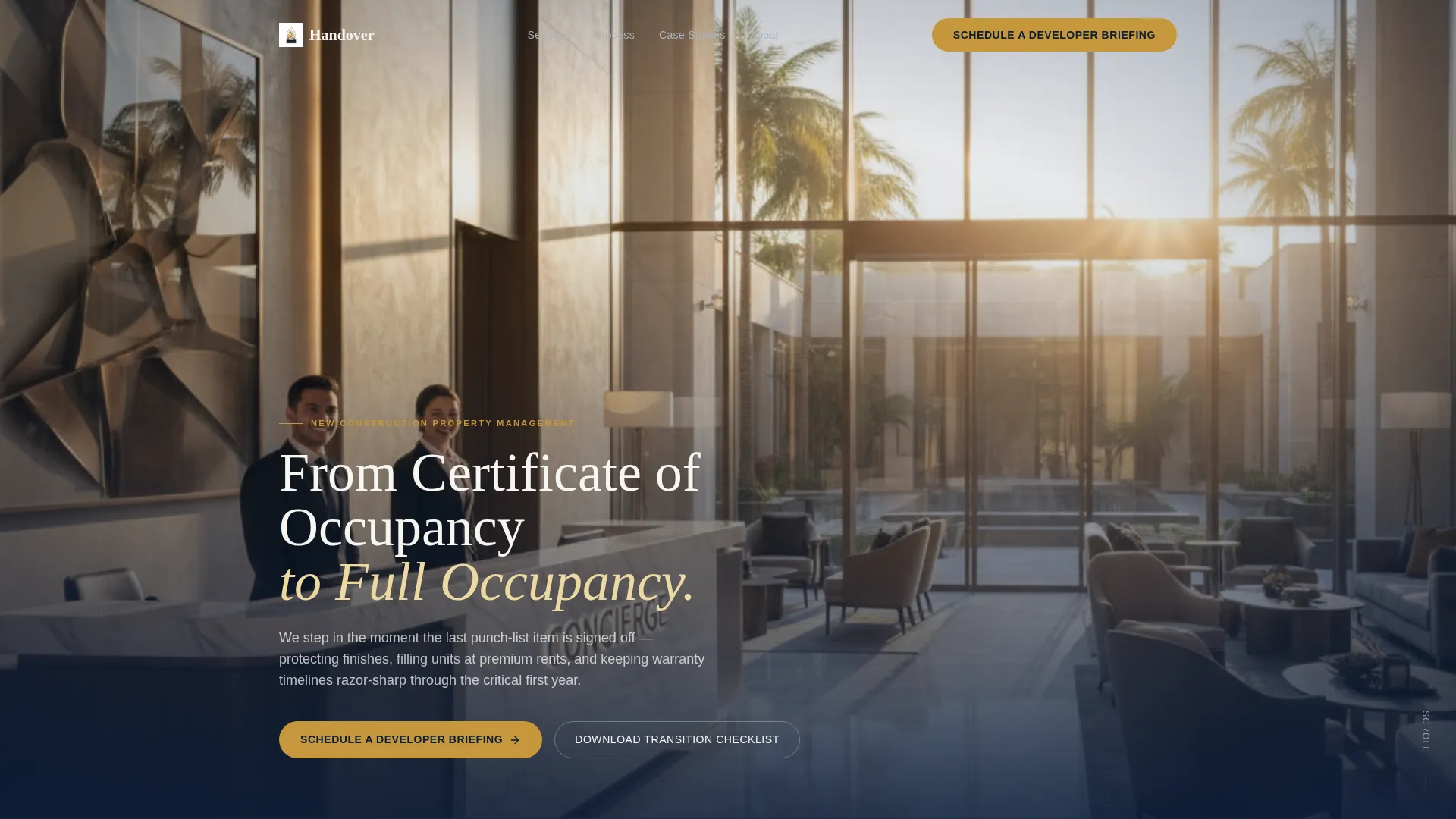
- A full-bleed hero header with a serif headline, gold pill call-to-action button, and concierge lobby photography direction
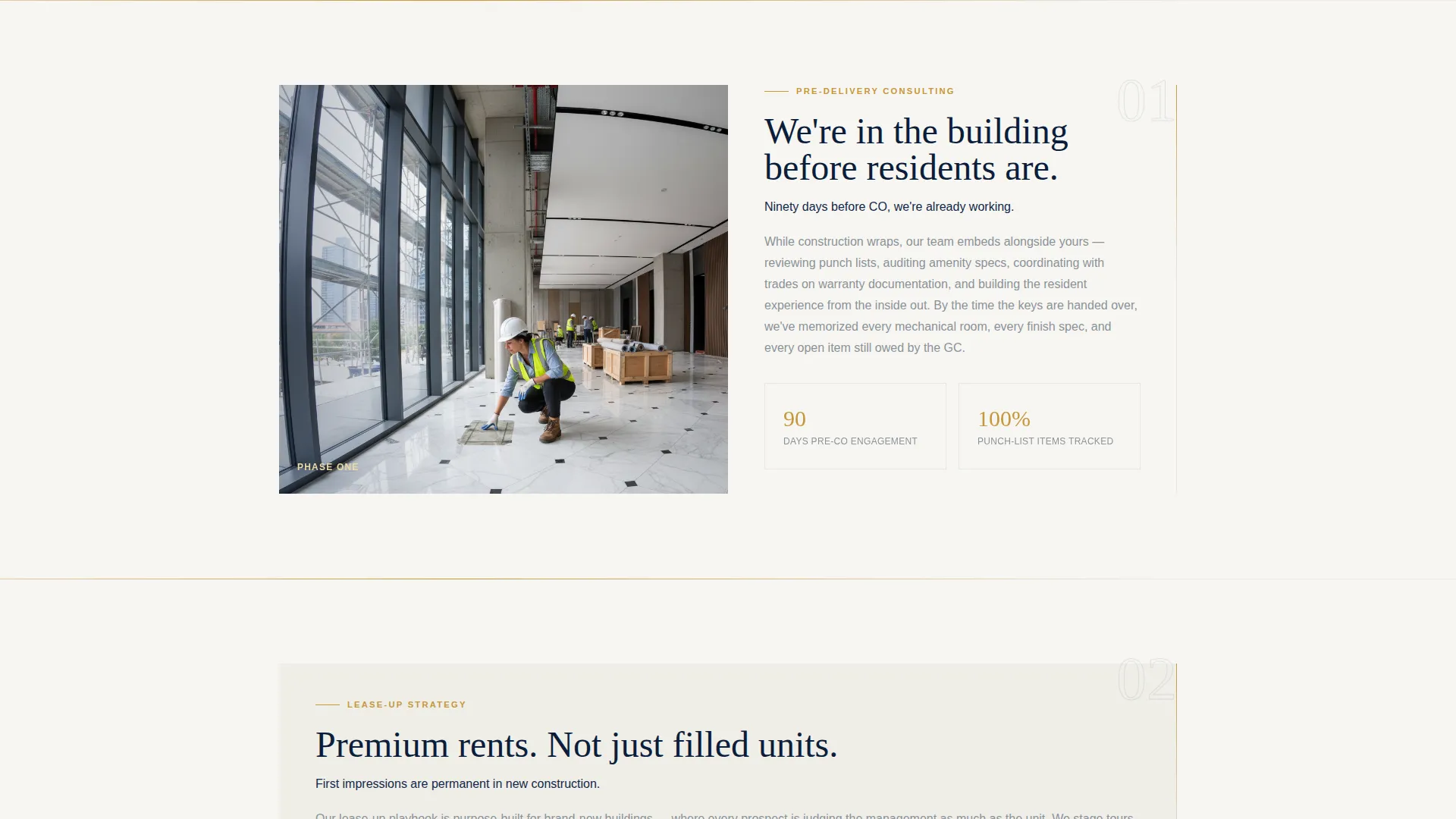
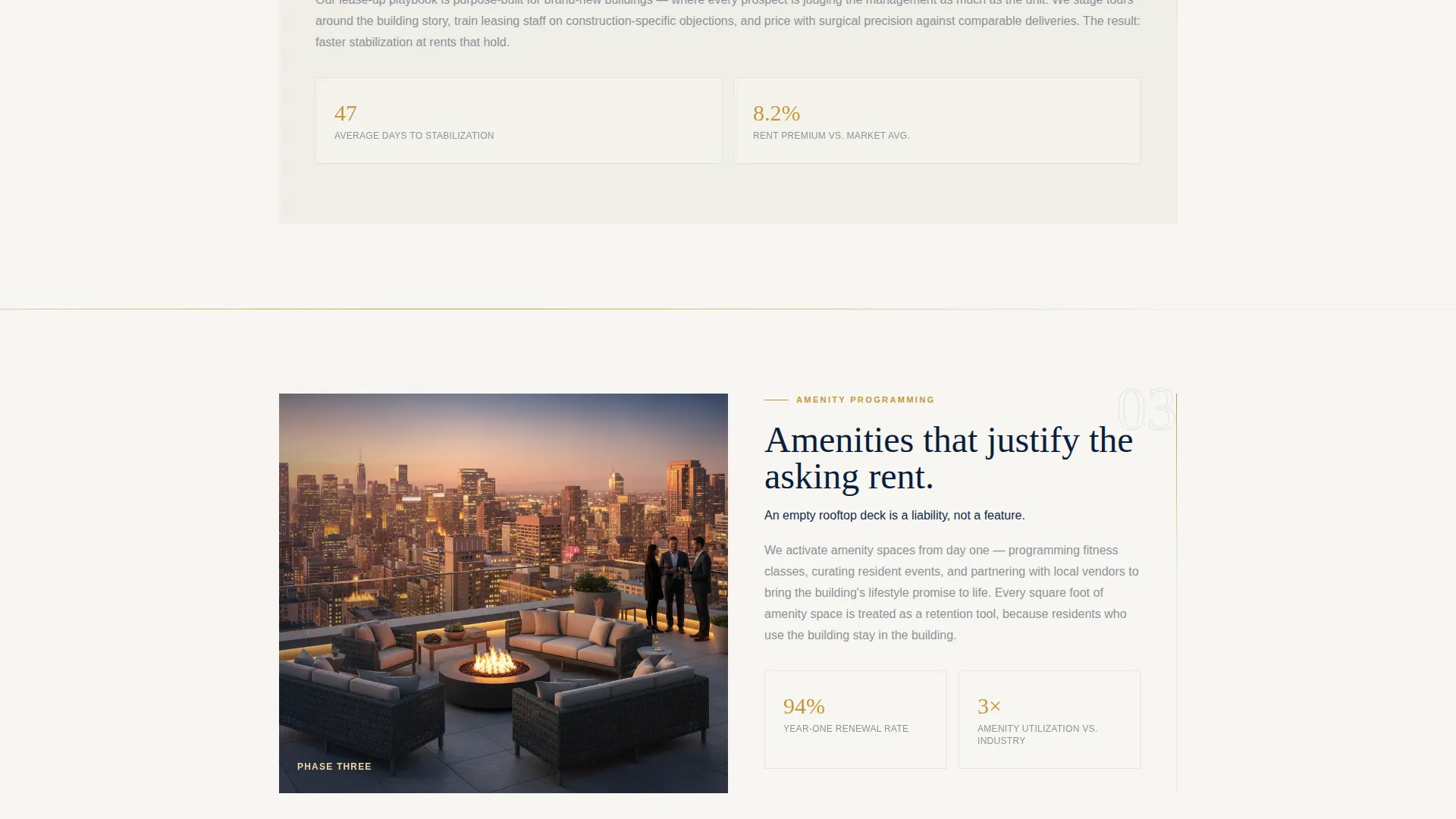
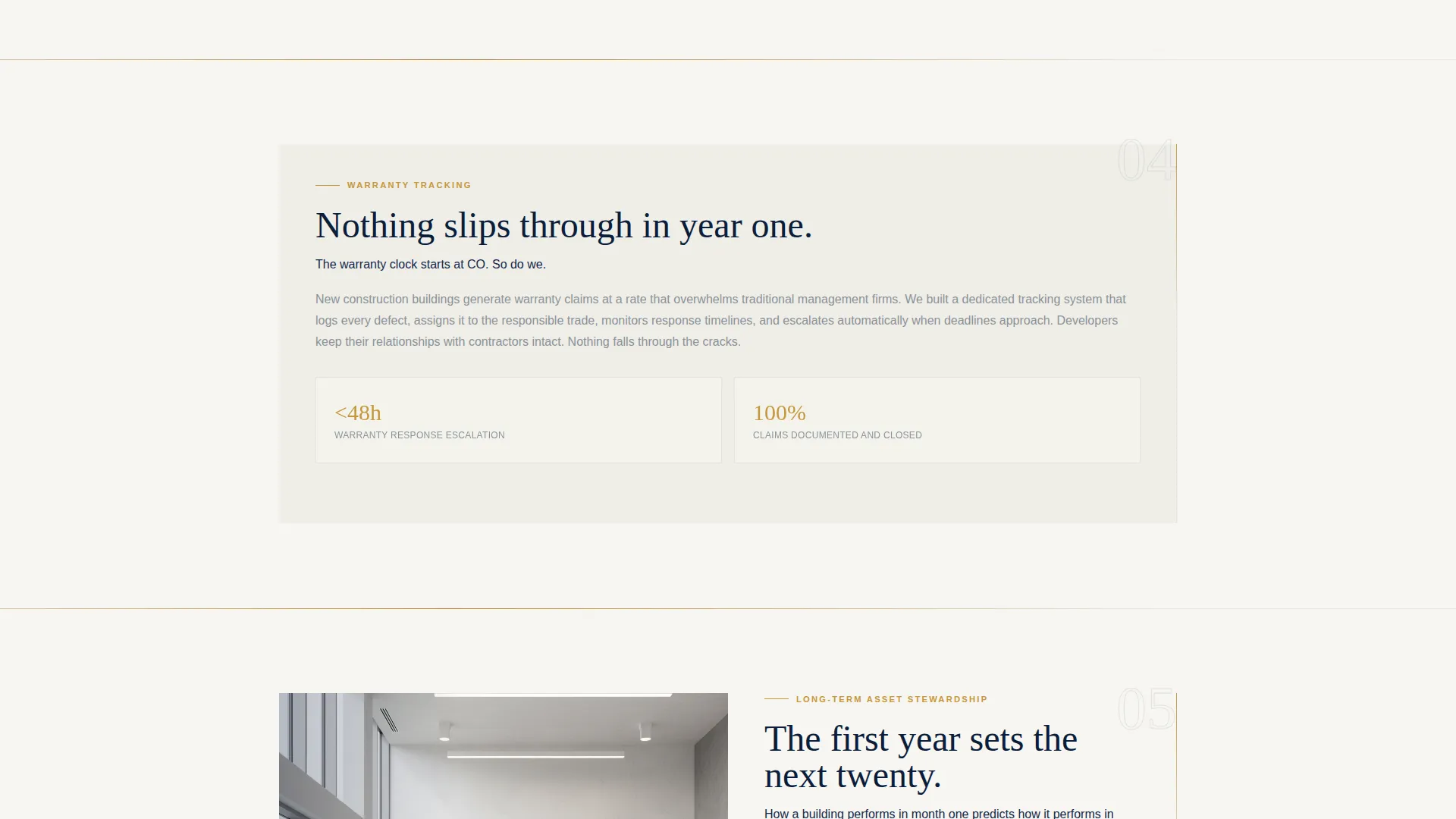
- Five zigzag lifecycle sections covering pre-delivery consulting, lease-up strategy, amenity programming, warranty tracking, and long-term asset stewardship
- A dual conversion system with a primary qualifying form and a secondary downloadable checklist lead capture
Feature list
This template was designed around one goal: helping a new construction property management firm earn the trust of a developer before the first meeting.
Full-Bleed Lobby Hero Section
The header opens with a floor-to-ceiling glass lobby photograph taken at golden hour, shallow depth of field keeping the concierge desk sharp while the courtyard softens into warm amber light. A single serif headline fades in over the lower third. A gold pill button labeled "Schedule a Developer Briefing" sits above the fold against deep navy.
Zigzag Lifecycle Section Layout
Five alternating sections guide the visitor through the management lifecycle in sequence. Each section pairs one hero photograph on the wide side with tightly edited copy on the narrow side. The left-right rhythm creates a gallery-walk feel, letting each phase land before the next one begins.
Developer Briefing Qualifying Form
The primary conversion point is a short form asking for development name, unit count, expected delivery quarter, and preferred meeting format. The form appears in the header and again mid-page after the lease-up section, reinforced by a supporting line showing average days to stabilization.
Downloadable Checklist Lead Capture
A secondary conversion path offers a New Construction Transition Checklist in exchange for an email address. This captures developers in early planning who want proof of process but are not yet ready for a live conversation.
Fixed Mobile Bottom Bar
On mobile viewports, a fixed bottom bar keeps the primary call-to-action visible throughout the scroll. Developers reviewing the page on a phone never lose sight of the briefing button.
Navy Authority Color System
The palette uses deep command navy as the anchor for headers and section backgrounds, polished marble white as the primary surface, brushed platinum for secondary text and dividers, and liquid gold reserved exclusively for calls-to-action, hover states, and key data points.
Page sections overview
| Section | Purpose |
|---|---|
| Full-Bleed Hero | Open with brand authority and primary call-to-action |
| Pre-Delivery Consulting | Introduce the firm's earliest involvement stage |
| Lease-Up Strategy | Present the occupancy-building methodology and case proof |
| Amenity Programming | Show how common spaces become community assets |
| Warranty Tracking | Demonstrate first-year protection and timeline discipline |
| Long-Term Stewardship | Close the lifecycle story with ongoing asset management |
| Developer Briefing Form | Capture qualified developer leads with a short form |
| Checklist Lead Capture | Collect early-stage emails with a downloadable resource |
Design & branding system
The visual identity follows a Luxe Minimal theme built on the Navy Authority color system. Every design decision reinforces the feeling of a private sales office, with dark navy brochures on a marble table and a single brass pen catching the light.
- Deep command navy (#0B1D3A) anchors headers and section backgrounds; polished marble white (#F7F6F2) is the primary surface; brushed platinum (#A9B2BC) handles secondary text and dividers
- Liquid gold (#C5973B) appears only on calls-to-action, hover states, and key data points, keeping the accent rare and impactful
- A single serif typeface carries the headline hierarchy, reinforcing the premium residential tone throughout the scroll
Mobile & speed optimization
The template is structured to perform clearly on mobile devices without sacrificing the visual weight of the desktop experience. The layout adapts the zigzag sections into a clean vertical stack for smaller screens.
- The fixed bottom bar on mobile keeps the "Schedule a Developer Briefing" button persistently visible without interrupting the reading flow
- Section photographs scale responsively to maintain visual quality across viewport sizes
- The qualifying form and checklist capture remain fully accessible at mobile breakpoints
How this template helps you convert
The conversion architecture is built on two parallel paths: one for developers ready to talk and one for developers still evaluating. Both paths are woven into the layout from the first scroll to the last section.
- The primary call-to-action, "Schedule a Developer Briefing," appears in the hero, reappears mid-page after the lease-up case section with a days-to-stabilization proof line, and stays pinned in the mobile bottom bar, creating three distinct moments to act.
- The secondary lead capture, the downloadable New Construction Transition Checklist, catches developers who are not yet ready for a conversation but want evidence that this firm understands the handoff process cold.
Other information about this template
This template is designed specifically for the new construction real estate category, where the stakes and the expectations of the client are both unusually high. It is a direct-sales landing page, not a brochure site, and every layout decision reflects that intent.
- The page type is a single-page landing page with a section-led scroll flow, not a multi-page website
- The template style is full-width immersive, with an executive suite theme and an immersive visual creative direction
- The header concept uses a full-bleed photo rather than a grid mosaic, keeping the opening moment cinematic and focused
Theme
Executive Suite
Creative direction
Immersive Visual
Color system
Cloud Canvas
Style
Full-Width Immersive
Direction
Click-Through
Page Sections
Full-bleed Lobby Hero Section
Zigzag Lifecycle Section Layout
Developer Briefing Qualifying Form
Downloadable Checklist Lead Capture
Fixed Mobile Bottom Bar
Navy Authority Color System
Related questions
Who is the ideal user of this template?
Can I adapt the five lifecycle sections to match my firm's actual service phases?
What does the qualifying form collect from developer prospects?
Is the checklist download separate from the main briefing form?
Does the mobile layout preserve the call-to-action visibility?



