Affordable Housing Nonprofit Privacy Policy Website Template
Hearth is an editorial landing page template built for affordable housing advocacy organizations. It combines magazine-style storytelling, a warm analog visual identity, and a content-first resource hub to help nonprofits connect emotionally with tenants, organizers, and allies before guiding them toward policy toolkits and community action.
by Rocket studio
Quick summary
Hearth is a single-page editorial template for affordable housing nonprofits. It weaves tenant stories, wage-rent data, staff profiles, and downloadable policy resources into one warm, magazine-style experience. The layout earns trust through storytelling first, then offers toolkits and community sign-ups as the natural next step.
Who this template is for
This template is built for organizations that lead with people, not just programs. If your work sits at the intersection of housing policy, community organizing, and direct tenant support, Hearth gives your mission a page that feels as human as the work itself.
- Affordable housing advocacy nonprofits drafting policy briefs and organizing tenant coalitions
- Community organizers and housing justice groups that need to engage tenants, donors, and policymakers in one place
- Nonprofit communications teams looking for an editorial format that goes beyond a standard charity homepage
What problem this template solves
Most nonprofit landing pages present mission statements without making visitors feel anything. They list programs but fail to show the people those programs protect. Hearth is built to close that gap.
- Visitors leave before connecting because the page leads with institutional language instead of real stories
- Resource materials go undownloaded because there is no emotional runway before the call to action
- Staff and volunteer credibility stays hidden behind an "About" page nobody clicks
What you get with this template
Hearth delivers a fully structured editorial landing page with every section pre-designed and ready to populate with your organization's real stories, data, and documents. Every layout decision reflects the brief's kitchen-table warmth and analog editorial feel.
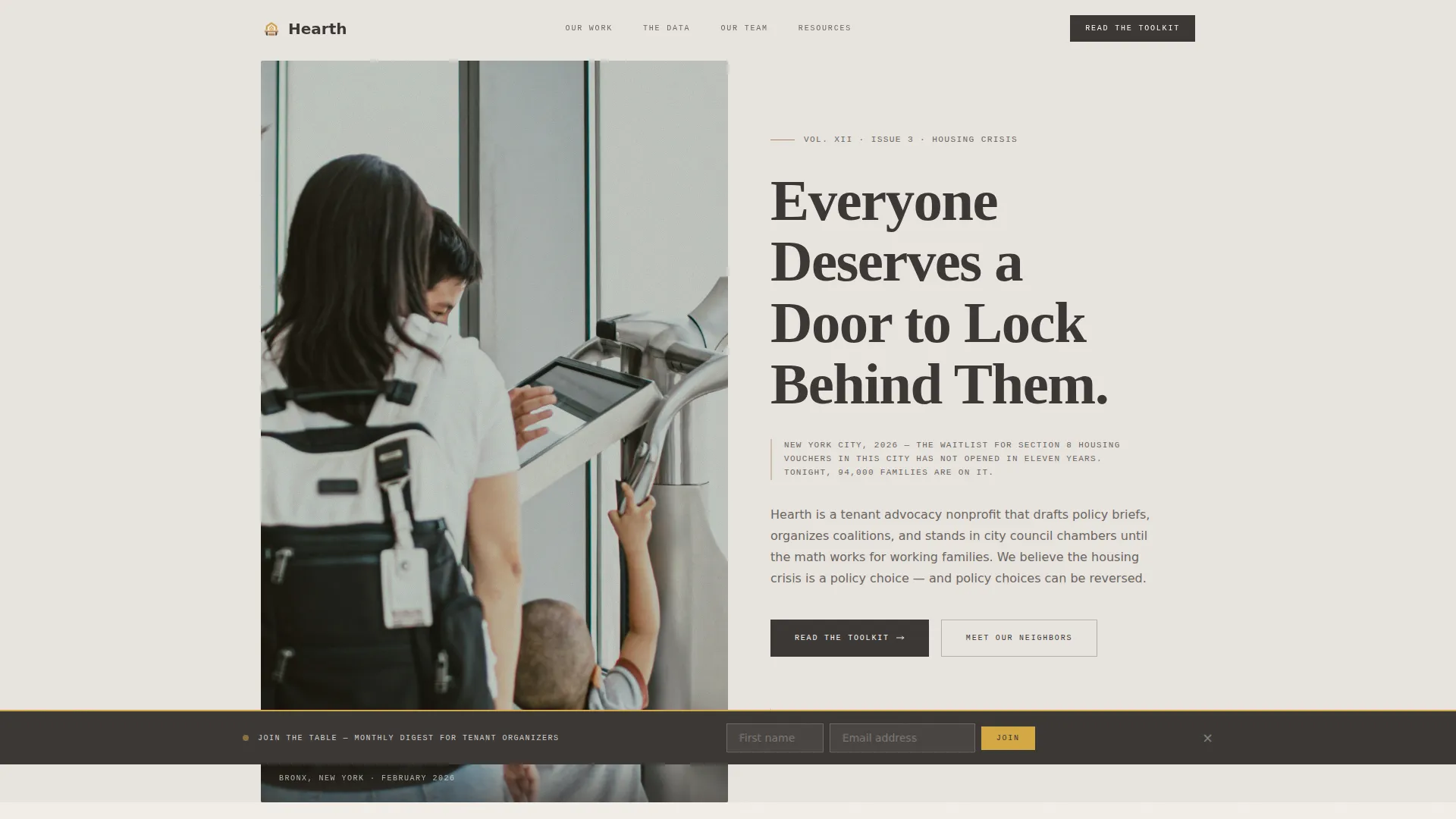
- A half-page hero with a candid editorial photo, a large serif headline, and a dateline-style context line
- A two-column tenant profile feature section, a full-width animated wage-rent gap visualization, a bento-grid team mosaic, and a tagged resource hub
- A sticky "Join the Table" sign-up banner, GSAP scroll-reveal animations, and a footer built in Vercel Horizontal pattern with warm editorial styling
Feature list
A brief intro: each built-in feature was designed specifically for housing advocacy storytelling, not adapted from a generic template library.
Half-Page Editorial Hero
The hero splits into a candid, grain-rich photograph on the left and a large serif headline on the right. A dateline-style sentence grounds visitors in a real city, a real year, and a real waitlist number before they scroll anywhere.
Two-Column Tenant Profile Feature
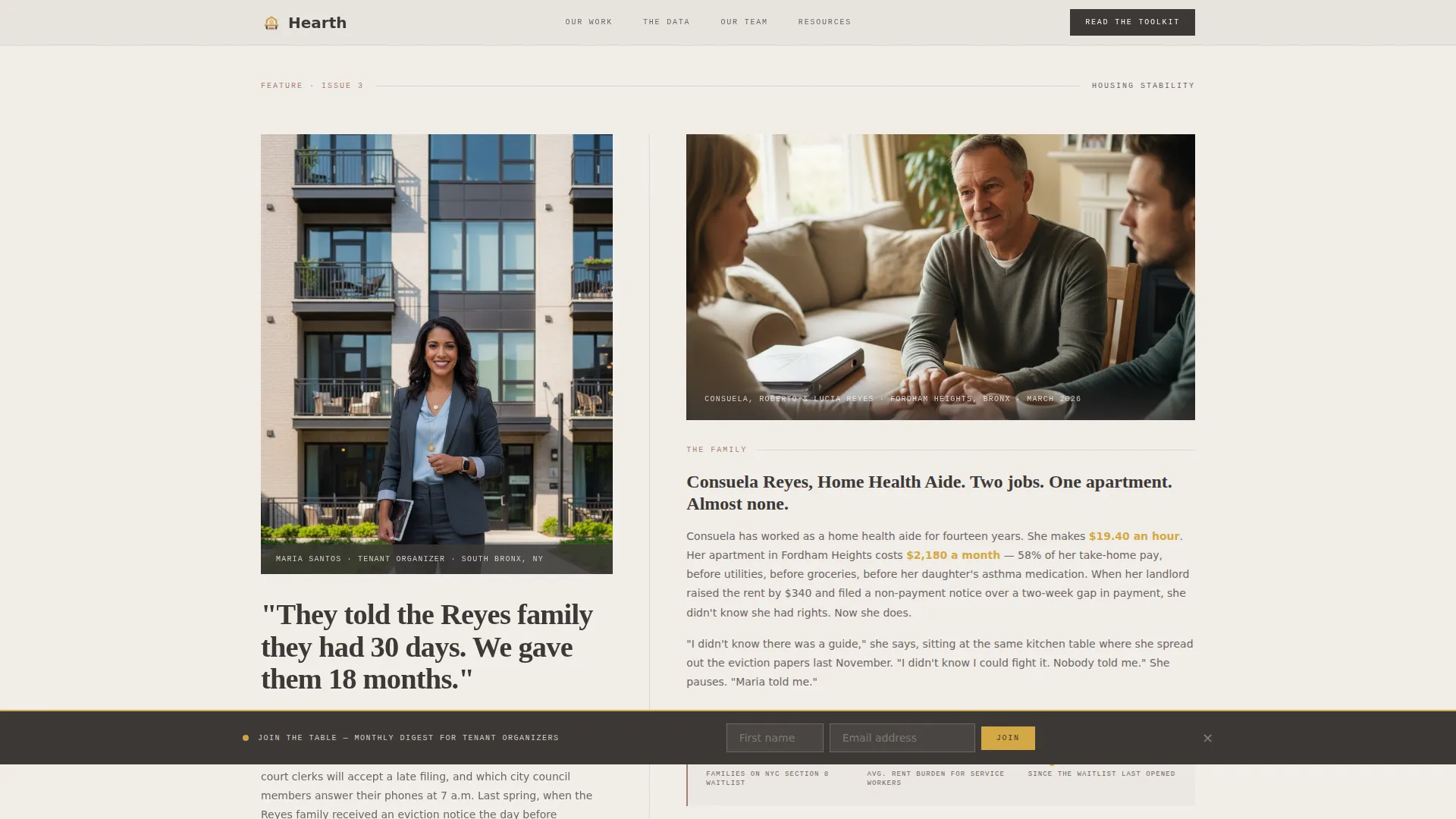
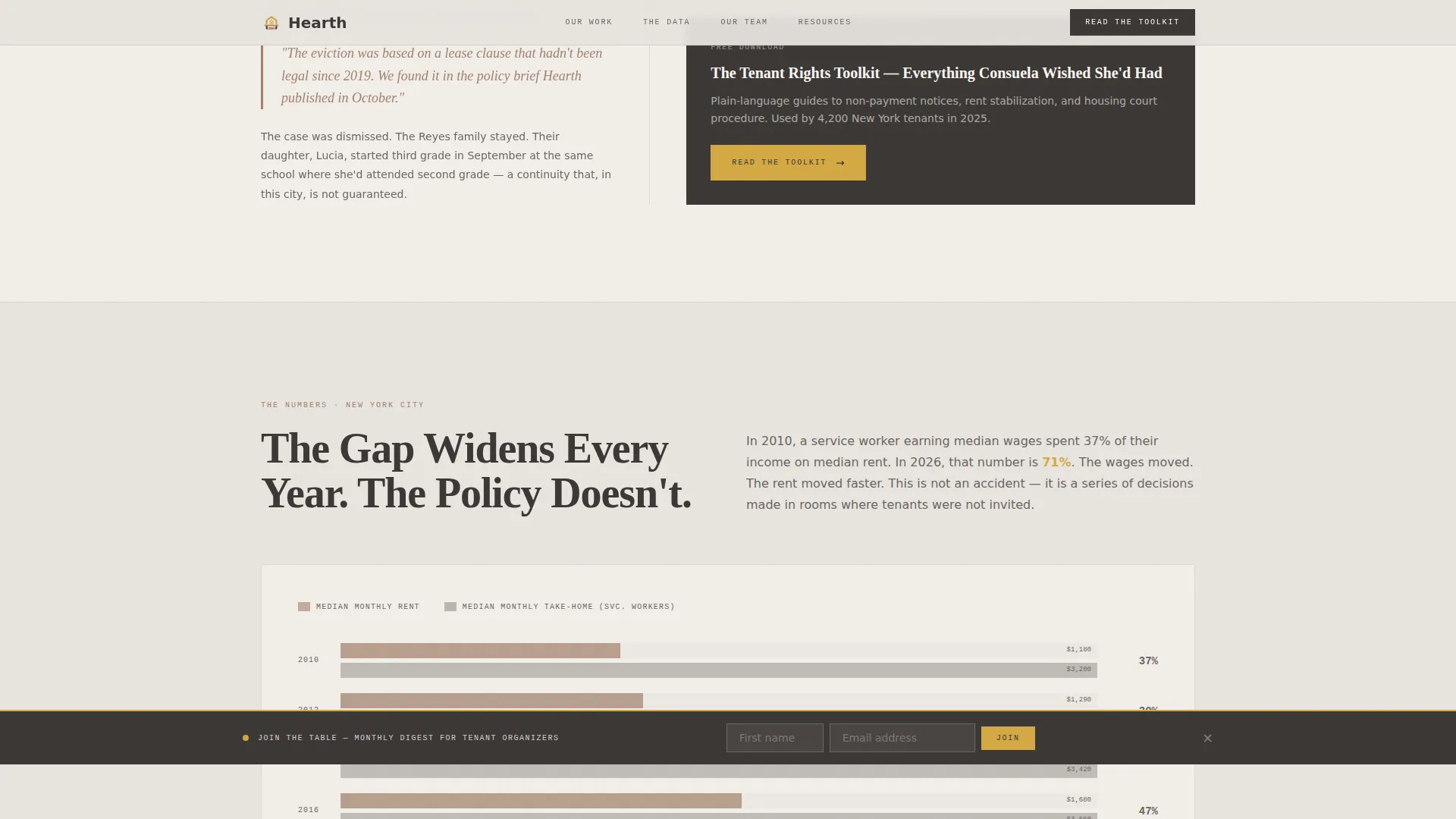
This magazine-style section pairs a tenant organizer's story with the family whose eviction she helped reverse. The layout mirrors a long-form editorial spread, and the "Read the Toolkit" call to action appears here after an emotional connection is already made.
Animated Wage-Rent Gap Visualization
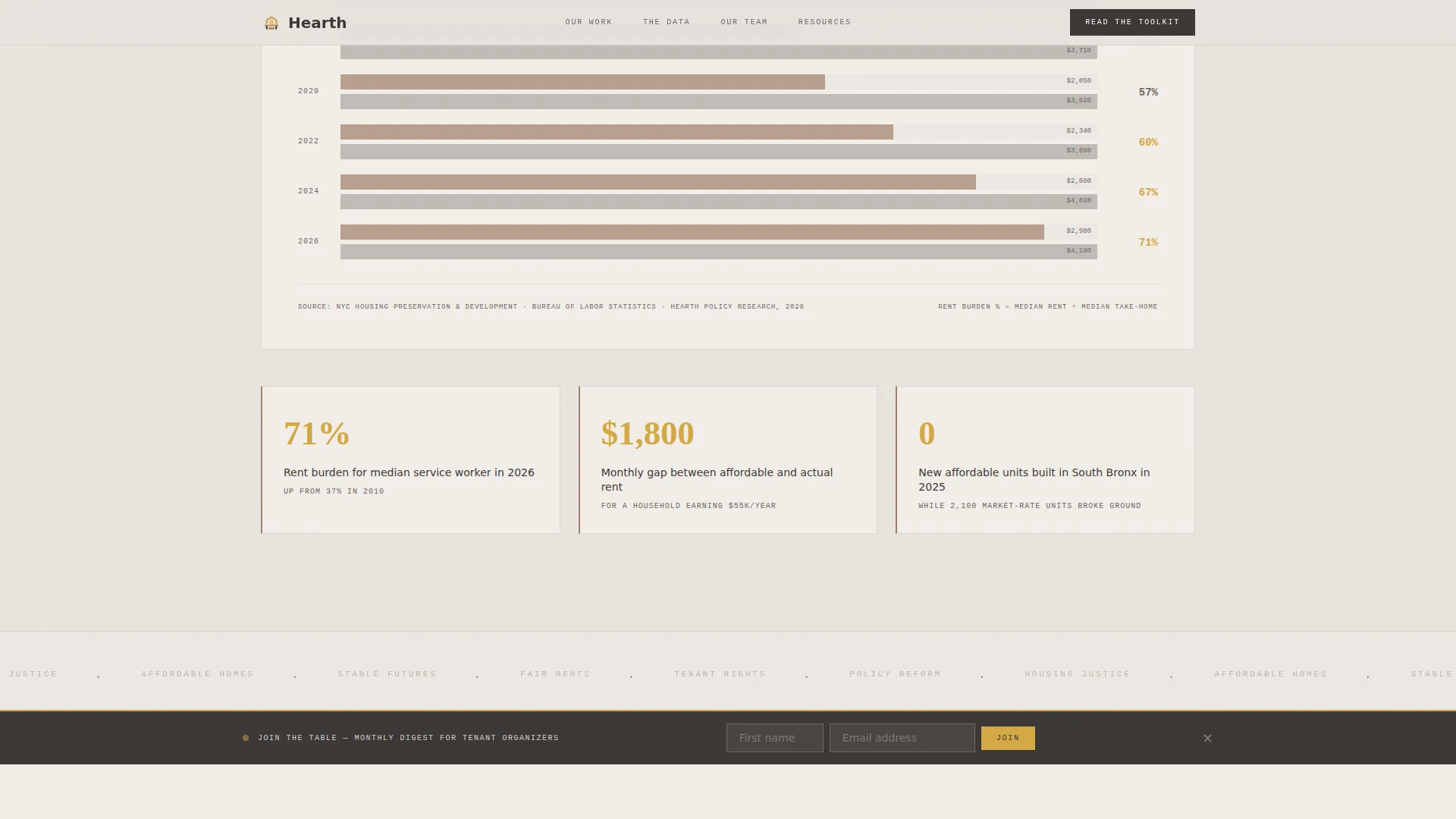
A full-width data section shows the growing gap between median wages and median rents. The gap widens as the visitor scrolls, powered by GSAP counter and scroll-reveal animations so the data feels alive rather than static.
Bento-Grid Team Mosaic
Staff portraits are arranged in a bento-style grid, each paired with a short first-person micro-essay. Visitors meet the humans behind the policy papers, building credibility through voice rather than credentials alone.
Tagged Resource Hub
Policy briefs, know-your-rights guides, and hearing testimony transcripts are displayed as resource cards at the bottom of the page. Each card is tagged by issue area and city so visitors self-select exactly what they need.
Sticky Community Sign-Up Banner
A persistent banner invites visitors to "Join the Table" for a monthly email digest. It asks only for a first name and email address, keeping the barrier low and the invitation warm.
Page sections overview
| Section | Purpose |
|---|---|
| Editorial Hero | Anchor the mission with a candid photo, serif headline, and real-city dateline |
| Tenant Profile Feature | Build emotional connection through a two-column organizer-and-family story |
| Wage-Rent Gap Visualization | Show the systemic housing crisis through an animated, scroll-driven data display |
| Team Mosaic | Introduce staff through portrait grids and first-person micro-essays |
| Resource Hub | Deliver tagged policy cards so visitors find the right document themselves |
| Sticky Sign-Up Banner | Capture email addresses with a persistent, low-friction community invitation |
| Editorial Footer | Close the page with warm horizontal footer styling and navigation |
Design & branding system
The visual identity follows a Community Hearth theme built around a Soft Mist color system. Every color, typeface, and texture decision was made to feel like a well-read Sunday magazine left open on a radiator.
- Colors: warm fog gray (#E8E4DF) backgrounds, hearthstone clay (#A3816D) for pull-quotes and section borders, deep charcoal (#3B3735) for body text, and quiet goldenrod (#D4A843) for links, highlighted statistics, and hover states
- Typography: Fraunces serif for headlines (set large and unhurried), DM Sans for body copy, and IBM Plex Mono for datelines and labels
- Texture and style: grain-rich photography, newsprint-feel text rendering, and an analog warmth that signals trustworthiness without feeling institutional
Mobile & speed optimization
The template is desktop-first by design, reflecting the editorial magazine experience at its best on larger screens. Full mobile responsiveness is built in so no visitor is left behind on a smaller device.
- Responsive layout adapts the two-column profile feature, bento grid, and resource cards for mobile screen widths
- GSAP animations are implemented using Client Components while static sections use Server Components, keeping the page load lean where it matters most
- Scroll-reveal effects, cursor parallax on the hero, and counter animations are scoped to avoid blocking the main content thread
How this template helps you convert
Hearth is structured so that trust is earned before any action is requested. The page does not lead with sign-up forms or download buttons. It leads with people.
- The hero and profile feature sections build emotional investment first, so visitors arrive at the "Read the Toolkit" call to action already caring about the outcome rather than evaluating a cold offer.
- The sticky "Join the Table" banner stays visible throughout the scroll journey, capturing interest at the moment a visitor decides they want more, without interrupting the reading experience.
- The tagged resource hub at the bottom lets visitors self-select by issue and city, which means the click happens because the document matches a real need, not because a button was prominent.
Other information about this template
Hearth is suited to organizations that produce ongoing policy and advocacy content and want a single page that functions as both a mission statement and a living resource library.
- The template is built for the urban United States housing context, with English copy, USD references, and US date formatting baked into the layout defaults
- FAQ-style accordion interactivity is included and can be used for tenant rights questions, resource explanations, or coalition information
- The marquee animation component can carry rotating statistics, tenant quotes, or advocacy headlines to keep the page feeling current without a full redesign
- A resource tagging and filter system lets visitors sort cards by issue area and geography, making the hub useful for policy researchers, journalists, and allied nonprofits as well as tenants
Theme
Community Hearth
Creative direction
Team & People
Color system
Soft Mist
Style
Editorial/Magazine
Direction
Content/Resource
Page Sections
Half-page Editorial Hero Section
Two-column Tenant Profile Feature
Animated Wage-rent Gap Data Section
Bento-grid Staff Mosaic
Tagged Policy Resource Hub
Sticky Community Sign-up Banner
Related questions
What kind of organization is Hearth designed for?
Can I replace the tenant stories and staff profiles with my own content?
Where does the 'Read the Toolkit' call to action appear?
How does the tagged resource hub work?
Is the sticky sign-up banner included in the template?



