Trusted Pet Sitting Landing Page Template
Hearth is a warm, card-grid landing page template built for pet sitting platforms and neighborhood sitter networks. It features a golden-hour lifestyle header, a scrollable sitter profile gallery, and two clear conversion paths: finding a sitter nearby or listing a home. The Citrus Burst color system and Community Hearth theme make it feel personal, local, and genuinely trustworthy.
by Rocket studio
Quick summary
Hearth is a single-page, click-through landing page template designed for pet sitting platforms that connect pet owners with trusted neighborhood sitters. The modular card grid layout, warm Citrus Burst palette, and gallery-style scroll flow all work together to build visitor trust before the primary call to action appears.
Who this template is for
This template suits anyone launching or promoting a community-based pet sitting or dog walking platform. It works especially well when the audience values local trust over corporate polish.
- Pet sitting platform founders who need a fast, credible public-facing landing page
- Dog walking app teams targeting urban pet owners with anxious or high-needs rescue dogs
- Independent sitter networks looking to attract both pet owners and sitter applicants from the same page
What problem this template solves
Pet owners searching for overnight pet care or a midday dog walker face a trust gap. A generic directory page does not close that gap. Hearth solves it by making trust visible before any button is clicked.
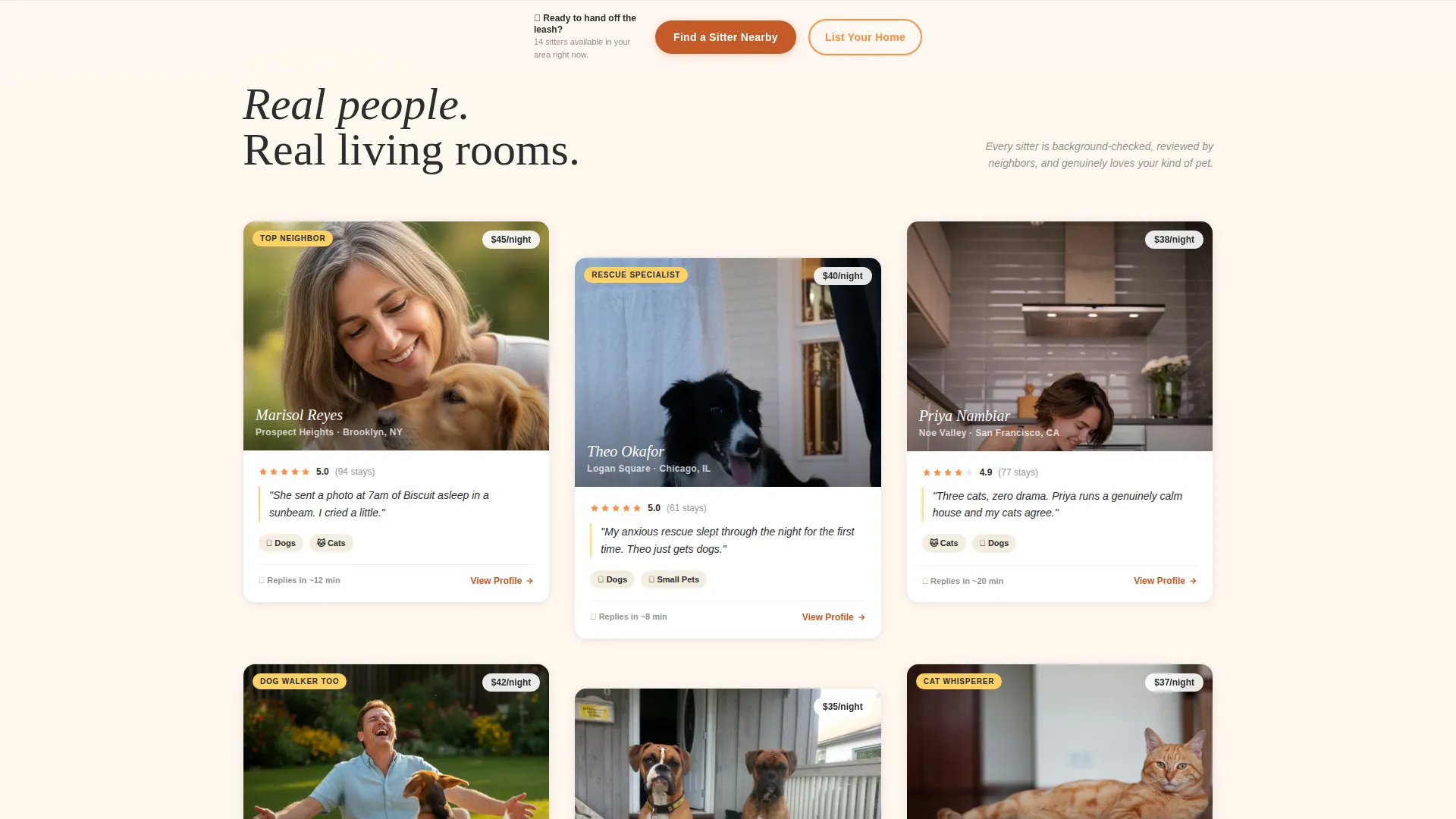
- Visitors see real sitter portraits, neighborhood names, and five-star pull quotes before reaching a call to action
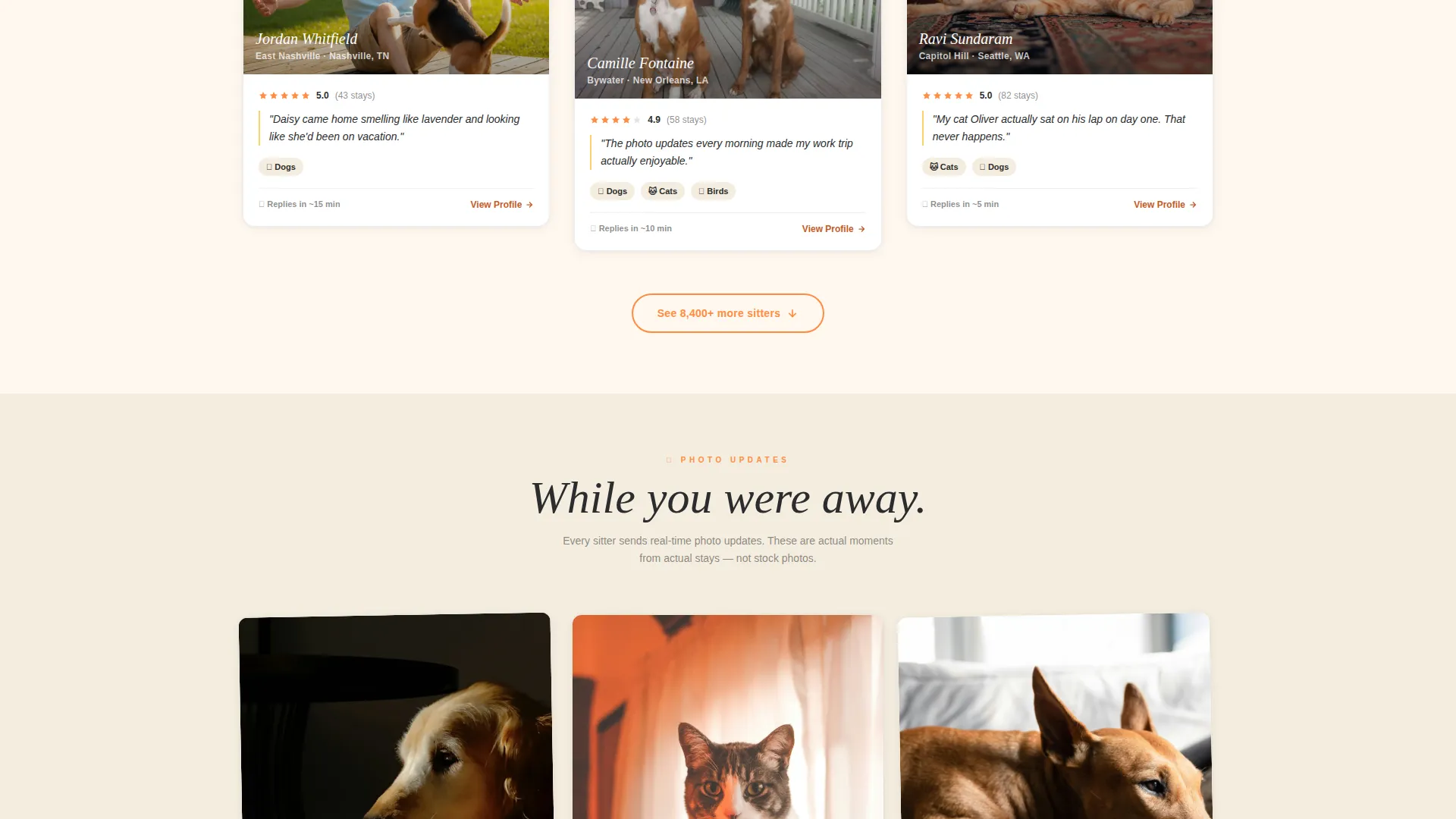
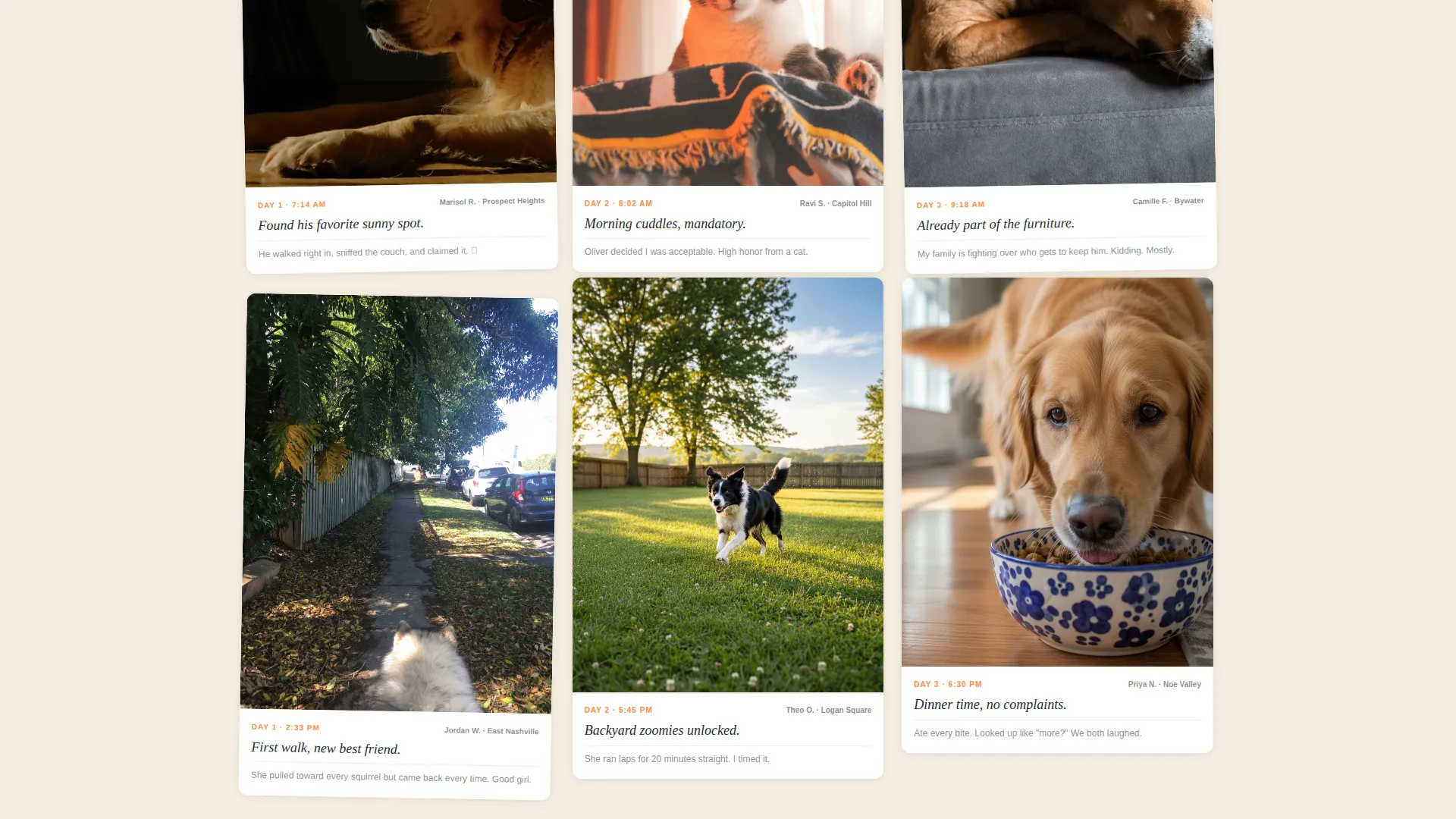
- The moment-card scroll sequence replaces static claims with candid, timestamped pet snapshots
- Two distinct conversion paths serve both pet owners and prospective sitters without splitting the audience onto separate pages
What you get with this template
You get a fully structured, single-page landing page layout ready to be customized for any pet sitting or dog walking platform. Every section is designed around the specific psychology of a pet owner deciding whether to hand over their leash.
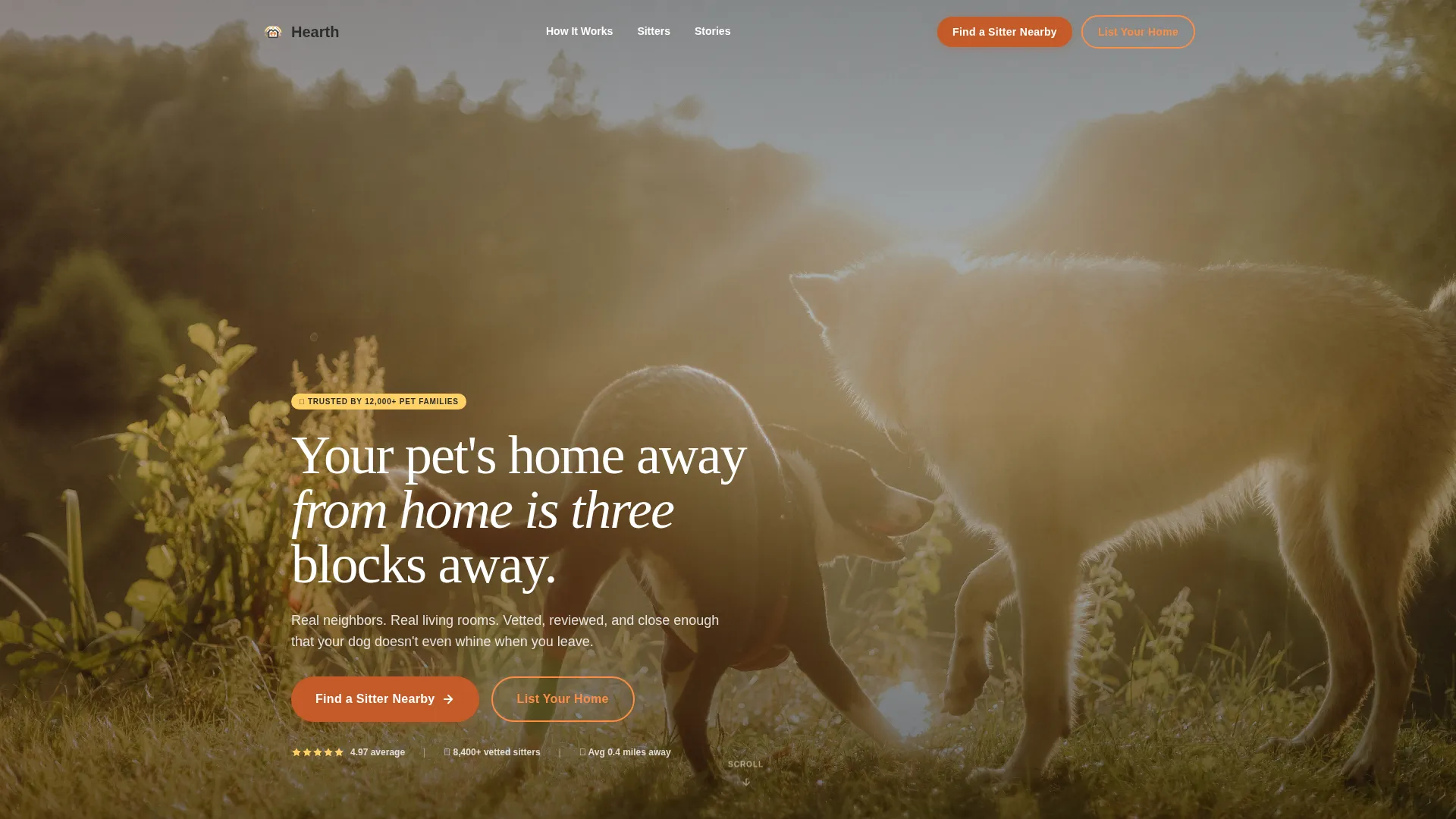
- A full-width golden-hour lifestyle header with headline overlay and primary call-to-action button
- A modular sitter profile card grid with portrait, neighborhood label, pull quote, and hosted-pet detail slots
- A sticky bottom call-to-action bar, moment-card gallery rows, and a secondary outlined button for sitter sign-ups
Feature list
This template includes a focused set of layout components, each built to serve the trust-first, click-through goal of a pet sitting landing page.
Full-Width Lifestyle Header
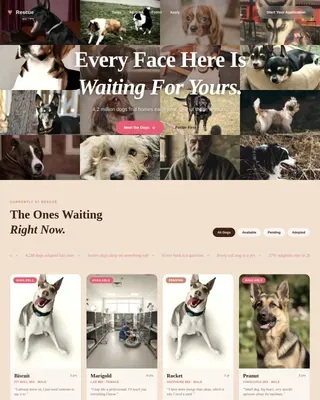
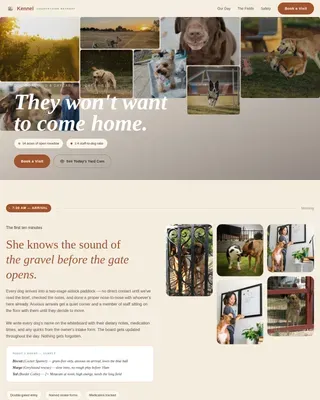
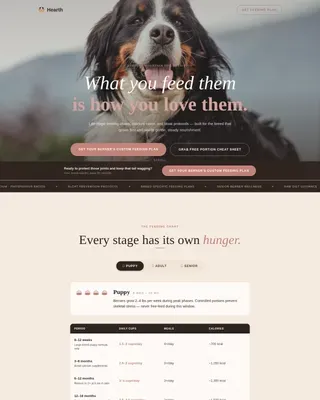
The header uses a golden-hour couch-level photograph as its background. A charcoal headline overlays the image alongside the primary "Find a Sitter Nearby" button in deep marmalade. The scene immediately communicates warmth, domesticity, and safety.
Modular Sitter Profile Cards
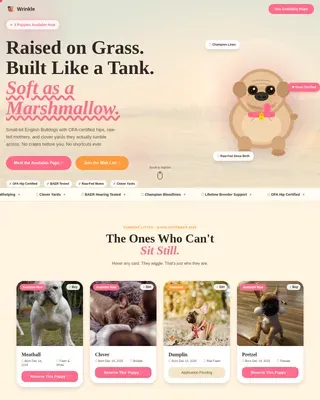
Each card in the grid holds a sitter portrait, their neighborhood name, a single five-star pull quote, and a list of pet types they have hosted. Cards are laid out with generous gutter spacing so the grid feels like browsing, not scanning.
Moment-Card Gallery Rows
As the visitor scrolls past the sitter profiles, the card grid shifts into candid pet snapshot cards. Each card carries a timestamp caption, such as "Day 2: found his favorite sunny spot." This rhythm builds accumulated trust through imagery rather than text arguments.
Sticky Bottom Call-to-Action Bar
After the visitor passes the third card row, a sticky bottom bar appears carrying the primary "Find a Sitter Nearby" button. This keeps the conversion path visible throughout the scroll without interrupting the browsing experience.
Zip-Code Radius Map Entry Point
Clicking the primary call-to-action opens a zip-code input paired with an animated radius map. The map shows available sitters in the visitor's area before routing them to the app store, reducing friction at the final conversion step.
Dual Conversion Paths
The primary path targets pet owners seeking care. The secondary path, a tangerine-outlined "List Your Home" button, captures sitters who arrive on the page from the opposite intent. Both paths live on the same page without competing visually.
Page sections overview
| Section | Purpose |
|---|---|
| Lifestyle Header | Establishes warmth and trust immediately |
| Primary call to action Block | Drives app download or sitter search |
| Sitter Profile Grid | Builds credibility through real sitter stories |
| Moment Card Gallery | Deepens trust with candid pet snapshots |
| Sticky call to action Bar | Keeps conversion visible during scroll |
| Secondary call to action Row | Recruits sitters browsing from the other side |
Design & branding system
The Citrus Burst color system gives the template a bright, grounded warmth that feels domestic rather than corporate. Every color choice reinforces the Community Hearth theme.
- Sun-warmed tangerine (#FF8C42), lemon curd yellow (#FFD166), and soft porch-light cream (#FFF8F0) form the primary visual tone, with deep marmalade (#C45B28) reserved for buttons and active states
- Grounding charcoal (#2B2D2E) keeps body text readable and steady against the warm background tones
- Shallow depth-of-field photography, amber light, and candid mid-laugh moments in the header set the visual standard for the entire page
Mobile & speed optimization
The card grid layout is built with a modular structure that adapts naturally to smaller screen widths. The sticky bottom call-to-action bar is particularly valuable on mobile, where thumb-reach matters.
- The modular card grid reflows cleanly from multi-column desktop rows to single-column mobile stacks
- The sticky bottom bar stays anchored at the bottom of the viewport on all screen sizes, keeping the primary action always within reach
- Moment cards and profile cards share the same component structure, reducing layout complexity without sacrificing visual variety
How this template helps you convert
Hearth is engineered as a click-through landing page, meaning every design and copy decision points toward a single measurable action: getting the visitor to start a sitter search or download the app.
- Trust is built visually before any button asks for action. By the time a visitor reaches the sticky call-to-action bar, they have already scrolled past dozens of real faces, real living rooms, and timestamped pet moments that feel authentic.
- The zip-code input and animated radius map reduce the gap between clicking the button and feeling confident. Seeing available sitters in their neighborhood makes the decision feel local and low-risk rather than abstract.
Other information about this template
This template is designed as a standalone landing page for pet care platforms, app launches, or neighborhood sitter network promotions. It is particularly well-suited for mobile-first audiences who discover the platform through social sharing or referral links.
- The Gallery Walk creative direction means the page rewards slow scrolling, making it effective for audiences who browse on a phone during a commute or a quiet evening
- The template supports two audience segments from one page: pet owners seeking trusted overnight pet care or a reliable dog walker, and pet people looking to list their home as a sitter space
- The Community Hearth theme and warm color language are intentionally distinct from clinical pet service directories, helping newer platforms stand out in a crowded category
Theme
Community Hearth
Creative direction
Gallery Walk
Color system
Citrus Burst
Style
Card Grid (Modular)
Direction
Click-Through
Page Sections
Full-width Lifestyle Header
Modular Sitter Profile Card Grid
Moment-card Gallery Sequence
Sticky Bottom Call-to-action Bar
Zip-code Radius Map Entry Point
Dual Conversion Path Layout
Related questions
Can this template support both pet owner and sitter sign-up flows?
Is this template suitable for a dog walking app launch?
How does the sticky bottom call-to-action bar work?
Can the card grid be customized with real sitter content?
Does the template include the animated radius map?