Marine Equipment & Supply Pricing Website Template
Helm is a single-column landing page template built for marine electronics outfitters who wire commercial fishing vessels and offshore workboats. It uses a case study narrative structure to walk visitors through three real vessel installations, building trust through specific technical detail. A brass-styled click-through call to action guides serious buyers toward a service and pricing page.
by Rocket studio
Quick summary
Helm is a single-column, click-through landing page template designed for marine electronics specialists. It presents three real vessel case studies in sequence, each proving installation competence before asking for a click. The Data Command visual theme uses deep black, hull red, and compass brass to create a pilothouse-grade atmosphere that feels earned, not decorated.
Who this template is for
This template is built for marine electronics workshops that wire commercial and offshore vessels. It suits businesses whose clients need proof of capability before they pick up the phone.
- Owner-operators who run crab pots, gillnet fisheries, or shrimp trawls and need reliable sonar and navigation systems before the season opens
- Fleet managers retrofitting aging workboats with modern radar, multi-function displays, and integrated navigation backbones
- Charter captains requiring tournament-grade electronics with live-streaming camera integration across a single display
What problem this template solves
Commercial fishing clients do not respond to generic service pages. They need to see that a workshop has handled their exact situation before they commit. A plain contact form earns nothing from a fleet manager who has already lost a season to bad electronics.
- No proof of technical depth: the template solves this by walking visitors through three escalating vessel installations with named boats, real problems, and measurable outcomes
- No clear next step: the click-through structure removes friction by placing a direct call-to-action button after each case study, linking to a service page with pricing tiers and scheduling
- Higher-funnel visitors left without a path: a secondary text link offering a downloadable equipment compatibility guide keeps researchers engaged without forcing a commitment
What you get with this template
The template delivers a fully structured single-column landing page flow. Every section is purpose-built for a marine electronics outfitter selling complex installation services.
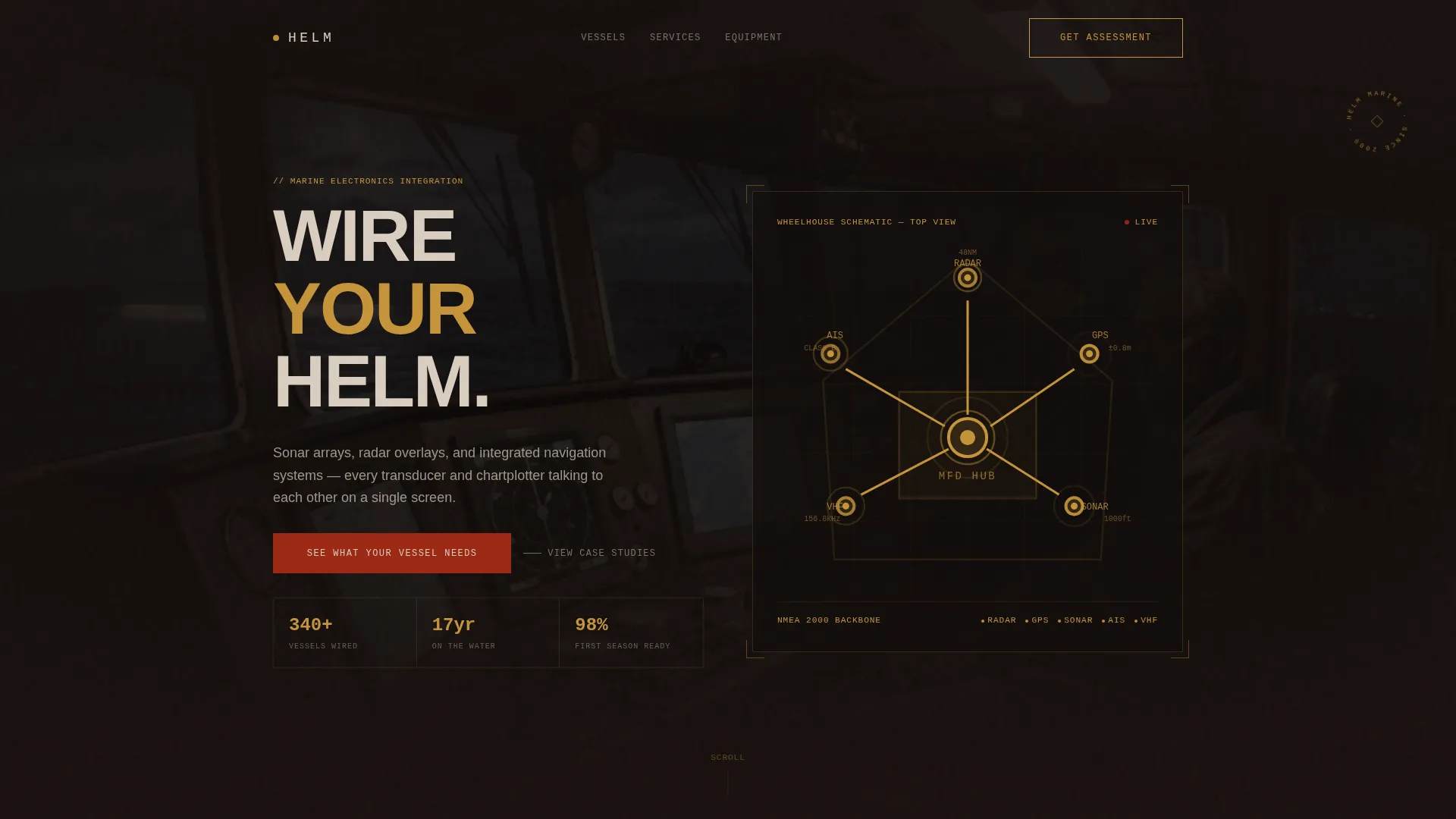
- An infographic header showing a stylized wheelhouse cross-section with labeled electronics nodes, glowing brass connector lines, and live spec data displayed beside each component
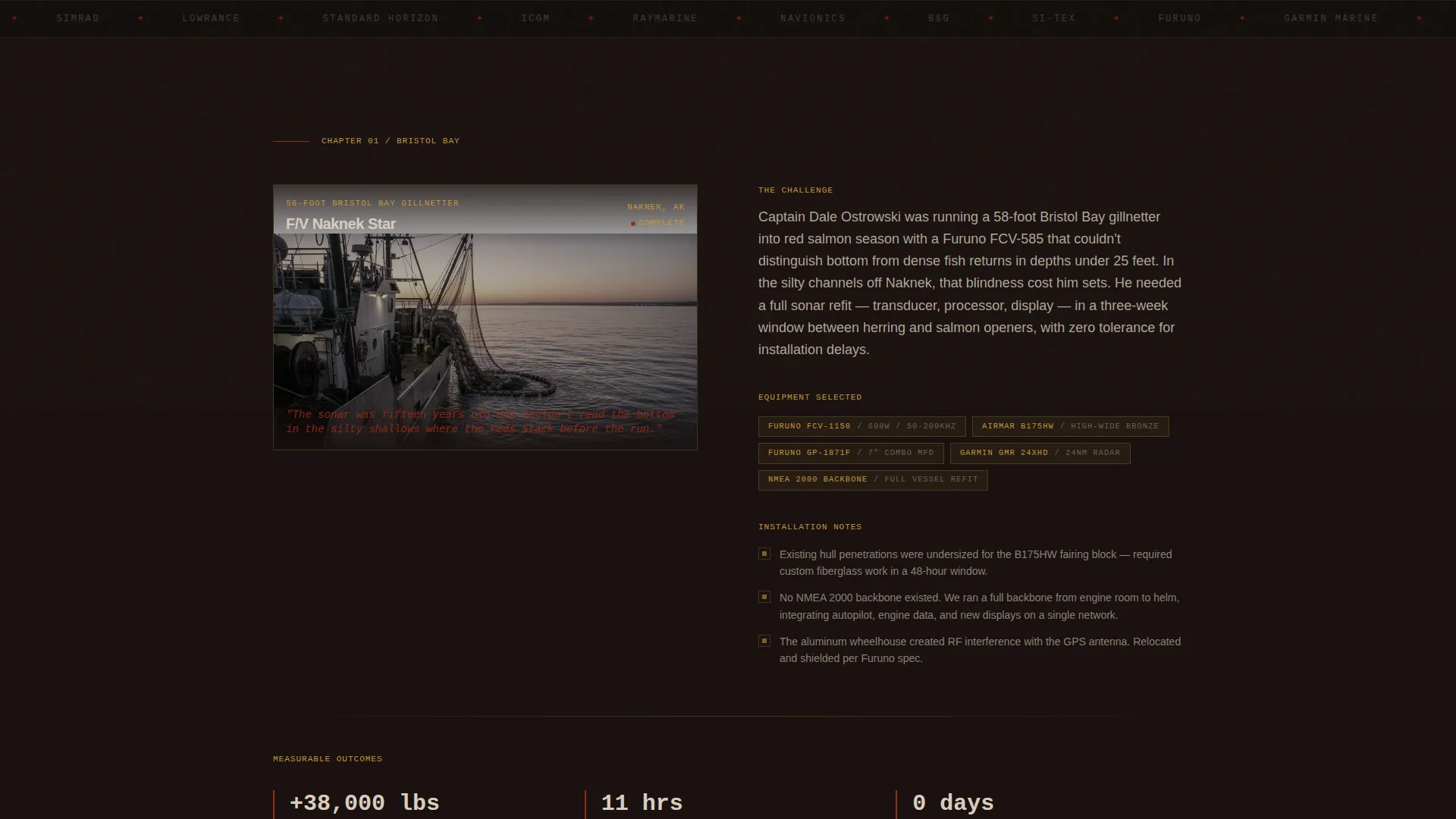
- Three complete case study chapters, each opening with a vessel name, hero photograph, and a one-sentence problem statement, then detailing equipment selection, installation challenges, and measurable outcomes
- A brass-colored "See What Your Vessel Needs" call-to-action button that appears after each case study, plus a secondary "Download Our Equipment Compatibility Guide" text link for higher-funnel visitors
Feature list
This section describes the core template capabilities drawn directly from the design brief.
Wheelhouse Infographic Header
The header renders a stylized top-down cross-section of a wheelhouse. Each electronics component, including the radar dome, GPS antenna, fishfinder transducer, VHF array (very high frequency radio array), AIS transponder (Automatic Identification System transponder), and central multi-function display hub, is labeled with glowing brass connector lines. Real specification data such as range in nautical miles, frequency in kilohertz, and depth in fathoms pulses beside each node, making the header feel like a live technical diagram.
Three-Chapter Case Study Narrative
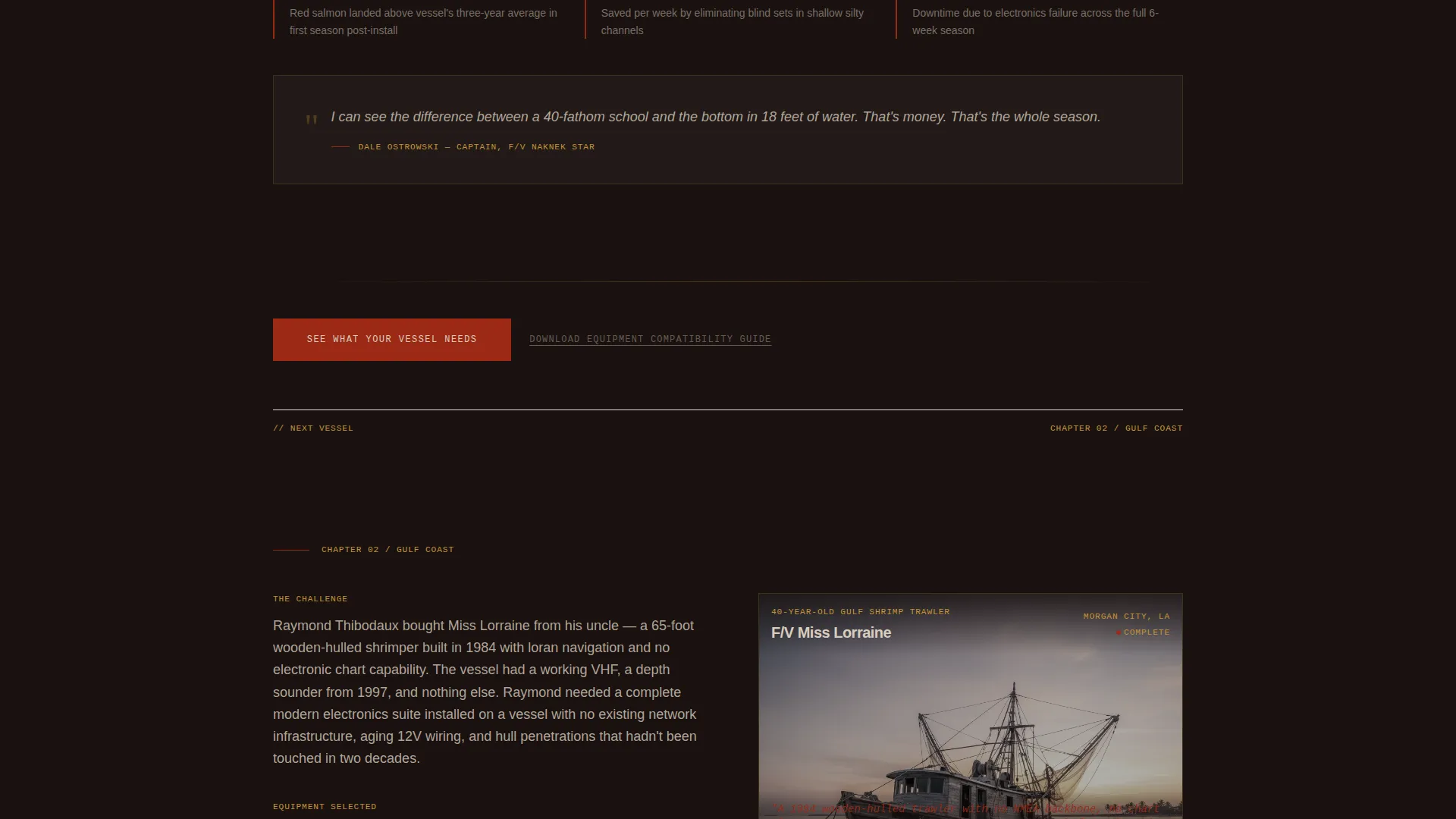
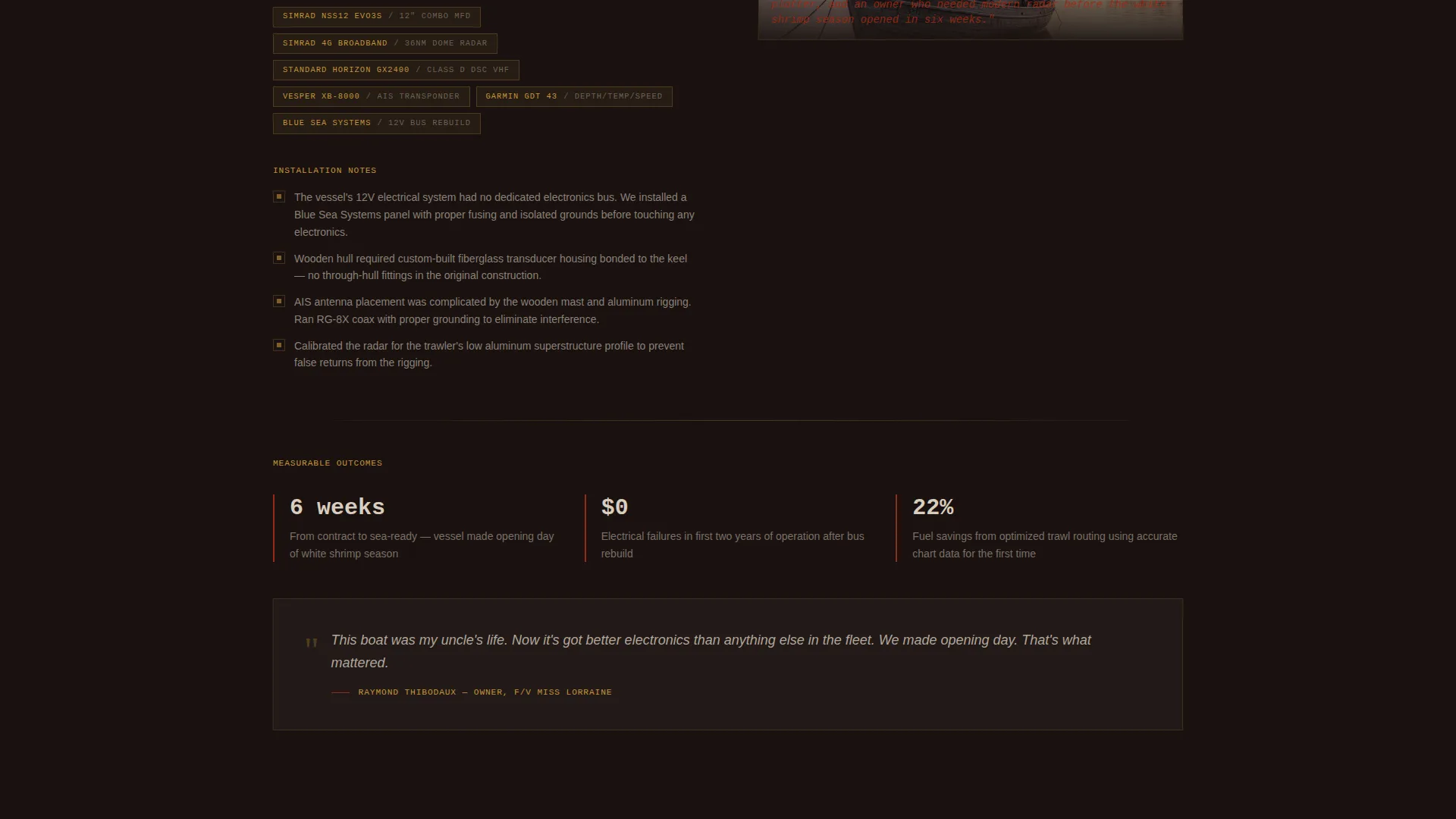
The page scrolls through three vessel installations as escalating chapters. Each chapter opens with the boat name, a hero photograph, and the core problem in one sentence. The narrative then unfolds into equipment selected, installation challenges overcome, and a measurable outcome such as pounds landed, hours saved, or downtime eliminated. Complexity escalates across the three cases to demonstrate the full range of the workshop's capability.
Repeating Click-Through Call to Action
A brass-colored "See What Your Vessel Needs" button appears after each case study section. Each placement is more persuasive than the last because evidence has accumulated. The button links directly to a service page with pricing tiers and scheduling, removing every barrier between a convinced visitor and the next step.
Secondary High-Funnel Capture Link
A text link reading "Download Our Equipment Compatibility Guide" runs alongside the primary call to action. It gives visitors who are still researching a concrete reason to stay connected, capturing interest before they are ready to commit to a service conversation.
Data Command Color and Type System
The Fire and Earth palette uses deep volcanic black for backgrounds, compass brass for data highlights and interactive elements, scorched hull red for primary action buttons, and sediment tan for body copy. The combination reads like diesel-stained teak under overcast skies: heavy, industrial, and credible without relying on gloss or animation.
Single-Column Scroll Flow
The layout uses a disciplined single-column structure that guides the reader from the infographic header through each case study without distraction. There are no sidebars or competing columns. Every scroll step keeps the visitor moving toward the call to action.
Page sections overview
| Section | Purpose |
|---|---|
| Infographic Header | Displays labeled wheelhouse electronics with spec data and brass connector lines |
| Case Study One | 58-foot Bristol Bay gillnetter sonar refit before red salmon season |
| call to action Block One | First "See What Your Vessel Needs" button placement after case study one |
| Case Study Two | 40-year-old shrimp trawler radar modernization with no existing NMEA backbone |
| call to action Block Two | Second button placement, reinforced by accumulated evidence |
| Case Study Three | Sportfishing charter with tournament-grade electronics and live-streaming cameras |
| call to action Block Three | Third and most compelling button placement after full proof sequence |
| Secondary Capture Link | "Download Our Equipment Compatibility Guide" text link for higher-funnel visitors |
Design & branding system
The visual identity follows a Data Command theme built on the Fire and Earth color system. Every color choice serves a functional role, not just an aesthetic one.
- Black (#1A1210) dominates all backgrounds, brass (#C4943A) highlights data points and interactive elements, hull red (#9B2915) marks primary action buttons, and sediment tan (#D9CDBF) carries body copy for strong legibility on dark fields
- The overall feel is deliberately industrial, evoking diesel-stained teak and hot exhaust stacks against an overcast sky, building trust through visual weight rather than polish
- Brass connector lines and pulsing spec data in the header reinforce the Data Command theme and tie the navigation diagram aesthetic into the rest of the page
Mobile & speed optimization
The single-column layout is inherently suited to smaller screens. The vertical scroll flow requires no horizontal reordering or column collapsing.
- Each case study chapter stacks cleanly: vessel name, hero image, problem statement, and outcome read in order without layout breakage on mobile viewports
- The infographic header is designed as a structured diagram that scales within its container, keeping labeled electronics nodes legible across screen sizes
- call to action buttons and the secondary text link are sized and spaced for touch interaction, reducing friction for visitors browsing on phones between offshore runs
How this template helps you convert
The page is engineered around a specific buyer psychology: earn the click through evidence before asking for it. Every structural decision supports that goal.
- The three-chapter narrative escalates in complexity, proving that the workshop can handle straightforward refits and difficult edge cases alike, which addresses the primary objection a fleet manager or owner-operator brings to any service provider
- Placing the brass "See What Your Vessel Needs" call-to-action button after each case study means that visitors who are convinced early can act immediately, while those who need more proof keep reading toward an even stronger second and third placement
- The secondary "Download Our Equipment Compatibility Guide" link gives high-funnel visitors a low-commitment next step, keeping them in the orbit of the business even when they are not yet ready to schedule a service consultation
Other information about this template
This template is designed for a specific niche within the marine electronics industry. A few additional details help set expectations for how it fits into a broader business context.
- The template is a click-through landing page, meaning it contains no embedded form. The conversion goal is a single qualifying click to a separate service page with pricing tiers and a scheduling flow
- The three case vessels described in the brief include a 58-foot Bristol Bay gillnetter, a 40-year-old shrimp trawler, and a sportfishing charter, giving the template immediate relevance across commercial fishing, offshore work, and recreational charter markets
- The Equipment Compatibility Guide secondary link is positioned as a content download for visitors at the research stage of the buying cycle, expanding the template's reach beyond buyers who are ready to act immediately
- This template suits any marine electronics outfitter whose clients operate in commercial fishing, offshore workboat, or charter fishing segments and whose service differentiation comes from technical depth and vessel-specific expertise
Theme
Data Command
Creative direction
Case Study Narrative
Color system
Fire & Earth
Style
Single Column Flow
Direction
Click-Through
Page Sections
Wheelhouse Infographic Header
Three-chapter Case Study Narrative
Repeating Click-through Call to Action
Secondary High-funnel Capture Link
Data Command Fire and Earth Palette
Single-column Scroll Layout
Related questions
Does this template include a contact form?
Can I use this template for a business serving both commercial and recreational vessel clients?
How many call-to-action placements are included in the template?
What layout structure does this template use?
Is this template suitable if I have fewer than three case studies ready?