Teachers & Educators Community Professional Website Template
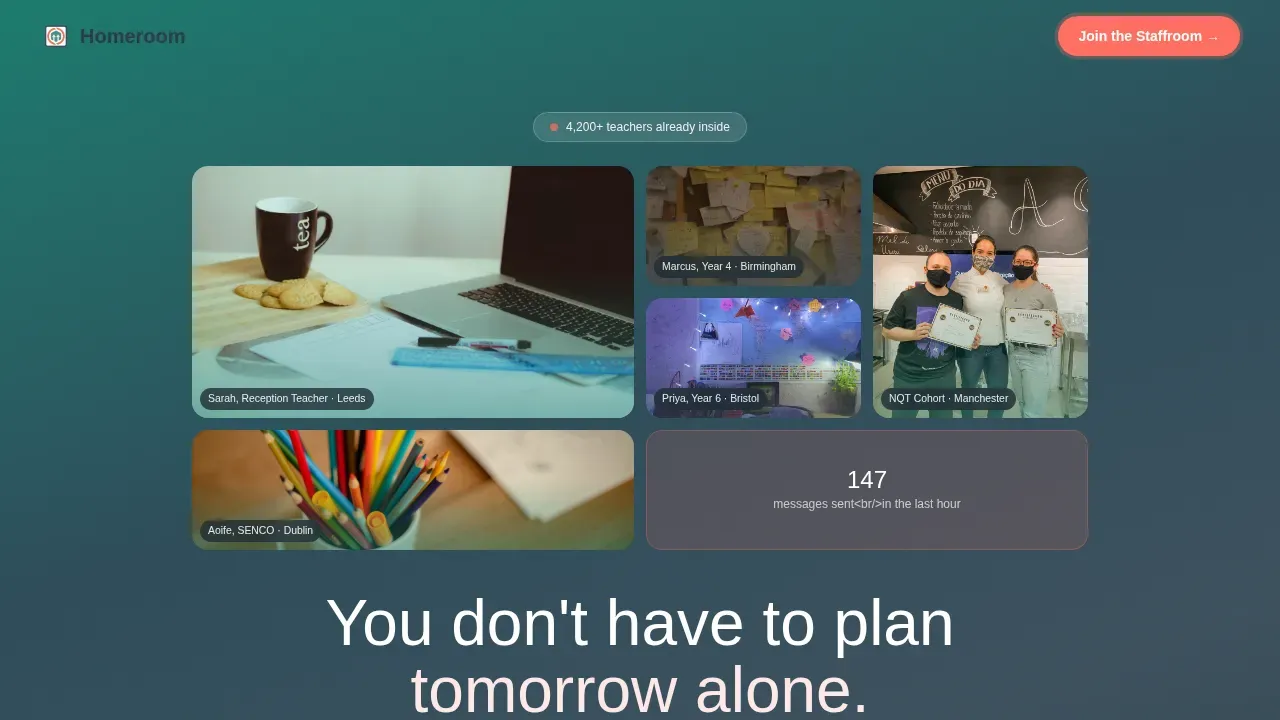
Homeroom is a hero-dominant landing page template built for teacher Discord communities. It guides exhausted educators from Sunday-night isolation to a warm, active staffroom with a single click. The design pairs a UGC photo wall, emotional scroll storytelling, and a sticky coral call-to-action to earn every join before asking for it.
by Rocket studio
Quick summary
Homeroom is a single-page, click-through landing page template for a free teachers' Discord community. It follows a Hero's Journey scroll structure, moving visitors from honest emotional recognition to confident belonging. One coral button drives every conversion: "Join the Staffroom." No form, no gate, no friction.
Who this template is for
This template suits anyone launching or growing an educator community online. It works best for people who already have an active Discord server and need a page that earns the click.
- NQT (Newly Qualified Teacher) mentors and community managers building teacher support spaces
- Veteran educators and department heads who want to share resources and help colleagues start fresh
- Education nonprofits creating a peer-to-peer community for students and staff
What problem this template solves
Teachers often feel isolated, especially late at night when lesson planning feels endless. A plain Discord server invite link gives visitors no reason to trust the community before they join.
- No visible description of what the server actually contains or who is inside
- No social proof to reassure a tired NQT that real friends and colleagues are already there
- No emotional hook that turns a cold click into a confident decision to join
What you get with this template
This template gives you a fully structured, emotionally intelligent landing page ready to connect to your Discord server invite link. It is built for mobile-first browsing and uses no-code-friendly markup.
- A UGC photo wall hero with bold headline, coral call-to-action, and sticky floating button
- Scroll-narrative sections covering the Ordinary World, an inside look at Discord channels, testimonials, and live community stats
- A minimal footer with a reassuring closing line anchoring the final join prompt
Feature list
This template ships with focused, prompt-backed components that guide every visitor toward one decision.
UGC Photo Wall Hero
A mosaic grid of real, slightly imperfect community photos sits behind the bold headline "You don't have to plan tomorrow alone." Each image carries a small tag with a name, role, and location to create an immediate sense of authenticity.
Hero's Journey Scroll Narrative
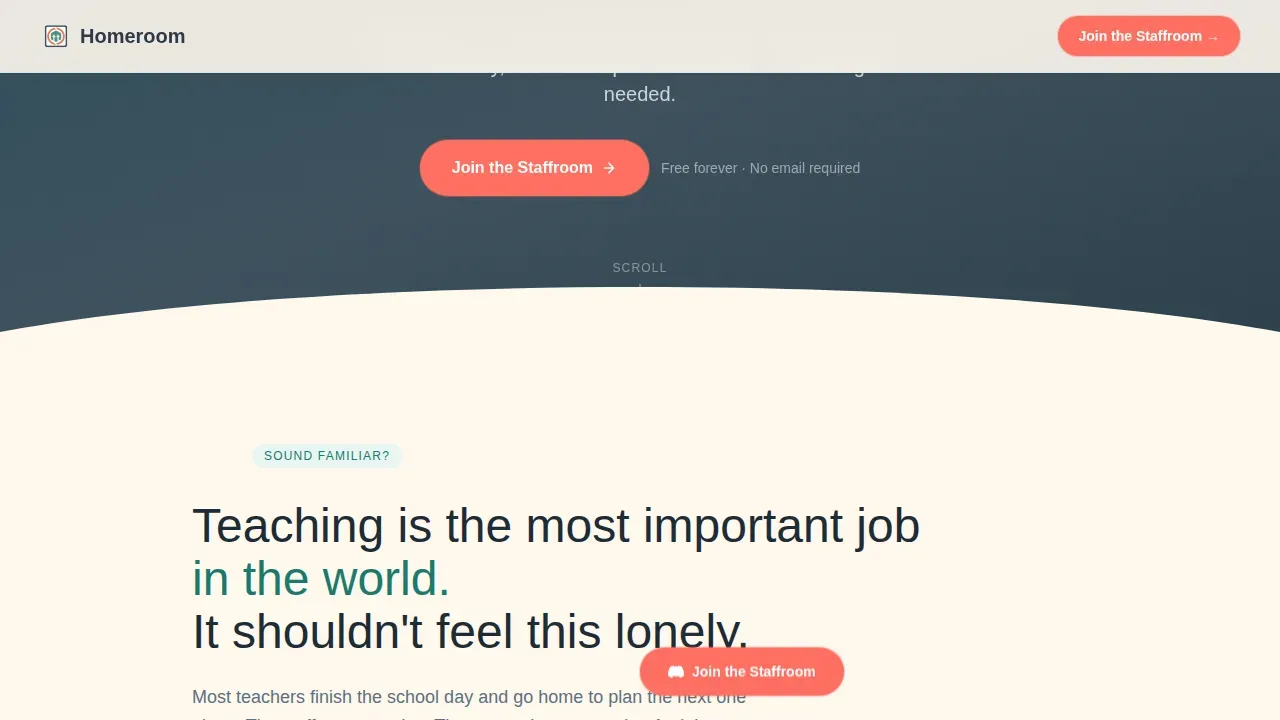
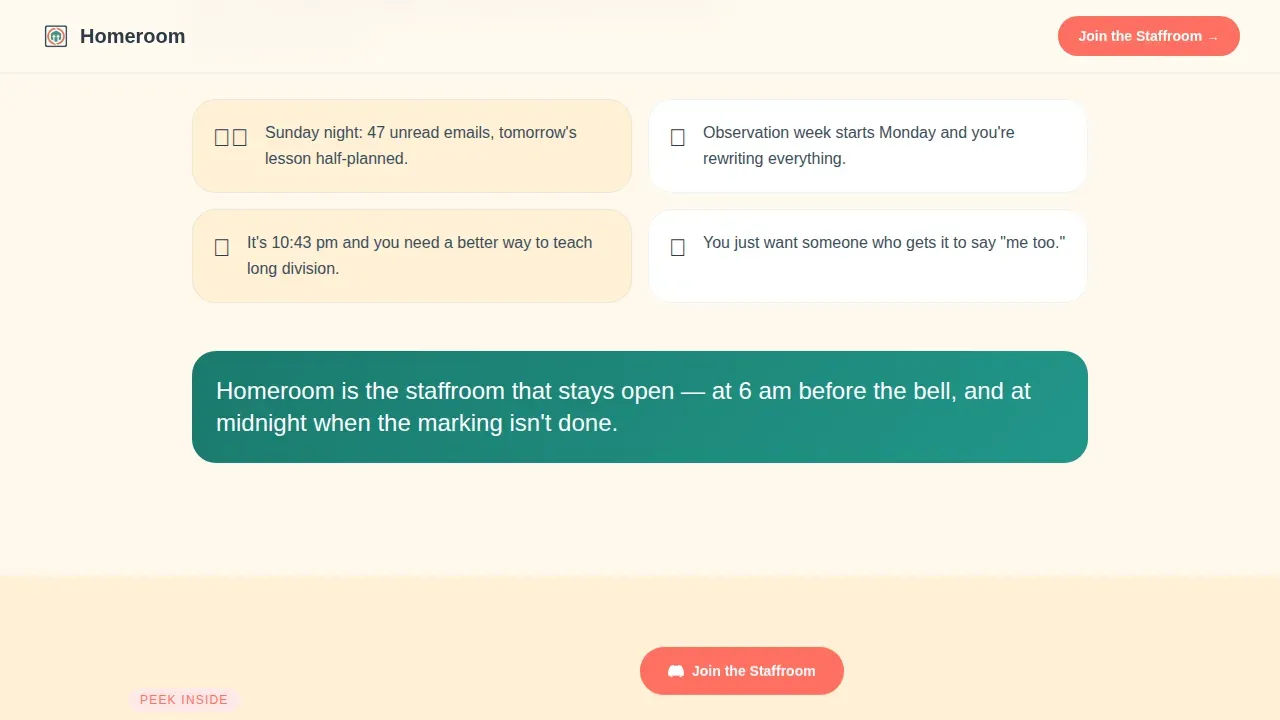
Sections unfold like a school year. The page moves from the Ordinary World of Sunday-night dread, through a Discord channels preview, to testimonials and a live member counter. Teal backgrounds gradually warm with cream and coral as the story progresses.
Sticky Coral Call-to-Action
A floating "Join the Staffroom" button follows visitors down the page. It appears first in the hero, stays visible during scroll, and anchors at the bottom above a reassuring text line confirming the community is free forever.
Discord Channel Preview
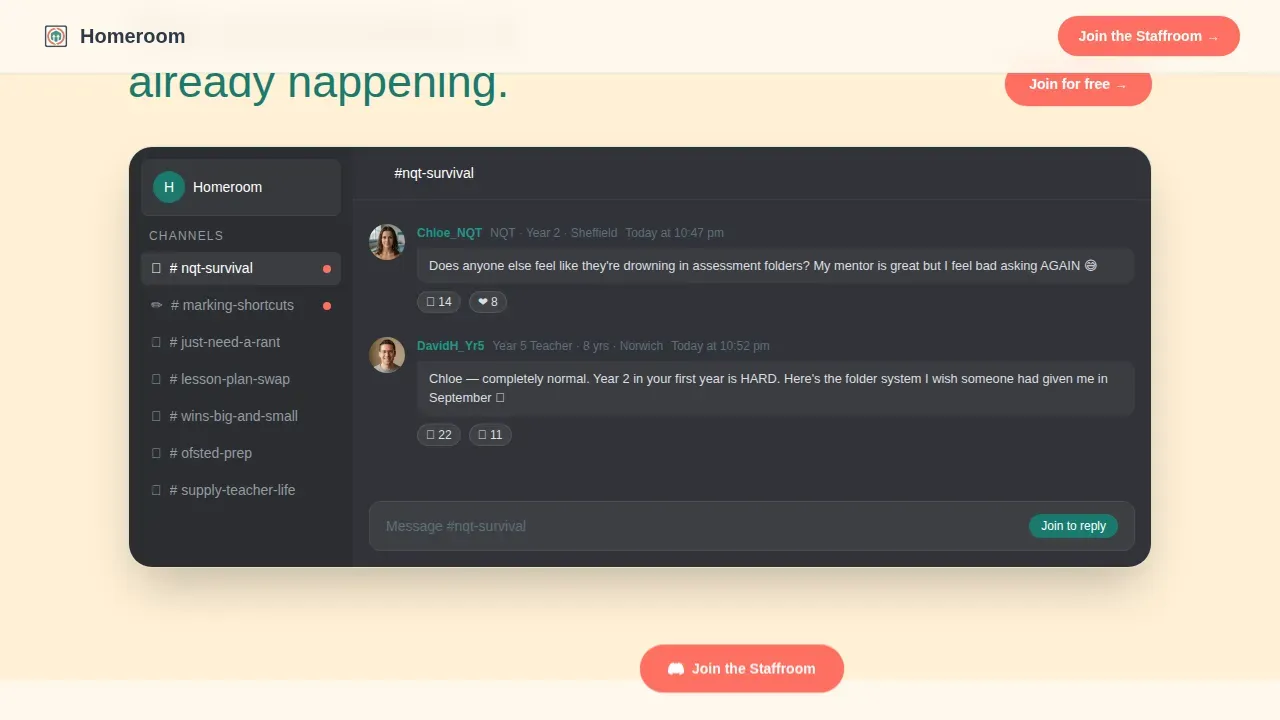
A Discord server interface mockup shows real channel names such as #nqt-survival, #marking-shortcuts, and #just-need-a-rant. Server screenshots like this reduce hesitation and help visitors search for channels relevant to their situation.
Testimonial Bento Cards
Three asymmetric bento cards share real member quotes with role and location. Displaying live member counts alongside testimonials builds credibility and shows the community is already active.
Page sections overview
| Section | Purpose |
|---|---|
| Hero Photo Wall | Bold headline, UGC mosaic, primary join button |
| Ordinary World | Emotional honest framing of teacher isolation |
| Inside the Staffroom | Discord channel user interface mockup with real channel names |
| Member Testimonials | Three bento cards with real quotes and roles |
| Live Stats and call to action | Member counter, weekly messages, anchor call-to-action |
| Minimal Footer | Closing reassurance line and final join link |
Design & branding system
The Teal Catalyst color system creates a classroom bulletin-board feel. Typography uses Plus Jakarta Sans for headings and DM Sans for body text, keeping the tone warm but readable.
- Core palette: deep teal (#1A7A6D), chalkboard slate (#3B4F5C), warm paper cream (#FFF8EE), and encouragement coral (#FF6F61) for buttons and badges
- Scroll-aware background warmth: teal shifts toward cream and coral as the visitor moves from struggle to community
- No stock photography; all images carry community member tags to ground every face in a real life
Mobile & speed optimization
This template is designed mobile-first, reflecting how teachers browse: on a phone, late at night, between tasks. The layout is clean and skimmable at any screen size.
- Sticky call-to-action button remains accessible on small screens without blocking content
- Scroll reveal animations use IntersectionObserver so they activate only when sections enter the viewport
- Server Components handle static sections; Client Components manage interactive scroll and hover states
How this template helps you convert
An effective landing page for a teacher community on Discord focuses on immediate value, trust-building, and ease of access. Homeroom delivers all three in sequence.
- The hero earns attention fast: a bold headline, real photos, and a single coral button create an instant value proposition before a visitor can scroll away.
- The narrative builds trust: each section deepens emotional stakes, shows real channels, shares real voices, and displays live stats so visitors know the server is warm before they walk in.
- The closing anchor seals it: a final join button above the reassurance line "Free forever. No email required. Just teachers helping teachers." removes every remaining barrier.
Other information about this template
This template was built using a no-code-friendly structure, meaning you can create and adapt it without traditional programming skills. No-code platforms often include customizable templates to help users start quickly, and this page follows that principle throughout.
- The Discord integration uses a permanent, non-expiring invite link for the join button, following best practice for community onboarding
- Focused channels for discussion such as #lesson-ideas, #classroom-management, and #resource-sharing can be reflected in the channel preview section
- Community-only perks like guest speaker sessions and specialized workshops can be described within the existing section copy
- The community helps teachers save time, share resources, and find peer support in a moderated space for networking among educators
- Displaying a live member count and weekly message volume enhances credibility and gives new visitors confidence that the server is genuinely active
Theme
Family First
Creative direction
Hero's Journey
Color system
Teal Catalyst
Style
Hero-Dominant (90/10)
Direction
Click-Through
Page Sections
UGC Photo Wall Hero Section
Hero's Journey Scroll Narrative
Sticky Coral Call-to-action Button
Discord Channel Preview Mockup
Testimonial Bento Cards with Live Stats
Related questions
Can I connect this template directly to my Discord server?
Do visitors need to create an account or fill in a form to join?
Can I update the channel names in the Discord preview section?
Is this template suitable for a small or brand-new community?



