Community Blind Services Landing Page Template
Beacon is a civic service landing page template built for blind and visually impaired independence organizations. It uses a full-screen video hero, a scrolling origin story in a zigzag alternating layout, and a Teal Catalyst color system to move newly diagnosed adults, veterans, and family members toward a services intake click-through. No forms. Just sixty years of proof and one amber button forward.
by Rocket studio
Quick summary
Beacon is a single-page, click-through landing page template designed for disability and inclusion nonprofits serving blind and visually impaired adults. It opens with a cinematic video hero and guides visitors through a decade-by-decade origin story using alternating zigzag sections, deep teal banding, and a single signal amber call to action that repeats at every conversion point.
Who this template is for
Beacon serves mission-driven organizations that offer orientation and mobility training, assistive technology programs, and employment support services to people living with blindness or low vision. It is built for teams that need to earn trust quickly and move visitors toward a services intake page without relying on an on-page form.
- Disability and inclusion nonprofits with comprehensive programs for visually impaired adults
- Advocacy organizations and civic service teams whose board and leadership want a site that reflects decades of impact
- Staff and directors communicating services to newly diagnosed adults, aging veterans, and family caregivers
What problem this template solves
When someone is newly diagnosed or searching at midnight for a loved one, a cluttered or generic nonprofit page loses them in seconds. Beacon solves the cold-start trust problem. It spends every scroll section proving competence before asking for a single click.
- Visitors with disabilities need a calm, high-contrast, screen reader compatible layout that puts services first and clutter last
- Family members and caregivers need a clear path forward, not a wall of text or a confusing form
- Organizations need a page that communicates mission depth and decades of impact without overwhelming a first-time visitor
What you get with this template
Beacon delivers a fully structured, five-section landing page with every layout decision already made. The team receives a production-ready visual system, motion-driven storytelling components, and a conversion architecture built around one deliberate click.
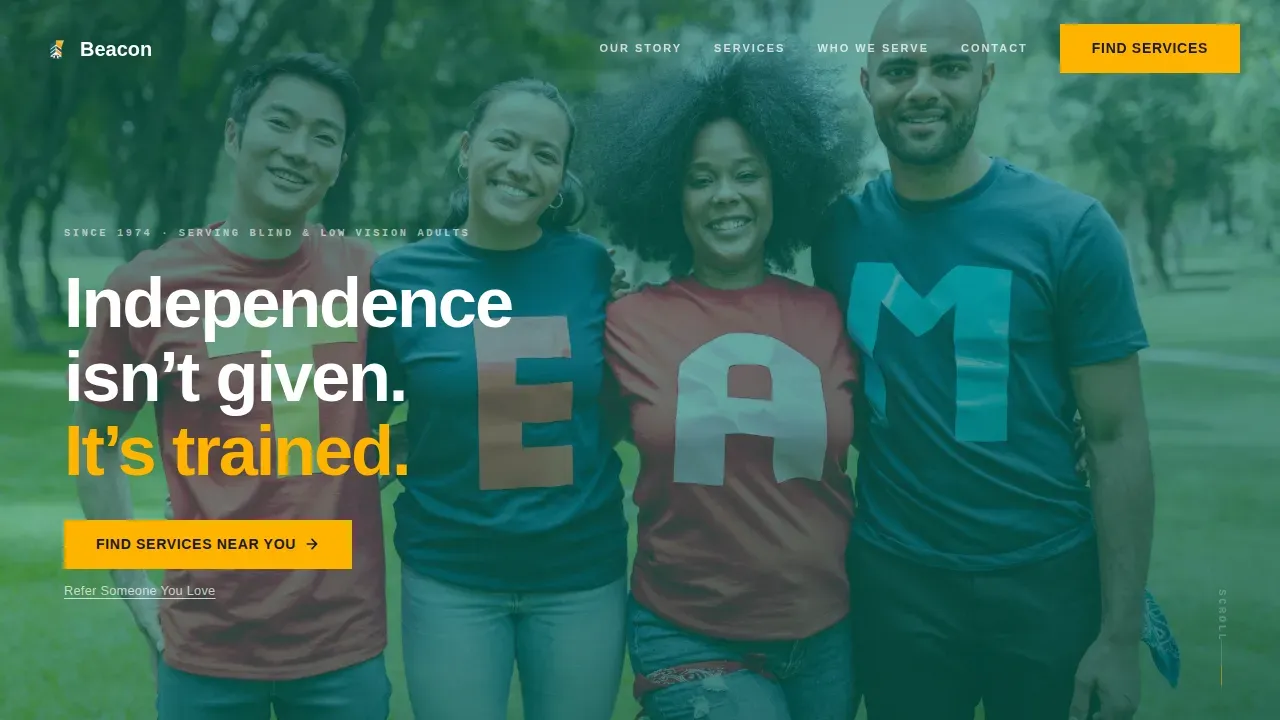
- A full-screen video hero with cinematic overlay, text transcript support, and an amber "Find Services Near You" call to action
- Alternating zigzag origin story panels that move through founding decade to present day, with stat counters and milestone photography placeholders
- Audience-specific cards for newly diagnosed adults, veterans, and family members, plus a live waitlist counter and named testimonial in the final section
Feature list
Beacon includes the following built-in capabilities drawn directly from its design and layout brief.
Full-Screen Video Hero with Poster Fallback
The header occupies the full viewport with an autoplay background video. The camera follows a woman with a white cane at shoulder height through a crosswalk, putting the viewer beside her rather than watching from a distance. Street audio, a chirping pedestrian signal, and a fading headline complete the sequence. A poster image fallback ensures the hero loads meaningfully on devices where video autoplay is restricted. Every video in the template includes synchronized captions and a text transcript area so users who rely on assistive technology can access the same content.
Zigzag Alternating Origin Story Layout
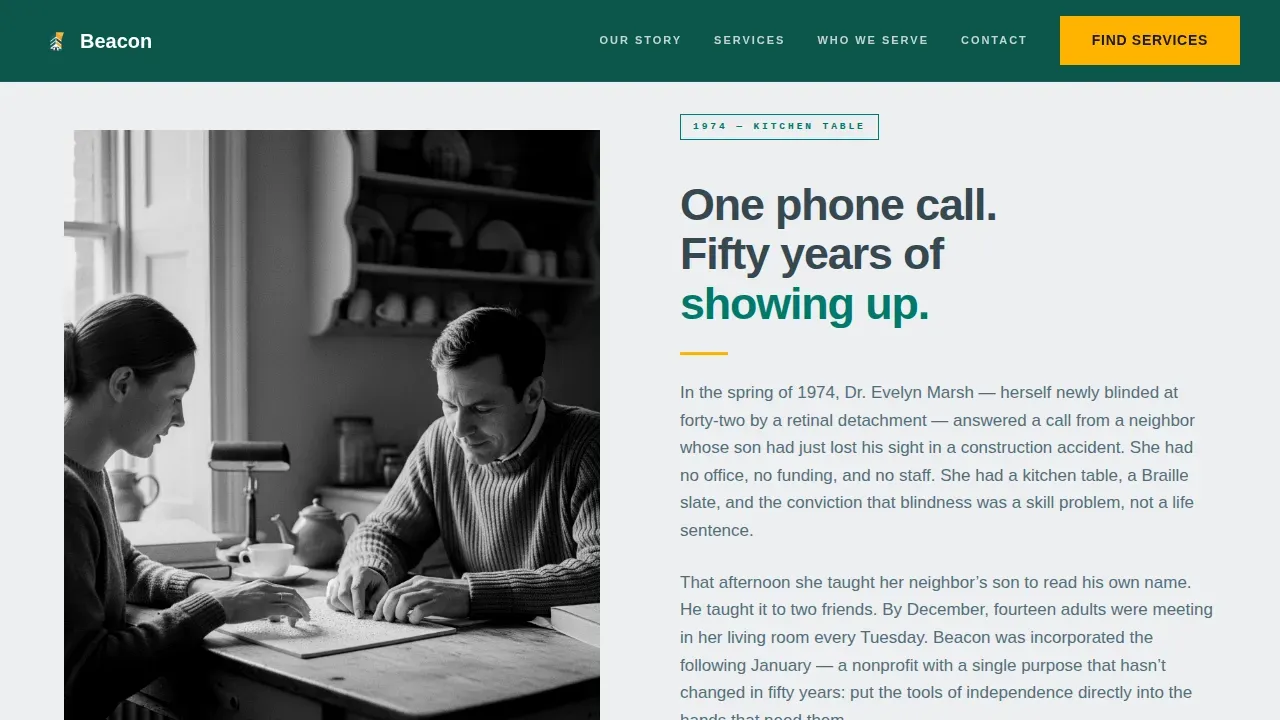
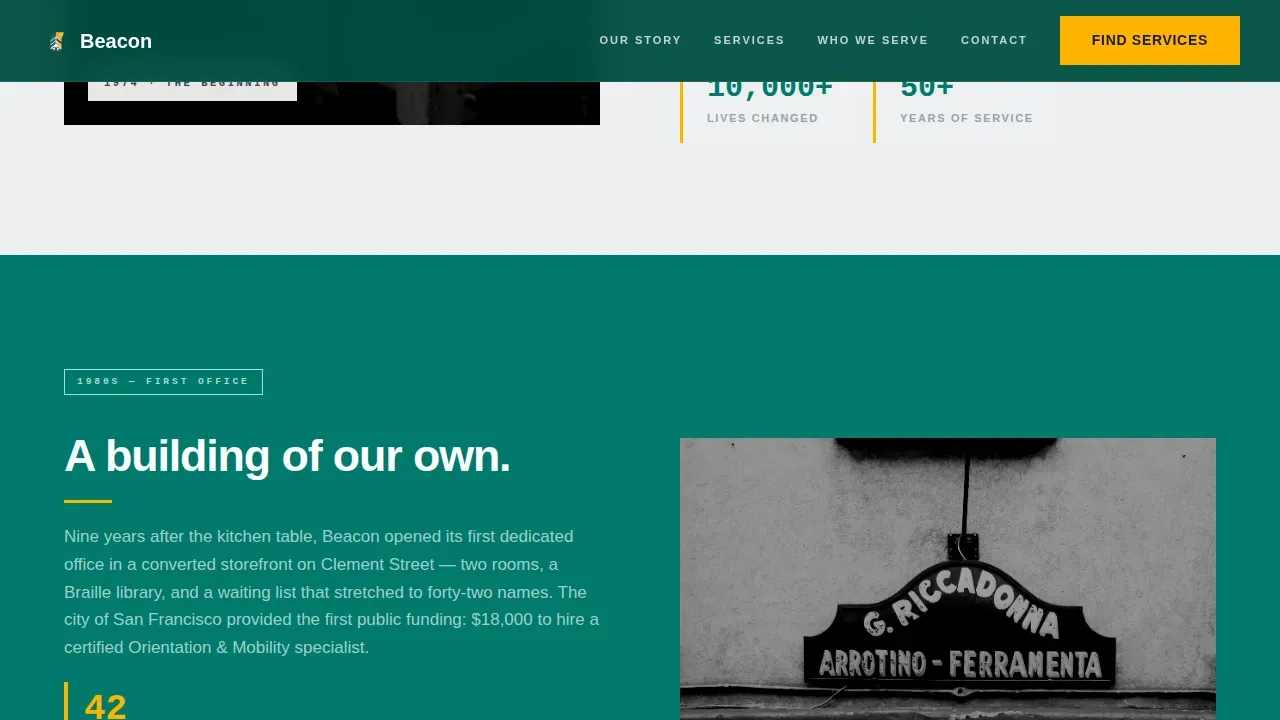
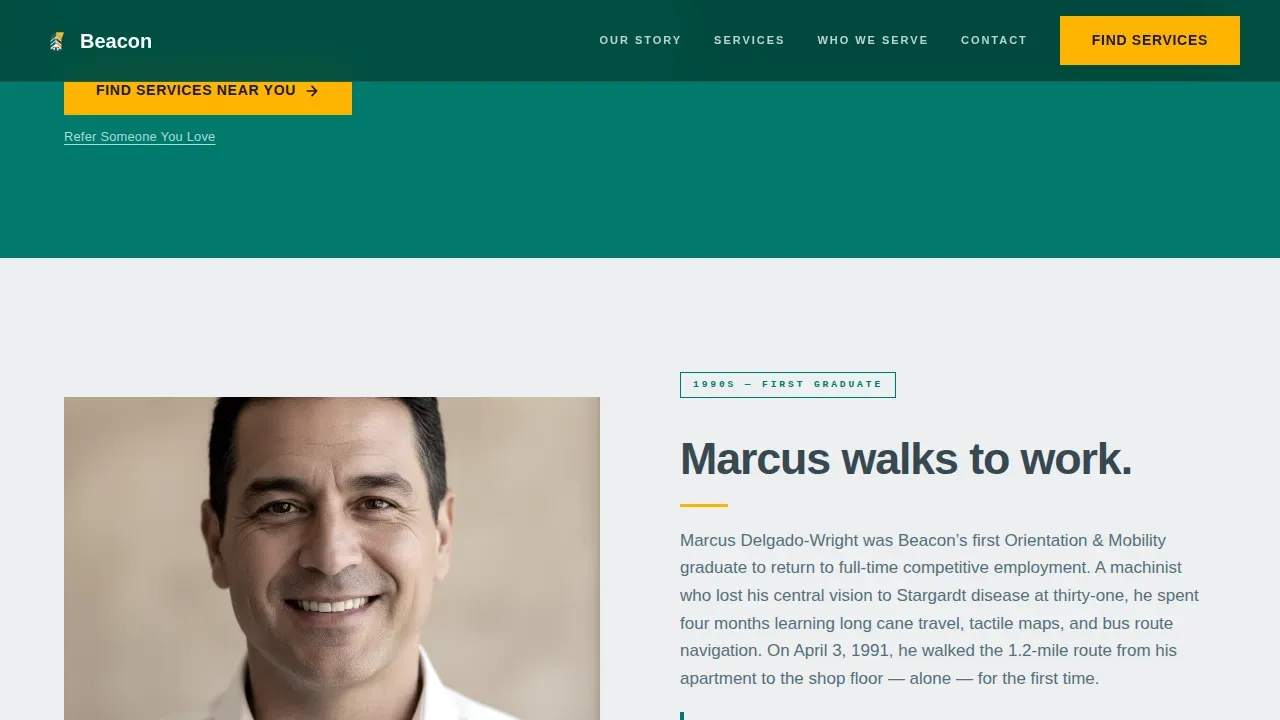
The scroll experience moves through time. Each alternating panel pairs an archival or contemporary photograph with a short text block, building a decade-by-decade history from 1974 to the present. Teal section backgrounds deepen as the story advances, photos shift from grainy to crisp, and stat figures grow larger, creating a visual rhythm that accelerates toward the present. The layout is designed so board members and directors can update milestone content without disrupting the overall structure.
Animated Stat Counters with JetBrains Mono Typography
Key figures, including a live waitlist counter and cumulative client totals, animate on scroll using an IntersectionObserver-triggered counter system. Numbers render in JetBrains Mono to distinguish data from body text and give the page an institutional, field-credible feel. This component communicates the weight of unfinished work and gives visitors a reason to act now.
Audience Cards for Three Visitor Types
The "Who We Serve" section presents three alternating cards addressing newly diagnosed adults, aging veterans experiencing low vision, and family members or caregivers searching on behalf of someone they love. Each card speaks directly to a distinct emotional state without requiring the visitor to self-identify through a form. The layout ensures every visitor feels seen within the first scroll.
Repeating Amber Call-to-Action System
Signal amber (#FFB300) appears exclusively on call-to-action buttons and interactive focus states throughout the page. The primary button, labeled "Find Services Near You," appears first at the base of the hero and repeats at every other zigzag junction. A secondary text link, "Refer Someone You Love," sits beneath each primary button for family members and caregivers who are not the direct client. Descriptive button labels replace vague text, ensuring all users understand exactly where each click leads. Visible focus indicators highlight active elements during keyboard navigation, supporting users who rely on keyboard-only interaction.
Civic-Institutional Design with Accessibility-Forward Structure
The Teal Catalyst color system uses deep service teal (#00796B), warm slate (#37474F), soft cloud white (#ECEFF1), and signal amber (#FFB300). The palette maintains a minimum color contrast ratio of 4.5:1 for normal text, ensuring readability for users with low vision. Text labels and icons reinforce instructions so the design never relies on color alone to convey meaning. Semantic HTML structure uses proper tags for header, main, nav, and footer regions, ensuring logical navigation for screen reader users.
Page sections overview
| Section | Purpose |
|---|---|
| Video Hero Header | Cinematic entry point with amber call to action |
| Origin Story 1974 | Founding decade archival photo and paragraph |
| Decade Milestone Panels | Alternating zigzag stats and photography |
| Who We Serve | Audience cards for three visitor types |
| Present Day Counter | Live waitlist, testimonial, final amber call to action |
| Footer Pattern One | Linear single-row footer with contact links |
Design & branding system
Beacon uses the Teal Catalyst color system, which feels like the lobby of a well-funded public library: calm enough to think, institutional enough to trust, and lit by one bright directional amber signal that pulls visitors exactly where they need to go.
- Deep service teal (#00796B) dominates alternating section backgrounds; warm slate (#37474F) anchors all body text in DM Sans; soft cloud white (#ECEFF1) provides breathing room between panels
- Signal amber (#FFB300) appears only on call-to-action buttons and focus states, keeping every interactive element visually distinct without creating clutter
- JetBrains Mono is reserved for stat counters and numeric milestones, separating data from narrative and reinforcing the template's institutional credibility
Mobile & speed optimization
Beacon is built desktop-first with full mobile responsiveness across all five sections. The video hero degrades gracefully on mobile devices, falling back to a static poster image when autoplay is restricted, so the first impression stays strong regardless of device or connection speed.
- Zigzag panels reflow to single-column stacks on smaller screens, ensuring the origin story remains readable and skimmable at every breakpoint
- Scroll-triggered reveals use IntersectionObserver for smooth animation activation without blocking page load or degrading the experience on lower-powered devices
- The sticky navigation scroll behavior keeps the primary call to action reachable as visitors move through the page, reducing the distance between decision and click
How this template helps you convert
Beacon is a click-through landing page optimized for one outcome: earning the click to a services intake page. Every design decision serves that goal.
- The video hero and origin story spend the full scroll proving fifty years of competence, so visitors arrive at the call-to-action button already trusting the organization rather than still evaluating it
- The amber button system repeats at every other section junction and uses descriptive labels so visitors always know what comes next, reducing hesitation and supporting users who navigate by keyboard or screen reader
- The live waitlist counter in the final section makes the unfinished work visible, creating a sense of urgency that encourages visitors to take the next step without feeling pressured
Other information about this template
Beacon is the Beacon Civic Service Blind Independence landing page template, purpose-built for the disability services field. It reflects design principles used by established organizations including Lighthouse programs across the United States, which empower people of all ages living with a visual impairment or blindness to remain independent, active, and productive. Lighthouse facilities and camp programs, including Enchanted Hills Camp in the San Francisco Bay Area of California, offer comprehensive services that this template is well suited to represent.
- The template's mission-forward storytelling approach aligns with how leading organizations in San Francisco and across the state present their board, leadership, and program histories to the public
- Beacon can support programs connected to a national federation of blindness advocacy groups, state vocational rehabilitation offices, and federal grant-funded services, as these organizations commonly need a dignified, trustworthy web presence that serves both the people they reach and the directors and employees who fund and manage them
- The template is suited for organizations that offer education programs, employment services, orientation and mobility training, and camp experiences for children and adults across all ages
- Beacon encourages organizations to include descriptive page titles and alt text for every image, use captions and text transcripts for all video content, and ensure all interactive elements are operable by keyboard navigation, reflecting best practices for serving users who are blind or have low vision
- Technology like beacons, including the RightHear app available on Android and other platforms, uses Bluetooth beacons to provide audio descriptions of surroundings, helping visually impaired individuals navigate public spaces. The RightHear Accessibility system has been installed at Natural Bridge State Park and other sites to deliver real-time location information to users who are blind or have low vision. These real-world tools share a mission with the organizations this template serves
- The template's call-to-action schedule ensures that visitors can contact the organization, request more information, learn about intake, visit a program location, or refer someone they love at any point during their scroll
- Individualized Education Plans (IEPs), commonly abbreviated as such, are customized plans that outline goals for students with disabilities. Vocational rehabilitation services delivered through state agencies help individuals with disabilities plan a path to employment. The National Library Service for the Blind and Print Disabled provides free braille and talking books, one of hundreds of support tools available to the communities this template serves
- In addition to the primary audience, Beacon can suit affiliate organizations, co-sponsors, and event partners who need a compelling web presence that reflects the justice and dignity at the center of their mission. Discrimination in access to services is an important issue these organizations address, and the template's design gives their board and team a platform equal to that mission. A certification of professional staff, the management of grant funding, and the transparency of federal program reporting are areas where this template's leadership-forward design can add real benefit
Theme
Civic Service
Creative direction
Origin Story
Color system
Teal Catalyst
Style
Zigzag/Alternating
Direction
Click-Through
Page Sections
Full-screen Video Hero with Fallback Support
Zigzag Alternating Origin Story Panels
Animated Scroll-triggered Stat Counters
Three Audience Cards for Distinct Visitor Types
Repeating Amber Call-to-action Button System
Civic-institutional Teal Catalyst Design System
Related questions
Does Beacon include an intake form on the landing page?
Can the milestone panels and stat counters be updated easily?
Is Beacon designed with screen reader users and keyboard navigation in mind?
Who are the primary visitors this landing page is built to reach?
Can this template represent organizations that serve children as well as adults?



