Implant Dentist Provider Directory Website Template
A sidebar companion landing page for an implant dentist directory. It guides patients step by step through candidacy, procedure types, honest cost ranges, and recovery before connecting them with local providers. The design feels like a calm consultation room: warm white, editorial typography, animated line-art diagrams, and a fixed progress tracker that keeps every reader oriented.
by Rocket studio
Quick summary
This landing page template is a patient education guide and dentist directory companion. It walks visitors through five clear steps: candidacy, implant types, cost transparency, recovery timeline, and provider search. A fixed sidebar tracks progress as the reader scrolls. The result is a calm, authoritative experience that earns trust before asking for a single click.
Who this template is for
This template is built for dental practices, implant specialists, and directory publishers who need to convert anxious, research-heavy visitors into qualified leads. It works equally well as a standalone resource page or a companion guide attached to a provider directory.
- Adults aged 40 to 65 who are comparing implant options and feel intimidated by cost or procedure details
- Retirees evaluating full-arch solutions who cannot easily separate honest information from marketing
- Dental marketing teams who need a content-led conversion page that earns trust before presenting a directory
What problem this template solves
Most implant-related pages either oversell or overwhelm. Patients arrive anxious, leave confused, and never book. This template solves that gap by putting honest education first and the directory call to action second.
- Visitors feel rushed into booking before they understand the procedure or cost range
- Generic pages fail to address real fears around pain, recovery time, and unexpected expenses
- Practices lose research-phase visitors who are not yet ready to act but would convert given the right content
What you get with this template
You get a fully structured single-page layout with a fixed sidebar navigator, a step-by-step main content column, and two distinct conversion paths. Every section is designed to deepen trust before asking for any commitment.
- A five-step fixed sidebar tracker that highlights each section as the reader scrolls into it
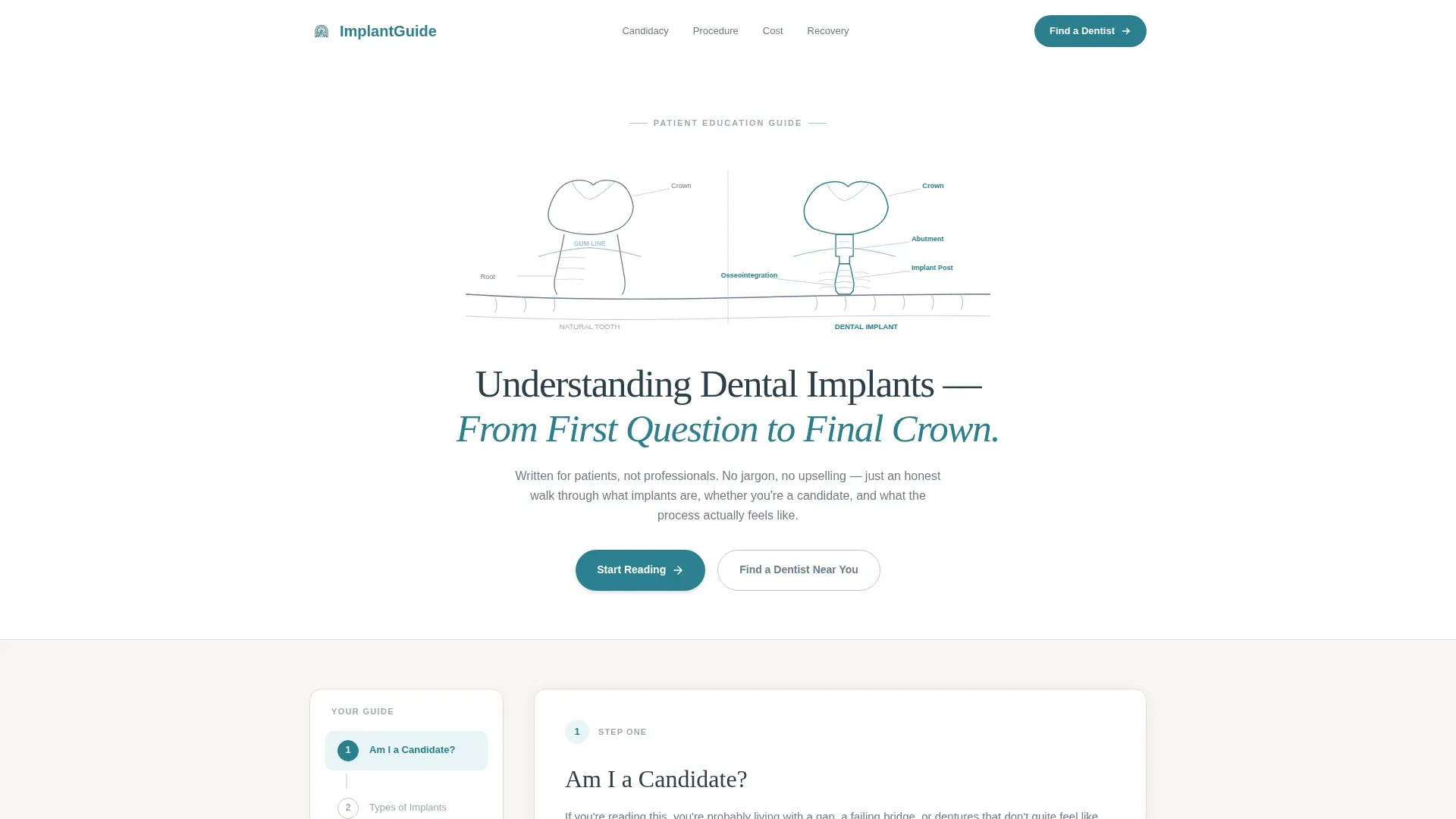
- An animated SVG header illustration showing a jaw cross-section, drawn into view over two seconds
- Two conversion paths: a zip code search with a procedure dropdown, and a PDF email-gate for early-stage researchers
Feature list
This template includes purpose-built features drawn directly from the project brief. Each one serves a specific moment in the patient's decision journey.
Animated Line Art Header
A full-width SVG illustration of a jaw cross-section animates into view when the page loads. A single ink-weight line traces from a natural tooth on the left through an implant post, abutment, and crown on the right. The animation completes in two seconds, then the headline settles beneath it.
Fixed Sidebar Step Tracker
A numbered five-step sidebar stays visible as the visitor scrolls. Each step label shifts from slate to teal as the reader reaches that section. This keeps readers oriented throughout a long-form guide and reduces drop-off caused by scroll fatigue.
Inline SVG Diagrams for Osseointegration
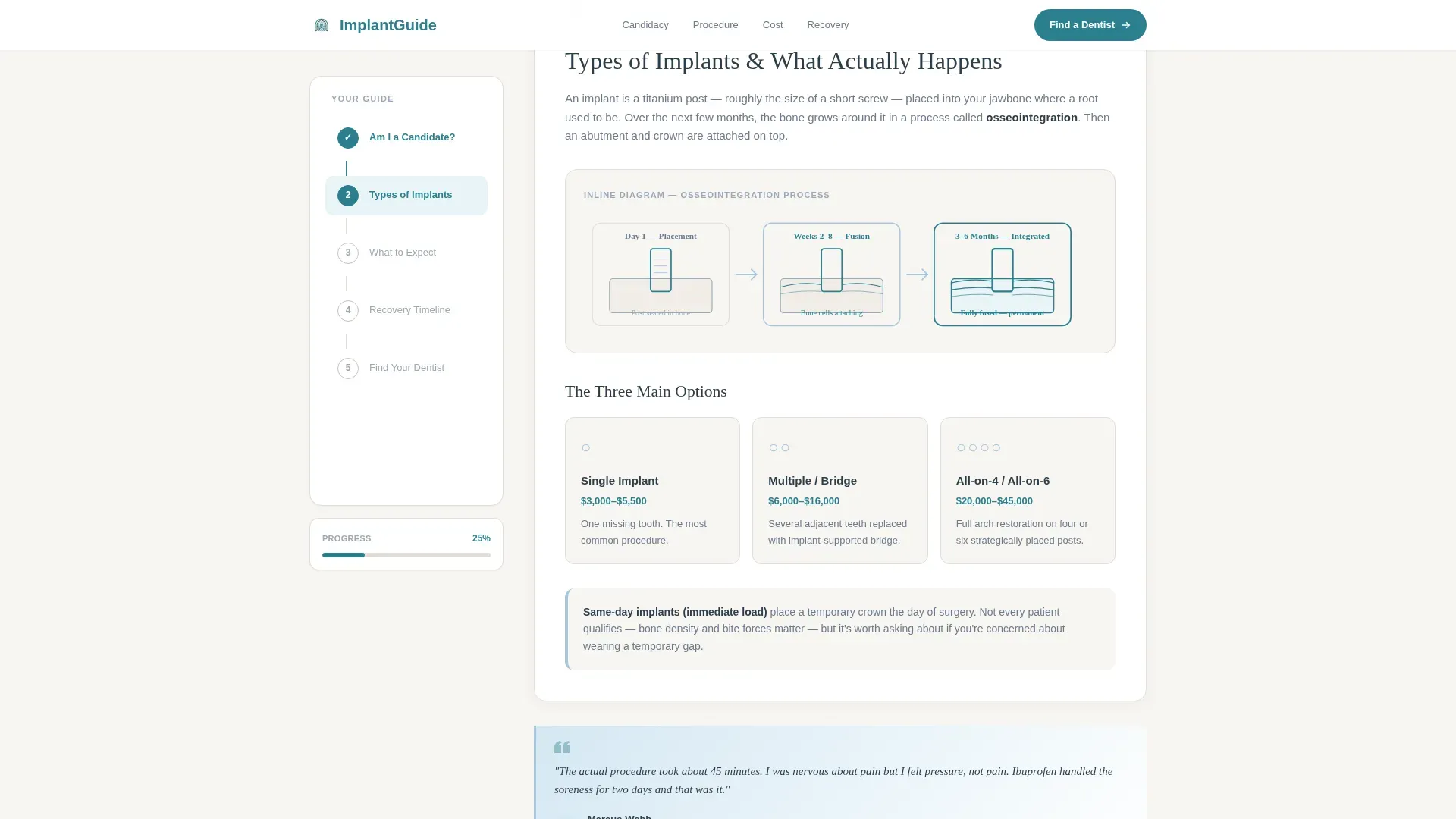
The procedure section includes inline line-art diagrams that explain how an implant post bonds with the jawbone over time. Visuals appear alongside the text rather than in a separate gallery, keeping the reading flow uninterrupted.
Honest Cost Range Section
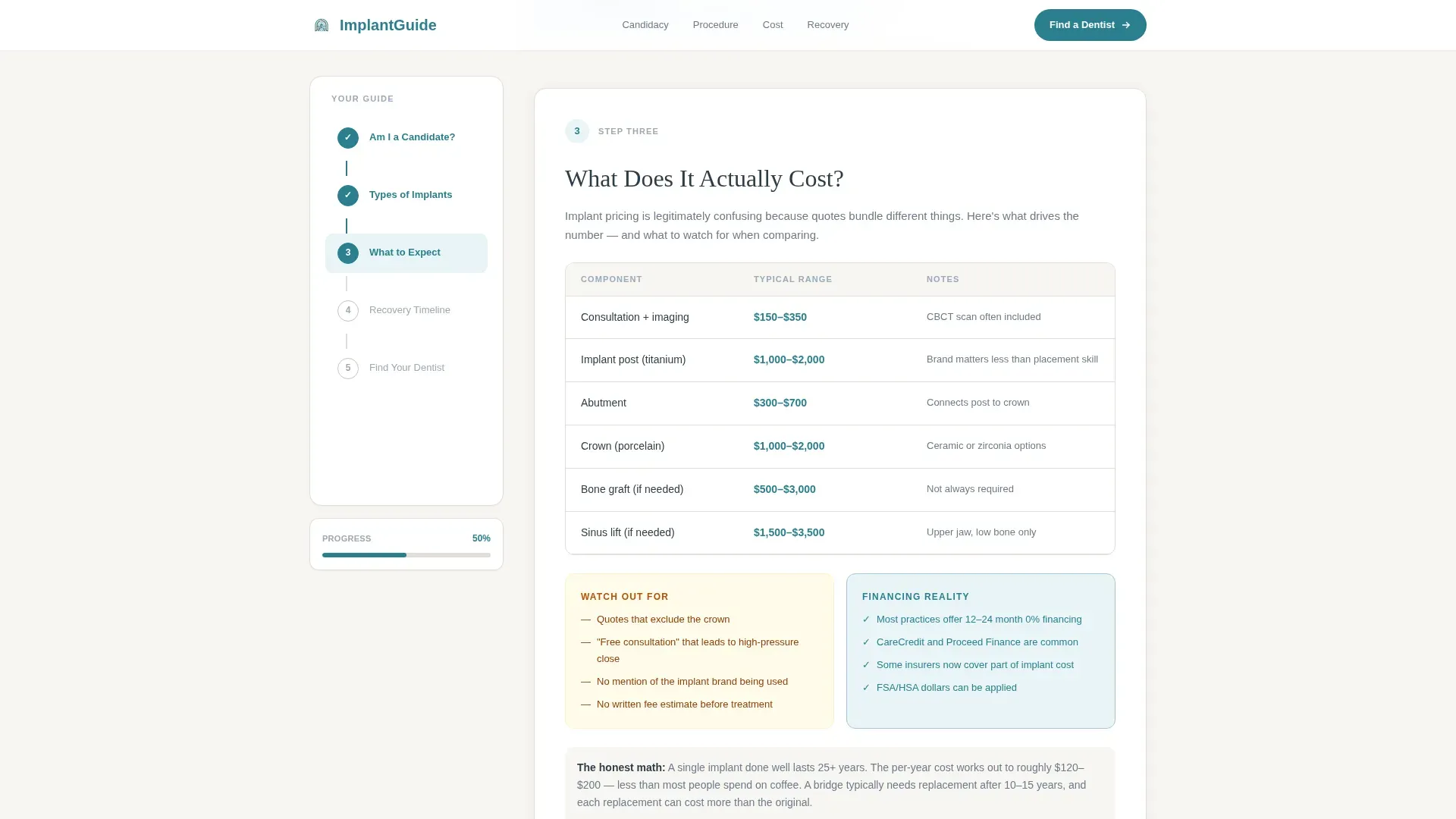
A dedicated section presents cost ranges clearly, broken down by factors that affect final price. No hedging language, no hidden caveats. This section directly addresses the number-one question patients search for but rarely find answered well.
Recovery Timeline Visual
A visual milestone timeline shows what to expect in the days, weeks, and months following surgery. Realistic milestones replace vague reassurances, helping patients plan and reducing appointment cancellations driven by fear of the unknown.
Dual Conversion Path
The primary call to action pairs a zip code field with a single dropdown for procedure interest. A secondary path offers a downloadable PDF guide behind an email gate. Both paths appear together at the bottom and again in the sidebar once the reader reaches the final step.
Page sections overview
| Section | Purpose |
|---|---|
| Hero with Animation | Introduce the guide with an animated jaw illustration and headline |
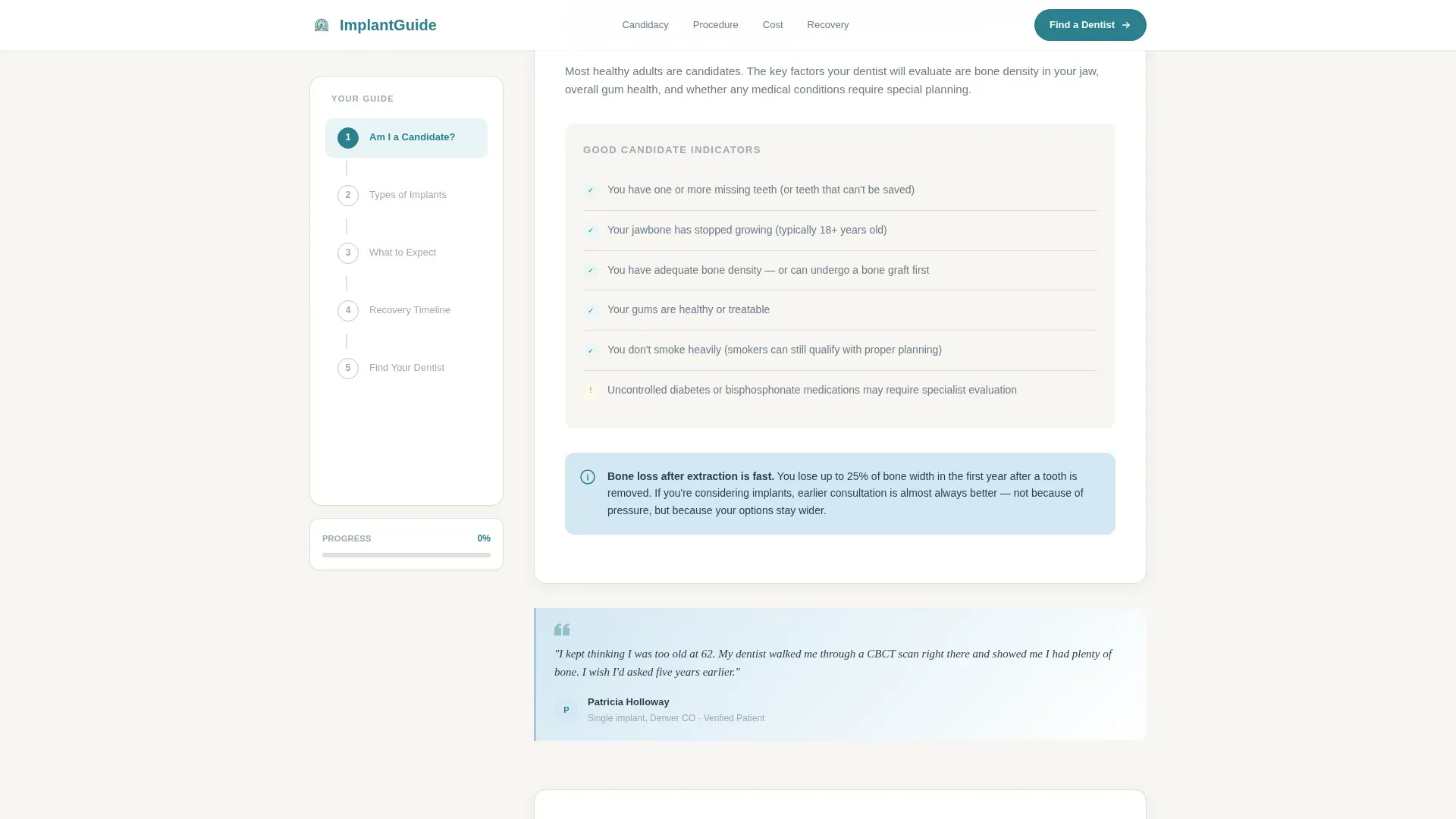
| Step 1: Candidacy | Normalize tooth loss and present a candidacy checklist |
| Step 2: Types and Procedure | Explain implant types and the osseointegration process |
| Step 3: Cost Breakdown | Present honest cost ranges with influencing factors |
| Step 4: Recovery Timeline | Show realistic post-procedure milestones |
| Step 5: Find Your Dentist | Deliver the zip search form and PDF download offer |
| Footer | Single-row linear footer with essential links |
Design & branding system
The visual identity follows an Educational Guide theme built on the Cloud Canvas color system. The palette feels like a well-printed anatomy textbook: clean, warm, and authoritative without being clinical.
- Colors: soft warm white (#F7F5F2) for the content field, muted slate (#6B7B8D) for body text, sky blue (#A8C5DA) for interactive highlights and progress indicators, and confident teal (#2A7F8E) for calls to action and trust badges
- Typography: DM Sans for body text and Fraunces serif for headings, combining readability with editorial warmth
- Visual style: hand-drawn line art, breathable margins, scroll-triggered section reveals, and patient pull-quotes closing each major section
Mobile & speed optimization
The layout is designed desktop-first to support the fixed sidebar experience. A responsive fallback stacks the sidebar above the content column on smaller screens so no functionality is lost on mobile.
- The fixed sidebar collapses into a top-of-screen step indicator on mobile, keeping progress visible without blocking content
- Static server components handle all long-form educational content, keeping client-side JavaScript to a minimum
- Scroll-triggered animations and the SVG trace effect are designed to run smoothly without heavy scripting overhead
How this template helps you convert
The page is structured so that conversion feels like a natural conclusion to an educational journey, not a sales pitch dropped into an article.
- The step-by-step structure moves readers from curiosity to confidence across five sections, so by the time they reach the directory search, they feel informed enough to act
- The dual conversion path captures both action-ready visitors via the zip code form and research-phase visitors via the PDF email gate, widening the lead funnel without adding friction
- Patient pull-quotes placed at the end of each section provide peer-level reassurance at exactly the moment a reader might hesitate to continue
Other information about this template
This template is categorized under Health and Medical, specifically within the Implant Dentist Website subcategory and the Implant Dentist Provider Directory niche. It is a Sidebar Companion template style built around a Content and Resource landing-page direction.
- The header concept is Line Art, and the creative direction follows a Step-by-Step Guide format throughout
- The color system is Cloud Canvas, a warm and calm palette suited to patient-facing healthcare content
- The template is localized for English-language audiences using United States dollar pricing and United States date formats
- Social proof elements include verified patient pull-quotes at the close of each section and trust badges displayed alongside the primary call to action
Theme
Educational Guide
Creative direction
Step-by-Step Guide
Color system
Cloud Canvas
Style
Sidebar Companion
Direction
Content/Resource
Page Sections
Animated SVG Jaw Cross-section Header
Fixed Five-step Sidebar Navigator
Inline Osseointegration Diagrams
Transparent Cost Range Breakdown
Visual Recovery Milestone Timeline
Dual-path Conversion Block
Related questions
Can I use this template without a live provider directory?
How does the fixed sidebar step tracker work?
What are the two conversion paths this template includes?
Who is this template best suited for?
Can the animated header illustration be customized?



