Surgical Condition & Treatment Library Landing Page
Incision is a surgical condition and treatment library landing page built for patients, caregivers, and referring physicians. It covers 42 general surgery conditions with side-by-side comparison tables, recovery timelines, risk data, and pre-op checklists. The design blends clinical precision with human warmth, so anxious readers arrive at their appointment informed rather than afraid.
by Rocket studio
Quick summary
Incision is a single-page surgical resource hub covering 42 conditions across general surgery. It pairs honest comparison tables with recovery timelines, risk figures, and pre-op checklists. The design feels like a consultation room: calm, clear, and human. Patients get the full picture. Caregivers get a printable checklist. Physicians get a reliable reference point.
Who this template is for
This template is built for healthcare publishers, general surgery practices, and patient-education platforms that need to present complex medical information clearly. It works equally well for content teams producing clinical reference material and for independent surgical groups wanting to support patients before they walk through the door.
- Anxious adults researching a diagnosis late at night and needing structured, trustworthy answers
- Caregivers organizing a loved one's preparation, recovery bag, and post-op questions
- Referring physicians who want a dependable resource to send patients before a procedure
What problem this template solves
Patients facing surgery often find scattered, conflicting information online. They cannot easily compare laparoscopic versus open approaches, understand realistic recovery windows, or know what questions to ask before their appointment. This template organizes that knowledge into a single, scroll-friendly page that replaces confusion with clarity.
- Removes the burden of piecing together procedure details from multiple unreliable sources
- Replaces fear-driven searching with a structured audit framework patients can follow themselves
- Gives caregivers and physicians a shared reference point so everyone arrives prepared
What you get with this template
You get a fully structured, section-led landing page that functions as both a patient-education resource and a lead-generation tool. Every major component is defined, from the hero tower through the interactive comparison builder to the downloadable checklist form.
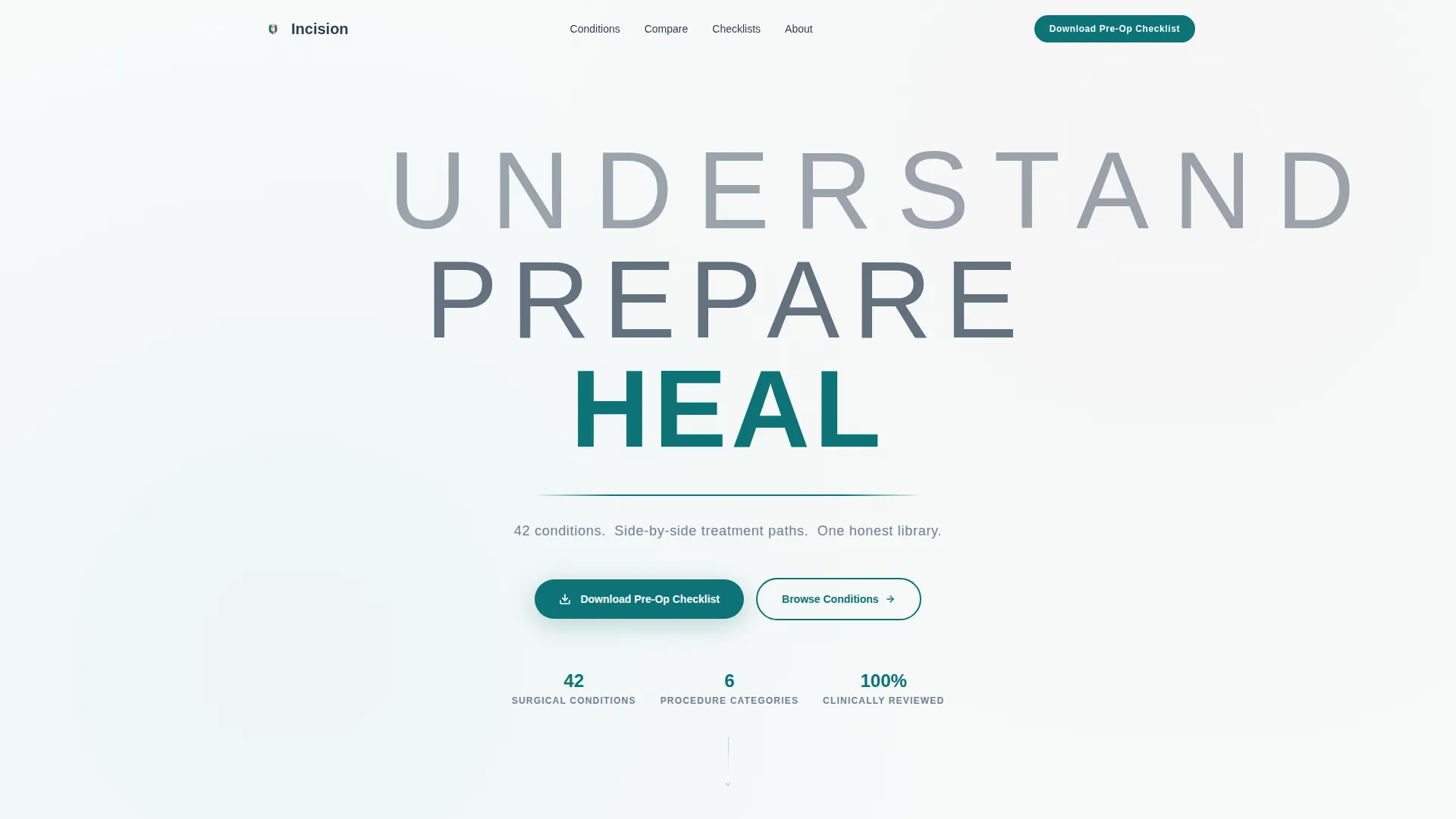
- A hero section with a bold stacked typographic tower, a teal horizontal rule, and a subline anchoring the value proposition
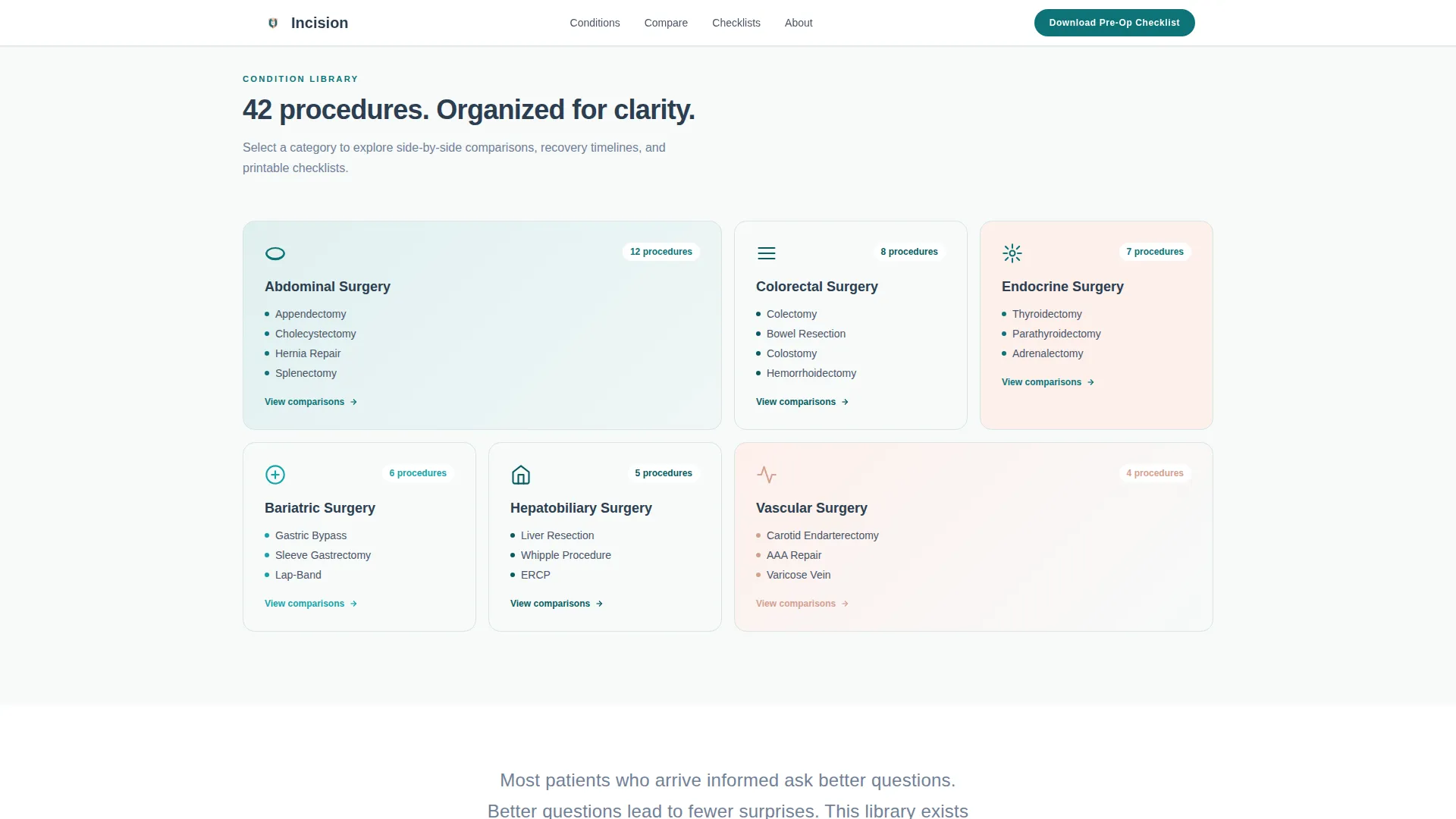
- Six-category bento grid overview, comparison table sections for common and complex procedures, and a side-by-side interactive builder
- A floating "Download Your Pre-Op Checklist" call-to-action button and a lightweight modal form with condition pre-selection and optional surgery date field
Feature list
This template delivers a focused set of components designed for high-stakes medical content where trust, clarity, and decisive action all matter.
Stacked Type Tower Hero
The hero opens with three typographic layers: "UNDERSTAND" in ultra-light extended weight, "PREPARE" in medium weight, and "HEAL" in heavy bold. A single teal horizontal rule separates the tower from the subline. No imagery competes with the typography, making the opening feel monumental and still.
Side-by-Side Comparison Tables
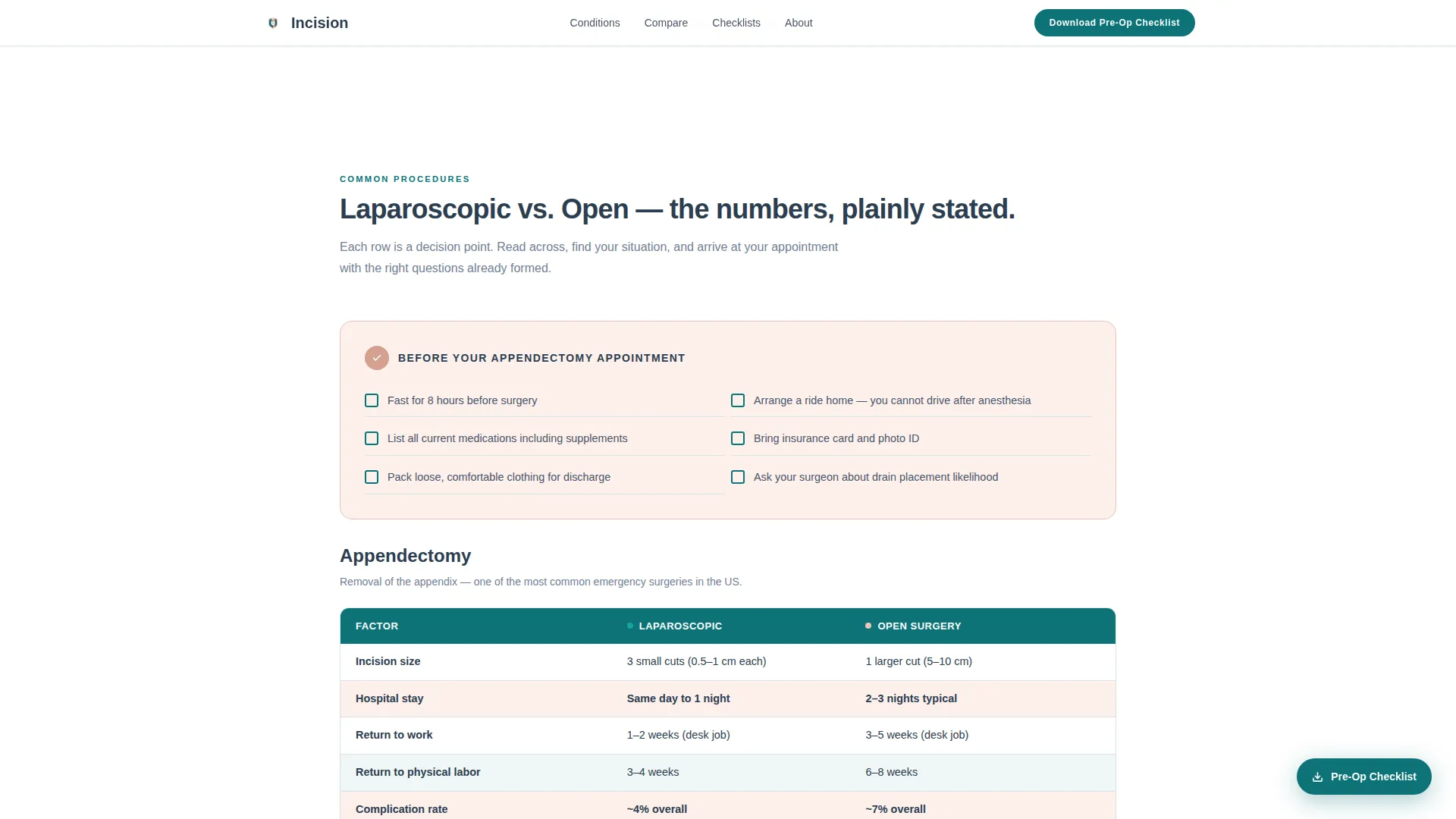
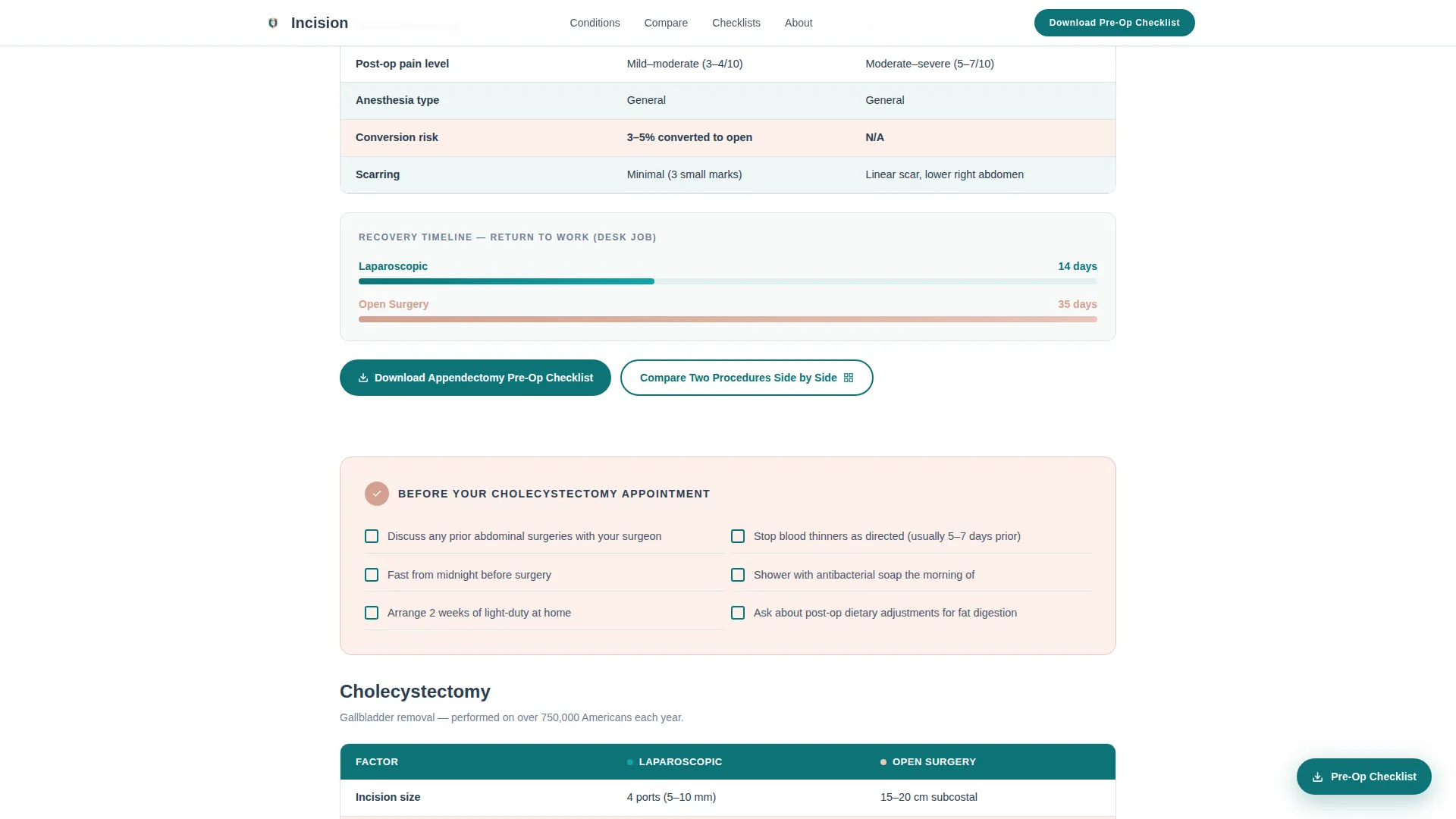
Each condition section contains a structured comparison table covering approach type, recovery timeline, risk percentage, and preparation notes. Tables compare laparoscopic versus open surgery, outpatient versus overnight stays, and mesh versus suture repairs. Rows use warm blush highlights to draw the eye to critical differences.
Before Your Appointment Checklists
Every condition section opens with a "Before Your Appointment" checklist that primes the reader before they reach the comparison data. Common procedures like appendectomy and cholecystectomy lead the sequence, escalating to complex cases such as bowel resection and thyroidectomy. The checklist format turns passive reading into an active self-audit.
Pre-Op Checklist Download Form
A floating call-to-action button appears after the second scroll and remains pinned throughout the page. Clicking it opens a lightweight modal form asking for the condition name, an optional surgery date, and an email address. The condition field pre-selects based on which section the visitor was reading when they clicked.
Interactive Procedure Comparison Builder
A secondary conversion path invites visitors to compare two procedures side by side using a custom-built interactive tool. Visitors select any two conditions from the library and generate their own comparison table. This feature extends engagement time and deepens the sense that the page was built specifically for their situation.
Condition Library Bento Grid
A bento-style grid organizes all 42 conditions into six surgical categories, each with a procedure count and a direct entry point to its comparison section. The grid gives physicians and caregivers a fast orientation layer so they can navigate directly to the relevant condition without scrolling the full page.
Page sections overview
| Section | Purpose |
|---|---|
| Hero Type Tower | Open with authority and orient the visitor immediately |
| Condition Library Grid | Show the full scope of 42 conditions across six categories |
| Common Procedure Tables | Compare appendectomy and cholecystectomy approaches with data |
| Complex Procedure Tables | Cover bowel resection and thyroidectomy with appointment checklists |
| Interactive Compare Tool | Let visitors build a custom side-by-side procedure comparison |
| Checklist Download call to action | Capture email via pre-selected condition modal and deliver checklist |
| Footer | Close with horizontal flow pattern and secondary navigation |
Design & branding system
The visual identity follows a Healing Space theme. The palette feels like a clinical environment that still welcomes human emotion, precise enough to signal expertise and warm enough to lower anxiety.
- Deep surgical teal (#0D7377) anchors primary buttons, the horizontal rule, and active table row highlights
- Sterile soft white (#F7FAFA) fills open backgrounds, keeping sections airy and easy to read
- Warm recovery blush (#E8C4B8) marks callout rows, checklists, and highlighted comparison cells, while charcoal scrub gray (#2C3E50) carries all body text
Mobile & speed optimization
The template is designed desktop-first to serve the primary audience of physicians and caregivers who research on larger screens. All interactive components, including the comparison builder and the checklist modal, are built as client-side layers over a static content foundation, keeping the base page fast to load.
- Comparison tables reflow into scrollable card stacks on smaller screens so data stays readable without horizontal overflow
- The floating checklist button scales and repositions gracefully on mobile viewports, remaining accessible throughout the scroll
- Scroll-reveal animations and staggered table row entrances use medium-weight transitions that do not block content rendering
How this template helps you convert
The page is structured to give visitors nearly everything they need before asking for anything in return. That generosity builds the trust that makes the final ask feel natural rather than transactional.
- The comparison tables and checklists deliver immediate, specific value so visitors stay on the page long enough to recognize the depth of the resource and feel confident about downloading
- The floating "Download Your Pre-Op Checklist" button, pinned after the second scroll, stays visible at the moment a visitor finishes auditing a condition section and is most ready to act
- The secondary "Compare Two Procedures Side by Side" path keeps engaged visitors building their own tables rather than leaving, extending session depth and increasing the likelihood of a form submission
Other information about this template
This template is part of the Incision library concept, a resource hub framing that positions a surgical practice or health publisher as a trusted guide rather than a service provider seeking appointments. The page is localized for United States English with imperial measurements and standard US healthcare terminology throughout.
- The template uses Manrope as its primary typeface, ranging from ultra-light extended to heavy bold to achieve the stacked tower typographic effect in the hero
- Animation behavior is set to medium intensity: scroll reveals bring sections into view progressively, table rows stagger on entrance, and the floating button uses a defined entrance transition
- Interactive components, including the comparison builder modal and the checklist download form, are implemented as client-side layers while the main content structure uses a static-first approach for reliable rendering
Theme
Healing Space
Creative direction
Checklist & Audit
Color system
Teal Catalyst
Style
Comparison Table
Direction
Content/Resource
Page Sections
Stacked Type Tower Hero
Side-by-side Comparison Tables
Before Your Appointment Checklists
Floating Pre-op Checklist Download
Interactive Procedure Comparison Builder
Six-category Condition Bento Grid
Related questions
Who is this template designed for?
What surgical conditions does the template cover?
How does the pre-op checklist download feature work?
Can visitors compare two procedures at the same time?
Is this template usable on mobile devices?



