Commercial Office Real Estate Booking Website Template
Inspect is a full-width immersive landing page built for commercial office inspectors working with high-stakes clients. It pairs a dramatic full-bleed header with an interactive building-system gallery and a five-step risk assessment quiz. The result is a page that feels as authoritative as the inspections it sells, guiding serious buyers from curiosity to a booked appointment.
by Rocket studio
Quick summary
Inspect is a single-page template designed for commercial property inspection professionals. It opens with a striking vacant-suite header image, walks visitors through an interactive gallery of building systems, and closes with a scored risk-assessment quiz. Every section is calibrated for the high-stakes world of commercial real estate transactions.
Who this template is for
This template is built for inspection professionals who serve corporate clients, not homeowners. The design language and quiz flow speak directly to decision-makers with capital at risk.
- Commercial real estate brokers closing multi-million dollar acquisition deals
- Property managers taking over aging Class B office buildings
- Corporate facilities directors building a case for capital expenditure boards
What problem this template solves
Most inspection service pages read like a brochure. They list credentials, show a phone number, and ask visitors to call. That approach fails when the buyer is a broker or facilities director who needs to understand risk before they commit to a conversation.
- Visitors arrive skeptical and leave without a clear sense of what an inspection actually covers
- Generic inquiry forms waste time by forcing repeated data entry at every step
- No triage mechanism means every inquiry looks the same, regardless of urgency or property complexity
What you get with this template
You get a complete, conversion-focused landing page that educates, qualifies, and books clients in a single scroll. Every section is purposeful and tied to the commercial inspection workflow.
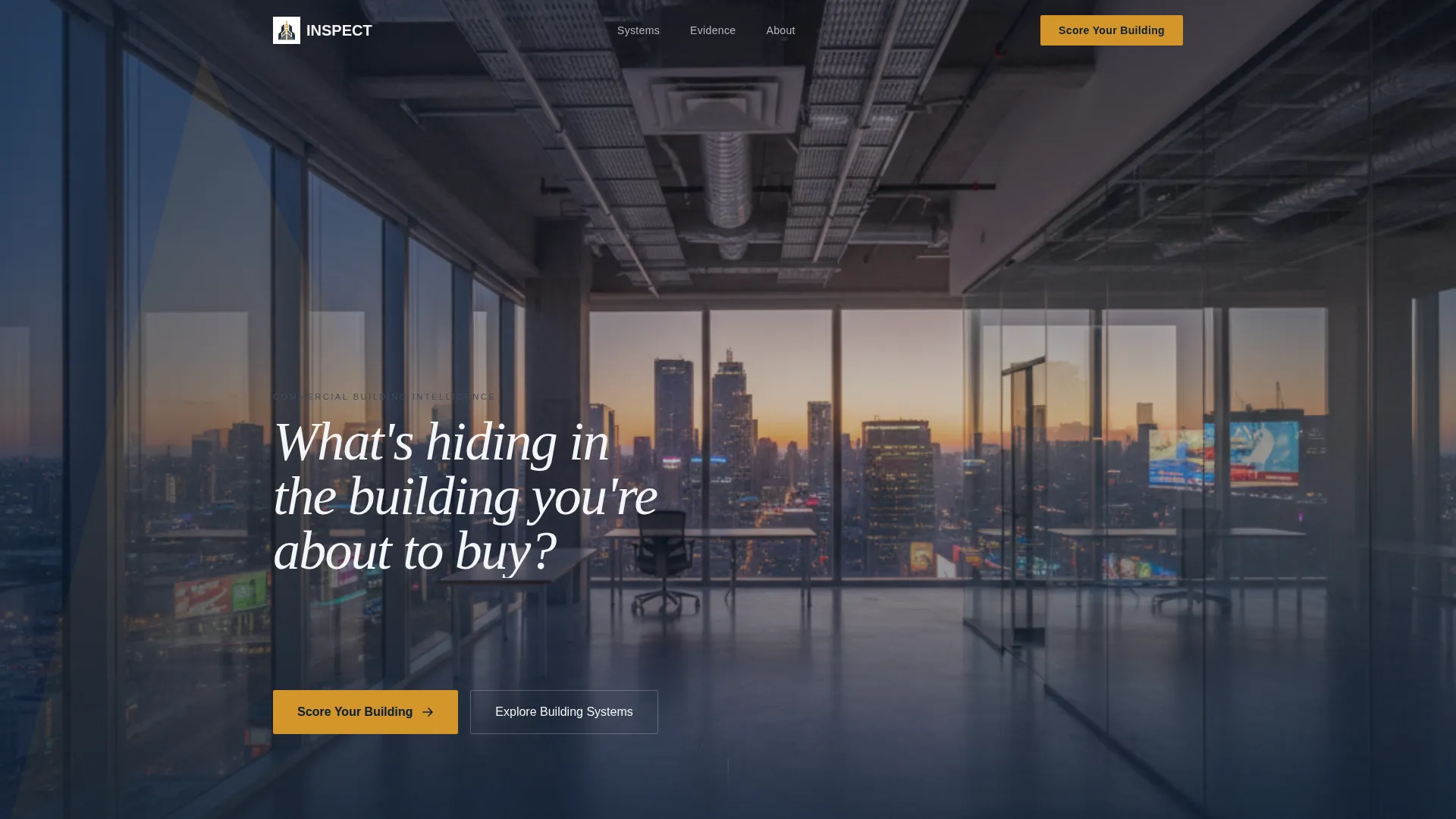
- A full-bleed header with a composed dusk-lit office photograph and a single fade-in headline
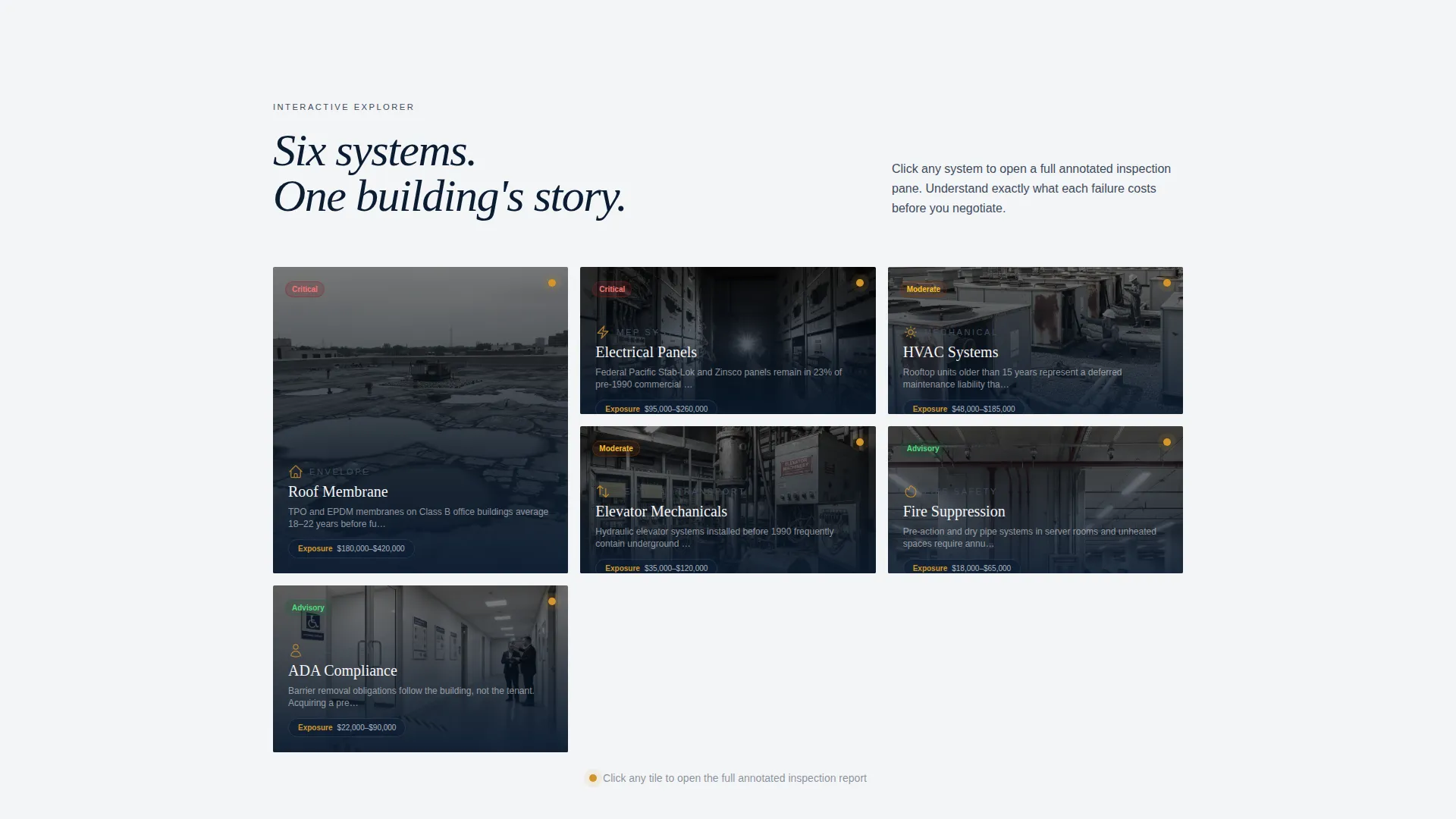
- An interactive gallery explorer where each tile represents a building system with annotated photography and severity indicators
- A five-step quiz that scores a property risk tier and pre-fills a booking form with the visitor's answers
Feature list
This template delivers purpose-built components designed for the commercial inspection sales process. Each feature works together to move a cautious, informed buyer toward a confirmed appointment.
Full-Bleed Dusk Header
The header places visitors inside a vacant commercial suite at dusk. Floor-to-ceiling glass, an exposed ceiling grid, and a flashlight beam cutting across a concrete column set the scene. A single headline fades in over the image: "What's hiding in the building you're about to buy?"
Interactive Building System Gallery
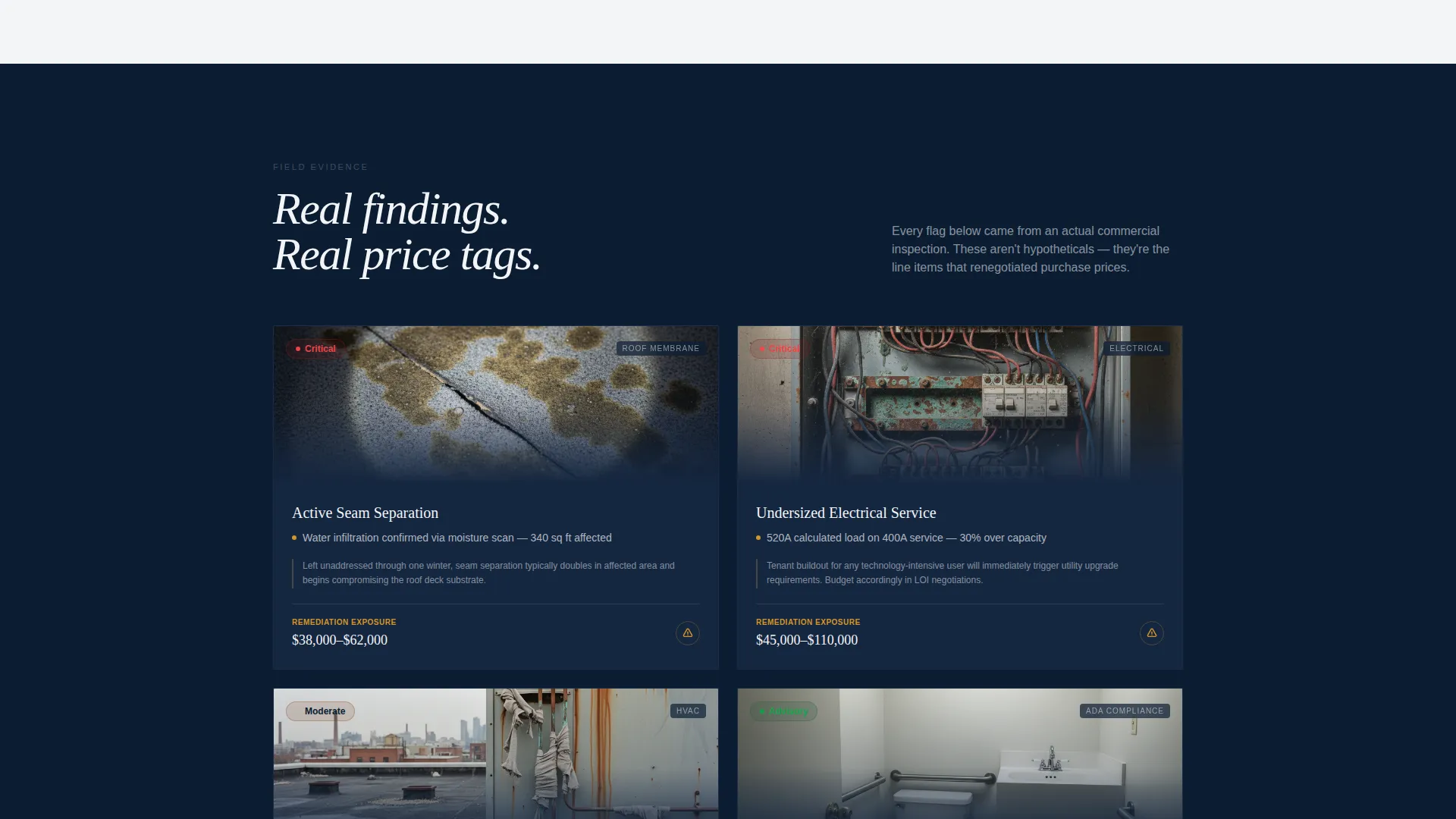
Each gallery tile represents a distinct building system: roof membrane, electrical panels, elevator mechanicals, fire suppression, and ADA compliance areas. Clicking a tile opens a detail pane with annotated photography, a severity indicator, and a plain-language explanation of what a failure in that system actually costs.
Five-Step Risk Assessment Quiz
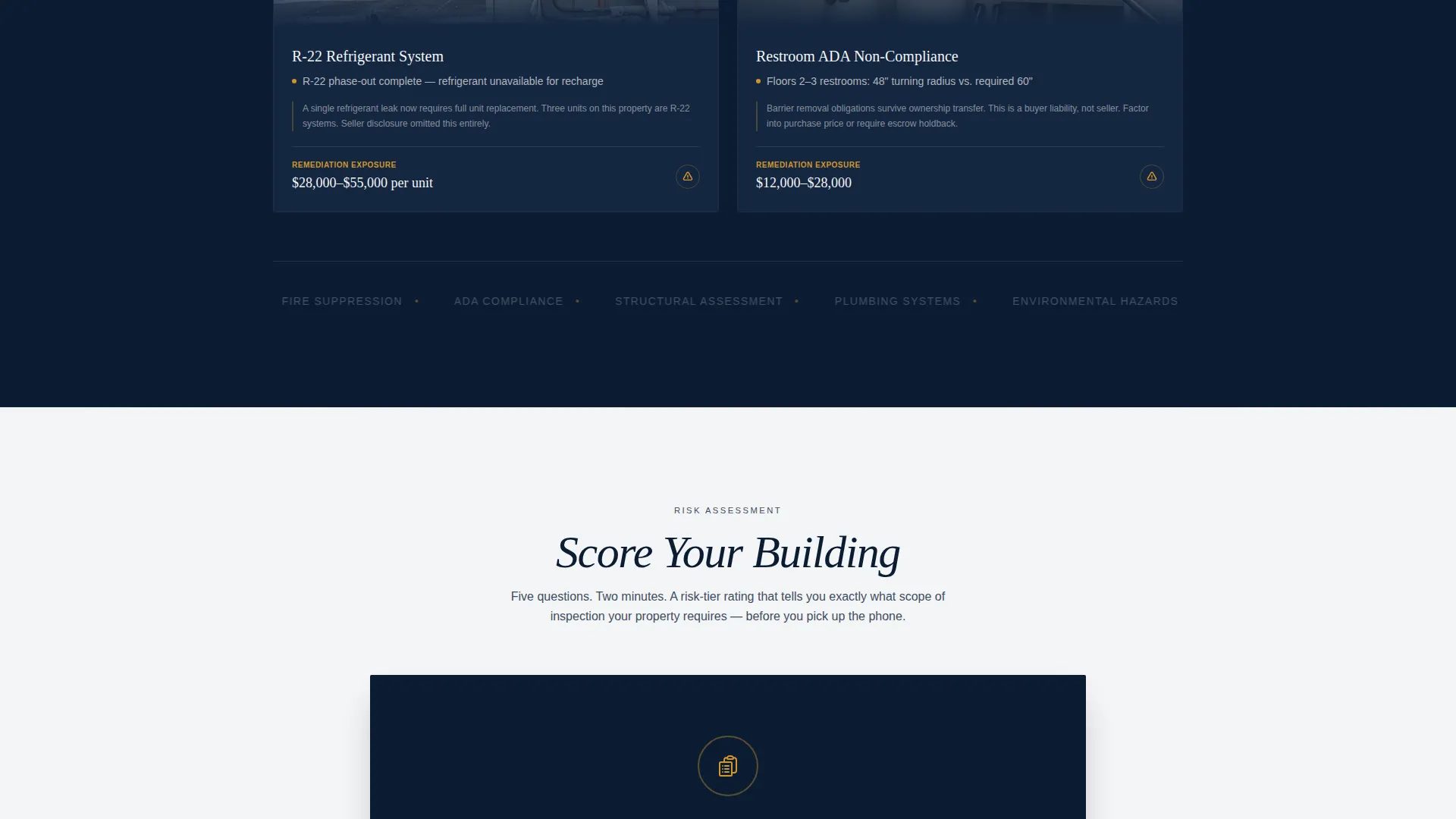
The primary call to action reads "Score Your Building" and launches a guided five-step diagnostic. Visitors select property type, square footage range, year built, last known inspection date, and their primary concern. The quiz returns a color-coded risk tier (green, amber, or red) with a tailored scope recommendation.
Pre-Filled Booking Form
When a visitor completes the quiz and clicks "Book Your Inspection," their five answers carry over directly into the scheduling form. No repeated data entry. The inspector receives a qualified lead with full context before the first conversation.
Executive Suite Color System
The amber accent color (#D4952A) is reserved exclusively for interactive hotspots and call-to-action states. This deliberate restraint means every amber element on the page signals action. Visitors learn quickly where to click and what matters most.
Page sections overview
| Section | Purpose |
|---|---|
| Full-Bleed Header | Set dramatic scene and hook visitor attention |
| Fade-In Headline | Deliver the core question that frames the offer |
| Building System Gallery | Let visitors explore each inspectable system interactively |
| System Detail Pane | Show annotated findings, severity ratings, and cost context |
| Quiz Entry call to action | Invite visitors to score their own building |
| Five-Step Diagnostic | Qualify property type, size, age, history, and concern |
| Risk Tier Results | Return green, amber, or red rating with scope guidance |
| Pre-Filled Booking Form | Convert scored leads into confirmed inspection appointments |
Design & branding system
The visual identity follows an Executive Suite theme. Every color choice reinforces authority and sober professionalism, with amber used sparingly so it always signals urgency or action.
- Deep boardroom navy (#0B1D33), polished gunmetal (#3E4C5E), and crisp contract-paper white (#F4F5F7) form the base palette
- Cautionary amber (#D4952A) appears only on interactive hotspots and call-to-action button states
- The overall feel references a leather portfolio opened under halogen task lighting: authoritative, legible, and impossible to ignore when the amber accent appears
Mobile & speed optimization
The full-width immersive layout is structured to remain readable and functional on smaller screens. Heavy visual components are designed with deliberate layering so the page hierarchy stays intact when viewport width changes.
- The gallery tiles reflow into a stacked single-column layout on mobile devices
- The five-step quiz collapses into a focused step-by-step flow that is easy to complete on a phone screen
- Typography scales clearly across breakpoints, keeping the headline and severity indicators legible at every size
How this template helps you convert
The page is engineered around one insight: a qualified commercial inspection lead is worth far more than an unqualified one. Every section reduces friction and increases confidence before the visitor reaches the booking form.
- The interactive gallery replaces passive reading with active exploration, so visitors arrive at the quiz already understanding what an inspection covers and why it matters.
- The scored risk-tier result gives visitors a concrete, personalized reason to book rather than a generic call-to-action, which dramatically lowers hesitation at the final step.
Other information about this template
This template sits at the intersection of commercial office real estate services and high-intent property due diligence. It is well-suited for inspectors who handle pre-lease walkthroughs, acquisition due diligence assignments, and annual compliance reviews for institutional clients.
- The template style is Full-Width Immersive, making it a strong fit for service providers who want their page to feel as substantial as the work they do
- The quiz-based landing page direction is particularly effective for commercial office appraisal service providers who need to triage clients by property complexity before scheduling
- The template works equally well for solo inspection consultants positioning themselves at the executive level and for multi-inspector firms serving corporate accounts
Theme
Executive Suite
Creative direction
Case Study Narrative
Color system
Sunset Mesa
Style
Full-Width Immersive
Direction
Quiz/Assessment
Page Sections
Full-bleed Dusk Header Image
Interactive Building System Explorer
Five-step Risk Assessment Quiz
Pre-filled Appointment Booking
Cautionary Amber Accent System
Related questions
Who is this landing page template designed for?
What does the 'Score Your Building' quiz actually do?
Can I adapt the gallery tiles to match my own inspection categories?
What does the amber color in the design actually signal?
Is this template suited for a firm that handles both pre-lease and acquisition inspections?



