Authoritative Claimsinvestigator Landing Page Template
The Investigate landing page template is built for claims investigation professionals who need a credible, field-ready digital resource hub. It combines a bold headline, alternating FAQ and resource card sections, and a persistent call-to-action structure to deliver procedure guides, red-flag indicators, and reference materials in one authoritative, easy-to-navigate page.
by Rocket studio
Quick summary
The Investigate template gives claims investigation professionals a structured, single-page resource hub. It opens with a commanding headline, flows through alternating FAQ and reference card sections, and drives readers toward a gated toolkit. The design borrows from a field manual aesthetic: stark, functional, and immediately credible to anyone who works insurance fraud or loss verification for a living.
Who this template is for
This template is built for people who work the investigative side of the insurance claims process. It speaks directly to professionals who need quick, reliable reference material on the job.
- Newly licensed adjusters preparing for their Associate in Claims (AIC) designation and studying procedure fundamentals
- Seasoned Special Investigations Unit (SIU) analysts tracking patterns across multi-state fraud rings
- Independent investigators subcontracted by carriers who need fast reference guides on recorded statement technique, scene documentation, and jurisdictional reporting thresholds
What problem this template solves
Claims investigation professionals often lack a single, organized digital destination that combines procedural guidance with ready-to-use reference tools. Generic pages fail to earn trust from experienced investigators who can spot thin content immediately.
- Scattered resources force investigators to hunt across multiple sources during time-sensitive casework
- Generic service pages fail to demonstrate real procedural knowledge, losing credibility with experienced fraud analysts
- No clear path to deeper resources leaves visitors without a reason to engage or return
What you get with this template
This template delivers a complete, single-page layout built around the rhythm of a professional field manual. Every section is positioned to inform first and convert second.
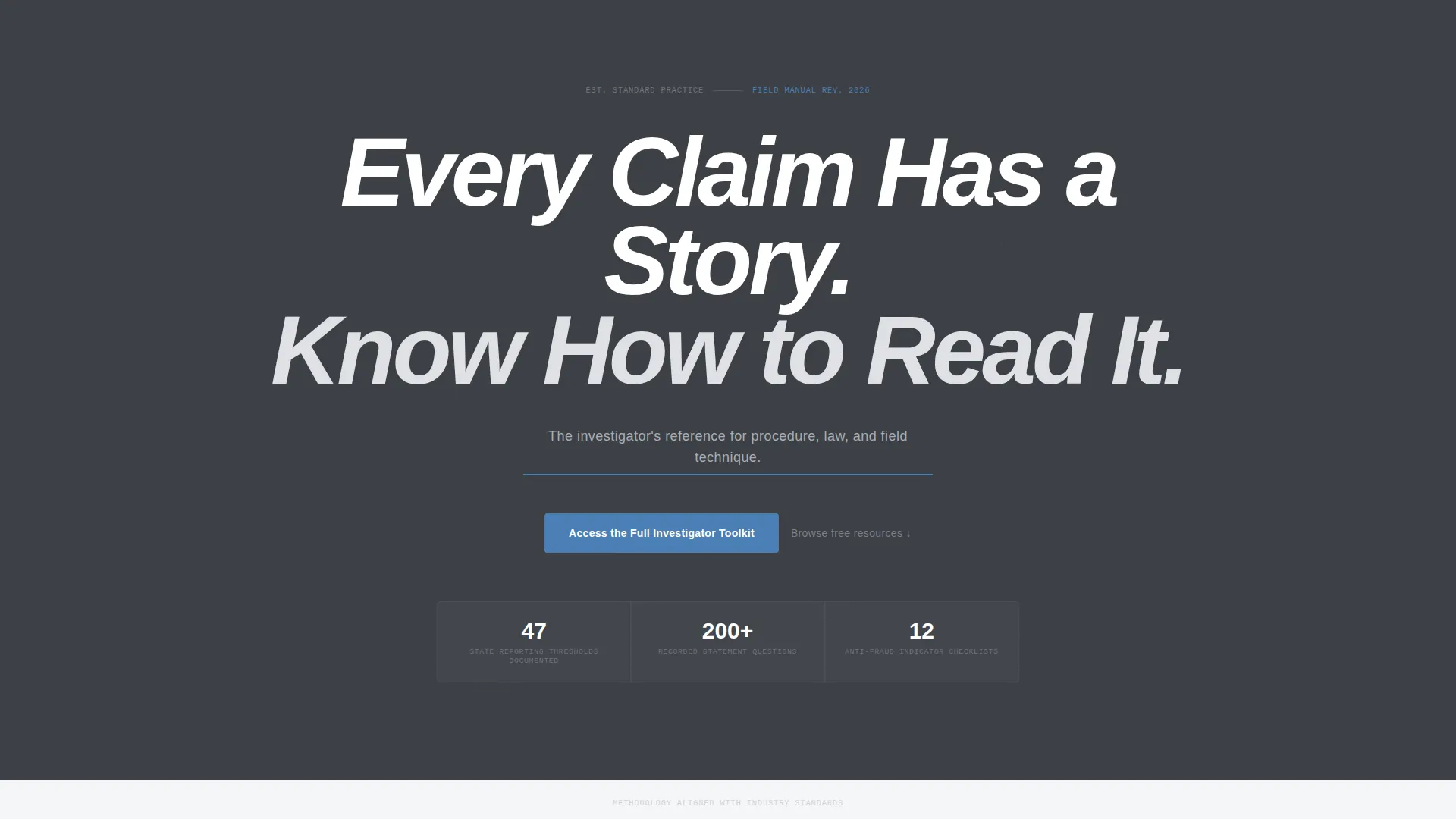
- A giant centered headline section with a bold subhead and thin investigative-blue accent underline
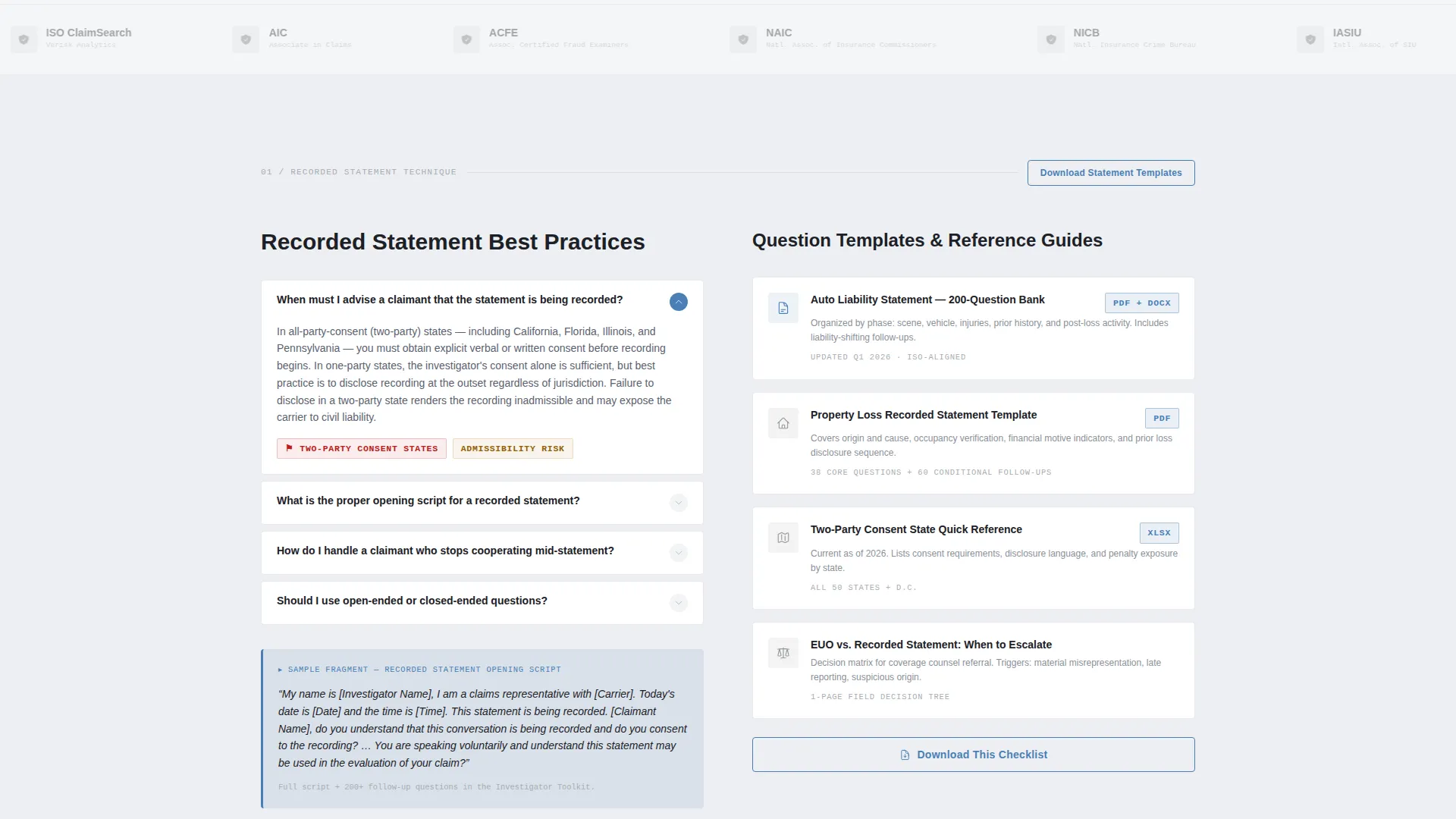
- A horizontal logo wall band that establishes industry-standard authority immediately after the headline
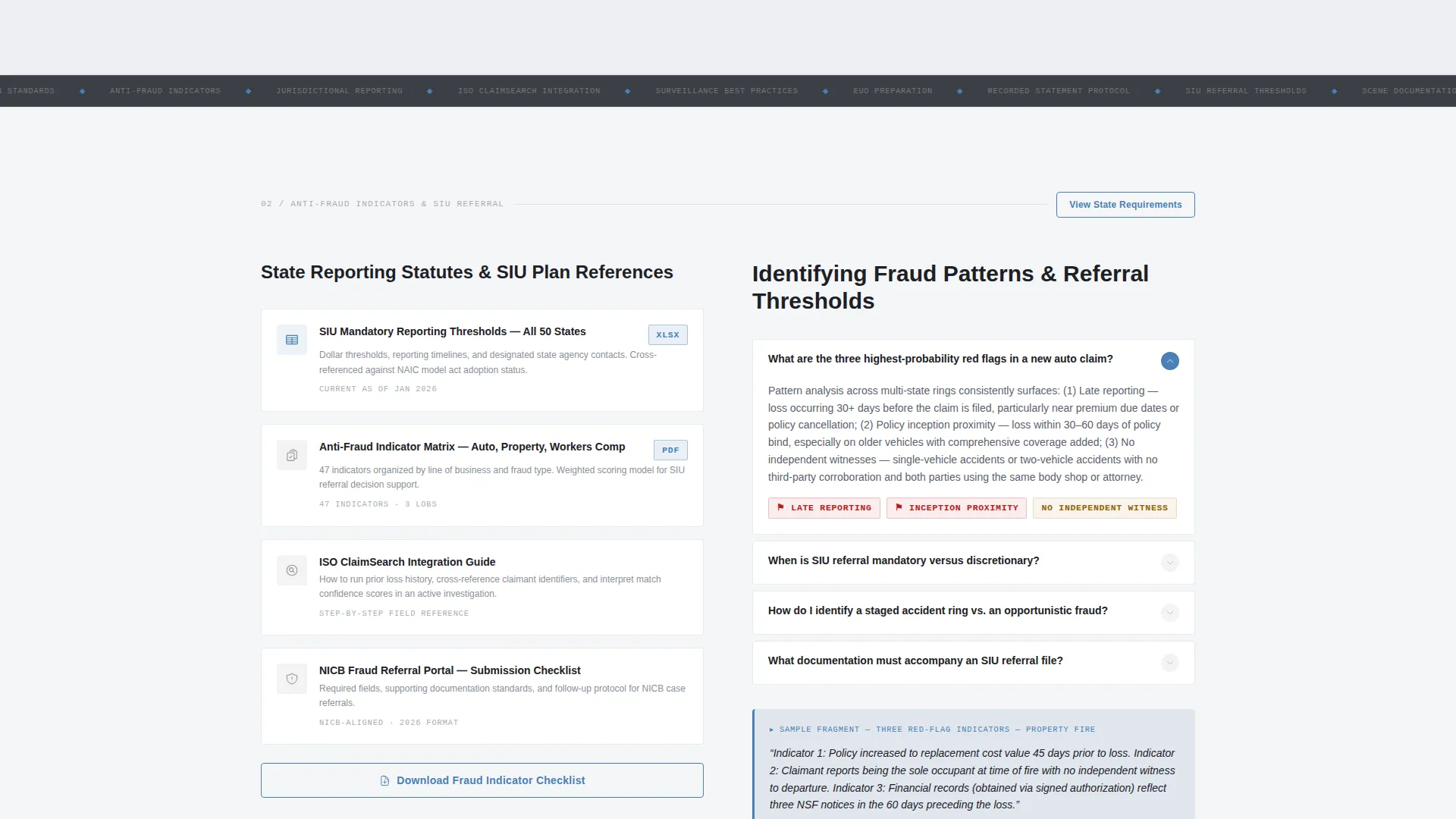
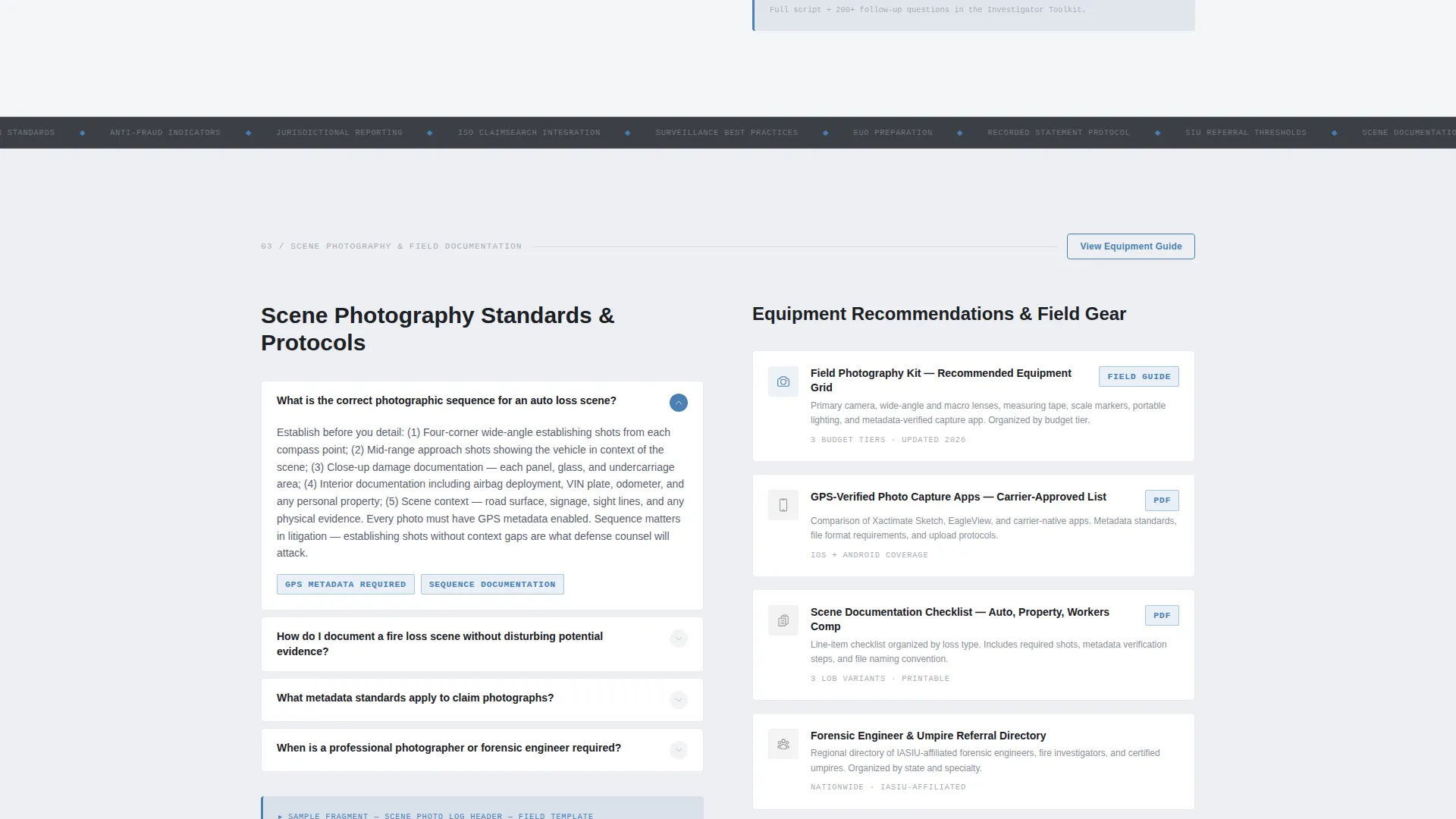
- Alternating zigzag sections pairing FAQ clusters with resource card stacks, covering recorded statement best practices, anti-fraud indicators, scene photography standards, and jurisdictional reporting summaries
- A persistent top-bar call-to-action button plus mid-page and bottom-of-page repeats, all funneling to a gated resource library
- Inline secondary calls to action within each resource section, including "Download This Checklist" and "View State Requirements" prompts
- Sample content fragments built into the page, such as a recorded statement opening script and three red-flag fraud indicators, to prove depth before asking for access
Feature list
This section covers the core functional and design features built into the Investigate landing page template.
Giant Headline Centered Header
The header displays stark white condensed sans-serif type on a gunmetal dark background. The headline fills roughly 80 percent of the viewport width, communicating institutional weight without any images or animation. A thin investigative-blue line sits beneath the subhead, the only decorative element on the entire header.
Zigzag Alternating Section Layout
Each content section alternates between an FAQ cluster on one side and a resource card stack on the other. This left-right rhythm mirrors the experience of flipping between a textbook's explanation page and its reference chart, pulling readers deeper through professional curiosity and logical structure.
Persistent Click-Through Call-to-Action System
The primary call to action, "Access the Full Investigator Toolkit," appears in three locations: a persistent top bar, the page midpoint, and the page bottom. Each resource section also carries a shorter inline call to action, keeping conversion opportunities present throughout the scroll without interrupting content flow.
Logo Wall Authority Band
Immediately after the headline, a horizontal band of carrier and association logos establishes that the resource content aligns with recognized industry methodology. This visual signal builds credibility before a single word of body copy is read.
Inline Sample Content Fragments
The template includes live content fragments such as a sample recorded statement opening script and a short list of red-flag fraud indicators. These fragments demonstrate genuine depth and give investigators a reason to trust the page before submitting their contact information.
Gated Resource Library Funnel
Every call-to-action button on the page points to the same destination: a simple name-and-email gate in front of the full resource library. The inline and persistent calls to action work together to funnel motivated professionals to that single conversion point.
Page sections overview
| Section | Purpose |
|---|---|
| Persistent Top Bar | Anchors primary call to action throughout scroll |
| Giant Headline Block | Sets authoritative tone and context |
| Logo Wall Band | Establishes industry credibility instantly |
| Recorded Statement FAQ | Answers best-practice procedure questions |
| Statement Template Cards | Provides downloadable question guide resources |
| Anti-Fraud Indicators FAQ | Lists red-flag signals for claim review |
| Reporting Statute Cards | Summarizes state-by-state filing requirements |
| Scene Photography FAQ | Covers documentation standards and protocols |
| Equipment Recommendation Grid | Organizes field gear reference by use case |
| Midpoint call to action Block | Reinforces toolkit access offer mid-scroll |
| Bottom call to action Block | Closes page with final conversion prompt |
Design & branding system
The visual identity follows an Educational Guide theme built entirely on a Monochrome Steel color system. The palette communicates utility and institutional credibility without any decorative warmth or unnecessary visual weight.
- Core colors: gunmetal dark (#3B3F45) for backgrounds, brushed aluminum (#A8ADB3) for secondary text and dividers, and cold case-file white (#EDEFF2) for primary body areas
- Single accent: investigative-blue (#4A7FB5) used exclusively for hyperlinks, active states, key callout borders, and the call to action buttons
- Typography: heavy condensed sans-serif for headlines, creating the feel of a stainless-steel clipboard under fluorescent office light
Mobile & speed optimization
The Investigate template is structured for clean rendering across screen sizes. The alternating layout and stacked card system adapt naturally to narrower viewports without losing the field-manual reading rhythm.
- Zigzag sections reflow to stacked vertical blocks on smaller screens, preserving the FAQ-then-resource card reading order
- The persistent top-bar call to action remains accessible across scroll positions on both desktop and mobile viewports
How this template helps you convert
This template earns conversions by delivering real professional value before it asks for anything. The structure is designed to build trust progressively as the reader moves down the page.
- The logo wall band signals industry alignment immediately, reducing skepticism before the reader reaches any resource content
- Inline sample content fragments, such as the recorded statement script and red-flag indicator list, prove the depth of the full toolkit and motivate the visitor to click through for more
- The three-point call to action system, top bar, midpoint, and page bottom, keeps the conversion path visible at every scroll stage without feeling aggressive
Other information about this template
This template is categorized under Professional Services with a subcategory focus on Claims Investigator Online Presence. It is designed specifically for the Claims Investigator FAQ and Resource Page niche.
- The template style is Zigzag/Alternating, matching the left-page explanation and right-page reference chart rhythm of a professional field manual
- The header concept is Giant Headline Centered, built to communicate authority through typographic weight alone, with no images or animations required
- The creative direction is Logo Wall Authority, using a credibility-first scroll opener to validate the resource content that follows
- The landing page direction is Click-Through, with every design decision oriented toward funneling visitors to the gated resource library
- The theme is Educational Guide, meaning the page functions as a structured reference tool rather than a promotional sales pitch
Theme
Educational Guide
Creative direction
Logo Wall Authority
Color system
Monochrome Steel
Style
Zigzag/Alternating
Direction
Click-Through
Page Sections
Giant Centered Headline Header
Zigzag Alternating Content Layout
Three-point Call to Action Funnel System
Logo Wall Authority Band
Inline Sample Content Fragments
Monochrome Steel Visual Identity
Related questions
Who is this landing page template designed for?
What sections come included in this template?
Can I use this template to gate my resource library?
Does the template include any sample content?
Is this template suitable for a niche professional audience?



