Carpenter Booking Website Template
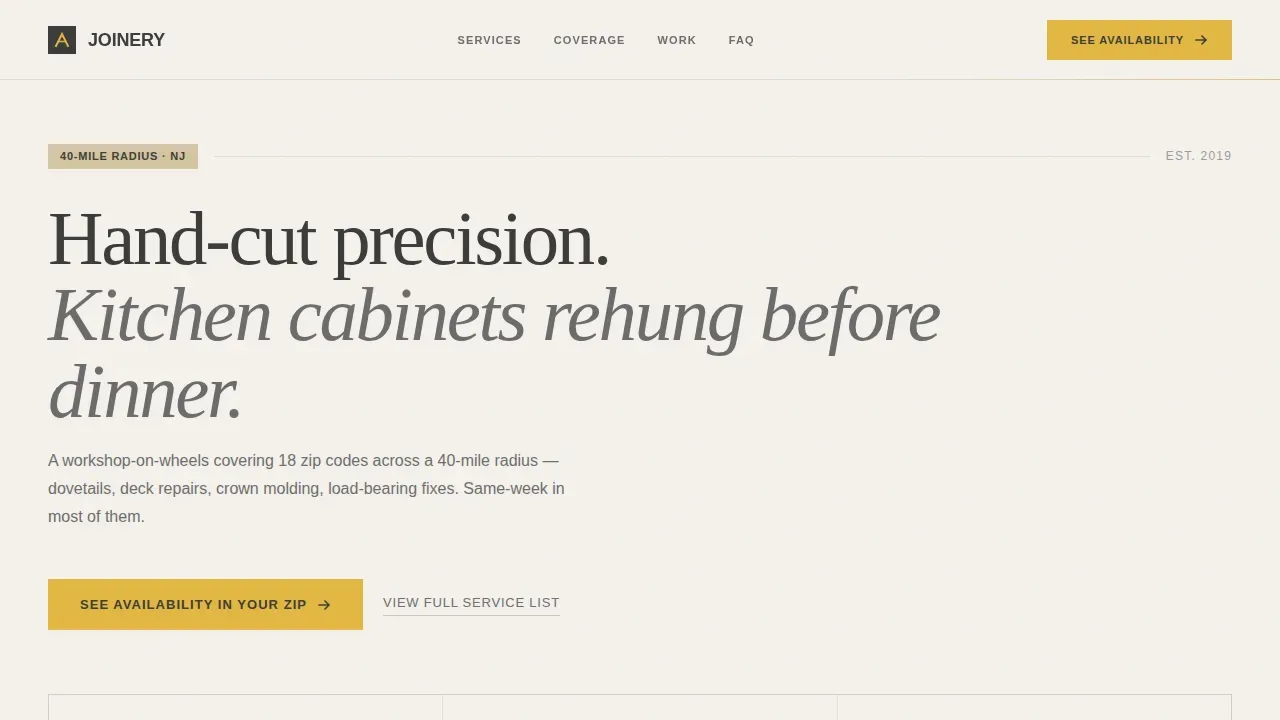
The Joinery carpenter landing page template is a single-page, editorial-style carpenter website designed for local trade professionals. It combines a typographic service-radius map, frequently asked question-driven storytelling sections, and neighborhood job counts to prove hyperlocal presence. High quality images, warm Cloud Canvas colors, and clear calls-to-action guide homeowners, property managers, and realtors from first scroll to booked appointment.
by Rocket studio
Quick summary
Joinery is a professionally designed carpenter landing page template built for carpentry trade services covering a defined local radius. It uses geographic data storytelling, editorial frequently asked question sections, and a conversion-focused layout to turn Sunday-morning problem-solvers into booked clients. The template fits carpenters who need a credible, warm, and locally specific web presence fast.
Who this template is for
This carpenter website template is tailored for trade professionals who serve a named geographic area and need pages that prove local presence rather than just list services. It works equally well for sole-trade carpenters, small joinery crews, and woodworkers managing recurring accounts.
- Homeowners who discover a sagging rail or a sticking door and need a carpenter they can trust quickly
- Property managers juggling punch lists across multiple rental units who need reliable same-week services
- Realtors and contractors who need finish carpentry completed before an open house or inspection
What problem this template solves
A generic carpenter website fails because it does not tell a visitor whether the carpenter actually works their street. Homeowners click away when they cannot find a number, a named neighborhood, or proof of recent projects nearby. This template solves that trust gap by leading with geographic evidence and escalating frequently asked question content that mirrors exactly how a homeowner's confidence deepens over time.
- No local proof: the template displays job counts per neighborhood and named zip codes so visitors believe the carpenter is already close
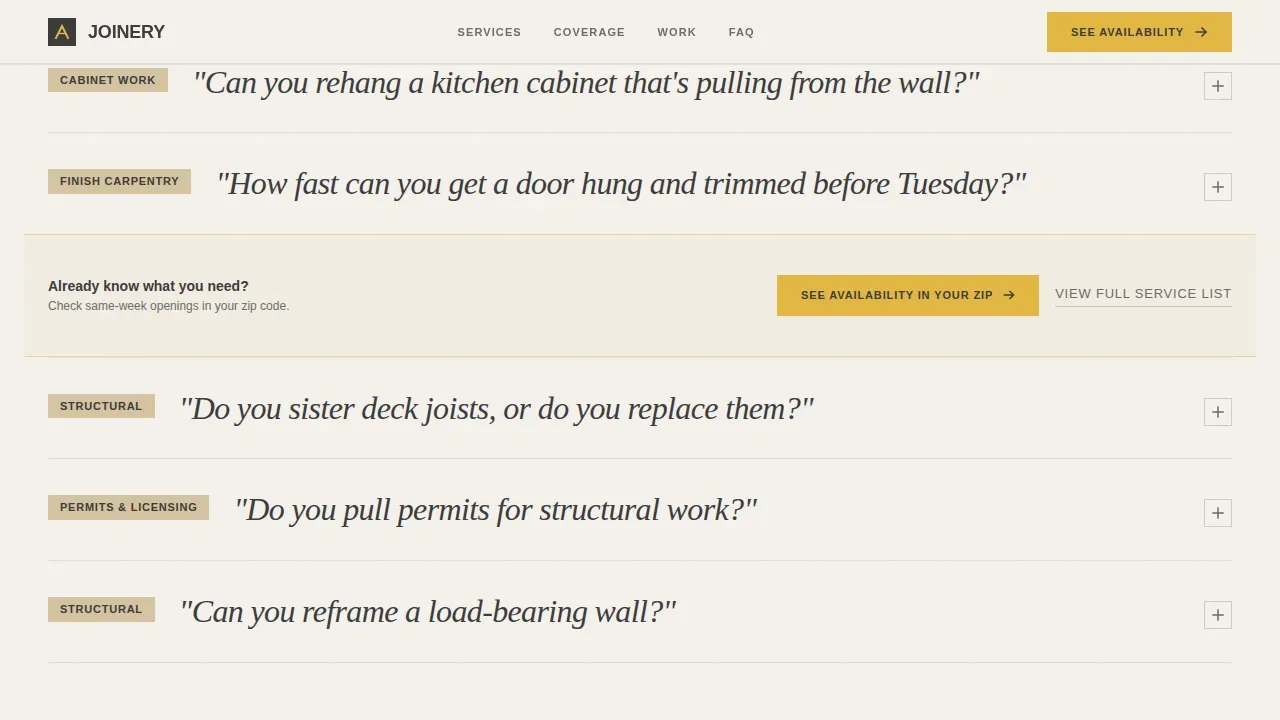
- Weak calls-to-action: every third frequently asked question section repeats a primary call to action designed to move the visitor to a scheduling page
- Unclear scope: the frequently asked question editorial structure moves from cosmetic questions to structural ones, covering the full range of carpentry services in a readable sequence
What you get with this template
This template includes a complete set of designed pages and sections built around one goal: booking the carpenter. Content is organized across different sections that escalate from first impression to final commitment. High quality images and detail shots are positioned inside frequently asked question editorial blocks, making projects feel real and local rather than stock.
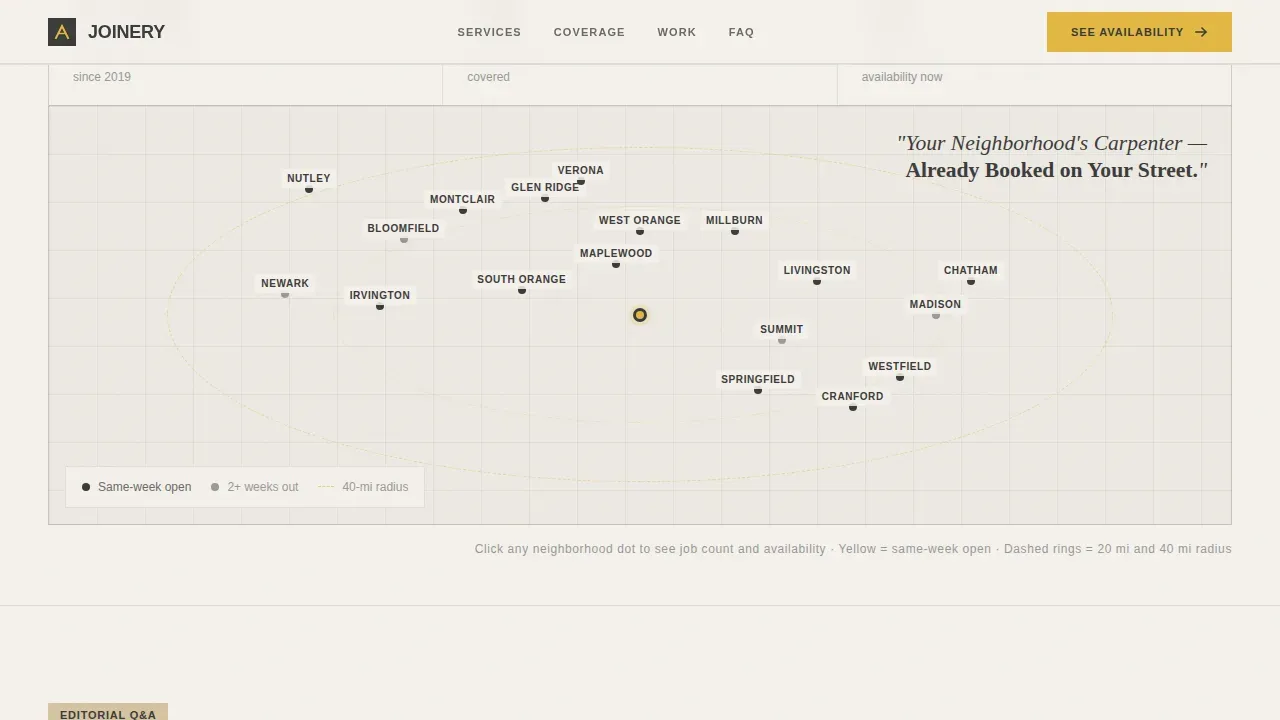
- A typographic service-radius map header with stat callouts and clickable neighborhood names
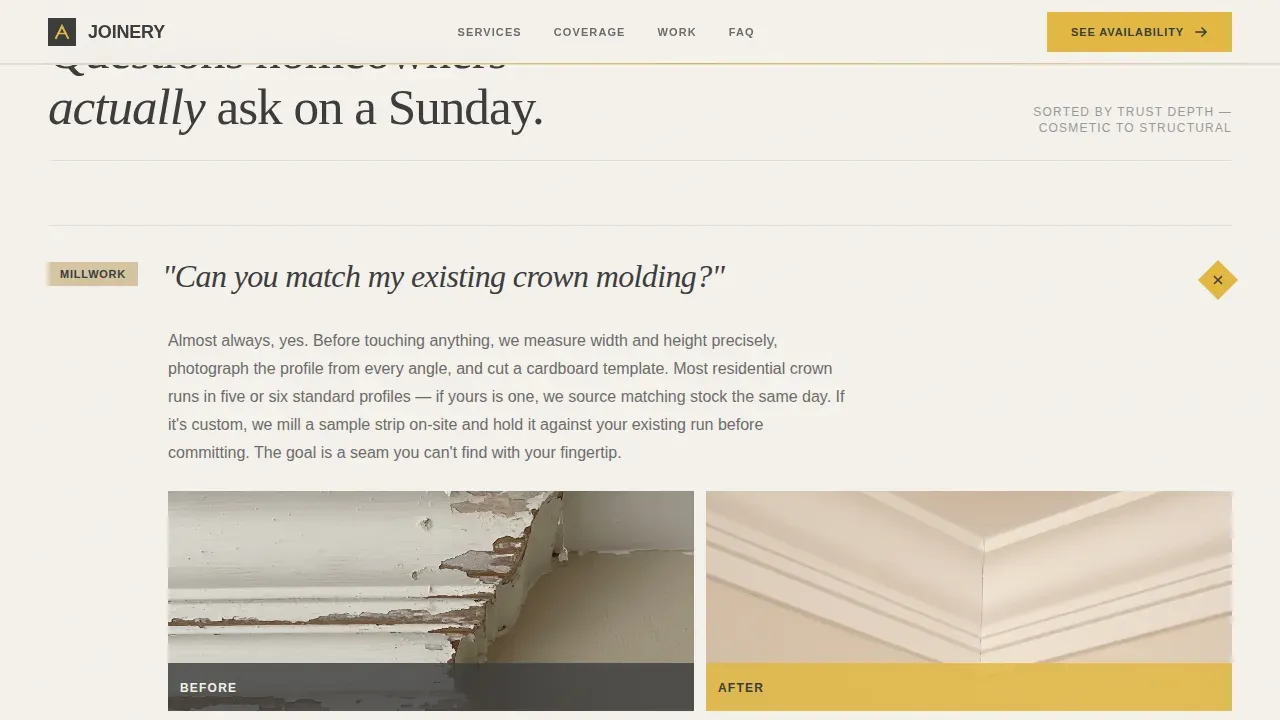
- Two frequently asked question editorial volumes covering cosmetic and structural carpentry services with before-and-after detail placement
- A service coverage grid displaying neighborhood job counts, named streets, and zip codes, plus a final call to action block with a secondary "View Full Service List" link
Feature list
This template includes six core features designed to support a high-converting carpenter landing page.
Typographic Service Map Header
The header opens with a clean, data-driven map visualization. It displays the service radius with numbered callouts showing job counts, zip codes covered, and same-week availability figures. Each neighborhood name is clickable, making the header functional rather than decorative.
frequently asked question-Driven Editorial Sections
Two distinct frequently asked question editorial volumes guide visitors from cosmetic questions to structural ones. Each question is styled as a magazine pull-quote and anchors a full content section with supporting detail. This format mirrors how a homeowner's trust deepens over time, elevate confidence with every scroll.
Neighborhood Coverage Grid
A dedicated service coverage section displays job counts per neighborhood, named streets, and specific county or zip codes. This social proof block gives visitors concrete evidence of local carpentry expertise before they ever tap a call-to-action button.
Conversion-Focused call to action Placement
The primary "See Availability in Your Zip" call-to-action appears after the map header and repeats after every third frequently asked question section. A secondary text link, "View Full Service List," catches browsers who need more time. Both functions work together to maximize booked appointments.
Cloud Canvas Design System
The template uses a four-color Cloud Canvas palette: drywall white for pages backgrounds, graphite for body content, warm beige for surfaces, and measuring-tape yellow reserved for calls-to-action and radius highlights. Typography pairs DM Sans with Fraunces for editorial pull-quote sections.
Scroll Reveal Animations and Interactivity
Medium-weight animations include beam borders, scroll reveals, frequently asked question accordion behavior, and stat counters. A zip code input field and a clickable neighborhood map make the template highly interactive without sacrificing page clarity or load reliability.
Page sections overview
| Section | Purpose |
|---|---|
| Map Header | Display service radius data with clickable neighborhoods and stat callouts |
| frequently asked question Editorial Vol. 1 | Answer cosmetic carpentry questions with before-and-after detail shots |
| frequently asked question Editorial Vol. 2 | Address structural carpentry questions with credentials and permit notes |
| Coverage Grid | Show neighborhood job counts, named streets, and zip codes |
| Final call to action Block | Prompt scheduling with primary and secondary action links |
| Footer Pattern | Provide contact details and linear single-row navigation |
Design & branding system
The visual identity follows a Service Utility theme that feels like an open blueprint spread across a workbench. Every color choice is intentional: matte, readable, and honest. The template is designed to feel warm and craft-driven without relying on stock photography.
- Four-color Cloud Canvas palette: drywall white (#F4F1EC), pencil-mark graphite (#3B3B3B), sawdust warm beige (#D5C4A1), and measuring-tape yellow (#E2B842) for calls to action
- DM Sans for body and navigation content; Fraunces serif for editorial pull-quote headlines across frequently asked question sections
- No hero portrait or stock photography; high quality images are used only as before-and-after detail shots anchored inside frequently asked question editorial blocks
Mobile & speed optimization
The template is designed desktop-first but adapts cleanly for mobile users. Homeowners checking a problem on a Sunday morning from their phone can still navigate different sections, tap the call to action, and enter their zip code without friction. The layout is responsive across every device size.
- Responsive layout ensures the carpenter website functions well on all devices, from wide desktop displays to small phone screens
- Static-first architecture with server-rendered content sections and client-side interactivity only where needed, keeping page behavior stable
- Clickable map, frequently asked question accordion, and zip input all adapt to touch, making the mobile experience as complete as the desktop one
How this template helps you convert
Conversion is built into the structure of this carpenter landing page, not added as an afterthought. Every section is designed to move the visitor one step closer to booking by proving local presence before asking for a commitment.
- Geographic evidence first: the map header shows job counts and named neighborhoods so visitors believe the carpenter is already working their street before reading a single line of service copy
- Trust built through escalating frequently asked question content: each editorial section answers a real homeowner question, moving from "can you hang a door" to "can you reframe a load-bearing wall," building confidence across the full scroll
- Repeated call to action placement at measured intervals: the primary call-to-action appears after the header and after every third frequently asked question section, so visitors who are ready to book encounter the button at exactly the right moment
Other information about this template
This joinery neighborhood carpenter service area landing page template is part of a broader category of carpenter templates available for local trade professionals. Carpenter templates are professionally designed and customizable, and they can be used digitally or printed depending on how users plan their projects. They are valuable for DIY enthusiasts who enjoy home improvement work involving wood, as well as for seasoned woodworkers building a professional web presence.
- The template fits neatly into the Carpenter Online Presence category and can support blog pages for content updates about local projects or new services
- Carpentry templates like this one provide the essential framework needed to create custom pages, replicate service area layouts, and display measurements or material details accurately
- Carpenters who want to access this template free of charge or explore paid upgrade options can find relevant plan details on the platform; email contact and scheduling pages are included in the footer
- The number of customizable sections makes it easy to choose which neighborhoods to highlight, protect existing branding colors, and roll out changes or updates without rebuilding the site from scratch
- Responsive carpenter website templates optimized for search visibility help ensure the site reaches more visitors over time, making each update to local content count
Theme
Service Utility
Creative direction
FAQ-Driven
Color system
Cloud Canvas
Style
Editorial/Magazine
Direction
Click-Through
Page Sections
Typographic Service Map Header
Faq-driven Editorial Sections
Neighborhood Coverage Grid
Conversion-focused Call to Action Placement
Cloud Canvas Design System
Interactive Scroll and Accordion Behavior
Related questions
Can I update the neighborhood names and job count figures in this template?
Does this template include pages for multiple services or just one?
Is this template suitable for a carpenter who is just starting out?
Can I add testimonials to this template?
How does the frequently asked question accordion work on mobile devices?



