Keel - Precision Navalshipbuilding Landing Page Template Template | Build Fully Functional Applications with Rocket
Keel - Precision Navalshipbuilding Landing Page Template
Keel is a single-page landing page template built for naval shipbuilders. It walks defense procurement officers, allied navy attachés, and maritime engineering partners through six construction phases using a zigzag audit layout. A blueprint-styled visual system, scroll-animated checklists, and a gated capability brief download make this template purpose-built for high-stakes, B2B defense industry presentations.
by Rocket studio
Loading preview…
Quick summary
Keel is a precision-crafted landing page template for naval shipbuilding organizations. It presents a shipyard's full construction capability across six verified build phases, from hull fabrication through acceptance trials. The design draws from classified technical manual aesthetics and guides defense procurement audiences toward a gated capability brief download.
Who this template is for
This template is designed for organizations that operate at the intersection of heavy maritime construction and defense acquisition. It speaks directly to institutional buyers who need technical depth before committing to any conversation.
Naval shipyards and defense prime contractors presenting fleet recapitalization credentials
Maritime engineering firms seeking subcontract partnerships on hull integration or combat system installation
Shipbuilding program offices preparing materials for allied navy foreign military sales evaluations
What problem this template solves
Selling billion-dollar naval vessels is not a catalog experience. Procurement officers and navy attachés need to see process rigor, certification evidence, and construction phase accountability before they engage. A generic corporate page cannot carry that weight.
There is no structured way to walk a defense buyer through each build milestone and its verification gates
Most templates lack the institutional visual language that high-clearance procurement audiences expect
A single ungated page gives away credibility without earning the contact or the download
What you get with this template
You get a complete single-page layout engineered for the naval shipbuilding sales context. Every section has a defined role in the buyer journey, from awareness through conversion.
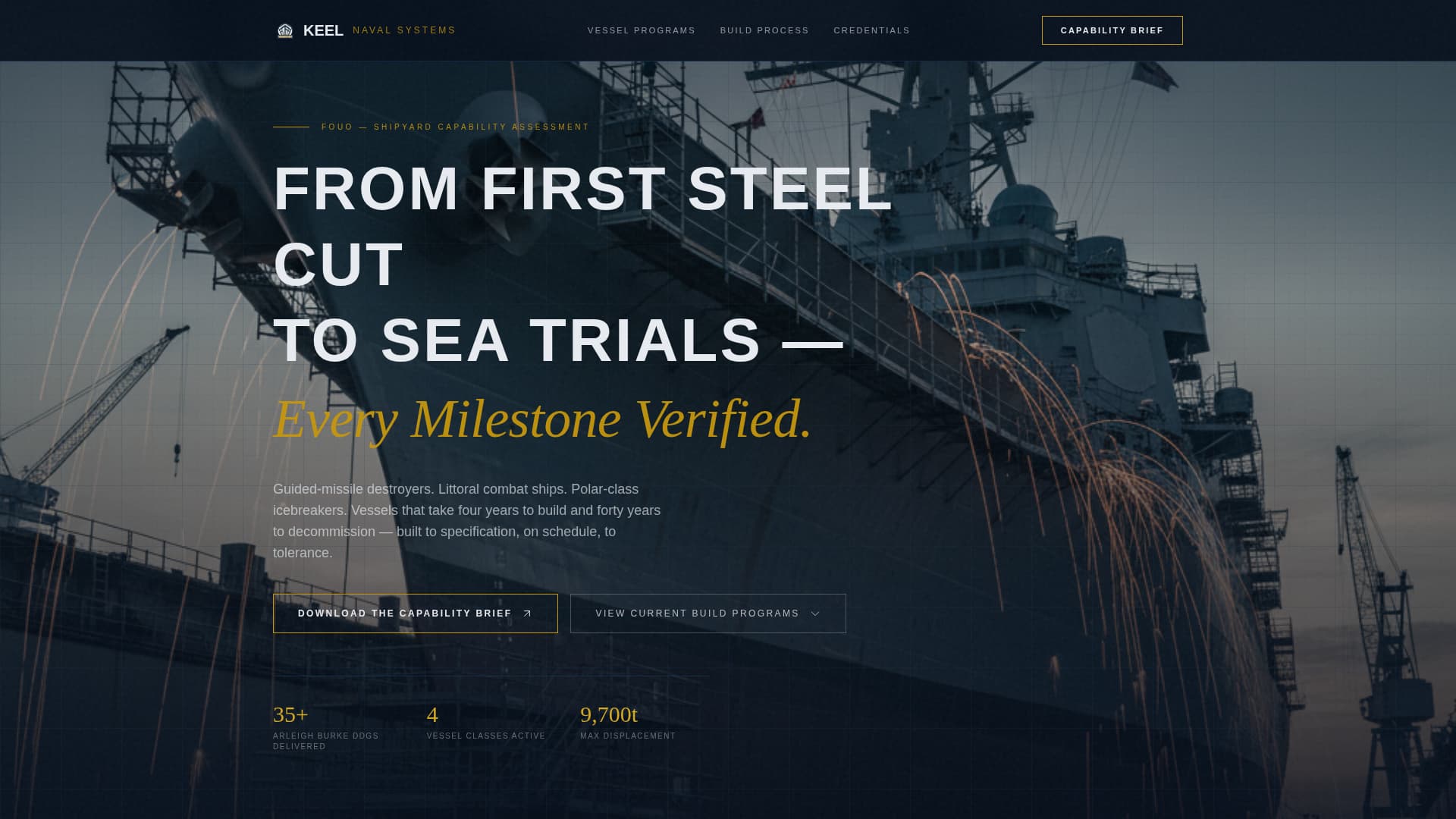
A full-viewport panoramic header image with a waterline progress bar and stencil headline
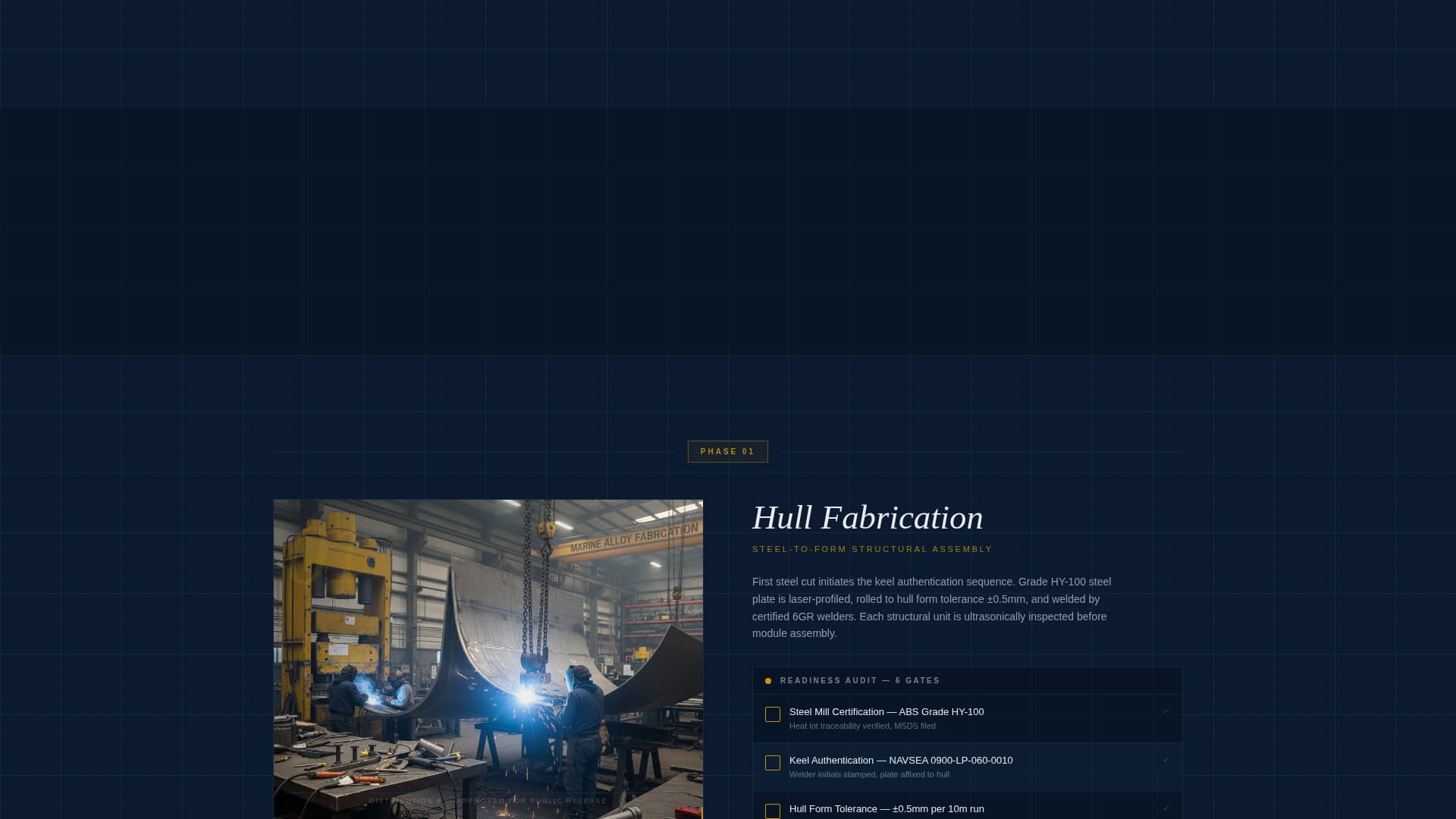
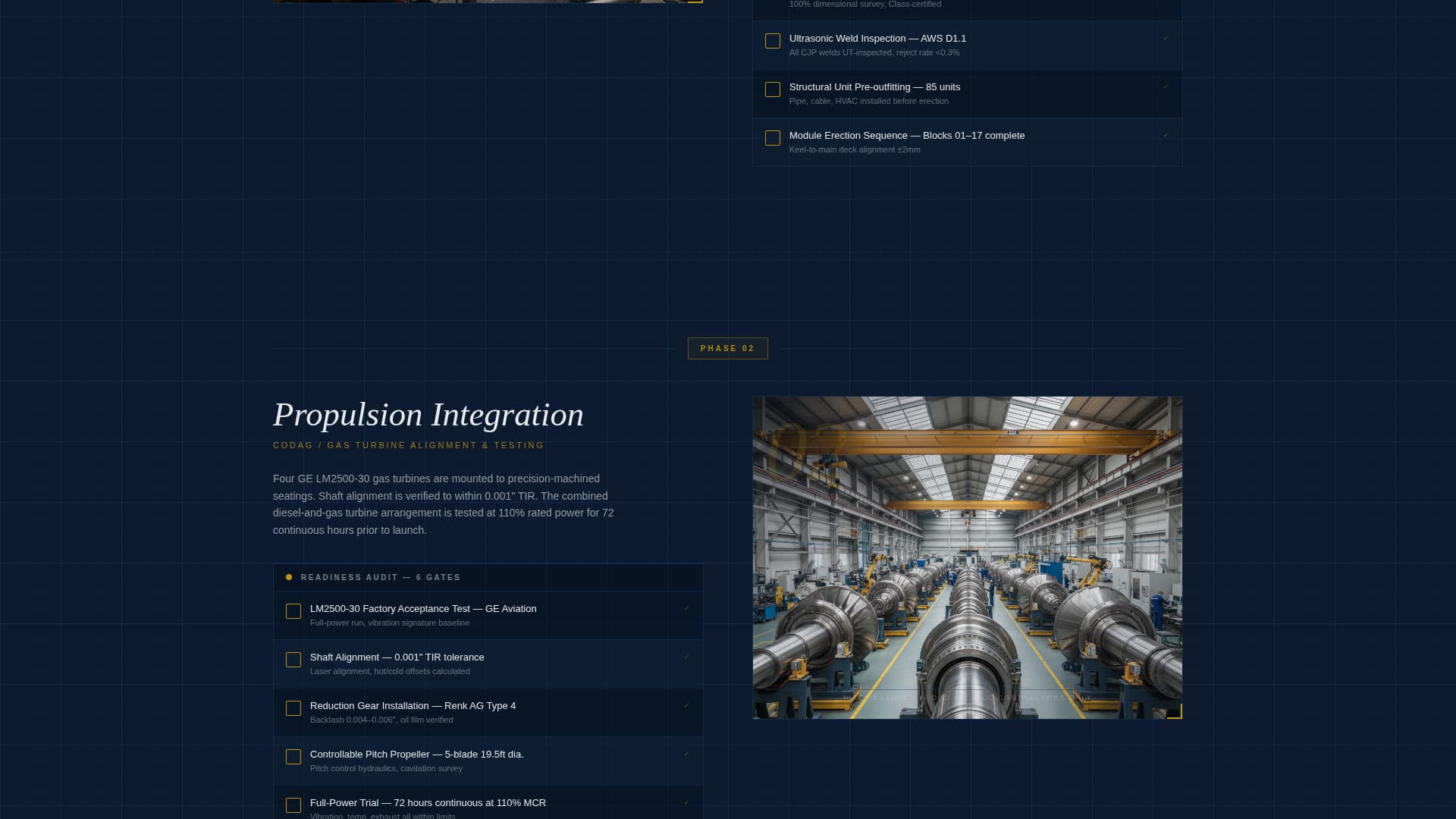
Six zigzag construction phase sections, each pairing a technical cutaway illustration with a numbered audit checklist
A dual-conversion section with a gated capability brief form and an ungated ship class comparison table link
Theme
Engineering Blueprint
Creative direction
Checklist & Audit
Color system
Navy Authority
Style
Zigzag/Alternating
Direction
Content/Resource
Page Sections
Panoramic Drydock Header
Zigzag Phase Audit Layout
Scroll-animated Checklists
Gated Capability Brief Form
Ungated Ship Class Comparison
Engineering Blueprint Visual System
Related questions
Who is this landing page template designed for?
What types of vessel programs does this template support presenting?
Can I customize the six construction phases for my specific program?
How does the gated capability brief form work?
Is the ship class comparison table included in the template?
Feature list
This template delivers purpose-built components for the defense maritime procurement audience. Each feature reflects a deliberate decision about what this buyer needs to see and when.
Panoramic Drydock Header
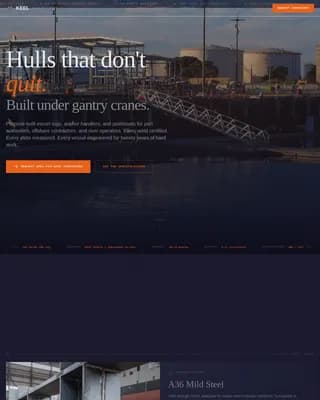
The header stretches a full-viewport image of a 600-foot hull in drydock, shot at waterline height. A horizontal progress bar styled as a waterline marking sits below the image. The headline fades in over the hull in technical stencil type, setting an authoritative tone from the first second.
Zigzag Phase Audit Layout
Six construction phases are presented in an alternating left-right layout. Each phase pairs a technical cutaway illustration on one side with a numbered deliverable and certification checklist on the other. The structure mirrors a physical vessel inspection, moving from bow to stern and topside to engine room.
Scroll-Animated Checklist Items
Checkmarks animate into view as the visitor scrolls through each construction phase section. This creates a progressive sense of verified progress, reinforcing the audit metaphor and keeping buyers engaged through all six phases before reaching the conversion point.
Gated Capability Brief Download
The primary call to action gates a downloadable capability brief behind a minimal form. The form collects name, organization, an official email domain, and a role dropdown with five options: Program Office, Prime Contractor, Allied Navy, Subcontractor, and Other.
Ungated Ship Class Comparison Path
A secondary conversion path offers immediate access to an interactive ship class comparison table. This ungated route serves buyers who are not yet ready to share contact details but want to evaluate vessel classes and build programs side by side.
Engineering Blueprint Visual System
Blueprint grid lines in faint cyan ghost behind section backgrounds across the entire page. The color system, typography, and diagram line styling evoke a classified technical manual, giving the layout the institutional weight that defense procurement audiences recognize and trust.
Page sections overview
Section
Purpose
Full-Viewport Header
Establish scale and authority with a panoramic drydock image and animated headline
Waterline Progress Bar
Signal structured milestone tracking directly beneath the hero image
Hull Fabrication Phase
Open the audit sequence with steel cutting and plate-forming deliverables
Propulsion Integration Phase
Present propulsion system installation checklists and tolerance gates
Combat System Installation
Detail combat system fit-out with certification requirements
Shock and Vibration Testing
Document structural and systems testing phase with audit checkmarks
Builder's Trials Section
Show pre-delivery sea trial readiness and sign-off criteria
Acceptance Trials Section
Close the audit sequence with final navy acceptance deliverables
Dual Conversion Section
Capture leads via gated brief form and offer ungated ship class table link
Design & branding system
The visual identity is built around an Engineering Blueprint theme using a Navy Authority color system. Every color and typographic choice reinforces the authority and restraint of a classified technical document.
Deep watch-blue (#0B1A2E) covers primary backgrounds; battleship hull gray (#3E4A59) defines secondary panels; technical white (#E8ECF1) handles body text and diagram lines
Signal-flag gold (#C5960C) appears exclusively on interactive highlights, progress indicators, and call-to-action borders to preserve its visual authority
Blueprint grid lines in faint cyan (#1A3A5C) ghost behind section backgrounds, reinforcing the drafting-table precision of the overall layout
Mobile & speed optimization
The template is structured to remain legible and functional across device sizes. The zigzag layout and checklist animations are designed to translate cleanly from desktop to narrower viewports.
The alternating illustration-and-checklist columns reflow for smaller screens without losing the phase-by-phase audit structure
The minimal gated form, with four fields and a role dropdown, keeps the conversion path friction-low on mobile devices
How this template helps you convert
The page earns the download before asking for it. Every design and content decision is sequenced to build trust with a skeptical, high-authority buyer before a form field appears.
The six-phase audit sequence demonstrates construction process depth across hull fabrication, propulsion, combat systems, shock testing, and both trial phases, so buyers arrive at the form already convinced of the shipyard's technical rigor.
The dual-path conversion section gives buyers a choice: share credentials to download the capability brief, or explore the ship class comparison table ungated, keeping both ready and cautious buyers moving forward.
Other information about this template
This template is part of a specialized library of Marine and Maritime industry layouts. It is built specifically for the Naval Ship Manufacturer niche within the Shipbuilding and Repair subcategory.
The template style is Zigzag and Alternating, matching the physical experience of walking a vessel inspection from bow to stern
The creative direction is Checklist and Audit, designed to present construction phase deliverables, tolerances, and certification gates in a structured, verifiable format
The header concept is Panoramic and Wide, chosen to communicate the physical scale of vessels that take four years to build and forty years to decommission
The landing page direction is Content and Resource delivery, where the page earns the gated download by demonstrating technical depth first