Licensed Emergency Locksmith Landing Page Template
Tumbler is an editorial-style landing page template built for locksmith booking services. It opens with a wall of trust credentials, guides visitors through FAQ-driven sections, and closes with a conversion-focused lead form. The Ink & Paper color system and high-contrast serif typography give every section the weight of a signed contract.
by Rocket studio
Quick summary
Tumbler is a single-page locksmith booking template built around credential-forward design and FAQ-driven storytelling. It leads with trust badges, answers real customer fears in sequence, and funnels both emergency and commercial visitors toward two distinct lead forms. The result is a page that earns confidence before it ever asks for a phone number.
Who this template is for
This template is built for locksmith businesses that serve a mixed client base, from someone locked out at 2 a.m. to a facilities director planning an access control audit. It fits businesses that need one page to do the work of a full sales conversation.
- Bonded locksmith technicians and owner-operated shops looking to generate inbound calls and form leads
- Property managers who need a clear path to request master key system services or rekeying across multiple units
- Commercial facilities teams seeking a dedicated inquiry route for access audits and cylinder replacement projects
What problem this template solves
Most locksmith pages fail at the moment it matters most: when a panicked visitor arrives with a specific fear and leaves before finding the answer. This template fixes that by structuring the entire page around the questions customers actually ask before they commit.
- Visitors arrive in crisis or planning mode and find no clear path to booking, so they bounce
- Trust is assumed rather than demonstrated, leaving licensing, insurance, and response time unanswered
- Emergency leads and commercial leads are lumped together, making neither feel served
What you get with this template
Tumbler gives you a fully structured editorial landing page designed to move visitors from doubt to action. Every section has a defined role, and every design choice reinforces authority.
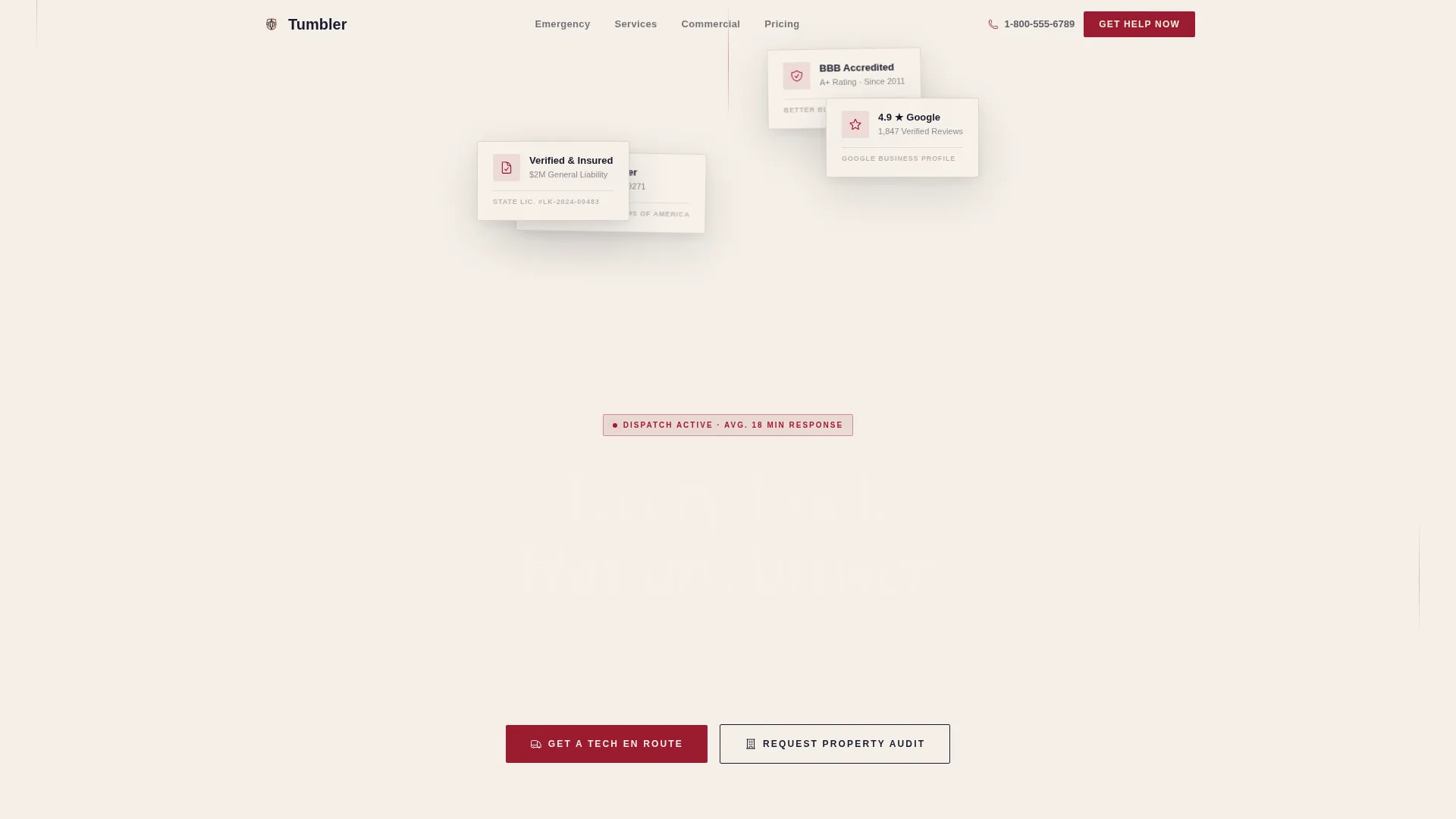
- An Award Badges header band featuring accreditation seals, licensing marks, membership logos, and a star-rating display
- A FAQ-driven scroll flow where each section is framed as a real search-bar question, progressing from emergency to planned service
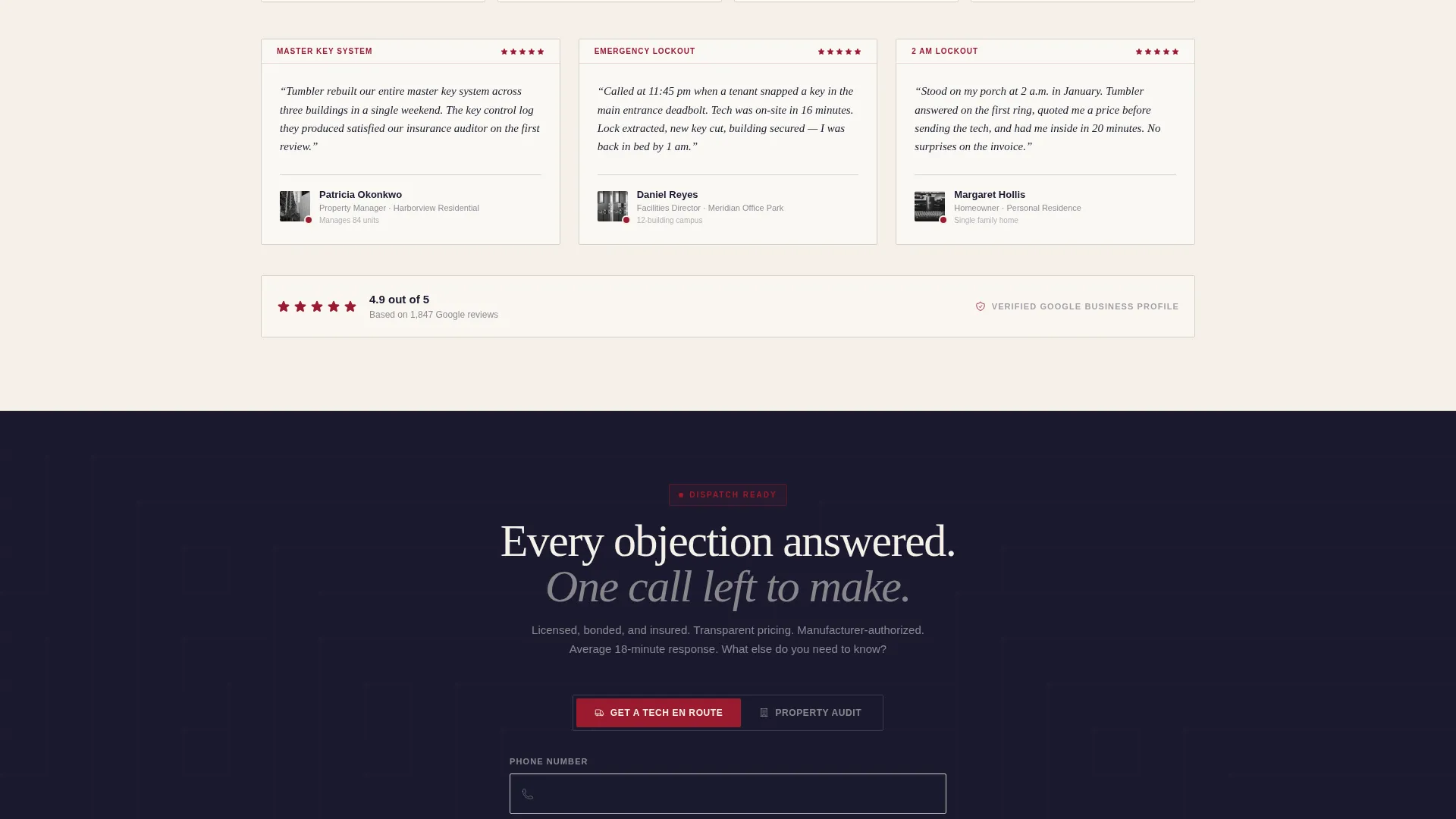
- Two lead capture forms: a mobile-anchored primary form for emergency dispatch and a secondary commercial form for property audit inquiries
Feature list
This template ships with a precise set of built-in sections and components. Each one is grounded in the brief and serves a specific conversion or trust role.
Credential-First Header Band
The page opens with a horizontal band of trust badges rather than a hero image. Accreditation seals, state licensing marks, professional membership logos, a five-star rating display, and a verified-and-insured shield are arranged like masthead honors. Each badge is sized to read fine print detail at a glance.
FAQ-Driven Section Architecture
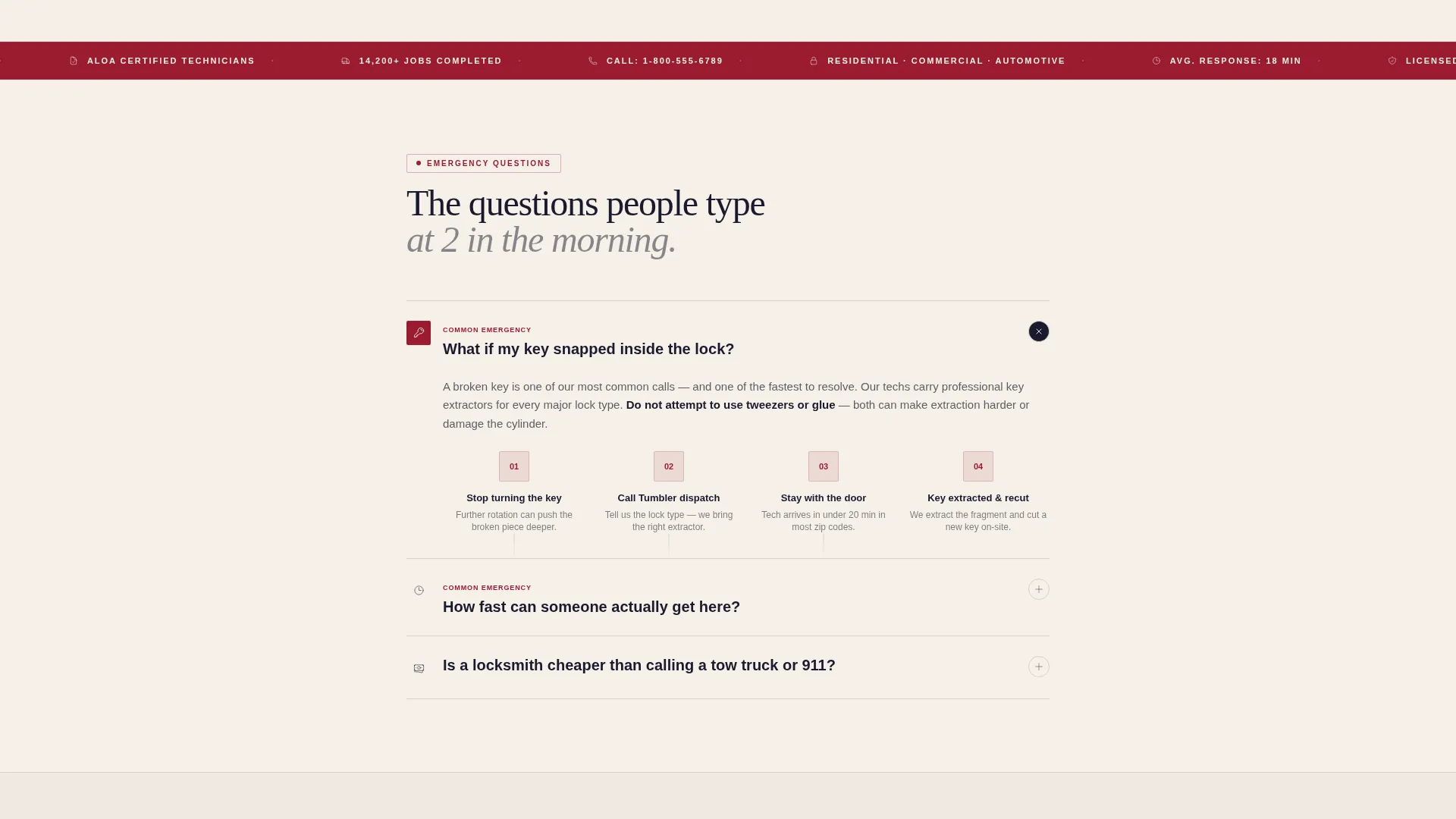
Every scroll section is framed as a real customer question. Questions escalate from emergency scenarios to planned commercial services. Typography shifts from urgent bold sans-serif to a measured serif as tone settles, signaling the transition from crisis response to long-term service relationship.
Step-by-Step Diagram Block
The snapped-key question section includes a visual step-by-step diagram layout. This gives panicked visitors a clear, instructional answer and builds confidence in the technician's expertise before any form appears.
Live Response-Time Display
A response-time ticker by zip code is built into the "How fast can someone get here?" section. This addresses one of the most common objections on any emergency service page, directly and visually.
Dual Lead Capture Forms
The primary form, service type, zip code, and phone number, anchors a sticky bottom bar on mobile and expands on interaction. The secondary commercial form asks for unit count and current key system, targeting property managers and facilities directors separately from emergency callers.
Manufacturer Partnership Logos
A dedicated block addresses smart lock warranty concerns with manufacturer-partnership logo placement. This handles a modern objection that generic locksmith pages typically ignore entirely.
Page sections overview
| Section | Purpose |
|---|---|
| Award Badges Header | Establishes trust with credentials before any headline |
| Editorial Hero Headline | Sets authoritative tone with high-contrast serif text |
| Emergency FAQ Block | Answers snapped-key and lockout scenarios with diagrams |
| Response Time Ticker | Displays live average arrival time by zip code |
| Smart Lock FAQ | Addresses warranty safety with partnership logos |
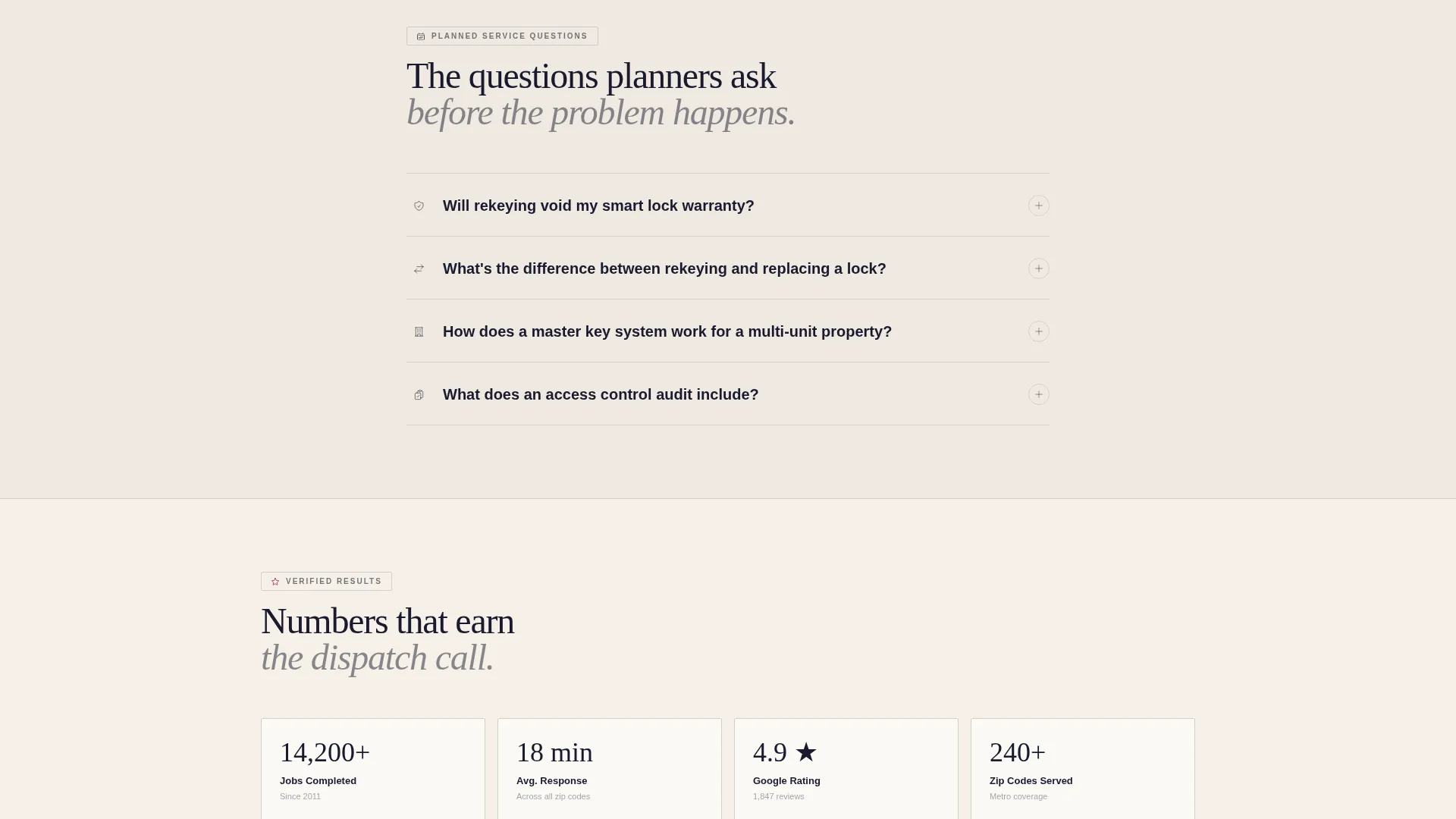
| Planned Services Section | Shifts tone toward rekeying, installation, and audits |
| Primary Lead Form | Captures emergency dispatch requests on mobile and desktop |
| Commercial Audit Form | Routes property managers to a longer inquiry form |
| Pricing Transparency Block | Answers cost objections before the final call to action |
Design & branding system
The Ink & Paper color system gives this template the feel of a signed document on heavy stock. Every palette choice is deliberate, with each color assigned a specific role rather than used decoratively.
- Deep manuscript black (#1A1A2E) for backgrounds and primary text, warm bond-paper cream (#F5F0E8) for content surfaces, and ruled-line gray (#D4D0C8) for dividers and secondary elements
- Notary-stamp crimson (#9B1B30) reserved exclusively for badges, call-to-action buttons, and trust indicators to draw the eye only where action is needed
- High-contrast serif typography for editorial headlines paired with bold sans-serif for urgent FAQ prompts, shifting to a measured serif as sections progress toward planned services
Mobile & speed optimization
The mobile experience is treated as the primary emergency channel, not an afterthought. The sticky form bar and one-tap phone autofill reflect how a locked-out customer actually behaves on a phone at 2 a.m.
- The primary call-to-action bar sticks to the bottom of the mobile screen and expands into a three-field form on tap, with the phone number field first for one-tap autofill
- Section layouts reflow cleanly for narrow screens, keeping badge bands, FAQ blocks, and diagram sections readable without horizontal scrolling
- The commercial audit form is accessible on mobile but prominently positioned for desktop visitors, matching the device habits of facilities and property management users
How this template helps you convert
Tumbler is built around a specific conversion logic: answer every objection before the form appears. By the time a visitor reaches the call-to-action, they have already read licensing details, response time data, pricing context, and warranty reassurance.
- The credential header removes the first and biggest objection immediately: "Can I trust this company?" Visitors see proof before they read a single word of body copy.
- The FAQ scroll sequence mirrors the mental journey of a real customer, moving them from panic to confidence and then toward the appropriate lead form for their situation, whether emergency or commercial.
- Two separate conversion paths prevent a single generic form from alienating either audience. Emergency callers get speed and simplicity. Commercial clients get a form that respects the complexity of their request.
Other information about this template
Tumbler fits within the Corporate Precision design theme, which is suited to professional service businesses where authority and reliability are the primary purchase drivers. The template style is editorial and magazine-influenced, which is uncommon in the locksmith category and creates immediate visual differentiation.
- The template is built for the locksmith booking page niche within the broader professional services and locksmith online presence category
- The FAQ-driven creative direction makes the page well-suited for businesses that receive high search traffic from question-based queries about emergency locksmith services
- The Lead Generation landing-page direction means every design and copy decision points toward one of the two form completions as the success metric
Theme
Corporate Precision
Creative direction
FAQ-Driven
Color system
Ink & Paper
Style
Editorial/Magazine
Direction
Lead Generation
Page Sections
Credential-first Award Badge Header
Faq-driven Scroll Sections
Step-by-step Diagram Block
Live Response-time Ticker
Dual Lead Capture Forms
Smart Lock Warranty Block
Related questions
Can I use this template for both emergency and commercial locksmith services?
Does this template include any photography or stock images?
How does the mobile lead form work?
Is this template suited for a single-location shop or a larger technician fleet?
What makes this template different from a standard locksmith page?



