Smart Pet Feeder Landing Page Template
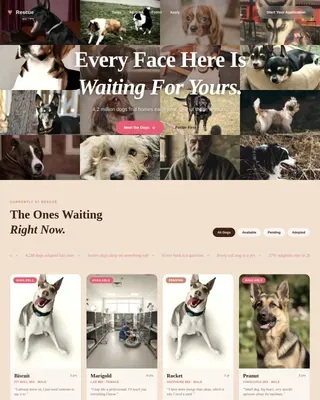
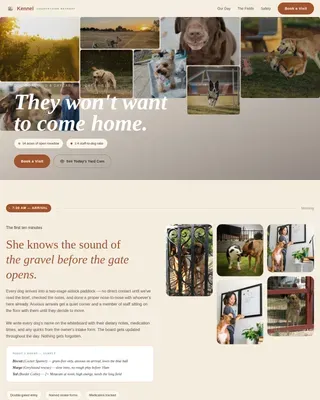
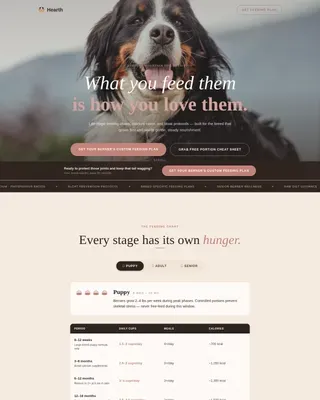
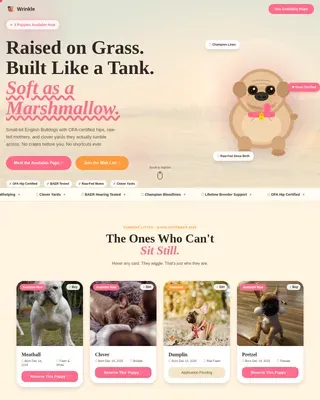
Kibble is a hero-dominant landing page template built for a smart pet feeder brand. It uses an Organic Flow visual identity, a warm Soft Mist color palette, and an Origin Story scroll structure to earn visitor trust before presenting a scheduling call to action. The page guides busy pet parents from emotional connection to a 15-minute live demo booking.
by Rocket studio
Quick summary
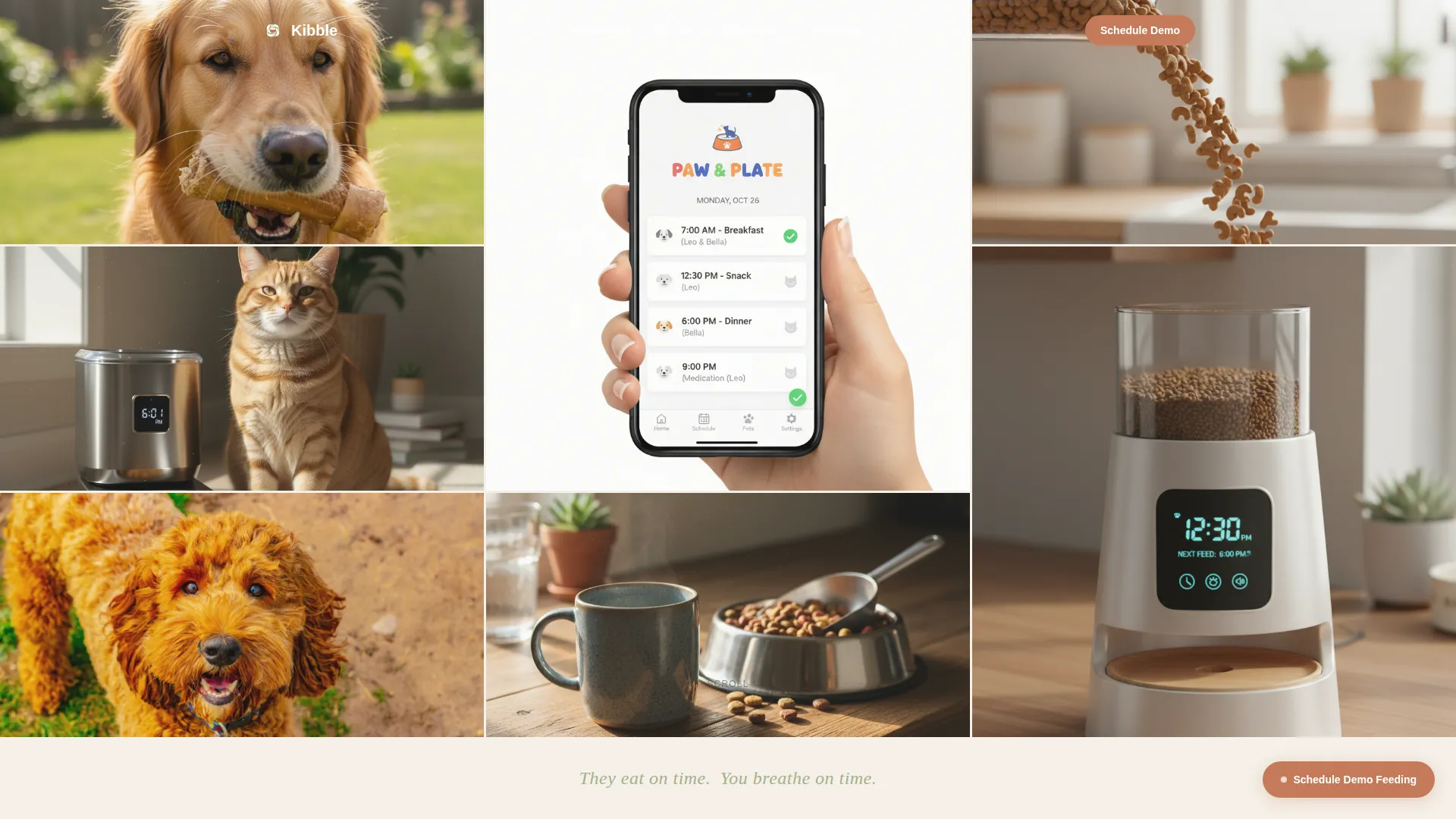
Kibble is a single-page template designed for a smart countertop pet feeder. It follows a hero-dominant layout where ninety percent of the viewport opens with a Photo Grid Mosaic of lifestyle photography. The scroll narrative moves through product confidence, founder vulnerability, engineering detail, and community proof before landing on a demo-booking call to action.
Who this template is for
This template is built for pet tech founders and small product teams who sell precision-feeding hardware to emotionally invested pet owners. It works best when the brand has a real origin story and a product that benefits from a live demonstration.
- Smart pet feeder brands targeting double-income households and frequent travelers
- Founders who want to lead with story before presenting a purchase or scheduling prompt
- Pet tech startups whose product needs a short live demo to convert curious visitors into buyers
What problem this template solves
Pet owners who leave home early or travel often carry real guilt about feeding routines. A product page that leads with specs and pricing does not address that emotional reality. This template solves the trust gap by moving the visitor through a human story before asking anything of them.
- Visitors arrive skeptical of "smart" gadgets and need proof the product was built out of genuine need
- A cold call-to-action placed too early triggers hesitation rather than bookings
- Generic product pages fail to communicate the precision, routine, and care that a pet feeder brand must convey
What you get with this template
You get a fully structured, single-section-flow landing page that carries a visitor from first impression through to a demo calendar booking. Every layout block, visual cue, and copy prompt is defined and ready to customize.
- A nine-tile Photo Grid Mosaic hero with subtle parallax behavior across each tile
- A four-part scroll narrative covering product present, founder origin, engineering diagrams, and community proof
- A terracotta-styled "Schedule Your Demo Feeding" call to action with a calendar widget and a secondary email capture field
Feature list
A paragraph introduces each feature below. Every item is grounded in what the template brief describes.
Photo Grid Mosaic Hero
Nine unevenly cropped lifestyle photographs tile edge to edge across ninety percent of the viewport. Each tile shifts at a slightly different scroll speed, giving the mosaic a parallax breathing effect. A single line of muted sage type anchors the bottom ten percent: They eat on time. You breathe on time.
Origin Story Scroll Structure
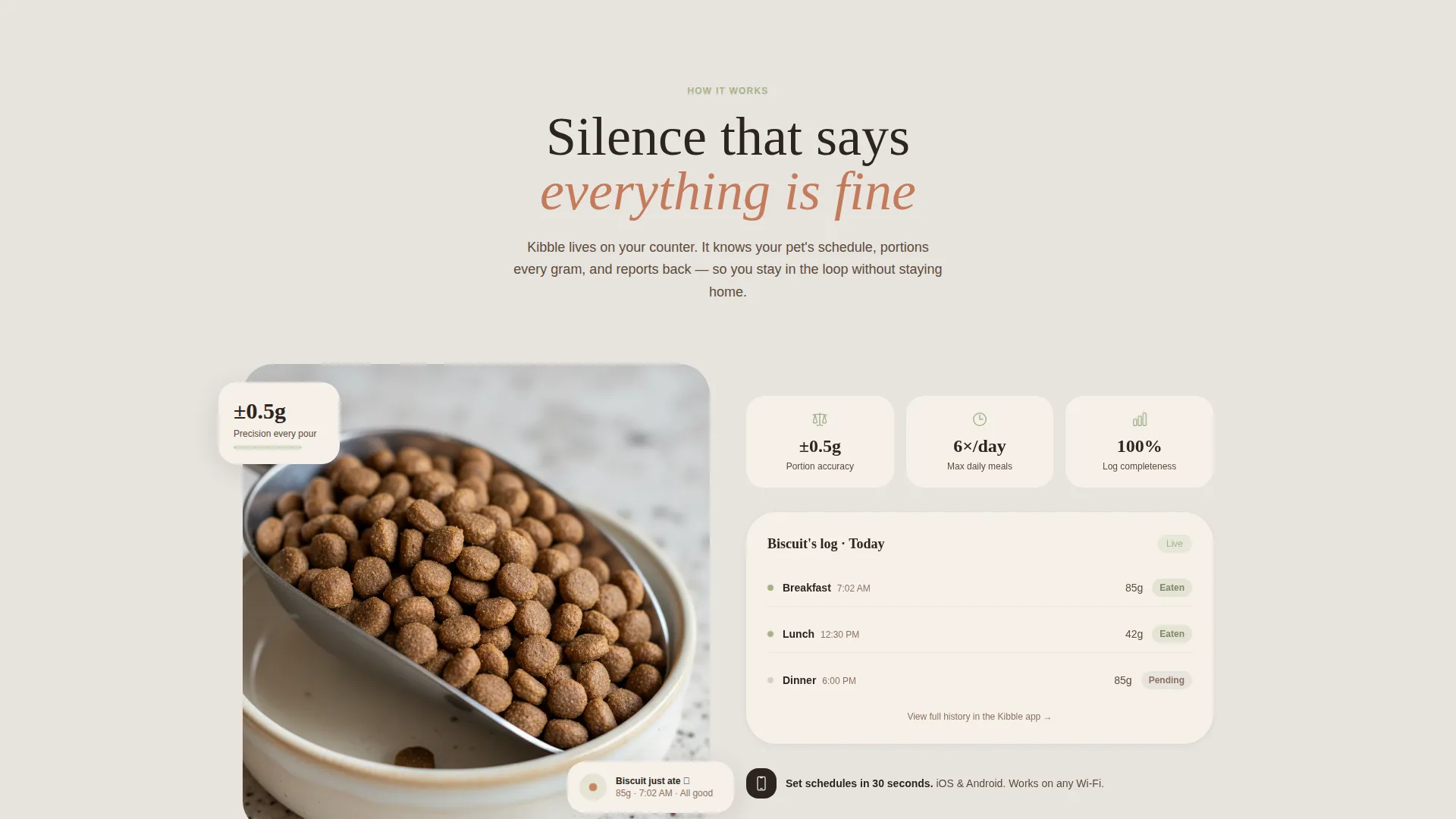
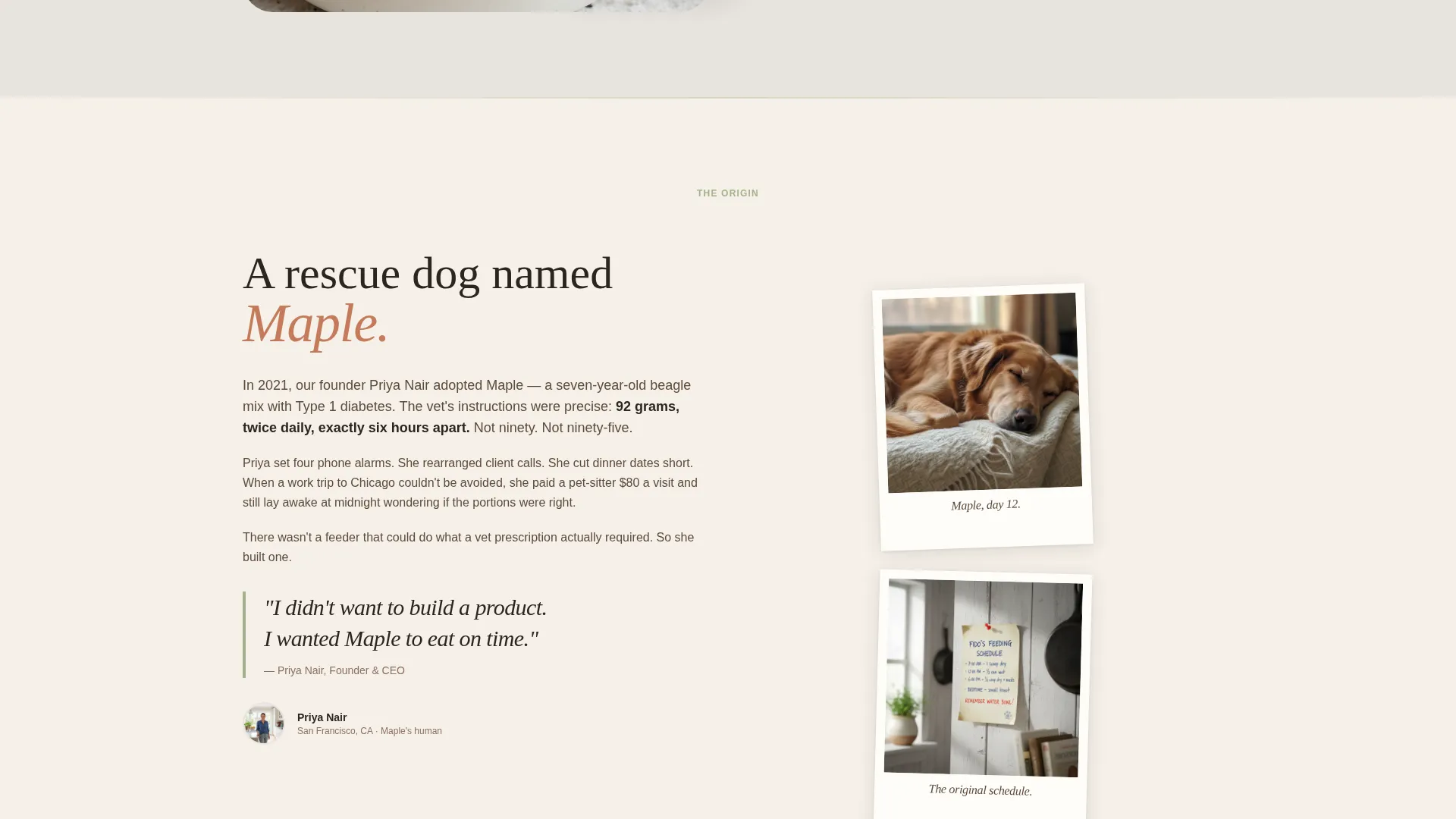
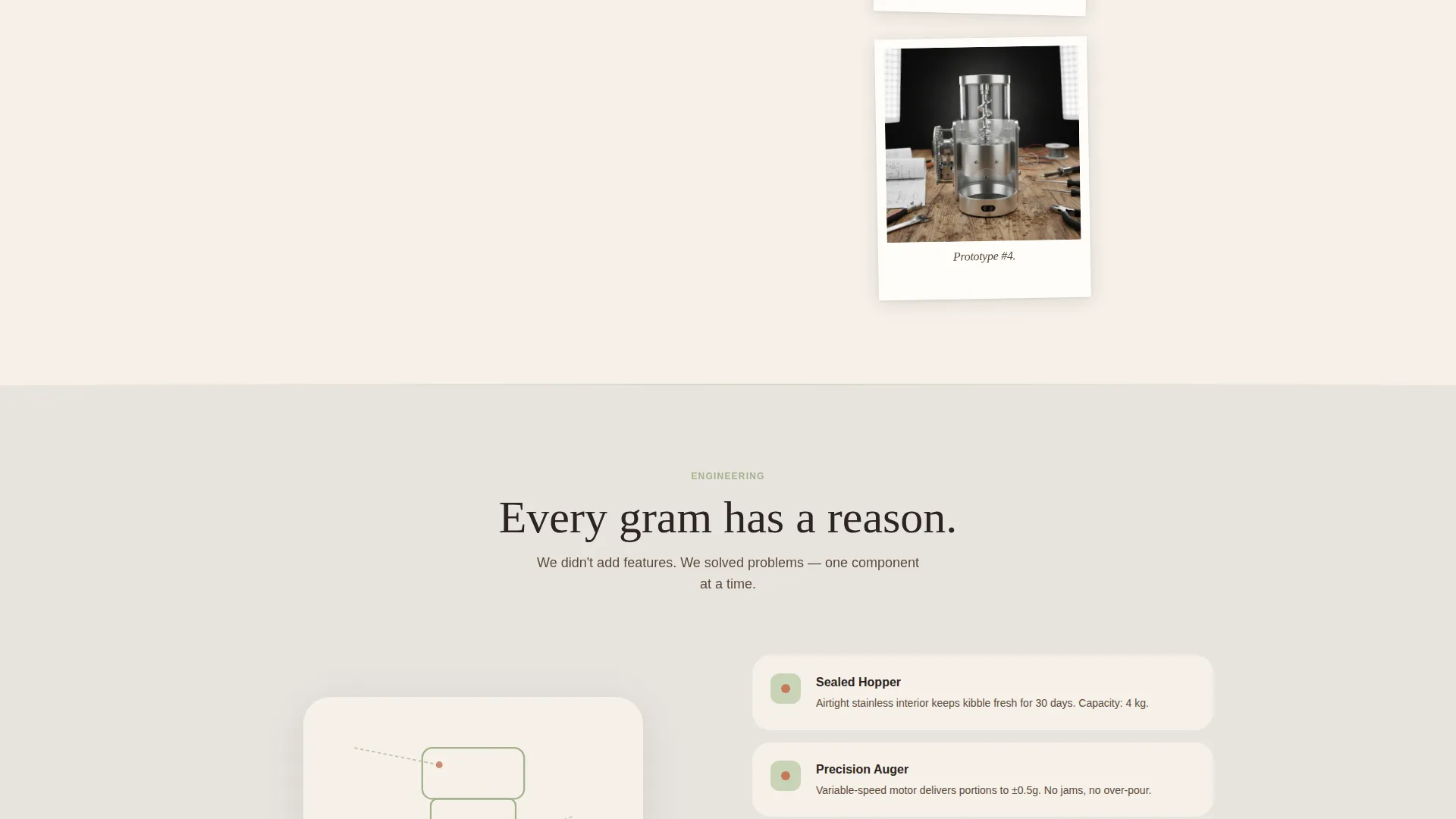
The scroll moves backward in time before moving forward again. It opens on the product working quietly today, then moves into the founder's rescue-dog story told through handwritten-style type and polaroid-framed candid photos. Next comes an engineering section with exploded product diagrams in sage linework. The final movement surfaces community feeding logs and real pet photos, closing the loop with collective proof.
Booking-First Call to Action
The primary call to action is "Schedule Your Demo Feeding" rendered in terracotta. It first appears as a floating button after the origin story section, then anchors the final section of the page. Clicking opens a calendar widget for a 15-minute live video slot. The form collects first name, pet name, pet type toggle, and preferred time only.
Secondary Email Capture
Below the primary booking prompt, a secondary path reads "Just want updates?" followed by a single email input field. This low-friction option retains visitors who are interested but not yet ready to book a live demo.
Soft Mist Color System
Backgrounds alternate between warm fog and oat milk tones. Muted sage anchors section dividers and iconography. Terracotta appears exclusively on buttons and notification pings, keeping every interactive element visually distinct without competing with the editorial photography.
Community Proof Section
The fourth scroll section displays real feeding logs and real pet photos submitted by users. A live counter shows total meals dispensed globally. This section transitions the visitor from the founder's personal story into a broader sense of shared trust and product reliability.
Page sections overview
| Section | Purpose |
|---|---|
| Photo Grid Mosaic Hero | Opens with nine lifestyle tiles and a single emotional tagline |
| Product at Work | Shows the feeder operating silently on a kitchen counter today |
| Founder Origin Story | Tells the rescue-dog story through handwritten type and polaroid photos |
| Engineering Diagrams | Presents exploded product linework with labeled components |
| Community Proof | Displays user feeding logs, pet photos, and a global meals counter |
| Demo Booking Section | Anchors the calendar widget and secondary email capture field |
Design & branding system
The Soft Mist palette creates a warm, domestic atmosphere that feels like a Sunday kitchen at dawn. No color competes with the photography, and every interactive element is immediately identifiable by its terracotta accent.
- Warm fog (#E8E4DF) and oat milk (#F5F0E8) alternate as section backgrounds, keeping the page airy and calm
- Muted sage (#A3B18A) defines section dividers, iconography, and the engineering diagram linework
- Terracotta (#C47B5A) appears only on buttons and notification pings, reserving visual energy for moments of action
Mobile & speed optimization
The template is structured with mobile reading patterns in mind. The hero mosaic and scroll narrative translate naturally to a vertical viewport, and the booking form stays minimal so it never feels cramped on a small screen.
- The nine-tile mosaic collapses gracefully for narrower viewports while preserving the parallax scroll effect
- The calendar widget and toggle inputs are sized and spaced for comfortable thumb interaction on mobile devices
How this template helps you convert
The page earns the booking by making emotional investment do the work before any commercial ask appears. By the time the call to action floats into view, the visitor feels they are meeting a person rather than evaluating a product listing.
- The origin story section builds personal credibility first, so the demo request lands with warmth instead of pressure
- The community proof section with real feeding logs and a global meal counter provides third-party validation just before the final call to action
- The minimal booking form asks only five inputs, reducing drop-off and making the scheduling step feel effortless
Other information about this template
This template sits within the Pet Tech and Wearable subcategory and is optimized for the smart pet feeder niche. It is part of the Organic Flow theme family, which uses nature-adjacent palettes and editorial photography to build brand warmth for hardware products.
- Template style: Hero-Dominant (90/10) with a single-page scroll flow
- Creative direction: Origin Story, moving from present confidence backward through vulnerability and forward into community proof
- Header concept: Photo Grid Mosaic with nine tiles and per-tile parallax behavior
- Landing page direction: Booking and scheduling, with a calendar widget as the primary conversion point
- Color system: Soft Mist, a four-tone warm palette anchored by terracotta for all interactive elements
- Suitable for product launches, pre-order campaigns, and live demo funnels in the pet tech space
Theme
Organic Flow
Creative direction
Origin Story
Color system
Soft Mist
Style
Hero-Dominant (90/10)
Direction
Booking/Scheduling
Page Sections
Photo Grid Mosaic Hero
Origin Story Scroll Structure
Booking-first Call to Action
Secondary Email Capture Path
Community Proof Section
Soft Mist Color System
Related questions
What kind of pet feeder brand is this template built for?
Can I use this template without having a live demo setup?
How does the booking form work?
What photography style works best with the hero mosaic?
Is this template specific to one pet type?