Financial Services Consulting Portfolio Website Template
Ledger is a split-screen landing page template built for financial services operations consultants. It pairs long-form editorial case study narratives with visual evidence panels in a 50/50 layout. The Slate and Sky color system, serif typography, and gated download mechanics give the page the authority of a heavyweight business publication and the conversion structure of a serious lead generation tool.
by Rocket studio
Quick summary
Ledger is a single-page template designed for consultants who serve the back-office operations of banks, insurers, and asset managers. It uses a split-screen editorial layout to tell case study stories that build trust section by section. Each scroll reveals more of the consultant's methodology before inviting qualified visitors to download the full implementation playbook.
Who this template is for
This template is built for a very specific kind of professional services firm. If you advise financial institutions on operations, workflow redesign, or regulatory remediation, Ledger speaks directly to your clients.
- Operations consultants working with broker-dealers, fund administrators, or compliance teams
- Boutique and mid-market advisory firms that win mandates through demonstrated expertise rather than brand recognition
- Principals who need a content-led landing page that qualifies leads before a conversation begins
What problem this template solves
Most professional services landing pages make claims without proof. A COO dealing with reconciliation breaks or a compliance director under regulatory scrutiny will not respond to a generic value proposition. They need to see that you understand their exact problem before they will share their contact details.
- Consultants lack a structured format to present case study depth without losing the visitor's attention
- Standard landing page templates are built for product sales, not for advisory engagements that require narrative trust-building
- High-value prospects need a reason to self-identify; a gated download gives them one without forcing a sales call too early
What you get with this template
Ledger delivers a fully structured, editorial-style landing page ready to be populated with your firm's case study content. Every section has a defined role in the trust-building sequence.
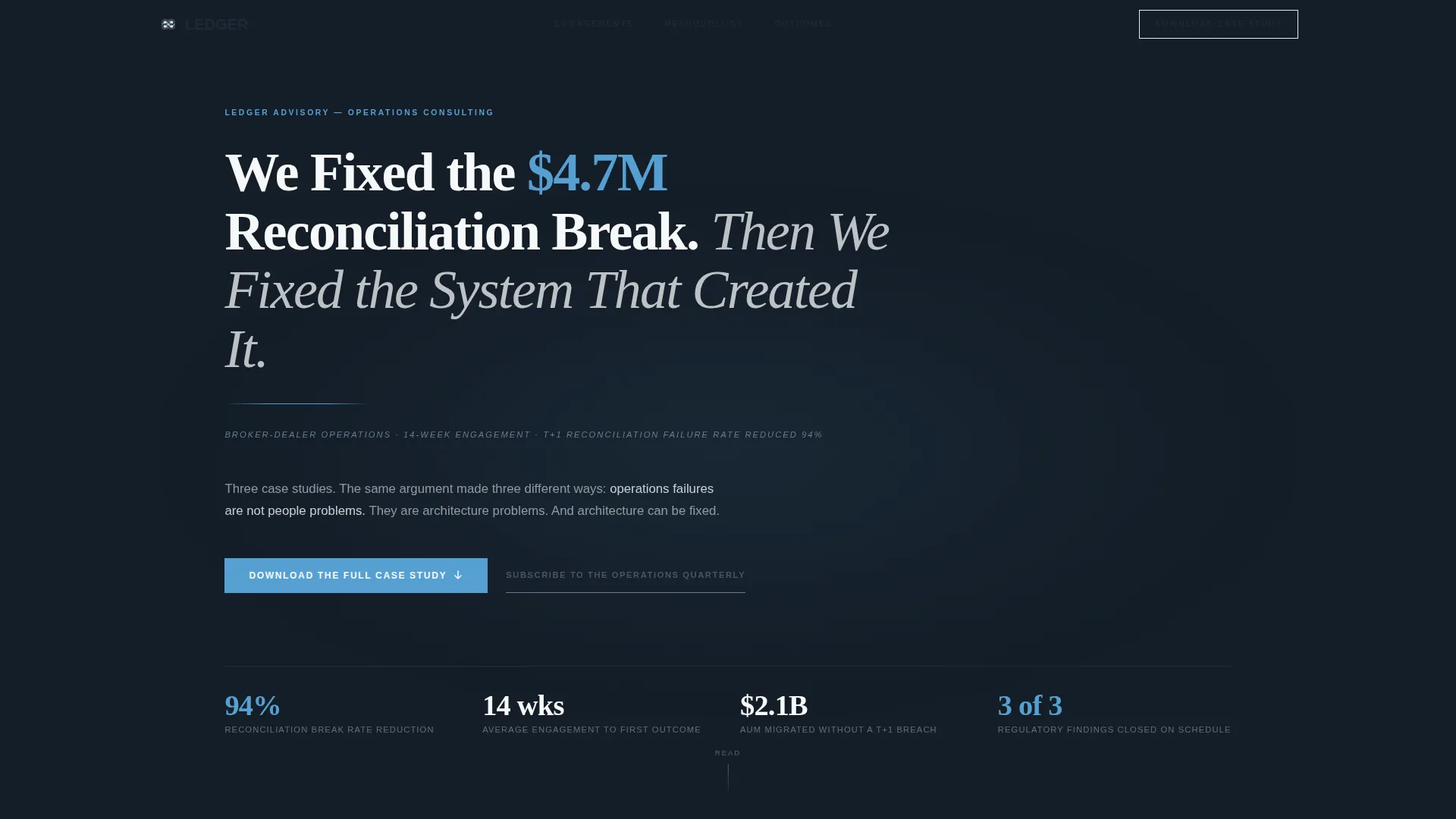
- A dark full-bleed header with a serif headline and a sky-blue radial glow treatment that sets an authoritative tone immediately
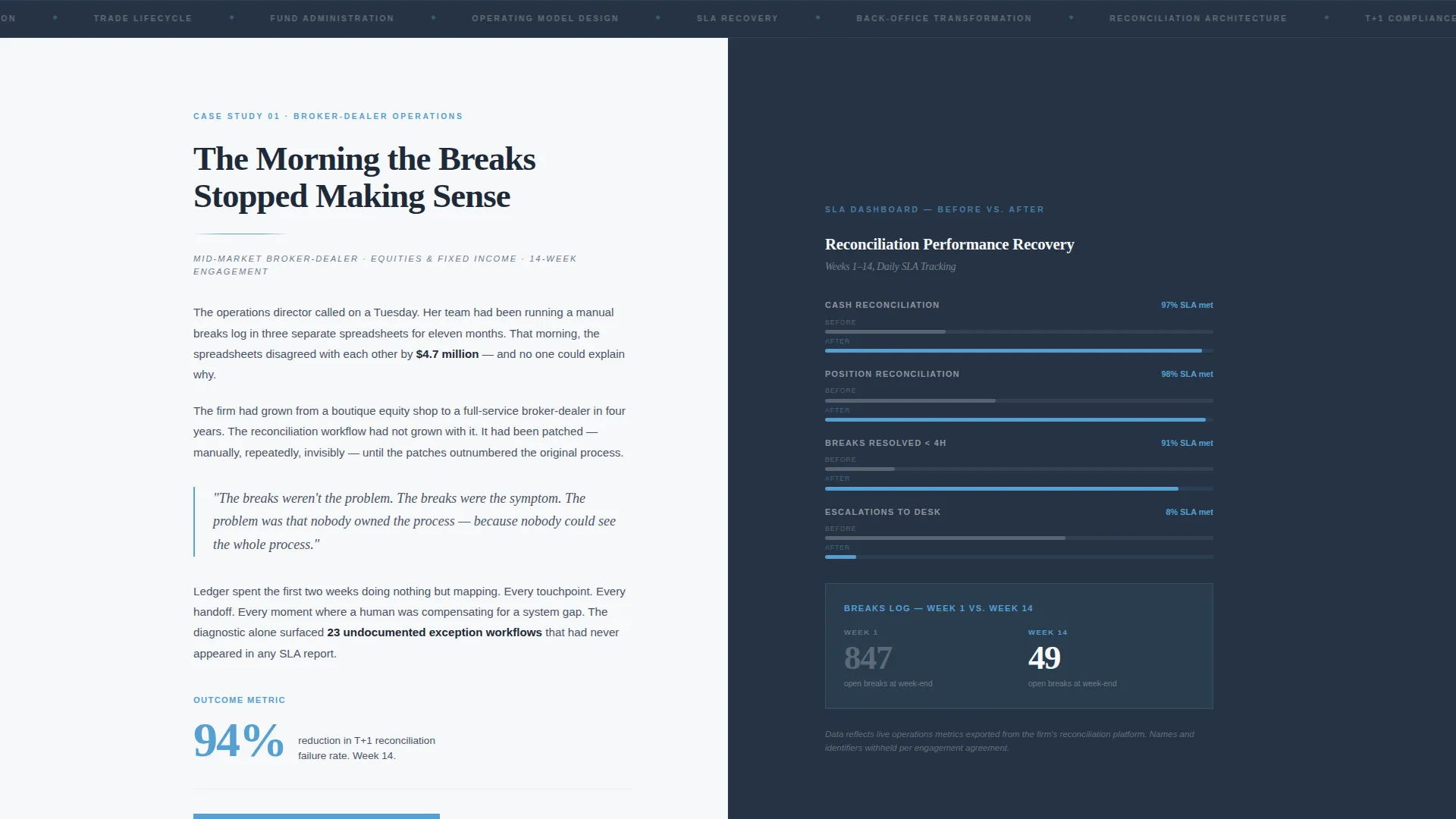
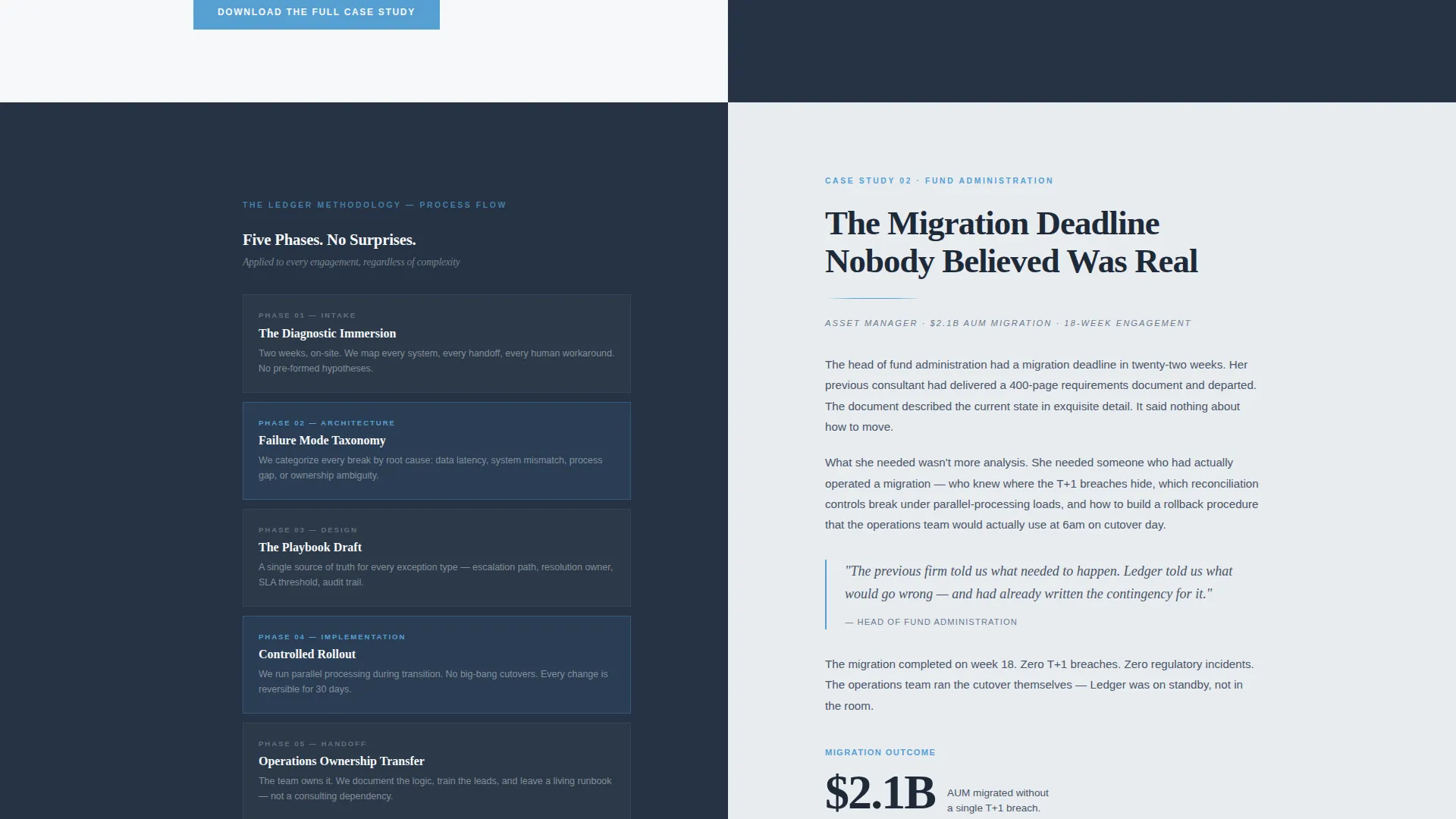
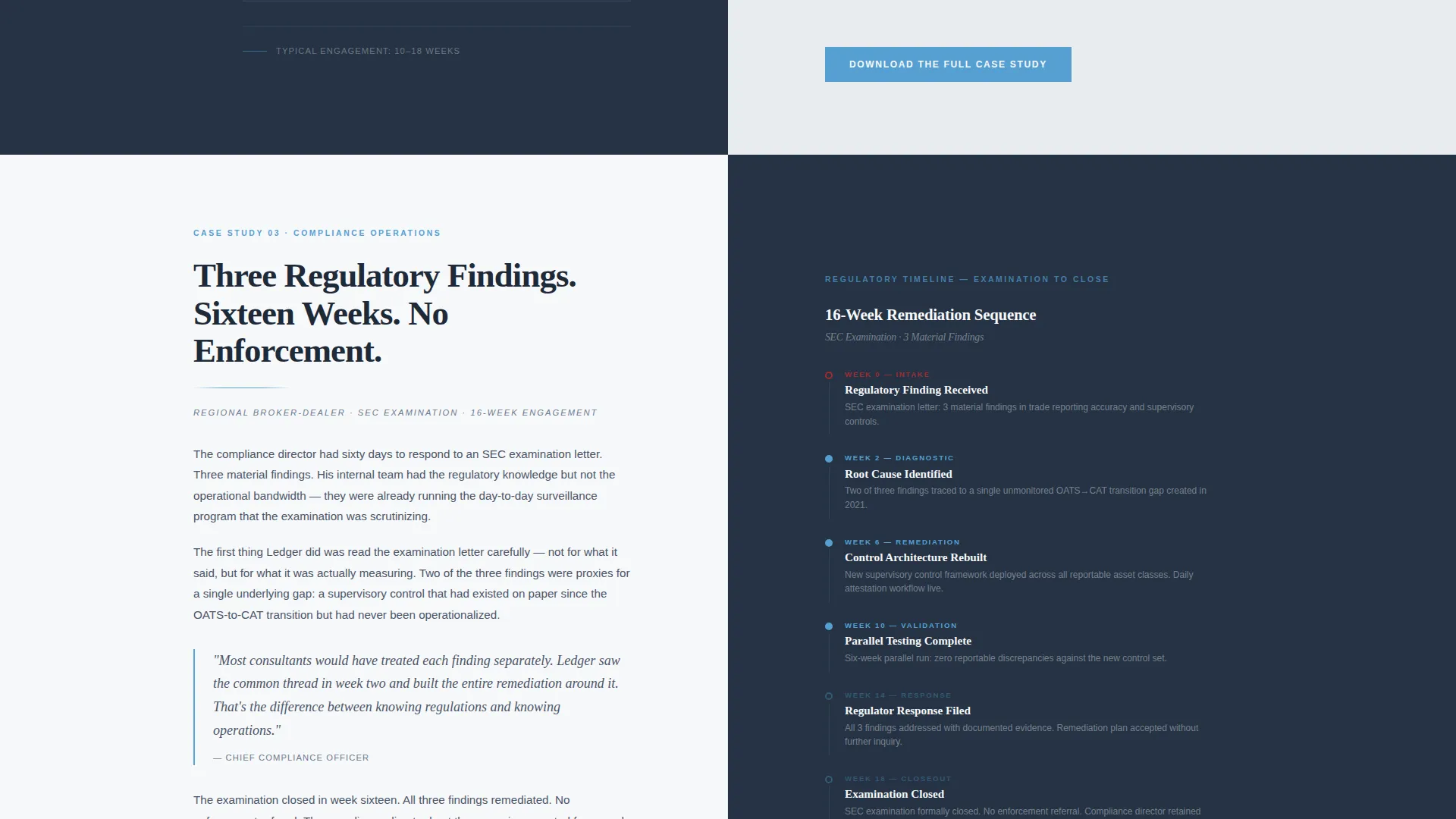
- Three sequential case study spreads, each split 50/50 between a narrative story panel and a visual evidence panel showing process flows, before-and-after dashboards, and regulatory timeline charts
- Two conversion paths: a gated two-field download form for the full case study and a secondary email-only subscription for the Operations Quarterly newsletter
Feature list
This section describes the core built-in components that make Ledger function as both an editorial publication and a lead generation landing page.
Dark Full-Bleed Header with Glow Effect
The header uses a deep charcoal slate background with a single soft radial glow of sky blue radiating from the center. A large serif headline in broadsheet white anchors the page. A byline-style subhead in graphite italic sits below a thin sky-blue rule, formatted like a magazine dateline with client sector, engagement length, and outcome.
50/50 Split-Screen Case Study Layout
Each scroll section is a self-contained editorial spread. The left panel carries long-form narrative text set in a serif typeface, complete with pull quotes, margin annotations, and highlighted metrics. The right panel holds visual evidence: process flow diagrams, before-and-after service level agreement dashboards, and regulatory timeline charts rendered in slate and sky tones.
Escalating Narrative Structure
The three case study sections follow a deliberate editorial arc. The first opens with the client's crisis. The second reveals the diagnostic methodology. The third delivers the measurable outcome. Each transition deepens trust by showing not just what was done but how the consultant thinks through a problem.
Gated Download Conversion Mechanic
The primary call to action is "Download the Full Case Study," presented in sky blue at the close of each narrative spread. It is gated behind a two-field form asking for a work email and job title. The page gives away approximately eighty percent of each story ungated, so the visitor feels they are unlocking an analyst's notebook rather than filling out a lead form.
Secondary Subscription Path
Visitors who are not yet ready to identify themselves can subscribe to the Operations Quarterly newsletter using only an email address. This secondary conversion path captures early-stage interest without requiring the commitment of a full download request.
Editorial Pull Quote and Annotation System
The story panels include designed pull quote treatments and margin annotation elements. These typographic devices highlight key metrics and consulting insights, giving the narrative the visual authority of a printed business quarterly while keeping the reader oriented within the case study arc.
Page sections overview
| Section | Purpose |
|---|---|
| Full-Bleed Header | Sets authoritative tone with headline, dateline, and glow |
| Case Study One | Opens with client crisis narrative and first visual evidence panel |
| Case Study Two | Reveals diagnostic methodology and supporting process diagrams |
| Case Study Three | Delivers measurable outcome and benchmarking visuals |
| Download Gate One | Prompts first case study download via two-field form |
| Download Gate Two | Prompts second case study download at narrative close |
| Download Gate Three | Prompts third case study download after outcome section |
| Operations Quarterly | Offers secondary email-only subscription path |
Design & branding system
The visual identity follows an Editorial Magazine theme built on the Slate and Sky color system. Every color choice in the palette serves a specific editorial function, the same way a magazine art director assigns roles to each tone on the spread.
- Deep charcoal slate (#1E2A38) anchors primary backgrounds; mid-tone graphite (#4A5568) handles secondary surfaces; broadsheet white (#F7F8FA) fills text panels with clean breathing room
- Open-sky blue (#56A0D3) is used sparingly as an accent, appearing on data points, interactive elements, and calls to action to arrest the eye exactly once per spread
- Typography uses unhurried serif faces for headlines and narrative body text, reinforcing the heavyweight business quarterly feel that signals expertise to a senior financial services audience
Mobile & speed optimization
The editorial split-screen layout is structured to adapt across screen sizes while preserving the narrative reading experience that makes Ledger effective.
- The 50/50 split-screen panels reflow for smaller viewports so story text and visual evidence remain readable without horizontal scrolling
- The minimal use of decorative imagery keeps the layout lean; the visual evidence panels rely on charts and diagrams rather than large photography files
How this template helps you convert
Ledger is engineered around a specific conversion insight: senior financial services buyers will not fill out a form until they believe you understand their world. The page earns the click before it asks for the contact.
- The ungated eighty percent of each case study demonstrates genuine operational expertise, which builds the credibility needed for a COO or compliance director to self-identify through the download form.
- The two-tier conversion structure separates high-intent prospects who download the full playbook from early-stage visitors who subscribe to the newsletter, giving the consultant two distinct follow-up audiences from a single page visit.
Other information about this template
Ledger is purpose-built for the financial services operations consulting niche, where the sales cycle is long and trust is the primary currency. A few additional details are worth noting for anyone evaluating this template.
- The template is a single landing page, not a multi-page website; all content and conversion mechanics live within one continuous scroll
- The case study narrative structure makes this template well-suited for showcasing engagements involving reconciliation workflow redesign, regulatory remediation, failed trade resolution, or fund administration migration
- The gated content mechanic is designed to attract senior decision-makers such as chief operating officers at broker-dealers, heads of fund administration, and compliance directors, not general website traffic
- The Editorial Magazine theme and Slate and Sky palette are intentional positioning signals; they communicate that the firm operates at a level where design reflects the quality of the thinking
Theme
Editorial Magazine
Creative direction
Case Study Narrative
Color system
Slate & Sky
Style
Split Screen (50/50)
Direction
Content/Resource
Page Sections
Dark Full-bleed Header with Glow
50/50 Split-screen Story Layout
Three-act Narrative Arc
Gated Case Study Download
Secondary Newsletter Subscription
Editorial Pull Quote System
Related questions
Who is this template designed for?
How does the gated content mechanic work?
Can I customize the case study sections for different client sectors?
Does this template support two different types of leads?
Is Ledger a single page or a multi-page website?



