Compassionate Senior Care Landing Page Template
Chronicle is a full-width immersive landing page template built for senior care video marketing agencies. It pairs a manifesto-driven editorial layout with an Ink & Paper visual identity, guiding senior care operators from a cinematic hero image through escalating declarations, process details, and occupancy results to a walkthrough booking form. Every page section earns trust before asking for a click.
by Rocket studio
Quick summary
Chronicle is a landing page template for a senior care video production agency. It follows a manifesto-driven scroll structure, an Ink & Paper visual identity, and a B2B conversion flow built around two calls to action: a facility walkthrough booking form and a gated PDF download.
Who this template is for
Senior care video agencies need a page that matches the weight of their work. Chronicle is designed for that specific use case.
- Video production studios serving memory care directors, independent living marketers, and multi-facility owners
- Senior care operators looking to understand how editorial video fills occupancy gaps
- Agencies ready to present their process and results with confidence to care services decision makers
What problem this template solves
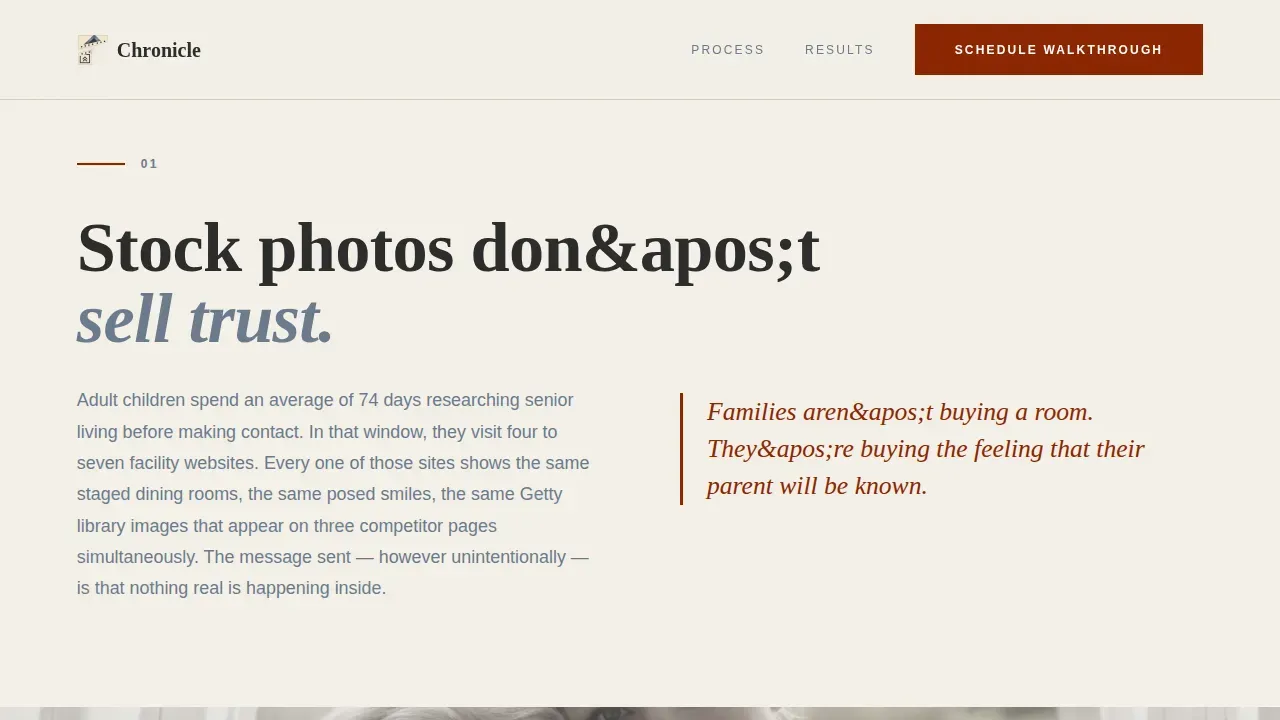
Stock-photo campaigns and generic web designs erode trust with families researching senior care online. This elderly care landing page addresses that gap directly.
- Families judge care services by what they see first; staged imagery signals inauthenticity
- Operators struggle to capture real warmth on their website without a proven editorial framework
- Generic designs fail to convert leads from families who need emotional proof before they book a tour
What you get with this template
You get a complete, ready-to-deploy landing page structured to promote editorial video to senior care decision makers. Every section is built to improve trust and drive conversions.
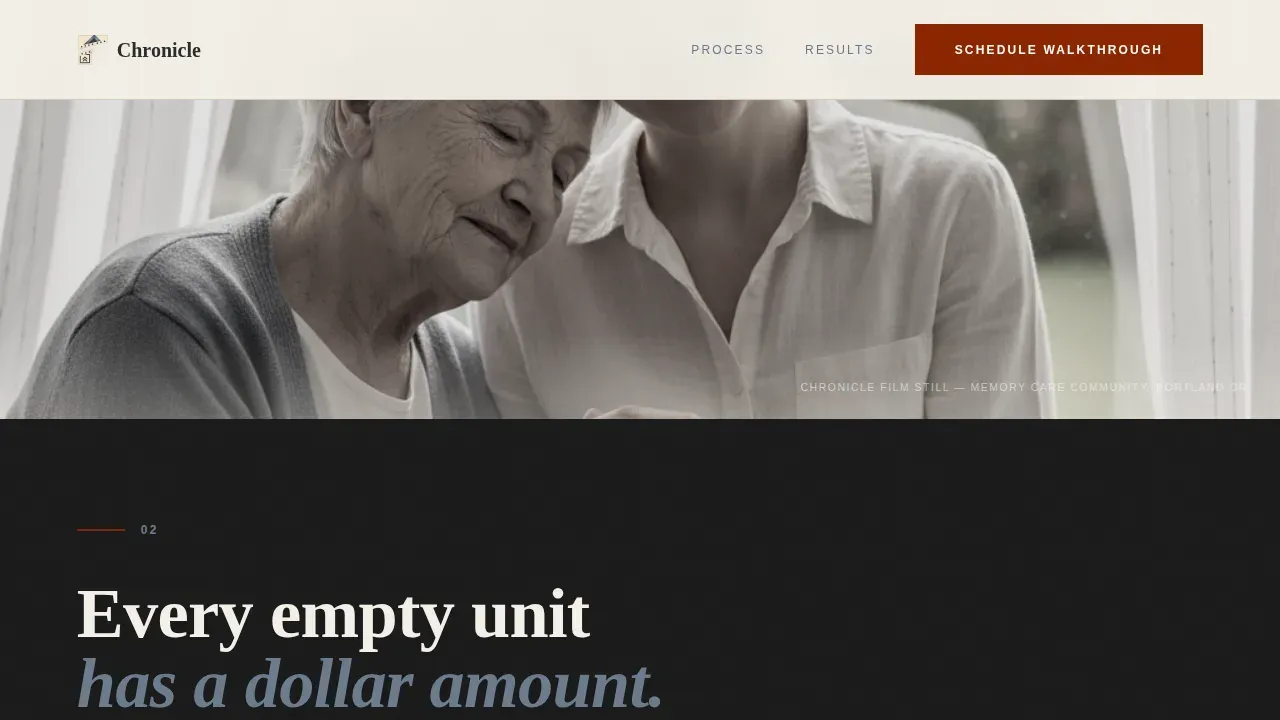
- A full-viewport black-and-white hero with manifesto headline, three escalating problem declarations, and process and results sections
- A primary "Schedule a Facility Walkthrough" form with facility name, community count, challenge dropdown, and preferred production month fields
- A secondary gated PDF download modal collecting email and role title to capture leads not yet ready to book
Feature list
This page includes purpose-built elements that serve the manifesto-driven senior care pitch from the first scroll to the final call to action.
Cinematic Hero Section
A full-viewport black-and-white photograph with a serif manifesto headline sits at the top of the page. Navigation is hidden until the visitor scrolls, keeping attention on the image and the opening statement.
Manifesto Scroll Blocks
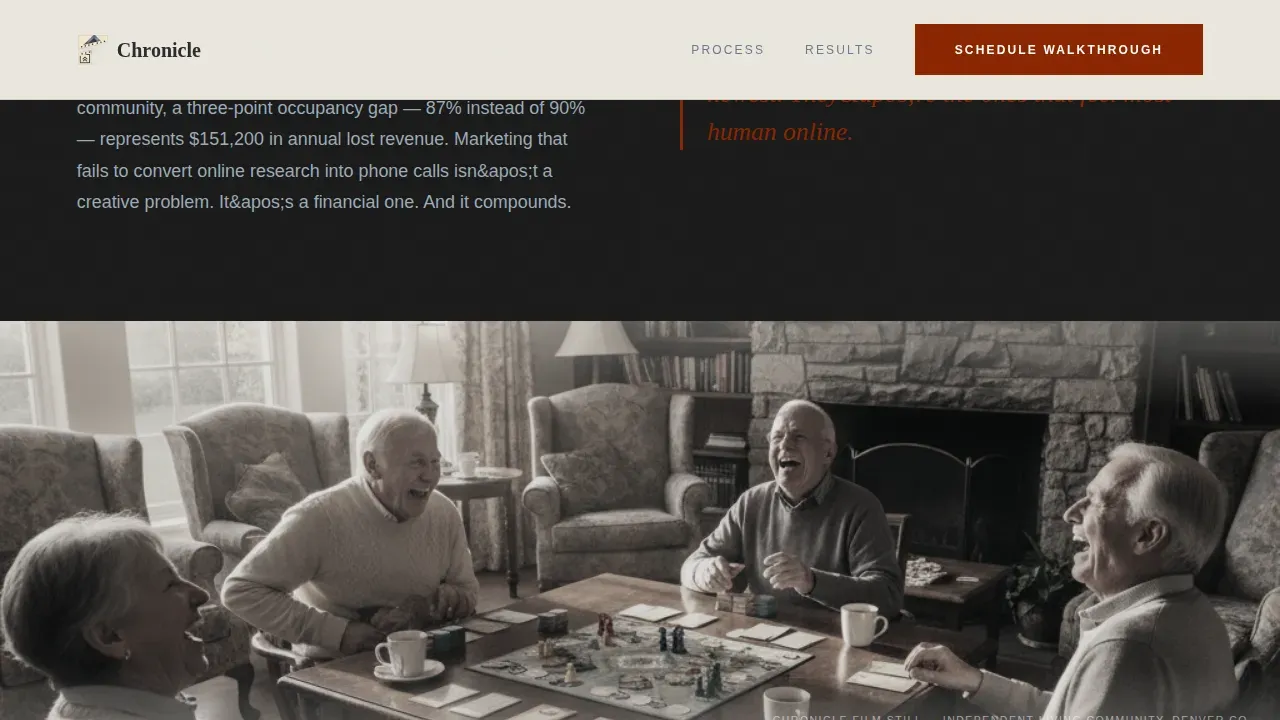
Three escalating editorial declarations set in oversized serif type anchor the problem argument. Each block follows a statement, evidence, film-still rhythm that builds emotional stakes across the page.
Process and Results Layout
An asymmetric split section covers the two-person crew and single-day shoot. A bento-style results section pairs before-and-after occupancy numbers with film stills, showing data and humanity side by side.
Dual Conversion Flow
The primary call to action captures operators ready to book a walkthrough. The secondary PDF gate catches those who want to read first, using a lightweight modal that asks only for email and role title.
Editorial Typography System
Fraunces serif headings carry the manifesto declarations. DM Sans handles body copy, form labels, and supporting paragraphs, creating a clear visual hierarchy throughout the page.
Page sections overview
| Section | Purpose |
|---|---|
| Full-Viewport Hero | Opens with cinematic image and manifesto headline |
| Problem Manifesto Blocks | Three declarations argue why stock photos fail |
| Process Split Section | Explains two-person crew and single-day shoot |
| Results Bento Layout | Pairs occupancy numbers with film stills |
| Walkthrough Booking Form | Primary conversion point for senior care operators |
| PDF Download Gate | Secondary lead capture for operators researching care services |
| Footer | Horizontal flow with agency contact and branding |
Design & branding system
The Ink & Paper theme uses a Monochrome Steel color system that feels like a broadsheet laid on a wooden desk. Every design choice is deliberate and restrained.
- Warm parchment (#F4F0E8) background, pressed charcoal (#2B2B2B) primary text, brushed steel gray (#6B7B8D) secondary type and dividers
- Deep editorial red (#8B2500) reserved strictly for calls to action and pull quotes, keeping accent use focused and effective
Mobile & speed optimization
The page is desktop-first by design, since senior care operators research on larger screens. Full mobile support is built in.
- Scroll-linked reveals, parallax film stills, and staggered manifesto text are handled by client-side components
- Static sections use server components to keep the page load lean while interactive forms and modals remain fully responsive
How this template helps you convert
An elderly care landing page only generates leads when it earns trust before it asks for action. Chronicle is structured to do exactly that.
- The manifesto scroll builds emotional authority across three declarations before any form appears, so operators arrive at the booking section already persuaded
- The dual conversion path captures both operators ready to book and those who want to find more information first through the gated PDF, widening the top of the funnel
Other information about this template
This template is built for agencies that want designs ready to present to senior care clients without rebuilding from scratch. The page structure aligns with best ease of use principles, making it straightforward to adapt content, swap profile picture placeholders, and update occupancy figures.
- The layout meets requirements fall 2024 buyers expect from a modern B2B agency page, offering ease of use 2024 standards for editorial landing page builds
- Tools ranked for easiest admin fall 2024 and best meets requirements fall consistently note that gated content and clear calls to action are the two features that most improve lead quality for care services pages
- Platforms recognized for capterra best ease and best ease of use note that postermywall footer logo placement and profile picture slots are among the first elements operators customize when adapting an elderly care landing page template for their community

Theme
Ink & Paper
Creative direction
Manifesto
Color system
Monochrome Steel
Direction
Partnership/B2B
Page Sections
Cinematic Full-viewport Hero
Manifesto Scroll Declaration Blocks
Process and Results Sections
Dual Conversion Path
Editorial Typography Pairing
Related questions
Can I customize the form fields and dropdown options?
Does the PDF download gate work as a standalone lead capture tool?
Is the manifesto scroll format suitable for a memory care niche?
How does the results section present occupancy improvements?
Can the gated PDF section hold a guide or checklist instead of a playbook?



