Kids Podcast Studio Booking Landing Page Template
Listen is a scroll-reveal landing page template built for kids podcast studios. It guides parents, educators, and event planners through an animated, story-driven page that ends at a booking form. With a warm Citrus Burst palette, hand-drawn illustrations, and progressive scroll reveals, it turns a curious visit into a confident session booking.
by Rocket studio
Quick summary
Listen is a single-page booking template designed for a kids podcast studio. It uses progressive scroll reveals to walk visitors through an emotional journey, from first curiosity to booking a session. The Citrus Burst color palette and illustrated hero set a warm, playful tone that earns trust before asking for a commitment.
Who this template is for
This template speaks directly to the people most likely to book a kids podcast session. It covers every audience the studio serves, from families wanting a creative experience to professionals building structured programs.
- Parents of children aged 5 to 14 looking for a creative, educational, and memorable experience
- Homeschool co-op coordinators, school librarians, and children's therapists planning group or field-trip sessions
- Birthday party planners who want an activity that goes beyond the usual options
What problem this template solves
Most parents have never heard of a kids podcast studio. The concept needs explanation, emotional buy-in, and a frictionless path to booking, all on one page. A generic template cannot do that job.
- Visitors arrive without context, so the page must build understanding and excitement before asking for anything
- The booking form needs to feel personal rather than clinical, starting with the child's name instead of a credit card
- Multiple audience types, such as parents, therapists, and event planners, need to feel individually addressed without cluttering the page
What you get with this template
You get a fully structured, single-page layout that handles storytelling and conversion in one scroll. Every section is purposeful, and the design system is ready to use without starting from scratch.
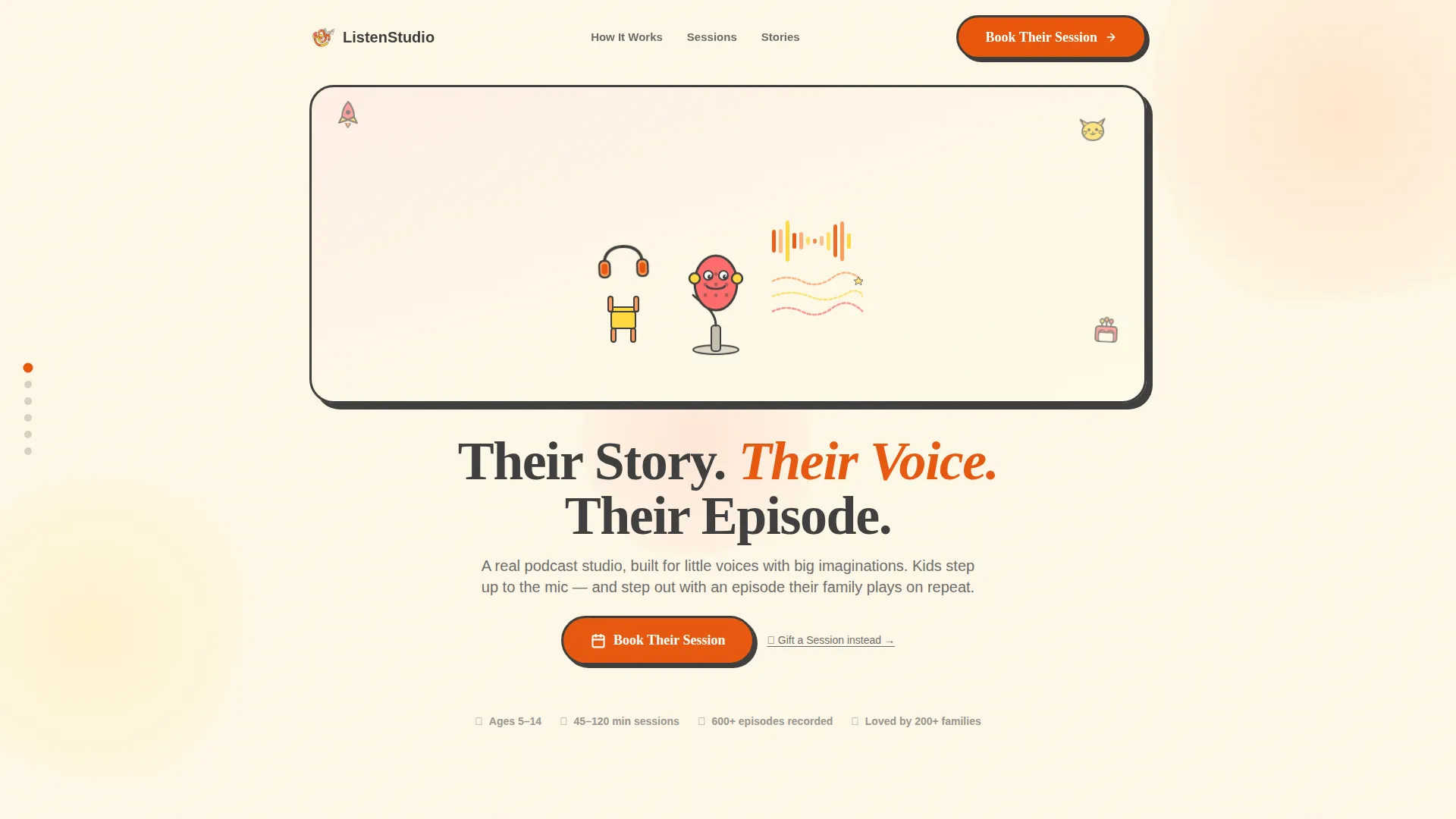
- A hero section with a custom illustrated studio scene, animated sound waves, and a drifting paper airplane
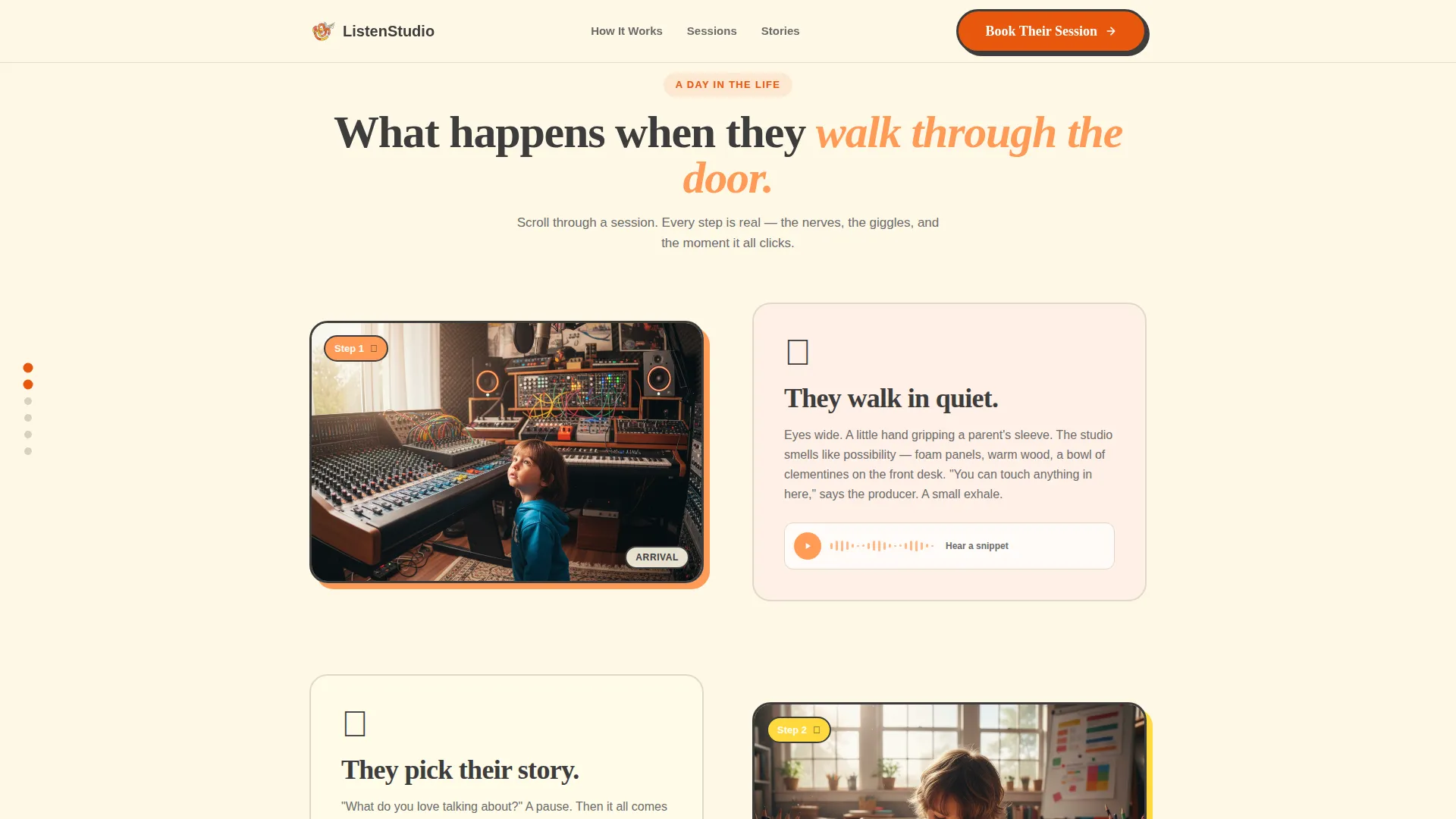
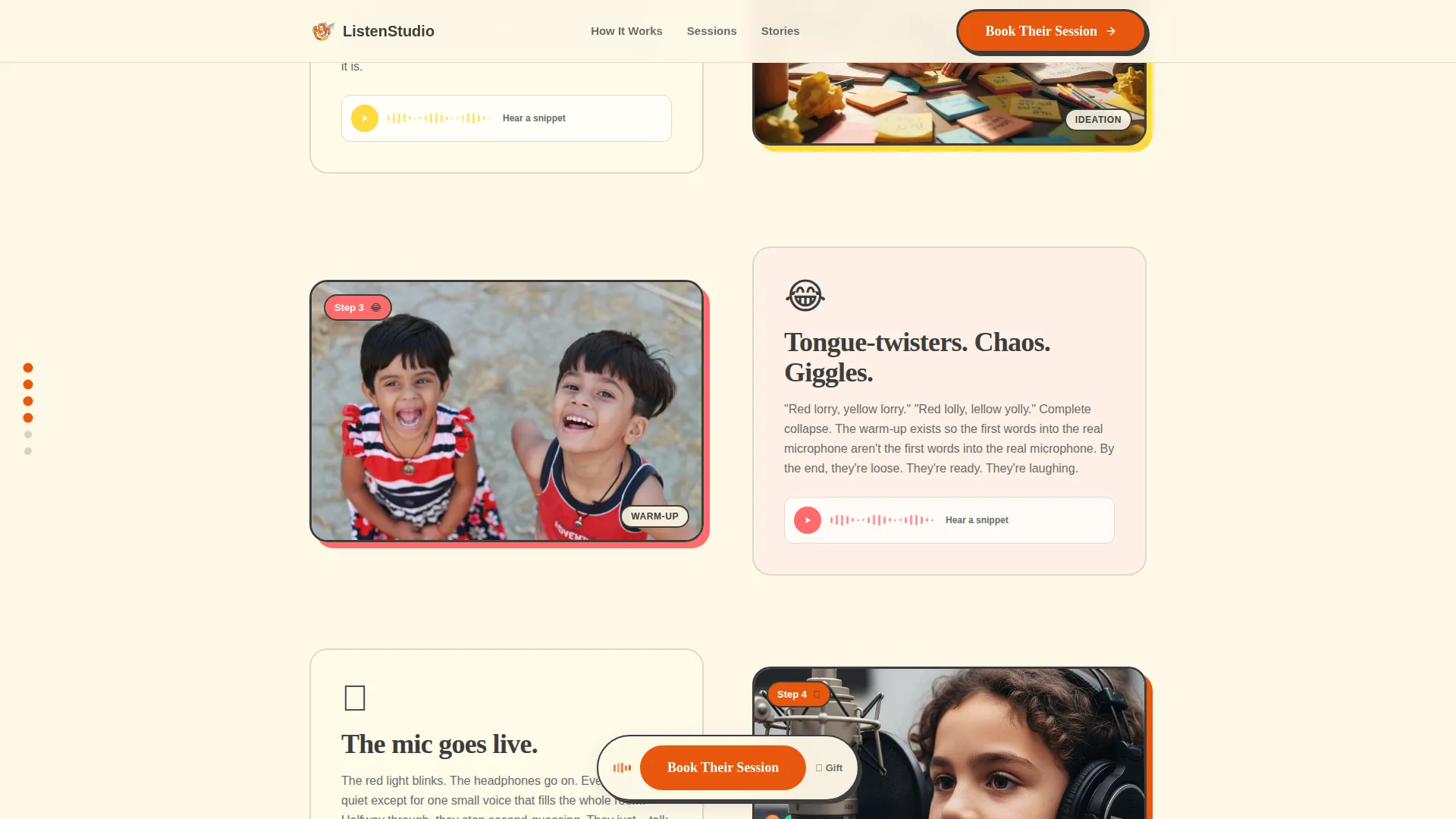
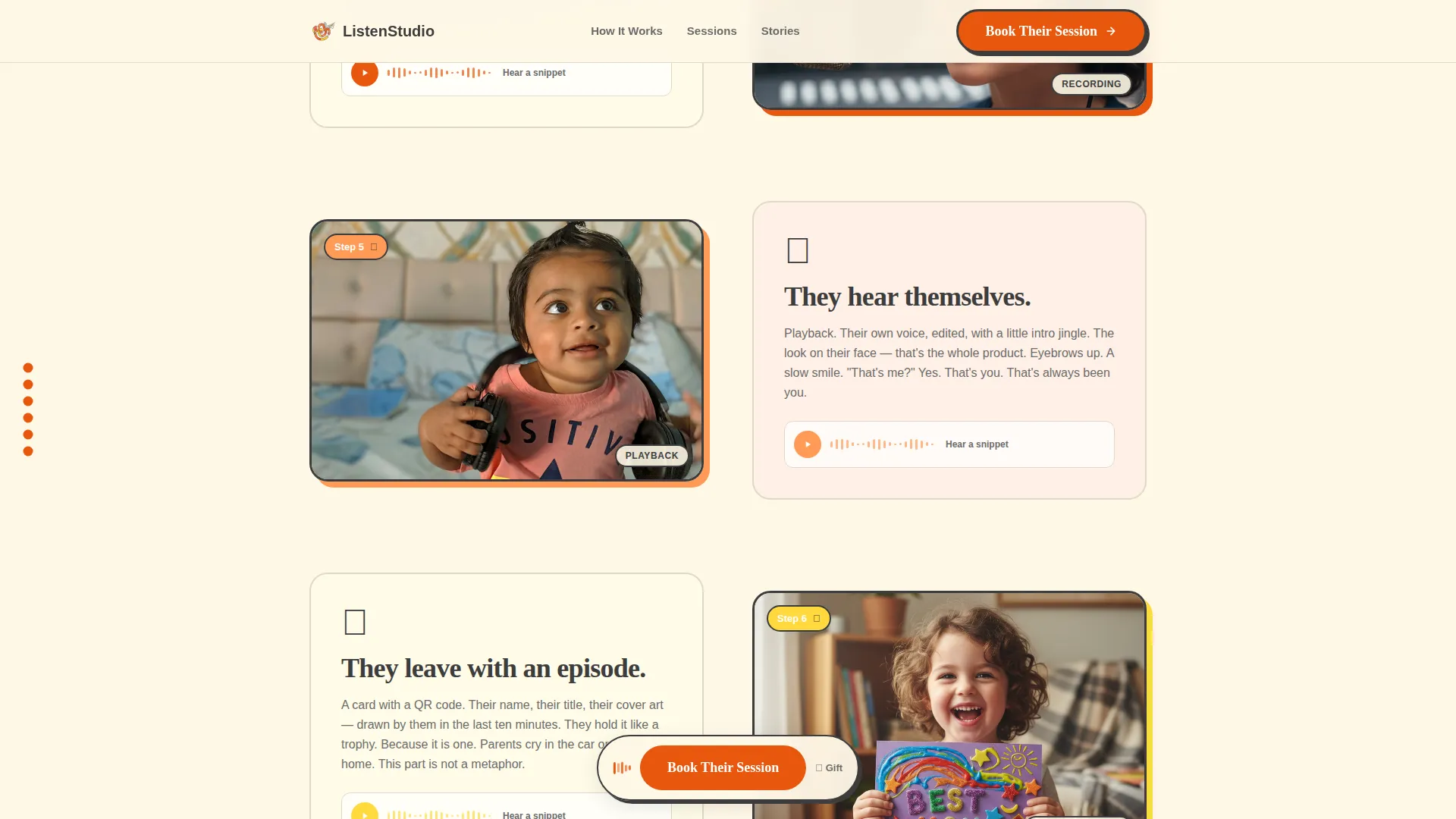
- A six-vignette Day-in-the-Life scroll sequence that walks a child through an entire session
- Three session-type cards (Solo Episode, Group Story, Party Package) and a personal booking form with an embedded calendar layout
Feature list
This template is built around the specific needs of a children's experiential service that relies on emotional storytelling and easy booking.
Animated Illustrated Hero
The header features a hand-drawn studio scene with oversized headphones, a creature-shaped microphone, and sound waves that curl into rockets, cats, and birthday cakes. The headline "Their Story. Their Voice. Their Episode." fades in over the illustration in rounded, hand-lettered type.
Progressive Scroll Reveal Sequence
Six illustrated vignettes unlock as the visitor scrolls, each one showing a different moment in a child's session. The sequence moves from nervous arrival to confident recording to holding a finished episode card, building emotional momentum with every section.
Three-Card Session Selector
Asymmetric cards present the Solo Episode (one child, 45 minutes), Group Story (up to four kids, 90 minutes), and Party Package (up to ten kids, two hours). Hover states on each card keep interaction tactile and engaging.
Child-First Booking Form
The booking form opens with the child's first name and age before any logistical fields appear. It then collects parent email, preferred date, and an optional prompt asking what the child loves talking about, making the experience feel personal from the first tap.
Sticky Booking Call to Action
A "Book Their Session" button in clementine peel appears beneath the hero and returns as a sticky element after the page midpoint. A secondary "Gift a Session" text link sits beneath it for gift purchases.
Testimonials with Lemon Highlights
Parent quotes appear with lemon-accented pull-quotes, styled like a highlighter mark in a favorite book. This section provides social proof at the moment visitors are weighing whether to book.
Page sections overview
| Section | Purpose |
|---|---|
| Hero Illustration | Introduce the studio and headline |
| Day-in-the-Life | Build emotional connection through scrolling vignettes |
| Session Type Cards | Present booking options clearly |
| Parent Testimonials | Build trust with real parent voices |
| Booking Form | Convert interest into a confirmed session |
| Footer | Close with clean, single-row navigation |
Design & branding system
The visual identity follows a Nurture and Care theme expressed through the Citrus Burst color system. Every color choice is intentional, warm without being loud, and playful without losing credibility.
- Palette includes vanilla cream (#FFF8E7) backgrounds, soft tangerine (#FF9A56) washes, clementine peel (#E8570E) for calls to action, lemon (#FFD93D) for pull-quote accents, grapefruit pink (#FF6B6B) for warmth, and charcoal (#3D3D3D) for body text
- Typography pairs Fraunces for display headlines with Plus Jakarta Sans for body copy, keeping the page editorial and readable
- Illustration style is loose watercolor with crayon-thick outlines, subtly animated to feel alive without being distracting
Mobile & speed optimization
This template is built mobile-first because parents typically book on their phones. The layout and interactions are designed to feel natural on a small screen.
- Scroll-triggered reveals use Intersection Observer so vignettes unlock smoothly as the visitor moves down the page
- CSS animations are GPU-accelerated, and images are lazy-loaded so the page stays responsive on slower mobile connections
- The sticky booking button and booking form are sized and spaced for comfortable thumb navigation
How this template helps you convert
Every design and copy decision in this template is aimed at reducing hesitation and making the booking feel like the obvious next step.
- The emotional scroll sequence mirrors the journey a parent will watch their child take, building desire before the session cards even appear
- The child-first booking form lowers the psychological barrier by asking for the child's name and interests before any payment or scheduling details
- The sticky "Book Their Session" button keeps the call to action visible throughout the second half of the page, so no motivated visitor has to scroll back up to act
Other information about this template
This template is part of the Kids and Family category, specifically designed for the Kids Entertainment and Media subcategory within the kids podcast niche. It is built as a Booking and Scheduling landing page, meaning the entire page structure funnels toward a single conversion goal.
- The footer uses a Pattern 1 Linear Single-Row layout on a vanilla cream background, keeping the close of the page clean and uncluttered
- Localization defaults to English, United States dollar pricing, and United States date format throughout the booking form
- The template style is Scroll Reveal (Progressive), and the header concept is a Custom Illustration, both of which are fully built into the layout
- The Intersection Match Score for this template is 13, reflecting a strong alignment between the Kids and Family category, Kids Entertainment and Media subcategory, and the kids podcast niche
Theme
Nurture & Care
Creative direction
Day-in-the-Life
Color system
Citrus Burst
Style
Scroll Reveal (Progressive)
Direction
Booking/Scheduling
Page Sections
Animated Illustrated Hero Section
Six-vignette Scroll Reveal Journey
Three Session Type Cards
Child-first Booking Form
Sticky Booking Call to Action
Lemon-accented Testimonials
Related questions
Who is this landing page template designed for?
What session types does this template include?
Can this template support gift purchases?
How does the booking form collect information?
Is this template designed for mobile users?



