Handyman & Odd Jobs Booking Website Template
Deadbolt is a hero-dominant locksmith landing page template built for emergency door and lock repair services. It pairs a charcoal and amber design system with a Problem to Solution Arc, a sticky mobile booking bar, and a three-field form. Fast, trust-forward, and mobile-first, it helps locksmith businesses convert panicked visitors into confirmed appointments without delay.
by Rocket studio
Quick summary
Deadbolt is a single-page locksmith website template designed for emergency door and lock repair services. It opens with a half-page photo and text hero, moves through a scroll-driven Problem to Solution Arc, and closes with a focused booking form. The design is charcoal and amber, matte and purposeful, built to turn anxious visitors into booked customers fast.
Who this template is for
This locksmith website template works best for service providers who need an online presence that earns trust quickly and drives direct bookings. It suits both urgent and planned customer journeys equally well.
- Emergency locksmith operators who serve residential and commercial locations around the clock
- Property managers who need rekeying, master key services, and fast response time across multiple units
- Small business owners dealing with broken locks, jammed push bars, or door hardware that no longer holds secure
What problem this template solves
Most locksmith websites fail at the moment that matters most. A panicked customer on a mobile phone at night needs immediate answers, not a cluttered menu. This template addresses those pain points directly by removing friction and leading with action.
- Visitors in an emergency lockout can reach a tap-to-call button without scrolling
- The booking form asks only three things, keeping the path to contact short and simple
- Trust signals including license icons, insurance badges, and testimonials appear before any pricing ask
What you get with this template
This locksmith template ships as a complete, ready-to-edit landing page with every section pre-built. You can open it, swap in your details, and launch a professional locksmith website without starting from scratch.
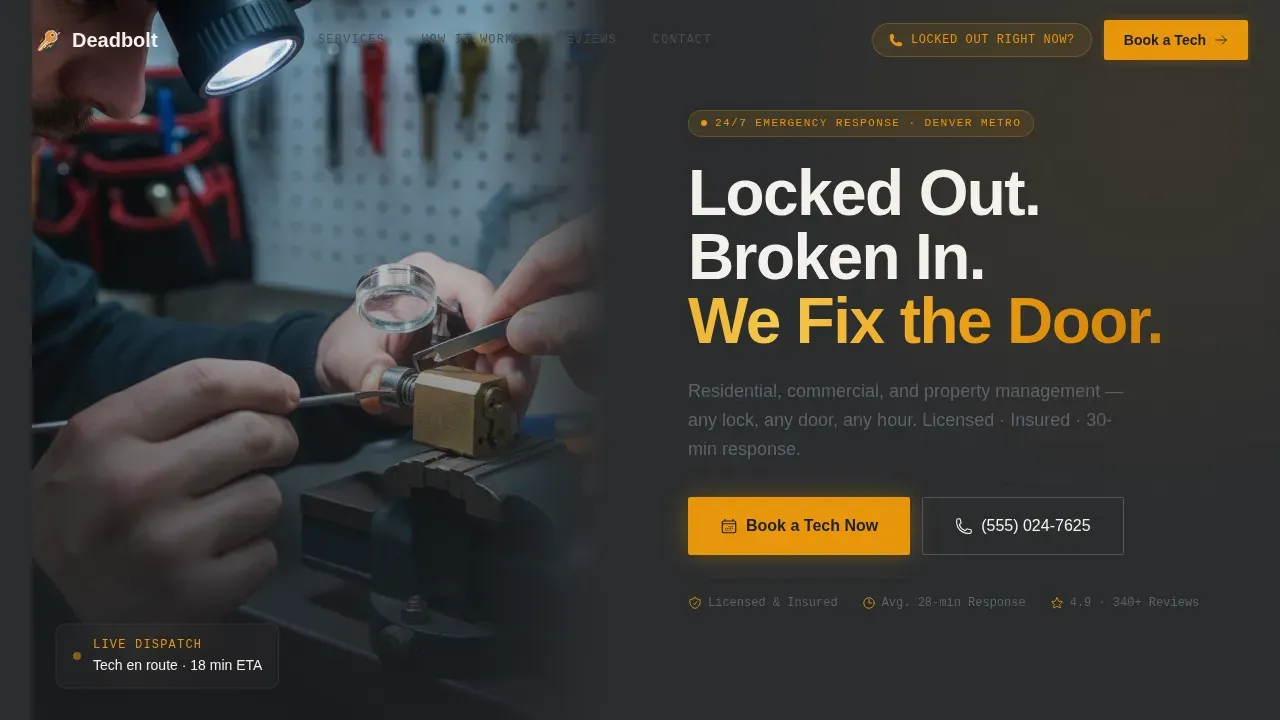
- A hero section with a half-page photo and text split, headline, subhead, and two call-to-action paths
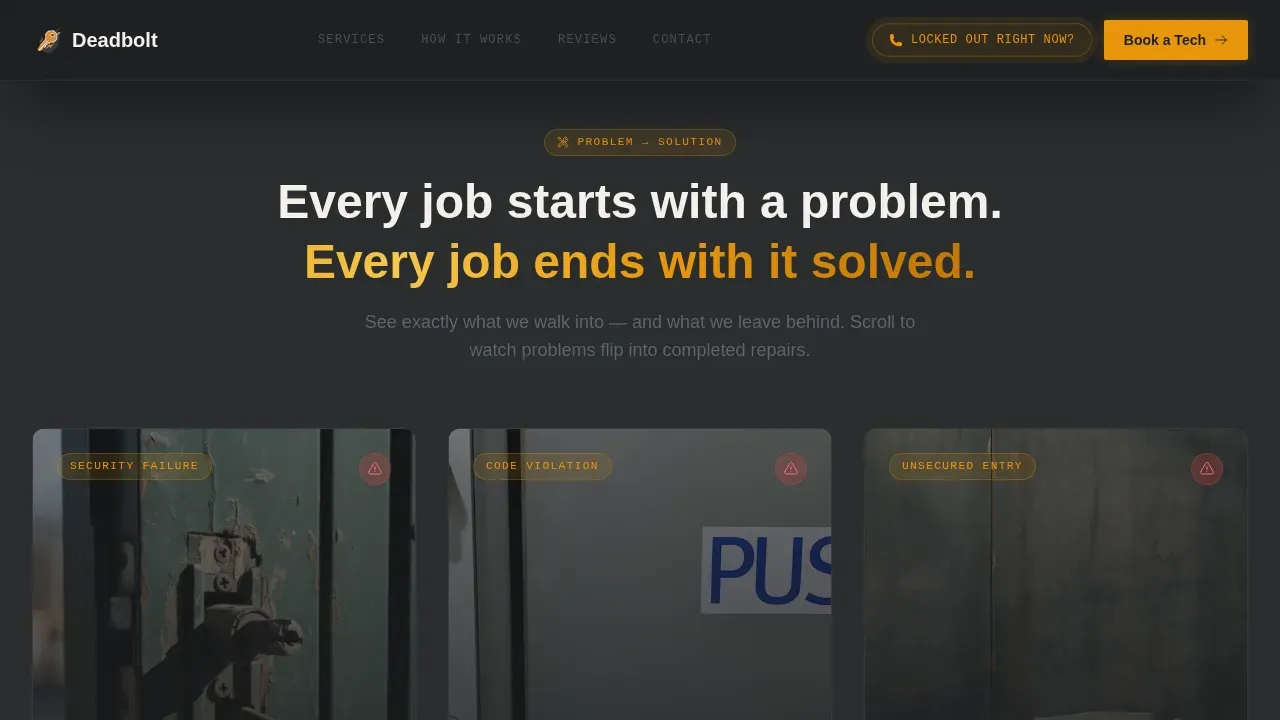
- A Problem to Solution Arc with three flip cards showing before and after repairs, followed by a trust band with review feed
- A three-field booking form covering service type, urgency, and zip code, plus a footer in horizontal flow layout
Feature list
This locksmith website template includes practical, conversion-focused features drawn directly from the template design brief.
Hero-Dominant Layout with Dual Call to Action
The above-the-fold area carries a warm-lit technician photo on the left and bold headline copy on the right. A "Book a Tech Now" button and a tap-to-call "Locked Out Right Now?" button both appear before any scrolling is needed, giving mobile users an immediate way to reach help.
Problem to Solution Flip Cards
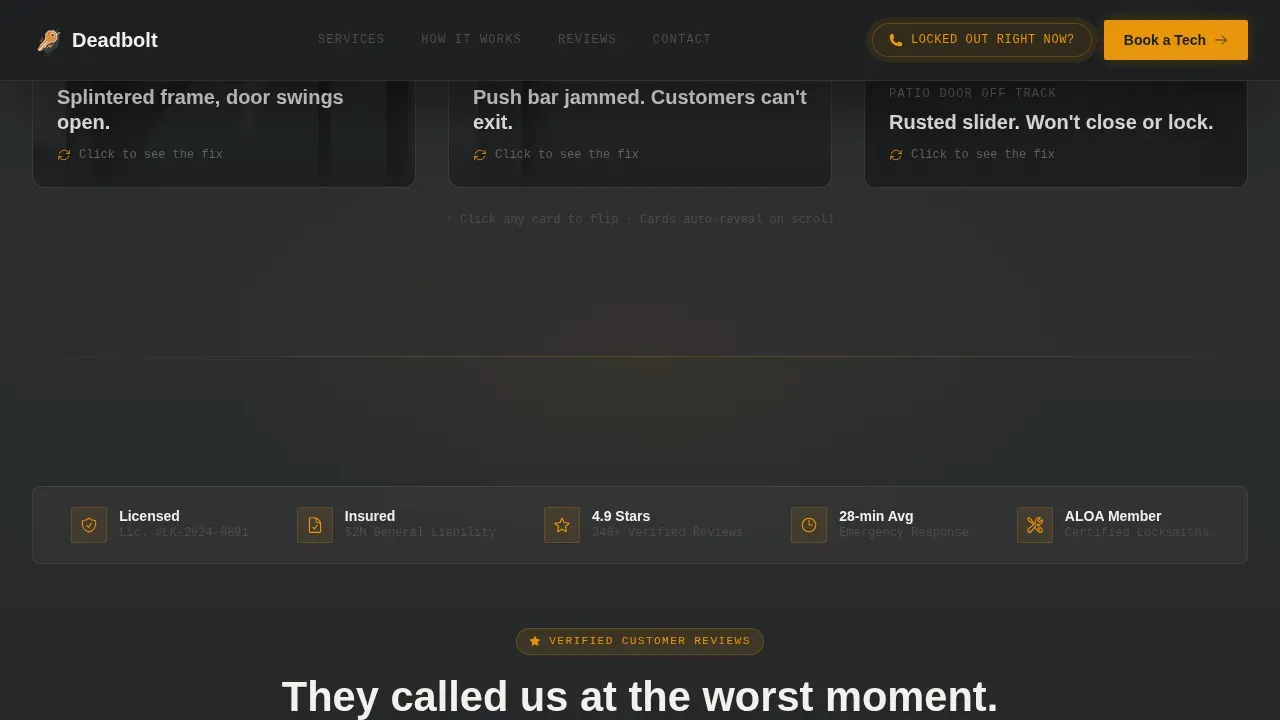
Three full-width photo cards show recognizable locksmith emergencies: a splintered door frame, a jammed commercial push bar, and a rusted patio slider. Each card flips on scroll to reveal the completed repair with a one-line description and job time. The sequence builds trust by proving competence before asking for commitment.
Three-Field Booking Form
The booking form is intentionally simple. It asks for service type, urgency level, and zip code. A phone number auto-fills a call-back field. This keeps the contact process fast and easy for customers who are stressed and short on time.
Sticky Mobile Booking Bar
On mobile devices, the primary call-to-action stays pinned to the screen as a sticky bar. This ensures the "Book a Tech Now" button is always visible, even mid-scroll, so no customer is left waiting for a way to reach out.
Trust Band with Live Review Feed
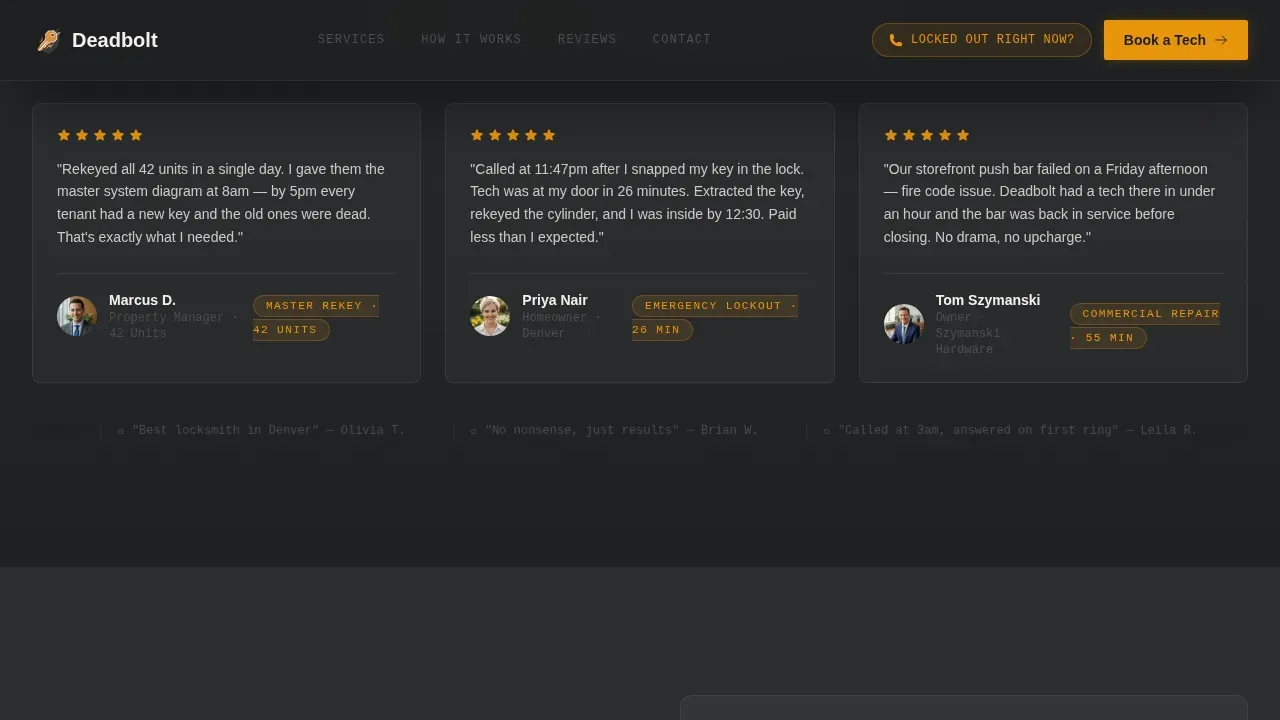
Below the flip card arc, a trust band displays license numbers, insurance verification badges, and a live review feed. Testimonials and icons work together to establish professionalism and reduce hesitation before the form appears.
Charcoal and Amber Design System
The color system uses deep charcoal for backgrounds, locksmith amber for calls to action and emergency callouts, worn graphite for body text, and bone white for form fields. DM Sans handles heavy headlines while JetBrains Mono labels tags and form elements for a clean, utility-grade look.
Page sections overview
| Section | Purpose |
|---|---|
| Hero Split | Photo, headline, and dual call-to-action above the fold |
| Flip Card Arc | Three problem-to-solution cards that build trust on scroll |
| Trust Band | License icons, insurance badge, and live review feed |
| Booking Form | Three-field form for service type, urgency, and zip code |
| Footer | Horizontal flow footer layout for contact and business info |
Design & branding system
The design language feels like a well-organized service van: matte, heavy, and everything in its place. The charcoal and amber palette reads with authority without feeling corporate or cold.
- Charcoal (#2B2D2F) dominates headers and backgrounds; amber (#E8960C) fires on calls to action and emergency callouts
- DM Sans at heavy weight handles all headlines; JetBrains Mono handles labels, tags, and form element copy
- Bone white (#F4F1EC) opens up form areas so the layout stays clean and never feels claustrophobic
Mobile & speed optimization
Most emergency locksmith searches happen on smartphones. This template is built mobile-first, with a layout and interaction design that works for a stressed user on a small screen.
- A sticky amber call-to-action bar stays pinned at the bottom of the mobile screen throughout the scroll
- Touch-friendly buttons and a simple three-field form reduce friction for users in a lockout crisis
- Stagger reveal animations and flip card interactions are handled client-side to keep static content loading quickly
How this template helps you convert
The page follows a deliberate rhythm: anxiety, then relief, then proof. Every section is arranged to move a visitor from recognition to action without a single unnecessary step.
- The hero presents the problem and the solution in one view, with two fast paths to reach the locksmith directly
- The flip card arc shows real completed work, proving capability before any pricing conversation begins
- The trust band and booking form close the loop with social proof, transparent contact options, and a focused, low-friction form
Other information about this template
This template is a strong starting point for locksmith companies of any size looking to build a credible, bookable web presence. It covers the full range of locksmith services, from residential rekeying and deadbolt repair to commercial door hardware and emergency lockout response.
- The locksmith website template is seo friendly by design, with a focused single-page structure that supports local search visibility and helps customers find the right services quickly
- Property managers, solo operators, and multi-crew locksmith businesses can all adapt the template to their service area, locations, and branding without coding skills
- The template supports upfront pricing callouts and free estimate messaging, both of which help reduce hesitation and build trustworthiness with first-time customers
- Continuing to customize the color system, swap images, and update the email and contact details is straightforward, making the template easy to make your own
- The deadbolt emergency door and lock repair landing page template stands apart from generic options because every design and copy decision is rooted in the real customer experience of needing a locksmith fast
Theme
Service Utility
Creative direction
Problem→Solution Arc
Color system
Charcoal & Amber
Style
Hero-Dominant (90/10)
Direction
Booking/Scheduling
Page Sections
Hero with Dual Call-to-action Paths
Problem to Solution Flip Card Arc
Sticky Mobile Booking Bar
Three-field Booking Form
Trust Band with Review Feed
Charcoal and Amber Visual System
Related questions
Can I use this template for both residential and commercial locksmith services?
Does the template include a tap-to-call button for mobile users?
How do I update the colors and branding in this template?
Is the booking form useful for planned appointments, not just emergencies?
What trust signals are built into this locksmith landing page template?



