LED Lighting Manufacturer Landing Page Template
Lumen is a dashboard-style landing page template built for LED and lighting manufacturers. It combines a sortable product data grid, a five-toggle lighting audit checklist, and gated resource downloads into one structured, spec-first page. The Engineering Blueprint visual theme uses charcoal, technical gray, and amber to make every lumen-per-watt figure feel as credible as a certified data sheet.
by Rocket studio
Quick summary
Lumen is a single-page template designed for LED and lighting manufacturers targeting engineers, contractors, and facility managers. It opens with a certification logo bar, flows into a filterable product data grid, and closes with a gated audit-template download. Every section is built to feel like a well-organized field binder: structured, spec-ready, and immediately trustworthy.
Who this template is for
This template is built for businesses that sell, specify, or manufacture LED fixtures and lighting systems. The page is designed to speak directly to technically minded buyers who need hard data before making a purchasing decision.
- Electrical contractors bidding commercial fit-outs and retrofit projects
- Facility managers replacing legacy fluorescent systems across large warehouse or industrial spaces
- Original equipment manufacturer (OEM) product designers embedding task lighting into surgical equipment or CNC enclosures
What problem this template solves
Lighting product pages typically fail engineers. They surface marketing language instead of specifications, scatter data across PDFs, and offer no structured path to download the right resource. Buyers leave without the data they need to write a submittal.
- Engineers cannot find CCT, CRI, efficacy, IP rating, and lifespan data in one scannable view
- Contractors waste time hunting for rebate eligibility, dimming compatibility, and wet-location ratings across separate documents
- Manufacturers lose qualified leads because there is no low-friction way to exchange a spec sheet or audit template
What you get with this template
You get a complete, ready-to-customize landing page structured around the decision flow of a specifying engineer. Every section is purposeful and every call to action is tied to a resource the buyer already needs.
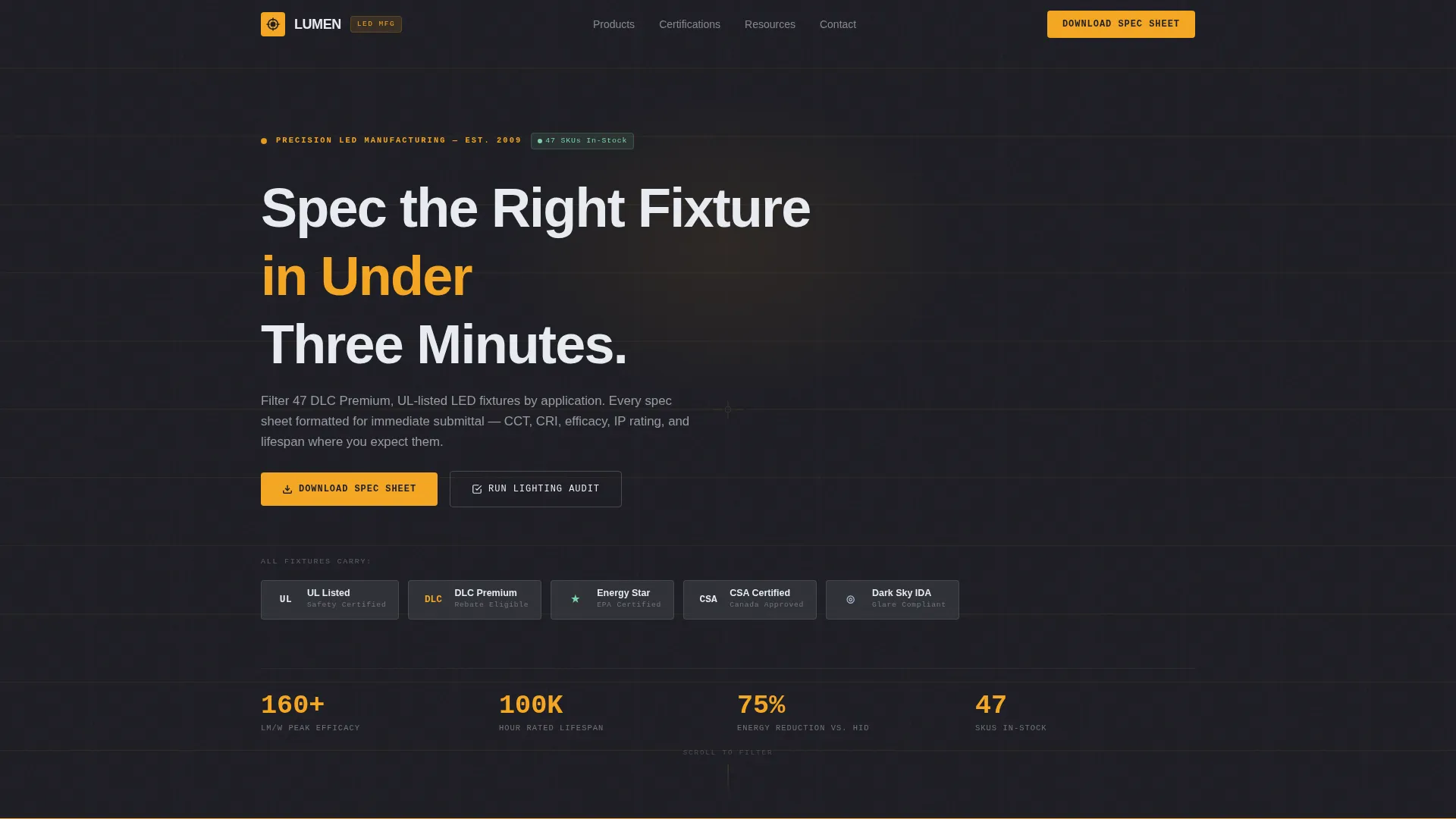
- A certification and client logo bar (UL, DLC, Energy Star, CSA) above an engineering-weight headline, paired with an animated blueprint grid line
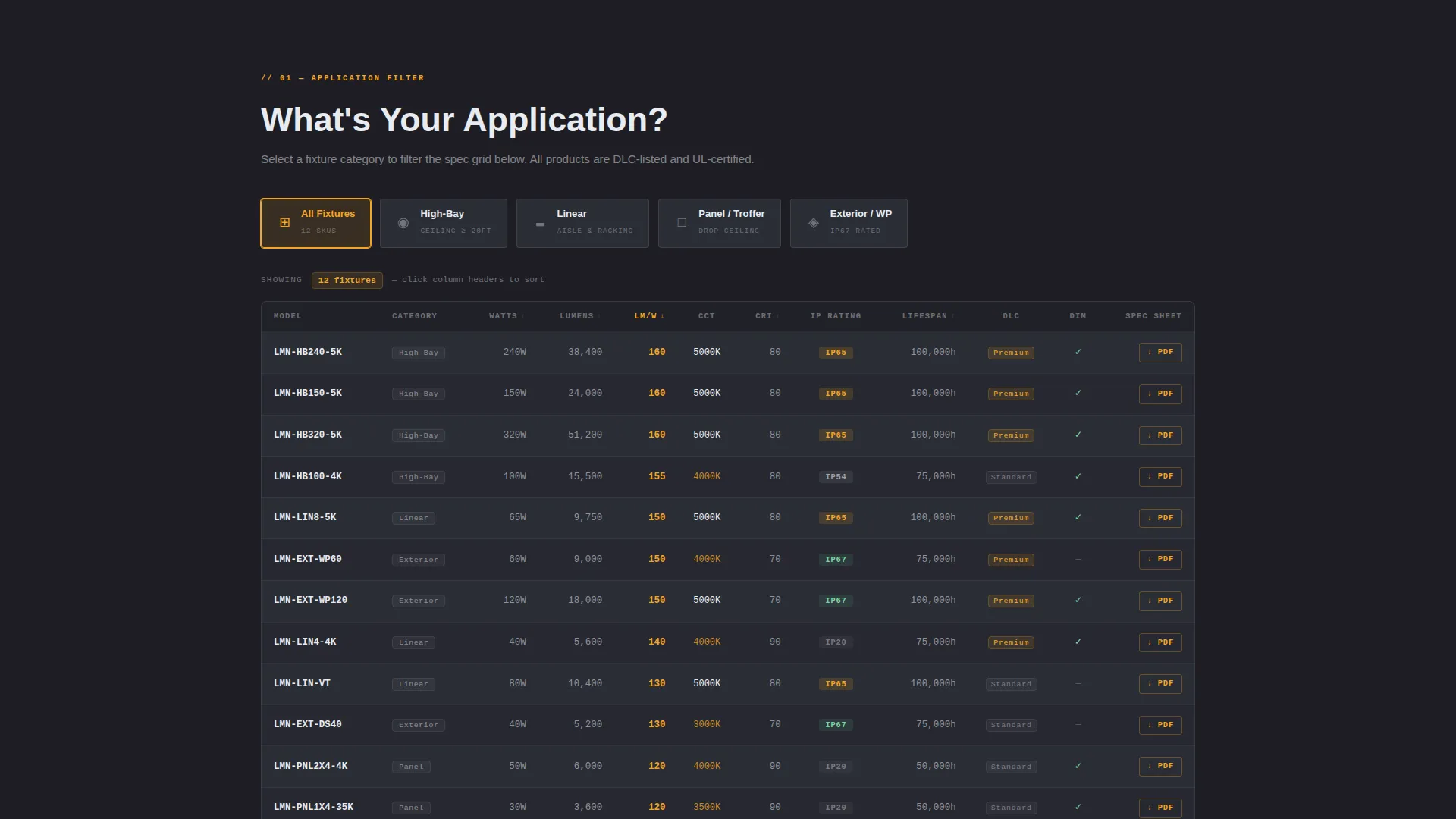
- A filterable product category tile section feeding a live sortable data grid showing CCT, CRI, efficacy, IP rating, and lifespan columns
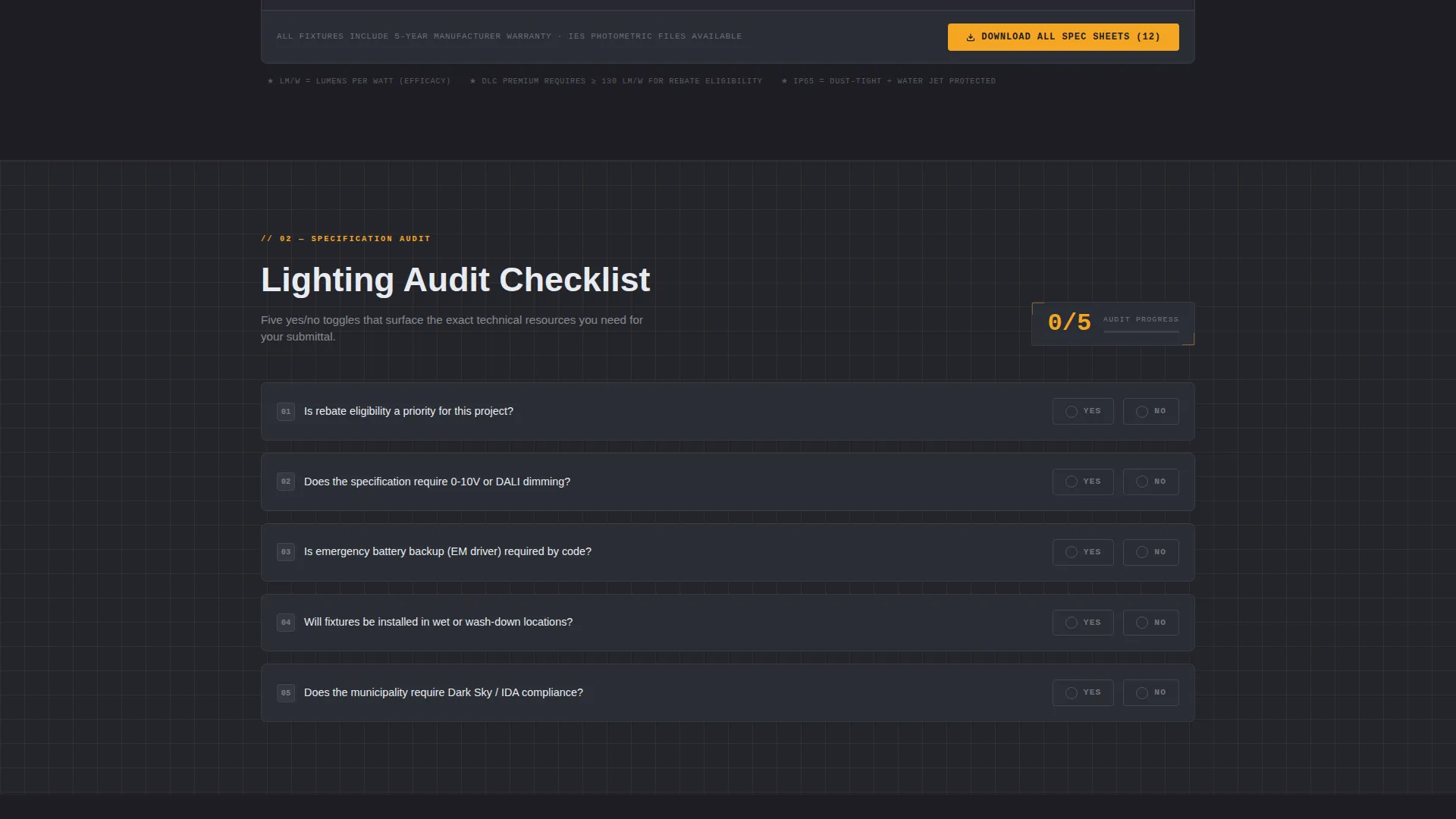
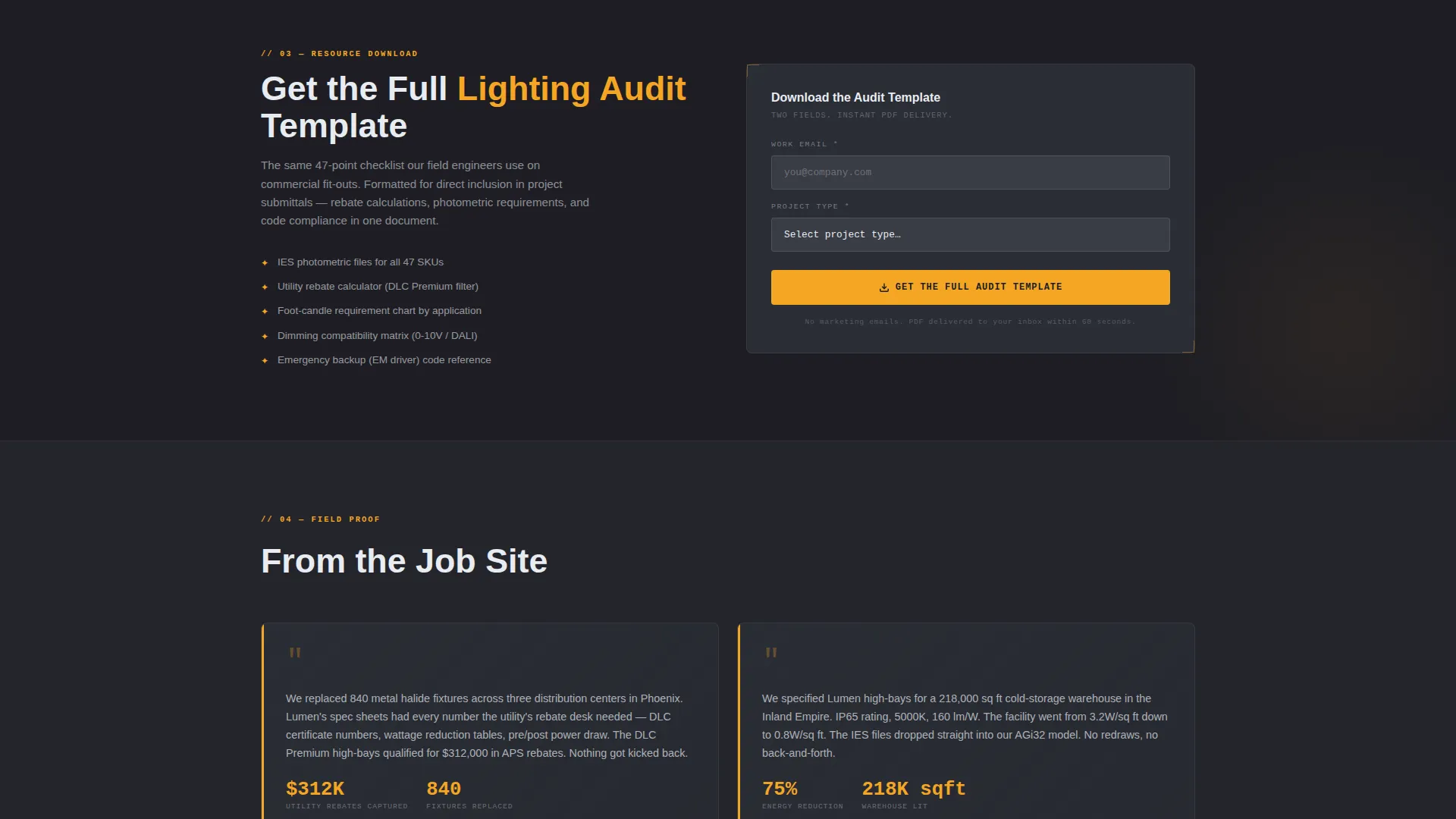
- A five-toggle lighting audit checklist that surfaces relevant technical resources based on project requirements, plus a two-field gated download for the full audit template
Feature list
This template is built around a small set of high-impact components. Each one serves a specific stage in the specifier's decision process.
Certification and Client Logo Bar
A horizontal logo rail displays industry certification marks and client logos at the very top of the page. Marks such as UL, DLC, Energy Star, and CSA communicate compliance credibility before a single product spec is read.
Animated Blueprint Grid Line
A subtle grid-line animation draws itself across the viewport on load. It reinforces the Engineering Blueprint theme and signals to technical visitors that this page is organized with the same logic as a schematic.
Filterable Product Category Tiles
Four clickable category tiles (high-bay, linear, panel, exterior) let visitors filter the data grid instantly. This keeps the product view relevant to the visitor's application without requiring a search bar or separate catalog page.
Sortable Product Data Grid
A structured data grid displays key fixture specifications in sortable columns: correlated color temperature (CCT), color rendering index (CRI), efficacy in lumens per watt, IP (ingress protection) rating, and rated lifespan. Visitors can sort by any column to narrow a specification in seconds.
Five-Toggle Lighting Audit Checklist
Five yes/no toggles cover rebate eligibility, dimming compatibility, emergency backup, wet-location rating, and dark-sky compliance. Each toggle dynamically surfaces the relevant technical resource, turning a compliance checklist into a guided resource finder.
Gated Audit Template Download
A secondary conversion path offers the full lighting audit template behind a two-field form: work email and project type (new construction, retrofit, or OEM integration). The gate feels like a practical shortcut to the specifier, not a marketing barrier.
Page sections overview
| Section | Purpose |
|---|---|
| Certification Logo Bar | Establish credibility via marks and client logos |
| Engineering Headline | Set the spec-first value proposition immediately |
| Blueprint Grid Animation | Reinforce technical theme on page load |
| Application Category Tiles | Filter product grid by fixture application type |
| Sortable Product Data Grid | Display and sort full fixture specification columns |
| Lighting Audit Checklist | Surface resources based on five compliance toggles |
| Spec Sheet calls to action | Drive primary download action per product card |
| Gated Audit Download | Capture work email and project type for full audit template |
Design & branding system
The visual identity follows an Engineering Blueprint theme. Every color choice and layout decision is meant to feel like a CAD drawing printed on dark paper with amber trace marks: industrial, legible, and precise.
- Deep graphite (#1E1E24) as the primary background, technical mid-gray (#3A3D45) for card surfaces and data cells, warm amber (#F5A623) for calls to action, hover states, and highlighted spec values, and blueprint white (#E8ECF1) for body text and grid lines
- Typography and layout carry an engineering-weight feel, with grid-line structure reinforcing the data-dense, schematic-style composition
- The amber signal color draws the eye directly to actionable elements, making calls to action and highlighted figures impossible to overlook in a dark environment
Mobile & speed optimization
The template layout is built to remain readable and functional when accessed on a tablet or phone on a job site. Data-dense sections are structured to reflow cleanly without losing context.
- The sortable data grid and category tile filter are designed to remain usable on smaller viewports
- Card-level and footer-level "Download the Spec Sheet" calls to action remain prominent and tappable at any screen size
- The two-field gated form keeps friction low on mobile by limiting input to work email and a project-type selector
How this template helps you convert
Every section is structured to move a specifying engineer closer to a download or a form submission without pressure or distraction. The page earns trust through data first, then asks for the conversion.
- The certification logo bar and engineering headline establish credibility in the first viewport, so the visitor immediately trusts the source before reading a single specification.
- The filterable data grid and audit checklist guide the visitor through their own project requirements, making the primary call to action ("Download the Spec Sheet") feel like a natural next step rather than an interruption.
- The gated audit template positions the secondary conversion as a practical tool for the visitor's next submittal, making the two-field exchange feel like a shortcut rather than a marketing transaction.
Other information about this template
This template is built for the Manufacturing and Industrial category, specifically within the Electronics Manufacturing subcategory and the LED and lighting manufacturer niche. It is designed as a Dashboard and Data Grid landing page using the Engineering Blueprint theme.
- The template style, creative direction, and color system were selected using a high-confidence intersection match, ensuring the visual and structural choices are well-suited to the specifier audience
- The Checklist and Audit creative direction maps directly to the diagnostic scroll structure, where each section narrows a specification rather than expanding a product catalog
- The Content and Resource landing-page direction means every section is anchored to a deliverable: a spec sheet, a compliance resource, or a full audit template that buyers can hand directly to an inspector
Theme
Engineering Blueprint
Creative direction
Checklist & Audit
Color system
Charcoal & Amber
Style
Dashboard/Data Grid
Direction
Content/Resource
Page Sections
Certification and Client Logo Bar
Filterable Product Category Tiles
Sortable Product Data Grid
Five-toggle Lighting Audit Checklist
Gated Audit Template Download
Per-card and Footer Spec Sheet Ctas
Related questions
Who is this landing page template designed for?
What does the sortable data grid display?
How does the gated download work?
Can this template be adapted for different product lines?
What certifications does the logo bar support?



