Trusted Appliancerepair | Free Website Template | Rocket
Mend is a split-screen landing page template built for a London appliance repair service. It leads with live-styled repair statistics, teaches visitors about common appliance failures through data-rich sections, and converts through a free PDF guide download form. The design feels calm, knowledgeable, and confident, exactly like the engineer who already knows what's wrong.
by Rocket studio
Quick summary
Mend is a single-page template for a two-person London appliance repair service. It opens with striking repair statistics, educates visitors section by section, and closes with two conversion paths: a free guide download and a click-to-call bar. Every section builds trust before asking for anything.
Who this template is for
This template is built for small appliance repair businesses serving urban residential clients. It works especially well for operators who want to lead with credibility rather than sales copy.
- Landlords managing rental flats across London who need a reliable same-day repair contact
- Young families dealing with sudden appliance failures on weekends or evenings
- Elderly residents who need a clear, trustworthy first point of contact for repair help
What problem this template solves
Most local repair service pages look like directory listings. They list phone numbers but give visitors no reason to trust the business over anyone else. Mend solves this by replacing generic service copy with evidence and education.
- Visitors arrive anxious about a broken appliance and leave feeling informed and confident
- The template builds credibility through repair statistics before a single service claim is made
- It captures leads through a genuinely useful free guide, not a pushy contact form
What you get with this template
You get a fully structured split-screen landing page designed around data storytelling and educational content. Every visual and structural decision is made to communicate quiet competence.
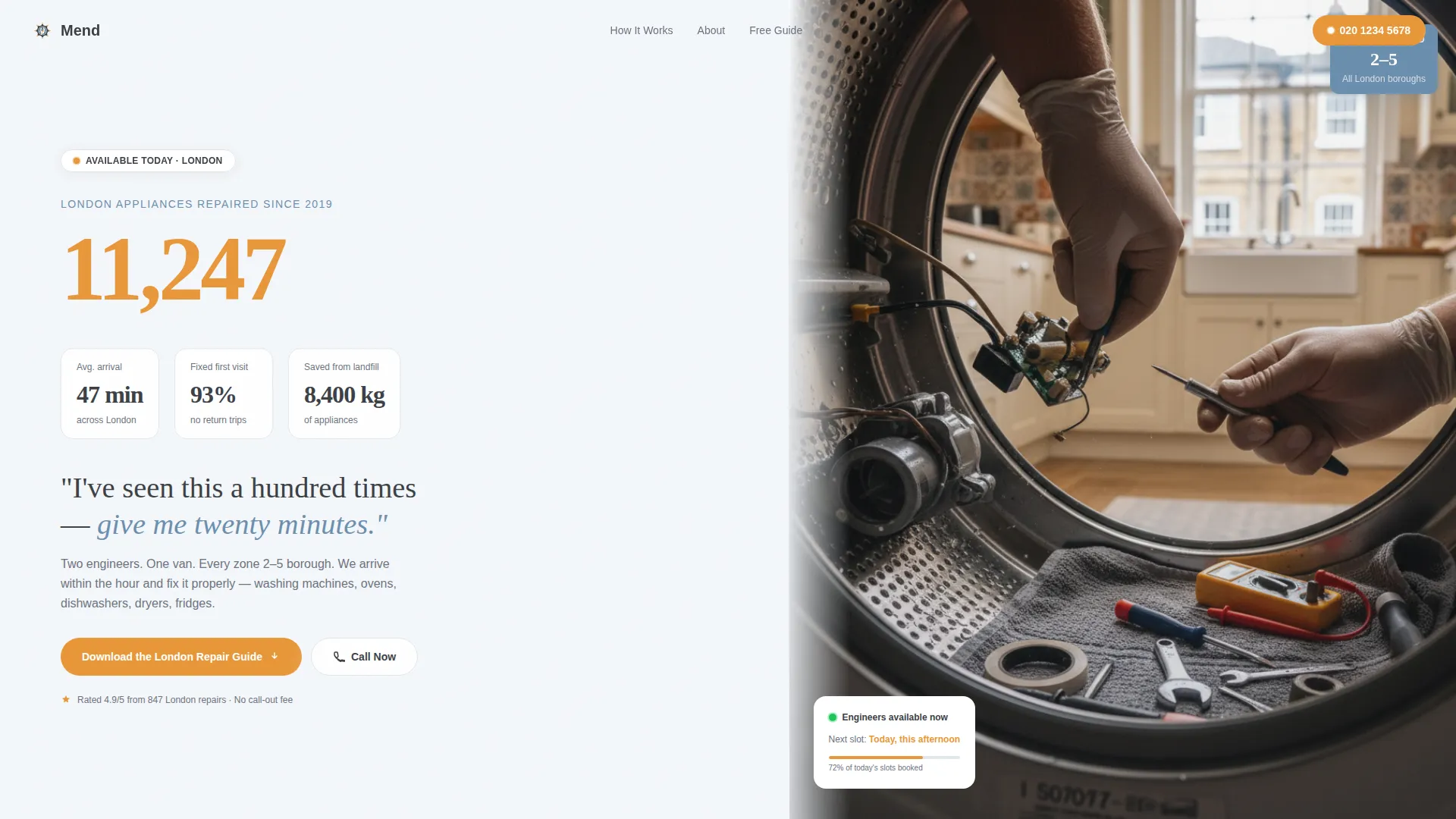
- A hero section with live-styled repair counters and a professional overhead repair photograph
- Data-led content sections pairing oversized statistics with explanatory paragraphs and line diagrams
- A lead capture form offering a free illustrated PDF guide on common appliance failures
- A persistent bottom bar with a click-to-call button for same-day repair requests
Feature list
This template includes purpose-built components that turn repair expertise into visible trust signals.
Live-Styled Statistics Counter
The header left panel displays an animated-style counter showing 11,247 London appliances repaired since 2019. Supporting stats tick beneath it: 47-minute average arrival time, 93% first-visit fix rate, and 8,400 kg of appliances saved from landfill. Numbers do the persuading before the visitor reads a single word.
Split-Screen Data Sections
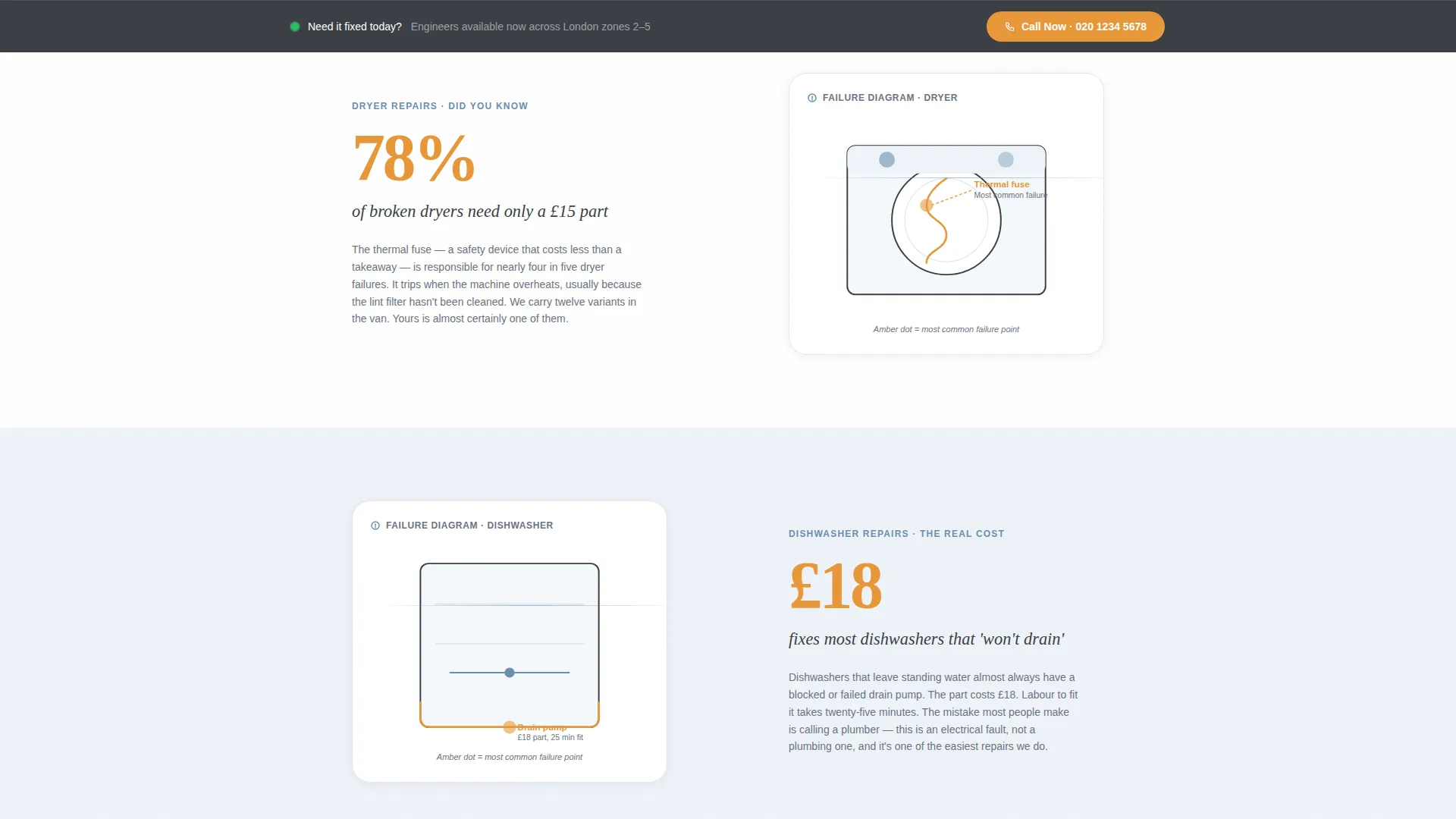
Each scroll section divides into two halves. The left side shows a single oversized statistic in signal amber type, such as "78% of broken dryers need only a £15 part." The right side provides a short educational paragraph and a simple line diagram identifying the most common failure point for that appliance.
Free Guide Download Form
The primary conversion point is a lead capture form offering a free illustrated PDF covering the ten most common appliance failures. The form collects first name, email address, and appliance type via a dropdown menu with six options: washing machine, oven, dishwasher, fridge, dryer, and other.
Persistent Click-to-Call Bar
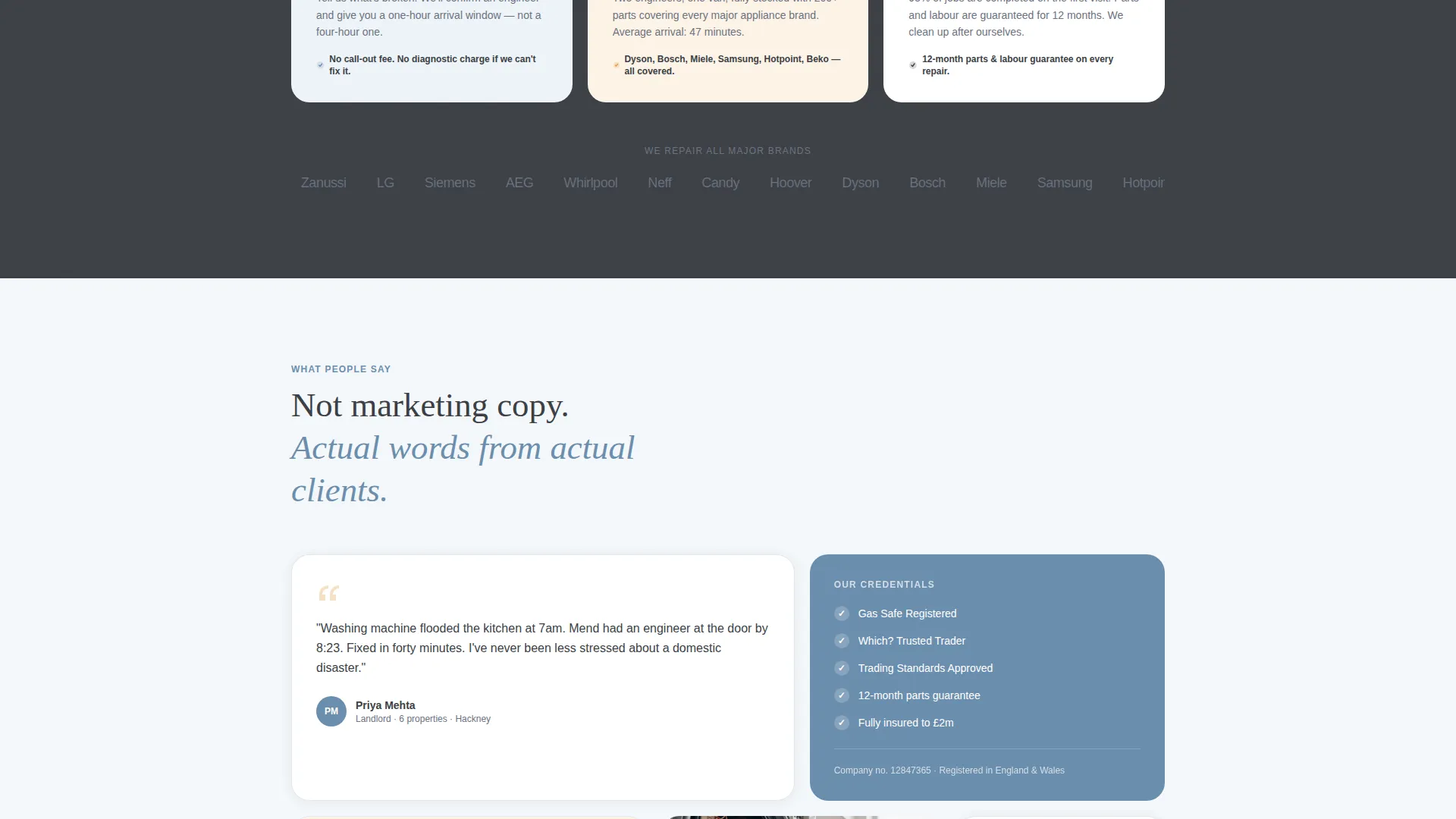
A fixed bottom bar stays visible as the visitor scrolls. It carries a secondary call to action reading "Need It Fixed Today? Call Now" with a click-to-call phone number. This gives visitors an immediate exit ramp to book a same-day repair without filling in a form.
Educational Diagram Panels
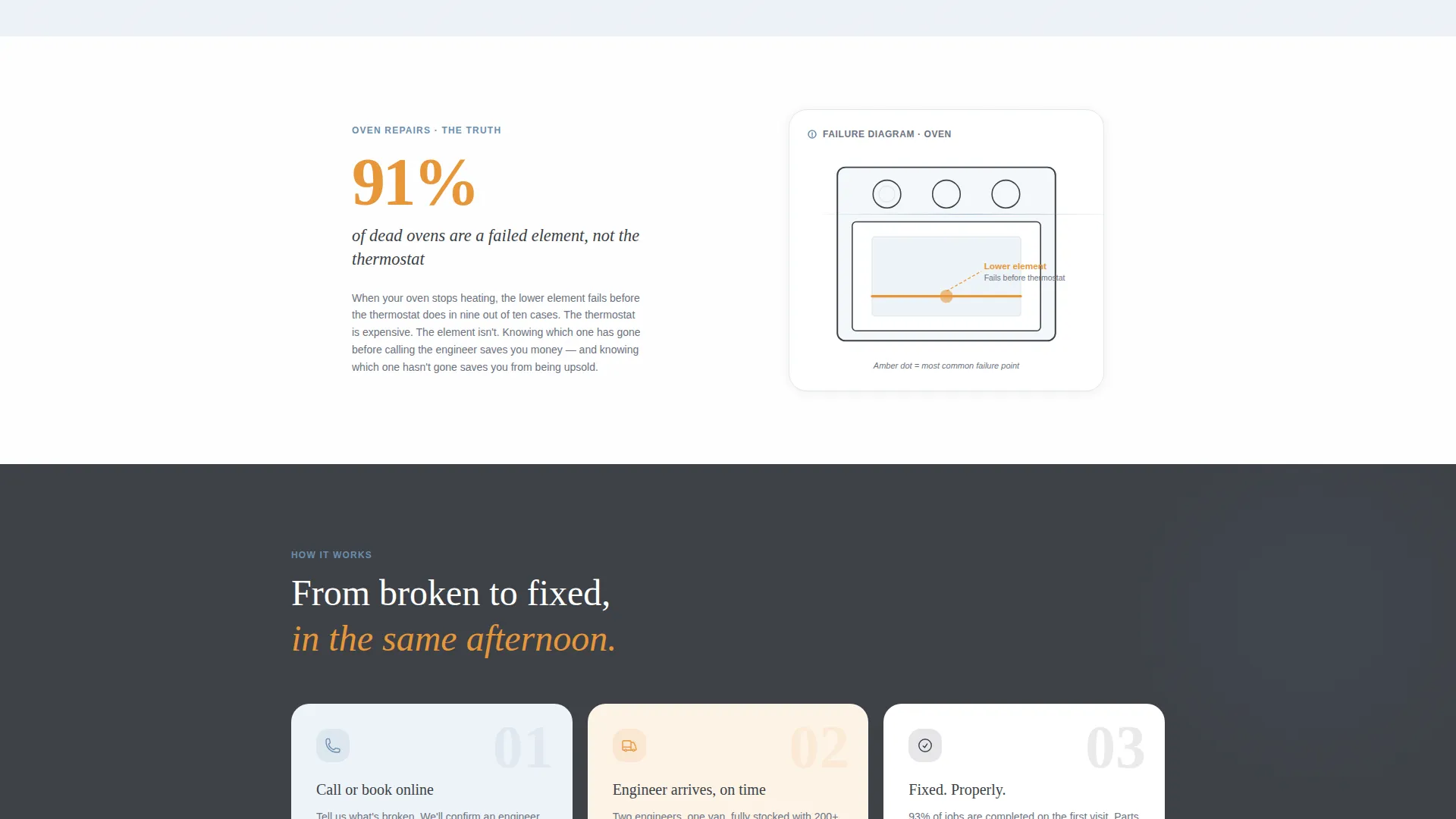
Each content section includes a simple line diagram illustrating the most common failure point for a specific appliance. These visuals reinforce the engineering credibility of the service and make the page feel more like a repair manual than a sales brochure.
Cloud Canvas Color System
Signal amber is reserved exclusively for statistics and call-to-action elements. Soft cumulus white backgrounds and pencil-sketch graphite body text keep the page clean and easy to read. Muted workshop blue marks informational panels and section dividers throughout.
Page sections overview
| Section | Purpose |
|---|---|
| Hero Statistics Header | Opens with live-styled repair counters and an overhead repair photograph |
| Dryer Failure Insight | Pairs an oversized stat with an educational paragraph and line diagram |
| Washing Machine Section | Teaches the most common drum or pump failure with supporting evidence |
| Oven Repair Panel | Shows repair cost reality versus replacement cost with a visual breakdown |
| Dishwasher Insight Block | Highlights a specific stat and common failure point for dishwashers |
| Guide Download Form | Captures first name, email, and appliance type for the free PDF guide |
| Persistent Call Bar | Fixed bottom bar with click-to-call number for same-day repair requests |
Design & branding system
The visual identity follows an Educational Guide theme using the Cloud Canvas color system. The palette is deliberately understated, chosen to feel like a well-used repair manual on a clean kitchen counter.
- Soft cumulus white (#F4F7FA) for all backgrounds, pencil-sketch graphite (#3B3F45) for body text and technical diagram lines
- Muted workshop blue (#6B8EAE) applied to informational panels and section dividers throughout the page
- Signal amber (#E8973A) used exclusively for call-to-action buttons, oversized statistics, and key data callouts
Mobile & speed optimization
The split-screen layout is structured to restack cleanly on smaller screens. Stat panels and educational panels flow into a single-column reading experience on mobile devices.
- The persistent click-to-call bar remains fixed at the bottom of the screen on all device sizes
- Form fields and dropdown menus are sized for comfortable tap interaction on touch screens
How this template helps you convert
The page is built around a Stats-First Impact creative direction. Every section earns trust before asking for commitment.
- The header statistics section immediately establishes credibility with specific, verifiable repair numbers before the visitor reads any service copy.
- Each educational split section adds another layer of expertise, so by the time the visitor reaches the guide download form, the offer feels generous rather than transactional.
- The persistent click-to-call bar captures visitors who are ready to act immediately, without requiring them to scroll back to the top or complete a form.
Other information about this template
This template is part of a Content and Resource landing page direction, meaning its primary conversion mechanism is a value-first offer rather than a direct service pitch. It suits operators who understand that teaching builds more trust than telling.
- The free illustrated PDF guide positions the repair business as a genuine local authority on appliance care in London
- The template style is Split Screen (50/50), making it easy to pair visual evidence with written explanation across every section
- The Educational Guide theme makes this template equally suitable for a repair business wanting to build an email list and for one focused purely on same-day call bookings
- The two conversion paths, guide download and click-to-call, serve different visitor mindsets without competing with each other
Theme
Educational Guide
Creative direction
Stats-First Impact
Color system
Cloud Canvas
Style
Split Screen (50/50)
Direction
Content/Resource
Page Sections
Live-styled Statistics Counter
Split-screen Data Sections
Free Guide Download Form
Persistent Click-to-call Bar
Educational Diagram Panels
Related questions
What kind of business is this template designed for?
What are the two conversion paths in this template?
Can I update the statistics shown in the header counter section?
What appliance types does the dropdown form include?
Does this template include the illustrated PDF repair guide?



