Trusted Pediatric Resource Landing Page Template
Wellcheck is a pediatric patient education landing page template built for clinics that want to guide parents through every stage of child development. It uses zigzag age-band checklists, animated line-art headers, and a calm Arctic White palette to deliver usable milestone guidance before ever asking for an email. Parents check boxes. They feel reassured. Then they convert.
by Rocket studio
Quick summary
Wellcheck is a single-page, section-led resource hub designed for pediatric clinics. It organizes child development milestones by age band, presents them as tappable checklists, and earns parent trust before showing a form. The template balances clinical authority with warm, approachable design so families feel calm, informed, and ready to follow through on their next well visit.
Who this template is for
This template is built for pediatric clinics, family medicine practices, and child health educators who want to publish reliable patient education content online. It suits teams who need a clear, structured plan for communicating developmental milestones to busy, mobile-first families.
- First-time parents searching for reassurance at night, often on a phone with one hand free
- Grandparents raising grandchildren who need current guidance on safety, nutrition, and screen time limits
- Clinic staff who want to reduce repetitive patient questions by pointing families to a trusted web resource
What problem this template solves
Parents carry real anxiety between well visits. They check rash photos, track vaccine dates on sticky notes, and worry quietly whether their child is developing on track. Clinics need a way to address those concerns without flooding their phone lines. This template creates a structured, calming middle ground.
- There is no reliable home base for age-specific milestone guidance that feels both clinical and approachable
- Parents find scattered information across sites that do not follow a clear developmental schedule
- Clinics lack a conversion-ready patient education page that captures referrals and email leads without losing trust
What you get with this template
You get a fully structured, zigzag alternating landing page with five distinct age-band content sections, each containing an interactive tappable checklist and a paired line-art illustration panel. Every section follows a consistent visual plan that makes it easy for families to read, check off, and continue scrolling.
- Five age-band checklist sections covering newborn through school age, each with vaccines, development markers, nutrition, and sleep guidance discussed in plain language
- A primary call to action for checklist download by age range, plus a secondary no-email PDF path for trust building
- An animated SVG line-art hero header, anchor navigation by age band, and a social proof block with milestone completion feedback
Feature list
This template is built around specific functional components drawn directly from the project brief. Each feature supports the goal of delivering immediate, usable value to patient families.
Age-Band Milestone Checklists
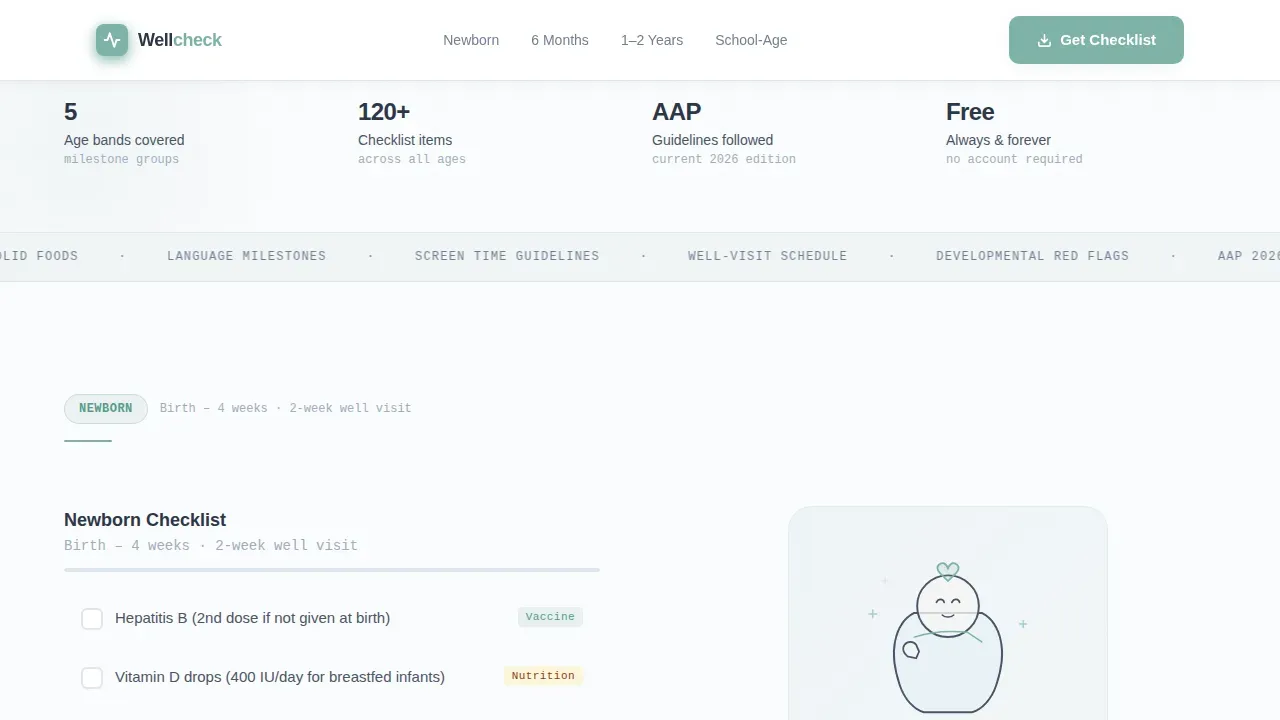
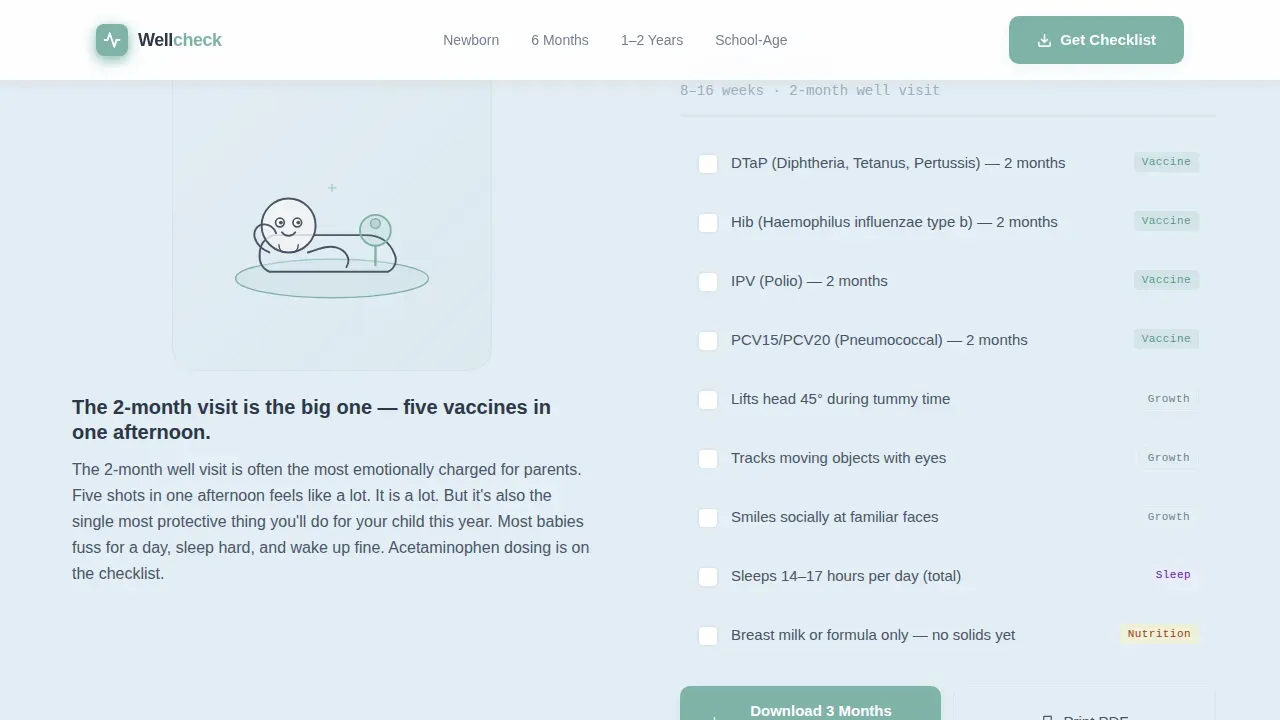
Each section covers a specific age range, from newborn through school age. Checklists include vaccines due, developmental markers, nutrition benchmarks such as transitioning to whole milk, and sleep expectations. Items are structured across Social and Emotional, Language and Communication, Cognitive, and Movement and Physical domains so parents can view their child's full developmental picture at a glance.
Animated SVG Line-Art Hero
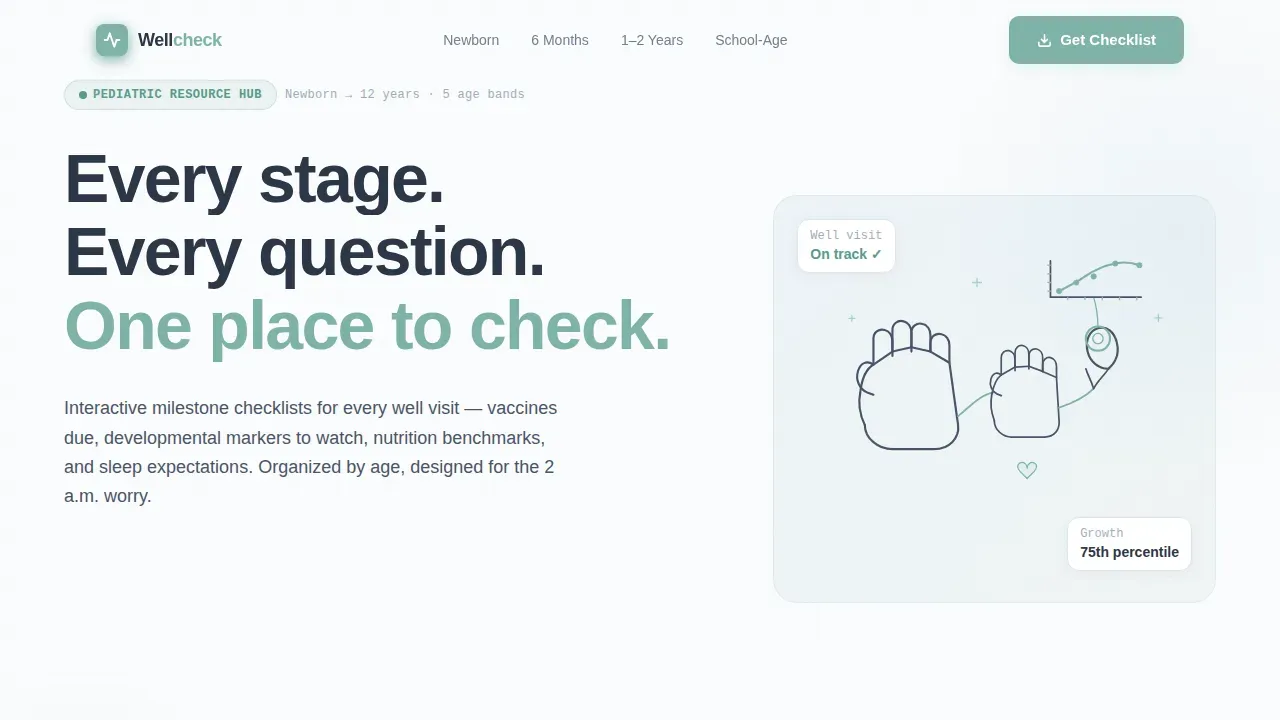
The header opens with a continuous single-stroke illustration that draws itself over two seconds. A parent's hand connects to a child's hand, which flows into a stethoscope, then spirals into a growth chart. The animation is unhurried and sets a soft, meditative tone before the headline fades in: "Every stage. Every question. One place to check."
Interactive Tappable Checklist Panels
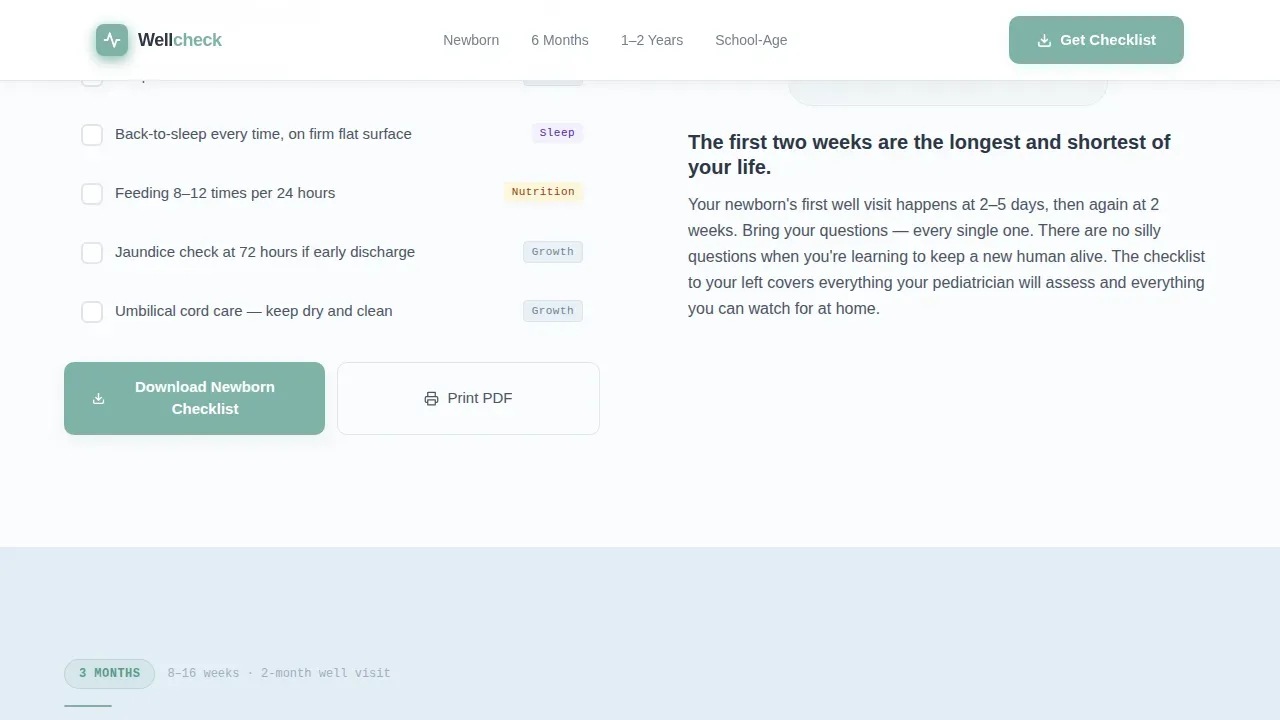
Each age-band section uses a zigzag layout. One side holds the checklist panel with items parents can tap through. The other side holds a short explainer paragraph with spot illustrations. Parents who are sitting at a clinic, or up at night with concerns, can work through the list on any device before a form ever appears on screen.
Dual Conversion Path
The primary call to action, "Download Your Child's Checklist," appears at the close of each age-band section and asks only for age range and email. A secondary path, "Print the Full Milestone Guide," offers a no-email PDF. Both paths work together to stand up trust before capturing any lead.
Anchor Navigation by Age Band
A sticky or inline anchor navigation bar lets visitors jump directly to the age range that matters to their child. This means a parent of a 12-month-old does not have to scroll past the newborn section to find what they need. Children at 12 months typically start to walk with support, use a pincer grasp to feed themselves, and engage in peek-a-boo, so fast navigation to this section matters.
Social Proof Block
A milestone completion micro-feedback message, a "families helped" stat, and a clinic authority badge work together to reinforce credibility. These trust signals give families confidence that the content they are reading is backed by real clinical expertise.
Page sections overview
| Section | Purpose |
|---|---|
| Hero with Animation | SVG line-art draw-in plus headline and age-band anchor nav |
| Newborn and 3 Months | Checklist left, spot illustration right |
| 6 Months and 1 Year | Illustration left, checklist right |
| 2 Years and School Age | Checklist left, illustration right |
| Download Call to Action | Email capture form and no-email PDF trust builder |
| Footer Pattern | Linear single-row footer with clinic contact info |
Design & branding system
The visual identity follows a Healing Space theme. The palette reads like freshly laundered cotton and cool tile floors: clinical without being cold, the way a well-loved pediatric office feels. Typography uses DM Sans for all headlines and body text, with JetBrains Mono reserved for checklist labels to give them a clear, structured state.
- Arctic White (#FAFBFC) as the dominant background, soft graphite (#4A5568) for body text, and pale glacier blue (#E2EDF4) for alternating section bands
- Gentle celadon (#7FB3A8) on buttons and progress indicators, giving the page a supple, calm visual tone without harsh contrast
- Line-art spot illustrations in soft graphite on arctic white throughout each section, reinforcing the consistent Healing Space identity
Mobile & speed optimization
This template is built mobile-first because parents search on their phones. The design uses large tap targets, staggered scroll reveals powered by IntersectionObserver, and a static-first delivery approach that keeps the page responsive on any device without heavy libraries.
- Large buttons designed for one-handed navigation make it easy to follow checklists in low-light conditions, including night feeds or early morning worry sessions
- Staggered animation reveals and checklist tap interactions work smoothly on a single device without requiring backend systems or external scripts
- The responsive layout means the same template works equally well on a desktop screen at the clinic and on a phone screen at home
How this template helps you convert
This template earns the conversion before the form appears. Parents have already checked several boxes and found specific relief by the time the call to action is in view. That means the request for an email feels like a natural next step, not an interruption.
- Each checklist section delivers real developmental value first, reducing anxiety and building trust so parents are already engaged when the download prompt appears at the base of the section.
- The dual conversion path lets families choose their own comfort level: share an email for a personalized checklist, or print the full guide without any form, ensuring both cautious and ready-to-engage visitors find a clear resolution.
Other information about this template
This template is designed for clinics who want to follow Bright Futures guidelines by the American Academy of Pediatrics (AAP), which provides comprehensive guidance for health supervision visits. Content written at an accessible reading level helps masses of families read and use the information without feeling overwhelmed. The Well Visit Planner concept, a free digital tool approach that helps families prepare for visits, is reflected in the checklist-first layout.
- The wellcheck trusted pediatric milestone resource landing page template is built to address parental concerns about development, safety, skin checks, head circumference, vision screening, and neck mobility across each age band
- Milestone items discussed in each checklist include rolling, sitting, standing, walking, and social interaction markers that reflect what 75 percent or more of children can do at that age, aligned with the CDC's "Learn the Signs. Act Early." program framework
- The template supports referrals by including a gentle "When to Act Early" signal within each age-band section, guiding parents toward discussing evaluation results with their provider rather than relying solely on web research
- Trust indicators in this template include a clinic authority badge and a families-helped stat, reflecting best practices for patient education pages including provider credentials and authentic imagery guidance
- The page's checklist labels use JetBrains Mono to create a clear, app-like feel that echoes the kind of digital tools parents already use to track their child's development, such as milestone tracker apps
- Localization is set to English (United States) with imperial measurements and 12-hour time, making the template ready to deploy without additional configuration for most domestic pediatric clients
Theme
Healing Space
Creative direction
Checklist & Audit
Color system
Arctic White
Style
Zigzag/Alternating
Direction
Content/Resource
Page Sections
Age-band Milestone Checklists
Animated SVG Line-art Hero
Interactive Tappable Checklist Panels
Dual Conversion Path Design
Anchor Navigation by Age Band
Social Proof and Trust Signals
Related questions
Can I customize the age bands in this template?
Does this template include a form for collecting parent emails?
Is this template suitable for mobile users?
What milestone topics does each checklist section cover?
Can this template support referrals to other services?



