Advanced Public Transportation Professional Website Template
Transit is a sidebar companion landing page template built for city bus authorities that need to turn community awareness into real donations. It walks visitors through the true cost of running a public bus system, section by section, using an Educational Guide structure, a Navy Authority color palette, and a persistent sidebar navigator with a "Fund a Route" call to action always in view.
by Rocket studio
Quick summary
Transit is a donation-focused landing page template for public bus transit authorities. It uses a step-by-step guide layout to build fiscal literacy and emotional stakes simultaneously. The fixed sidebar keeps the "Fund a Route" action always visible, while the main content panel educates and converts. The design feels authoritative, editorial, and deeply human.
Who this template is for
This landing page is built for transit agencies, municipal communications teams, and civic fundraising organizers who need to explain complex funding gaps to everyday riders and donors.
- Public bus transit agency staff launching a community fundraising project
- Civic advocates and policy teams who need a clear, trustworthy web presence
- Nonprofit transit partners seeking to convert awareness into recurring support
What problem this template solves
Most transit agency websites bury the funding story in PDFs. Riders use the bus every day but have no idea what it actually costs to keep it running. This landing page makes the invisible visible, connecting each dollar to a specific route, driver shift, or maintenance cost.
- Donors cannot easily enter the giving process without understanding why funds are required
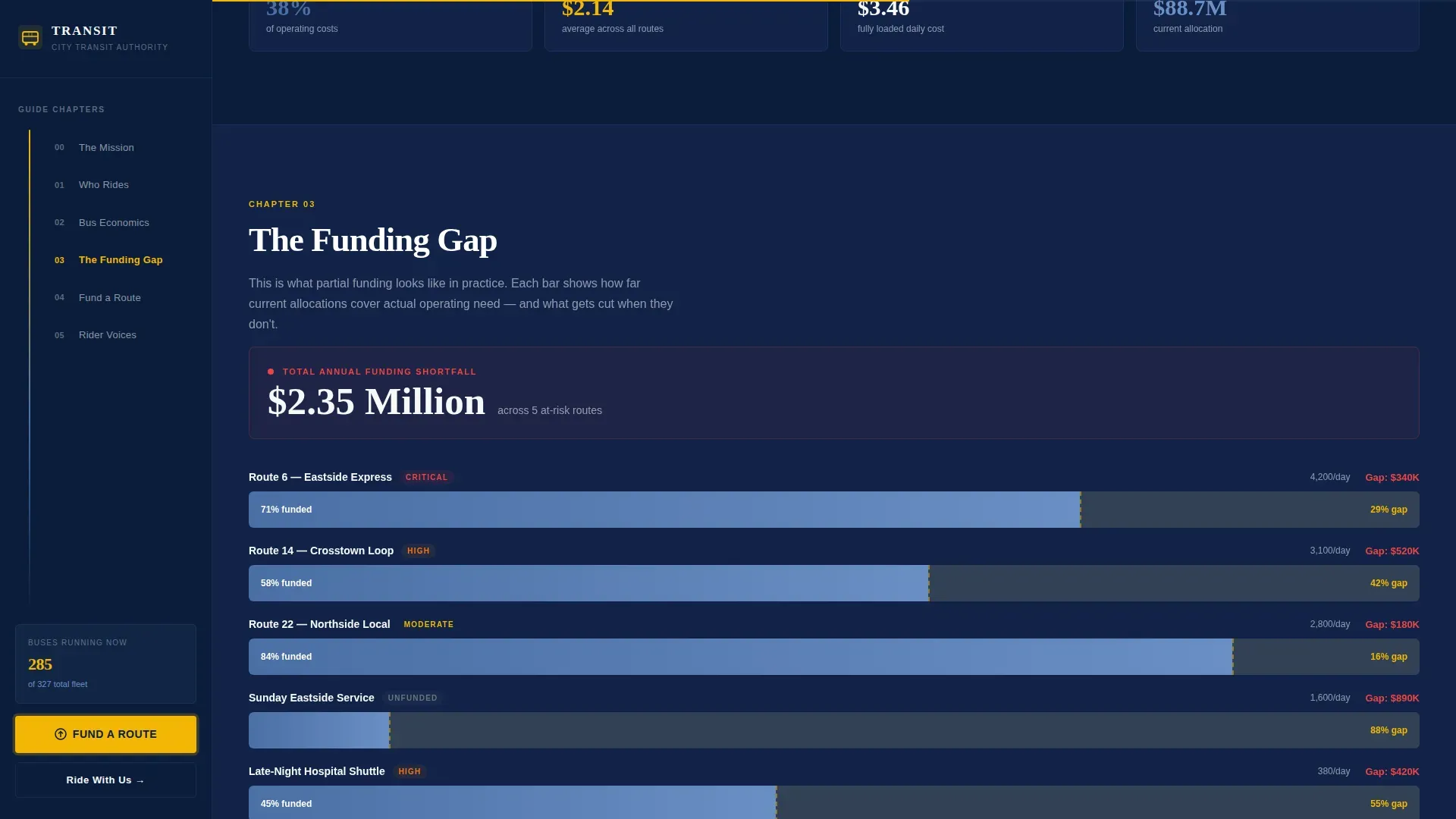
- Transit agencies struggle to show the gap between current funding and actual operational need
- Community members rarely see updated, human information about who depends on these routes
What you get with this template
This template includes a fully structured, single-page layout with five content sections, a persistent sidebar, and a donation form with preset giving amounts. Every section builds on the last, stacking real dollar figures and rider stories until the case for funding is undeniable.
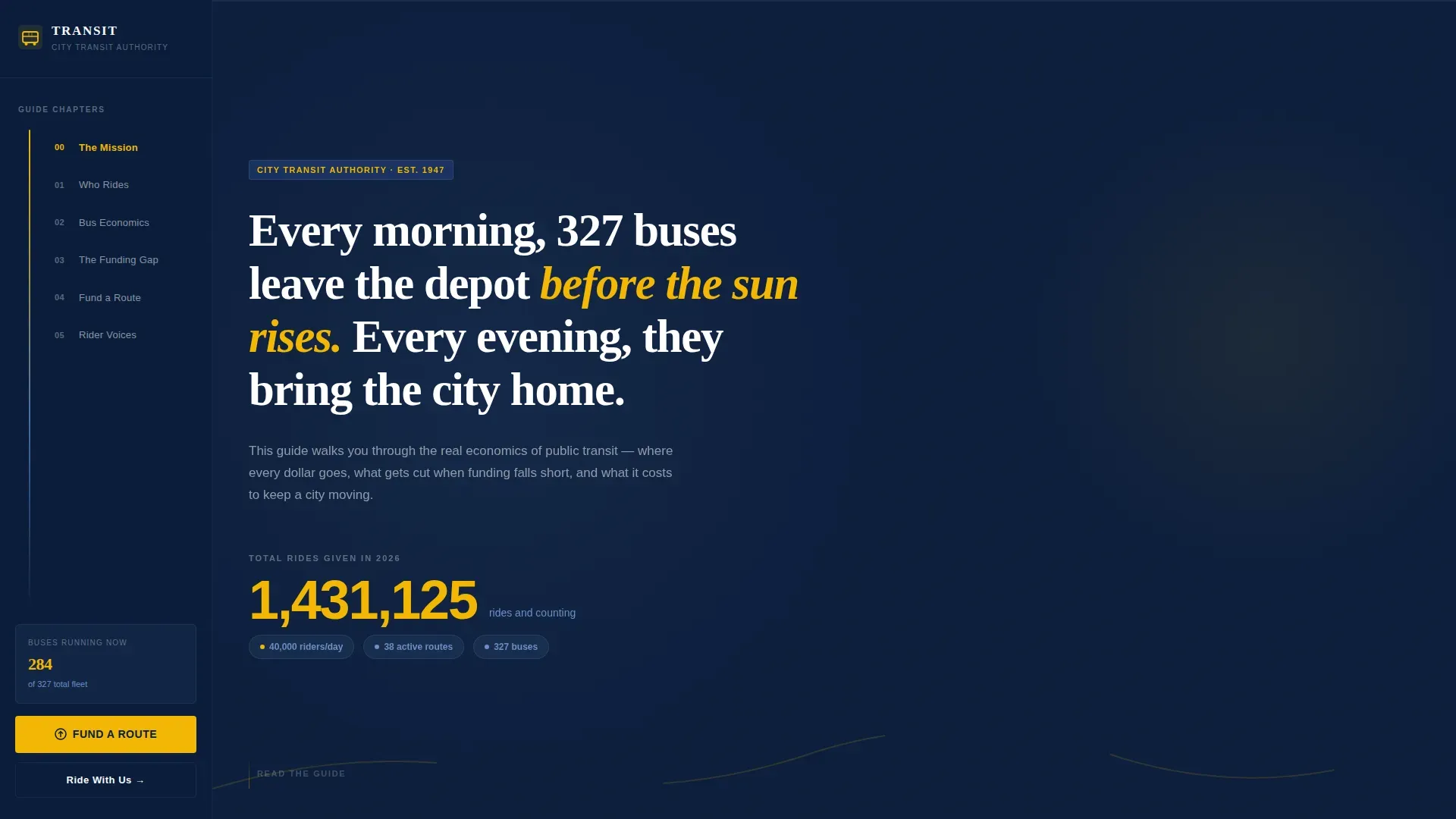
- Manifesto hero section with an animated ride counter and fixed chapter-navigator sidebar
- Rider portrait section, bus economics breakdown, funding gap visualization, and donation form
- Footer in a clean linear single-row pattern with contact and agency information
Feature list
This landing page template includes a focused set of features designed to educate visitors and drive donations for a public bus transit agency.
Fixed Sidebar Chapter Navigator
The persistent sidebar stays anchored as users scroll through the page. It uses route-map iconography to let visitors jump between sections instantly. The "Fund a Route" call to action button sits permanently in the sidebar so it is always reachable.
Animated Ride Counter Hero
The hero section opens with a manifesto quote in large display typography. Below it, an animated counter ticks upward showing total rides given this year. This grounds the emotional opening in hard operational reality and captures user attention immediately.
Bus Economics Cost Breakdown
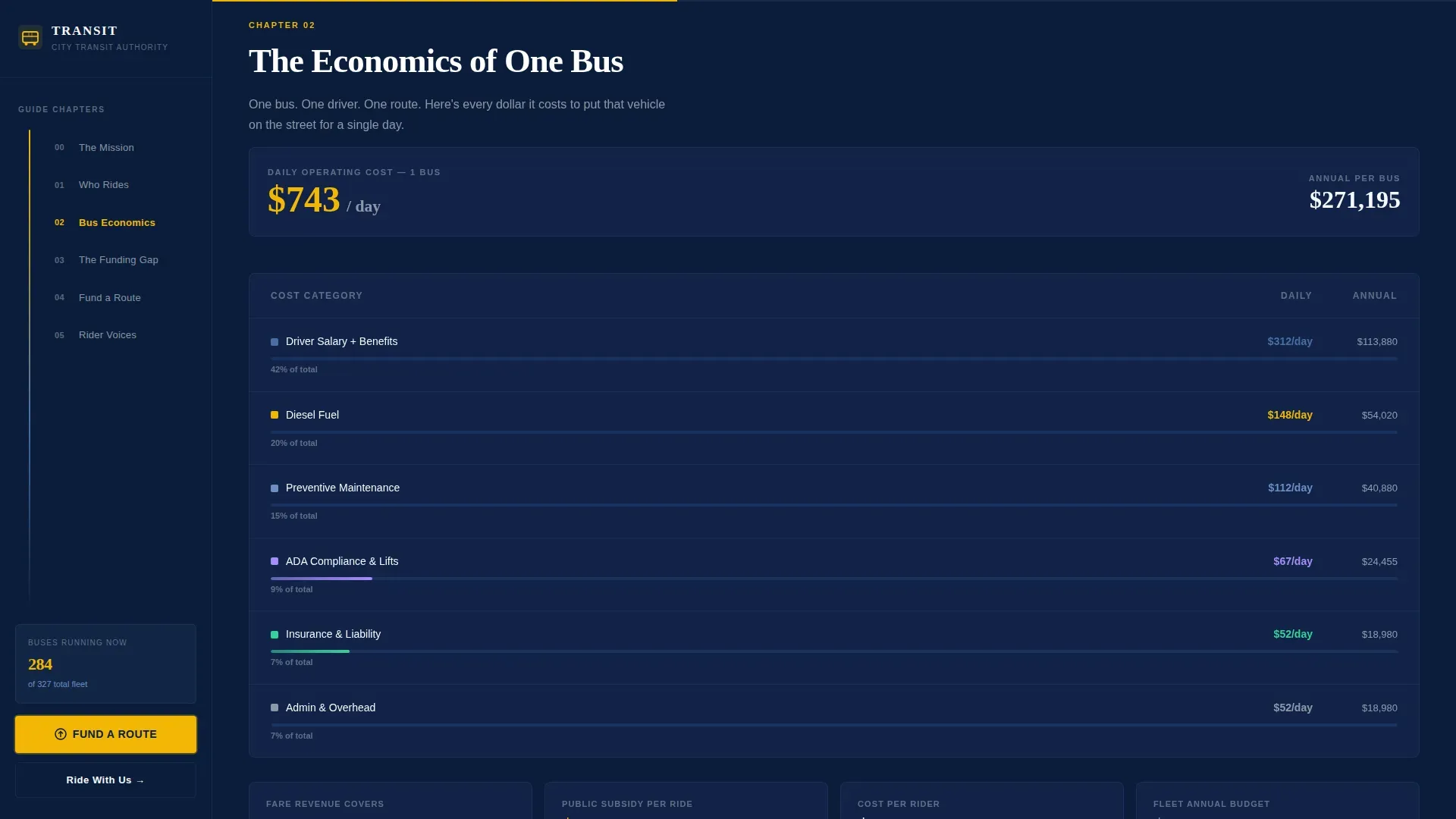
One full section walks donors through the real cost of running a single bus for one day. Fuel, driver salary, maintenance, and compliance costs are listed with actual dollar figures. This design choice builds trust and makes the funding gap viscerally clear.
Donation Form with Preset Giving Tiers
The "Fund a Route" section includes a mobile-friendly donation form. Preset amounts are tied to tangible outcomes, helping donors understand exactly what their contribution changes. The form supports one-time and monthly giving options and only asks for essential information.
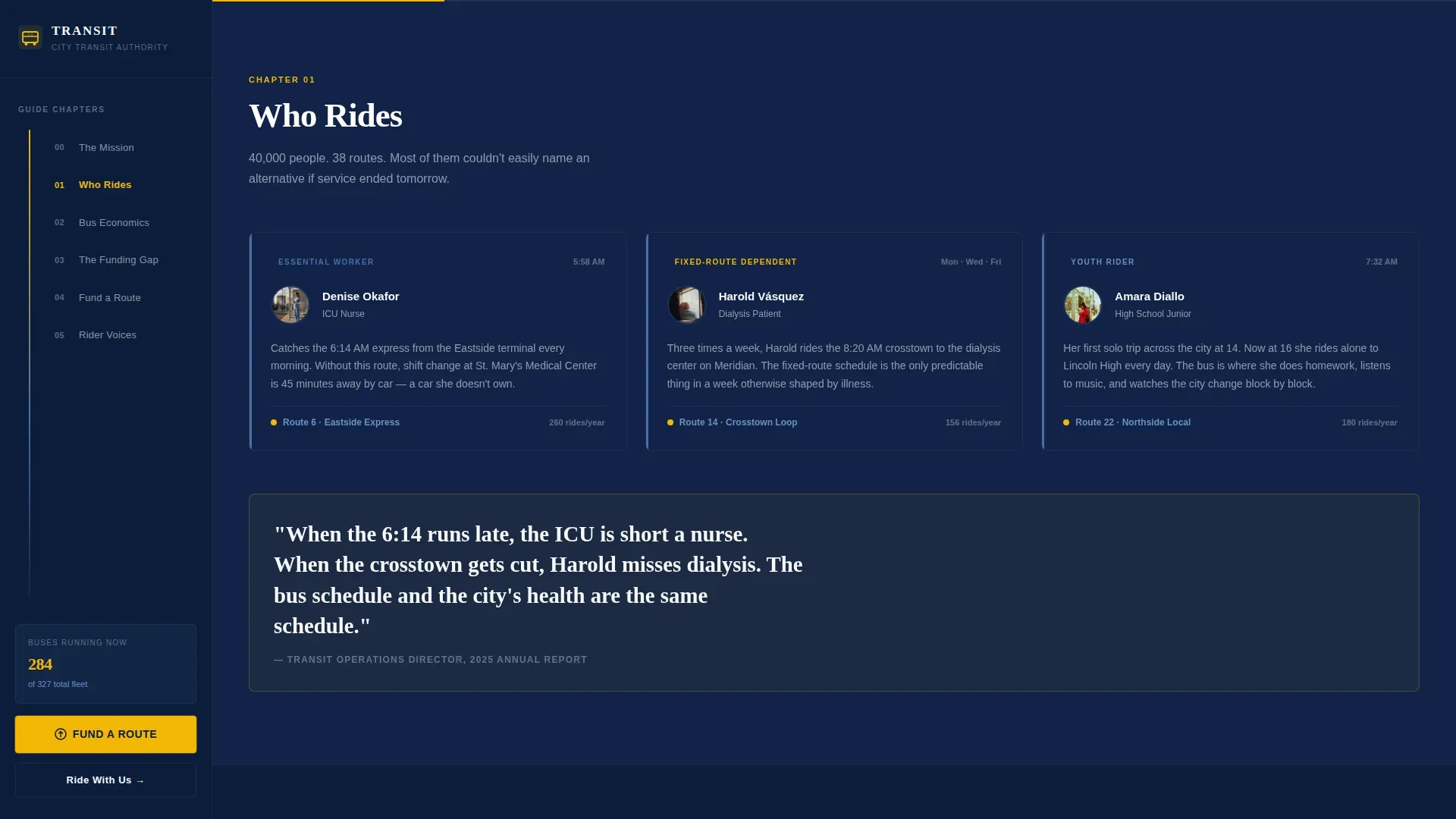
Rider Portrait Section
This section uses named rider archetypes and real route details to show who depends on the bus. Testimonial-style content from community members helps protect the emotional case for funding and builds urgency alongside the financial data.
Fundraising Progress Indicator
A visual progress element tracks donations in real time, encouraging further contributions. This design pattern is common in high-converting donation landing pages and gives visitors a sense of collective momentum.
Page sections overview
| Section | Purpose |
|---|---|
| Hero Manifesto | Opens with quote, animated counter, and sidebar |
| The Riders | Rider portraits and route dependency stories |
| Bus Economics | Per-day cost breakdown for one bus |
| The Gap | Funding shortfall visualization |
| Fund a Route | Donation form with preset giving tiers |
| Footer | Contact, agency links, single-row layout |
Design & branding system
The design follows a Navy Authority color system that feels like the side panel of a freshly washed city bus. Deep transit navy dominates backgrounds, safety-vest gold fires on every call to action, and steel blue carries body text throughout the page.
- Colors: deep navy (#0B1D3A), route-line steel (#4A6FA5), safety-vest gold (#F2B705), transfer-point white (#F7F8FA)
- Typography: Fraunces for manifesto display text, DM Sans for body and navigation
- Visual style: modern flat vector illustration accents, transit wayfinding type scale, editorial authority
Mobile & speed optimization
The landing page is built desktop-first around the sidebar companion layout. On smaller screens, the sidebar stacks above the main content panel so the "Fund a Route" action remains the first thing mobile visitors see.
- Scroll-triggered reveals and stagger effects use medium animation weight for smooth mobile performance
- Server components handle static content sections; client components power the counter, sidebar, and donation form
- The mobile donation form is streamlined to ask only for required information, reducing drop-off
How this template helps you convert
This landing page earns the donation click by making every visitor feel like a transit insider before they ever reach the form.
- The step-by-step guide structure builds understanding section by section, so by the time a visitor reaches the donation form they already know what their money will change.
- Preset giving amounts tied to real outcomes ($25 for one hour of Sunday service, $100 to fuel the Eastside express for a day) remove hesitation and make the decision concrete.
- A secondary "Ride With Us" email signup converts awareness visitors into recurring supporters by offering a behind-the-scenes depot tour, extending the relationship beyond a single donation.
Other information about this template
This template is part of a broader web design ecosystem for government and public transportation projects. It can be adapted using no-code web builders that offer transit-specific templates with local branding customization. The Transit fund your city bus authority landing page template is updated to reflect modern flat vector illustration standards common across public transport landing page design.
- The Federal Transit Administration (FTA) provides a Public Transportation Agency Safety Plan Template for Bus Transit to assist agencies required to draft a Safety Plan under 49 C.F.R. Part 673. The FTA also offers a Reference Guide to accompany it, and the fillable form is locked, requiring a password for any modifications.
- Public transport landing pages often feature modern flat vector illustration elements and visual storytelling to protect clarity for scanning visitors
- This template includes design resources and updated modern flat vector illustration assets that an agency can enter into their own brand system with minimal changes
- Thursday planning sessions and weekly content reviews are easier when the page structure is already built and the list of required sections is predefined
Theme
Educational Guide
Creative direction
Step-by-Step Guide
Color system
Navy Authority
Style
Sidebar Companion
Direction
Donation/Fundraising
Page Sections
Fixed Sidebar Chapter Navigator
Animated Manifesto Hero Section
Bus Economics Cost Breakdown
Preset Donation Form with Giving Tiers
Rider Portrait and Testimonial Section
Fundraising Progress Indicator
Related questions
Can I update the donation preset amounts to match my agency's funding goals?
Does this landing page work for a small transit agency, not just a large city system?
How does the sidebar behave on mobile devices?
Is this template aligned with federal transit funding communication standards?
What visual style does this landing page use?



