Multiple Sclerosis Care Booking Website Template
Myelin is a sidebar companion landing page built for multiple sclerosis specialist clinics. It pairs a warmly lit half-page hero with a persistent FAQ-driven sidebar that guides patients from fear to clarity. The booking form captures MS status, appointment preference, and availability in three steps, with a secondary path for a downloadable new patient guide.
by Rocket studio
Quick summary
Myelin is a single-page template built for neurologist-led multiple sclerosis clinics. It uses a sticky sidebar table of contents, plain-language FAQ sections, and a low-friction booking form to move newly diagnosed patients, therapy switchers, and caregivers toward scheduling a first consultation with confidence.
Who this template is for
This template is designed for MS specialist clinics and neurology practices that serve patients at every stage of the disease journey. It is especially well suited for practices that want a patient-facing page that feels like a clinical consultation rather than a marketing brochure.
- Newly diagnosed patients in their thirties who are still processing a demyelinating disease diagnosis for the first time
- Long-term patients switching from injectable to oral therapies who need clear, expert guidance on the transition
- Caregivers researching late at night because a partner or loved one experienced a sudden new symptom
What problem this template solves
Patients searching for an MS specialist carry a specific kind of fear. They do not just need information; they need someone to dissolve the unknowns in plain, measured language before they feel ready to book. Generic clinic pages fail them because they lead with credentials instead of answers.
- Patients arrive with unanswered questions like what disease progression looks like or how infusion therapies compare to oral options
- First-time visitors feel overwhelmed and leave before reaching the booking form when pages lack a clear, guided structure
- Caregivers searching outside business hours find no immediate path to reassurance or a low-commitment next step
What you get with this template
The template delivers a complete, structured single-page layout built around patient-centered FAQ content and a streamlined booking flow. Every section has a clear job, from the hero that establishes trust to the final anchor call to action.
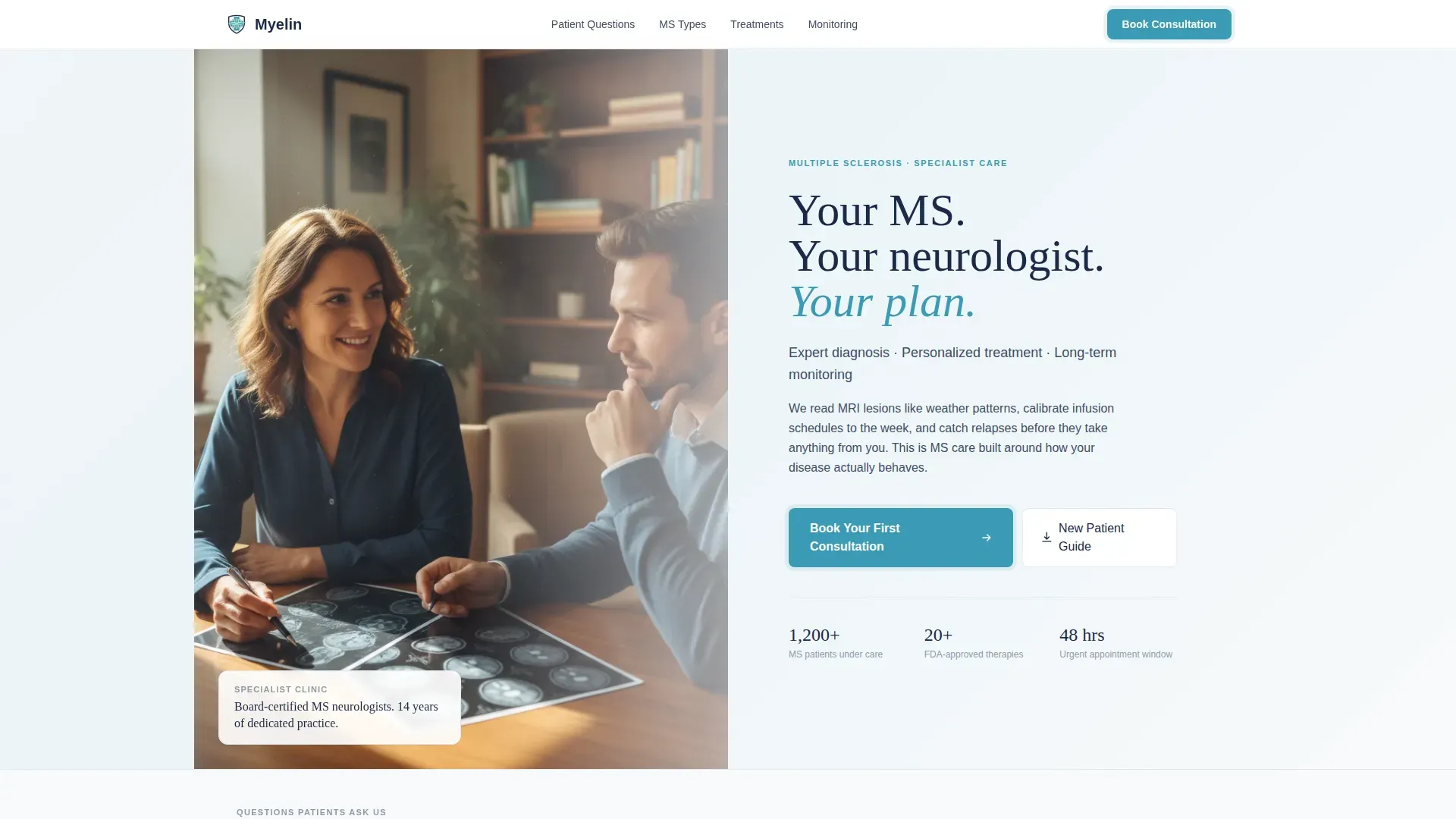
- A half-page hero with a warmly lit consultation photograph on the left and a headline, subhead, and booking button on the right
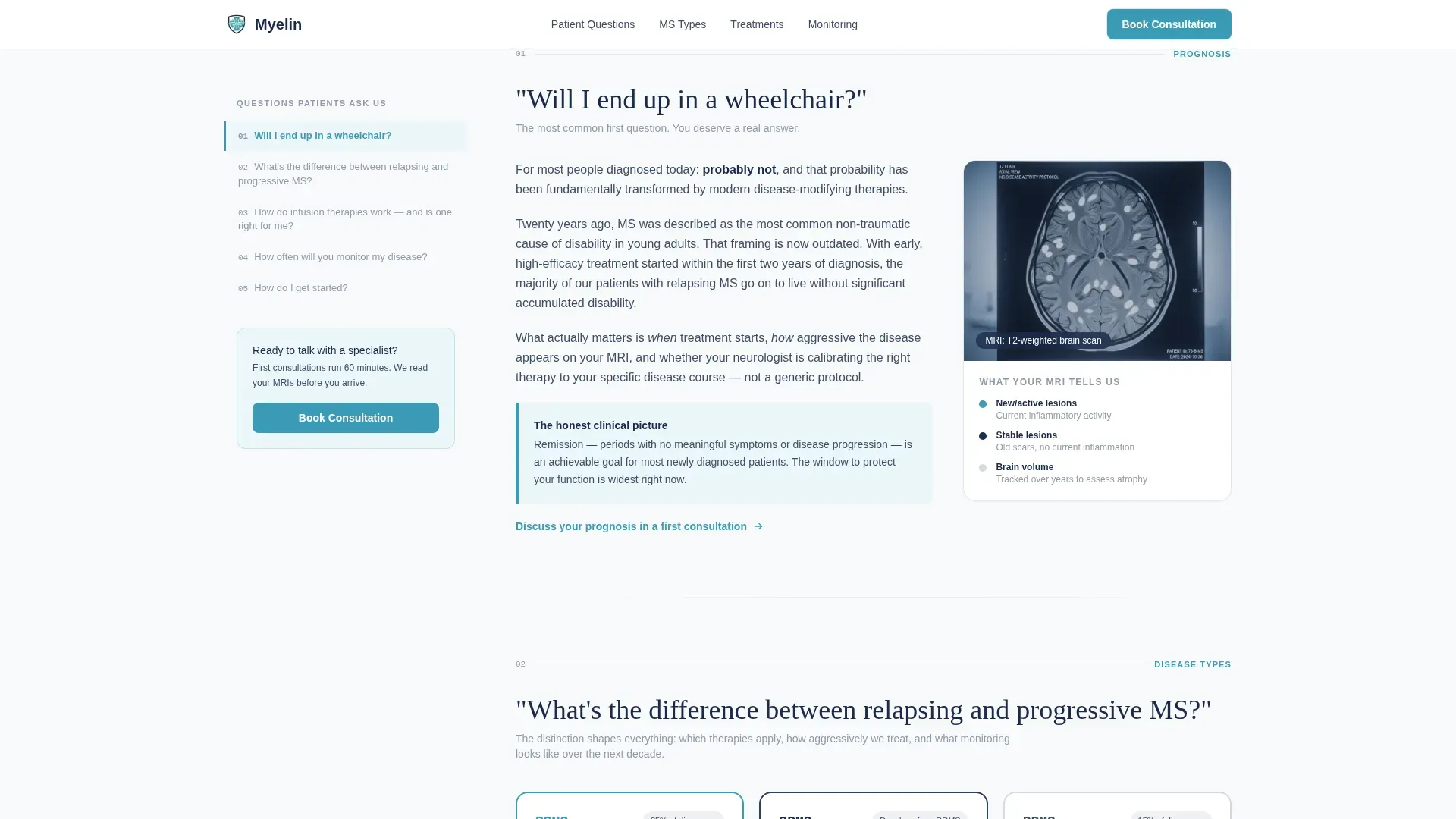
- A persistent sticky sidebar that acts as a living table of contents, listing real patient questions and smooth-scrolling to each answer section
- A three-field booking form collecting MS status, preferred appointment type, and preferred week, with no insurance fields upfront
- A secondary PDF capture form offering a downloadable new patient guide for visitors not yet ready to book
Feature list
This template is built around specific design decisions and interactive components drawn directly from the brief.
Persistent FAQ Sidebar Navigation
The sidebar stays fixed as the visitor scrolls. It lists real patient questions as navigation items. Clicking any item smooth-scrolls to the matching answer section, and the active item highlights to show exactly where the reader is on the page.
FAQ Answer Sections with Contextual Micro-calls to action
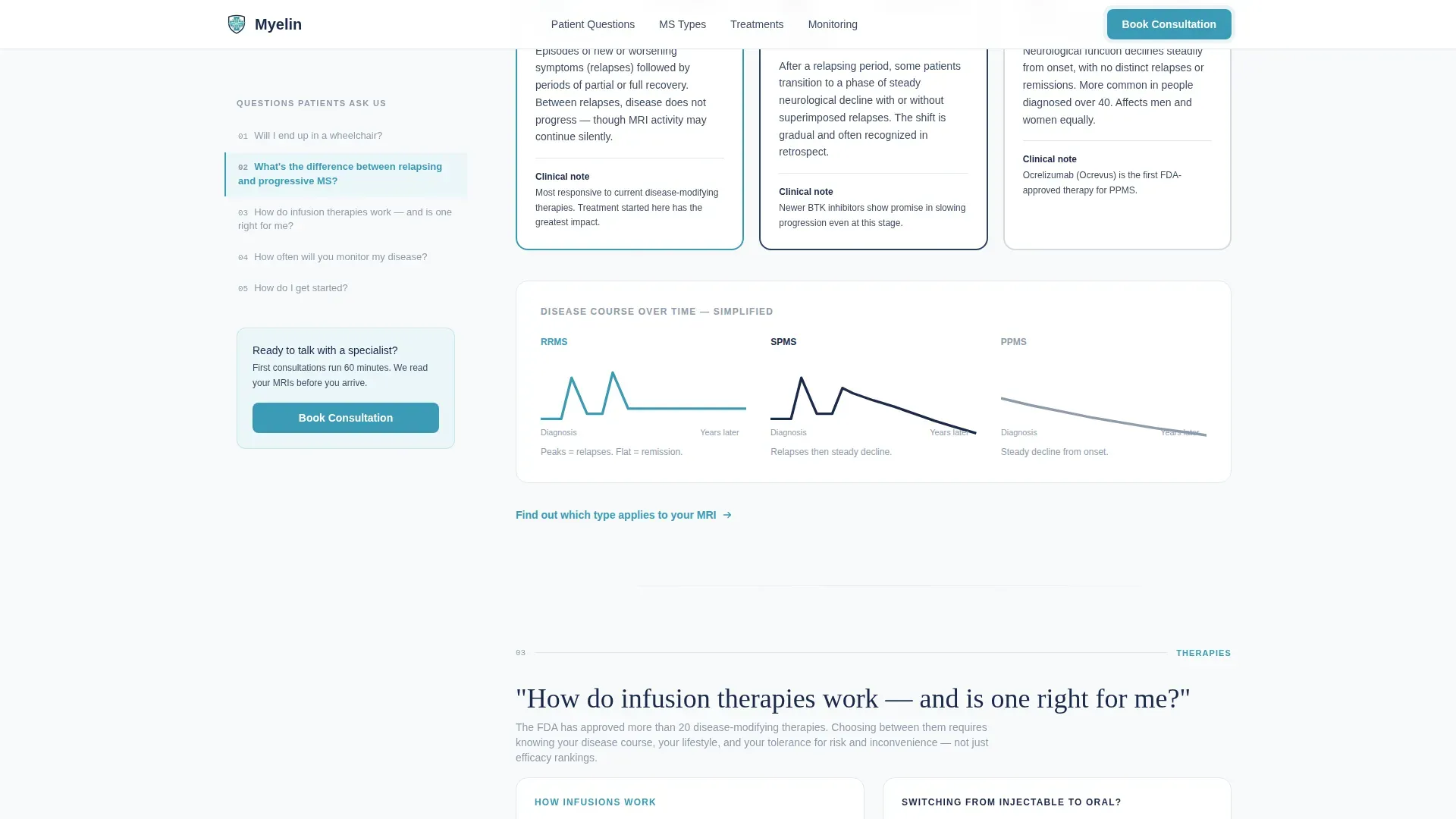
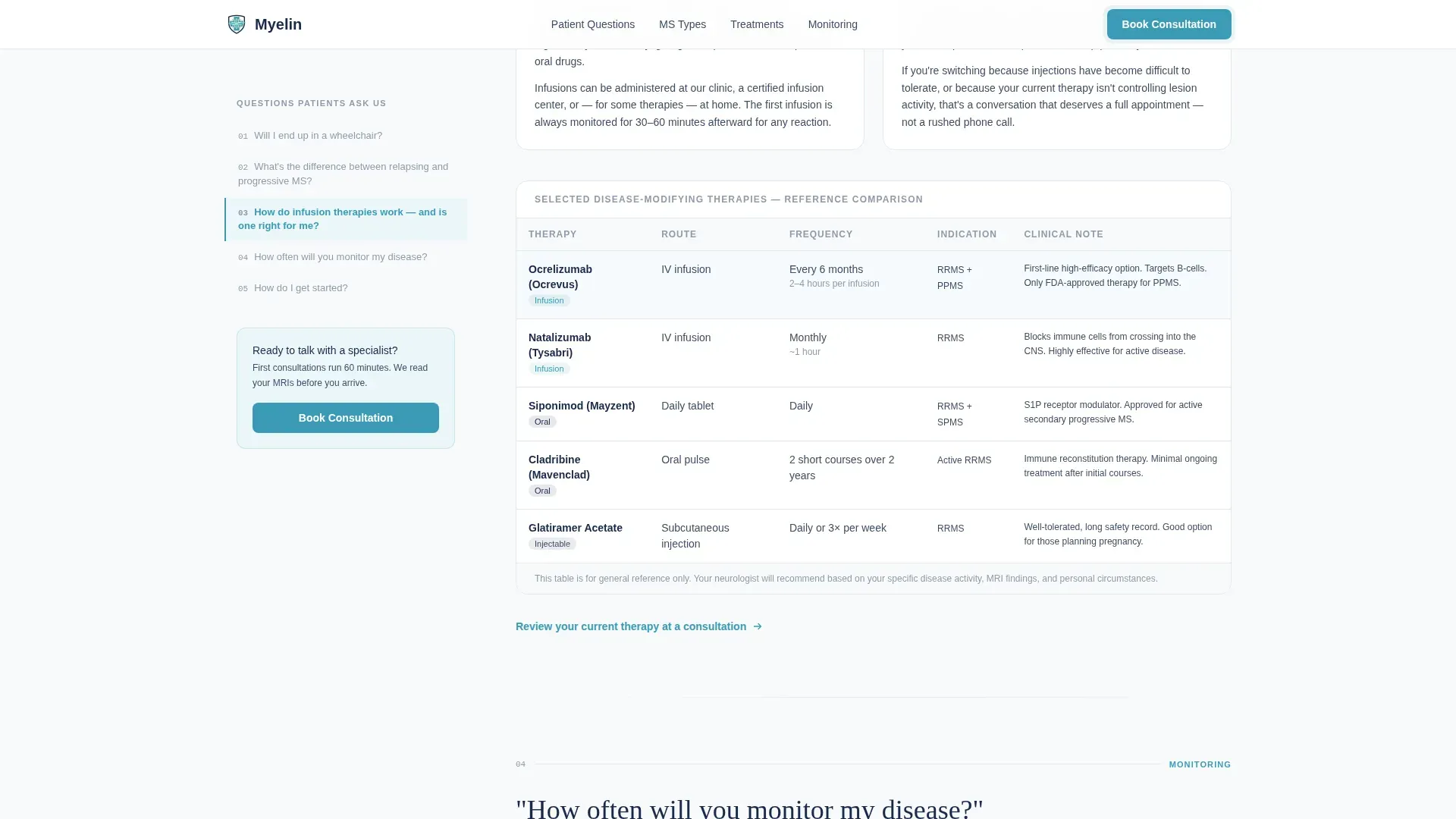
Each answer section uses plain, measured language paired with a single supporting visual such as a lesion diagram, a therapy comparison table, or a monitoring timeline. Every section ends with a small, relevant call to action that fits the reader's current level of readiness.
Three-Step Booking Form
The booking form asks only three things in sequence: MS status (newly diagnosed, currently in treatment, or seeking a second opinion), preferred appointment type (in-person or telehealth), and preferred week. Insurance details are handled in a follow-up call, keeping the form approachable.
Secondary PDF Lead Capture
A "Download Our New Patient Guide" offer gives visitors a low-commitment path when they are not yet ready to book. It captures an email address and meets the reader exactly where their current level of readiness sits.
Scroll-Triggered Content Reveals
Sections animate into view as the visitor scrolls down the page. The sidebar also transitions its active state as the reading position changes, giving the page a calm, deliberate rhythm without feeling urgent or pressured.
Half-Page Hero Layout
The header uses a split composition with a warmly lit photograph of a specialist mid-conversation on the left and a clean headline, one-line subhead, and booking call to action on the right. Natural window light keeps the clinical setting feeling human rather than sterile.
Page sections overview
| Section | Purpose |
|---|---|
| Hero header | Establish trust and present primary booking call to action |
| FAQ sidebar layout | Guide visitors to patient questions via persistent navigation |
| Understanding MS types | Explain relapsing versus progressive disease with a simplified diagram |
| Treatment pathways | Compare infusion, oral, and injectable therapies with switching guidance |
| Monitoring and care model | Show MRI cadence, blood marker tracking, and multidisciplinary team timeline |
| Footer | Provide horizontal flow navigation and clinic contact information |
Design & branding system
The visual identity follows a Medical Clarity theme. The palette is designed to feel like a freshly calibrated imaging suite: precise and clean, but never cold or intimidating.
- Colors: clinical snow (#F8FAFB) for backgrounds, deep MRI-scan navy (#1B2A4A) for body text and headings, calm reassurance teal (#3A9BB5) for buttons and interactive elements, and soft neurological gray (#D4DAE0) for borders and dividers
- Typography: Fraunces serif for headings to add warmth and authority, DM Sans for body text to keep reading effortless and clinical at the same time
Mobile & speed optimization
The template is built desktop-first to support the sidebar companion layout. On smaller screens, the sticky sidebar collapses into an accordion so the FAQ navigation remains accessible without taking over the viewport.
- Desktop layout uses the persistent sidebar alongside scrollable content columns
- Mobile layout collapses sidebar navigation to a touch-friendly accordion for clean single-column reading
How this template helps you convert
The page is structured to dissolve fear progressively and guide each type of visitor toward a natural next action rather than a pressured decision.
- The persistent sidebar turns patient anxiety into a guided reading path by surfacing real questions as navigation, so visitors feel heard before they ever reach the booking form
- The three-step booking form removes the most common friction points by asking only for MS status, appointment preference, and availability, reserving insurance and administrative details for a follow-up call
- The secondary PDF capture form retains visitors who are not ready to book, giving the clinic a low-stakes way to stay in contact until the visitor is ready to take the next step
Other information about this template
This template is part of the Sidebar Companion template style family and is categorized under Health and Medical, specifically the Multiple Sclerosis Care subcategory. It is built for the Multiple Sclerosis Specialist Clinic niche.
- The page uses static-first rendering for content sections and client-side components for sidebar scroll tracking and active state transitions
- Social proof elements including patient testimonials with first-name attribution and a clinical credentials display are part of the planned layout
- The footer follows a horizontal flow pattern to support clean navigation and clinic contact information at page end
- Dates on the page use MM/DD/YYYY format and copy is localized to US English
Theme
Medical Clarity
Creative direction
FAQ-Driven
Color system
Arctic White
Style
Sidebar Companion
Direction
Booking/Scheduling
Page Sections
Persistent FAQ Sidebar Navigation
Three-step Booking Form
Secondary PDF Lead Capture
FAQ Answer Sections with Micro-ctas
Scroll-triggered Content Reveals
Half-page Hero Layout
Related questions
What type of clinic is this template built for?
Does the template support telehealth appointment booking?
How does the persistent sidebar navigation work?
What happens to visitors who are not ready to book?
Can I customize the questions shown in the sidebar?



