Career Assessment Landing Page Template
Compass is a sidebar companion landing page template built for career assessment services. It combines a stats-driven scroll experience with an embedded five-question micro-quiz, a persistent sidebar table of contents, and a warm editorial design rooted in the Educational Guide theme. The result is a page that earns visitor trust before it ever asks for an email address.
by Rocket studio
Quick summary
Compass is a single-page career assessment landing page template built around a sidebar layout and a Stats-First Impact content strategy. It guides visitors through data-backed proof points, clearly defined audience cards, and a five-question embedded micro-quiz that delivers an instant result and gates the full assessment behind email capture.
Who this template is for
This template is designed for professionals and organizations offering structured career clarity services. It speaks directly to buyers who need more than a generic personality quiz and want a page that communicates credibility through numbers and methodology.
- Career assessment service providers who serve mid-career professionals, recent graduates, or corporate human resources teams
- Outplacement and career transition firms that need a conversion-focused landing page beyond a brochure layout
- Internal mobility program leads at mid-to-large organizations looking to pitch a data-driven assessment tool to leadership
What problem this template solves
Most career assessment pages struggle to communicate what makes their methodology different. They either list features without proof or ask for commitment before establishing trust. Compass solves both problems at once.
- Visitors arrive skeptical of yet another personality label and leave understanding a specific, data-backed process
- The page never asks for an email address before delivering genuine value through stats, methodology context, and an instant quiz result
- Without a persistent sidebar, long-form service pages feel disorienting; the scroll-linked table of contents keeps visitors oriented and moving forward
What you get with this template
Compass delivers a complete, ready-to-customize landing page with every structural and visual component already in place. The design, content hierarchy, and interactive quiz flow are all built in from the start.
- A two-column sidebar companion layout with a sticky left sidebar and a cloud-white main content panel
- Five planned page sections covering the hero, stats cascade, audience cards, methodology proof, and the embedded micro-assessment
- A Fraunces serif display typeface paired with Manrope for body and interface text, set in the Slate and Sky color system
Feature list
A paragraph introducing the features: Compass is built around a set of purposeful, interconnected components. Each one is designed to move the visitor closer to completing the assessment without pressure or ambiguity.
Persistent Sidebar with Progress Tracking
The left sidebar stays anchored in deep charcoal slate and functions as a live table of contents. As the visitor scrolls, a scroll-linked progress indicator updates in open sky blue, so visitors always know where they are in the page and how much remains.
Embedded Five-Question Micro-Quiz
A progressive micro-assessment lives directly on the page. It collects current industry, years of experience, a satisfaction slider scored from one to ten, a dropdown for biggest career frustration, and an email address. Completing the five questions delivers one instant career dimension score before gating the full fourteen-dimension assessment.
Stats Cascade Section
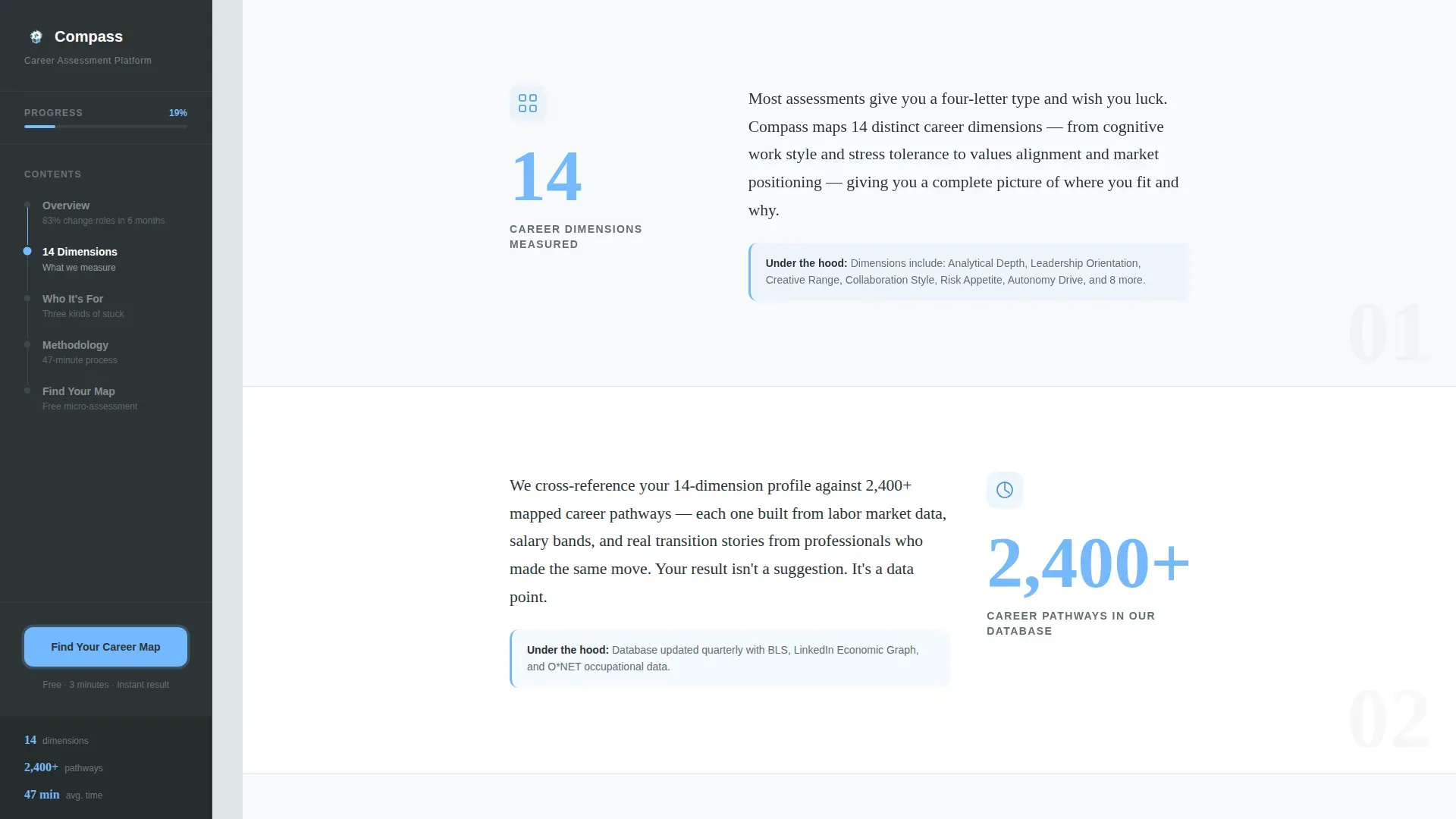
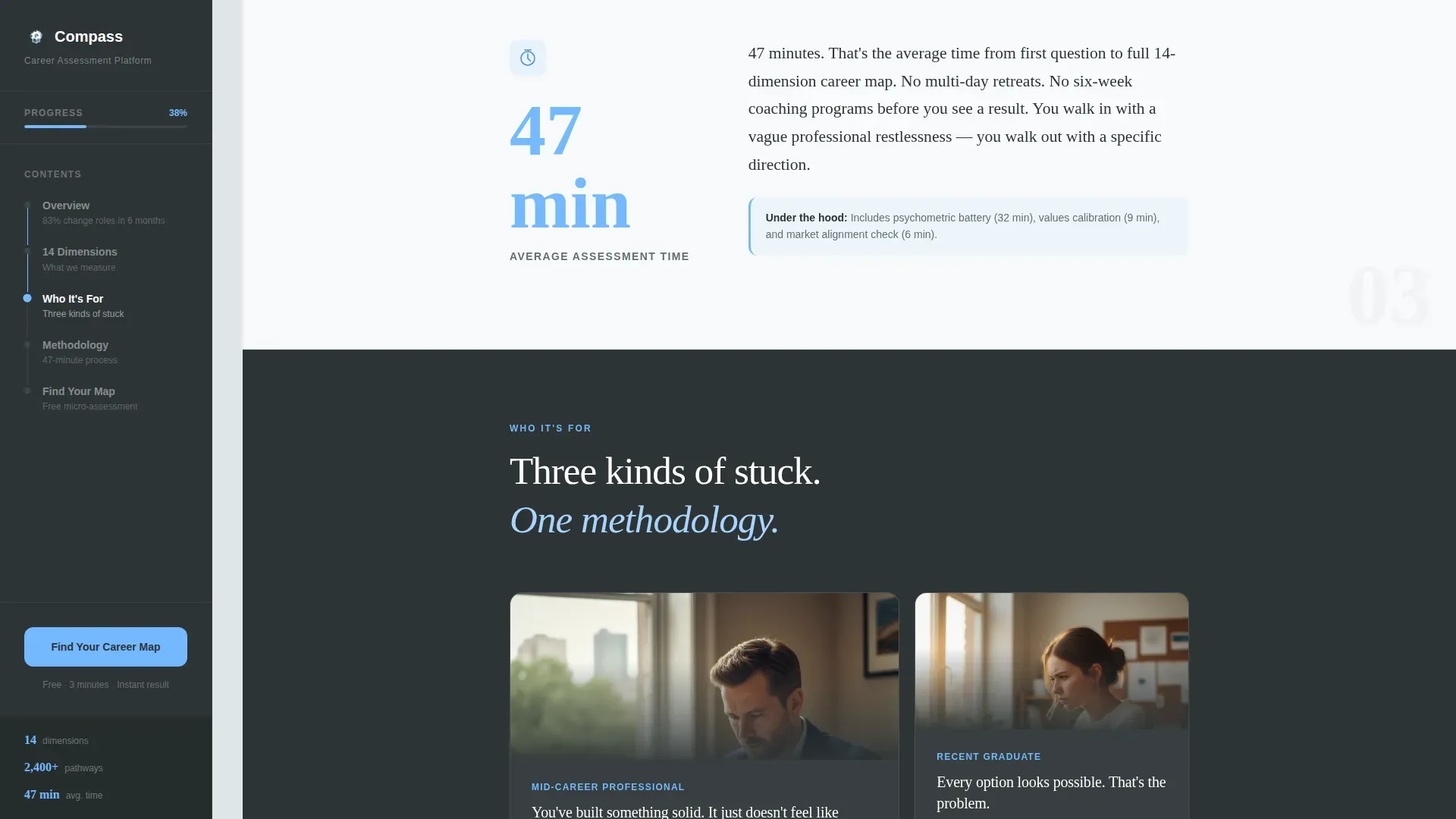
Three headline statistics appear in sequence as the visitor scrolls deeper: fourteen career dimensions measured, over two thousand four hundred career pathways in the database, and a forty-seven-minute average assessment time. Each stat lands as a bold chapter heading in the sidebar while the main panel explains what it means in plain language.
Cinematic Team Photo Header
The hero section features a candid, warmly lit team photo of three assessors mid-conversation around a table of career maps and laptops. A single bold stat overlays the lower third in sky blue type, providing immediate social proof before the visitor reads a single line of copy.
Three Ideal Client Profile Cards
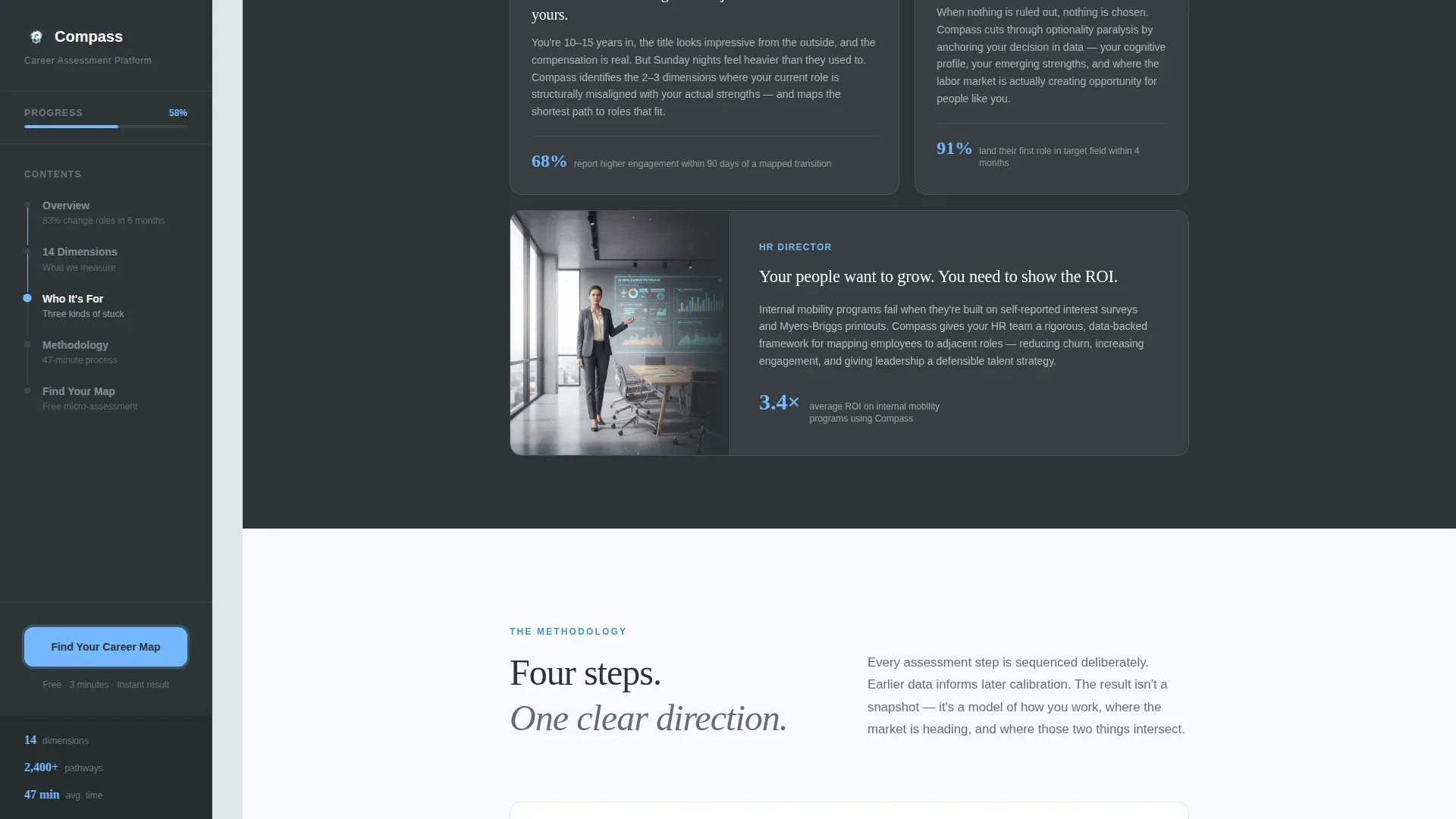
An asymmetric bento card layout presents three distinct audience segments side by side: mid-career professionals in well-paying but hollow roles, recent graduates paralyzed by too many options, and human resources directors building internal mobility programs. Each card makes the visitor feel seen before they scroll further.
Staggered Scroll Animations
The template includes medium-to-high animation fidelity with parallax effects, staggered section reveals, and scroll-linked sidebar state changes. These interactions are handled client-side, keeping the sidebar static and the quiz state managed in the browser without requiring a backend connection.
Page sections overview
| Section | Purpose |
|---|---|
| Hero with sidebar | Establishes credibility with the team photo, the 83% stat overlay, and the sticky sidebar table of contents |
| Stats Cascade | Delivers three key numbers with expanded plain-language explanations in the main content panel |
| Who It's For | Three asymmetric audience cards that help each visitor self-identify quickly |
| Methodology Proof | Explains how the service works as a visual proof system, not a numbered timeline |
| Micro-Assessment Quiz | Hosts the five-question embedded quiz and delivers the instant preliminary career dimension result |
| Footer | Linear single-row footer pattern with essential navigation and contact links |
Design & branding system
The visual identity follows an Educational Guide theme that feels like a well-worn university library at golden hour. Every color choice reinforces the dual promise of rigor and possibility.
- Deep charcoal slate (#2D3436) anchors the sidebar background and primary text; mid-tone graphite (#636E72) carries secondary copy; open sky blue (#74B9FF) drives buttons, progress indicators, and stat overlays; soft cloud white (#DFE6E9) fills the main content panels
- Typography pairs Fraunces, a serif display face, for headlines and pull quotes with Manrope, a geometric sans-serif, for body copy and interactive interface elements
- Every interactive element, including the quiz progression buttons and sidebar progress bar, uses sky blue as the active state color, creating a consistent visual cue that guides the eye without distraction
Mobile & speed optimization
The template is designed desktop-first, with the two-column sidebar layout optimized for wider screens. A graceful mobile collapse is built in so the experience remains usable on smaller devices.
- On mobile, the sticky sidebar collapses into a progress indicator that appears at the top of the viewport, keeping orientation cues without consuming screen real estate
- The embedded quiz runs entirely client-side, meaning quiz state and the instant result are managed in the browser with no server round-trip required during the five-question flow
- Staggered animations and parallax effects are scoped to the main content panel, keeping the sidebar interaction lightweight and stable across scroll speeds
How this template helps you convert
Compass is structured so that the visitor earns value at every scroll depth before the primary call to action appears. Trust is built in layers, and the conversion ask arrives after the page has already demonstrated its methodology.
- The hero stat overlay and team photo establish immediate credibility, so visitors feel they have landed somewhere serious and human before reading a word of body copy
- The stats cascade section proves the methodology with specific numbers, and the sidebar progress indicator makes the visitor feel they are already inside an assessment experience
- The "Find Your Career Map" call to action appears in the sticky sidebar and again after the third stat section, then the embedded micro-quiz delivers an instant result that makes completing the full assessment feel like the logical next step
Other information about this template
Compass sits at the intersection of the human resources and hiring category, the outplacement and career transition subcategory, and the career assessment service niche. It is a strong fit for teams building or relaunching a professional assessment product.
- The template is built as a sidebar companion style, making it well-suited for services that benefit from a guided, chapter-by-chapter reading experience rather than a straight vertical scroll
- Content localization defaults to English with United States professional market conventions; currency references imply United States dollars
- The footer uses a linear single-row pattern, keeping the bottom of the page clean and focused without distracting the visitor from the primary quiz conversion goal
- The intersection match score for this template across the human resources and hiring category, outplacement and career transition subcategory, and career assessment service niche is rated at thirteen, indicating strong alignment across all three classification layers

Theme
Educational Guide
Creative direction
Stats-First Impact
Color system
Slate & Sky
Style
Sidebar Companion
Direction
Quiz/Assessment
Page Sections
Persistent Sidebar with Scroll Progress
Embedded Five-question Micro-quiz
Stats Cascade with Expanded Context
Cinematic Hero with Stat Overlay
Three Audience Profile Cards
Staggered Animations and Parallax Effects
Related questions
Can I replace the team photo in the hero section with my own image?
Does the embedded micro-quiz need a third-party service to function?
Is this template a good fit for selling to HR directors and organizations?
Can I edit the quiz questions to match my own assessment framework?
How does the sidebar behave on smaller screens?



