Neurologist FAQ Website Template
A single-column landing page built for neurology practices that need to answer one urgent patient question: "Does this neurologist take my insurance?" The template combines an authoritative hero section, a named-staff FAQ panel, a carrier logo grid, and a five-step interactive coverage quiz that delivers a personalized result in under a minute.
by Rocket studio
Quick summary
This landing page helps neurological patients verify their insurance coverage before their first appointment. It opens with a split hero, moves through a staffed FAQ panel, a visual carrier grid, and a procedure-level nuance section, then closes with a five-step coverage quiz that hands patients a personalized summary without a single phone call.
Who this template is for
This template is built for neurology practices that receive a steady stream of referred patients and want to reduce front-desk call volume. It suits practices treating migraine, epilepsy, multiple sclerosis, neuropathy, and memory concerns.
- Neurologists or practice managers who need a dedicated insurance and billing page
- Billing coordinators who want patients to arrive already knowing their coverage status
- Practices serving Medicare, Medicaid, and private-carrier patient populations
What problem this template solves
Patients referred to a neurologist often face a stressful gap between the referral slip and the first appointment. They do not know whether their plan is accepted, whether prior authorization is required, or what their out-of-pocket cost will look like. That uncertainty causes appointment delays and unnecessary phone calls to an already busy front desk.
- Patients need a fast, clear answer to "does this practice take my insurance?" before committing to a visit
- Front-desk teams waste time repeating the same coverage questions that could be answered online
- Referred patients with urgent conditions, such as new seizure onset or worsening migraines, cannot afford to wait days for a callback
What you get with this template
The template is a fully structured, single-column landing page with five distinct content sections and a footer. Every section is purpose-built around a specific stage in the patient's insurance verification journey.
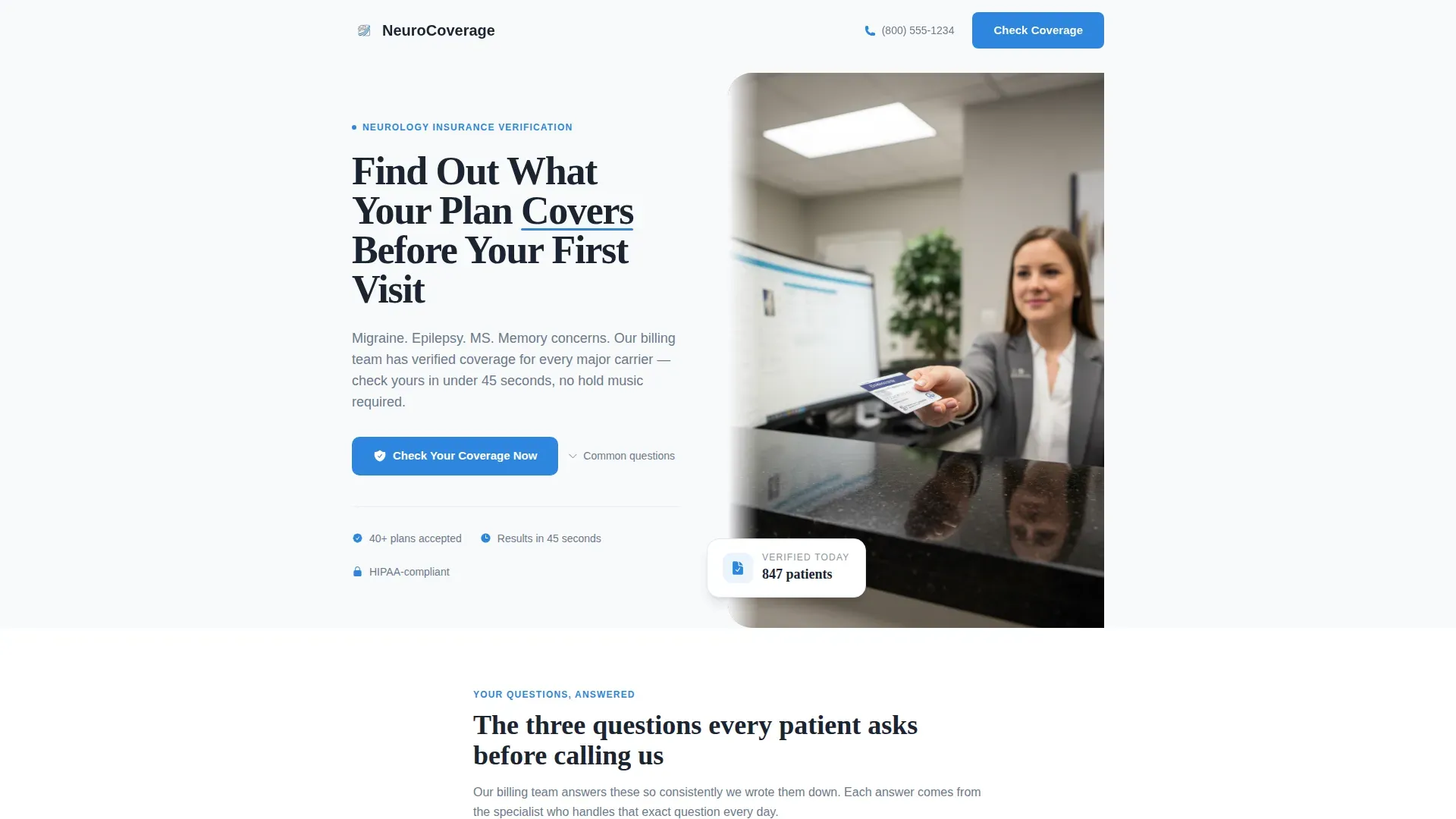
- A half-page hero with a split text-and-photo layout and a primary call-to-action button
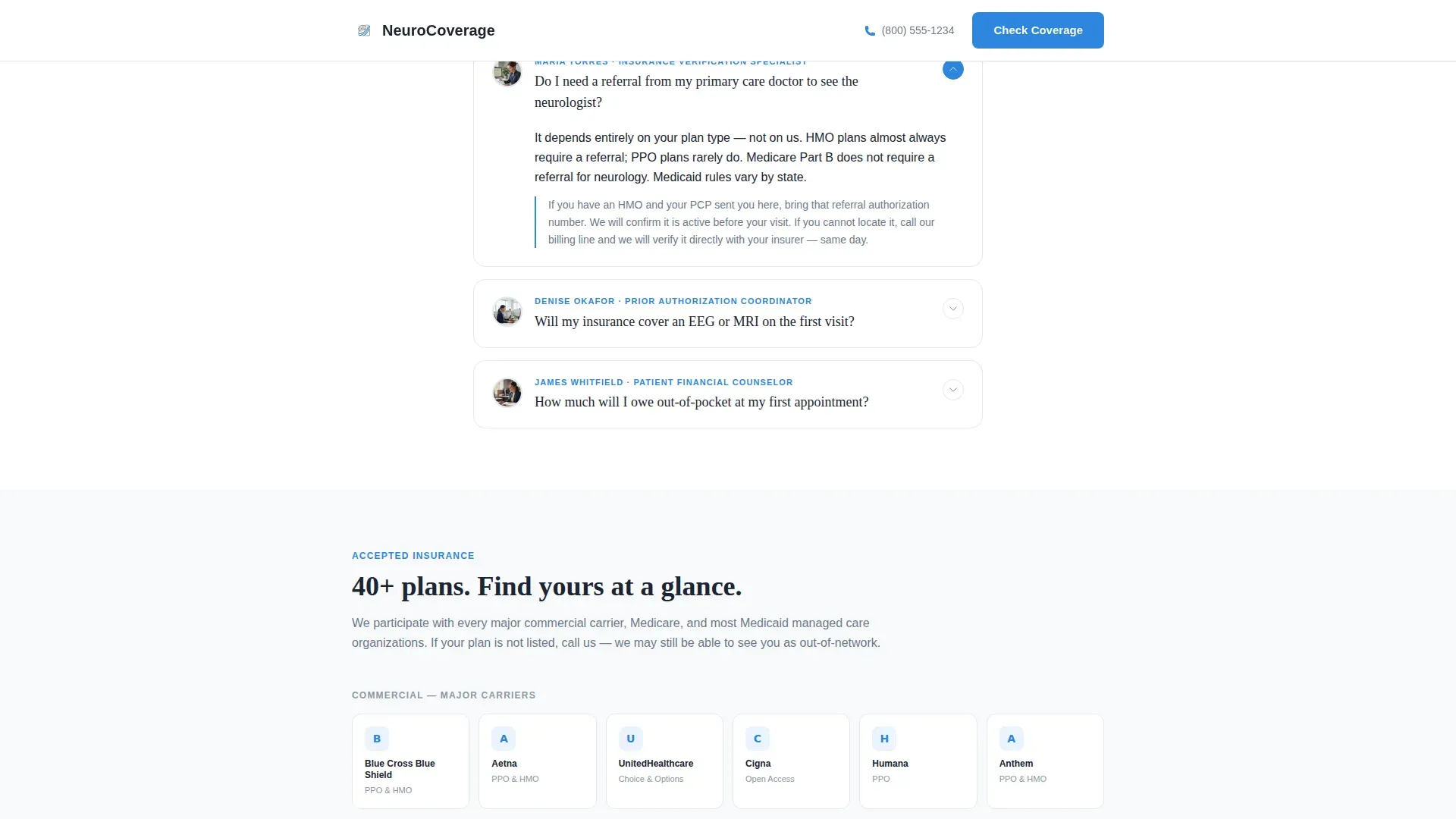
- An expandable FAQ panel featuring named staff members with portrait thumbnails and job titles
- A five-step interactive coverage quiz with a progress bar and a personalized results page
Feature list
This template is built around a small set of high-impact features that work together to move an anxious patient from uncertainty to clarity.
Named Staff FAQ Panel
Three expandable accordion cards answer the most common coverage questions. Each card is attributed to a specific team member, shown with a thumbnail portrait and their full title, such as "Insurance Verification Specialist." This gives patients the feeling of a real conversation rather than a generic help page.
Visual Carrier Logo Grid
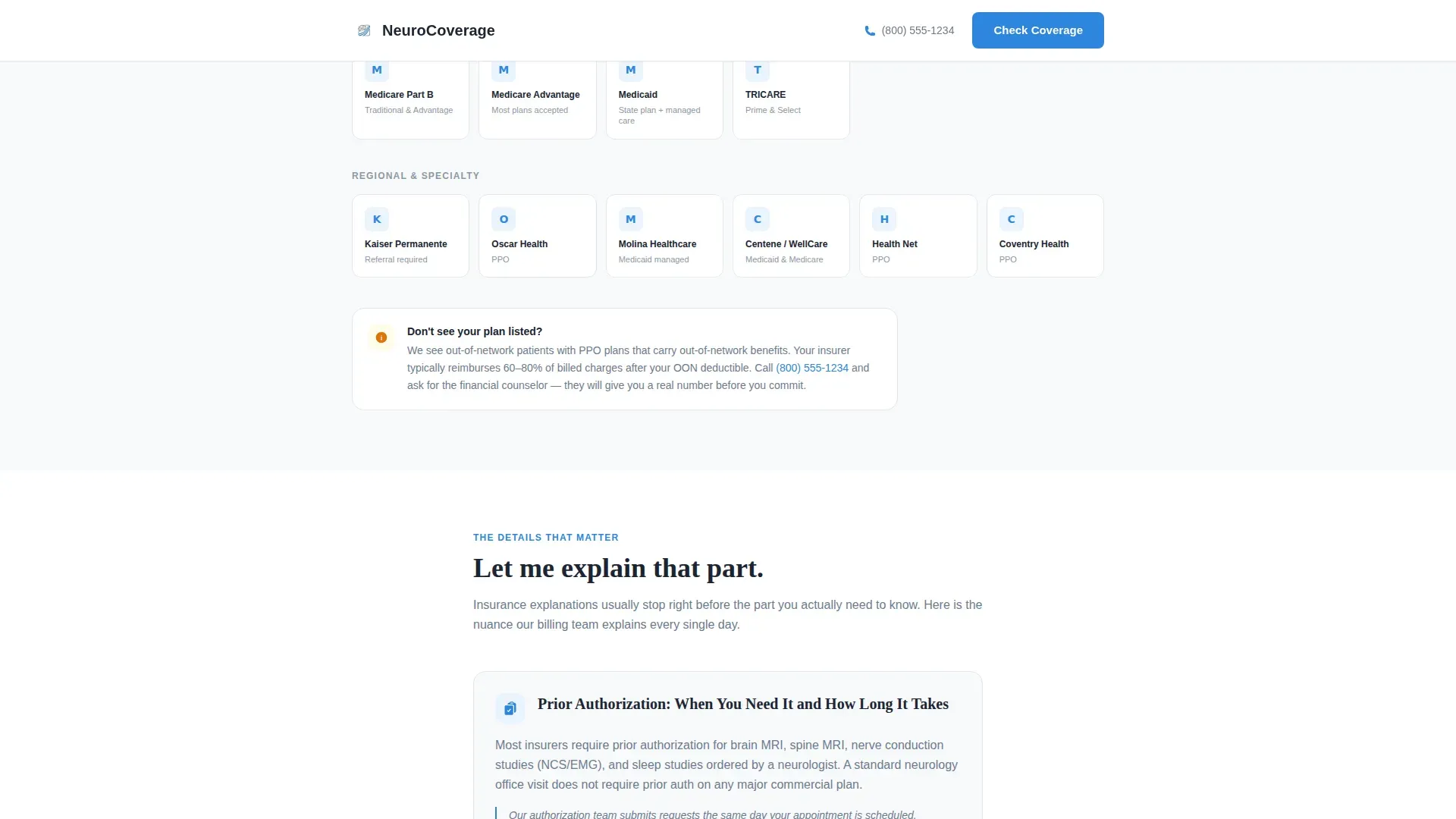
Accepted insurance plans are displayed as a visual grid of carrier logos, organized by recognizable brand mark rather than alphabetical text lists. A patient's eye finds their plan in seconds, which is faster and more reassuring than scanning a bulleted list.
Five-Step Coverage Quiz
The interactive quiz walks patients through five focused steps: carrier name via searchable dropdown, plan type selection, referring diagnosis or symptom, preferred office location, and email address for results. A neurological blue progress bar advances across the top of each step to reduce drop-off.
Personalized Result Page
After completing the quiz, patients receive a tailored coverage summary. This includes an estimated copay range, a clear indication of whether prior authorization is needed for their procedure, and a direct button to schedule their first appointment.
Procedure-Level Nuance Section
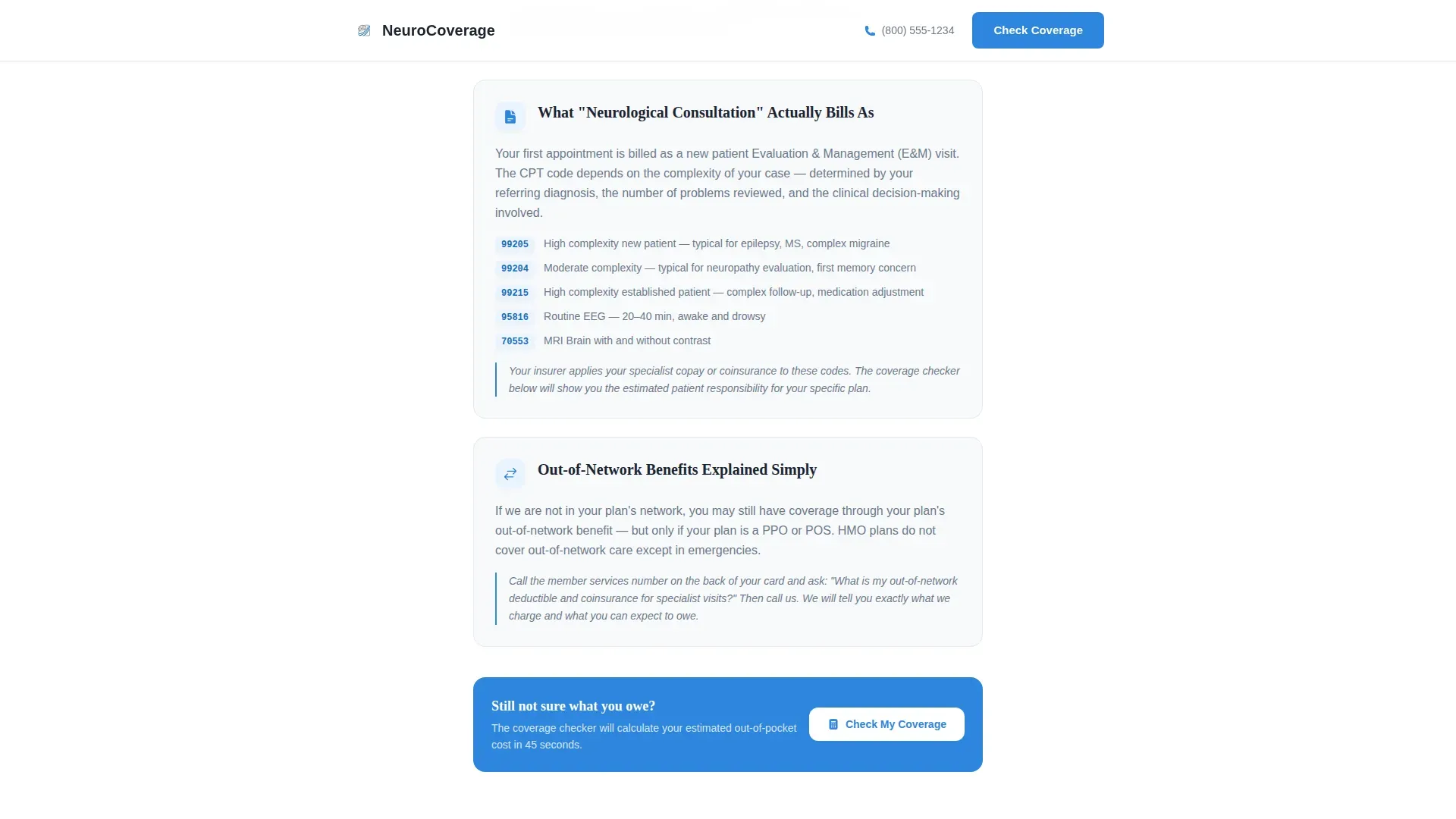
A dedicated section explains the details that patients rarely find anywhere else: out-of-network benefit structure, prior authorization timelines for MRIs and nerve conduction studies, and the difference between consultation codes such as 99205 and 99215. This section builds the kind of trust that converts a hesitant visitor into a confirmed appointment.
Page sections overview
| Section | Purpose |
|---|---|
| Hero Split Layout | Introduce the page and prompt the coverage quiz |
| Named Staff FAQ | Answer the three most common coverage questions |
| Accepted Plans Grid | Show carrier logos for instant plan recognition |
| Coverage Nuance Section | Explain prior auth, out-of-network rules, and procedure codes |
| Five-Step Quiz | Guide patients to a personalized coverage result |
| Linear Footer | Provide practice contact and closing navigation |
Design & branding system
The visual identity follows a Corporate Precision theme. Every color and type choice is made to feel clinical, legible, and trustworthy, with nothing decorative competing for attention alongside the information patients actually need.
- Color palette: clinical white (#F8F9FB) as the dominant background, cool surgical gray (#6B7A8D) for body text and dividers, deep charcoal (#1B2432) for headlines, and neurological blue (#2E86DE) reserved exclusively for interactive elements, links, and the quiz progress bar
- Typography: Fraunces serif for headlines to carry medical authority, and DM Sans for all body text and interface elements to maintain clean readability
- Interactivity uses low-to-medium animation, including smooth accordion expansion, quiz step transitions, and a progress bar that advances with each completed quiz step
Mobile & speed optimization
This template is built with a mobile-first layout because its core audience is often holding their insurance card in one hand and their phone in the other. The single-column flow means every section stacks cleanly on a small screen without horizontal scrolling or collapsed grids.
- The primary "Check Your Coverage Now" call-to-action button appears both beneath the hero and as a persistent bottom bar on mobile devices
- Each quiz step is designed to occupy one screen at a time, reducing cognitive load and making it easy to tap through on a phone
How this template helps you convert
The template earns the click by doing the homework a patient dreads. Instead of asking visitors to call the office, it gives them a clear, specific answer in about forty-five seconds.
- The hero section places the primary call-to-action immediately in view, so patients with an urgent need can start the quiz before they read anything else on the page.
- The named staff FAQ and the procedure-level nuance section build enough trust that patients who do not start the quiz immediately are convinced to return to it after reading.
- The personalized result page closes the loop by showing an estimated copay, a prior authorization status, and a direct appointment scheduling button, removing every remaining reason to delay.
Other information about this template
This template is designed as a patient-facing tool for a United States neurology practice. All insurance terminology, carrier names, and procedure code references follow United States medical billing standards.
- The quiz result page references United States insurance plan types including HMO, PPO, EPO, Medicare, and Medicaid
- Procedure codes referenced in the nuance section, such as 99205 and 99215, are standard Current Procedural Terminology codes used in United States neurological billing
- The footer uses a linear single-row layout pattern suitable for a practice information strip with contact details and navigation
- The template is compatible with common neurology website builder contexts and can be adapted for solo practitioners or multi-location group practices
Theme
Corporate Precision
Creative direction
Expert Panel
Color system
Arctic White
Style
Single Column Flow
Direction
Quiz/Assessment
Page Sections
Named Staff FAQ Accordion Panel
Visual Carrier Logo Grid
Five-step Interactive Coverage Quiz
Personalized Coverage Result Page
Procedure-level Nuance Section
Related questions
Who is this landing page template designed for?
What does the five-step coverage quiz actually do?
Can the quiz handle both Medicare and private insurance plans?
What makes this template different from a standard FAQ page?
Does the template include a mobile call-to-action?



