Neurosurgeon Advanced Booking Website Template
Neuro is a zigzag landing page template built for neurosurgical practices that need to calm anxious patients before the first appointment. It combines an interactive Surgical Readiness Calculator, alternating condition education panels, and a structured booking flow to turn nervous first-time visitors into informed, prepared consultation attendees.
by Rocket studio
Quick summary
Neuro is a single-page patient education template designed for neurosurgical practices. It guides newly diagnosed patients from confusion to confident preparation through an interactive readiness calculator, zigzag condition education panels, and a smooth consultation booking form. The design feels like a well-organized pre-op binder handed to you by a trusted nurse.
Who this template is for
This template is built for neurosurgeons and neurosurgical practices that treat patients who arrive scared, uninformed, and overwhelmed. It serves practices that want to reduce no-shows, shorten consultation prep time, and build trust before the first appointment.
- Neurosurgeons treating cervical, lumbar, cranial, or peripheral nerve conditions
- Practices serving newly diagnosed patients, post-accident patients, and parents of pediatric neurology referrals
- Clinics offering both in-person and telehealth consultation options
What problem this template solves
Patients facing a neurosurgical consultation often feel lost between the MRI report and the appointment. They arrive unprepared, anxious, and unsure what questions to ask. This template addresses that gap directly.
- Patients do not know what their diagnosis means or what to bring to their first visit
- Practices lose time during consultations explaining basics that could have been covered beforehand
- Anxious patients delay booking or abandon the process entirely when no clear next step is offered
What you get with this template
You get a fully structured, single-page layout that walks patients from diagnosis awareness to booking readiness in one continuous scroll. Every section is built with a specific job to do.
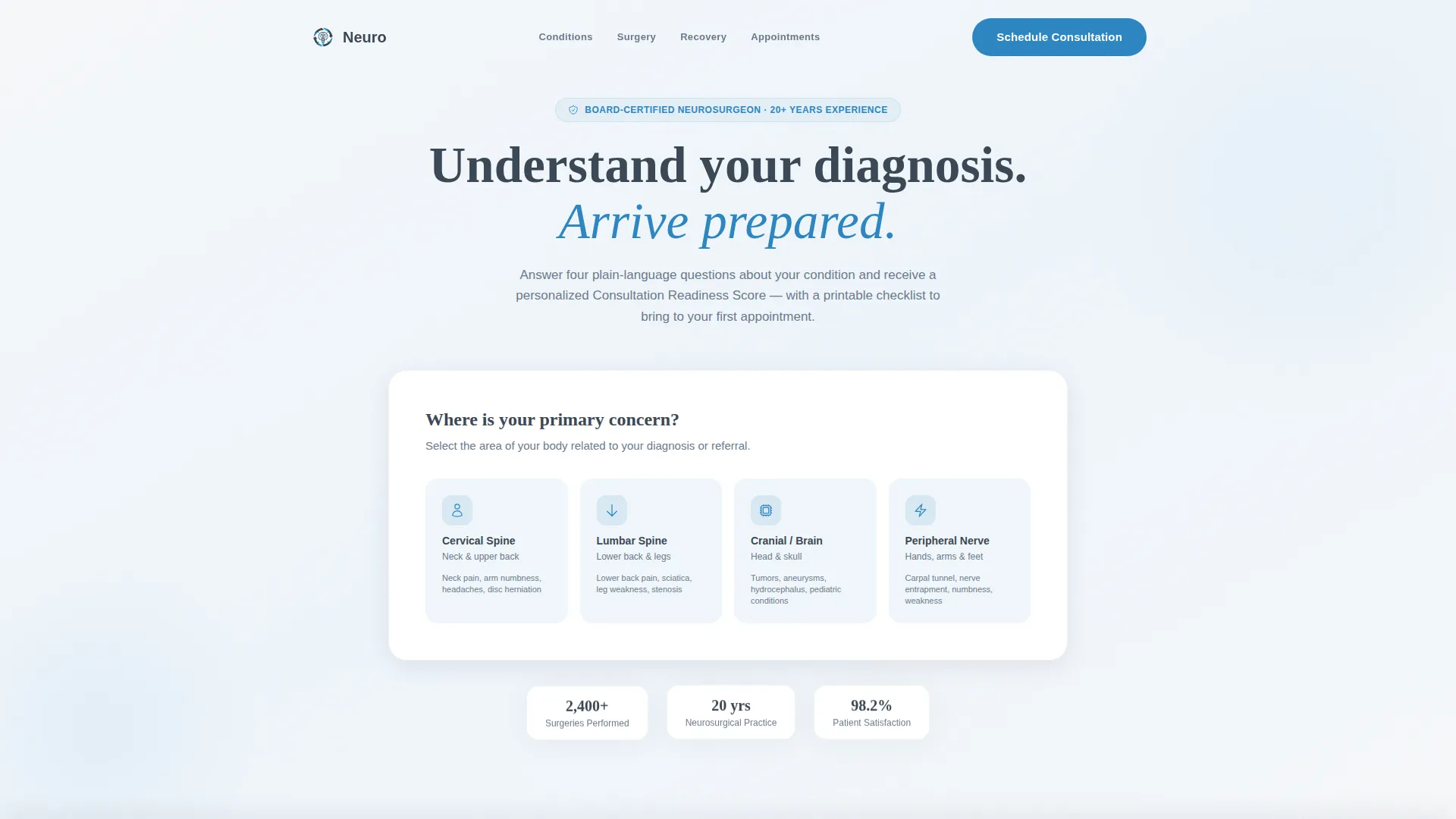
- A hero section with an interactive Surgical Readiness Calculator featuring a visual body map and four plain-language questions
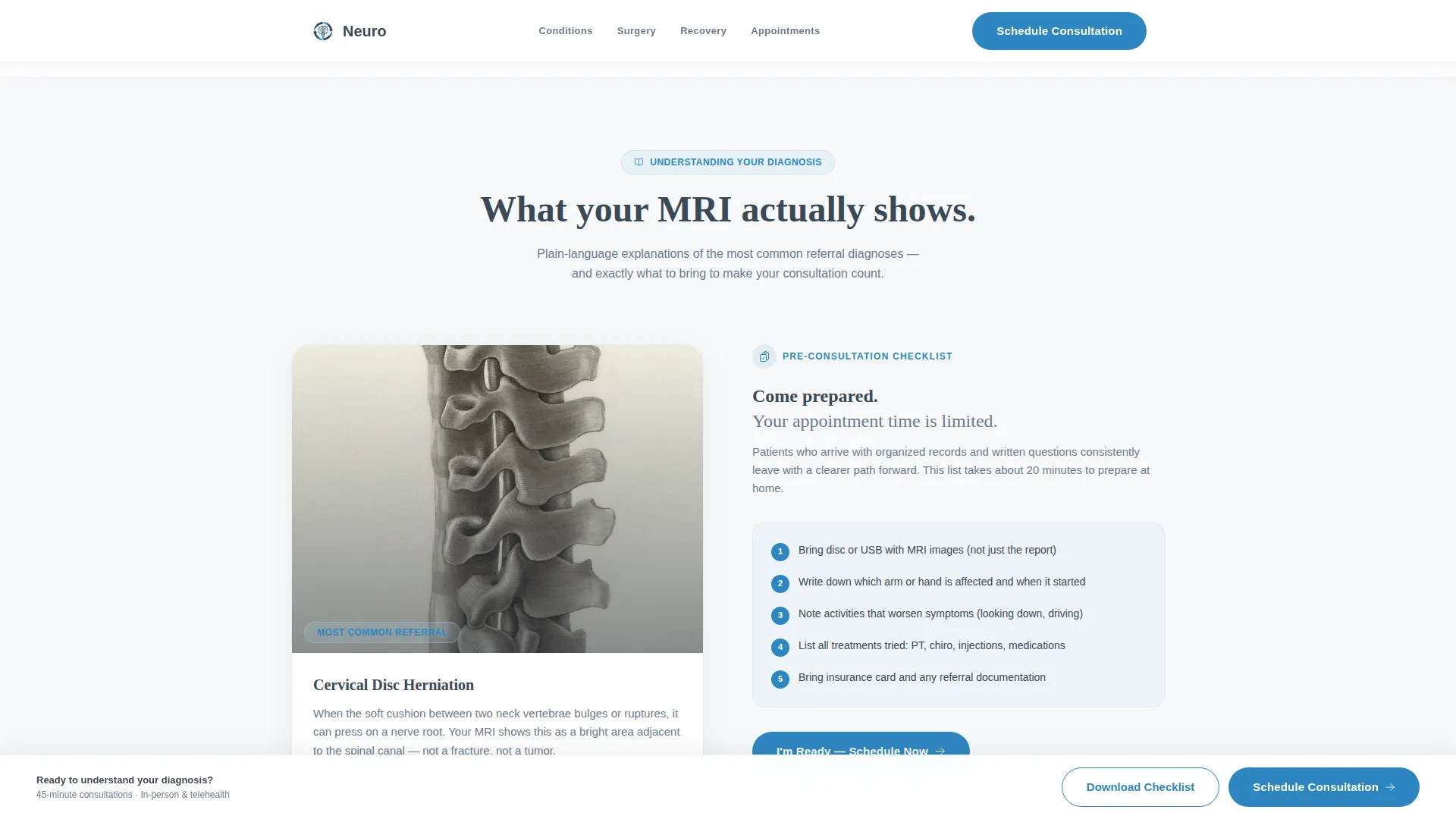
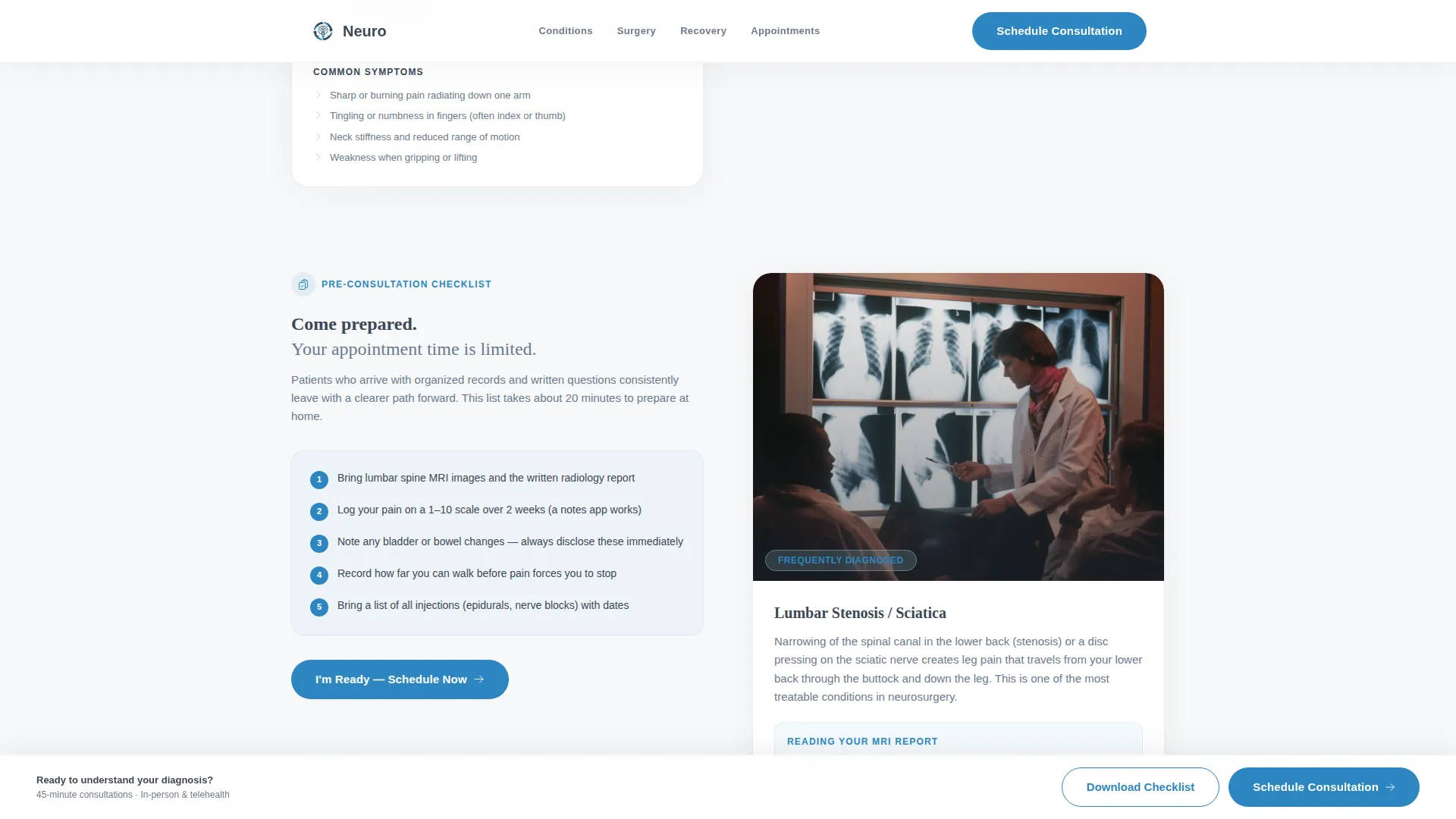
- Alternating zigzag panels pairing condition education with matching preparation checklists
- A dual conversion path: a primary consultation booking form and a secondary PDF checklist download gate
Feature list
This template includes several purpose-built components. Each one is designed to reduce patient anxiety and increase booking confidence.
Surgical Readiness Calculator
Visitors select their diagnosed condition from a visual body map covering cervical spine, lumbar, cranial, and peripheral nerve areas. They answer four plain-language questions about symptoms, duration, and prior treatments. The tool returns a personalized Consultation Readiness Score and a printable checklist to bring to their first appointment.
Zigzag Condition Education Panels
Each alternating section pairs a condition education panel with a corresponding preparation checklist. Education panels include labeled medical diagrams simplified for a general audience. Checklist panels cover documents to gather, questions to ask, and insurance pre-authorization requirements.
Staggered Checklist Unlock Flow
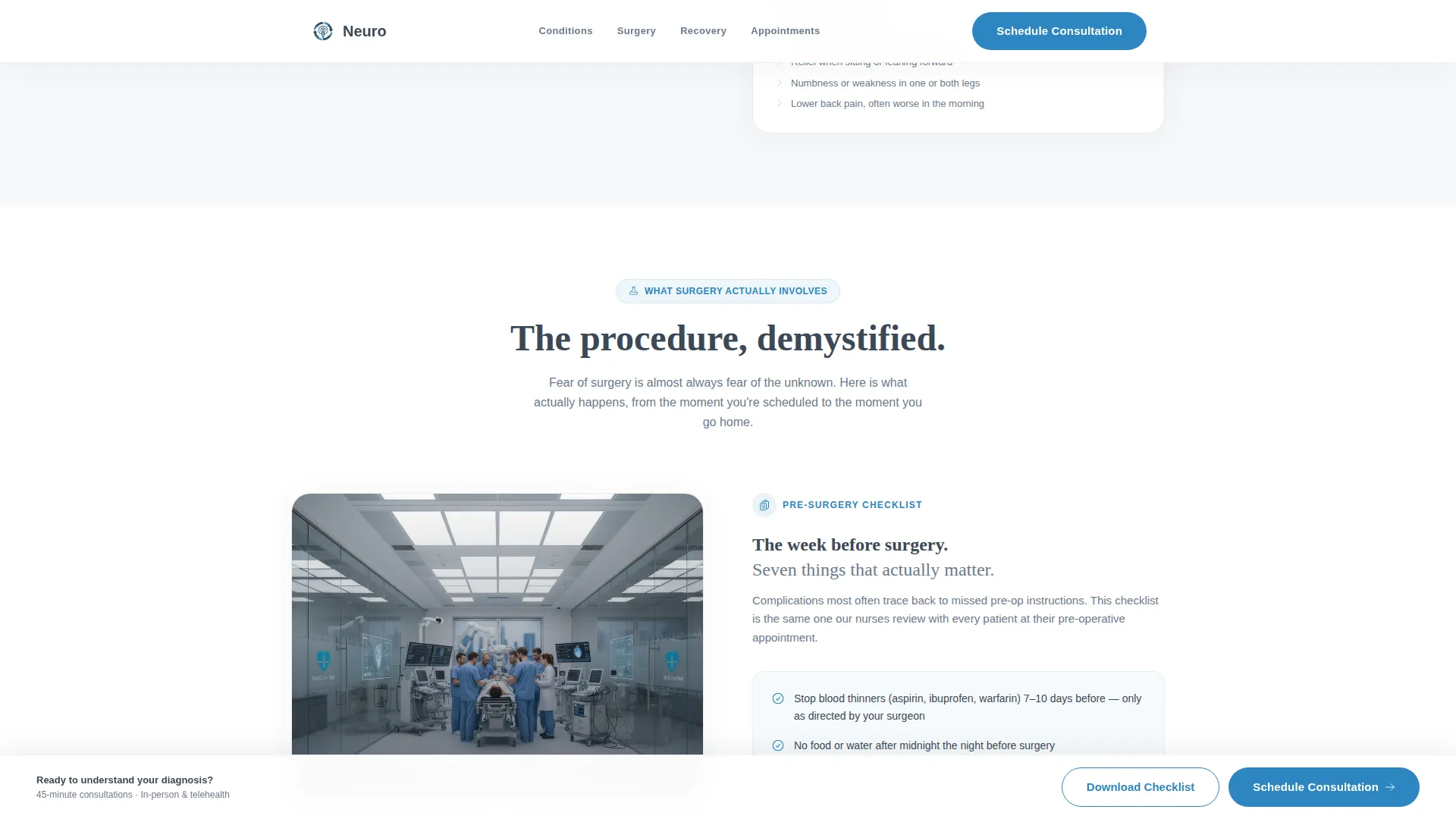
As visitors scroll, each new zigzag section reveals the next checklist. The scroll progression moves from understanding a diagnosis through what surgery involves to a week-by-week recovery timeline. This structure gives patients a sense of forward momentum and calm control.
Pinned Consultation Booking Form
After the calculator completes, a soft-entry booking bar appears and reappears at every second zigzag junction. The form captures condition area (pre-filled from the calculator), preferred consultation type, insurance carrier from a dropdown, and a single open field asking what concerns the patient most.
PDF Checklist Download Gate
Patients not yet ready to book can download a pre-visit checklist as a portable document format (PDF) file by providing only their email address. This secondary path nurtures hesitant visitors without pressure and keeps the practice top of mind.
Trust and Social Proof Blocks
The template includes dedicated space for board certifications, years of practice, patient outcome metrics, and reassurance trust badges. These elements reinforce clinical authority while keeping the tone warm and approachable.
Page sections overview
| Section | Purpose |
|---|---|
| Hero and Calculator | Introduce the practice and launch the Surgical Readiness Calculator |
| Condition Education Zigzag | Pair diagnosis education panels with preparation checklists |
| Surgery Overview Zigzag | Explain procedure steps alongside pre-operative checklists |
| Recovery Timeline Zigzag | Show week-by-week recovery with corresponding recovery checklists |
| Booking and Download | Capture consultation bookings and offer the PDF checklist download |
| Footer | Provide contact details and practice information in a single-row layout |
Design & branding system
The visual identity follows an Educational Guide theme built on a Slate and Sky color system. Every color choice reinforces clinical calm without feeling cold or intimidating.
- Deep surgical slate (#3B4856) is used for primary text and section dividers, providing authority and readability
- Clinical sky (#A8D0E6) highlights checklist backgrounds and progress indicators, adding warmth without distraction
- Sterile white (#F6F8FA) fills open breathing-room sections, and reassurance blue (#2E86C1) is reserved for interactive buttons and trust badges
- Typography pairs DM Sans for body text with Fraunces for headings, combining authority with approachable warmth
Mobile & speed optimization
The template is built desktop-first with strong mobile adaptation. Patients frequently research neurosurgical options from their phones while sitting in waiting rooms or emergency departments.
- The body map selector, calculator flow, and booking form are all adapted for touch interaction on smaller screens
- Static content sections use server-side rendering while the interactive calculator and booking form run as client components, keeping the page responsive
- GSAP scroll reveals and staggered checklist animations are calibrated to feel smooth without slowing the page experience
How this template helps you convert
This template is built around a dual conversion path. Every structural decision moves the visitor closer to booking or deeper into the practice's nurture flow.
- The Surgical Readiness Calculator reframes the visitor from a passive patient to a prepared participant, and the personalized readiness score becomes a compelling reason to book a consultation
- The pinned "Schedule Your Consultation" bar appears after the calculator and repeats at every second zigzag junction, keeping the booking action visible without feeling aggressive
- The "Download Your Pre-Visit Checklist" secondary path captures email addresses from visitors who are not yet ready to book, creating a low-pressure entry point that keeps the practice connected to future patients
Other information about this template
This template is categorized under Health and Medical, specifically serving the neurosurgeon patient education niche. A few additional details worth knowing before you build with it.
- The booking form supports US insurance carriers via a dropdown field and uses US date formatting throughout
- The footer follows a linear single-row layout pattern, keeping the page close with essential practice contact information
- Animation intensity is set to medium, using GSAP for scroll reveals and calculator state transitions without overwhelming the clinical tone
- The template is localized for English-language audiences using United States formatting conventions for dates and currency
- The checklist-and-audit creative rhythm means each scroll section earns the next, giving even the most anxious visitor a sense of progress and preparation
Theme
Educational Guide
Creative direction
Checklist & Audit
Color system
Slate & Sky
Style
Zigzag/Alternating
Direction
Booking/Scheduling
Page Sections
Surgical Readiness Calculator with Body Map
Zigzag Patient Education Panels
Staggered Checklist Unlock Scroll
Pinned Consultation Booking Bar
PDF Checklist Download Gate
Social Proof and Trust Blocks
Related questions
Can I customize the conditions listed in the body map selector?
Does the calculator provide a medical diagnosis to the visitor?
Can patients download the pre-visit checklist without booking a consultation?
Is the consultation booking form pre-filled from the calculator results?
Does the template support both telehealth and in-person consultation bookings?



