Anesthesiologist FAQ & Common Questions Website Template
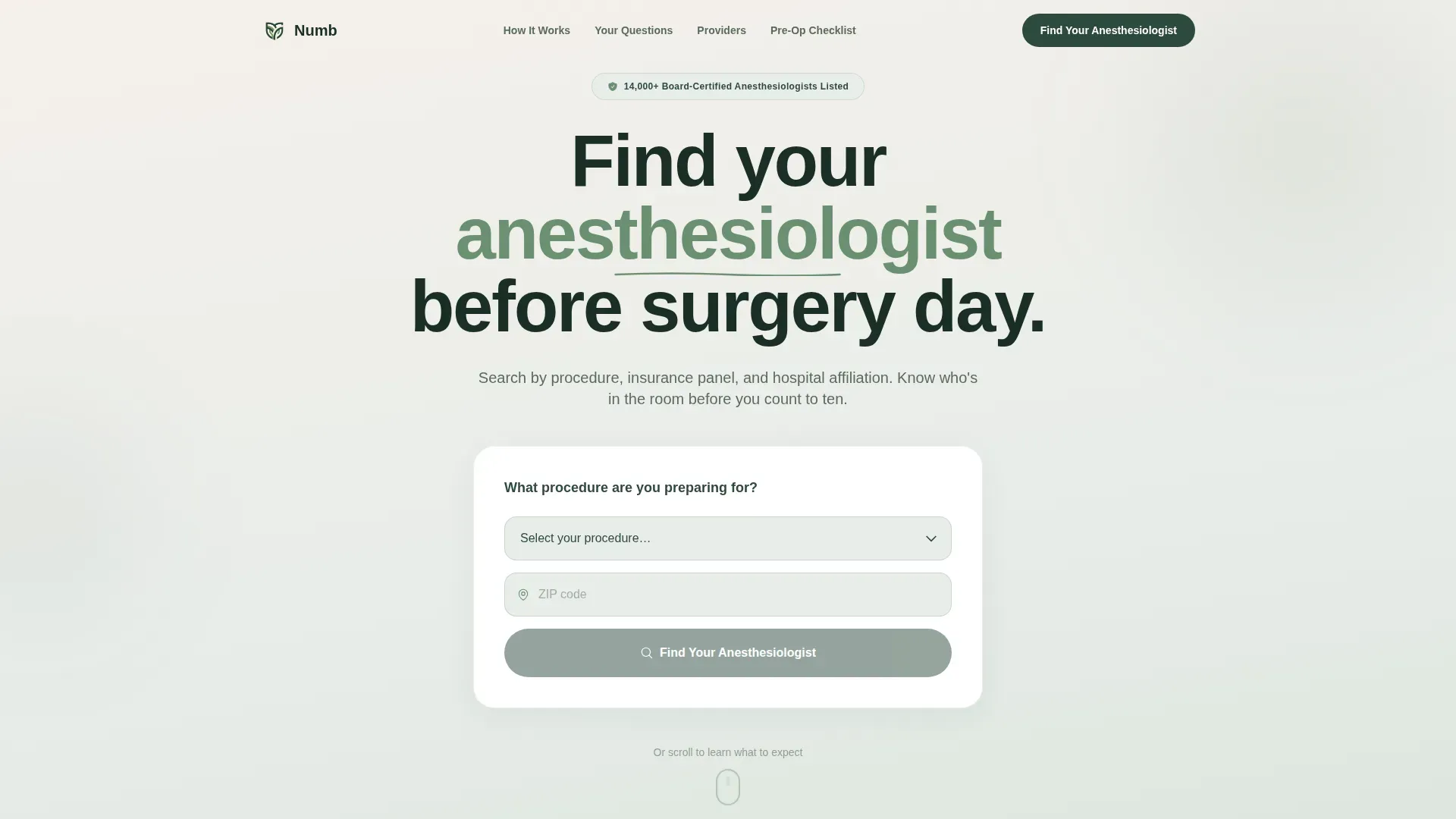
Numb is a zigzag anesthesiologist provider directory landing page built for pre-op patients, caregivers, and surgical coordinators. It opens with an interactive estimator that returns local provider counts instantly. FAQ-driven sections answer real pre-surgery fears. Every call-to-action passes the visitor's procedure type and zip code directly into filtered directory results, with zero extra steps.
by Rocket studio
Quick summary
Numb is a single-page anesthesiologist directory template designed for anxious pre-op patients and the people supporting them. A live estimator greets visitors at the top, answering "how many providers are near me?" before they scroll. Zigzag FAQ sections quietly disarm surgical fears. Every button routes directly to pre-populated search results, making the path from anxiety to a qualified provider as short as possible.
Who this template is for
This template is built for healthcare directory publishers, medical group administrators, and outpatient center operators who need to connect patients with board-certified anesthesiologists before a scheduled procedure. It also serves surgical coordinators who fill last-minute staffing gaps quickly.
- Pre-op patients searching at midnight with a surgery date approaching soon
- Spouses and caregivers researching anesthesia options on behalf of a loved one
- Surgical coordinators at outpatient centers needing fast, reliable provider matches
What problem this template solves
Pre-surgery anxiety is real, and most patients have no trusted place to find an anesthesiologist independently. Standard hospital directories are hard to filter and rarely answer the questions patients are actually afraid to ask. This template closes that gap directly.
- Patients cannot easily search by procedure type, insurance panel, or hospital affiliation in one place
- Fear-based questions about waking during surgery or bad reactions go unanswered on most provider sites
- Surgical coordinators waste time on phone calls when a filtered, real-time directory would serve them faster
What you get with this template
You get a fully structured, single-page directory landing page with every section built and sequenced for patient trust. The layout moves from interactive tool to social proof to clear action without unnecessary detours.
- A hero estimator section with procedure dropdown, zip code field, and animated provider count result
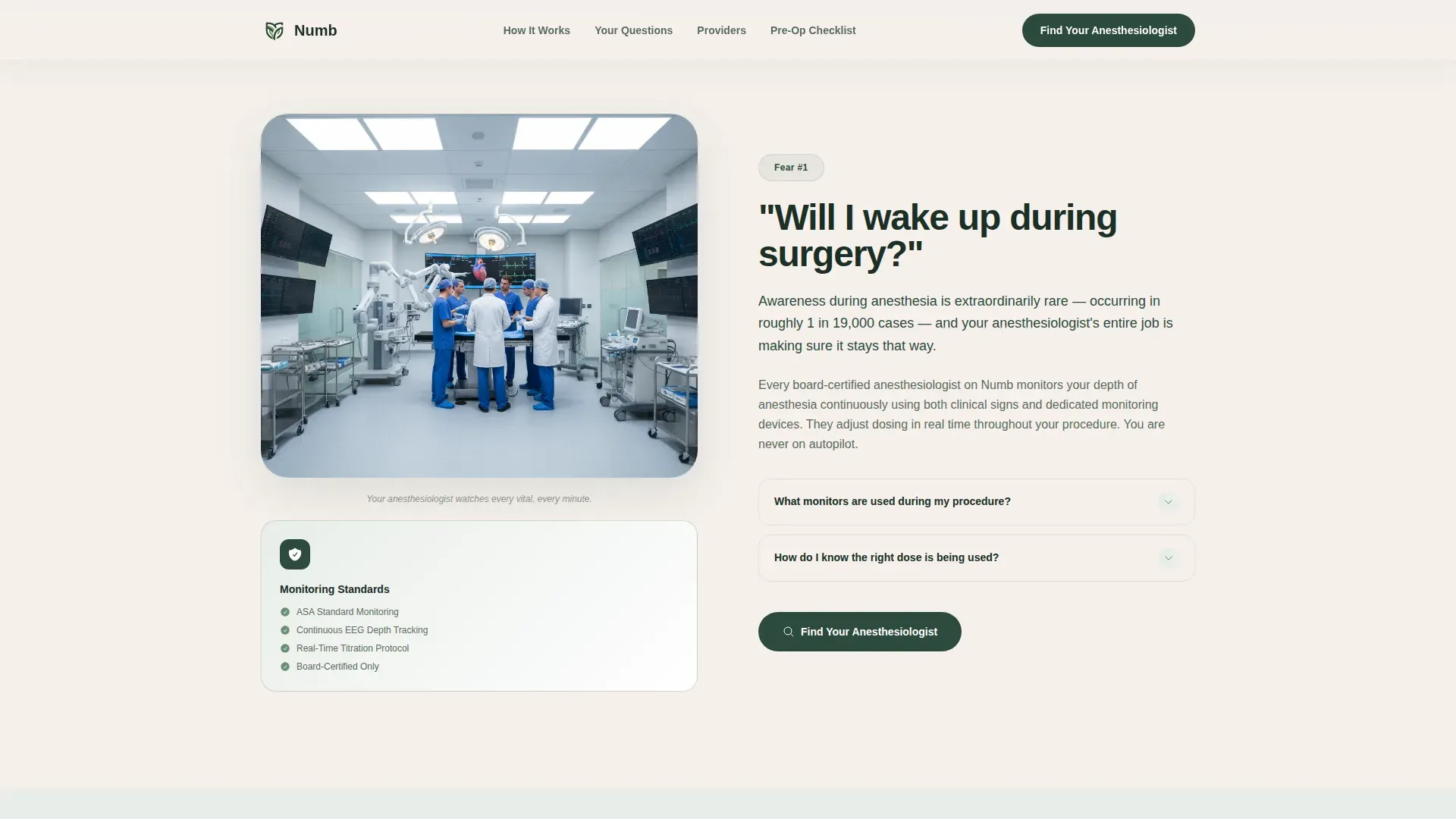
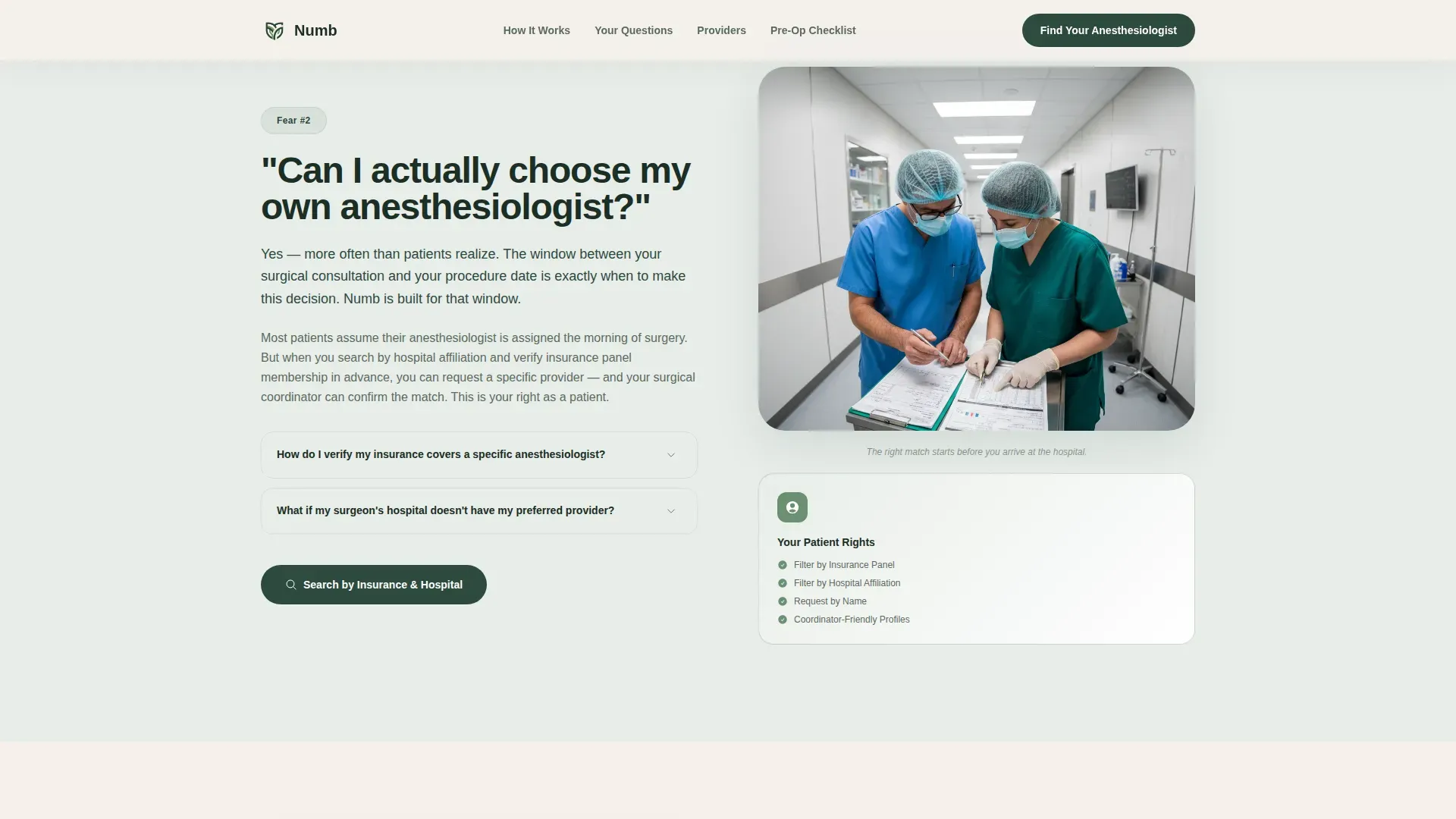
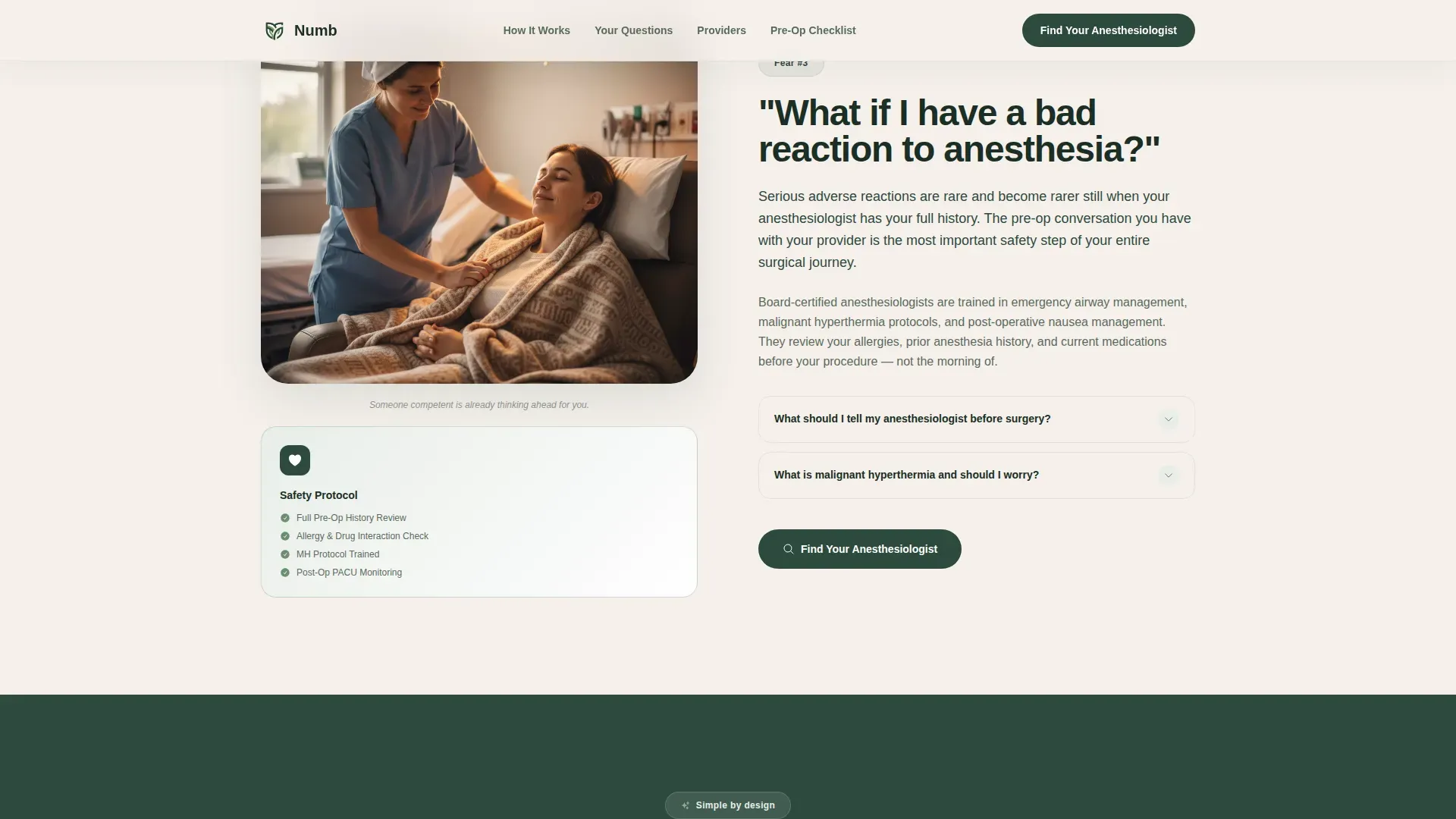
- Three alternating FAQ sections with credential badges addressing real pre-surgery fears
- Dual call-to-action section combining a filtered directory button and a pre-op checklist email capture
Feature list
This template includes purpose-built sections and interactive components grounded in the source brief. Each feature serves a specific step in the patient's decision journey.
Interactive Procedure Estimator
The header opens with a clean single-step tool. Visitors pick a procedure from a dropdown (knee replacement, colonoscopy, C-section, wisdom teeth) and enter a zip code. The estimator returns a live provider count such as "14 board-certified anesthesiologists cover your procedure within 20 miles," with provider cards peeking just below the fold to pull the eye downward.
FAQ-Driven Zigzag Sections
Three alternating left-right sections each answer one real surgical fear. Questions like "Will I wake up during surgery?" and "Can I choose my own anesthesiologist?" pair with calm, jargon-free explanations and credential badges. The accordion-style FAQ interaction lets visitors expand only what matters to them.
Pre-Populated Click-Through calls to action
The primary call-to-action button "Find Your Anesthesiologist" appears after the estimator and after every third FAQ block. Each click passes the visitor's procedure type and zip code directly into the filtered directory results page, with no form required.
Pre-Op Checklist Email Capture
A secondary conversion path offers a downloadable pre-op anesthesia checklist PDF. Visitors who are not yet scheduled exchange their email address for a practical guide covering questions to ask their surgeon before the procedure.
Provider Credential Trust Strip
A dedicated section displays board certification standards, monitoring badges, and procedure coverage counts. This credential strip builds authority through specific trust signals rather than generic testimonials.
Horizontal How It Works Flow
A three-step visual card flow (not a numbered timeline) shows patients exactly how the directory match works. The horizontal layout keeps the process scannable and approachable without feeling clinical or bureaucratic.
Page sections overview
| Section | Purpose |
|---|---|
| Hero Estimator | Procedure and zip tool returning provider count with peeking cards |
| FAQ Zigzag Blocks | Three alternating sections answering pre-surgery fears with credential badges |
| How It Works | Horizontal three-card flow showing the directory match process |
| Provider Credential Strip | Board cert badges, monitoring standards, and procedure coverage trust signals |
| Dual call to action Section | "Find Your Anesthesiologist" button plus pre-op checklist email capture |
| Footer | Linear single-row footer with essential links |
Design & branding system
The visual identity follows a Healing Space theme built around a Forest Trust color palette. The overall feel is a Pacific Northwest clinic built from reclaimed timber: warm, organic, and quietly authoritative. Typography pairs Plus Jakarta Sans bold headings with DM Sans body copy for a calm, readable hierarchy.
- Evergreen (#2D4A3E) primary color for headings, backgrounds, and structural elements
- Morning fog (#E8EDE9) and birch bark cream (#F5F0EB) for section backgrounds that feel open and unhurried
- Living moss (#6B8F71) accent color used on interactive elements, hover states, and call-to-action buttons
Mobile & speed optimization
This template is designed mobile-first, prioritizing fast first paint for patients searching on a phone late at night. The zigzag layout collapses naturally into a single-column stack on smaller screens without losing the visual rhythm.
- GSAP ScrollTrigger stagger animations load progressively so the page feels alive without blocking the initial render
- Counter animation on the estimator result and accordion FAQ interactions are kept lightweight for low-bandwidth conditions
- Provider cards below the estimator peek just enough on mobile to signal more content without requiring heavy image loads
How this template helps you convert
Every design and copy decision in this template moves a hesitant visitor toward one clear action. The page does not sell; it disarms anxiety and then offers the most helpful next step.
- The estimator creates immediate value before the visitor scrolls, making them feel served from the first second on the page.
- FAQ sections name the fears patients are too nervous to say aloud, building the trust that makes clicking "Find Your Anesthesiologist" feel like a natural, safe next step.
- The dual call-to-action section captures both ready visitors (filtered search) and not-yet-scheduled visitors (checklist download), ensuring neither group leaves empty-handed.
Other information about this template
This template is categorized under Health and Medical, specifically the Anesthesiologist Website subcategory and the Anesthesiologist Provider Directory niche. It is localized for the United States market, using English language, ZIP codes, and USD where applicable. The creative direction is FAQ-Driven, the header concept is Calculator/Estimator, the template style is Zigzag/Alternating, and the landing page direction is Click-Through. The overall theme is Healing Space using the Forest Trust color system.
- Designed for both business-to-consumer (patients and caregivers) and business-to-business (surgical coordinators) use cases on a single page
- Animation level is set to medium using GSAP ScrollTrigger; interactivity is set to high with the live estimator tool and pre-populated call-to-action links
- The footer follows Pattern 1 (Linear Single-Row) for a clean, uncluttered close to the page
Theme
Healing Space
Creative direction
FAQ-Driven
Color system
Forest Trust
Style
Zigzag/Alternating
Direction
Click-Through
Page Sections
Interactive Procedure and Zip Estimator
Faq-driven Zigzag Layout
Pre-populated Directory Ctas
Pre-op Checklist Email Capture
Provider Credential Trust Strip
Horizontal How It Works Cards
Related questions
What types of users is this directory template designed for?
Does the estimator tool filter results before the visitor scrolls?
Can visitors use this page if they have not yet scheduled a surgery?
How are the FAQ zigzag sections structured?
Is this template suitable for a surgical center or medical group?



