Mental Health & Psychiatry Comparison Website Template
Nurture is a child and adolescent mental health landing page built around radical transparency. It walks parents, school counselors, and curious teenagers through every step of therapy before anyone picks up the phone. Side-by-side comparison tables, animated line-art, and a downloadable First Session Guide replace uncertainty with a calm, practical roadmap.
by Rocket studio
Quick summary
Nurture is a content-rich mental health landing page for a child and adolescent therapy practice. It leads with an animated line-art hero, guides visitors through therapy-type comparison tables, and converts anxiety into action with a downloadable Parent's First Session Guide. The page is designed mobile-first for parents searching on their phones after a pediatrician referral.
Who this template is for
This template fits practices that want to educate before they ever ask for a call. It works for clinicians who believe clarity is the first form of care.
- Parents who have never navigated child therapy and need a calm, honest starting point
- School counselors building referral lists for families unfamiliar with the therapy process
- Adolescents who agreed to "just look at a website" and need a page that respects their skepticism
What problem this template solves
Most therapy practice pages say very little. They list credentials, post a contact form, and leave families guessing about what actually happens inside a session. That silence creates anxiety, and anxious families delay or abandon the search entirely.
- Families arrive with unanswered questions about therapy types, session structure, and confidentiality
- Parents feel overwhelmed comparing Cognitive Behavioral Therapy, Dialectical Behavior Therapy, and play therapy without a clear guide
- First-time visitors have no idea what logistics to expect on day one or how progress gets measured
What you get with this template
You get a fully structured single-page layout that doubles as an educational resource hub. Every section is designed to peel back one layer of the unknown before moving to the next.
- An animated SVG line-art hero with a scroll-triggered headline reveal
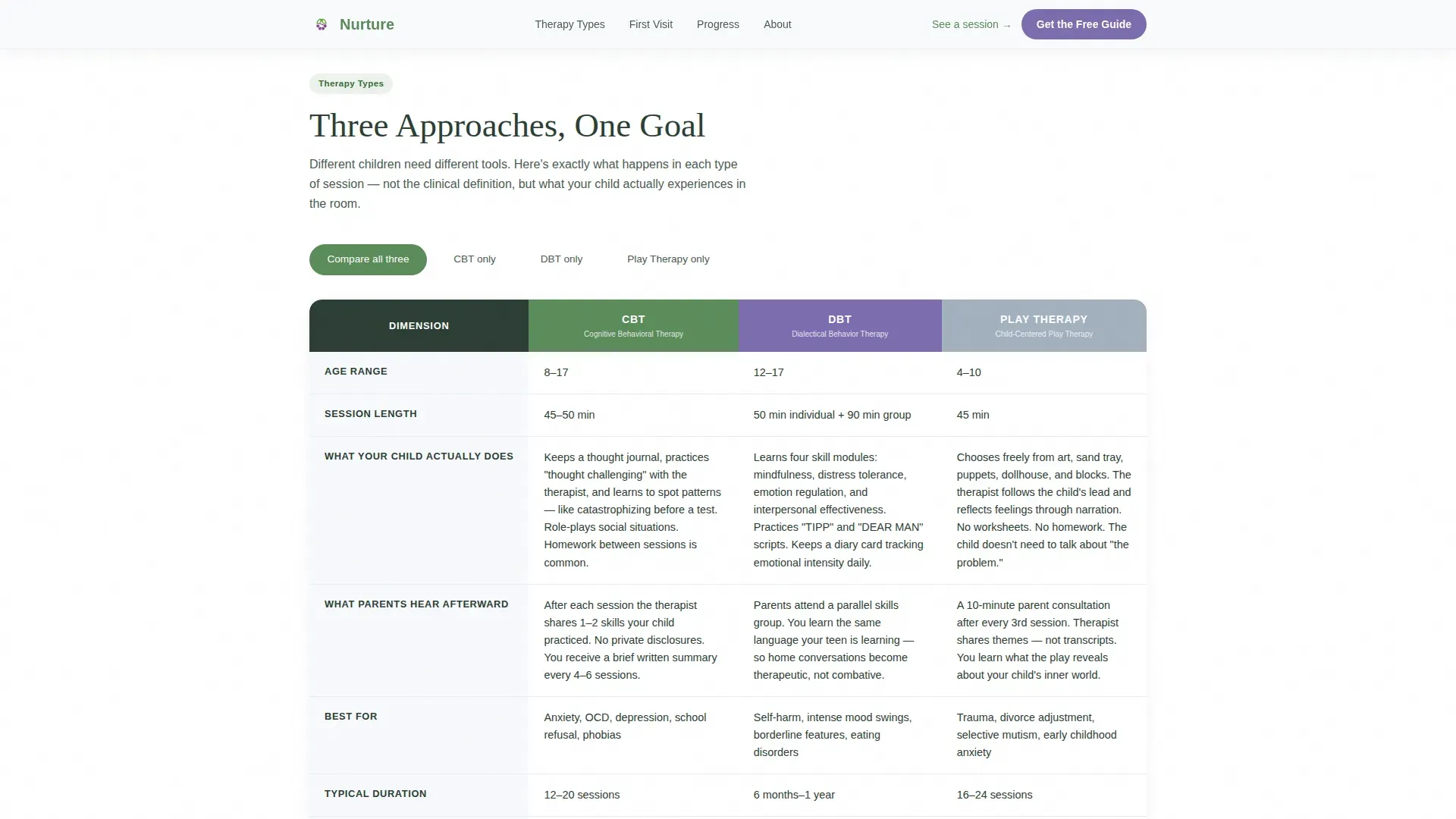
- Three therapy-type comparison tables covering age ranges, session lengths, in-room activities, and parent feedback expectations
- A lead-capture form tied to a personalized downloadable guide, with a child age-range selector
Feature list
This template is built with a specific set of interactive and editorial features drawn directly from the practice's educational mission.
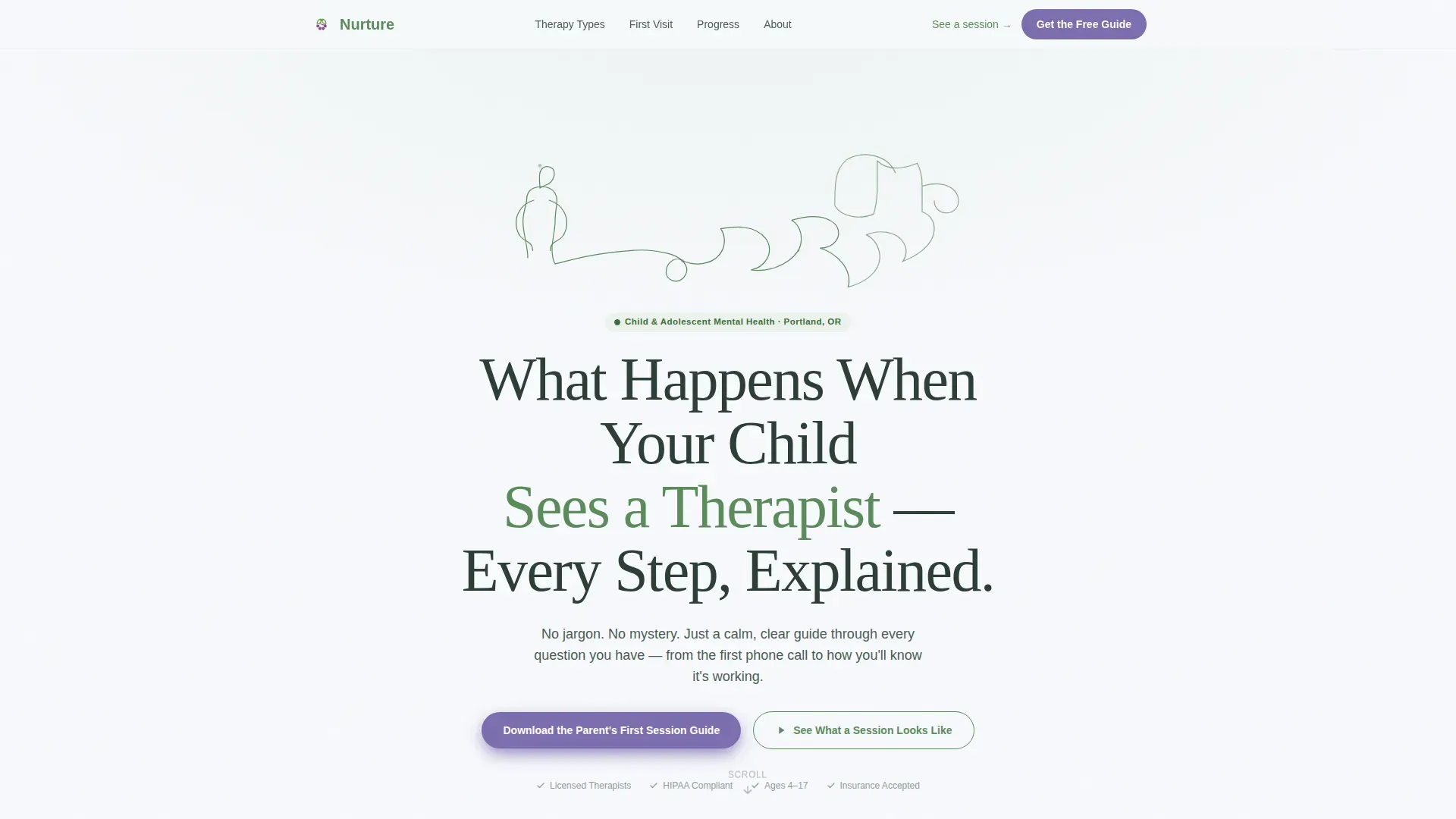
Animated SVG Line-Art Hero
A continuous single-weight line drawing traces a child's silhouette into a family scene over four seconds. The animation draws itself stroke by stroke using SVG path animation, creating a calm, unhurried first impression that sets the tone before a single word is read.
Therapy Types Comparison Tables
A tab-switching interface presents Cognitive Behavioral Therapy, Dialectical Behavior Therapy, and play therapy side by side. Each tab shows age ranges, typical session lengths, what the child does during the session, and what parents can expect to hear afterward. Rows animate in with a staggered scroll-triggered reveal.
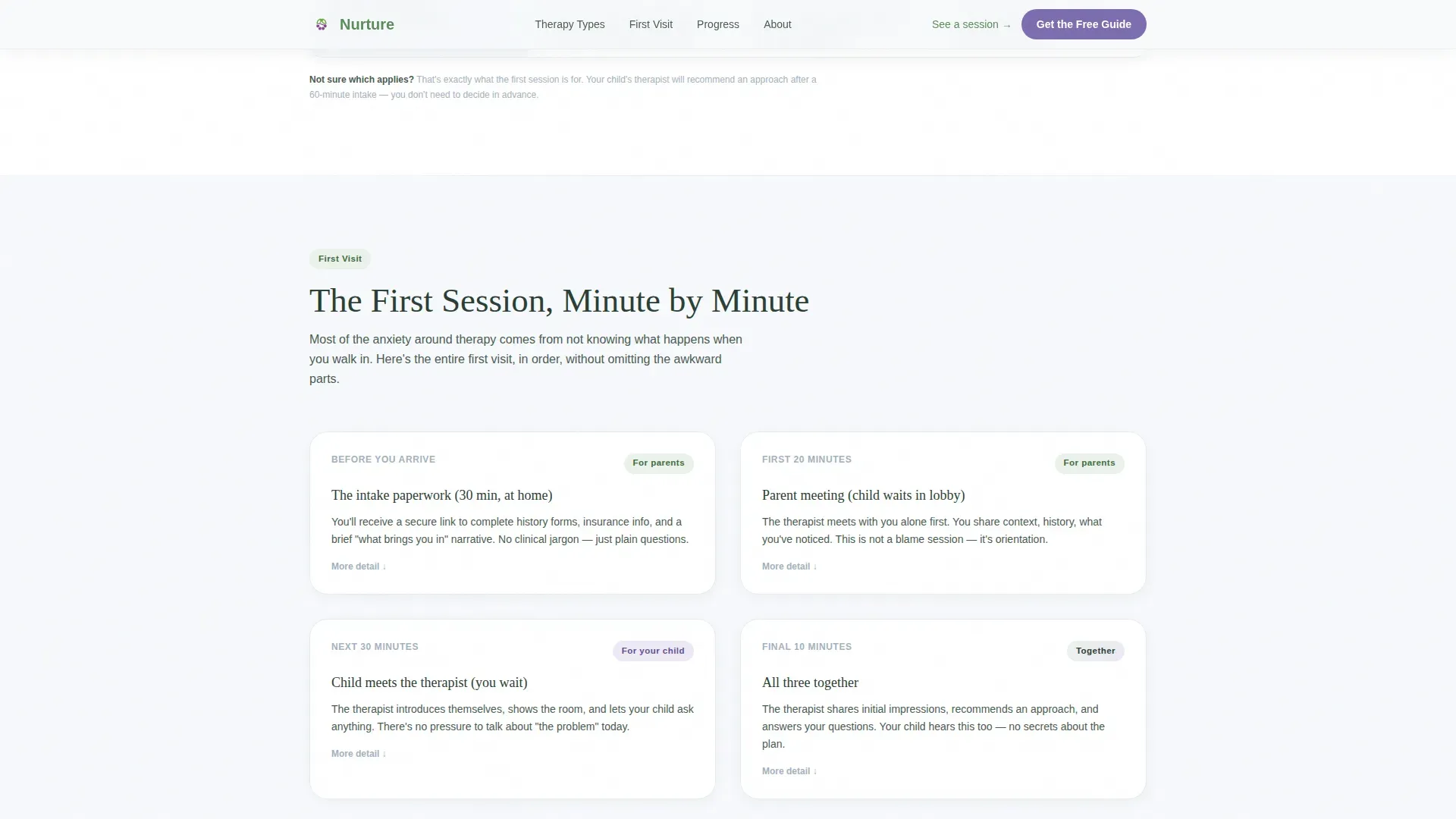
First Visit Logistics Section
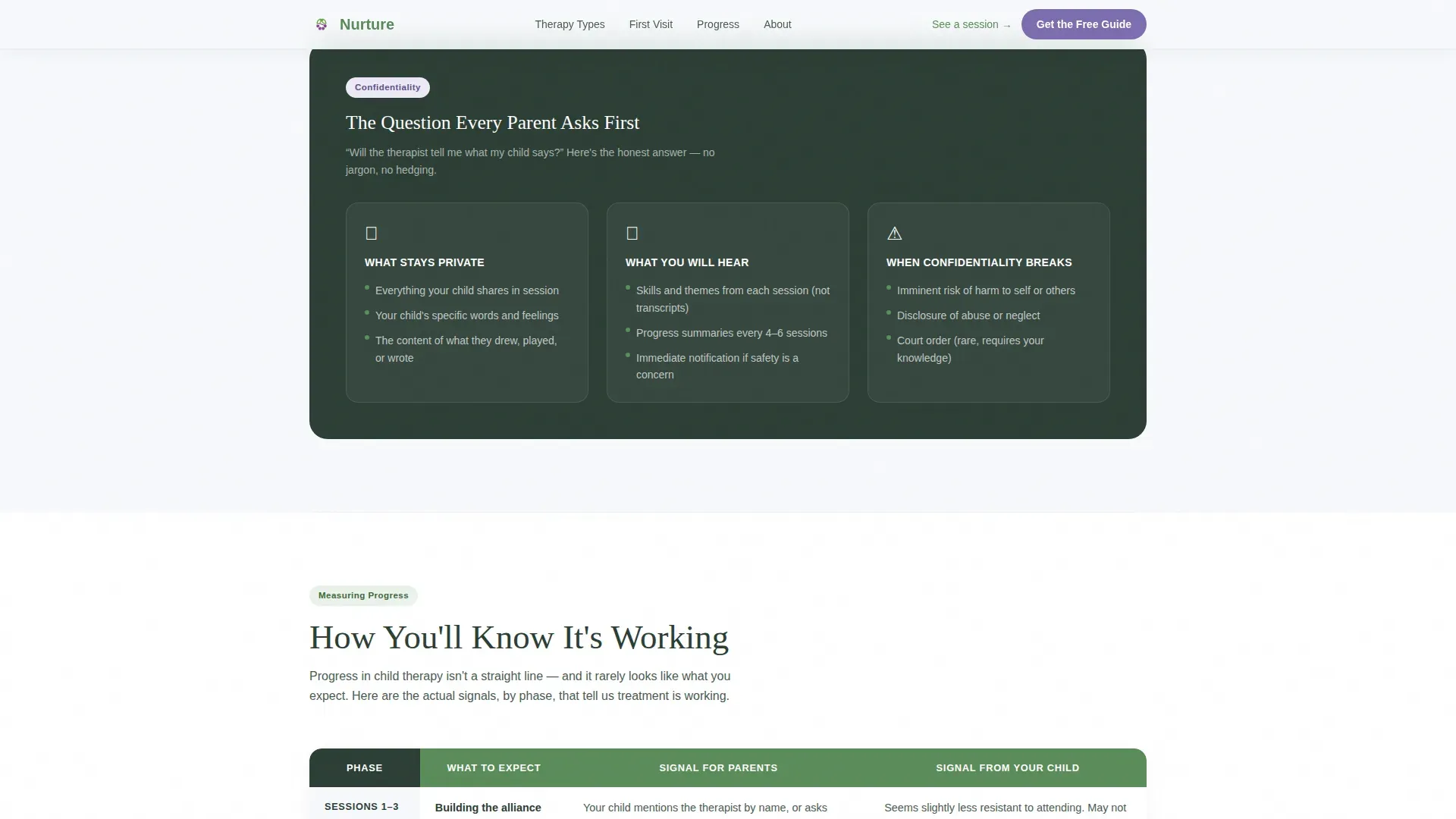
A dedicated page section covers the practical details families need before they arrive: what happens in the waiting room, how confidentiality works with minors, and what the child is actually asked to do in the first appointment. This section removes the logistical mystery that often delays first contact.
Progress and Milestones Section
This section explains how improvement is measured over time and when parents are looped back in. It covers the rhythm of parent check-ins and clarifies when and how medication conversations are initiated and who typically starts that discussion.
Personalized Lead-Capture Form
The primary call to action offers a downloadable Parent's First Session Guide in exchange for a first name and email address. An optional child age-range selector (under 8, 8 to 12, or 13 to 17) personalizes the PDF the visitor receives, making the guide immediately relevant rather than generic.
Narrated Session Walkthrough Link
A secondary call-to-action button links to a narrated video walkthrough showing what a typical session looks like. This path serves visitors who prefer to watch rather than read and gives adolescents a low-pressure way to build familiarity.
Page sections overview
| Section | Purpose |
|---|---|
| Hero with animation | Introduce the practice and set a calm, reassuring tone |
| Therapy types comparison | Compare CBT, DBT, and play therapy side by side |
| First visit logistics | Explain what happens on day one from arrival to exit |
| Progress and milestones | Show how improvement is tracked and communicated |
| Download call to action | Capture name and email with a personalized guide offer |
| Footer | Provide practice contact details and trust signals |
Design & branding system
The visual identity follows an Educational Guide theme using an Alpine Fresh color palette. The overall feel is warm and editorial, like a guidebook you wish had existed months ago.
- Pine green (#5B8C5A) dominates content backgrounds, wildflower violet (#7C6DAF) is reserved for interactive highlights and call-to-action states, river stone gray (#A3B1BF) structures tables and dividers, and alpine white (#F7F9FC) provides generous breathing room between sections
- Typography pairs Fraunces serif headlines with DM Sans body text, balancing warmth with clean readability
- The line-art header is drawn in pine green on white, reinforcing the calm, hand-crafted editorial tone throughout the page
Mobile & speed optimization
This template is built mobile-first because its primary audience reaches the page on a phone in a parking lot after a pediatrician appointment. Every layout decision prioritizes small-screen legibility and thumb-friendly interaction.
- Comparison tables are horizontally scrollable on small screens so no information is hidden or truncated
- Scroll-triggered animations and staggered table-row reveals use Client Components, keeping static content lean through Server Component architecture
- The lead-capture form is minimal by design: first name, email, and one optional selector keep the tap count low for mobile users
How this template helps you convert
The page earns its conversion by giving away clarity before asking for anything. By the time a visitor reaches the form, they already feel informed, not sold to.
- The therapy comparison tables and first-visit logistics section answer the questions that normally prevent families from making contact, removing the hesitation that kills conversions on standard practice pages.
- The downloadable guide offer is positioned after several sections of free, substantive information, so the form feels like a natural next chapter rather than a gate blocking access to help.
Other information about this template
This template is tailored specifically to the child and adolescent mental health niche. It is designed for B2C therapy practices that serve families, not enterprise or clinical-network contexts.
- Parent testimonials with first name and city can be placed alongside trust signals such as licensed credential badges
- The footer follows a linear single-row pattern, keeping the page exit clean and uncluttered
- The template is localized for English-language audiences in the United States, using US date format and USD currency references where applicable
- Social proof placements are built into the layout so practices can add real parent quotes without restructuring the page
Theme
Educational Guide
Creative direction
Transparent Process
Color system
Alpine Fresh
Style
Comparison Table
Direction
Content/Resource
Page Sections
Animated SVG Line-art Hero
Therapy Types Comparison Tables
First Visit Logistics Section
Progress and Milestones Section
Personalized Lead-capture Form
Narrated Session Walkthrough Link
Related questions
Who is this landing page template designed for?
Can I customize the therapy types shown in the comparison tables?
How does the personalized guide download work?
Is the animated hero difficult to adapt to a different visual style?
What trust signals does this template include?



