Dog Professional Website Template
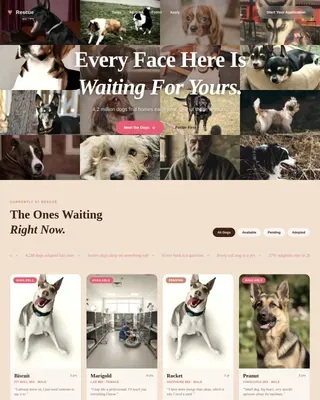
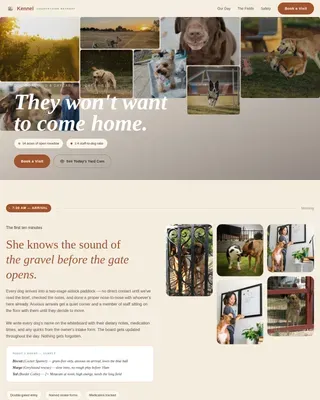
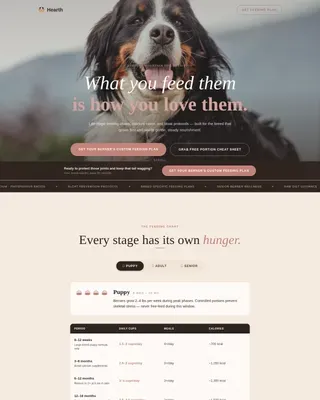
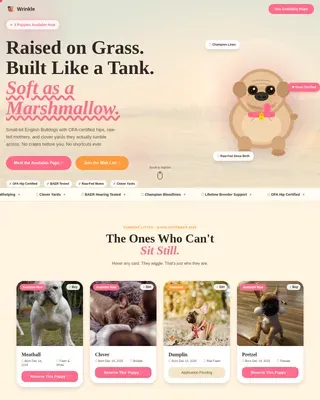
Pack is a masonry-style landing page template built for dog social media and community platforms. It features a custom illustrated header, an endless scrolling photo grid, and a two-step profile creation lightbox. The Soft Mist color palette and Playful Geometric visual theme keep the focus on the dogs while nose-pink interactive accents guide visitors toward signing up.
by Rocket studio
Quick summary
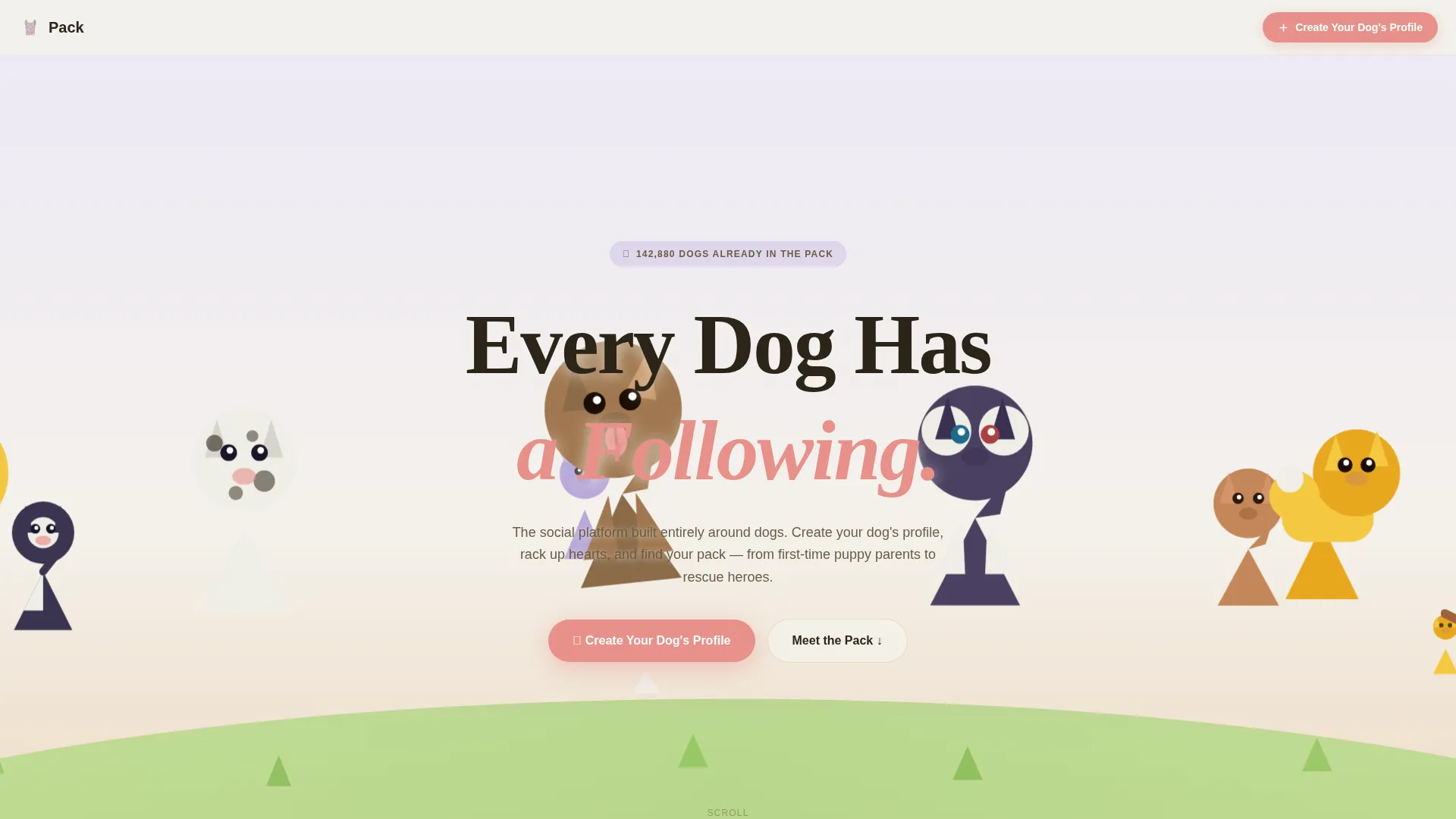
Pack is a single-page, lead generation landing page template designed for dog community platforms. It opens with a full-viewport custom illustration, flows into a live-fed masonry photo grid, and closes conversions with a floating "Create Your Dog's Profile" button. The palette is soft, warm, and built to let dog photos shine.
Who this template is for
This template suits anyone building or growing a dog-centered social community online. It works equally well for solo creators launching a niche platform and for organizations driving adoption or engagement.
- First-time puppy parents who want a beautiful home for their dog's photo journey
- Rescue organizations looking to turn shelter portraits into shareable adoption stories
- Multi-dog household enthusiasts running breed fan pages or community accounts
What problem this template solves
Most generic social platform landing pages feel cold and brand-forward. Dog community audiences respond to warmth, personality, and proof that other members are already having fun. This template puts the dogs front and center from the first scroll.
- Visitors leave quickly when a page feels like a product pitch instead of a community invite
- Standard grid layouts flatten the energy that dog photo feeds naturally carry
- Generic sign-up flows feel like work; this template makes profile creation feel like a game
What you get with this template
You get a complete, ready-to-customize landing page built around a masonry community gallery flow. Every section is purpose-built to lower sign-up friction and raise emotional buy-in before the visitor even sees a form.
- A full-viewport custom illustration header with parallax cursor movement
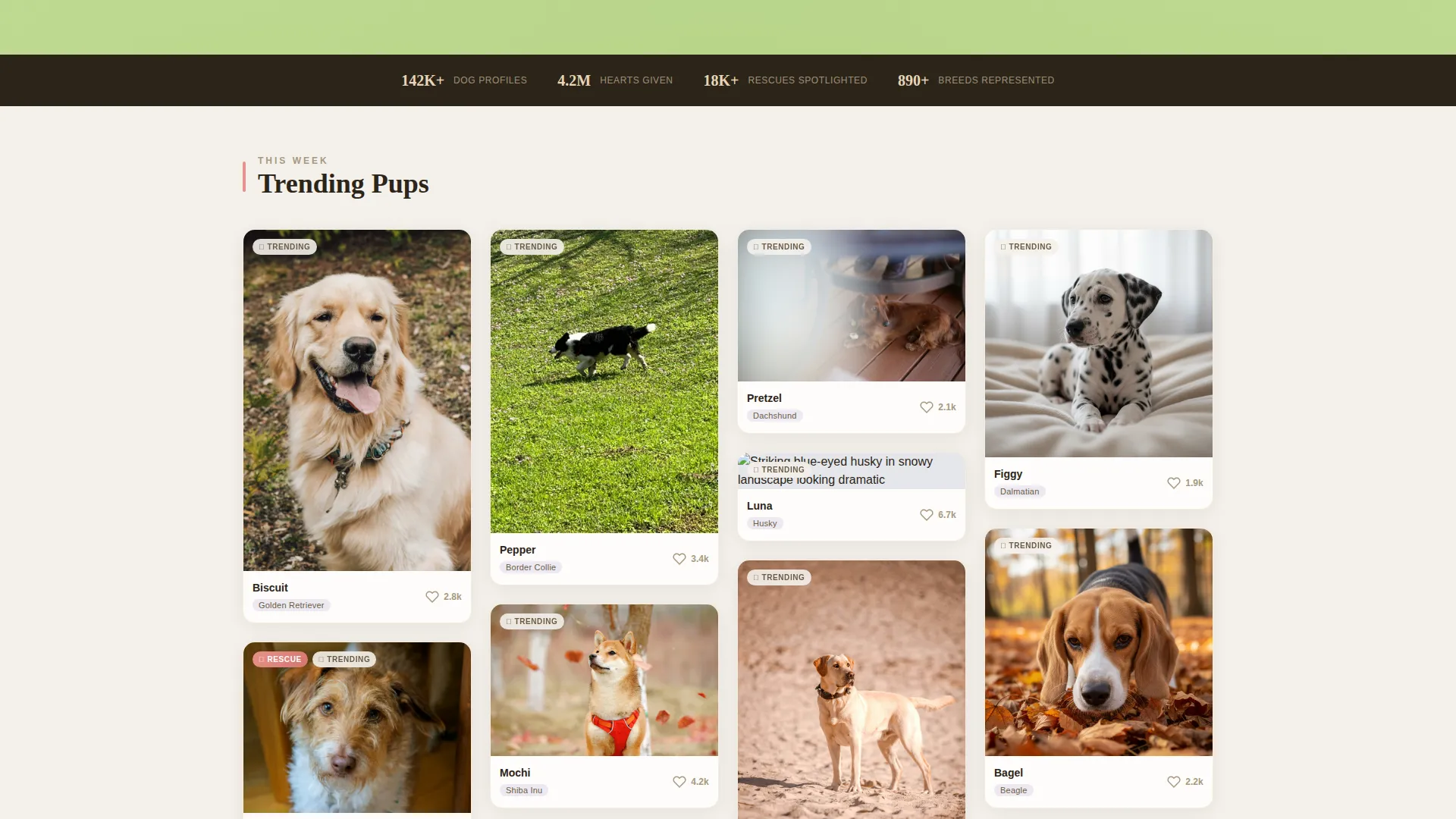
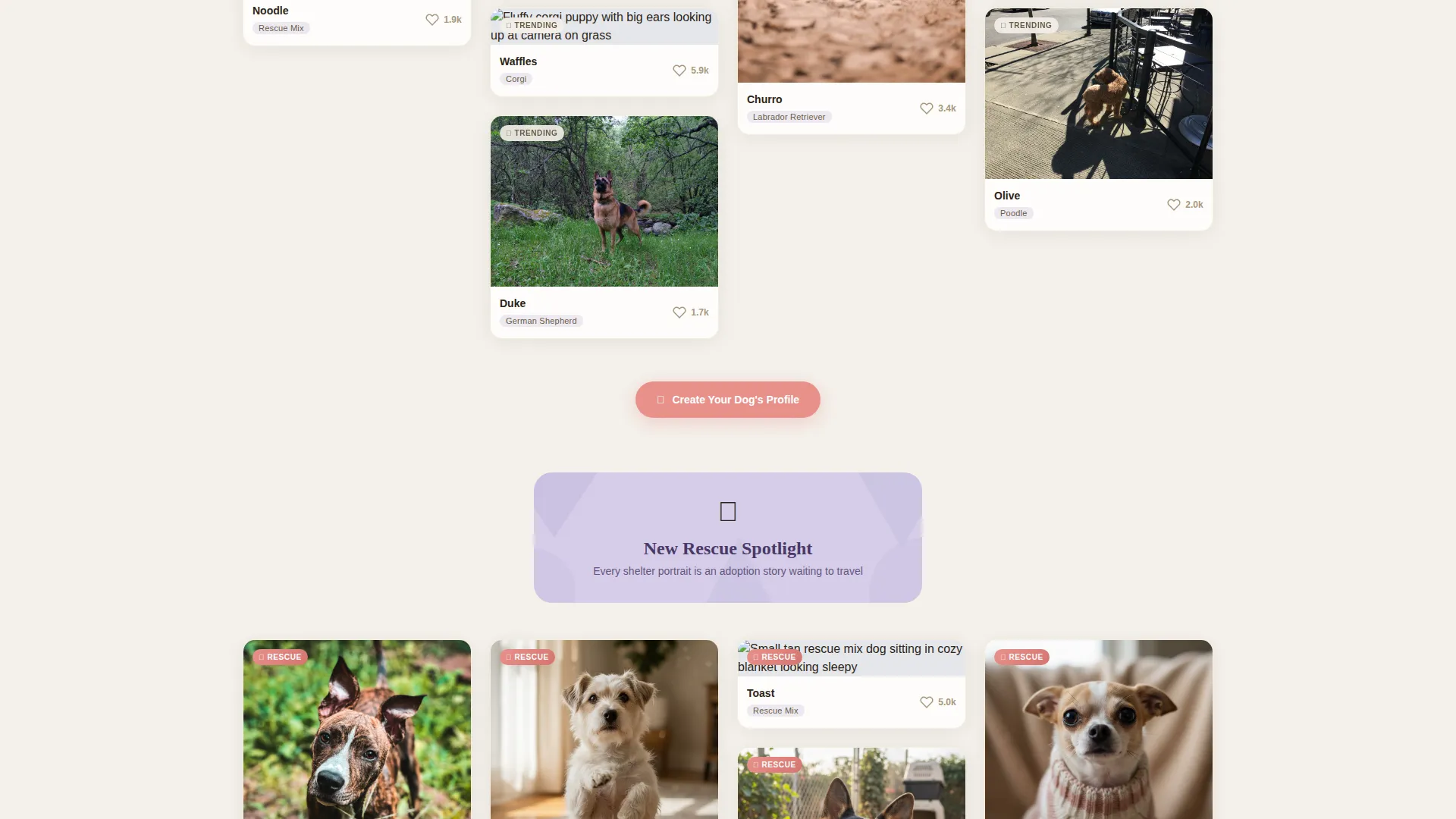
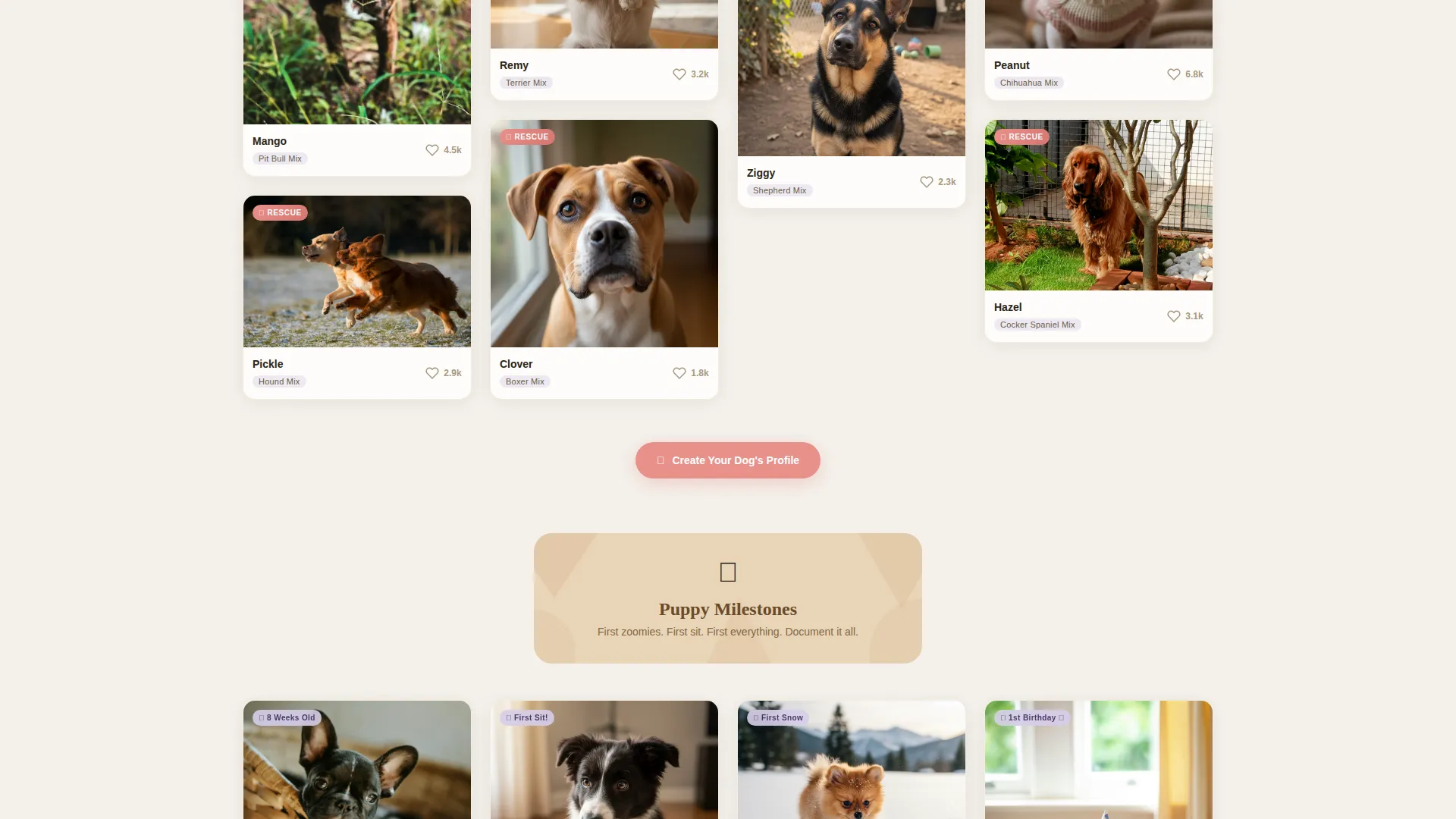
- A live-fed masonry grid organized into themed clusters: Trending Pups, New Rescue Spotlight, and Puppy Milestones
- A two-step lightbox sign-up form with an illustrated breed selector and newsletter opt-in checkbox
Feature list
This landing page delivers a focused set of visual and interaction features drawn directly from its dog community brief.
Full-Viewport Illustrated Header
A sprawling geometric-style scene fills the entire header area. Dozens of dogs rendered in soft angular shapes and rounded triangles tumble across the viewport. Foreground dogs shift subtly as the cursor moves, giving the mural a living, parallax depth without heavy animation overhead.
Endless Masonry Photo Grid
The gallery section uses a Pinterest-style masonry layout to display member-uploaded dog photos. Each card is slightly rounded with a soft mist drop shadow and tagged with the dog's name, breed, and heart count. The grid never visually ends, keeping visitors scrolling through curated clusters.
Themed Gallery Cluster Dividers
Between each gallery cluster, a small geometric illustration divider introduces the next content theme. This keeps the infinite scroll from feeling monotonous and signals to visitors that the community has real depth and variety.
Floating Profile Creation Button
A nose-pink "Create Your Dog's Profile" button appears as a floating element after the first scroll and repeats between gallery clusters. The placement ensures the primary call to action stays visible without interrupting the browsing experience.
Two-Step Lightbox Sign-Up Form
Clicking the profile creation button opens a two-step lightbox. Step one collects the dog's name, breed via an illustrated breed selector, and a single photo upload. Step two asks for the human's email and includes a checkbox to join the weekly Top Dogs newsletter.
Soft Mist Color System
The palette uses cloud white, morning fog lavender, warm biscuit, and a nose-pink accent. These four tones create a watercolor-wash backdrop that lets dog photos read clearly while keeping the page itself warm and inviting.
Page sections overview
| Section | Purpose |
|---|---|
| Illustrated Header | Opens the page with a geometric dog mural and the hand-lettered headline "Every Dog Has a Following" |
| Trending Pups Grid | Displays the first masonry cluster of top-performing community dog photos this week |
| New Rescue Spotlight | Highlights shelter dogs and adoption stories to engage rescue-focused visitors |
| Puppy Milestones Cluster | Groups early puppy content to resonate with first-time dog owners |
| Floating call to action Button | Keeps the "Create Your Dog's Profile" action visible throughout the scroll journey |
| Two-Step Lightbox | Handles profile creation and newsletter opt-in in a minimal, illustrated form flow |
Design & branding system
The visual identity follows a Playful Geometric theme. Every element, from the header illustration to the gallery card shadows, uses the same soft, pastel-polygon language so the page reads as one cohesive experience.
- Color palette: cloud white (#F4F1EB), morning fog lavender (#D5CDE8), warm biscuit (#E8D5B7), nose-pink accent (#E8918B)
- Typography anchor: a hand-lettered headline style in the header paired with clean, readable body type throughout the gallery
- Geometric decorative language: flat but dimensional polygon shapes, tiny floating hearts and stars, and rounded card corners carried consistently across sections
Mobile & speed optimization
The masonry grid and parallax header are designed to adapt gracefully to smaller screens. Card layouts reflow naturally, and the floating button remains accessible without obscuring content on compact viewports.
- Masonry grid reflows to a single or double column on mobile screen widths
- The floating call to action button repositions to stay thumb-friendly at the bottom of the mobile viewport
- The two-step lightbox fits within a standard mobile screen without horizontal scrolling
How this template helps you convert
The conversion strategy here is built into the content experience itself. By the time a visitor has scrolled past dozens of real dog profiles, joining feels like a natural next step rather than a sales ask.
- The masonry gallery acts as live social proof, showing visitors that the community is active, warm, and full of dogs worth following before any sign-up prompt appears.
- The floating nose-pink button maintains gentle, persistent visibility across the entire scroll journey so the sign-up action is never more than one tap away.
- The two-step lightbox breaks the form into a dog-first step and a human-second step, making the process feel fun and low-stakes rather than transactional.
Other information about this template
Pack sits inside the Pet and Animal category with a Dog Services subcategory focus. It is specifically built for the Dog Social Media and Community niche, making it a tight fit for platforms where the pet is the content creator, not just the subject.
- Template style: Masonry and Pinterest-style layout
- Creative direction: Community Gallery
- Header concept: Custom Illustration
- Landing page direction: Lead Generation
- Intersection match score: 13, indicating a strong alignment between template style, niche, and conversion goal
- This template works well for community launches, waitlist pages, and soft-launch campaigns where building an early member base is the primary goal
Theme
Playful Geometric
Creative direction
Community Gallery
Color system
Soft Mist
Style
Masonry/Pinterest
Direction
Lead Generation
Page Sections
Full-viewport Illustrated Header
Endless Masonry Photo Grid
Themed Cluster Dividers
Floating Profile Creation Call to Action
Two-step Profile Lightbox
Soft Mist Color System
Related questions
Can I change the color palette to match my own brand?
Does the masonry grid support live photo uploads from members?
Can a rescue organization use this template for an adoption page?
Are both steps of the lightbox sign-up form editable?
What is the difference between this landing page and a full social media platform?