Strategic Land Banking Landing Page Template
Parcel is a split-screen landing page template built for strategic land investment firms. It pairs oversized data statistics with corresponding parcel imagery, guides visitors through a patient scroll rhythm, and closes with a scheduling flow that qualifies leads before the calendar opens. The warm stone palette and mosaic header create immediate visual credibility for a long-horizon investment offer.
by Rocket studio
Quick summary
Parcel is a single-page template designed for land acquisition and investment firms. It opens with a nine-image photo mosaic, leads every section with a bold statistic, and drives visitors toward a 30-minute land review consultation. The layout is unhurried by design, matching the patience that long-horizon land investing requires.
Who this template is for
This template was built for firms and advisors who acquire land parcels ahead of urban growth and present that opportunity to private investors. It speaks directly to clients who have real capital but want tangible, land-backed alternatives.
- Land banking firms managing parcels across active growth corridors
- Real estate investment advisors targeting mid-career professionals with idle capital
- Small boutique operators who need a polished, credibility-first landing page without a full web build
What problem this template solves
Most investment landing pages either look too corporate or too generic. A land investment firm needs to communicate patience, proof, and place all at once. Visitors arrive skeptical and leave without booking because nothing earns their trust quickly enough.
- No compelling way to show acreage data and parcel imagery side by side
- No structured path from curiosity to a qualified consultation booking
- No design language that feels as grounded and deliberate as the investment thesis itself
What you get with this template
You get a complete, section-led landing page ready to be filled with your firm's parcels, statistics, and calendar link. Every visual and structural decision supports one goal: moving a cautious, capital-ready visitor toward scheduling a conversation.
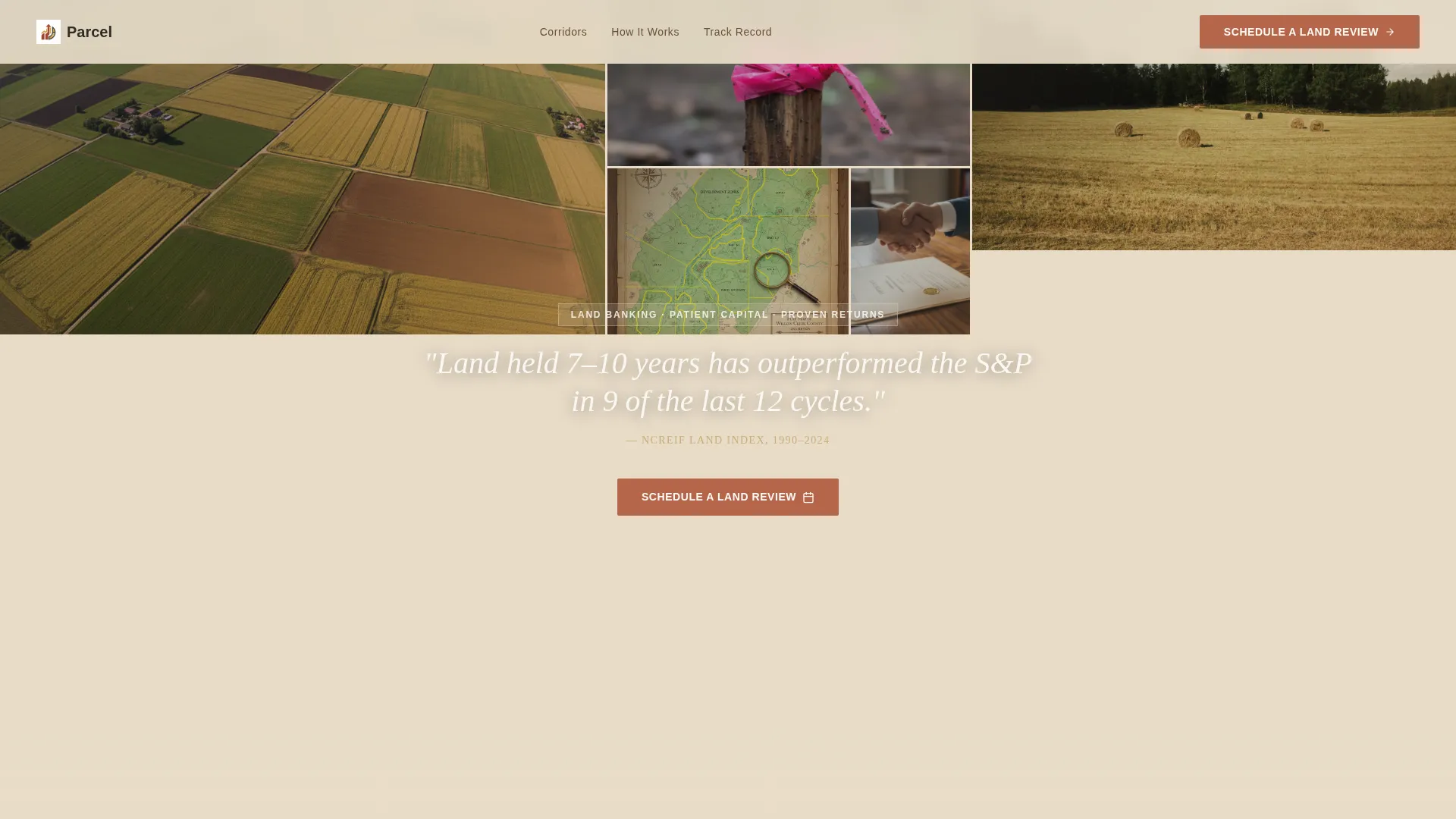
- A nine-image photo grid mosaic header with a delayed headline statistic overlay
- Repeating split-screen sections pairing large typographic numbers with parcel photography
- A primary scheduling flow with a qualifier form and an embedded calendar, plus a secondary gated PDF download path
Feature list
A paragraph summarizing this section: The template packages several focused components that work together to build trust and drive bookings from a skeptical but interested audience.
Photo Grid Mosaic Header
Nine unevenly cropped photographs tile edge to edge across the full viewport. The grid includes aerial parcel shots, survey stake close-ups, county plat maps, and sunset fence-post silhouettes. A single statistic fades in over the mosaic after an initial beat of pure imagery.
Stats-First Split Screen Sections
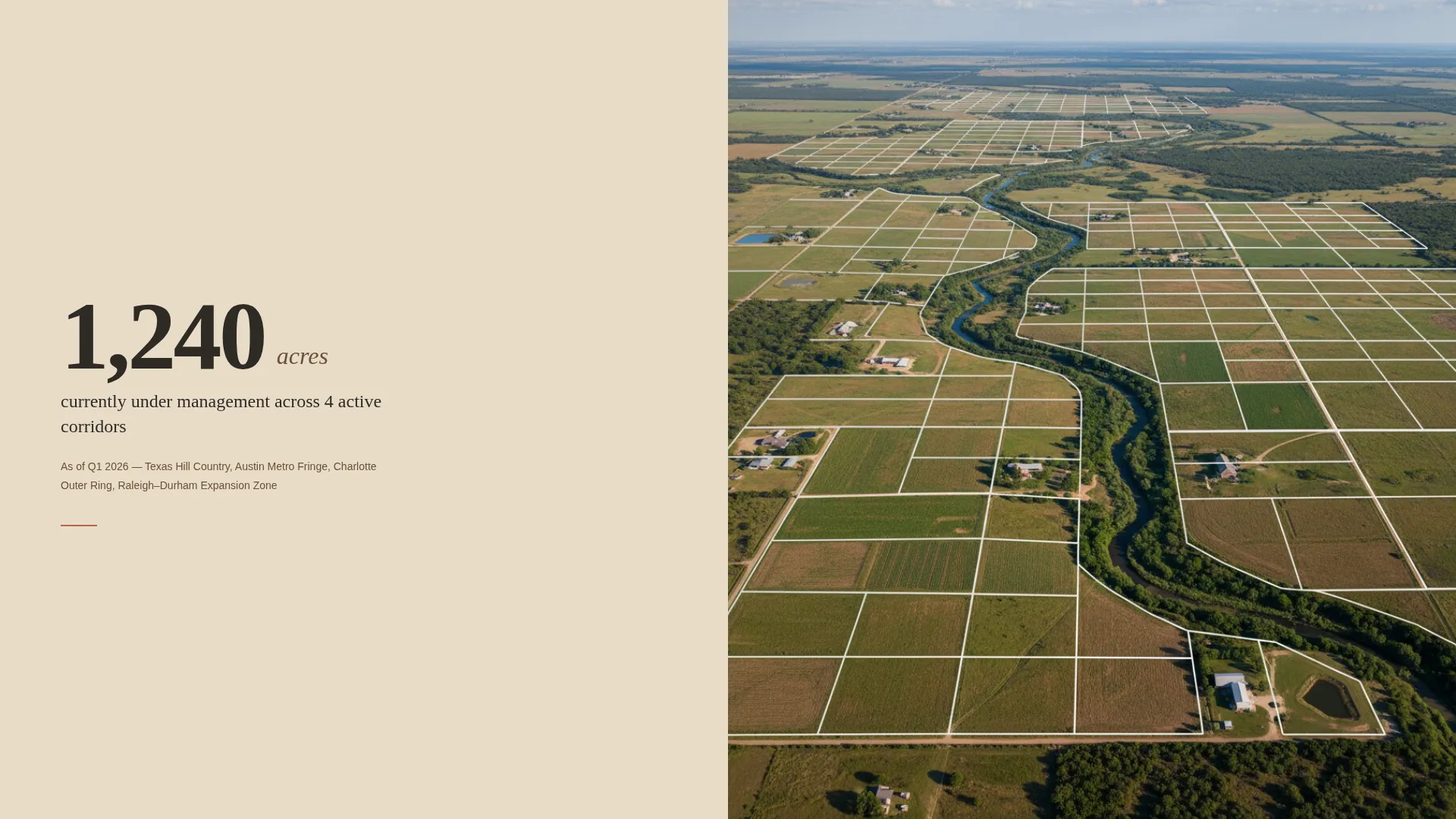
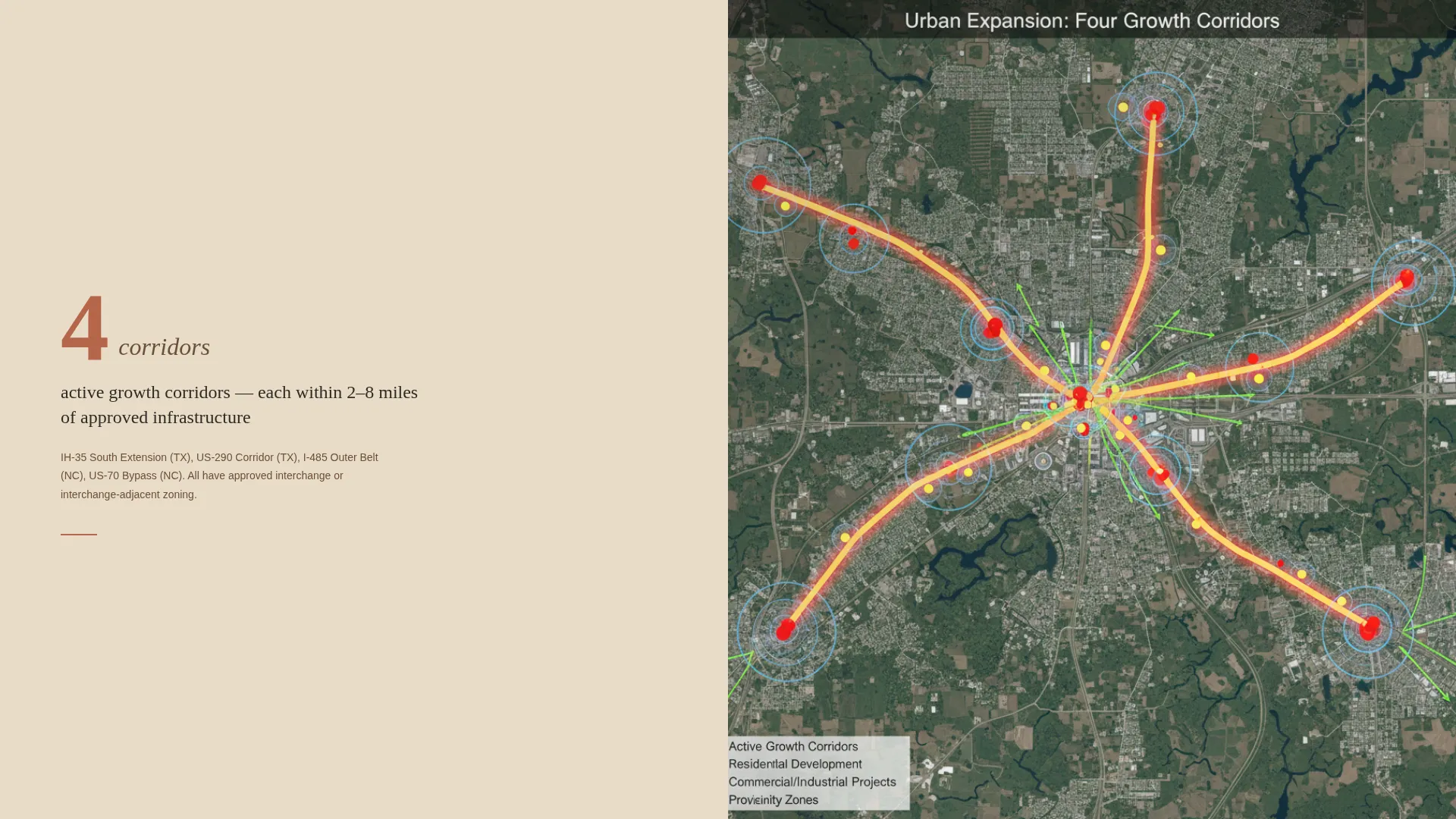
Each scroll section leads with an oversized numeral in fence-post charcoal before any explanatory copy appears. The left panel holds the data figure; the right panel shows the corresponding parcel photograph or development timeline map. The rhythm escalates from national land trends down to a specific parcel a visitor could enter by the end of the week.
Qualifier Form and Embedded Calendar
The primary call to action opens a short qualifier form before the calendar appears. Visitors select an investment range across four brackets, choose a timeline horizon of 3, 5, 7, or 10 or more years, and answer a single open question about their biggest hesitation. The calendar then offers 30-minute consultation slots.
Repeating Terracotta Call-to-Action Placement
The "Schedule a Land Review" button appears first beneath the header statistic and repeats after every second section. Consistent terracotta color marks every clickable commitment point without visual noise.
Gated Parcel Prospectus Download
A secondary conversion path offers a downloadable parcel prospectus PDF. Visitors who want evidence before a conversation submit their name and email to unlock it. This catches leads who are not yet ready to book but are clearly interested.
Warm Stone Visual Identity
The full palette of sun-bleached limestone, freshly turned earth, dry prairie grass gold, and deep fence-post charcoal runs consistently across every section. Limestone washes backgrounds, earth tones anchor headlines and data figures, grass gold highlights key statistics, and terracotta marks every action point.
Page sections overview
| Section | Purpose |
|---|---|
| Photo Mosaic Header | Opens with nine land photographs and a fading statistic overlay |
| Header call to action Block | Places the first "Schedule a Land Review" button beneath the stat |
| Macro Land Trends | Presents national land cycle data with oversized numerals |
| Acreage Under Management | Displays total acres managed alongside parcel imagery |
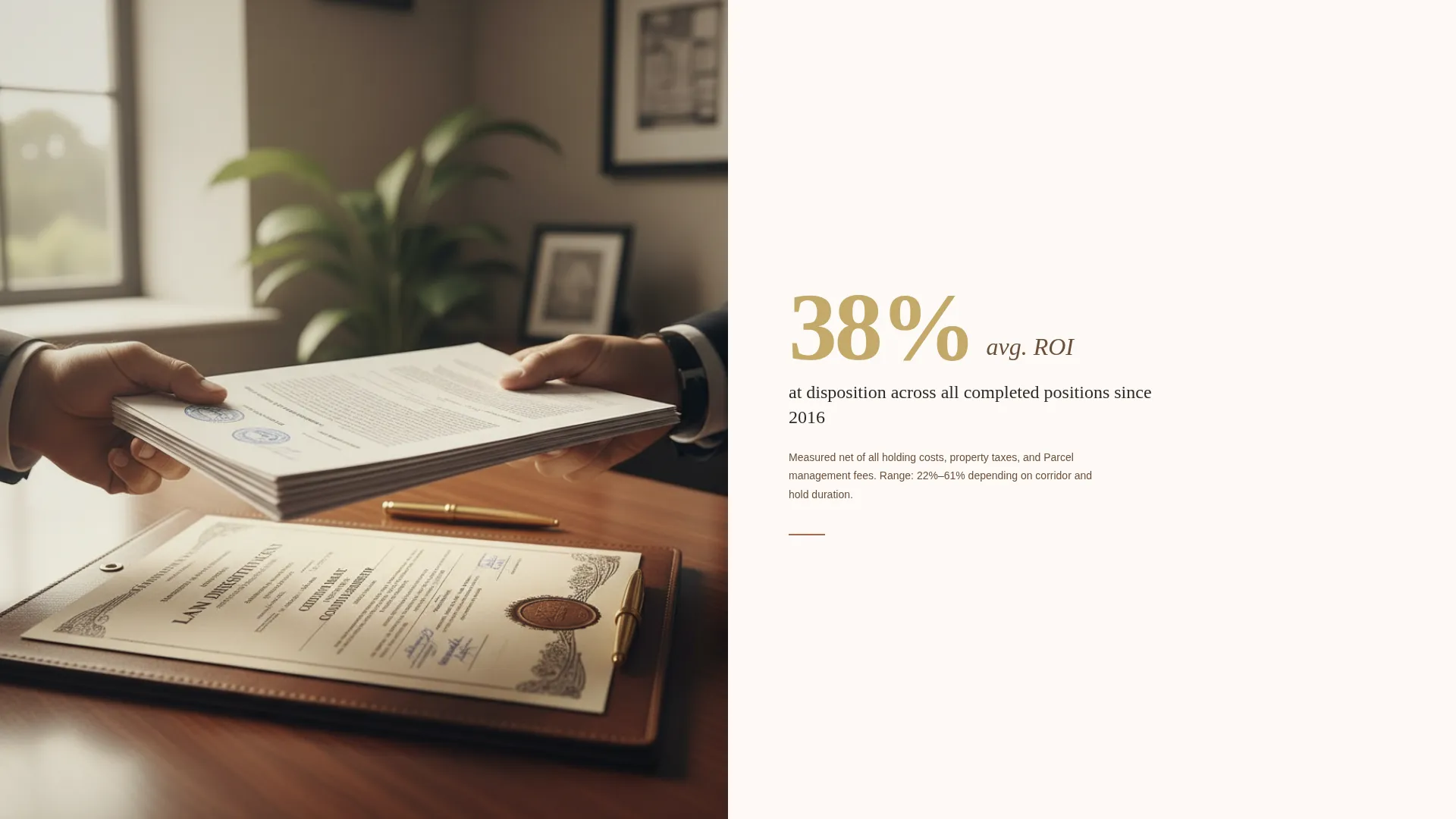
| Average ROI Stat | Shows disposition return figure with corresponding land photo |
| Active Growth Corridors | Maps four corridors with a development timeline visual |
| Specific Parcel Spotlight | Zooms into one investable parcel with satellite overlay |
| Qualifier Form and Calendar | Collects investment range, timeline, and hesitation before booking |
| Prospectus Download Gate | Captures name and email in exchange for the parcel prospectus PDF |
Design & branding system
The palette is built around a Warm Stone color system that feels tactile and unhurried. Every color choice has a structural job on the page, so the visual hierarchy is self-explanatory even before a visitor reads a single word.
- Limestone (#E8DCC8) washes across all section backgrounds; freshly turned earth (#6B4F3A) anchors headlines and large data figures
- Dry prairie grass gold (#C4A96A) highlights key statistics; deep fence-post charcoal (#2E2A25) carries all body text
- Muted terracotta (#B5654A) marks every call-to-action button, functioning like a clay survey stake driven into soft ground
Mobile & speed optimization
The split-screen layout and mosaic header are structured to reflow cleanly on smaller screens. The deliberate scroll pacing that defines the desktop experience carries over without sacrificing the stat-first impact on mobile viewports.
- Split-screen panels stack vertically on mobile so data figures and parcel images remain paired and readable
- The qualifier form fields and calendar embed are sized for comfortable thumb interaction on phones and tablets
How this template helps you convert
Every structural choice in this template moves a skeptical visitor one step closer to a booked consultation. The page does not rush; it earns confidence section by section.
- The mosaic header and opening statistic establish credibility before any pitch language appears, lowering the visitor's guard immediately.
- Each stats-first section adds a new layer of proof, moving from broad market data to a specific parcel the visitor could own a position in by next Friday.
- The qualifier form doubles as a disarming question and a lead-quality filter, so only genuinely interested prospects reach the calendar.
Other information about this template
This template is categorized under Real Estate Investment, with a focus on land banking and long-horizon parcel acquisition. It fits naturally within a gallery-plus-detail presentation style, where rich imagery and hard data work together rather than compete.
- The template follows a lead generation landing page direction, with every section oriented toward a single booked call
- The Pastoral Calm theme and gallery-style layout make it suitable for firms presenting parcels across Texas, the Carolinas, or any active growth corridor region
- The design system is fully self-contained, requiring no additional style libraries to maintain visual consistency across sections
Theme
Corporate Precision
Creative direction
Immersive Visual
Color system
Cloud Canvas
Style
Gallery + Detail
Direction
Lead Generation
Page Sections
Photo Grid Mosaic Header
Stats-first Split Screen Layout
Qualifier Form with Embedded Calendar
Repeating Terracotta Call to Action Placement
Gated Prospectus Download Path
Related questions
Can I add my own parcel photographs to the mosaic header?
How does the qualifier form work before the calendar?
Can I update the statistics shown in each split-screen section?
Is there a secondary option for visitors who are not ready to book a call?
What type of firm is this landing page best suited for?



