Veterinary & Animal Hospital Booking Website Template
Pastern is a single-column landing page built for a mobile equine veterinary practice. It guides horse owners through every phase of a farm call, from phone triage to follow-up, before asking them to book. The design pairs warm editorial typography with a clean clinical palette, earning trust through transparency rather than imagery.
by Rocket studio
Quick summary
Pastern is a landing page template for a mobile equine veterinary practice. It walks visitors step by step through a real farm call before presenting a booking option. The layout is single-column, scroll-driven, and built around process transparency. Warm typography and a restrained clinical palette give it the feel of a clean kit laid out on a wool blanket.
Who this template is for
This template is built for equine veterinary practitioners who travel to their clients rather than waiting for them at a clinic. It speaks directly to the way mobile vets actually work, and to the people who need them most.
- Broodmare managers and competitive riders who want a vet they can trust before they ever call
- Ranch owners and cattlemen who need a practitioner willing to work in a field, not just a stall
- Mobile equine vets ready to convert their online presence into booked farm calls
What problem this template solves
Horse owners are cautious. They need to trust a vet before committing to a call, especially for after-hours emergencies or high-stakes situations like a suspensory injury before a competition season. A generic veterinary website does not answer the question that actually matters: what exactly will happen when you show up?
- Visitors leave without booking because the process feels unclear or the practice feels anonymous
- Emergency contact information is buried, costing critical time during a colic or acute injury
- The practice's real competence never shows because the page leads with stock imagery instead of expertise
What you get with this template
You get a focused, scroll-driven landing page that puts the practice's process front and center. Every section is a single thought, paced like the vet moving through an appointment. The visitor arrives, reads, and understands, then clicks.
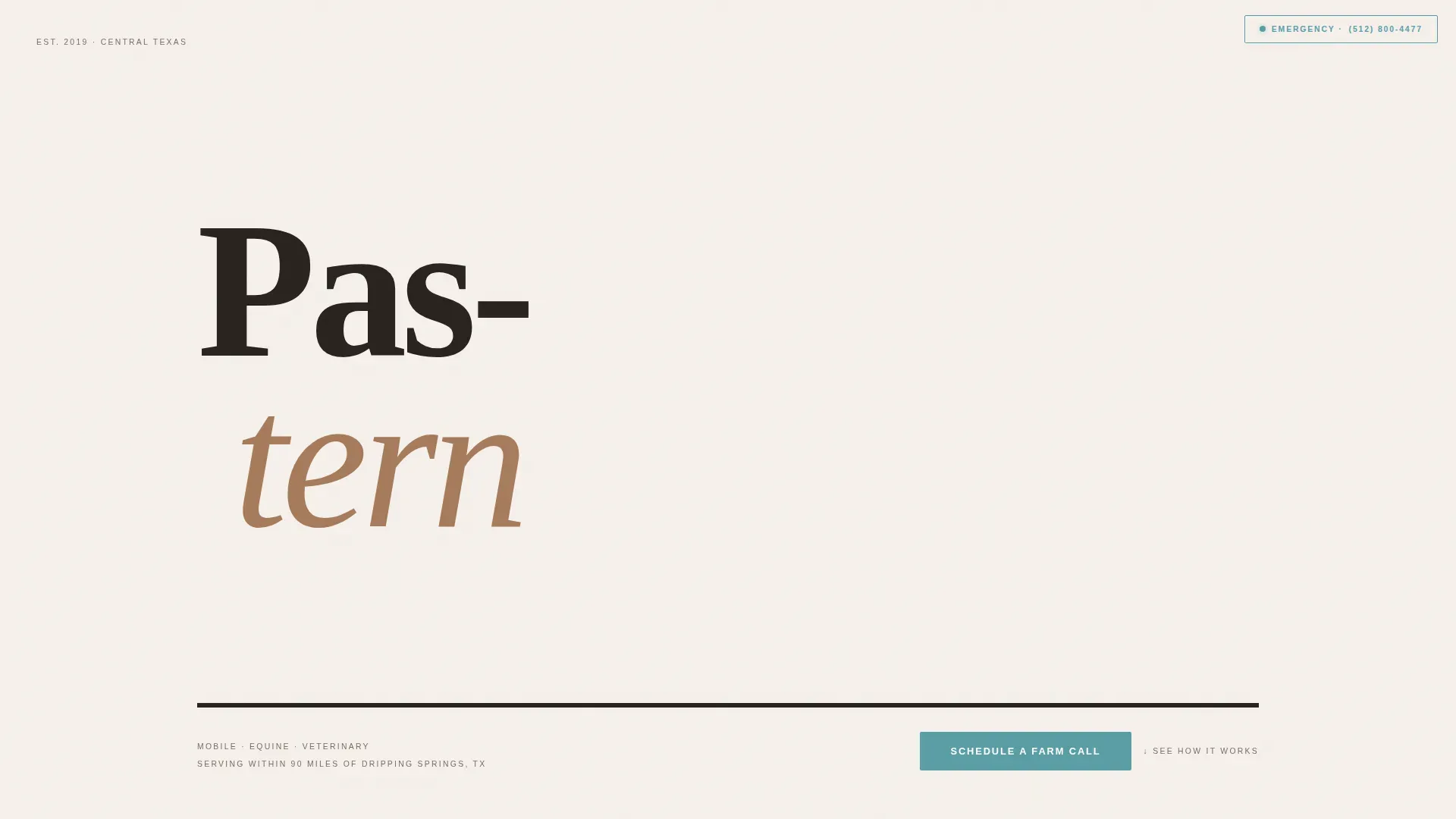
- A Stacked Type Tower hero with the practice name set in an enormous warm serif, the service radius, emergency number, and the three-word identifier displayed in small caps below
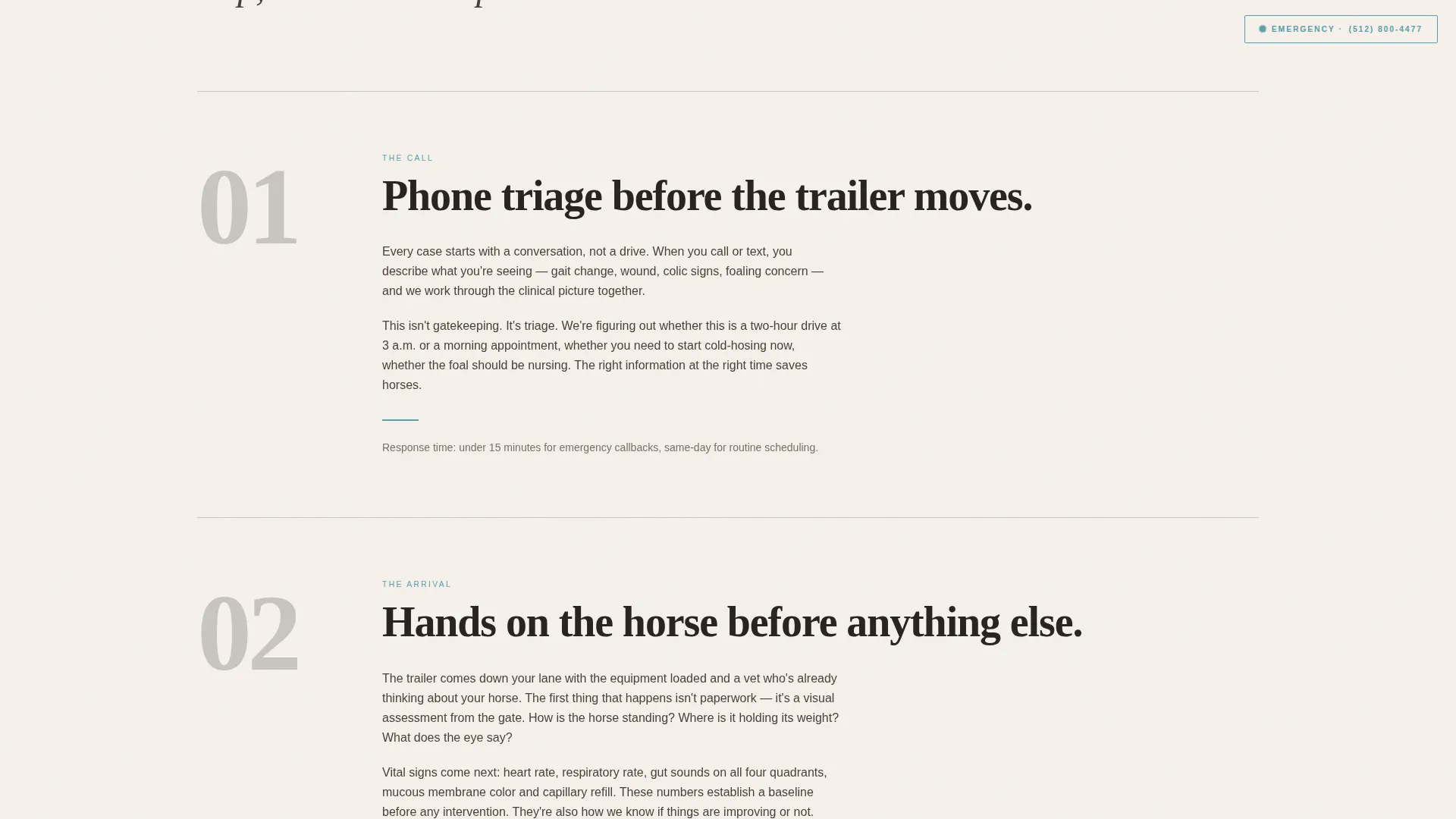
- Five content sections that walk through phone triage, arrival and assessment, diagnostics with named equipment, the treatment plan, and the follow-up protocol
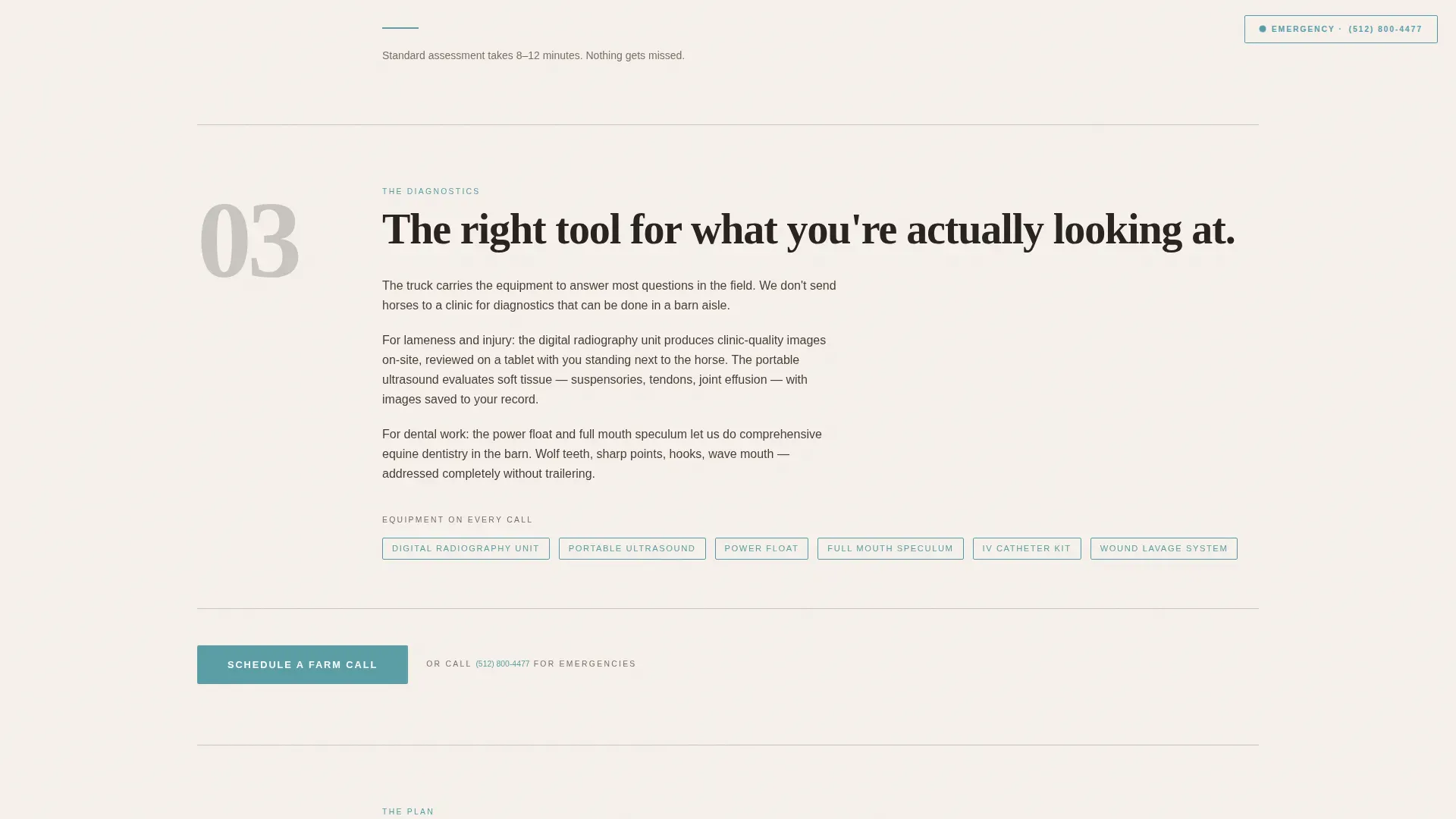
- Three placements of the primary call to action and a fixed emergency contact button so urgent calls never require scrolling
Feature list
A paragraph introduces the section here, grounding the features in what the template actually delivers for a mobile equine practice.
Stacked Type Tower Hero
The hero sets the practice name in an enormous Fraunces serif, each word on its own line filling the viewport like a barn door read top to bottom. No photograph competes. A single small-caps line below carries the service radius, the emergency number, and the label "MOBILE · EQUINE · VETERINARY."
Transparent Process Scroll Flow
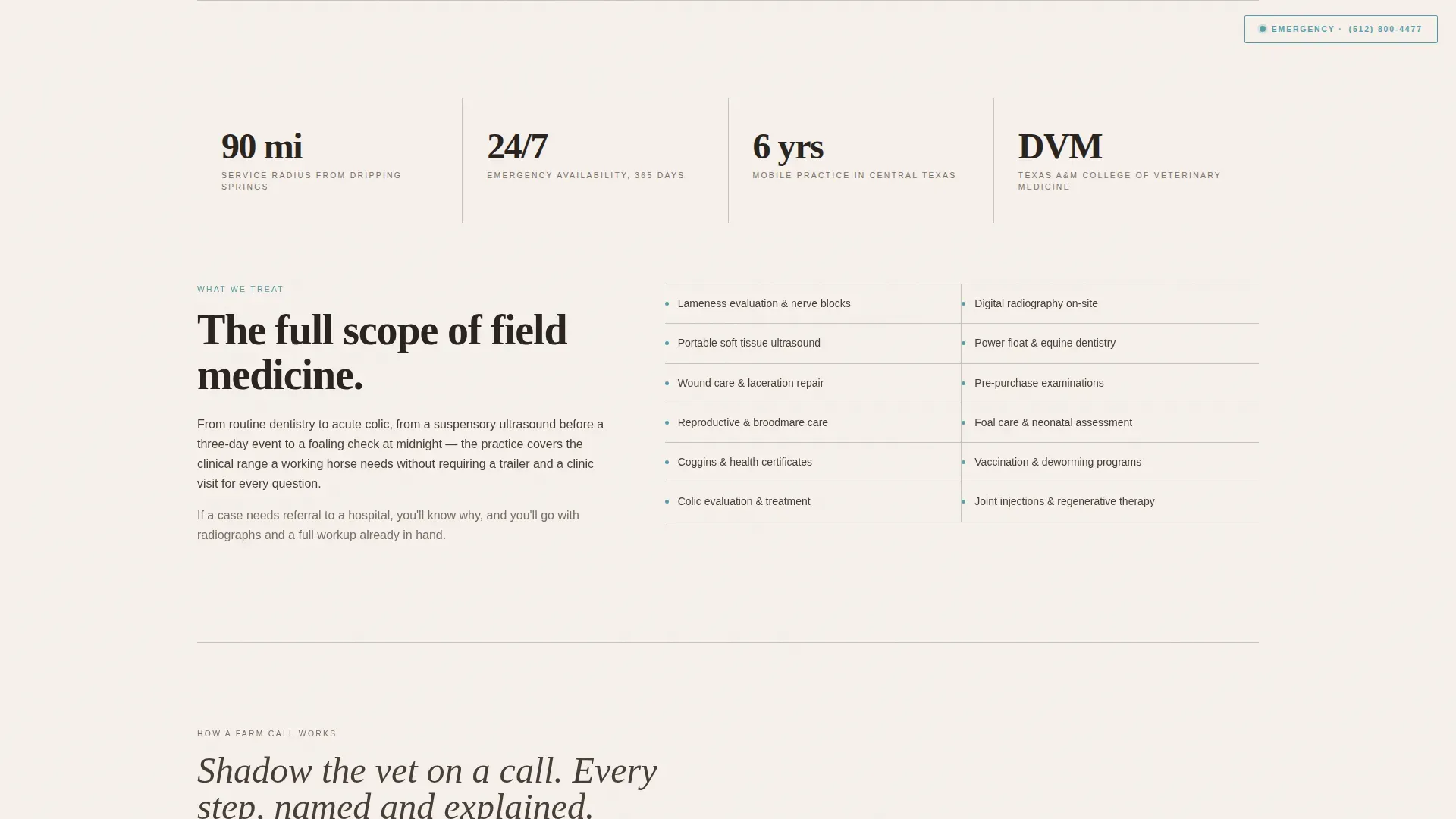
Five named sections, The Call, The Arrival, The Diagnostics, The Plan, and a closing call to action, guide visitors through every phase of a real appointment. Each section describes one moment in plain language, with actual tools named: digital radiography unit, portable ultrasound, and power float.
Fixed Emergency Call Button
A "Call Now for Emergencies" button with the direct mobile number stays anchored in the top corner throughout the entire scroll. It never disappears, because colic does not wait for a booking form.
Repeating Click-Through Call to Action
The primary call to action, "Schedule a Farm Call," appears in antiseptic teal below the hero, again after the diagnostics section, and once more at the page close. Each placement passes the visitor to a full booking page with date selection and a field to describe the horse's issue.
Healing Space Visual Design
The Cloud Canvas color system pairs soft barn white, worn halter leather, pasture fog gray, and a calm antiseptic teal reserved for buttons, links, and progress indicators. Fraunces handles all headings; DM Sans handles body text. Together they read as warm, clinical, and unhurried.
Scroll-Linked Section Reveals
Sections fade up as the visitor scrolls, with subtle parallax on section dividers. The animation pace matches the unhurried rhythm of the content, reinforcing the sense of watching competent hands work through a call from start to finish.
Page sections overview
| Section | Purpose |
|---|---|
| Hero Tower | Practice name, service radius, emergency number |
| The Call | Phone triage phase and what to expect |
| The Arrival | Initial on-site assessment process |
| The Diagnostics | Named equipment and diagnostic steps |
| The Plan | Treatment plan and follow-up protocol |
| Closing Call to Action | Final booking prompt and summary |
| Footer | Minimal horizontal contact and navigation |
Design & branding system
The visual identity follows a Healing Space theme. Every color choice and type decision reinforces the same tone: warm, precise, and unhurried, like the quiet moment after treatment when the horse drops its head to graze.
- Cloud Canvas palette: soft barn white (#F5F0EB), worn halter leather (#A67B5B), pasture fog gray (#C8C4BE), and antiseptic teal (#5B9EA6) reserved for interactive elements
- Typography pairing: Fraunces serif for all headings and the oversized hero; DM Sans for all body copy and navigation
- Generous whitespace between sections keeps each thought isolated and readable, preventing visual crowding on small screens
Mobile & speed optimization
Horse owners call from barns, check symptoms from a pasture gate, and ring in emergencies at 2 a.m. The template is built mobile-first so it performs where those users actually are.
- Single-column flow eliminates the layout shifts that slow mobile rendering and confuse thumb-driven scrolling
- Minimal JavaScript dependency keeps the page responsive on rural connections with limited signal
- The fixed emergency button remains accessible at all scroll depths, even on the smallest phone viewports
How this template helps you convert
This template earns the booking before it asks for one. The process sections do the convincing, so the call to action arrives at the moment the visitor already trusts the practice.
- Visitors read through a complete appointment narrative before any commitment is requested, which removes hesitation and answers the most common pre-booking questions
- Three teal call-to-action placements create natural off-ramps at the exact moments of peak trust: after the hero, after diagnostics, and at the close
- The fixed emergency button captures urgent callers who cannot wait for a scroll, turning time-sensitive visitors into immediate contacts
Other information about this template
This template is suited to equine veterinary practices in the United States operating in rural and agricultural regions. It is especially effective for practices that serve a mixed clientele across large geographic service areas.
- Template style: Single Column Flow, ideal for focused landing pages with one conversion goal
- Theme: Healing Space, designed to feel calm and clinical without sterile corporate styling
- Creative direction: Transparent Process, where the service explanation itself becomes the sales tool
- Animation level: Medium, with fade-up scroll reveals and subtle parallax on section dividers
- Footer pattern: Minimal horizontal layout (Vercel Horizontal style) with essential contact information
- Page type: Click-Through landing page that routes visitors to a separate booking page with date selection
Theme
Healing Space
Creative direction
Transparent Process
Color system
Cloud Canvas
Style
Single Column Flow
Direction
Click-Through
Page Sections
Stacked Type Tower Hero
Transparent Process Scroll Flow
Fixed Emergency Call Button
Repeating Click-through Call to Action
Healing Space Color and Type System
Scroll-linked Reveal Animations
Related questions
Can I update the service radius and emergency number in the hero?
Does the booking button link to an external scheduling page?
Is this template suitable for a practice that also treats cattle or small animals?
How does the fixed emergency button work on mobile?



