Intellectual Property Booking Website Template
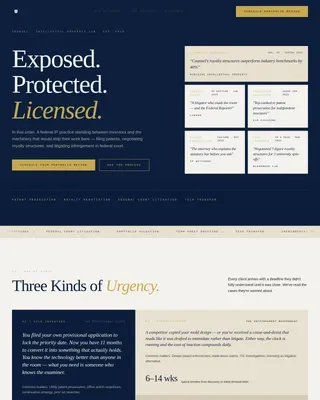
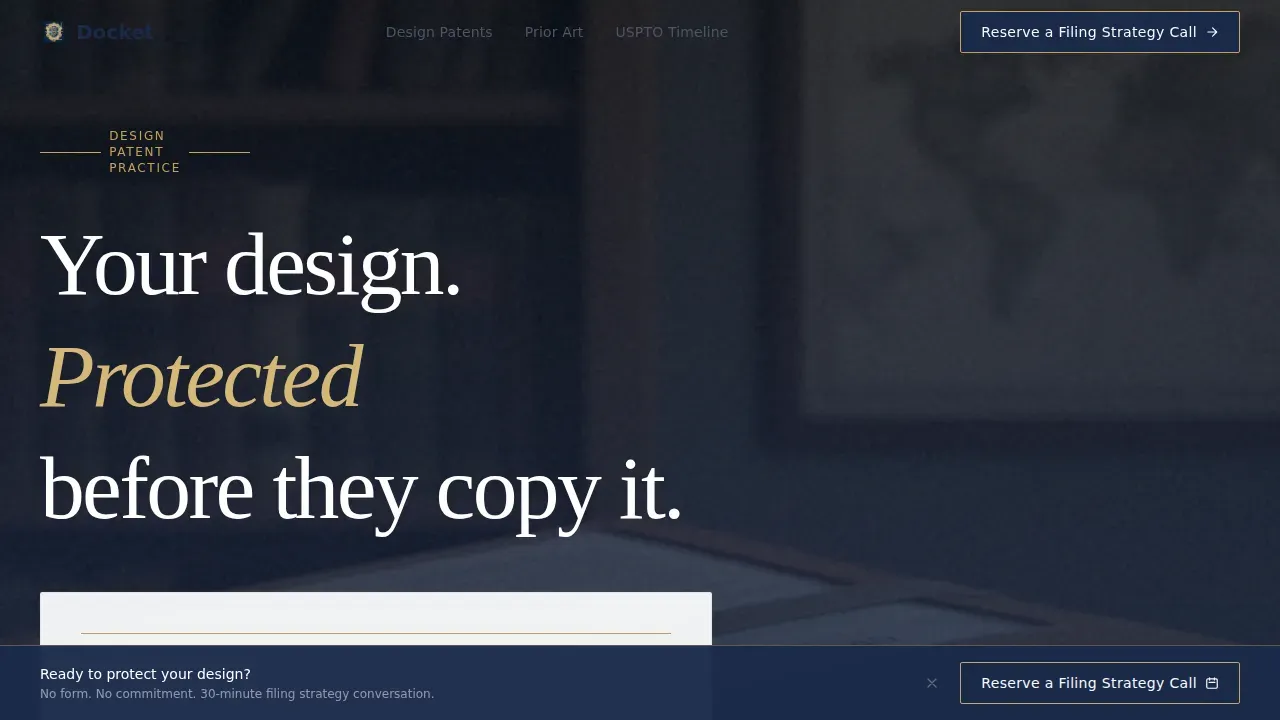
The Docket Ironclad Design Patent Attorney landing page template is a typographically driven, editorial-style single-page layout built for boutique intellectual property practices. It combines a testimonial-led hero, attorney-authored explainer panels, and a persistent call-to-action bar to move product designers, creative directors, and startup founders from curiosity to a booked consultation call.
by Rocket studio
Quick summary
Docket is a Click-Through lawyer landing page template crafted for design patent attorneys. It guides prospects through a curated scroll of expert-authored panels, trust-building testimonials, and USPTO-grounded insights. No form fields slow the process. Every section earns the click to schedule a filing strategy call.
Who this template is for
This template is built for boutique intellectual property practices that serve design-forward clients. It suits lawyers who want a website that feels as authoritative as a law review and as precise as a patent drawing. The template gives your team a ready-made system to present technical fluency with editorial confidence.
- Product designers at consumer electronics companies who need to file before a competitor does
- Creative directors at furniture and industrial design firms protecting signature aesthetic claims
- Startup founders who just finalized a prototype and decide they cannot wait another week
What problem this template solves
Most lawyer landing page designs feel like generic legal brochures. They fail to explain what a design patent actually does or why the drawings inside a patent application are its legal spine. Prospects arrive unsure, leave without contacting anyone, and the practice loses conversions before trust is ever established.
- Visitors cannot find a clear answer to basic questions like the difference between a design patent and a utility patent
- Standard pages bury the call to action, forcing prospects to search for next steps
- Generalist website layouts do not signal the specialized knowledge that design-focused clients expect from a firm
What you get with this template
You get a complete, editorial-style lawyer landing page designed to build trust through demonstrated fluency. The template structures every section as a piece of counsel, not a sales pitch, so prospects feel informed the moment they arrive. Your team can deploy the page, start editing copy, and begin receiving consultation requests without rebuilding anything from scratch.
- A testimonial-card hero with patent-office gold ruling lines, named VP attribution, and no imagery to distract
- Five fully structured page sections covering the hero, patent type explainer, prior art deep-dive, USPTO timeline, and final call-to-action panel
- A persistent bottom call-to-action bar, scroll-triggered, that keeps the booking prompt visible throughout the user journey
Feature list
This section details the core capabilities built into the template.
Editorial Testimonial Card Header
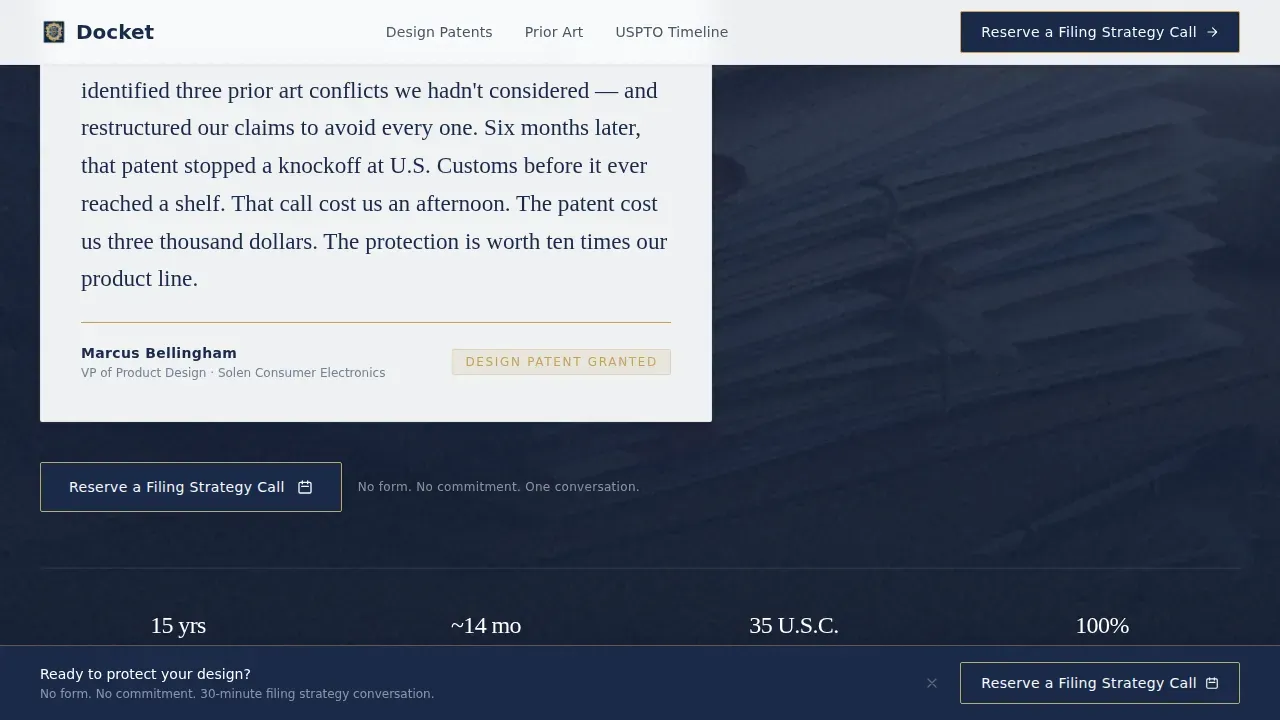
The hero opens with an oversized pull-quote panel set in serif type. A named VP of Product Design describes the moment their design patent stopped a knockoff at customs. Thin patent-office gold rules frame the card above and below on a glacial white field. Testimonials like this specifically mention the success of design patents in stopping competitors, which is exactly the trust signal that qualifies prospects instantly.
Attorney-Authored Expert Panel System
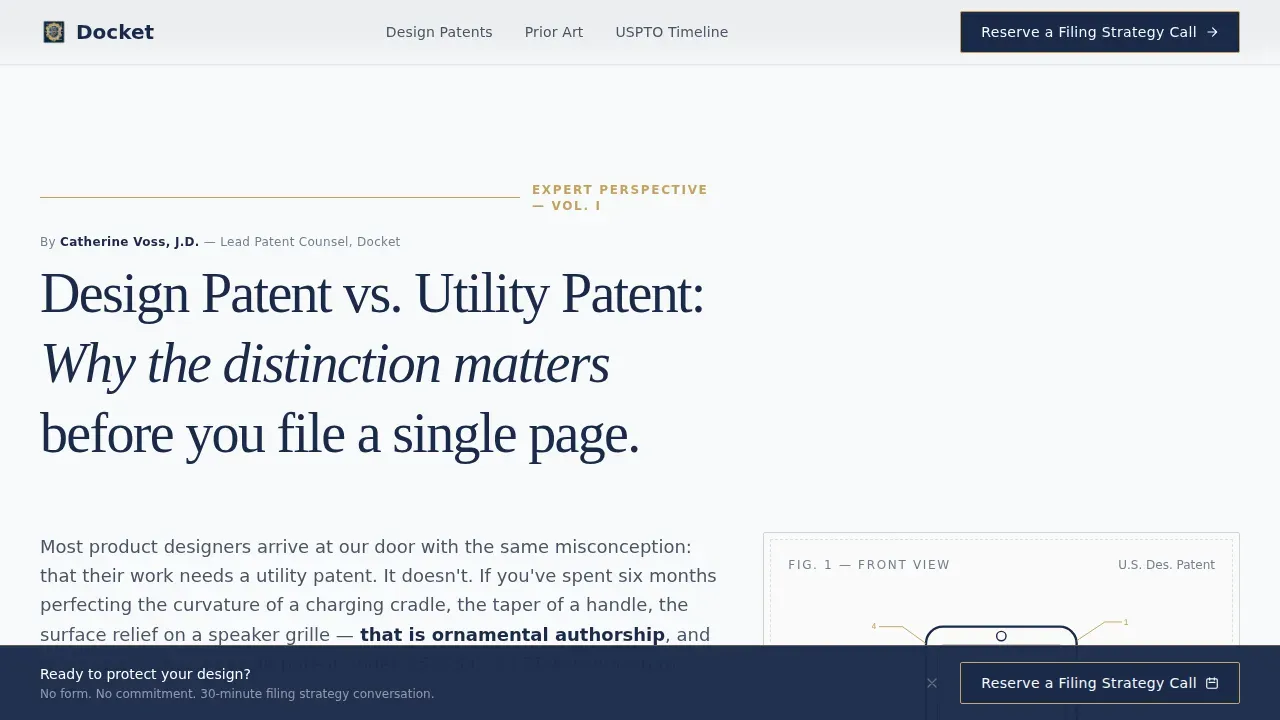
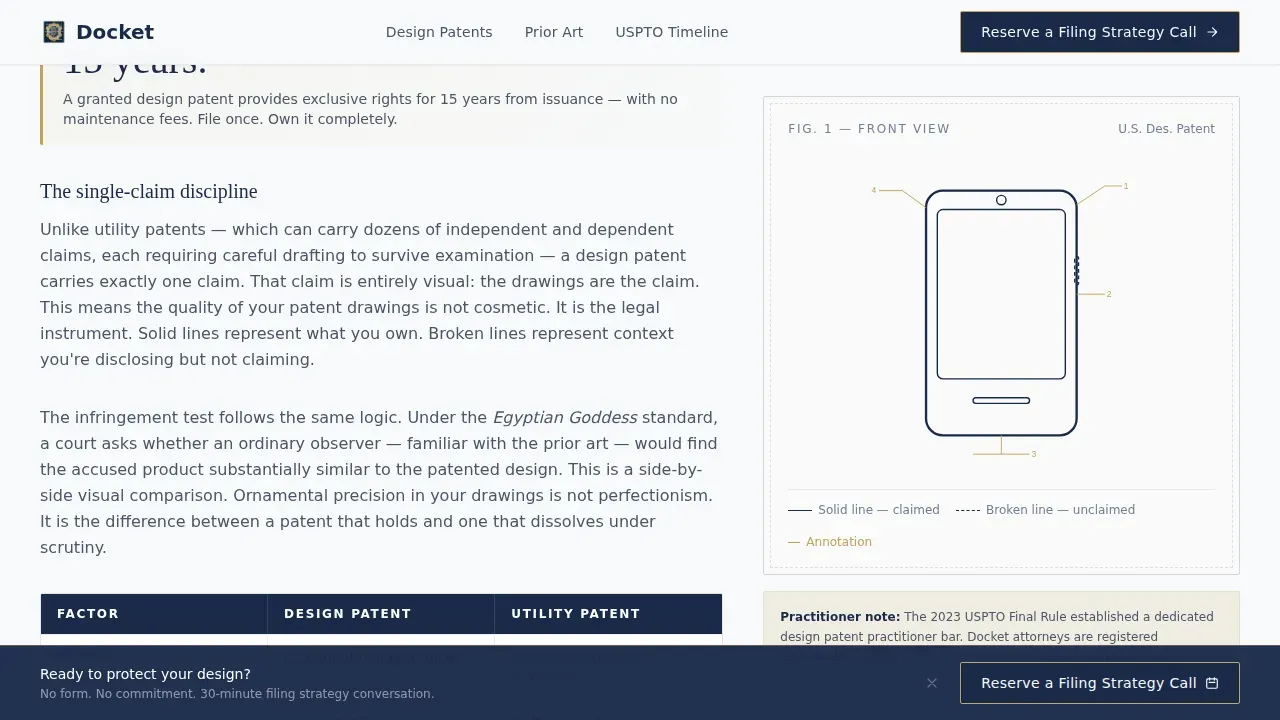
Each scroll section is introduced by a different attorney or technical illustrator from the firm. One panel explains what qualifies as a design patent versus a utility patent, including the critical point that drawings are the sole legal definition of a design patent. Another covers how prior art search actually works, with pull stats and an attorney byline. A third maps the USPTO examination timeline quarter by quarter. Each panel reads like a magazine feature column, complete with inline patent drawing reproductions and statutory cross-references.
Triple-Placement Call-to-Action Architecture
The primary call to action, "Reserve a Filing Strategy Call," appears first beneath the testimonial header, then again after the prior art search explainer, and finally as a persistent sticky bar after the visitor passes the halfway scroll point. There are no form fields on this page. Every call to action leads directly to a calendaring tool. This architecture keeps conversions focused on a single goal without distracting the user with unnecessary fields.
AI-Ready Draft and Document Support Context
The template is structured to explain how modern patent practices use ai tools to draft patent applications two to three times faster than traditional methods. AI can analyze hundreds of pages in seconds to assist in patent prosecution and can save three to six hours per office action through systematic analysis. The expert panel pages can reference these capabilities honestly, giving prospects context about how the firm manages speed and precision with ai-powered legal tools that maintain complete authorship throughout the drafting process.
Clickwrap-Compatible Legal Page Structure
The landing page layout supports the practical needs of a legal department managing standardized agreements. Clickwrap agreements allow legal departments to streamline contract acceptance by interacting with users directly on web pages. Snapshots capture visual evidence of agreements being signed and are stored for easy reference. The page structure keeps the legal team in control of documents without requiring additional engineering support after initial setup.
Scroll-Reveal Animation and Sticky Bar
The template uses a staggered blur-in entrance animation and scroll-reveal behavior to introduce each attorney panel with editorial weight. The sticky call-to-action bar activates after the midpoint scroll, keeping the booking prompt visible without interrupting the reading experience. An accordion-style frequently asked question section supports additional detail for prospects who want to review specific topics before they decide to contact the practice.
Page sections overview
| Section | Purpose |
|---|---|
| Hero Testimonial Card | Opens with named VP pull-quote framed by gold rules to build trust immediately |
| Design versus. Utility Explainer | Magazine column explaining the legal difference between patent types with inline drawings |
| Prior Art Search Panel | Attorney-authored deep-dive with pull stats on how prior art search actually works |
| USPTO Timeline Calendar | Quarter-by-quarter examination timeline authored by a technical illustrator |
| Final Call-to-Action Panel | Trust signal summary and primary booking prompt with firm credentials |
| Linear Footer | Single-row footer with essential contact and firm status details |
Design & branding system
The visual identity follows an Executive Suite theme built on an Arctic White color system. The palette reads like a freshly printed law review open on a marble desk: crisp, authoritative, and purposeful. Typography pairs Fraunces editorial serif headlines with DM Sans for body and user interface text, creating a combination that feels precise without being cold.
- Glacial white (#F8FAFB) background, deep briefcase navy (#1B2A4A) for primary text and structural elements, and patent-office gold (#C4A35A) reserved strictly for ruling lines, pull quotes, and call-to-action borders
- No decorative imagery in the hero; the testimonial card relies on words and type weight alone to create authority
- Inline patent drawing reproductions and annotated figures replace generic stock visuals throughout the expert panel sections
Mobile & speed optimization
The template is built desktop-first because the target audience works on large screens reviewing CAD files and technical documents. Static content relies on Server Components to minimize client-side overhead. Interactive elements such as the sticky call-to-action bar, accordion, and scroll-reveal animations use minimal Client Components to keep the page responsive.
- Smooth scroll behavior connects anchor links across all five main sections without jarring page jumps
- The persistent bottom call-to-action bar is designed to remain usable and visible on all viewport sizes without obscuring content
- Staggered blur-in entrance animations load section by section, ensuring the page feels immediate even as richer editorial content renders
How this template helps you convert
The template is built around a single conversion goal: move qualified prospects from reading to booking. Every structural decision supports that outcome without adding friction.
- The testimonial header puts social proof above the fold on the lawyer landing page, so the first thing a visitor reads is evidence that the firm has already stopped competitors from copying a client's protected design.
- The expert panel system proves technical fluency before any sales message appears, meaning prospects who reach the final call-to-action section have already received enough patent drawing annotations and statutory references to trust the practice.
- The triple-placement "Reserve a Filing Strategy Call" button, including the persistent bottom bar, ensures that whenever a prospect decides they are ready to act, the path to booking is never more than a scroll away.
Other information about this template
This template is listed in the Legal and Compliance category under the Intellectual Property subcategory, specifically matched to the Design Patent Attorney niche. It is part of a broader library of lawyer landing page templates designed to help legal practices build professional websites without starting from zero.
- The Docket Ironclad Design Patent Attorney landing page template is the reference model for this niche, combining editorial style with click-through execution in a single, focused page
- The template style is Editorial and Magazine, meaning its pages are typographically dense, authority-driven, and structured more like a law review article than a standard service brochure
- Teams can save significant time by using these templates as a starting point rather than commissioning a custom build; editing and writing are the primary tasks after deployment
- The template supports firms that want to pursue future expansion by adding more pages without rebuilding the visual system, since the Arctic White color models and Fraunces-plus-DM-Sans typography combination scale naturally across additional documents and web pages
- Lawyers who prefer to compare multiple layout models before committing can review the full template library to find the best match for their practice size and budget
- The page relies on demonstrated expertise as its primary trust asset, so the resources you invest in writing authentic attorney bylines and real patent drawing reproductions will determine how strongly it converts prospects into clients
- Clickwrap agreements implemented on related legal web pages allow your legal department to control contract acceptance without waiting for engineer support after the initial partnership setup is complete; changes to agreement text can be made by the team directly once the system is live and stored snapshots are available for reference
Theme
Executive Suite
Creative direction
Expert Panel
Color system
Arctic White
Style
Editorial/Magazine
Direction
Click-Through
Page Sections
Editorial Testimonial Card Hero
Attorney-authored Expert Panel Sections
Triple-placement Call to Action Architecture
Scroll-reveal Animation System
Executive Suite Typography Pairing
Inline Patent Drawing Integration
Related questions
Does this template include a contact form?
Can I use this template for a multi-attorney firm or a solo practice?
What is the difference between a design patent and a utility patent in this template's context?
Can the page content reference AI-powered tools the firm uses?
How much time does it take to customize and deploy this template?