Professional ADU Inspection Landing Page Template
Permit is a permit professional ADU inspection landing page template built for a single independent inspector serving homeowners, general contractors, and design-build firms. It uses a split-screen layout, draggable before/after sliders, and a focused lead form to convert anxious mid-build visitors into booked inspections before the city arrives.
by Rocket studio
Quick summary
Permit is a single-page lead generation template designed for an ADU inspection service. It pairs a cinematic panoramic hero with draggable before/after reveal sliders, a staged lead capture form, and a secondary checklist download. Every section builds trust through real inspection evidence, guiding homeowners and contractors toward booking an inspection with confidence.
Who this template is for
This template is built for independent inspectors who specialize in accessory dwelling units. It serves both consumer and trade audiences at the same time, addressing the urgency of mid-build corrections and the schedule pressure of permit timelines.
- Homeowners mid-build who received a city correction notice and need fast, reliable guidance before work continues
- General contractors and design-build firms juggling multiple ADU project timelines who need a credible third-party inspector to keep permit applications moving
- Owner builder situations where individuals accept full responsibility for all permits, standards, and fees on their ADU project
What problem this template solves
ADU builds require multiple building inspections conducted at different stages. Homeowners and contractors often do not know what a building inspector will flag until the city visit has already caused a delay. That uncertainty costs time and money.
- Failed inspections stall permit applications and push back occupancy, adding additional fees and frustrating every party on the project
- Inspecting before drywall installation is critical, yet many homeowners cover construction work before a building inspector has reviewed it
- Contractors juggling several projects need a clear, trustworthy service page they can send clients to quickly, not a generic webpage with no evidence of expertise
What you get with this template
You get a complete, ready-to-launch single-page layout that covers every conversion need for an ADU inspection service. The template is focused on one goal: getting visitors to submit a booking request or download a checklist.
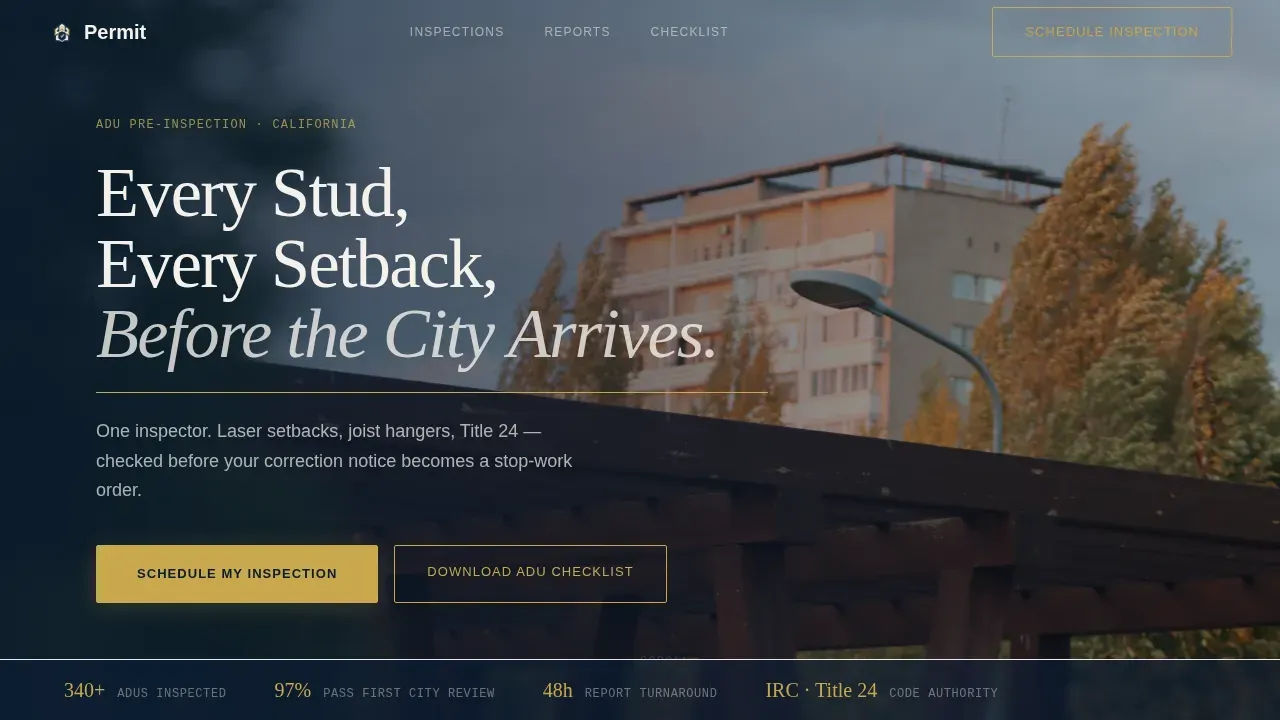
- A panoramic hero section with a full-bleed ADU photo, serif headline, and a gold rule animation that signals authority immediately
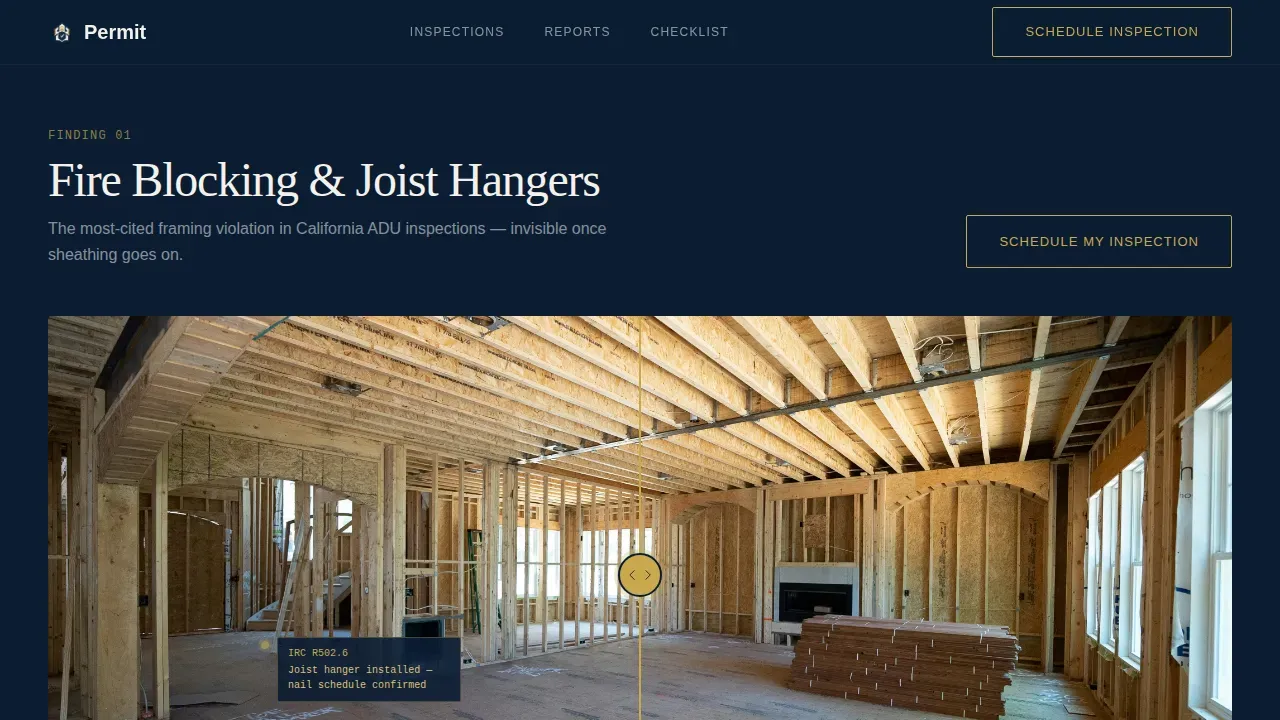
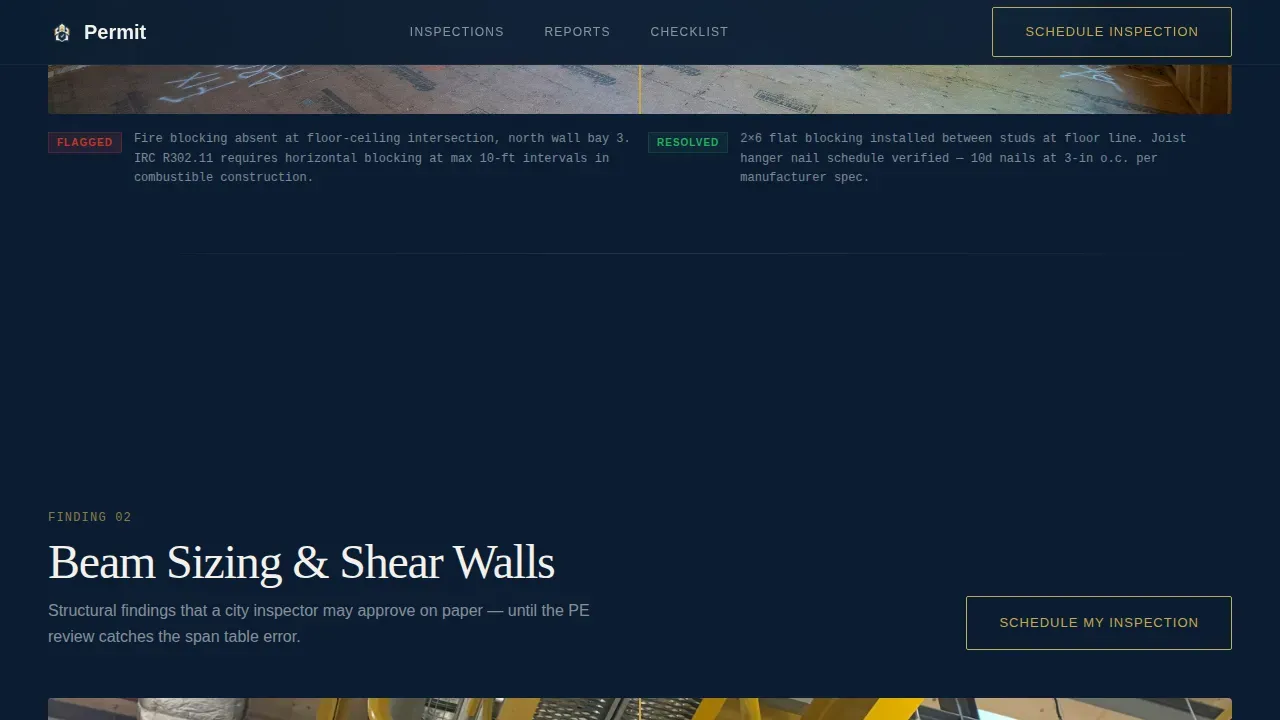
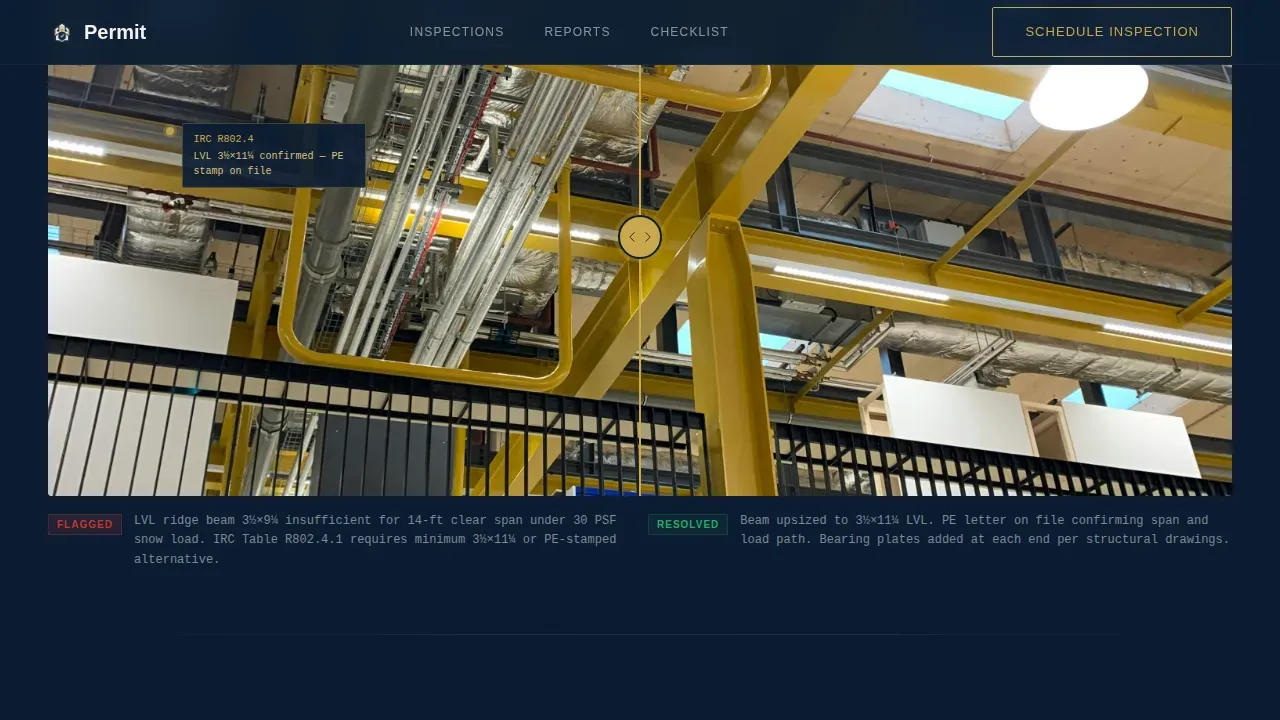
- Three draggable before/after sliders showing real inspection deficiencies in framing, structural elements, and Title 24 energy compliance, each paired with gold-annotated code citations
- A multi-stage lead form asking for property address, project stage, preferred inspection date, and an optional upload field for plans or correction notices, plus a secondary email capture for checklist downloads
Feature list
A paragraph introducing the feature set: each component in this template is built around the buying journey of a visitor who is already mid-build and already anxious. The features below address that journey directly.
Panoramic Hero with Gold Rule Animation
The header uses a full-bleed wide photograph of a freshly framed ADU at golden hour. A thin gold rule fades in beneath the headline, and the primary call-to-action button to schedule an inspection is visible above the fold without scrolling.
Draggable Before/After Reveal Sliders
Three interactive sliders let visitors drag between a deficient condition and its code-compliant correction. Each pair covers a different inspection scope: framing details like joist hangers and fire blocks, structural findings like beam sizing and shear walls, and Title 24 energy items like ventilation and insulation placement. Gold annotations call out specific code sections.
Typeset Inspection Report Interlude
Between slider pairs, a single-column interlude displays a preview of an actual inspection report. The layout is clean and typeset, demonstrating the thoroughness and clarity visitors can expect to receive after their inspection is conducted.
Multi-Stage Lead Capture Form
The lead form is staged for low friction. Visitors enter a property address first with auto-complete, then select their project stage, then choose an inspection date, then optionally upload drawings or a correction notice. A secondary path lets planning-phase visitors download an ADU inspection checklist by submitting their email.
Midnight Blue Atelier Studio Design System
The visual identity uses deep observatory navy for backgrounds, vellum white for card surfaces and body text, and a single ruling-pen gold reserved for interactive elements, call-to-action borders, and status highlights. Typography pairs DM Serif Display headlines with IBM Plex Sans body labels.
PDF-Ready Report Preview Block
The inspection report interlude is designed so that the typeset report preview can be exported or shared as a PDF printout. This gives contractors and homeowners a clear example of the documents they will receive and can submit to city agencies after inspections are completed.
Page sections overview
| Section | Purpose |
|---|---|
| Panoramic Hero | Establish authority and present primary call to action above the fold |
| Framing Slider | Show before/after framing deficiencies with code annotations |
| Structural Slider | Reveal beam and shear wall findings with gold citation callouts |
| Report Interlude | Display typeset inspection report preview for credibility |
| Title 24 Slider | Compare energy compliance deficiencies and corrected conditions |
| Lead Gen Form | Capture inspection bookings and planning-phase email leads |
| Footer | Provide contact details in a single-row linear layout |
Design & branding system
The template follows an Atelier Studio visual theme. The palette is authoritative and architectural, inspired by a leather-bound code manual under a brass desk lamp. Every color choice has an assigned role, and gold appears sparingly so every instance of it signals action.
- Navy (#0B1D33 and #1B3A5C) dominates backgrounds and section dividers; vellum white (#F4F1EB) carries body text and card surfaces
- Ruling-pen gold (#C9A84C) is reserved exclusively for interactive elements, call-to-action borders, and status highlights, ensuring visitors notice it
- DM Serif Display is used for all headlines; IBM Plex Sans handles body copy, labels, and form fields for clear readability at every size
Mobile & speed optimization
The template is designed desktop-first to match the primary audience of contractors reviewing project details on a laptop. It is also built to remain fully responsive so homeowners can access it on a phone when they receive a correction notice and need to act fast.
- The hero image is a static optimized photograph; all below-fold content loads lazily to keep initial render fast
- Sliders, scroll reveals, and the gold rule fade-in use medium-weight animation that does not block the page from becoming interactive
- The lead form is designed to be easy to enter on a mobile screen, with auto-completing address fields and a clearly staged flow
How this template helps you convert
The page is built around a single conversion goal: scheduling an inspection. Every design and content decision reduces the distance between a worried visitor and a submitted form.
- The before/after sliders do the selling passively. By the time a visitor reaches the lead form, they have already seen real evidence of what the inspector catches. Trust is earned before the call to action is even read.
- The two-path conversion system captures visitors at different stages. Urgent homeowners and contractors submit a booking request. Visitors still planning their ADU project enter their email to receive the inspection checklist, keeping them in the pipeline for a future application.
Other information about this template
This is a permit professional ADU inspection landing page template built for the Real Estate and Property category, specifically within the ADU inspector niche. Below are additional details useful for anyone evaluating or customizing this template.
- Accessory dwelling units covered by this template include backyard cottages, garage conversions, and any free-standing or attached unit added to an existing property
- The template is highly recommended for design-build firms and licensed contractor teams that need a polished, trust-building page they can share with clients quickly
- All proposed section content, drawings, and documents in the template are fully customizable with your own property-specific details, branding, and zoning information
- Sewer, water, plumbing, electrical, and mechanical permit type details can be incorporated into the form or checklist sections to reflect local requirements
- The checklist download is generated as a shareable PDF so visitors can review ADU inspection requirements, follow the standards outlined, and share the document with their build team
- The template webpage follows an F-pattern visual hierarchy, guiding the reader's eye from headline to evidence to form without confusion
- Users can start designing with this template and apply their own branding, update proposed unit details, and send the finished page live without building from scratch
- Certificate of occupancy language and final inspection milestones can be added to the form stage selector to reflect where a project is in the build process
Theme
Atelier Studio
Creative direction
Before/After Reveal
Color system
Midnight Blue
Style
Split Screen (50/50)
Direction
Lead Generation
Page Sections
Panoramic Hero with Above-fold Call to Action
Draggable Before/after Inspection Sliders
Typeset Inspection Report Preview
Multi-stage Lead Capture Form
Midnight Blue Atelier Studio Visual System
Pdf-ready Report and Checklist Export
Related questions
Who is this template designed for?
What inspection stages does the lead form cover?
Can I customize the template with my own branding and documents?
Do accessory dwelling units need multiple inspections?
How does the checklist download work?



