Trusted Environmental Licensing Landing Page Template
Comply is a zigzag landing page template built for county environmental quality offices. It leads with large data points to establish authority, then makes permits, forms, and inspections easy to find. Homeowners, contractors, developers, and restaurant owners can locate the right environmental resource permit or contact line in two clicks, without creating an account or decoding jargon.
by Rocket studio
Quick summary
Comply is a single-page government template designed for county environmental offices that issue permits, conduct inspections, and protect public health. It opens with bold statistics, guides visitors to the right forms and resources instantly, and keeps every next step frictionless. The layout feels like a well-organized county manual where the answer is already highlighted before you even ask the question.
Who this template is for
This template is built for government environmental quality offices and the residents who depend on them. It serves offices that manage multiple permit programs under one roof and need to communicate clearly without legal jargon.
- Homeowners facing a failed perc test, a discolored well, or a septic citation who need fast answers
- Contractors and developers managing construction activities that require an environmental resource permit before breaking ground
- Restaurant owners and business operators who need to document corrective actions or submit inspection reports to stay in good standing
What problem this template solves
County environmental offices serve hundreds of thousands of residents, yet most government pages bury the right forms three menus deep. Visitors arrive stressed and leave without the document they need.
- Paper forms scattered across disconnected pages create confusion and delay for contractors and engineers who need to submit applications fast
- Residents dealing with safety concerns around water or air quality cannot easily find where to request help or report a problem
- Without clear supplemental information grouped by program area, first-time applicants do not know which permits are required or what plans to prepare
What you get with this template
You get a complete, ready-to-adapt landing page structured around five distinct content sections. Each section is designed to deliver the right environmental resource to the right visitor without friction.
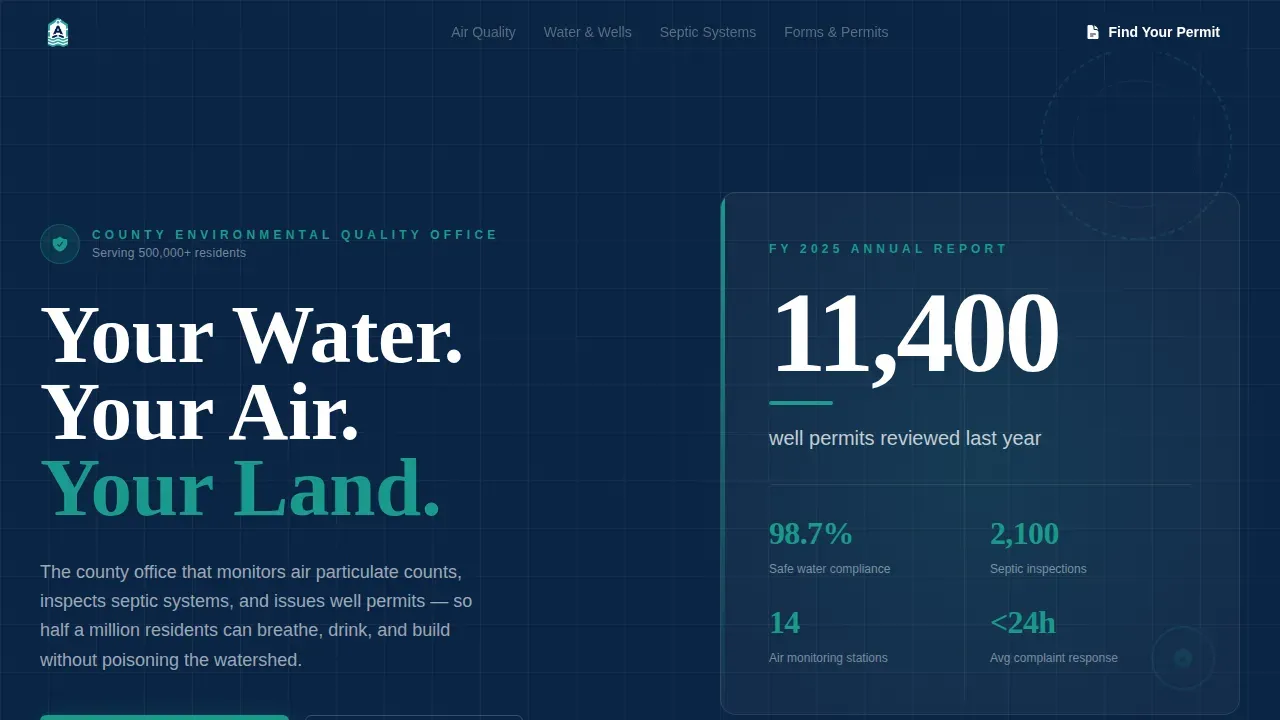
- A hero section with a bold headline and a display-scale data point that immediately establishes authority and public trust
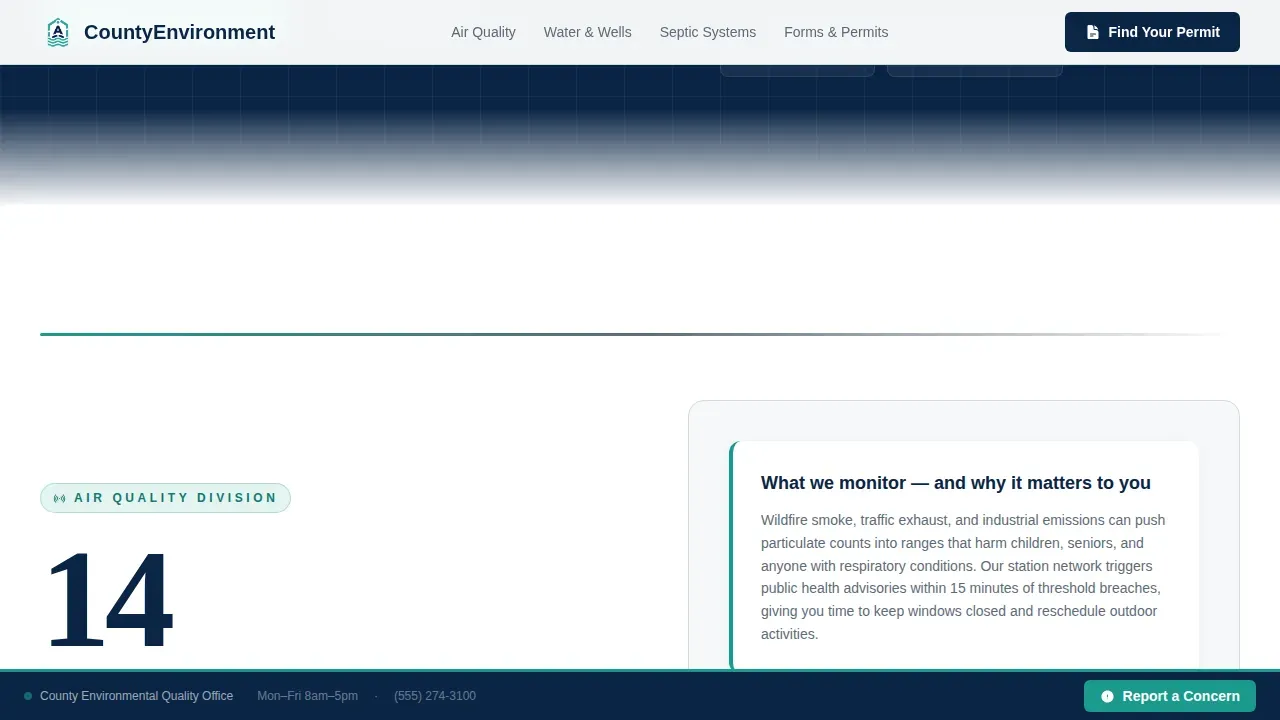
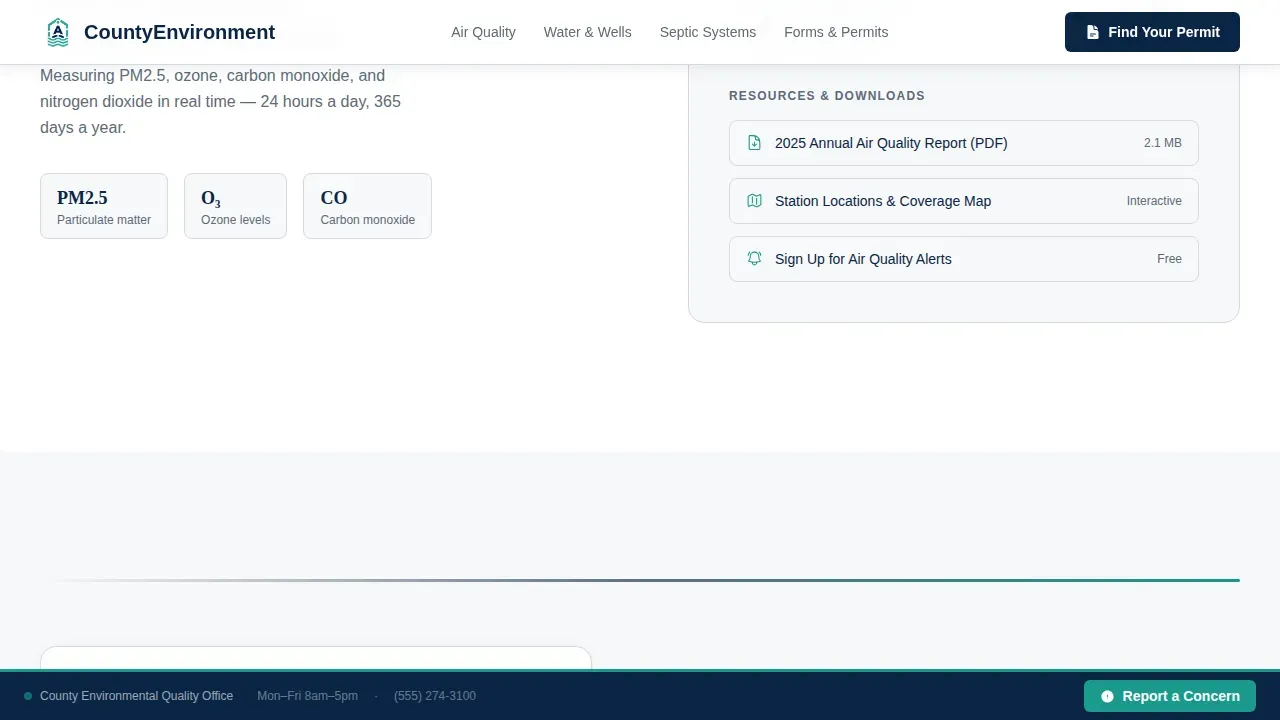
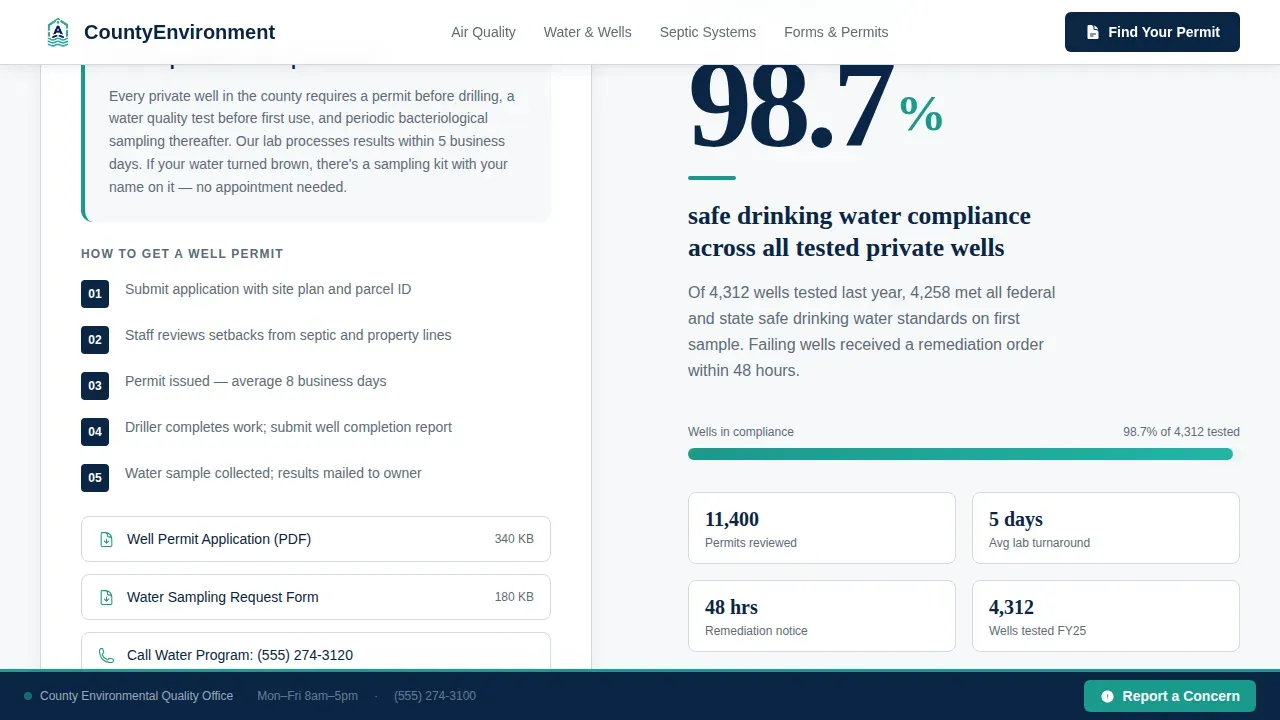
- Three alternating zigzag program blocks covering air quality, water and well permits, and on-site wastewater inspections, each pairing a large statistic with a plain-language explainer and a resource download link
- A resource hub section with a primary call-to-action to find permits and forms, plus a sticky "Report a Concern" bar with a three-field form for address, issue type, and description
Feature list
Stats-First Zigzag Layout
Each alternating section opens with a large program statistic before any explanation follows. This approach earns trust through transparency and reflects the county's real compliance record, so visitors feel informed rather than marketed to.
Searchable Resource Hub
The "Find Your Permit or Form" section connects visitors to a filterable library organized by program area: water, air, waste, and land use. Applications, forms, and supplemental information are grouped so residents and contractors can locate the right document quickly.
Sticky Report a Concern Bar
A persistent bar sits at the bottom of the page and lets anyone submit a concern in seconds. The three-field form captures address, issue type from a dropdown, and a short description. No account is required, making it easy for any resident to connect with the office.
Inspection and Permit Program Blocks
Three dedicated program sections cover air quality monitoring, water quality and well permits, and on-site wastewater inspections. Each section is designed to document the office's scope clearly, link to applicable forms, and guide visitors toward the next step.
Authority-First Header Design
The hero section plants a bold headline alongside the county seal and a single verified statistic at display scale. Official branding and real data establish immediate authority, which is essential for a page that residents depend on for health and safety guidance.
Plain-Language Resource Navigation
Every section uses plain, direct language to explain environmental regulations and permit requirements. This supports residents who are not engineers or legal professionals, ensuring that anyone can follow the process and complete their application without outside help.
Page sections overview
| Section | Purpose |
|---|---|
| Hero Headline Block | Establishes authority with bold headline, county seal, and a verified display statistic |
| Air Quality Program | Introduces air monitoring with a large data point and a plain-language explainer |
| Water and Well Permits | Covers safe drinking water compliance stats and well permit resources |
| On-Site Wastewater Inspections | Presents septic inspection data and links to applicable forms and plans |
| Find Permit or Form | Primary resource hub with filterable applications and a sticky report form |
| Linear Footer Row | Provides contact information, office links, and navigation in a single row |
Design & branding system
The visual identity follows an Educational Guide theme rooted in government authority. Every color and type choice is deliberate, carrying the weight of official documentation without feeling cold or inaccessible.
- Navy (#0B2545) for primary headings and structural elements, steel gray (#5C6B7A) for divider bars, and civic white (#F7F8FA) for backgrounds keep the page clean and serious
- Alert teal (#1B998B) is reserved for buttons and callout badges so calls-to-action are immediately visible without competing with informational content
- Fraunces is used for display numbers and major headlines to add gravitas, while DM Sans handles body text and form labels for legibility across all reading contexts
Mobile & speed optimization
The template is built desktop-first with a strong mobile fallback, recognizing that residents may be on a job site or at a property when they need to access resources. Animations are scoped to client-side rendering only so the core content loads without delay.
- GSAP ScrollTrigger reveals and count-up statistics are loaded as client components, keeping the static content layer fast for on-site users on mobile connections
- The sticky "Report a Concern" bar is accessible on smaller screens so residents can submit an issue without scrolling back to the top of the page
- Resource filter tabs and accordion frequently asked question sections are designed to work cleanly on touch screens without requiring a desktop layout
How this template helps you convert
Comply is built around a clear principle: prove competence first, then make the next step obvious. Visitors who trust the data are far more likely to complete an application or submit a concern.
- Every zigzag section opens with a verified statistic, which functions as a trust signal before a single form field appears, reducing hesitation for first-time permit applicants.
- The "Find Your Permit or Form" hub and the sticky report bar keep primary tasks two clicks deep at most, removing the friction that causes residents to call the office instead of self-serving online.
Other information about this template
This template is the Comply trusted environmental permit resource landing page template, purpose-built for environmental quality county offices managing multiple regulated programs. It is designed around established best practices for government compliance pages.
- Environmental resource permits ensure activities are not harmful to water resources or inconsistent with the public interest. The template's program blocks reflect this purpose by surfacing permit requirements, environmental protection guidance, and corrective actions in a structured, readable format.
- Construction activities on wetlands or surface water management systems, including erosion and sediment control measures, often require an environmental resource permit (ERP) before work begins. The template supports offices that need to communicate these requirements clearly to developers, engineers, and contractors.
- Applicants can submit environmental permit applications online through portals such as the DEP Business Portal. The Florida Department of Environmental Protection (DEP) and the United States Environmental Protection Agency (EPA) set the Construction General Permit (CGP) requirements that applicable offices must follow, including Stormwater Pollution Prevention Plans (SWPPPs) for construction sites.
- Inspection reports and site inspections are core office tasks. Templates for inspection and corrective action reports document findings, capture contractor and project manager sign-off, and provide supplemental information needed to complete the review.
- A compliance calendar built into supporting resources can provide information on monitoring frequencies, reporting timelines, and renewal dates, helping teams and customers manage ongoing requirements without missing deadlines.
- An interactive "Where to Begin" guide within the resource hub helps visitors determine which permits are required for their specific business activities, reducing inbound calls and saving staff time.
Theme
Educational Guide
Creative direction
Stats-First Impact
Color system
Navy Authority
Style
Zigzag/Alternating
Direction
Content/Resource
Page Sections
Stats-first Zigzag Section Layout
Searchable Permit and Form Hub
Sticky Report a Concern Bar
Dedicated Program Inspection Blocks
Authority-first Hero Header
Plain-language Permit Navigation
Related questions
What types of permits and forms does this template cover?
Can contractors and developers use this template's resource hub?
Does the template support mobile users in the field?
How does the template help visitors understand environmental regulations?
Can this template be adapted for offices outside one county?



