Organ Builder & Restorer Landing Page Template
Pipes is a sidebar companion landing page built for organ builders and restorers. It pairs a persistent navigation rail with a case study narrative to walk visitors through real projects, from diagnosis to first service. The design uses a monochrome steel palette and a confident serif headline to earn trust before the booking form ever appears.
by Rocket studio
Quick summary
Pipes is a professionally structured landing page for organ builders and restorers. It uses a sidebar navigation rail and a scrollable case study layout to present project histories, restoration processes, and specialist knowledge. Visitors leave understanding the craft well enough to book a site assessment with confidence.
Who this template is for
This template is built for specialist craftspeople who need a portfolio presence that reflects the depth of their work. It suits professionals whose clients arrive informed and expect to see evidence before they commit.
- Organ builders and restorers with a portfolio of church, cathedral, or university projects
- Conservation specialists working with Victorian tracker organs or historic reed instruments
- Workshop practices serving church wardens, cathedral administrators, and music department managers
What problem this template solves
Most portfolio pages treat every project the same way: a photograph, a caption, and a contact button. For a field as technical and trust-driven as organ building, that format leaves the most important questions unanswered.
- Prospective clients cannot assess competence from photographs alone and need process documentation
- The booking path stalls when visitors cannot yet articulate what is wrong with their instrument
- A generic contact form offers no reassurance that the builder has solved this particular problem before
What you get with this template
The template delivers a complete single-page structure that doubles as a teaching resource and a booking tool. Every layout decision reinforces the sense that the visitor is in the hands of someone who knows exactly what they are doing.
- A persistent sidebar navigation rail with chapter titles linking to Restoration, New Builds, Voicing, and Conservation sections
- A scrollable case study narrative column with space for annotated photographs, cross-section diagrams, and embedded audio recordings
- A primary booking form asking for instrument type, approximate age or builder, a free-text diagnostic field, and a calendar widget for scheduling a site visit
- A secondary email capture path offering a downloadable conservation guide for prospects still in the research phase
Feature list
This section covers the core built-in components that make Pipes a complete solution for an organ builder and restorer landing page.
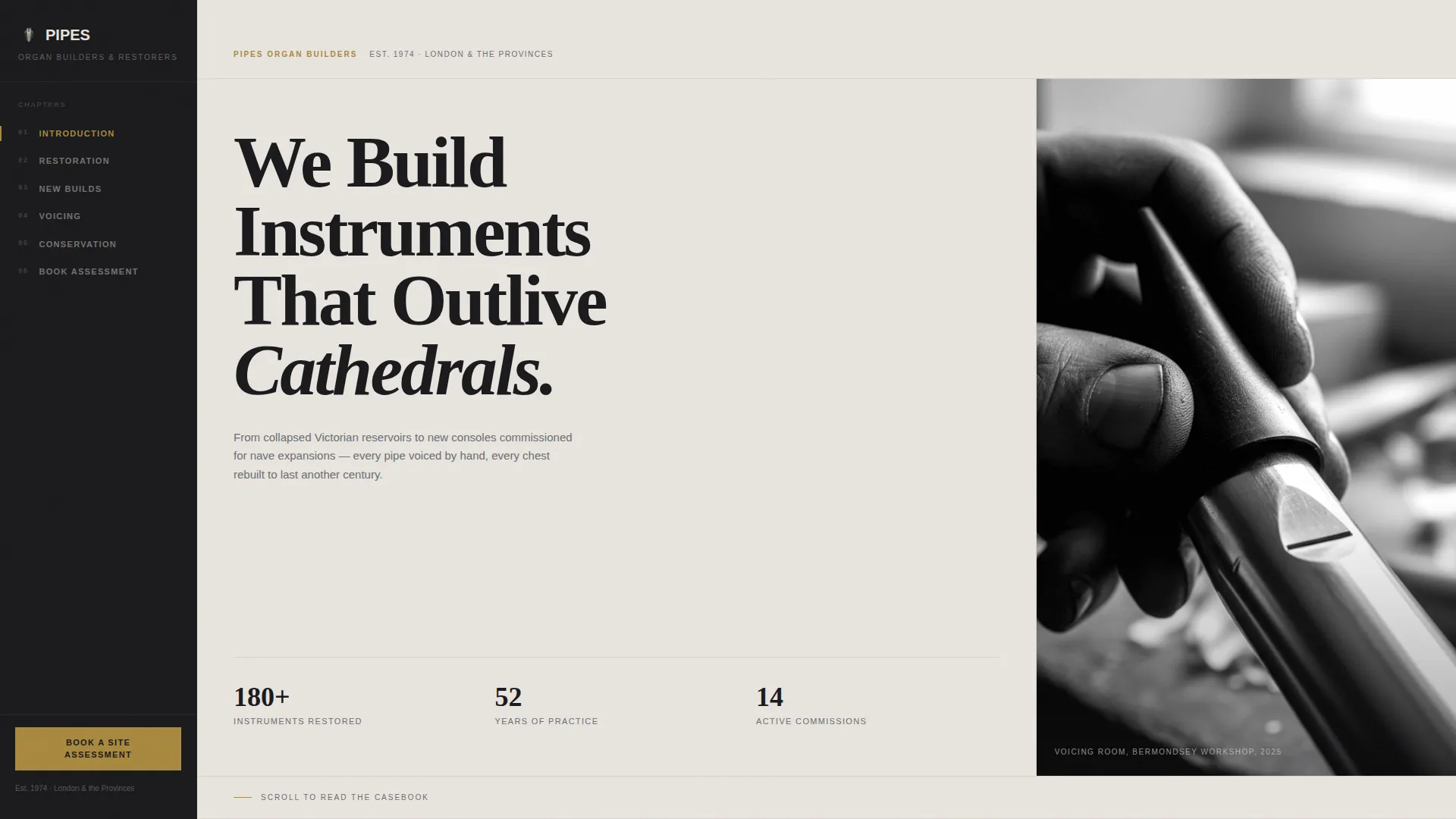
Giant Headline with Cropped Editorial Portrait
The header opens with a large left-aligned serif headline set at display scale against a tightly cropped black-and-white photograph. The image shows hands tuning a reed pipe with a tuning cone mid-strike. The headline is static and monumental, designed to land without animation.
Persistent Sidebar Navigation Rail
A fixed left-edge navigation panel lists chapter titles as anchor links. Visitors can jump directly to Restoration, New Builds, Voicing, or Conservation at any point while scrolling. The sidebar base also holds the primary call-to-action button for persistent visibility.
Case Study Narrative Sections
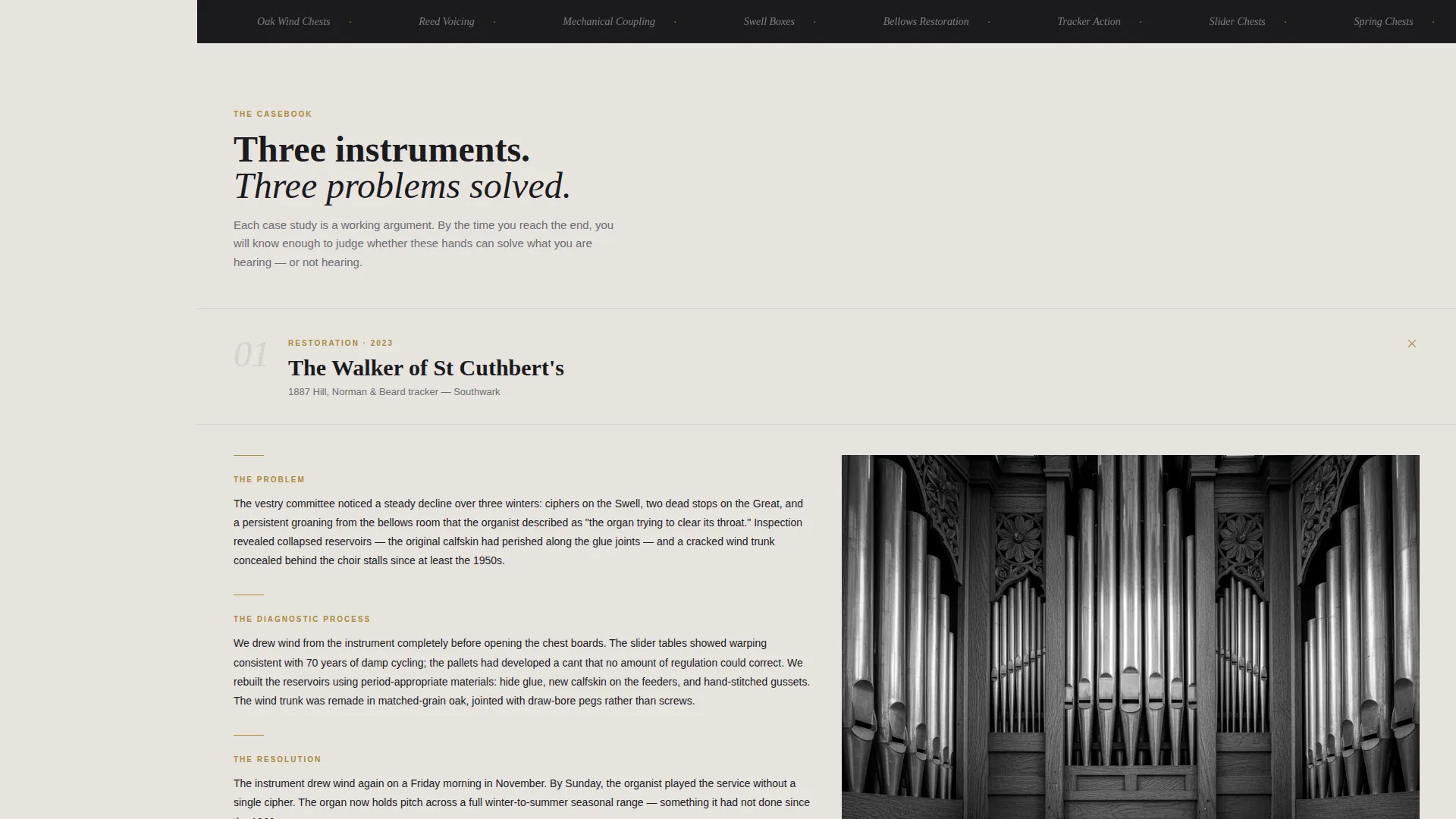
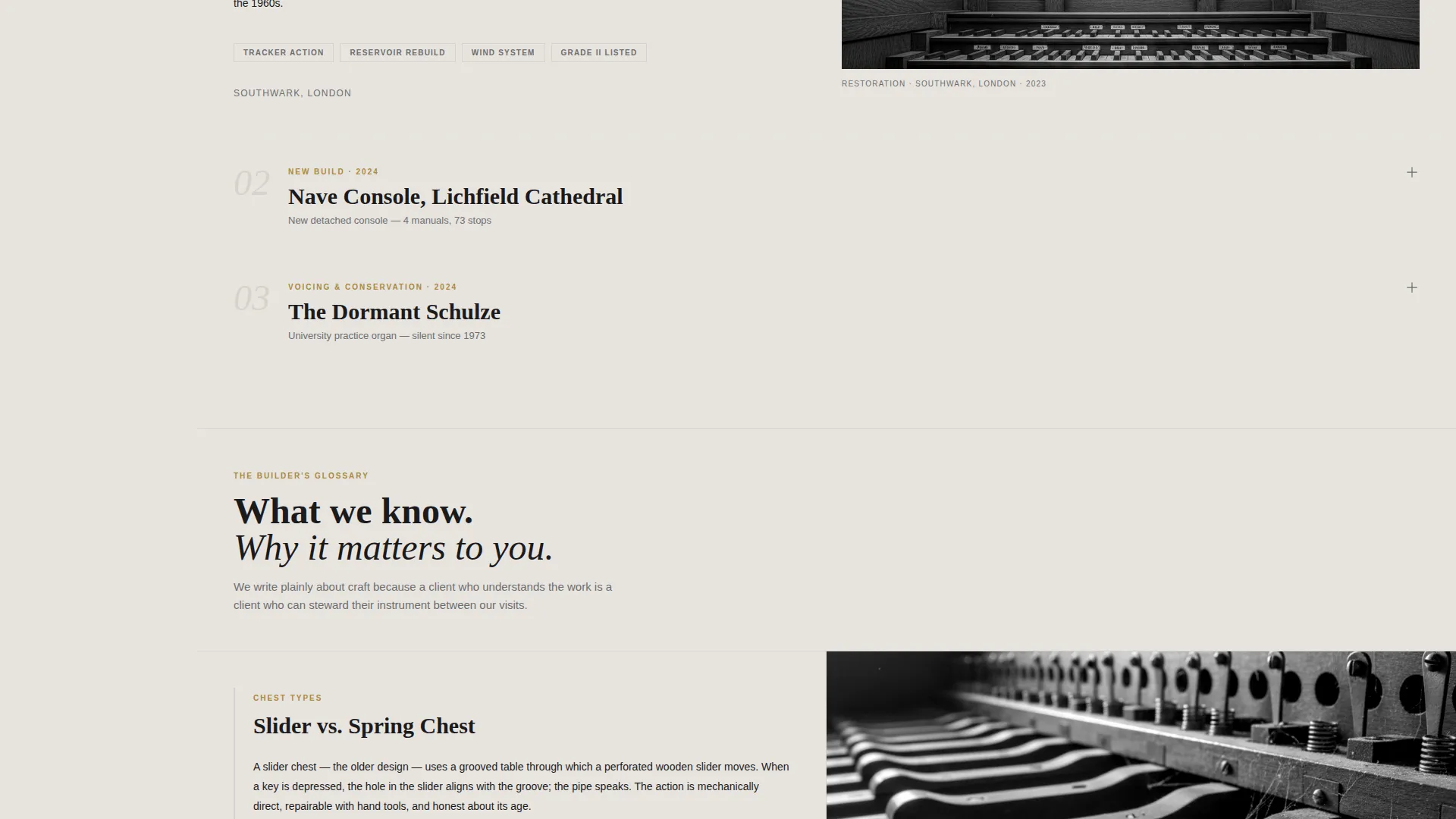
Each project section opens with the original problem, works through the diagnostic and restoration process, and closes with recorded audio from the instrument's first service. Annotated photographs and cross-section diagrams sit inside the narrative flow to support technical credibility.
Structured Booking Assessment Form
The booking form guides visitors through four sequential fields: instrument type, approximate age or known builder, a free-text field for describing what is heard or missing, and a calendar widget for selecting a preferred visit week. The structure lowers friction by letting clients describe problems in plain language.
Secondary Conservation Guide Capture
A secondary call-to-action offers a downloadable conservation guide. It collects an email address from visitors who are not yet ready to book, keeping them in the conversion path without pressure.
Tarnished Brass Interactive Signaling
Interactive elements and section markers use a single tarnished brass accent color. All other interface elements stay within the monochrome steel palette. The contrast makes clickable and active states immediately recognizable without disrupting the editorial tone.
Page sections overview
| Section | Purpose |
|---|---|
| Header Hero | Anchors headline and editorial portrait |
| Sidebar Navigation | Persistent chapter links and primary call to action |
| Case Study: Restoration | Documents a full restoration project with process detail |
| Case Study: New Builds | Presents commissioned console and pipework projects |
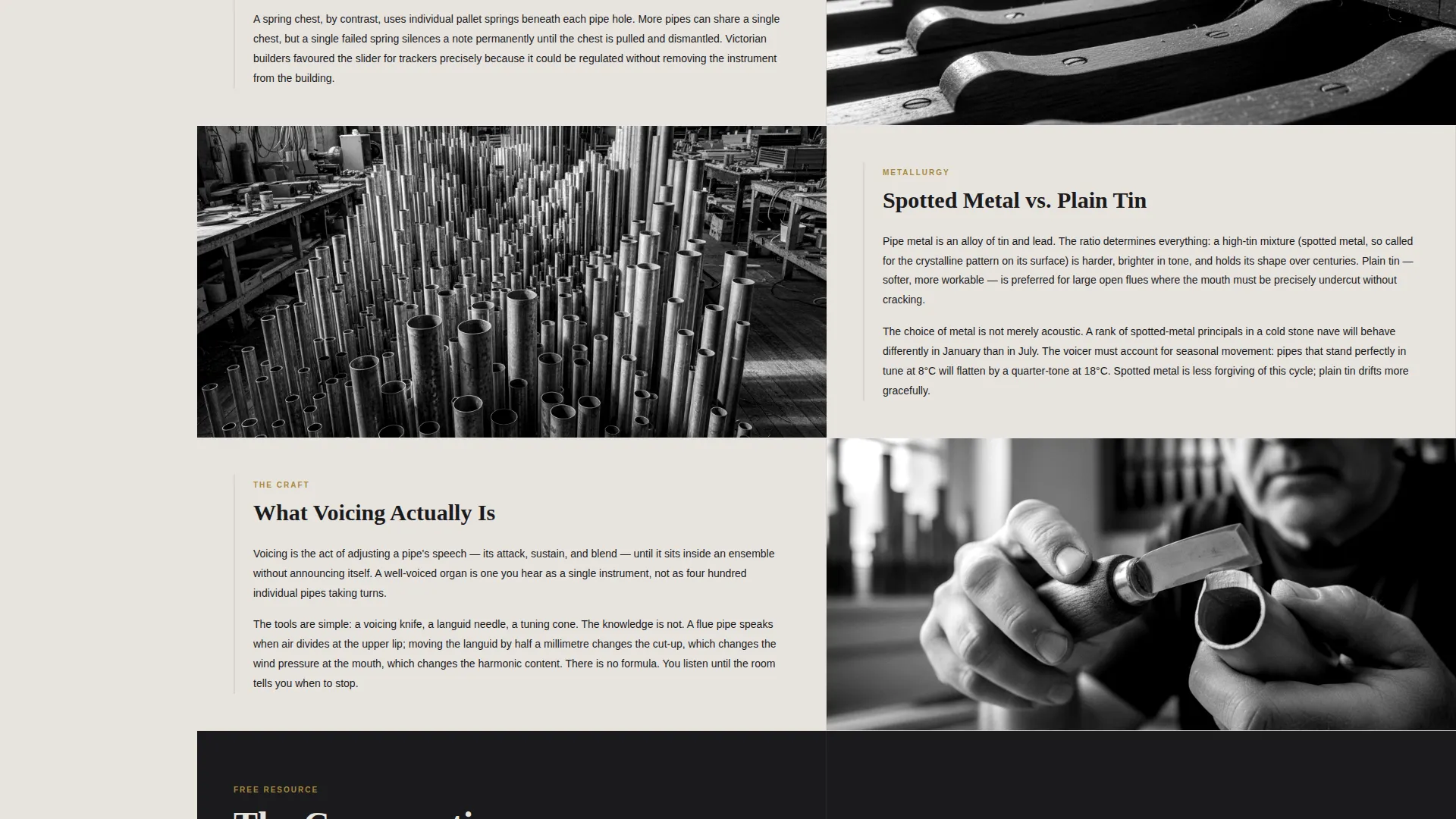
| Case Study: Voicing | Explains the voicing process with annotated reference material |
| Case Study: Conservation | Covers preventive and long-term conservation projects |
| Booking Assessment Form | Collects instrument details and schedules a site visit |
| Conservation Guide Capture | Email opt-in for downloadable research resource |
Design & branding system
The visual identity follows an Educational Guide theme expressed through a Monochrome Steel color system. Every color choice reinforces the sense of a working workshop rather than a polished showroom.
- Forge-black (#1A1A1D) anchors the sidebar panel and typographic headers; brushed pewter (#6B6E72) carries body text and divider lines; workshop parchment (#E8E4DF) fills the main content column
- Tarnished brass (#A8893E) appears exclusively on interactive elements and active section markers, acting as a quiet signal of life within an otherwise steel palette
- High-contrast serif typography at display scale is used for the header headline; body copy stays legible and editorial throughout the case study sections
Mobile & speed optimization
The layout is designed to translate cleanly from a wide desktop viewport to narrower screens. The sidebar companion structure adapts so that navigation remains accessible without blocking content.
- The persistent sidebar collapses or repositions on smaller viewports so the case study narrative remains the primary reading experience
- Annotated photographs and diagram assets are sized and cropped to load appropriately across device widths
- The booking form fields stack vertically on mobile, keeping the sequential input flow intact on touch screens
How this template helps you convert
The page is structured so that every section builds the visitor's confidence before asking them to act. By the time they reach the booking form, they have already seen the quality of the work in detail.
- The case study narrative proves competence project by project, so the call to action arrives after trust is already established rather than before it
- The booking form's diagnostic free-text field removes the barrier of visitors not knowing how to describe their instrument's problem, making it easier to start the conversation
- The secondary conservation guide download keeps researchers and early-stage prospects engaged, so the practice captures interest from visitors who are not yet ready to book but will return when they are
Other information about this template
This template is well suited to practices that work across a range of historic and newly commissioned instruments. It can support portfolio entries from single-manual tracker restorations to large multi-division cathedral commissions.
- The case study format works equally well for reed organ and harmonium restoration projects alongside pipe organ work
- The Educational Guide theme means the page functions as a resource in its own right, not just a portfolio or brochure
- The template ships as a single-page layout with a sidebar companion structure, so it is straightforward to extend or adapt as a project portfolio grows
Theme
Corporate Precision
Creative direction
Case Study Narrative
Color system
Navy Authority
Style
Single Column Flow
Direction
Content/Resource
Page Sections
Giant Headline with Editorial Portrait
Persistent Sidebar Navigation Rail
Case Study Narrative Layout
Structured Booking Assessment Form
Secondary Conservation Guide Capture
Tarnished Brass Interactive Signaling
Related questions
Who is this landing page template designed for?
Can I add more case studies to the template?
What does the booking form collect from prospective clients?
Is the conservation guide download separate from the booking path?
Does the sidebar navigation stay visible while scrolling?



