Restaurant Marketing & Agency Pre-Launch Website Template
Plating is a full-width immersive landing page template built for restaurant video marketing agencies. It combines a nine-cell photo grid mosaic header, a bold manifesto scroll, and a waitlist form with a live counter. The design uses a restrained studio palette and editorial typography to let food imagery take center stage while guiding restaurant owners toward signing up.
by Rocket studio
Quick summary
Plating is a cinematic, single-page waitlist template designed for a restaurant video marketing agency. It pairs a photo mosaic header with a scrolling manifesto rhythm, building urgency until visitors hit the waitlist form. The design is editorial and intentionally restrained, letting food imagery carry the emotion while typography makes the case.
Who this template is for
This template is built for creative agencies and production houses that specialize in restaurant video content. It speaks directly to the people selling that service and the restaurant owners they want to convert.
- Independent restaurant owners and executive chefs launching new menus who need proof that video drives reservations
- Hospitality groups opening second locations looking for scalable content partnerships
- Restaurant video marketing agencies or solo directors building a waitlist before launch
What problem this template solves
Most restaurant marketing agencies launch with a generic portfolio page that fails to create urgency. This template solves the gap between "we make great food videos" and "you need to book now before your city fills up."
- Restaurant owners scroll past agency websites without feeling the stakes of doing nothing
- Generic portfolio layouts do not build scarcity or emotional momentum toward a call to action
- Waitlist forms buried at the bottom of long pages lose visitors before they arrive
What you get with this template
You get a complete, production-ready landing page structured around one goal: converting restaurant owners into waitlist signups. Every section earns its place in the conversion flow.
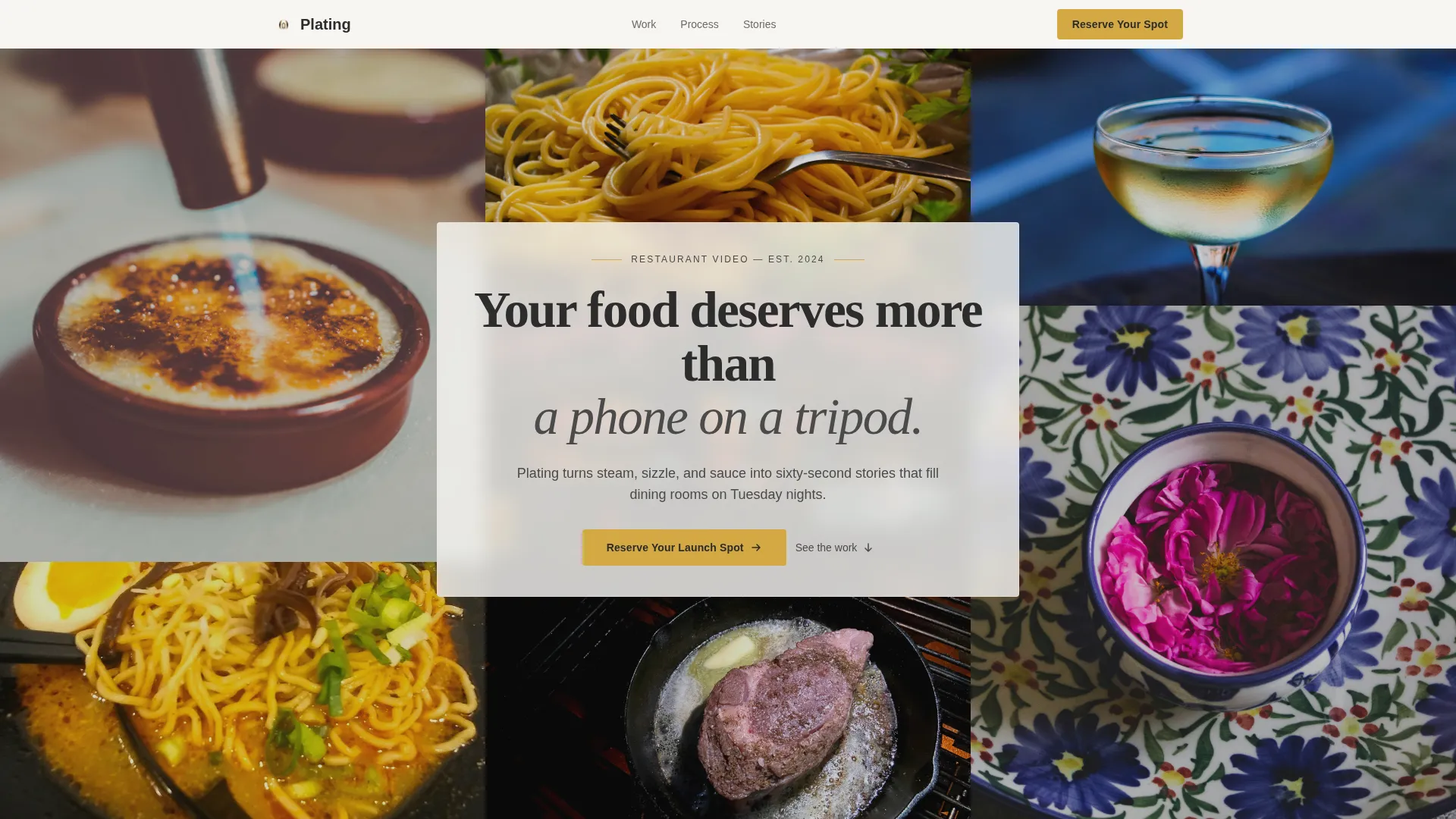
- A nine-cell asymmetric photo grid mosaic header with a centered manifesto text overlay
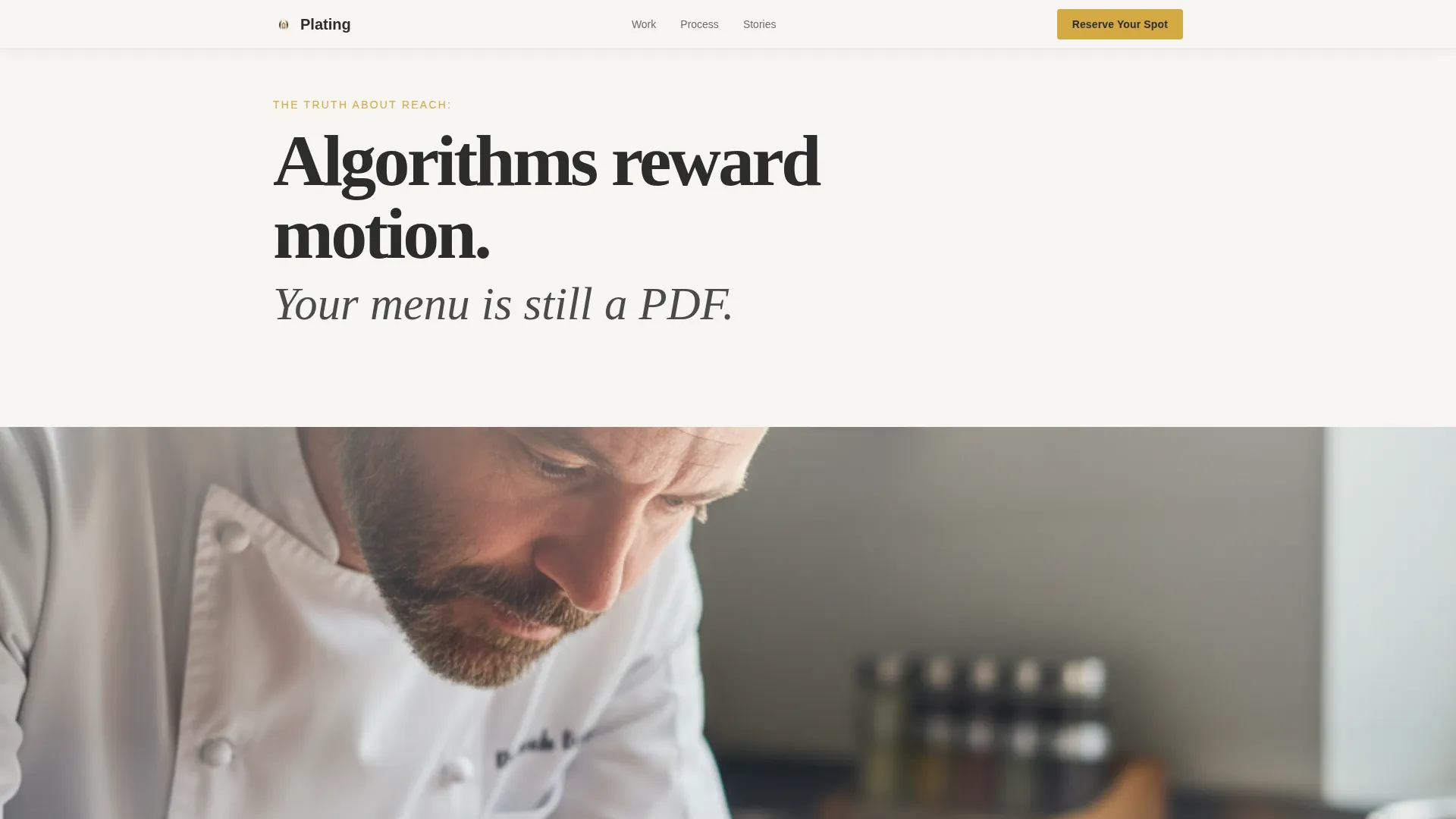
- A manifesto scroll section alternating bold typographic declarations with full-bleed video stills
- A bento-style process section, a testimonial slider, and a dual-placement waitlist form with a live counter and scarcity line
Feature list
This template delivers a focused set of purpose-built components, each tied to a specific moment in the visitor's decision journey.
Nine-Cell Photo Grid Mosaic Header
Nine tightly cropped restaurant stills are arranged in an asymmetric grid that reads as one living collage. No single image dominates. A single manifesto line sits centered over the grid in charcoal pencil, setting the editorial tone immediately on arrival.
Manifesto Scroll with Full-Bleed Stills
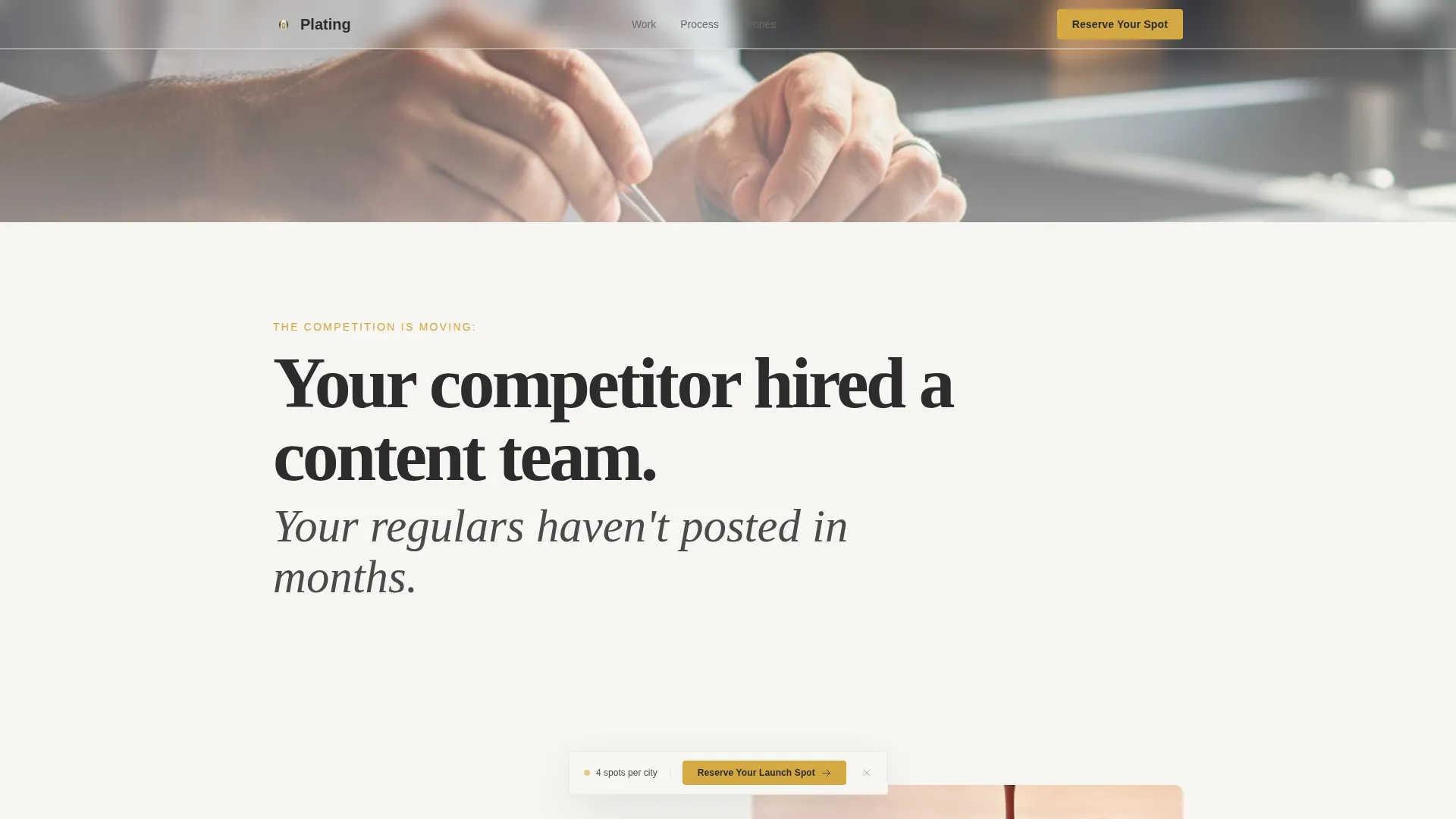
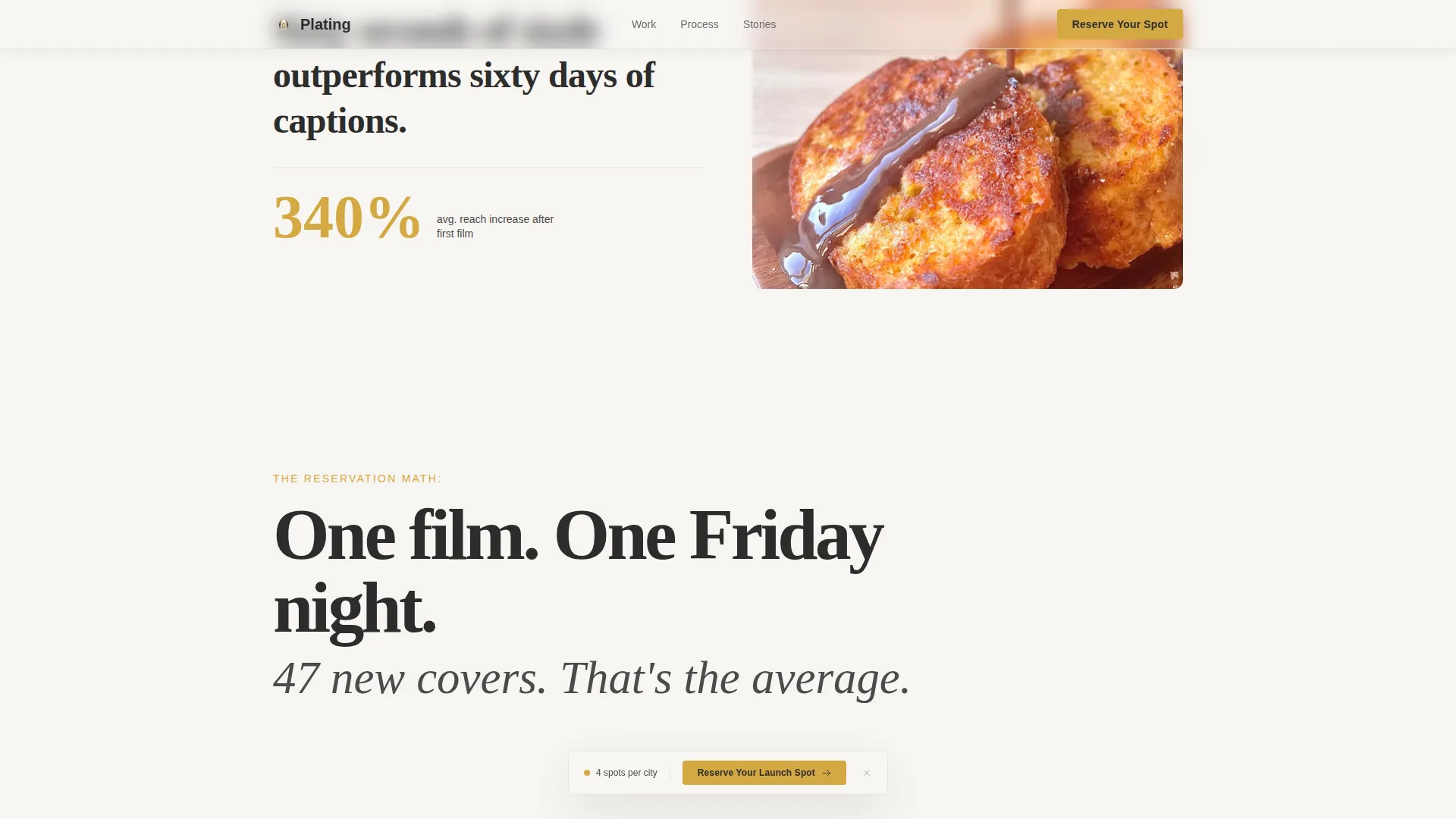
The page unfolds as a series of bold typographic declarations that alternate with full-bleed video stills. The rhythm builds tension in escalating steps, creating the feeling that standing still is falling behind before the visitor reaches the call to action.
Dual-Placement Waitlist Form
The primary call to action, "Reserve Your Launch Spot," appears twice: once as a floating placement at the manifesto midpoint and once anchoring the final section. The form asks for only three fields, restaurant name, city, and email, keeping friction as low as possible.
Live Counter with Scarcity Line
A live counter shows how many restaurants have already joined the waitlist. Below the form, a single line reads: "We take four restaurants per city. Yours might already be spoken for." This manufactured scarcity reinforces urgency without overstating the offer.
Asymmetric Bento-Style Process Section
The "how it works" section uses an asymmetric bento grid layout rather than a numbered timeline. This keeps the layout visually editorial and avoids the stepwise feel that can make a process look mechanical or slow.
GSAP-Powered Scroll Animations
The template uses scroll-linked GSAP animations, staggered reveals, and parallax effects throughout. These motion layers add cinematic weight to the page without relying on autoplay video as a primary load element.
Page sections overview
| Section | Purpose |
|---|---|
| Photo Grid Mosaic | Sets editorial tone with asymmetric restaurant stills and manifesto overlay |
| Manifesto Scroll | Builds urgency through alternating typographic declarations and full-bleed stills |
| Bento Process Section | Explains the agency workflow in an asymmetric, visual layout |
| Testimonial Slider | Delivers social proof through restaurant owner stories via GSAP slider |
| Waitlist Call to Action | Captures signups with a three-field form, live counter, and scarcity line |
| Footer | Single-row linear footer with essential links |
Design & branding system
The visual identity follows an Atelier Studio theme. The palette is deliberately quiet so that food imagery carries all the emotional weight. Every color choice is intentional, never decorative for its own sake.
- Four-color Cloud Canvas system: gallery white (#F7F5F2), warm linen (#E8E2D9), charcoal pencil (#2C2C2C), and saffron gold (#D4A843) reserved exclusively for interactive moments and the waitlist button
- Typography pairing of Fraunces editorial serif for headlines and DM Sans for clean body copy, creating a cinematic yet readable hierarchy
- Full-width immersive layout with high animation density, GSAP scroll-linked reveals, staggered entrance effects, and parallax image layers
Mobile & speed optimization
The template is designed desktop-first with a strong mobile experience layered in. Restaurant owners frequently browse on phones, so the mobile layout does not sacrifice the core emotional impact.
- Optimized image handling and native CSS scroll behavior keep the page responsive across device sizes
- The manifesto scroll rhythm and mosaic grid adapt to narrower viewports without collapsing the editorial feel
- The floating call to action and three-field form remain accessible and easy to complete on a mobile screen
How this template helps you convert
Conversion is built into the structure of this template, not added as an afterthought. Every section moves the visitor one step closer to the waitlist form.
- The manifesto scroll creates cumulative emotional pressure, each bold declaration raising the cost of inaction before the visitor reaches the first call to action placement.
- The live counter and scarcity line at the form section create a real, visible reason to act now rather than return later, turning a passive browser into a committed signup.
Other information about this template
This template sits at the intersection of portfolio and agency design with a hospitality niche focus. A few additional details worth knowing before you customize it.
- The template is categorized under Portfolio and Agency with a Restaurant Marketing and Agency subcategory, making it a precise fit for food-focused creative studios
- The intersection match score for this template's niche alignment is 13, reflecting strong specificity to the restaurant video marketing category
- The saffron gold accent color (#D4A843) is reserved strictly for interactive elements, hover states, and the waitlist button, keeping the palette disciplined across all other sections
- The footer follows a linear single-row pattern, keeping the end of the page clean and uncluttered
Theme
Atelier Studio
Creative direction
Manifesto
Color system
Cloud Canvas
Style
Full-Width Immersive
Direction
Waitlist/Coming Soon
Page Sections
Nine-cell Photo Mosaic Header
Manifesto Scroll with Stills
Dual-placement Waitlist Form
Live Counter and Scarcity Line
Asymmetric Bento Process Layout
GSAP Scroll Animations and Parallax
Related questions
Who is this landing page template designed for?
Can I edit the manifesto text and swap out the photo grid images?
How does the live waitlist counter work?
Is this template usable on mobile devices?
Can I adjust the city slot limit shown in the scarcity line?



