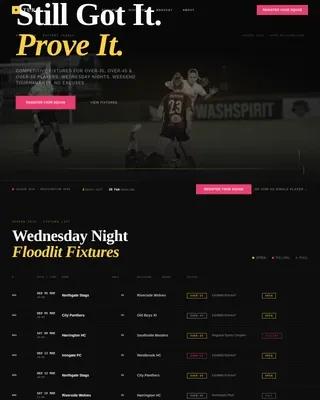
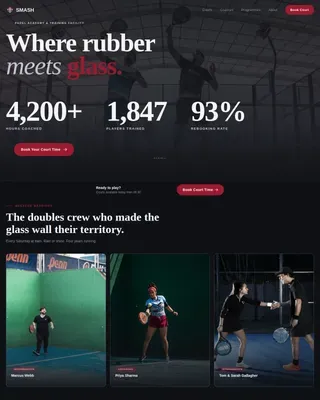
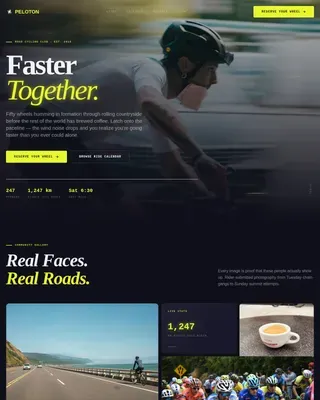
Swimming & Aquatic Center Reviews Website Template
Plunge is a card-grid landing page built for community swimming pools. It uses a dark neon color system to create an electric, after-hours pool atmosphere. Membership tiers, add-ons, and social proof sit in modular card rows that guide visitors toward a direct purchase. An inline checkout module lets buyers grab a pass in three fields, no account needed.
by Rocket studio
Quick summary
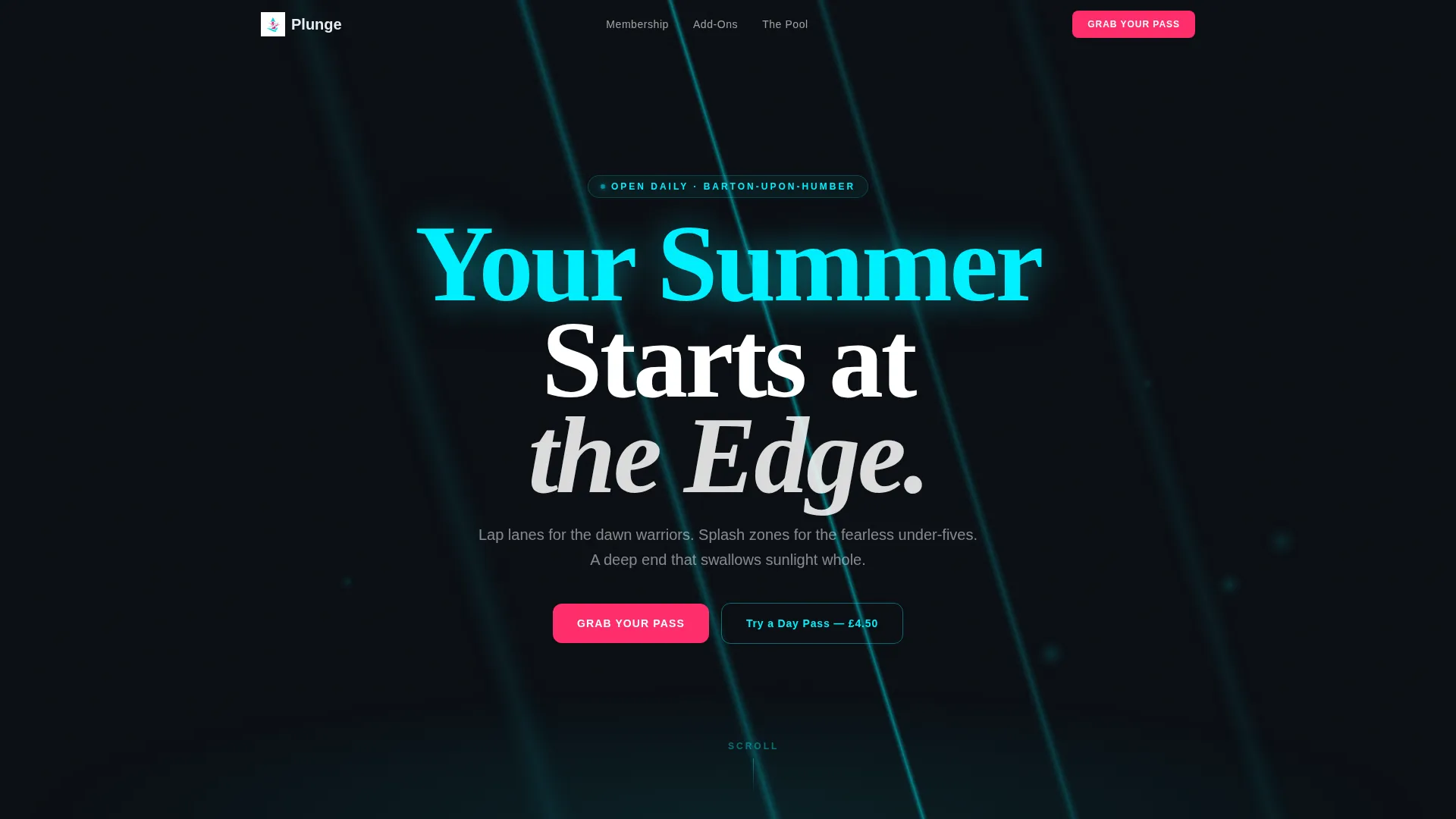
Plunge is a single-page, card-grid landing page template designed for community aquatic centers. It pairs an abyss-black background with electric cyan and voltage magenta accents to create a night-swim atmosphere. Membership tiers, add-ons, and social proof load in modular card rows. A three-field inline checkout and a sticky day-pass bar on mobile drive direct sales without friction.
Who this template is for
This template is built for swimming pool operators and aquatic center managers who want to sell memberships directly from their landing page. It suits community pools with a mixed membership base and a clear pricing structure.
- Pool and leisure center operators running tiered membership programs
- Aquatic venue managers promoting seasonal passes, coaching add-ons, and party packages
- Community sports facilities targeting families, retirees, and young adult swimmers
What problem this template solves
Many swimming pool websites bury their pricing and force visitors through multiple clicks before reaching a sign-up form. Plunge puts cost front and center on every card so visitors are informed before they are asked to commit.
- Removes friction by showing price before asking for any personal details
- Replaces a multi-page sign-up flow with a three-field inline checkout module
- Gives mobile visitors a persistent low-commitment entry point through a sticky day-pass bar
What you get with this template
You get a fully structured, single-page layout built around a modular card grid. Every section is self-contained and purpose-built for an aquatic center audience.
- A dark animated header with a slow-pulse cyan ripple effect and a single headline
- Modular card rows covering membership tiers, add-ons, and social proof
- An inline checkout module and a sticky mobile bottom bar for day-pass conversions
Feature list
This template packages several purposeful components into one cohesive landing page flow. Each feature supports the direct-sales goal stated in the brief.
Animated Dark Header
The header fills the viewport with near-black color and a single diagonal ripple of electric cyan light. The animation pulses slowly, like a breathing pool surface. A single cyan headline emerges after a short delay before the first card row tiles in from below.
Modular Card Grid Layout
Cards are arranged in rows that mirror a narrative arc. Each card is self-contained with its own icon, price, and a single benefit line. Charcoal card surfaces act as lane dividers between modules, keeping the layout clean and scannable.
Membership Tier Cards
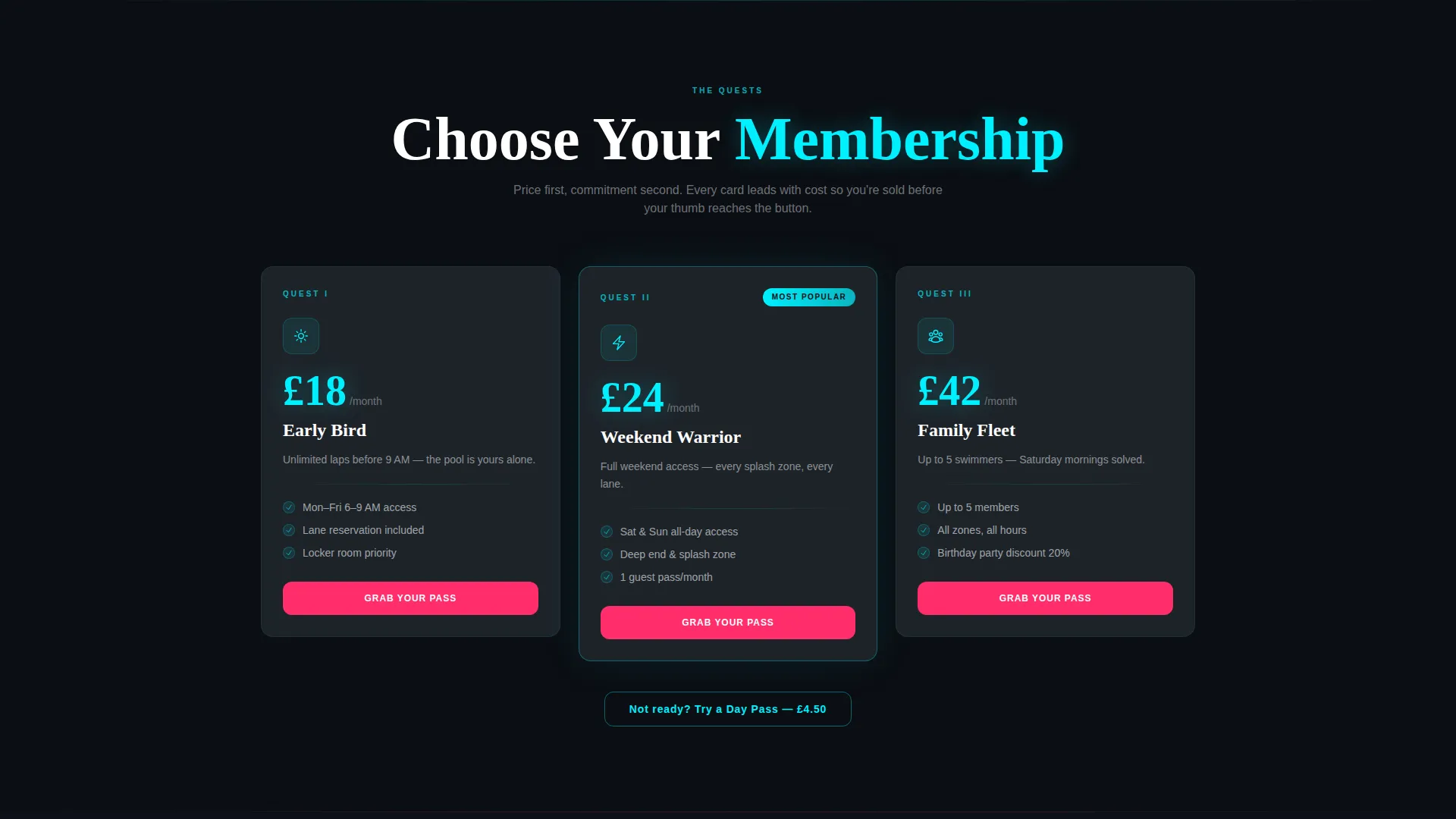
Three membership tiers, Early Bird, Weekend Warrior, and Family Fleet, are presented as individual cards. Each card leads with its price and justifies the cost with one benefit line. A voltage magenta "Grab Your Pass" button sits at the base of every membership card.
Add-On and Upsell Cards
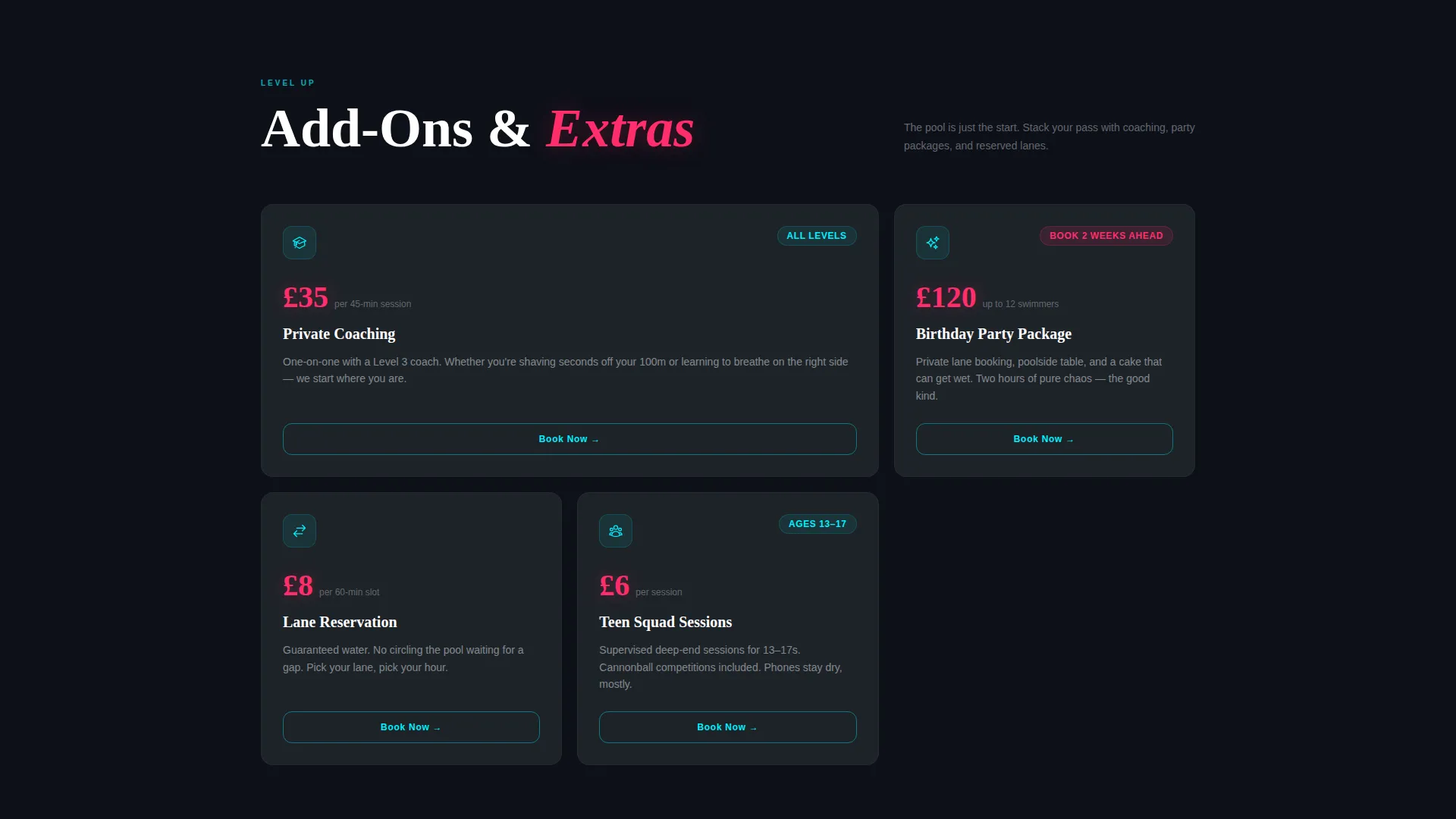
A second card row covers purchasable extras such as private coaching, birthday party packages, and lane reservations. These cards follow the same price-first format and extend the average order value without interrupting the scroll flow.
Social Proof Card Row
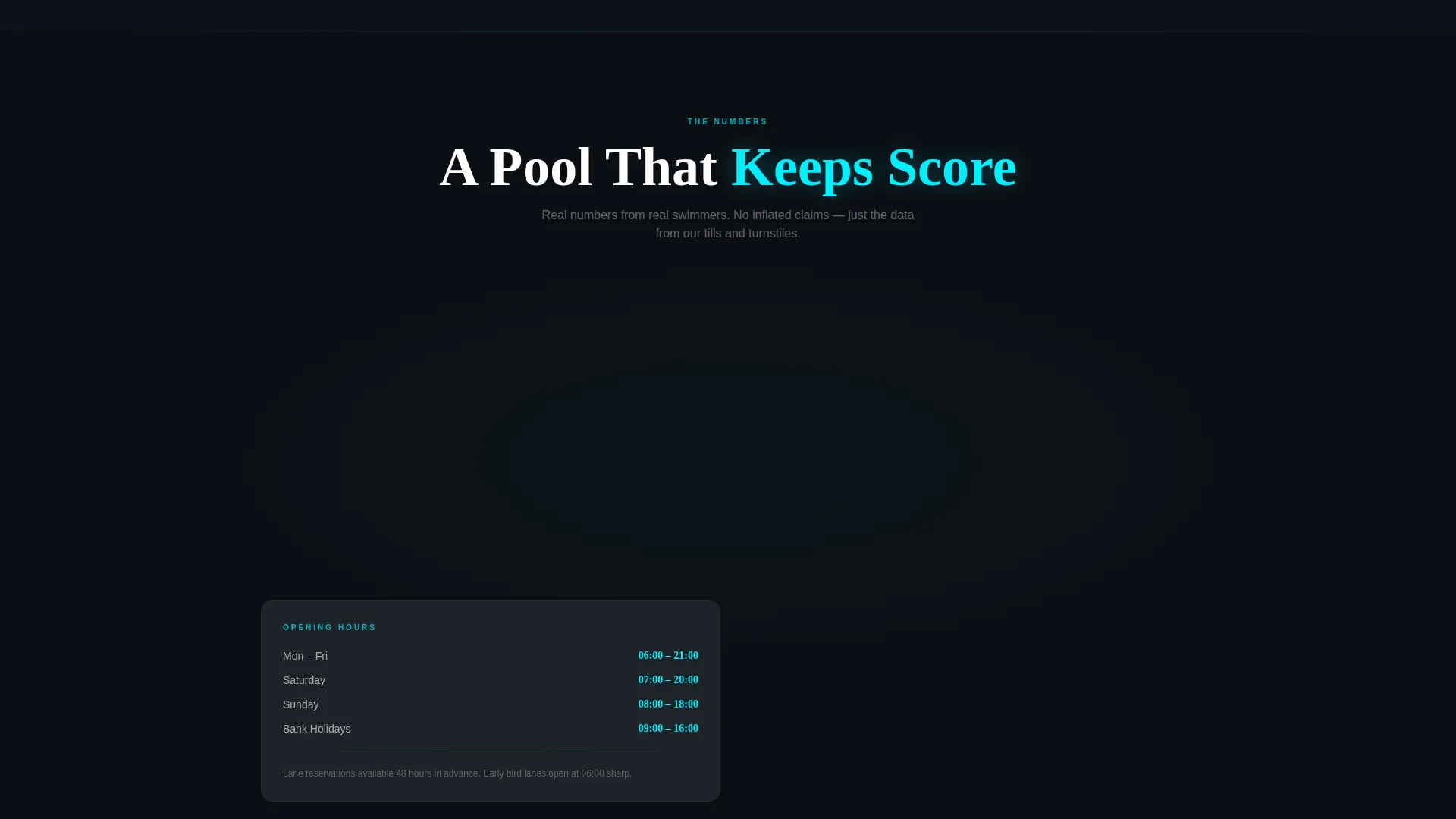
A dedicated row displays member counts, hours logged, and a live counter showing swimmers currently in the pool. These cards build trust at the midpoint of the page, right before the visitor reaches the checkout prompt.
Inline Checkout Module and Sticky Day-Pass Bar
The inline checkout collects pass type, number of swimmers, and preferred start date. No account creation is required. On mobile, a sticky bottom bar offers a "Try a Day Pass" option at a clearly displayed low price, keeping a conversion path visible at all times.
Page sections overview
| Section | Purpose |
|---|---|
| Animated Header Block | Introduce the pool brand and draw visitors in with a slow cyan pulse animation |
| Membership Tier Cards | Present Early Bird, Weekend Warrior, and Family Fleet passes with price-first card layout |
| Add-On Cards Row | Showcase coaching sessions, party packages, and lane reservations as purchasable extras |
| Social Proof Cards | Display member counts, hours logged, and a live in-pool swimmer counter |
| Testimonial Full-Width | Close with a single parent testimonial over an underwater video loop |
| Inline Checkout Module | Collect pass type, swimmer count, and start date in three fields with no account step |
| Sticky Day-Pass Bar | Keep a low-commitment day-pass offer visible on mobile throughout the scroll |
Design & branding system
The visual identity follows an Adventure Terrain theme expressed through a Neon Shock color system. Every color choice reinforces the feeling of a pool lit from below at night.
- Abyss black (#0B0E13) dominates all backgrounds; wet-concrete charcoal (#1E2329) separates card modules like lane dividers
- Electric cyan (#00F0FF) electrifies headlines, hover states, and the animated header ripple
- Voltage magenta (#FF2D6B) fires on all call-to-action buttons and pricing callouts across every card
Mobile & speed optimization
The card grid is built on a modular structure that adapts naturally to smaller screens. The sticky bottom bar ensures mobile visitors always have a conversion path in view.
- Card rows reflow into a single-column stack on mobile without breaking the visual hierarchy
- The sticky day-pass bar remains anchored to the bottom of the viewport throughout the entire mobile scroll
- Tile-in animations for card rows are kept lightweight so the page entry sequence stays smooth on touch devices
How this template helps you convert
Plunge is built around a direct-sales conversion model. Every design and layout decision is oriented toward getting a visitor to tap "Grab Your Pass" without hesitation.
- Price is shown first on every card, so visitors self-qualify before reaching the checkout button, reducing drop-off at the point of commitment.
- The inline checkout asks for only three inputs and requires no account creation, which shortens the path from interest to completed purchase.
- The sticky day-pass bar on mobile keeps a low-risk entry offer permanently visible, capturing visitors who are not yet ready for a full membership.
Other information about this template
Plunge is categorized under Sports and Recreation, specifically the Swimming and Aquatic Center subcategory. It is suited to any aquatic fitness venue running a structured membership model.
- The template style is Full-Width Immersive, using edge-to-edge dark backgrounds and full-bleed card sections
- The creative direction follows a Launch Energy approach, meaning the page builds momentum as the visitor scrolls deeper
- The header concept is a full-screen animated background rather than photography or illustration, keeping load and production overhead low
- The landing page direction is Click-Through to direct purchase, with every card row designed to move the visitor forward rather than sideways
- The template works equally well for indoor aquatic centers, outdoor lido venues, and community leisure facilities with a seasonal or year-round membership offer
Theme
Industrial Raw
Creative direction
Launch Energy
Color system
Dopamine Pop
Style
Full-Width Immersive
Direction
Click-Through
Page Sections
Animated Dark Header with Cyan Ripple
Modular Card Grid with Price-first Layout
Membership Tier Cards with Direct Call to Action
Add-on Upsell Card Row
Social Proof Cards with Live Counter
Inline Checkout and Sticky Mobile Bar
Related questions
Does this template require photography or video to work?
Can I change the membership tier names and prices?
How does the inline checkout work?
Is the sticky day-pass bar visible on desktop as well?
Can this template support more than three membership tiers?