Smart Insurance Family Landing Page Template
The Shield Precision Coverage Gap New Parent landing page template is designed for term life insurance brands targeting first-time parents. It pairs a sticky multi-step calculator sidebar with stats-first scroll sections, delivering a personalized coverage shortfall estimate before asking for contact details. The result is a focused, trust-building insurance landing page that earns the conversion by giving value first.
by Rocket studio
Quick summary
Shield is a sidebar companion landing page template built for new parent life insurance. It leads with arresting data points, a live coverage gap calculator, and a zero-friction multi-step form. The page gives parents their personalized shortfall number before ever asking for a name, making it one of the most trust-forward insurance landing page designs available.
Who this template is for
This landing page template is designed for InsurTech brands, independent insurance brokers, and financial advisors selling term life coverage to new parents. It fits teams who want a high-converting, data-led page without building from scratch.
- First-time parent campaigns targeting the 0 to 12 months postpartum window
- Pregnant partners comparing quotes between appointments on mobile
- Agencies building family insurance landing experiences for lead generation clients
What problem this template solves
Most insurance landing pages bury the value. Parents leave before they find the number that matters. This template leads with that number immediately.
- Employer group coverage rarely replaces enough income, yet most parents assume it does
- Complex insurance forms create friction and drive drop-off before any lead is captured
- Generic pages fail to address the specific financial vulnerability of a single-income year with a newborn
What you get with this template
This page template includes every section needed to move a skeptical new parent from scroll to submission. Each component is prompt-ready and editable.
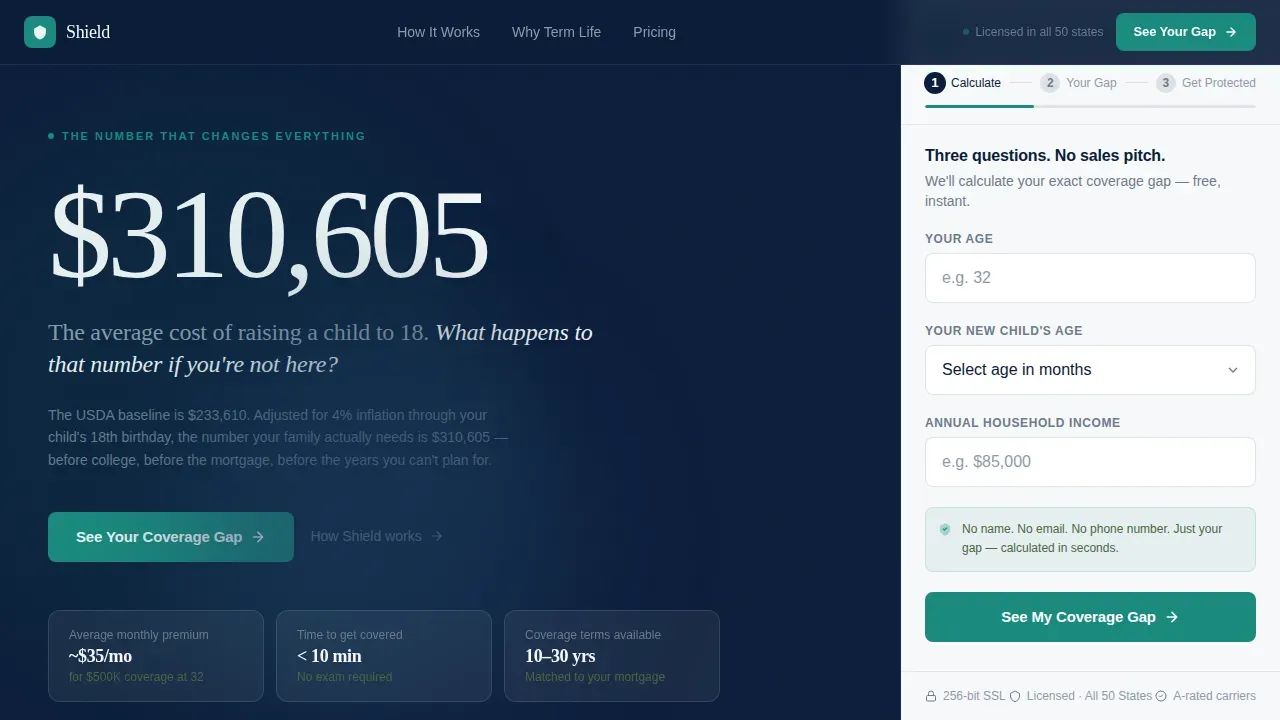
- A hero section with an oversized stat panel and a sticky three-step calculator sidebar
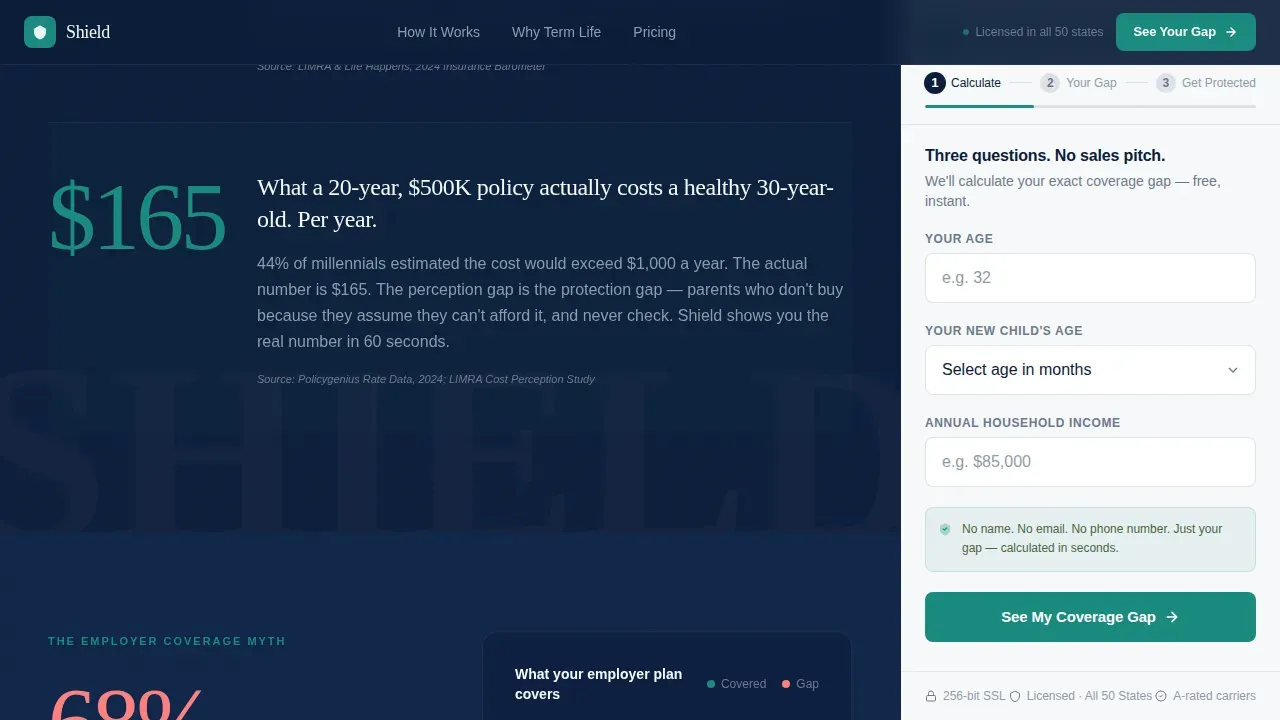
- Rolling stats sections, an employer gap visualization, an affordability reality check, and a social proof block
- A downloadable checklist secondary conversion path gated behind only a first name and email
Feature list
This landing page template ships as a complete, structured package of ready-to-edit sections and components.
Stats-First Hero with Sticky Sidebar Form
The hero displays a single arresting statistic in large display type on the left. The right panel loads a three-step calculator immediately. Step 1 asks only age, child age in months, and household income. No name, no email yet. Each image placeholder in the hero is sized for family-oriented visuals that build emotional connection.
Live Coverage Gap Calculator
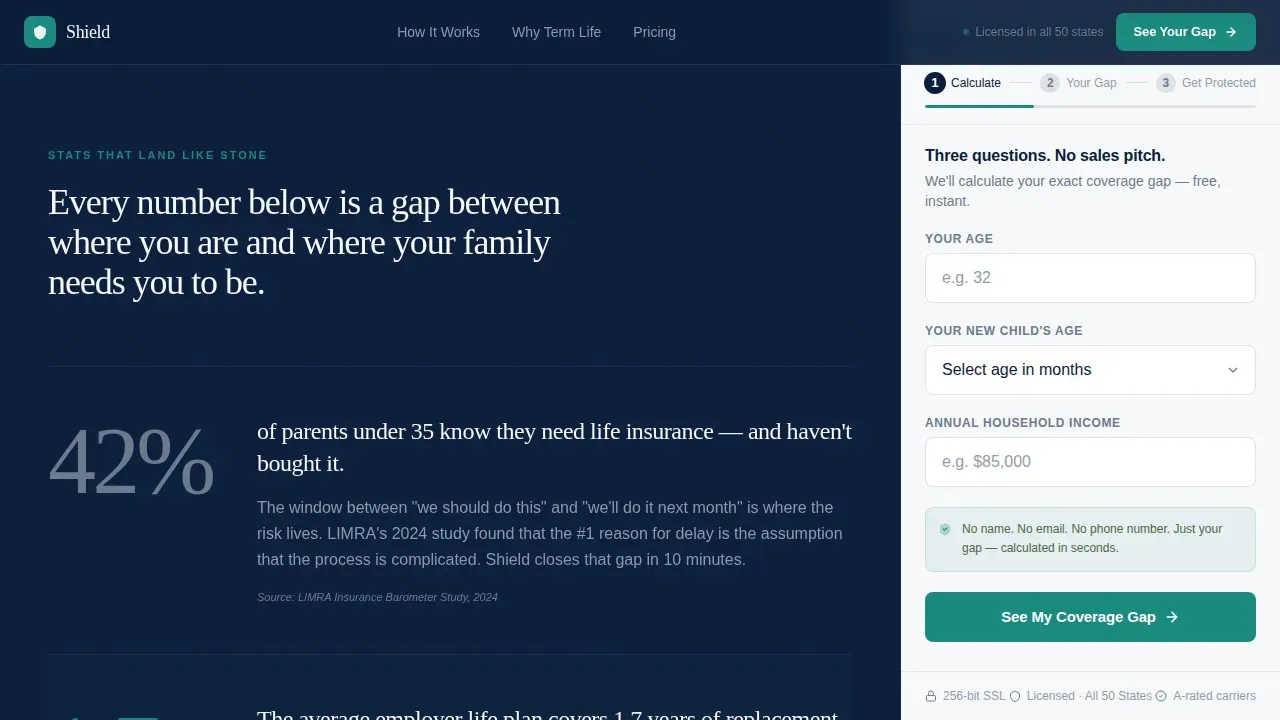
The sidebar form travels with the reader as they scroll. It updates its step indicator and generates a personalized coverage shortfall estimate before requesting contact information. This sequencing reduces friction and builds trust by delivering value first.
Rolling Data Point Sections
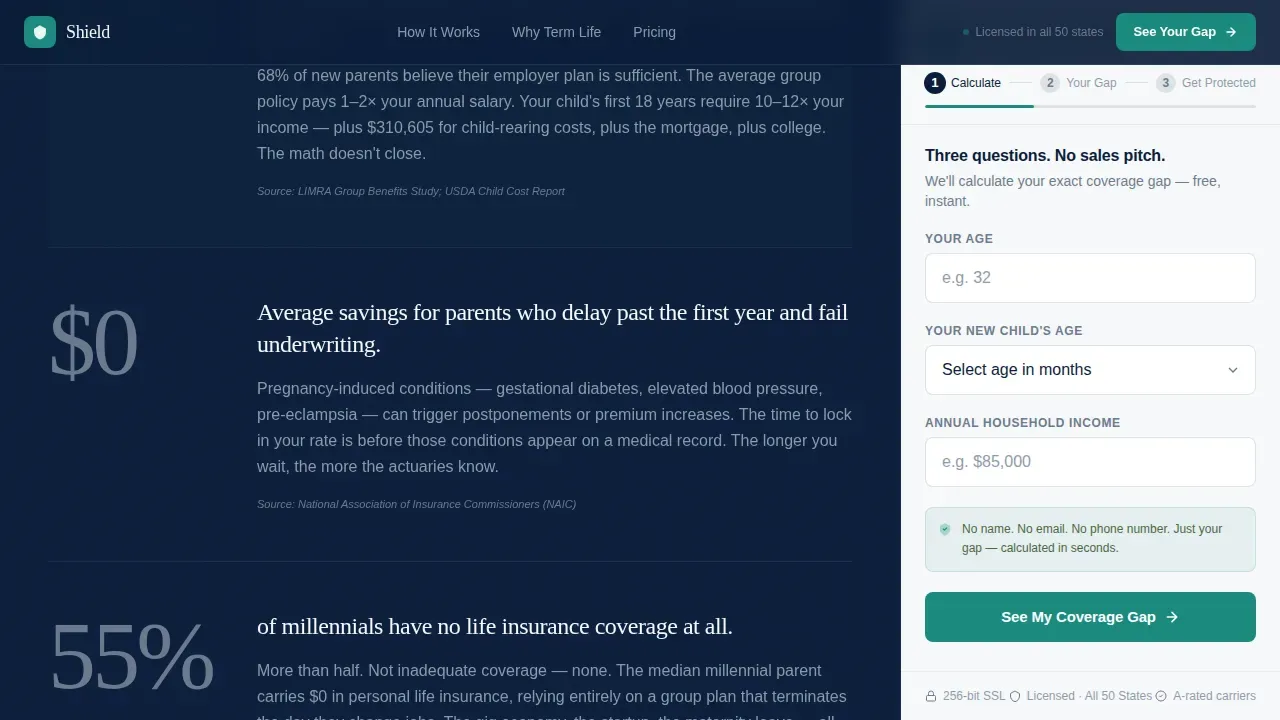
Each scroll section opens with a single large statistic rendered in pewter numerals. A short paragraph beneath each image block explains the methodology and connects the number to a new parent's real situation. Reduced cognitive load keeps complex insurance information scannable.
Employer Coverage Gap Visualization
A dedicated section visualizes group coverage versus actual income replacement need. It addresses the targeted value proposition directly: the gap between what an employer plan provides and what a family actually requires.
Testimonials and Trust Signals
The social proof section features parent testimonials with specific coverage amounts and monthly premiums. Sections for testimonials and security badges build credibility with parents making critical family financial decisions.
Downloadable Checklist Conversion Path
A secondary call to action offers a downloadable PDF checklist gated behind a first name and email. This path is designed to capture leads who engaged with the calculator but are not yet ready to request a full quote.
Page sections overview
| Section | Purpose |
|---|---|
| Hero Sidebar Layout | Display stat and launch calculator |
| Rolling Stats Block | Deliver arresting data points |
| Employer Gap Visual | Show coverage shortfall clearly |
| Affordability Reality Check | Present accessible premium context |
| Social Proof Block | Build trust with real testimonials |
| Footer Linear Row | Close with a single clear action |
Design & branding system
The template uses a Corporate Precision visual identity. Every color, type choice, and layout decision is designed to feel like a financial advisor's desk rather than a traditional insurance sales page.
- Deep charter navy (#0B1D3A) anchors the sidebar and background; pressed-shirt white (#F7F8FA) keeps content panels clean
- Decisive teal (#1A8A7D) drives every call to action and progress indicator; pewter gray (#6B7B8D) handles secondary labels
- DM Sans handles body copy for clarity; Fraunces carries display statistics for gravitas
Mobile & speed optimization
Mobile-first design ensures the page loads quickly and looks professional on smartphones, which is critical for pregnant partners comparing quotes between appointments.
- The sticky sidebar collapses into a bottom-anchored step flow on small screens
- Bold, high-contrast teal buttons simplify decision-making on touch devices
- Removing standard navigation menus keeps parents focused on the offer without distracting links
How this template helps you convert
This insurance landing page is designed to earn trust before it asks for anything. The conversion sequence is deliberate and sequenced.
- The calculator delivers a real coverage gap number first, using only three anonymous inputs, so the parent sees personal value immediately
- The primary call to action "See Your Coverage Gap" advances the form to Step 2, capturing intent without requiring contact details upfront
- The downloadable checklist secondary path collects a first name and email only after the calculator has already delivered a useful result
Other information about this template
This template is part of a broader design system approach. Design systems provide a structured approach to creating landing pages efficiently, and pre-designed components help maintain consistency across every insurance landing page you build. Templates within design systems can be customized to fit specific branding needs, saving time for marketers and designers. Content can also be tailored to match the specific ad or email the parent clicked, ensuring a consistent and relevant message throughout the funnel.
- The Shield Precision Coverage Gap New Parent landing page template is available as a standalone package
- Family insurance landing pages built on this template can be adapted for different coverage types or audience segments
- Visual elements, including every image placeholder, are sized and positioned to support family-oriented imagery that resonates with the target audience
Theme
Corporate Precision
Creative direction
Stats-First Impact
Color system
Navy Authority
Style
Sidebar Companion
Direction
Content/Resource
Page Sections
Stats-first Hero with Sidebar Calculator
Live Coverage Gap Calculator
Rolling Data Point Scroll Sections
Employer Coverage Gap Visualization
Testimonials and Trust Signal Block
Downloadable Checklist Secondary Path
Related questions
Can I customize the colors and typography in this template?
Does this landing page template work for mobile users?
How many steps does the sidebar calculator form include?
Can I adapt this template for different family insurance landing campaigns?
What is included in the full template package?



