Immigrant & Refugee Support Patient Education Website Template
The Puente Warm Family Integration Landing Page Template is a single-page editorial design built for immigrant family programs. It pairs warm storytelling with a clear registration flow, bilingual form fields, and a mobile-first layout. Families can reserve seats, download a program guide, and learn what to expect, all without feeling overwhelmed by the process.
by Rocket studio
Quick summary
This landing page template helps nonprofit and community integration programs turn first-time visitors into registered participants. It blends editorial warmth with a practical four-field registration form, a secondary PDF download path, and a persistent mobile call to action bar. The result is a page that feels welcoming and purposeful at the same time.
Who this template is for
This template fits organizations that run Saturday workshops, weekend intensives, or recurring program sessions for immigrant and refugee families. It works equally well for case managers and social workers who need a clear referral page to share with clients.
- Program coordinators running cultural integration workshops for multigenerational families
- Nonprofit staff who need a caring, low-barrier registration landing page
- Community organizations seeking to build leads and capture interest before each session
What problem this template solves
Many family integration programs rely on flyers or word of mouth. A dedicated landing page gives families a trusted place to learn details, check session dates, and register without confusion.
- No central page means families miss sessions or hesitate to join
- Generic page templates feel cold and fail to reflect the community's identity
- Hard-to-navigate forms reduce registration and shrink the pool of leads
What you get with this template
This template delivers a complete single-page layout with every section pre-built and ready to customize. You get a warm, editorial design that guides families from the hero headline to registration without unnecessary steps.
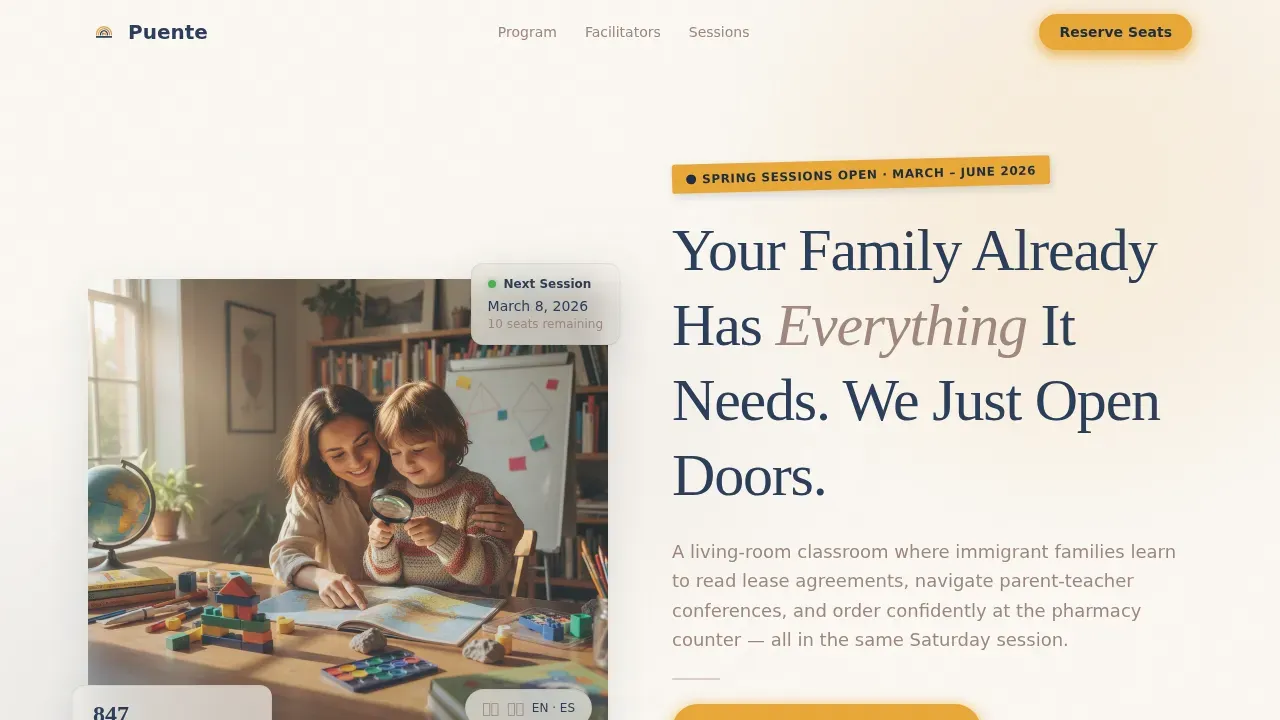
- Hero section with half-page editorial photo layout and marigold call to action badge
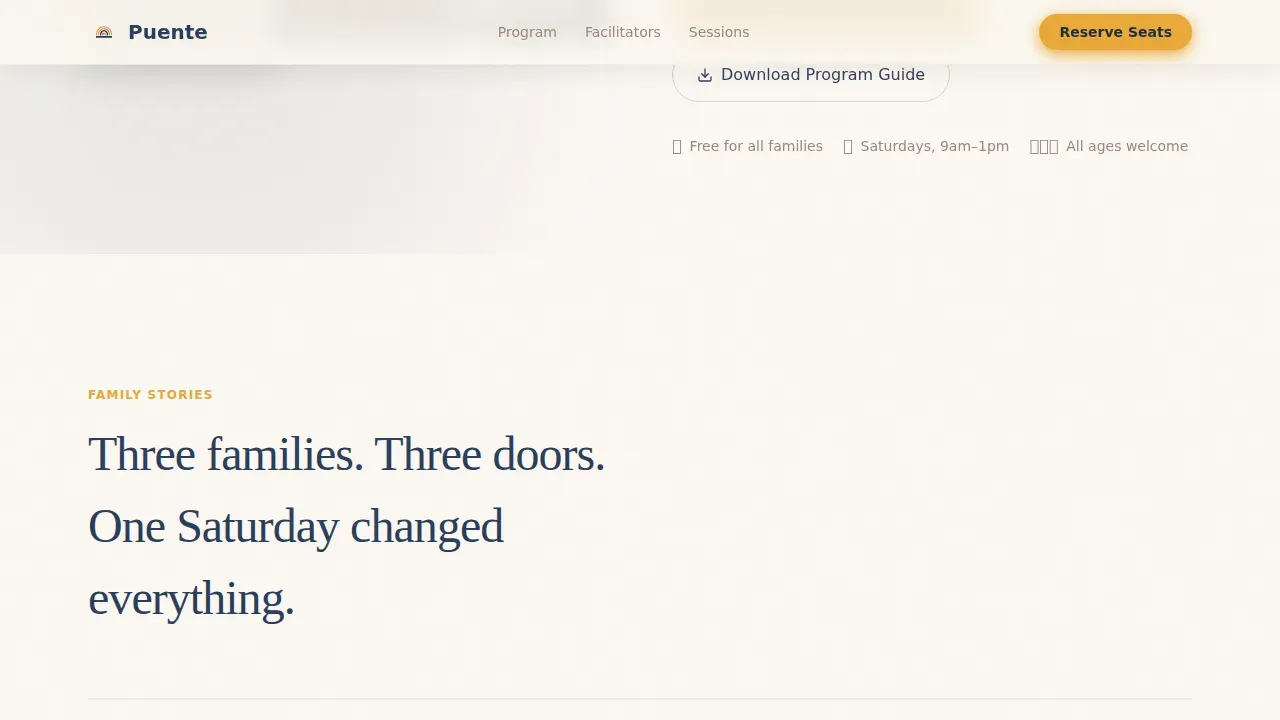
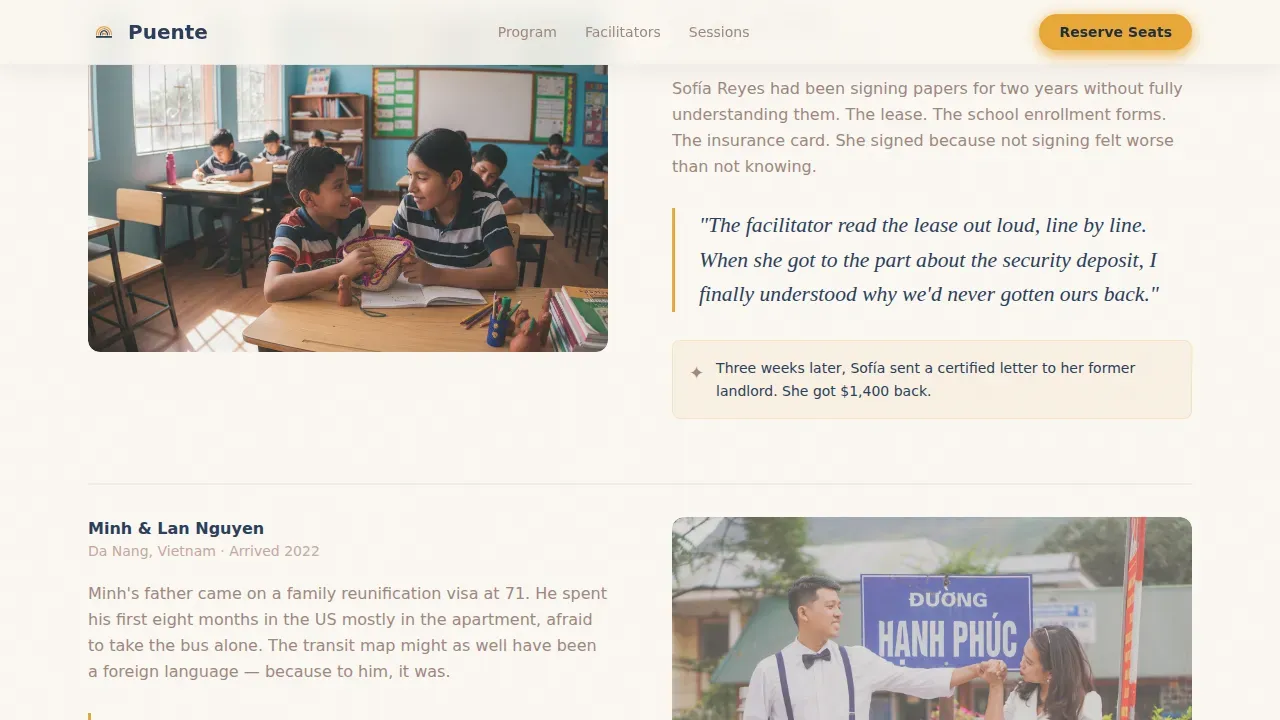
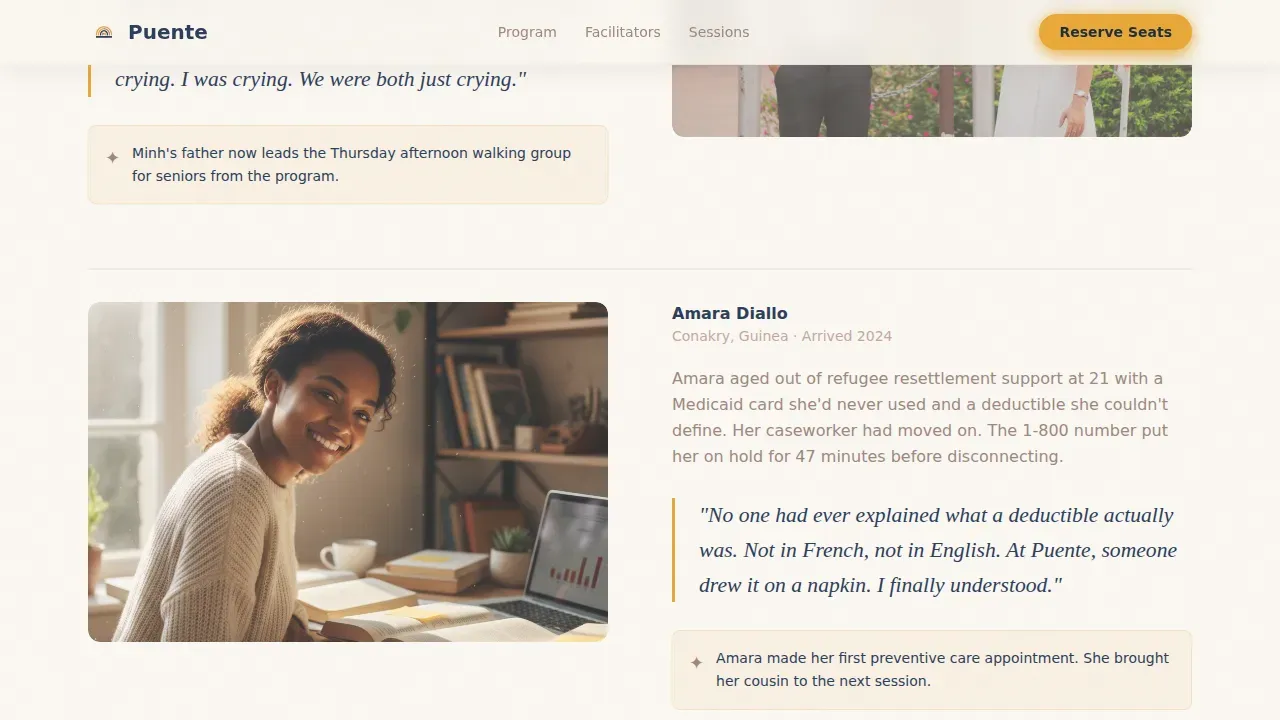
- Three family vignette blocks with pull-quote typography for social proof
- Eight-session program roadmap, weekend calendar, and bilingual facilitator portrait cards
- Four-field registration form and a PDF guide download modal with email capture
Feature list
This template gives you six purpose-built sections designed to inform, reassure, and convert families in a single scroll.
Editorial Hero with Registration Badge
A half-page photo and headline layout opens the page. A marigold badge floats above the headline to highlight the next session date, acting as an immediate call to action.
Family Vignette Story Blocks
Three short editorial stories build trust through relatable voices. Each vignette ends on a breakthrough moment, using pull-quote typography to create emotional connection before the program details appear.
Program Arc Roadmap
A visual eight-session roadmap shows families exactly what to expect. It pairs with a weekend session calendar so visitors can spot the right date and type of commitment at a glance.
Bilingual Facilitator Portrait Cards
First-person bio cards introduce the facilitators by name and voice. Bilingual Spanish and English labels throughout the form fields and cards make every family member feel addressed directly.
Four-Field Registration Form
The low-friction form asks only for family last name, number of attendees, preferred language, and preferred session date. Simplified onboarding reduces hesitation and helps the program capture more registrations.
PDF Guide Download Modal
A secondary conversion path lets families download the program guide at home. It captures an email address and language preference, creating a gentle follow-up opportunity before the next session fills.
Page sections overview
| Section | Purpose |
|---|---|
| Hero with Badge | Introduces program and prompts immediate registration |
| Family Vignette Stories | Builds emotional trust through real-life narratives |
| Program Structure Roadmap | Shows eight-session arc and weekend calendar |
| Facilitator Portrait Cards | Establishes credibility with first-person bios |
| Registration Form | Collects four fields to reserve family seats |
| PDF Download Modal | Captures leads via secondary guide download path |
| Footer Arc Split | Provides logo, tagline, and quick navigation links |
Design & branding system
The Cloud Canvas color system creates a children's picture book warmth balanced with editorial clarity. Every design choice serves understanding and approachability.
- Linen white (#FAF7F2) fills generous margins; trust navy (#2C3E5A) carries all headlines; hearthstone (#A0877E) anchors body text
- Marigold (#E8A838) appears only on buttons, pull-quote accents, and session date badges so each instance draws the eye with purpose
- Fraunces serif headlines paired with DM Sans body text deliver an editorial, unhurried reading experience
Mobile & speed optimization
This landing page is built mobile-first. The target audience is most likely browsing on a smartphone, so the layout and interactions are designed for small screens first.
- A persistent sticky call to action bar stays visible at the bottom of the screen on mobile devices
- Server Components handle static editorial sections; the registration form and sticky bar use Client Components for smooth interactivity
- Scroll animations include fadeInUp reveals and staggered card transitions for a polished, unhurried feel
How this template helps you convert
This page uses a dual-path approach so no visitor leaves without a next step. Whether a family is ready to register today or needs to discuss options at home, the template captures both.
- The primary path drives direct registration through the four-field form, reducing friction and maximizing seat reservations for each session
- The secondary path offers a downloadable program guide, capturing email addresses and language preferences to build a warm follow-up list before seats fill
Other information about this template
This template is well suited for organizations that want to build a website presence without technical development work. No-code website builders let teams create and customize page templates using drag-and-drop interfaces, with no programming skills required. AI-powered platforms can also generate backend code and handle integrations automatically, so teams can launch quickly.
- Weblium offers free family website templates that teams can customize in a visual editor, making it one of many platforms where templates like this create a ready-to-launch website in hours
- Community partnerships, such as co-sponsorships with local colleges, can be displayed in the footer or hero to build credibility and reflect real opportunities for families
- Compassionate messaging using bilingual language, relatable imagery of diverse families, and clear contact information all follow established recommendations for high-converting family integration page templates
- Inspiration and ideas for additional sections, such as a video testimonial block or a financial resources panel referencing grant information, can be added using the same editorial grid system
Theme
Family First
Creative direction
Vision & Mission
Color system
Cloud Canvas
Style
Editorial/Magazine
Direction
Event Registration
Page Sections
Editorial Hero with Call to Action Badge
Family Vignette Story Blocks
Visual Program Arc Roadmap
Bilingual Facilitator Portrait Cards
Low-friction Registration Form
PDF Guide Download Modal
Related questions
Can I customize the colors and fonts in this template?
Does the registration form support bilingual labels?
Can I use this template without coding experience?
How does the PDF download path work?
Is this template suitable for programs other than Saturday workshops?



