Endodontist Specialist Booking Website Template
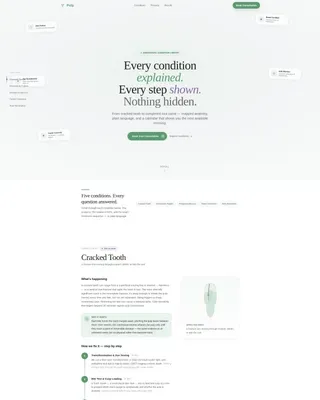
Pulp is a hub-and-spoke landing page built for endodontists who want to educate and convert anxious patients. It maps five tooth conditions through animated cross-section illustrations and step-by-step treatment timelines, then closes with a two-step booking modal and a symptom intake form. The design is clean, oxygenated, and built for midnight Googlers on mobile.
by Rocket studio
Quick summary
Pulp is a single-page endodontic condition and treatment library. It uses a fixed anchor navigation system to guide visitors through five dental conditions, each explained with an animated tooth illustration and a plain-language treatment timeline. The booking modal and symptom form convert anxious readers into scheduled consultations.
Who this template is for
This template is designed for endodontists who want to replace a generic practice website with something genuinely useful to patients. It works especially well for specialty practices that receive referrals from general dentists and need to build trust before the first appointment.
- Endodontists who want to educate patients before the consultation call
- Practices managing referral volume from general dentistry offices
- Providers targeting anxious adults, parents of referred children, and cost-conscious retirees
What problem this template solves
Most dental practice pages describe services without addressing the fear that drives the search. A patient Googling "do I really need a root canal" at midnight needs answers, not a phone number. This template solves that gap by leading with clinical transparency before ever asking for contact details.
- Patients arrive frightened and leave informed, which reduces no-shows and cancellation anxiety
- Complex conditions like resorption and periapical abscess (infection at the root tip) are explained in plain language alongside their clinical names
- The booking flow is pre-qualified so the office receives requests with condition context already attached
What you get with this template
You get a fully structured, single-page hub-and-spoke layout with five condition spoke sections and a conversion-ready booking system. Every element is designed around the patient journey from confusion to confidence to scheduled appointment.
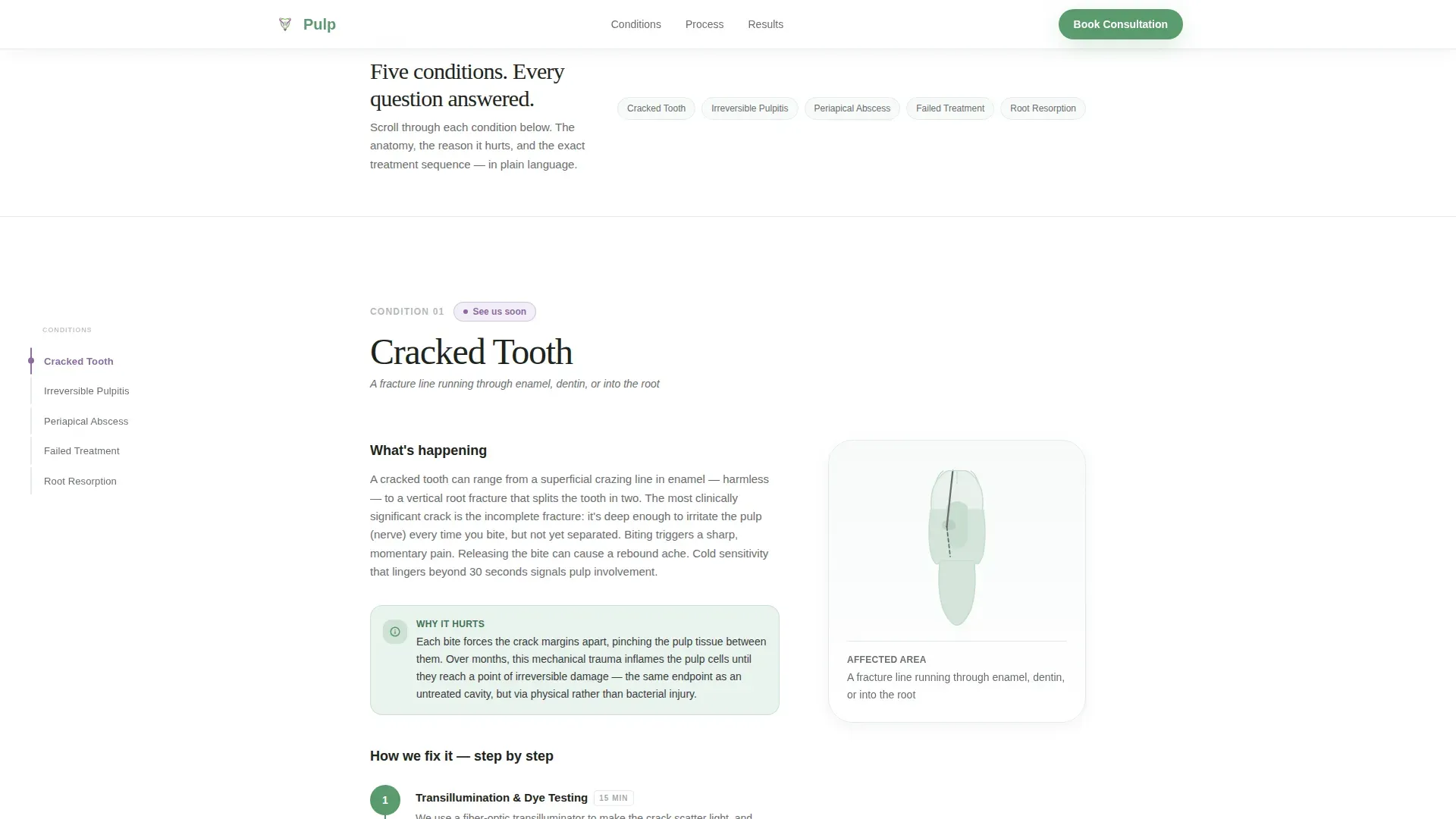
- A fixed left anchor navigation with five labeled condition links that highlight as visitors scroll
- Animated SVG tooth cross-section illustrations that reveal each pathology on scroll entry
- A two-step booking modal with a condition pre-selector and a calendar widget showing morning, midday, and evening availability
- A secondary symptom intake path with a free-text field and a pain-level slider
- A floating "Book Your Consultation" button pinned at the bottom of mobile screens
Feature list
This template delivers the following core features, each grounded in the source brief design and interaction specifications.
Fixed Anchor Navigation Spine
A vertical list of condition names sits fixed on the left side of the desktop layout. As the visitor scrolls, the active condition highlights in wildflower violet, giving a clear sense of location within the library. On mobile, the navigation collapses cleanly to avoid obstructing content.
Animated SVG Tooth Illustrations
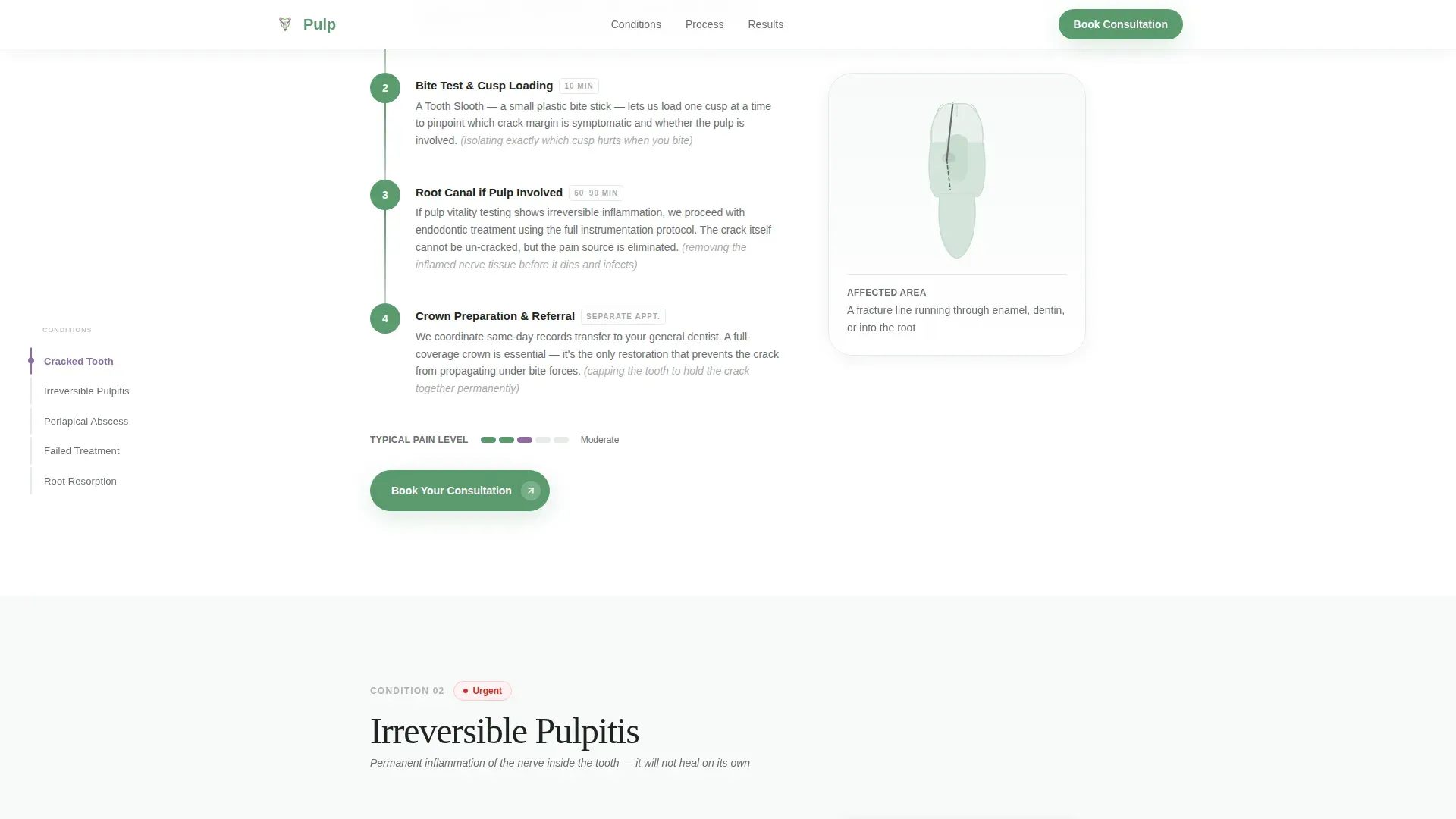
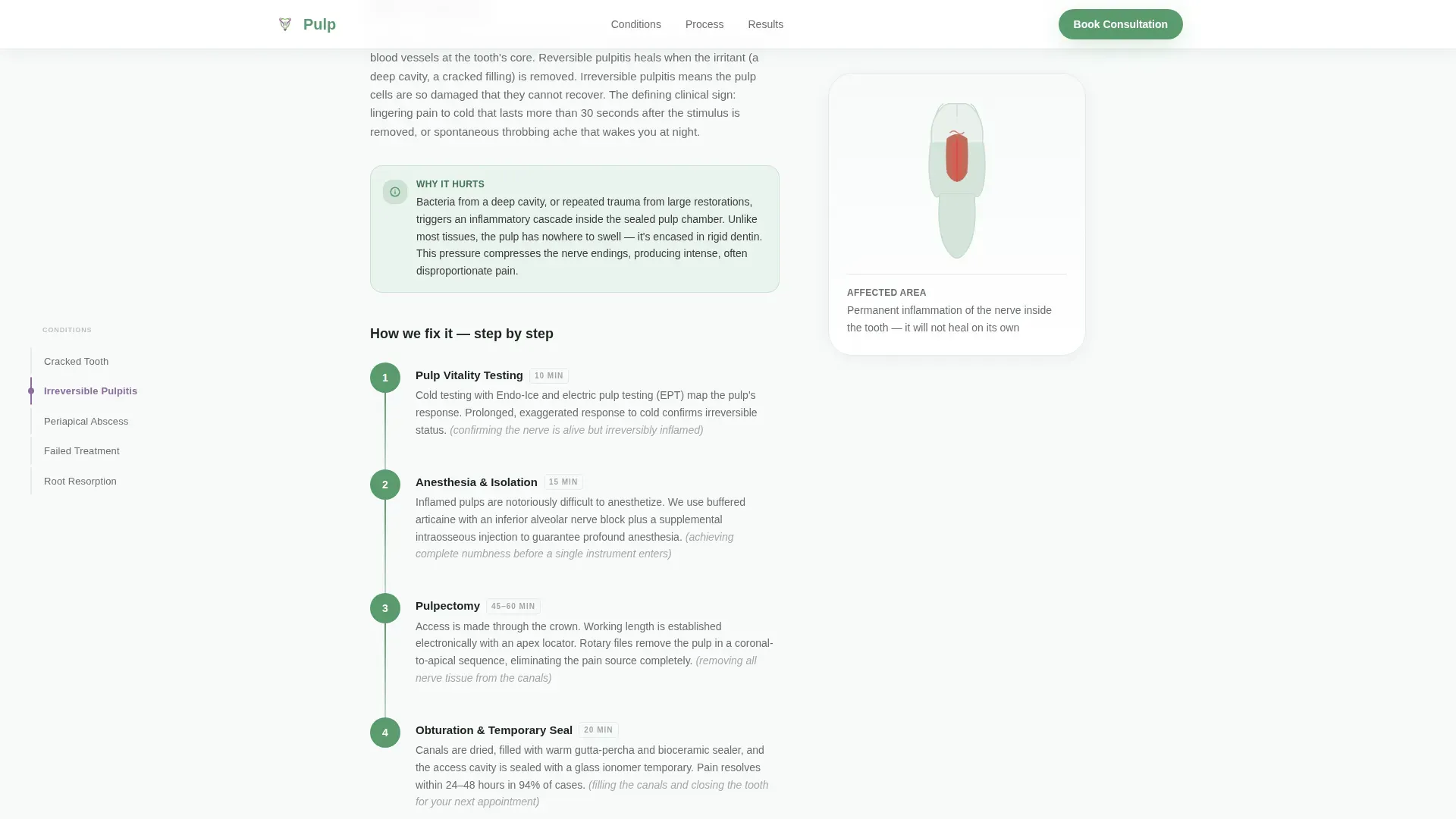
Each spoke section opens with a realistic tooth cross-section illustration. The SVG animation activates on scroll entry and reveals the specific pathology being discussed, such as a crack line, inflamed pulp tissue, or periapical lesion. This visual rhythm makes clinical content approachable without relying on stock photography.
Step-by-Step Treatment Timelines
Every condition section unfolds into a sequential treatment timeline covering diagnosis imaging, anesthesia protocol, isolation, instrumentation, obturation (filling of the root canal), and restoration referral. Each clinical term includes a plain-language parenthetical so patients understand every step.
Two-Step Booking Modal
The primary call to action opens a modal with two screens. The first screen is a condition selector, pre-filled if the visitor clicked from a specific spoke section. The second screen is a calendar widget with filters for morning, midday, and evening appointment slots.
Symptom Intake Form
A secondary conversion path labeled "Not sure what you need? Describe your symptoms" opens a short form with a free-text field and a pain-level slider. Submissions route to the office as a pre-qualification form, helping staff prepare before the consultation.
Award Badge Constellation Header
The header displays professional credentials, including fellowship seals and board certification marks, arranged in a floating cluster against a snow-melt white background. A parallax drift effect gives the cluster a suspended, weightless quality. The single headline beneath fades in on load.
Page sections overview
| Section | Purpose |
|---|---|
| Hero Badge Header | Establish authority through floating credential badges and a single fade-in headline |
| Anchor Nav Spine | Provide fixed left navigation linking to each of the five condition spoke sections |
| Cracked Tooth Spoke | Explain crack pathology and its step-by-step treatment pathway |
| Irreversible Pulpitis Spoke | Describe inflamed nerve tissue and the case for root canal therapy |
| Periapical Abscess Spoke | Show root-tip infection anatomy and the drainage and treatment sequence |
| Failed Prior Treatment Spoke | Address retreatment options for patients with previous root canal history |
| Resorption Spoke | Explain internal and external tooth resorption and available interventions |
| Transparent Process Section | Walk through how a root canal actually works, instrument by instrument |
| Trust and Social Proof | Present outcome statistics and a patient testimonial mosaic |
| Booking Call to Action | Display the two-step modal trigger and the symptom intake form |
| Footer | Linear single-row footer with practice contact and navigation links |
Design & branding system
The visual identity follows an Organic Flow theme built on an Alpine Fresh color system. The palette is designed to feel clinical without feeling cold, using natural outdoor references to reduce anxiety rather than reinforce the sterile associations patients bring to dental visits.
- Snow-melt white (#F7FAF9) dominates all backgrounds; alpine meadow green (#5B9A6F) marks every interactive element and trust signal; exposed granite (#6B6E70) anchors body text and section dividers
- Wildflower violet (#8E6BA1) is reserved for active anchor navigation states and hover accents, appearing sparingly like a crocus through snow
- Typography pairs Fraunces serif for headlines with DM Sans for body text, creating a warm and readable contrast throughout the page
Mobile & speed optimization
The template is designed mobile-first because the primary audience searches on phones late at night. The layout adapts the anchor navigation for smaller screens and ensures the floating booking button is always reachable without scrolling.
- Scroll-reveal sections use Intersection Observer to trigger animations only when elements enter the viewport, avoiding layout jank
- CSS scroll-behavior handles smooth anchor jumps without requiring heavy JavaScript libraries
- The floating "Book Your Consultation" button pins to the bottom of the mobile viewport across all spoke sections
How this template helps you convert
The page is structured so that every frightened question gets answered before a booking prompt appears. By the time a visitor reaches the call-to-action, they have already seen their condition illustrated, understood the treatment steps, and read patient outcome statistics.
- The condition-specific booking modal pre-fills based on which spoke section the visitor scrolled from, reducing friction and showing the practice has listened
- The symptom intake form gives hesitant visitors a lower-commitment first step, capturing leads who are not yet ready to choose a date but are ready to describe their pain
Other information about this template
This template is categorized under Health and Medical, specifically for endodontist websites in the endodontic condition and treatment library niche. It is built as a hub-and-spoke anchor navigation landing page, making it distinct from a standard multi-page practice site.
- The template includes a Pattern 1 linear single-row footer for clean, minimal page closure
- Content is localized for the United States market with English language, USD pricing references where applicable, and 12-hour time format in the booking calendar widget
- The page targets both desktop users who benefit from the persistent anchor navigation and mobile users on late-night symptom searches
- Animation intensity is set high: parallax badge drift in the header, scroll-reveal entry for each spoke section, and SVG pathology reveals add visual engagement without relying on video or heavy media files
- The Transparent Process creative direction runs through the entire scroll experience, framing every section as a layer being peeled back rather than a marketing claim being made
Theme
Organic Flow
Creative direction
Transparent Process
Color system
Alpine Fresh
Style
Hub & Spoke (Anchor Nav)
Direction
Booking/Scheduling
Page Sections
Fixed Anchor Navigation Spine
Animated SVG Tooth Illustrations
Step-by-step Treatment Timelines
Two-step Booking Modal
Symptom Intake Form
Award Badge Constellation Header
Related questions
Can I use this template without all five condition spokes?
Does the booking modal connect to a specific scheduling system?
Is this template suitable for a solo endodontist or only larger practices?
How does the symptom intake form reach the office?
Can the Alpine Fresh color palette be adjusted to match an existing brand?



